
PDF Reader Auto Scroll
PDF Reader | PDF Autoscroll
Designed for iPhone, iPad, iPod touch
$9.99
- Age rating4+
- CategoryUtilities
- DeveloperAbdulkarim Nasir
- LanguagesEnglish
- Size814.0 KB
Links to the official App Store page
Download.org hosts no file of PDF Reader Auto Scroll. The button opens its official App Store page, published by Abdulkarim Nasir. Listing last checked on Nov 17, 2026.
Screenshots
About
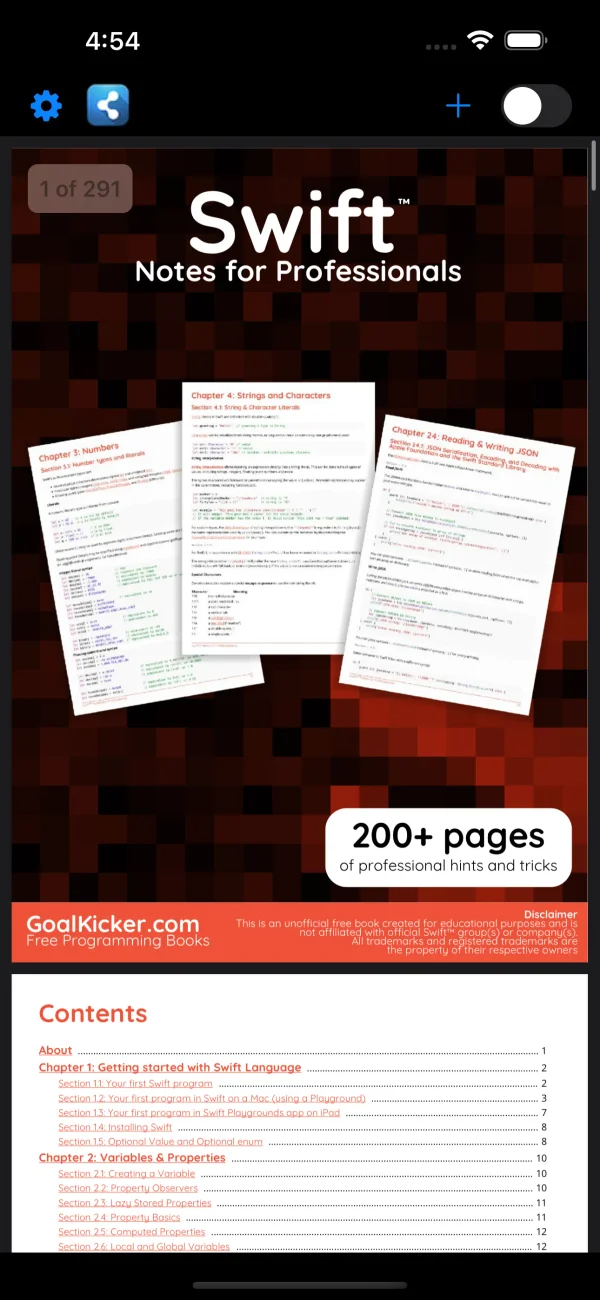
A small size PDF reader to view and manage your PDF files and books.
Have you ever wondered if there was a PDF app where pages can scroll automatically? This is that app.
This PDF reader - Auto-Scroll app will help you read books easily. You can easily view charts and view PDF files easily.
Features in this PDF autoscroll App
* Helping you reading without touching your phone
* Manage your PDF files and books in one place.
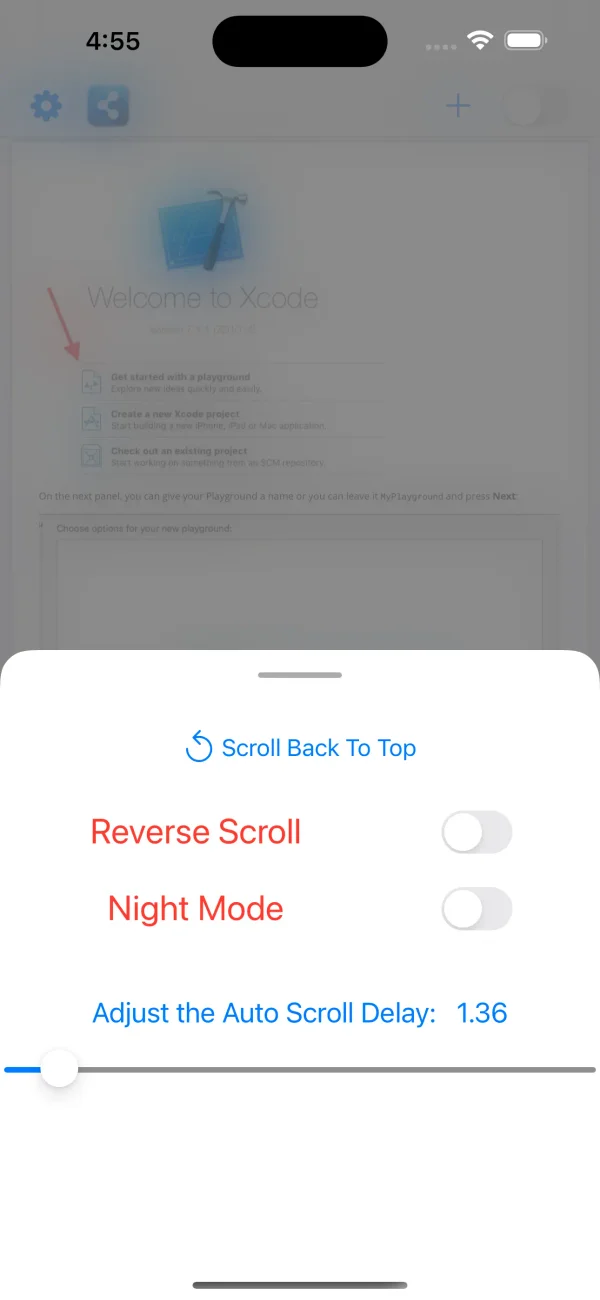
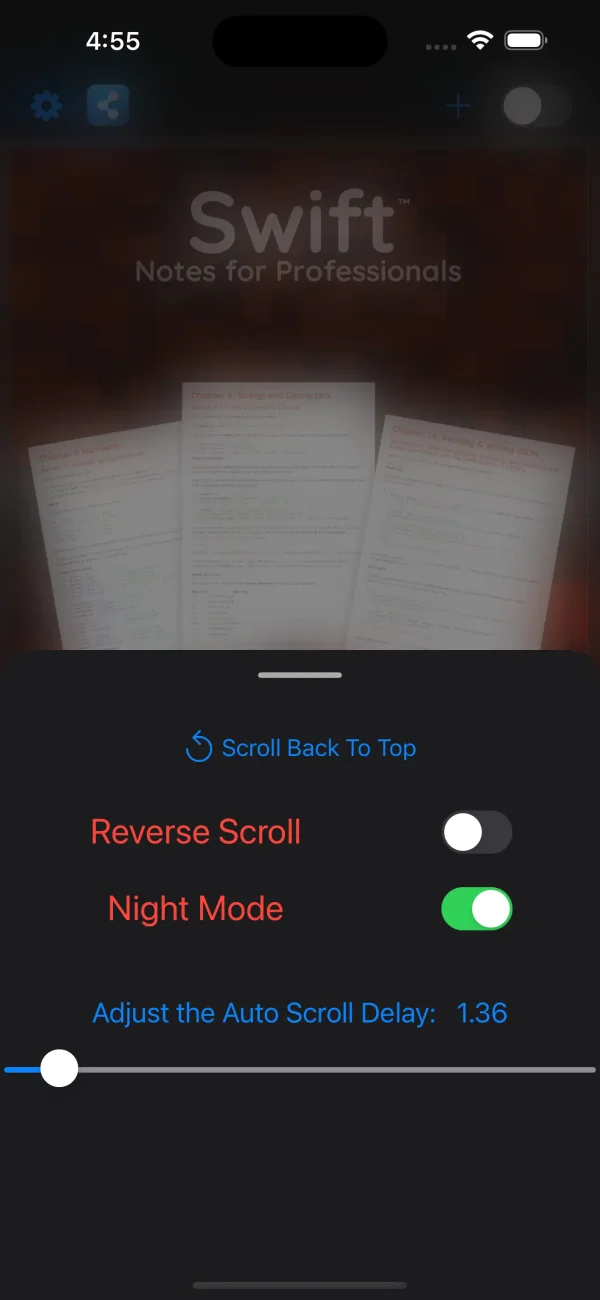
* Night Mode for better reading.
* A special feature where on a button click, pages will scroll automatically.
* Change autoscroll direction (scroll either up or down)
* Manually scroll to a location and start autoscroll from there
* Reopen last opened document and restore autoscroll from where you left off.
* Select the characters for web searching
* Open links in your pdfs externally in safari etc
* Change auto scroll speed according to your preference.
* Recent pdf on top of the list for easy access.
* Scan your device for PDF files.
* Search feature to search for PDF files easily.
* Minimalist design approach. No fancy stuff. App just does what it says.
* Simple and light pdf reader
* It makes reading more efficient for you. By reading hands free with adjustable auto-scroll and reduced eye strain with dark mode.
* Automatically bookmark the book or document, you are reading.
* Show page numbers count as you scroll
* You can restart auto scroll when end of pdf document is reached
* Vertical auto-scrolling with adjustable speed, whose speed number/label you can see and gauge, so you can figure out your optimal speed for unique PDFs and quickly change to it instead of guessing what that speed is on a blind slider per PDF
* Without any account login
* None of your data is collected by using this app.
* Horizontal lock: so if you must zoom in to hide margins, but then have to pan around from time to time during the auto-scrolling process, your document isn't gonna fly around horizontally as well and would only move vertically
* Be able to scroll around with one finger while it's auto-scrolling, after which it resumes auto-scrolling
* No conversion is made to your PDF, just pure scrolling!
* Keep the screen awake without touching
* No Ads in this app or annoying pop-ups.
How to use:
1. Open the app
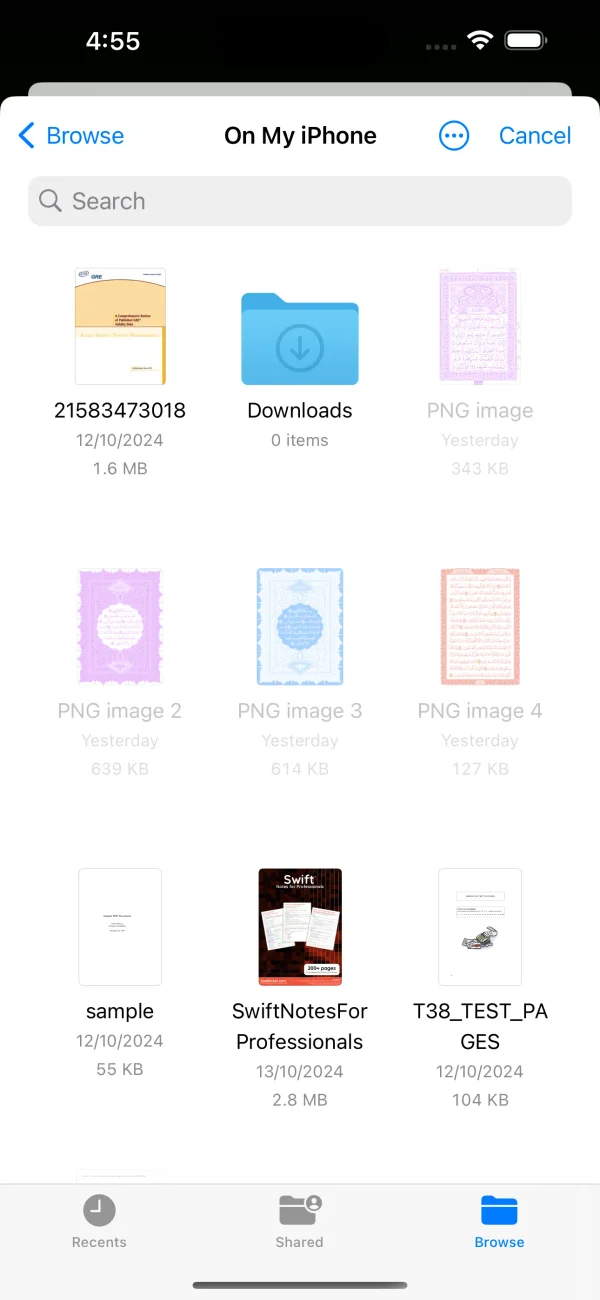
2. Click the + button on top-right corner to go to your device files folder. Select any pdf that's on your device
3. Click the switch on top-right to enjoy the auto scrolling of that pdf and more!
4. To pause the autoscroll, turn off the switch on top-right.
5. To resume autoscroll, re-enable the switch.
6. To change pdf, click the + button again and select a different one.
Please tell your friends about this app!
Send feedback and feature request to kareemtkb@gmail.com
Disclaimer: By using this app, you agree to view only PDFs you're authorized or have the right to view.
What’s new
Version 1.2 · Oct 24, 2024
1. Ability to pause/play autoscroll
2. Change autoscroll direction (autoscroll either up or down)
3. Manually scroll to a location and start autoscroll from there
4. Reopen last opened document and restore autoscroll from where you left off.
App privacy
What Abdulkarim Nasir declares on the App Store about how this app handles data.
-
Data not collected
The developer does not collect any data from this app.
Privacy practices may vary, for example with the features you use or your age.
Information
- Seller
- Abdulkarim Nasir
- Category
- Utilities
- Version
- 1.2
- Updated
- Oct 24, 2024
- Released
- Oct 14, 2024
- Size
- 814.0 KB
- Requires
- iOS 13.0 or later
- Age rating
- 4+
- Price
- $9.99
- Languages
- English
- Copyright
- © 2024 AbdulKarim Nasir
You might also like
-
 Auto Scroll and ReadAuto Scroll any Website
-
 Temp FastInstant Disposable Email
-
 Auto Scroll for SafariScroll web pages hands-free
-
 Rhystic: MTG EDH Life CounterCommander Tracker & Game Stats
-
 BriteHomeUtilities
-
 Clock WidgetOn Home Screen & Today View
-
 Motion Detector CameraMotion-detecting Security Cam
-
 Big Timer - Focus & CountdownLarge Digits Pomodoro Clock
-
 PlayFadePauseUtilities
-
 Soniclyze: SPL & RTA MeterNoise, room & loudness tools