PDF Reader Auto Scroll
PDF Reader | PDF Autoscroll
iPhone, iPad, iPod touch向けに設計
¥1,500
- 対象年齢4+
- カテゴリユーティリティ
- 開発元Abdulkarim Nasir
- 言語英語
- サイズ814.0 KB
App Storeの公式ページにリンクしています
Download.orgはPDF Reader Auto Scrollのファイルを一切ホストしていません。ボタンを押すと、Abdulkarim Nasirが公開しているApp Storeのアプリページが開きます。ページの最終確認:2026/11/17。
スクリーンショット
概要
開発元はこのテキストをお使いの言語で提供していません。
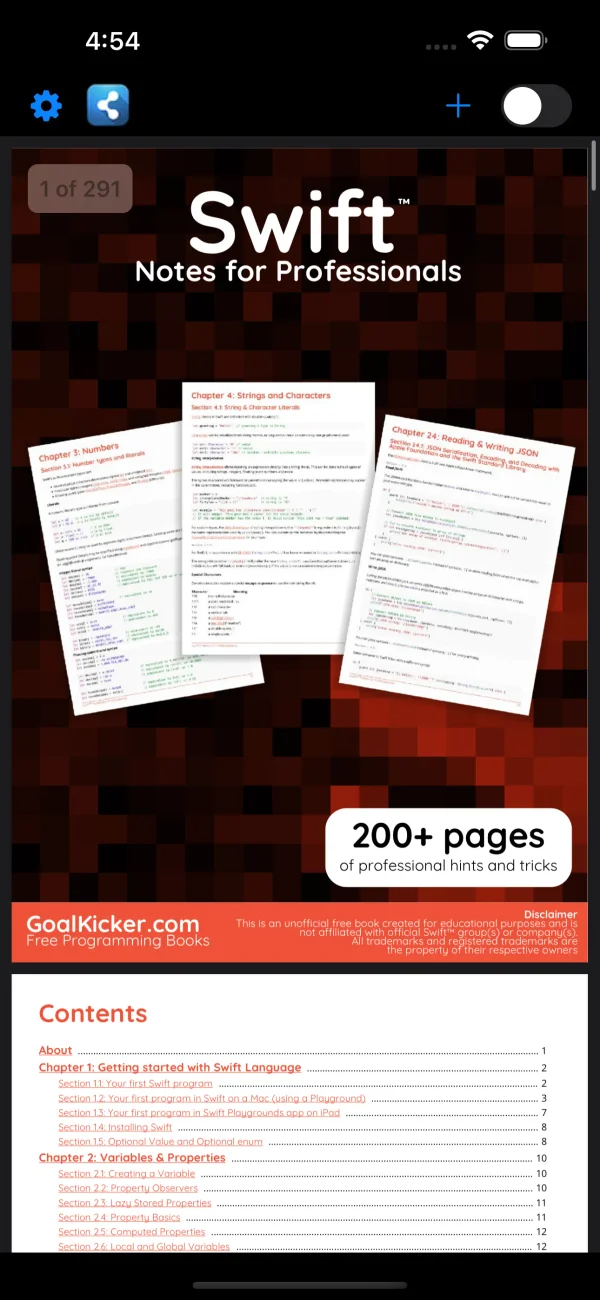
A small size PDF reader to view and manage your PDF files and books.
Have you ever wondered if there was a PDF app where pages can scroll automatically? This is that app.
This PDF reader - Auto-Scroll app will help you read books easily. You can easily view charts and view PDF files easily.
Features in this PDF autoscroll App
* Helping you reading without touching your phone
* Manage your PDF files and books in one place.
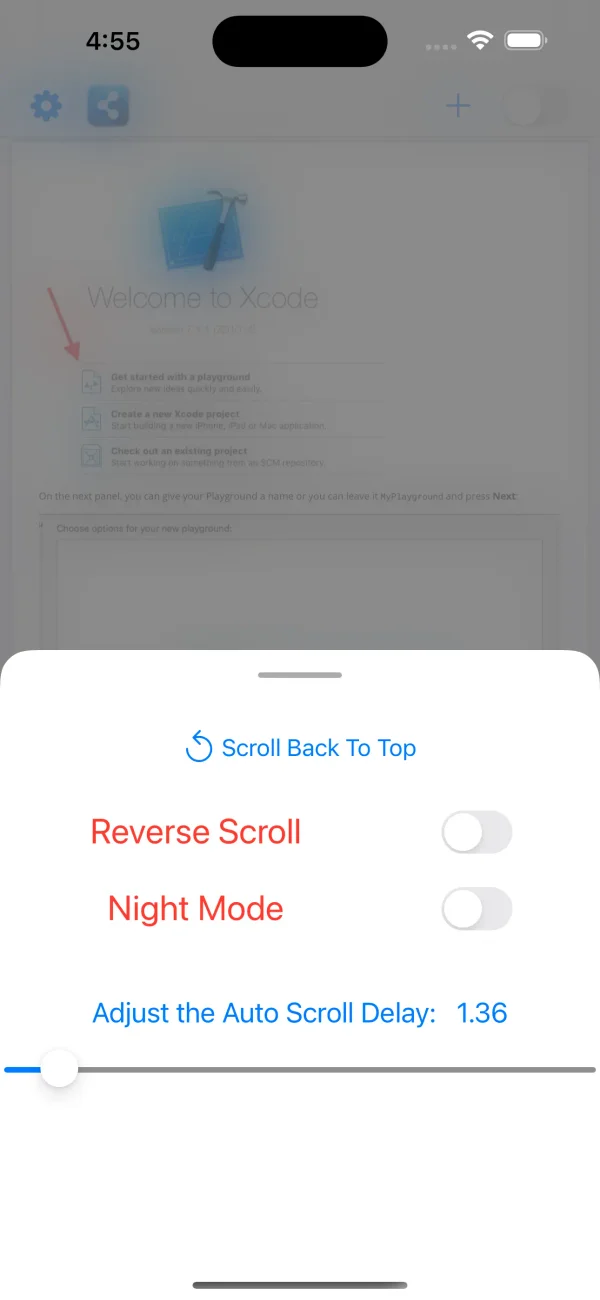
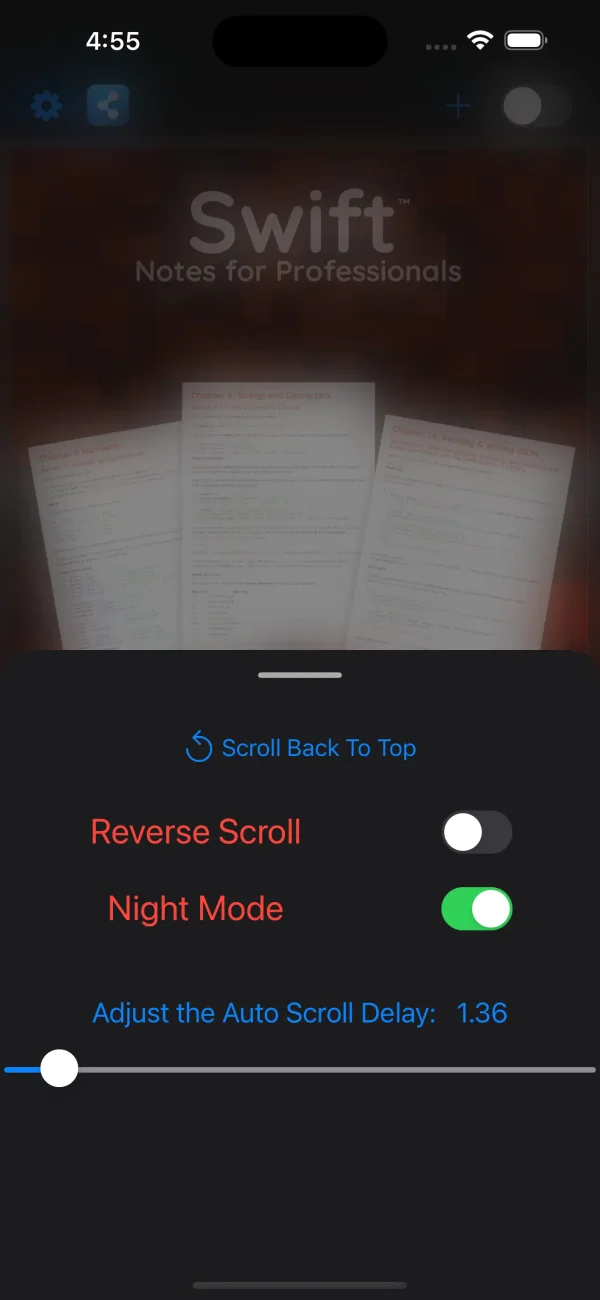
* Night Mode for better reading.
* A special feature where on a button click, pages will scroll automatically.
* Change autoscroll direction (scroll either up or down)
* Manually scroll to a location and start autoscroll from there
* Reopen last opened document and restore autoscroll from where you left off.
* Select the characters for web searching
* Open links in your pdfs externally in safari etc
* Change auto scroll speed according to your preference.
* Recent pdf on top of the list for easy access.
* Scan your device for PDF files.
* Search feature to search for PDF files easily.
* Minimalist design approach. No fancy stuff. App just does what it says.
* Simple and light pdf reader
* It makes reading more efficient for you. By reading hands free with adjustable auto-scroll and reduced eye strain with dark mode.
* Automatically bookmark the book or document, you are reading.
* Show page numbers count as you scroll
* You can restart auto scroll when end of pdf document is reached
* Vertical auto-scrolling with adjustable speed, whose speed number/label you can see and gauge, so you can figure out your optimal speed for unique PDFs and quickly change to it instead of guessing what that speed is on a blind slider per PDF
* Without any account login
* None of your data is collected by using this app.
* Horizontal lock: so if you must zoom in to hide margins, but then have to pan around from time to time during the auto-scrolling process, your document isn't gonna fly around horizontally as well and would only move vertically
* Be able to scroll around with one finger while it's auto-scrolling, after which it resumes auto-scrolling
* No conversion is made to your PDF, just pure scrolling!
* Keep the screen awake without touching
* No Ads in this app or annoying pop-ups.
How to use:
1. Open the app
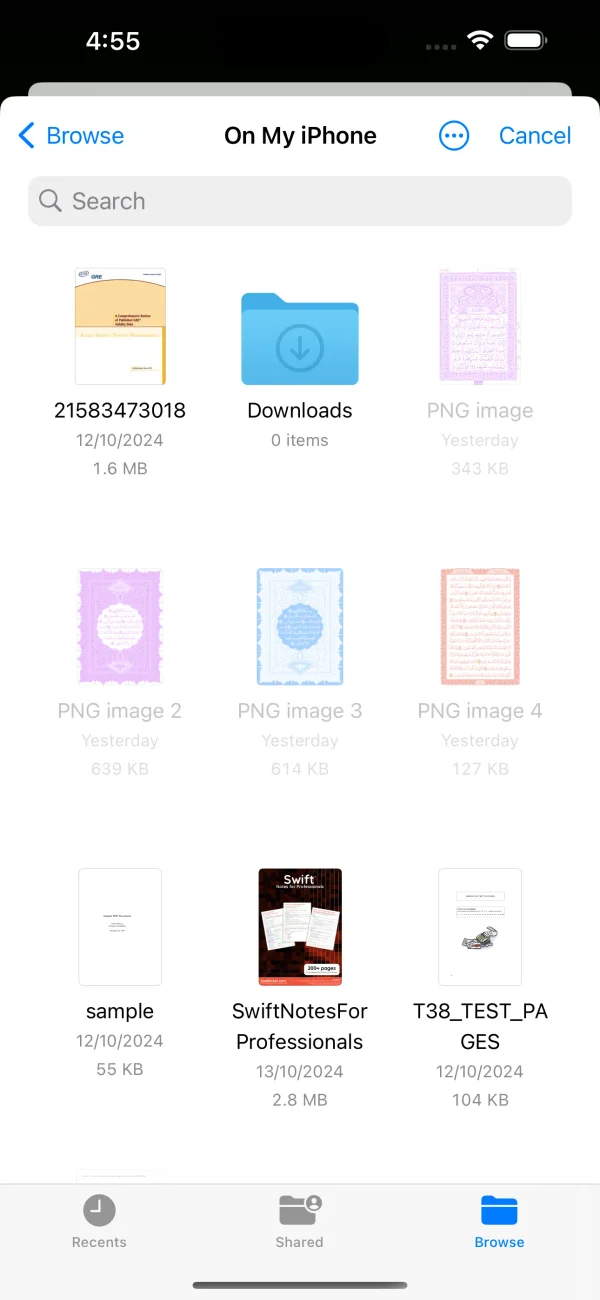
2. Click the + button on top-right corner to go to your device files folder. Select any pdf that's on your device
3. Click the switch on top-right to enjoy the auto scrolling of that pdf and more!
4. To pause the autoscroll, turn off the switch on top-right.
5. To resume autoscroll, re-enable the switch.
6. To change pdf, click the + button again and select a different one.
Please tell your friends about this app!
Send feedback and feature request to kareemtkb@gmail.com
Disclaimer: By using this app, you agree to view only PDFs you're authorized or have the right to view.
新機能
バージョン 1.2 · 2024/10/24
1. Ability to pause/play autoscroll
2. Change autoscroll direction (autoscroll either up or down)
3. Manually scroll to a location and start autoscroll from there
4. Reopen last opened document and restore autoscroll from where you left off.
アプリのプライバシー
このアプリのデータの取り扱いについて、Abdulkarim NasirがApp Storeで申告している内容です。
-
データの収集なし
開発元はこのアプリからデータを収集しません。
プライバシーの取り扱いは、ご利用の機能やお客様の年齢などに応じて異なる場合があります。
情報
- 販売元
- Abdulkarim Nasir
- カテゴリ
- ユーティリティ
- バージョン
- 1.2
- 更新日
- 2024/10/24
- リリース
- 2024/10/14
- サイズ
- 814.0 KB
- 必要条件
- iOS 13.0以降
- 対象年齢
- 4+
- 価格
- ¥1,500
- 言語
- 英語
- 著作権
- © 2024 AbdulKarim Nasir