Pdf scanner app &Pdf editor
PDF converter and Card scanner
Designed for iPhone, iPad, iPod touch
In-app purchases
- Age rating4+
- CategoryBusiness
- DeveloperTS Technology
- LanguagesEnglish
- Size7.0 MB
Links to the official App Store page
Download.org hosts no file of Pdf scanner app &Pdf editor. The button opens its official App Store page, published by TS Technology. Listing last checked on Nov 13, 2026.
Screenshots

About
PDF Scanner_ Scan, Convert, Manage, Anytime, Anywhere.
Turn your device into a powerful scanner and PDF toolkit with ease.
PDF Scanner is your all-in-one solution for scanning, converting, editing, and managing documents on the go. Whether you're handling business paperwork, ID cards, images, or text files, this app streamlines your workflow with advanced tools in a simple, user-friendly interface.
Key Features:
Scan, convert, and edit all your documents in one place.
A complete toolset for managing your PDFs on the go.
PDF Scanner:
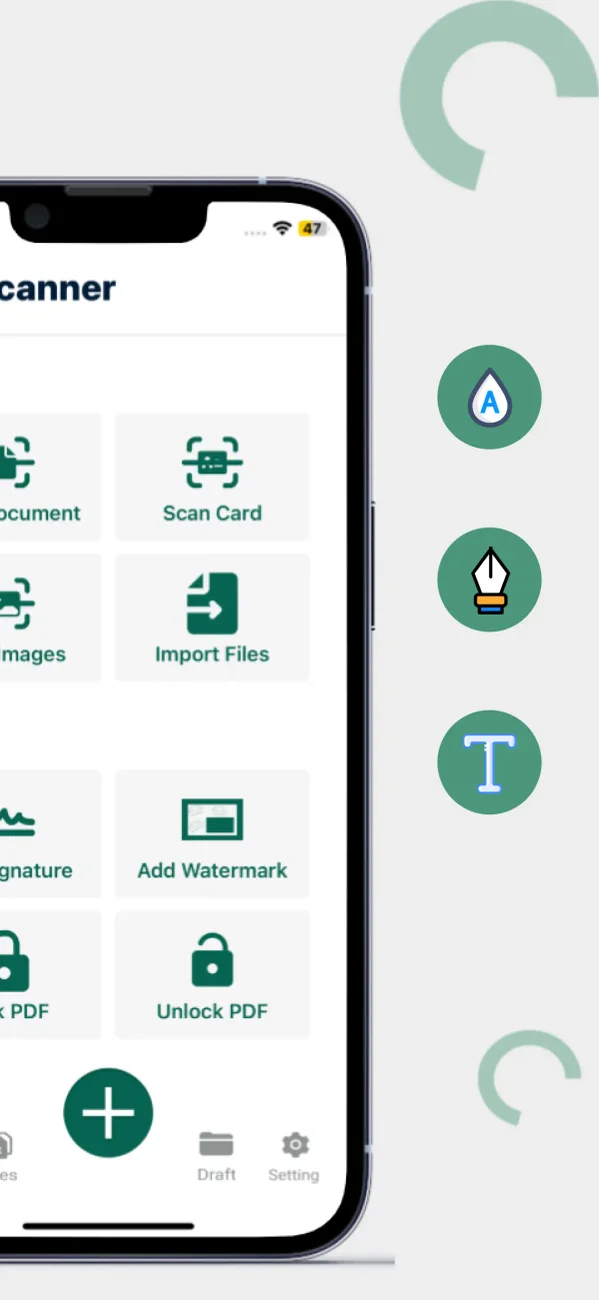
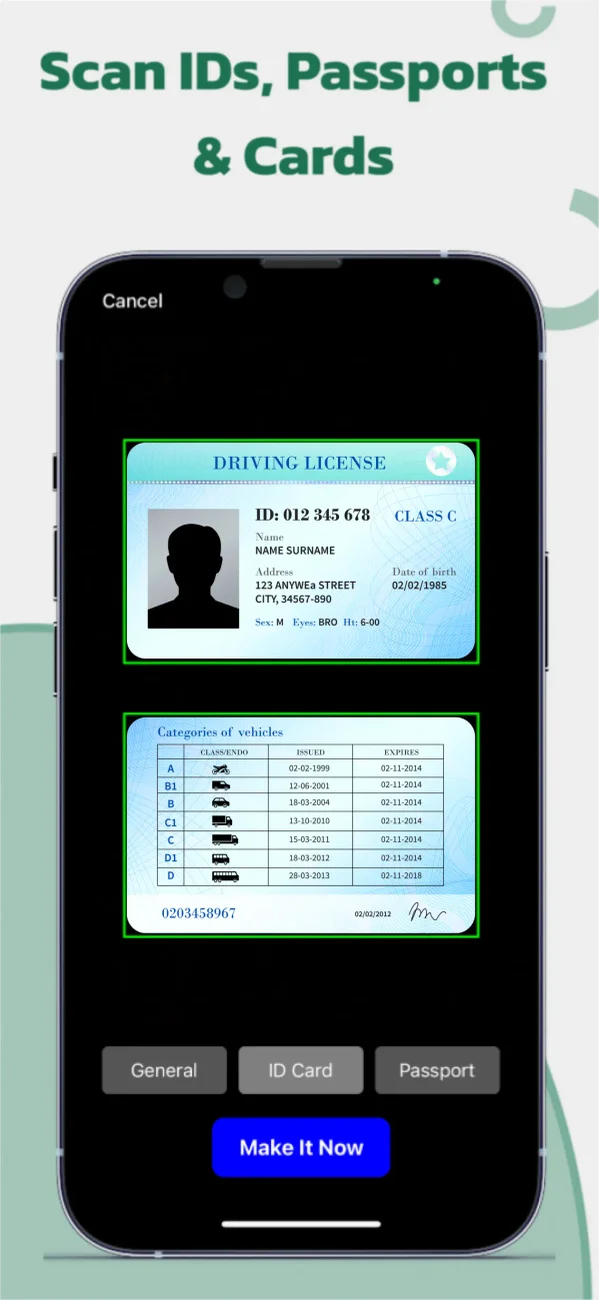
Scan Documents, Cards, Images, and Import Files. Easily scan paper documents, ID cards, receipts, or images using your phone camera. You can also import files directly from your device to create PDFs in seconds.
PDF Converter:
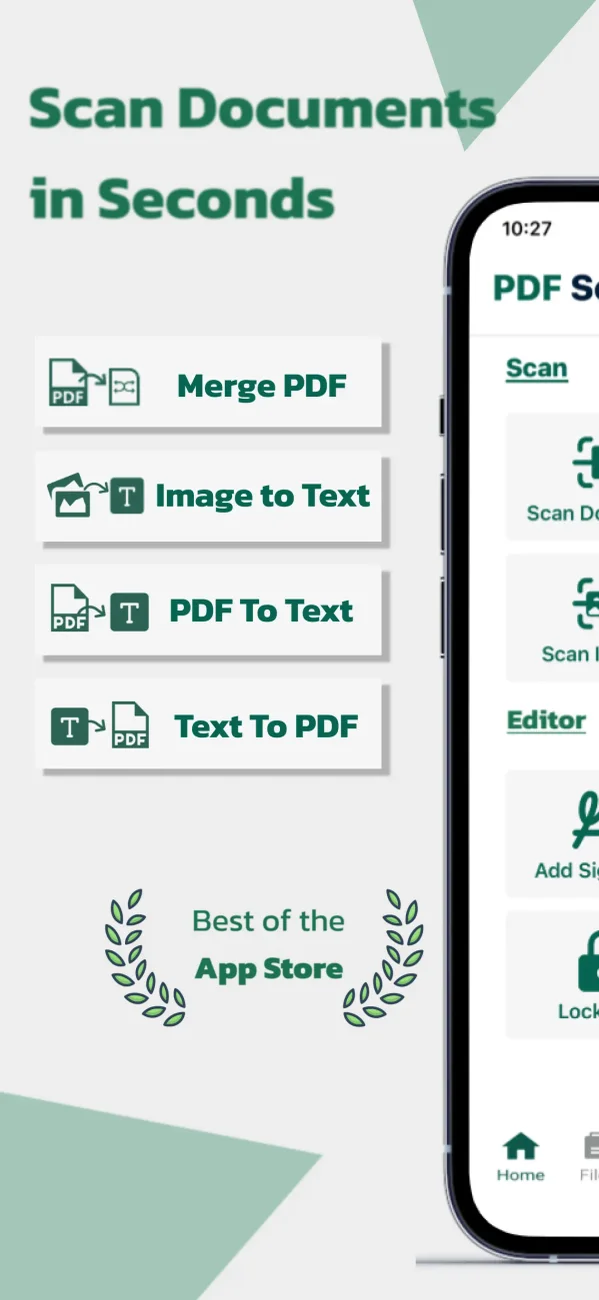
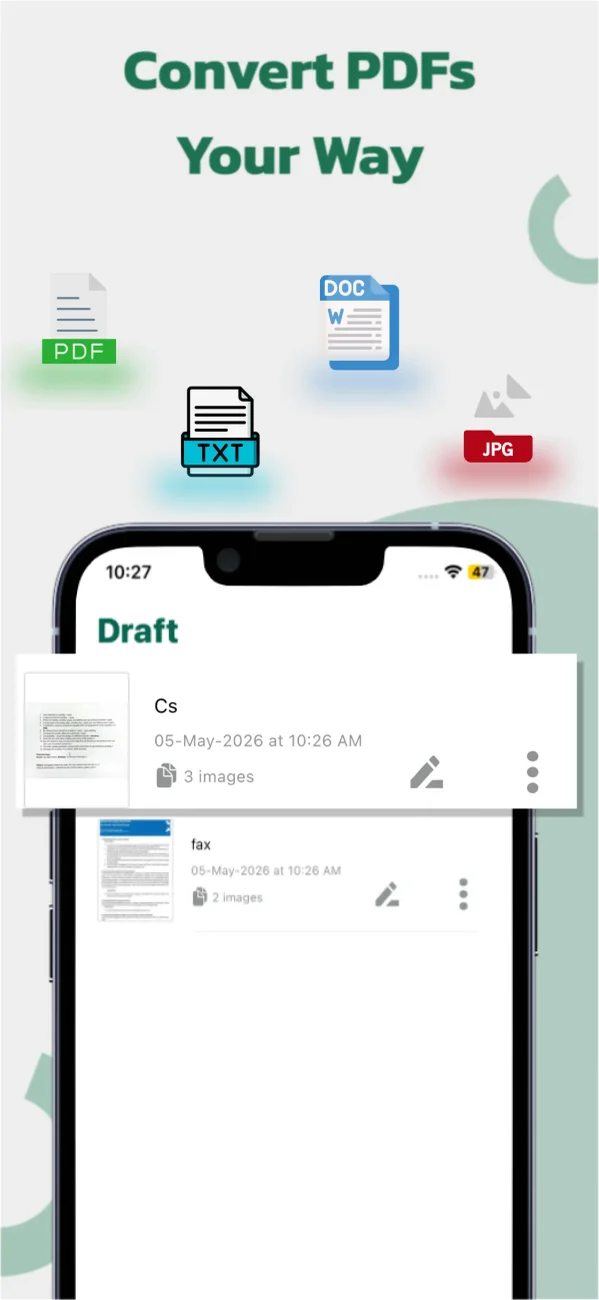
Image to Text, PDF to Text, Text to PDF, Merge PDFs. Convert scanned images or PDF files into editable text using OCR technology. Create new PDFs from any text, extract text from existing documents, or merge multiple PDFs into a single file.
PDF Editor:
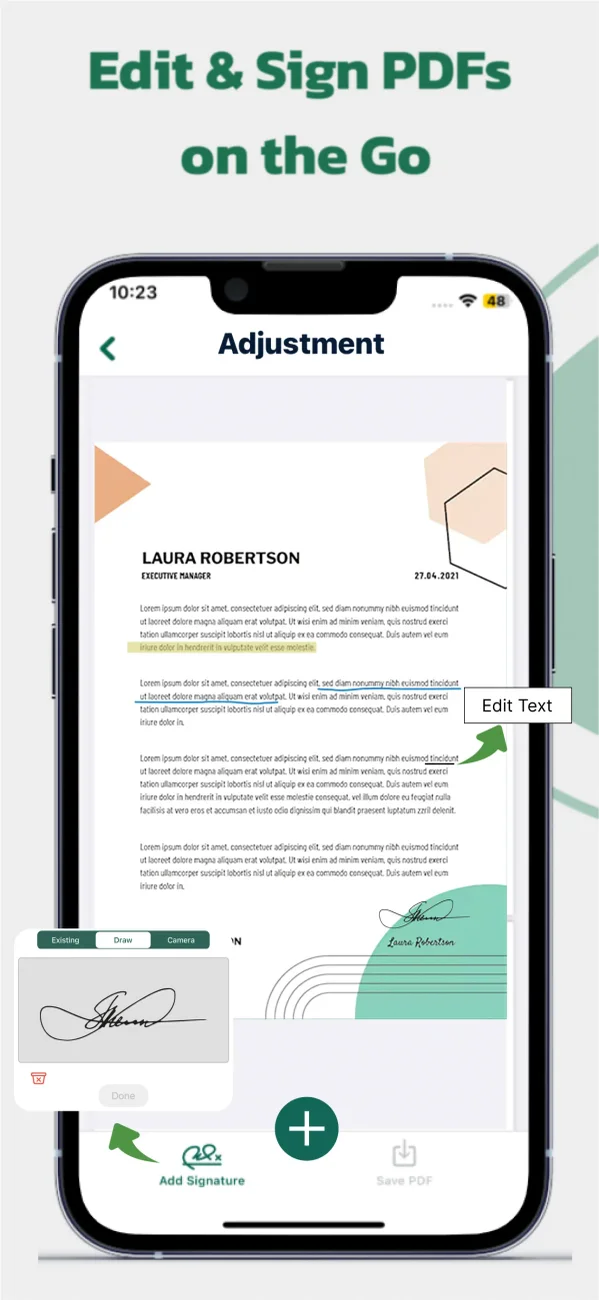
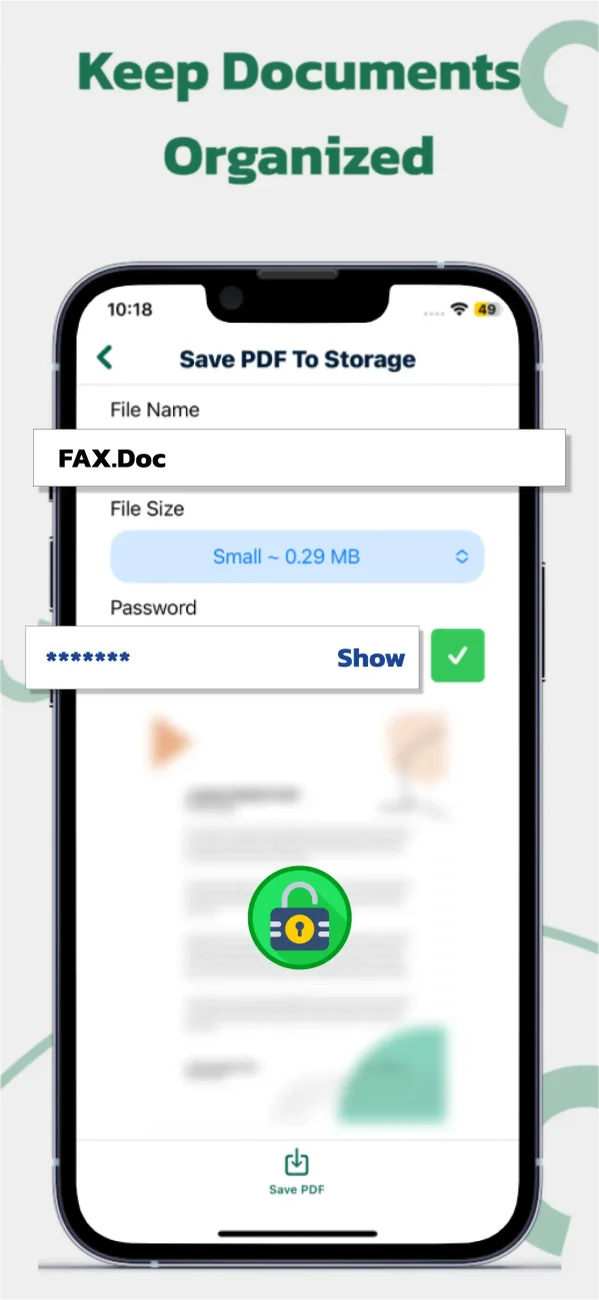
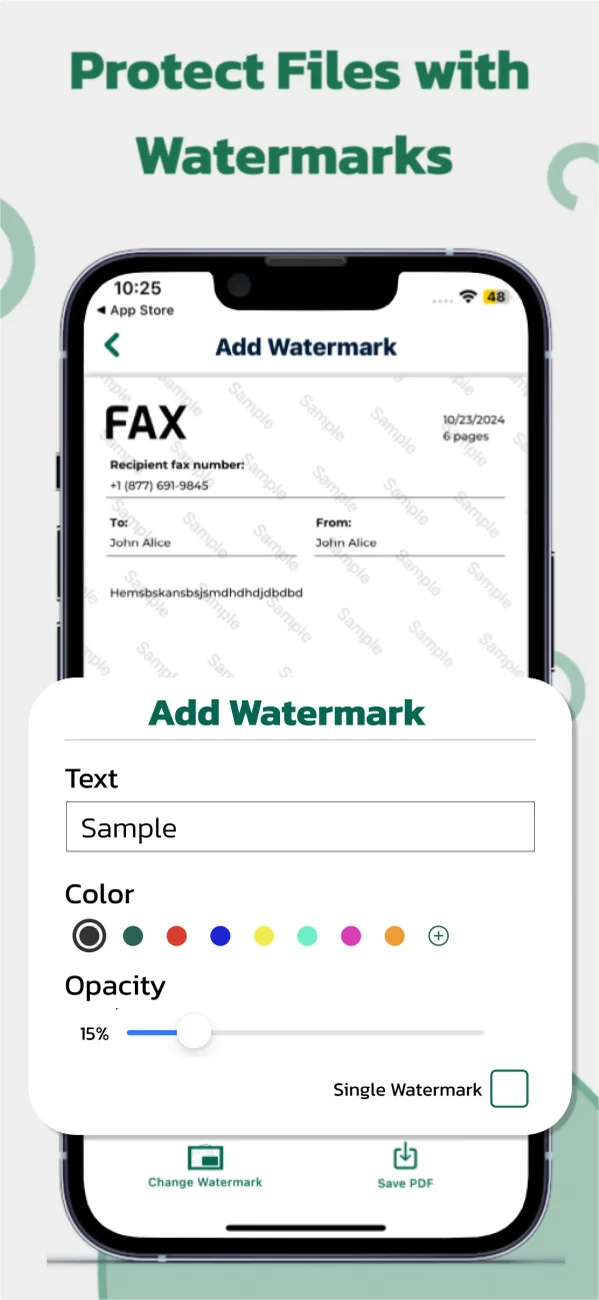
Add Signature, Watermark, Lock/Unlock PDFs, and Delete Pages. Edit your documents with professional tools. Sign PDFs digitally, add watermarks for branding or security, lock important files with passwords, unlock protected PDFs, and delete unnecessary pages easily.
Why Use Our PDF Scanner?
Turn your device into a powerful scanning tool. Save time, stay organized, and go paperless with ease.
All-in-One Tool:
Scan, convert, and edit PDFs without needing multiple apps.
Fast and Reliable:
High-quality scanning and accurate text recognition.
Secure and Private:
Lock and unlock documents with secure encryption.
Paperless Workflow:
Reduce clutter and manage files digitally on the go.
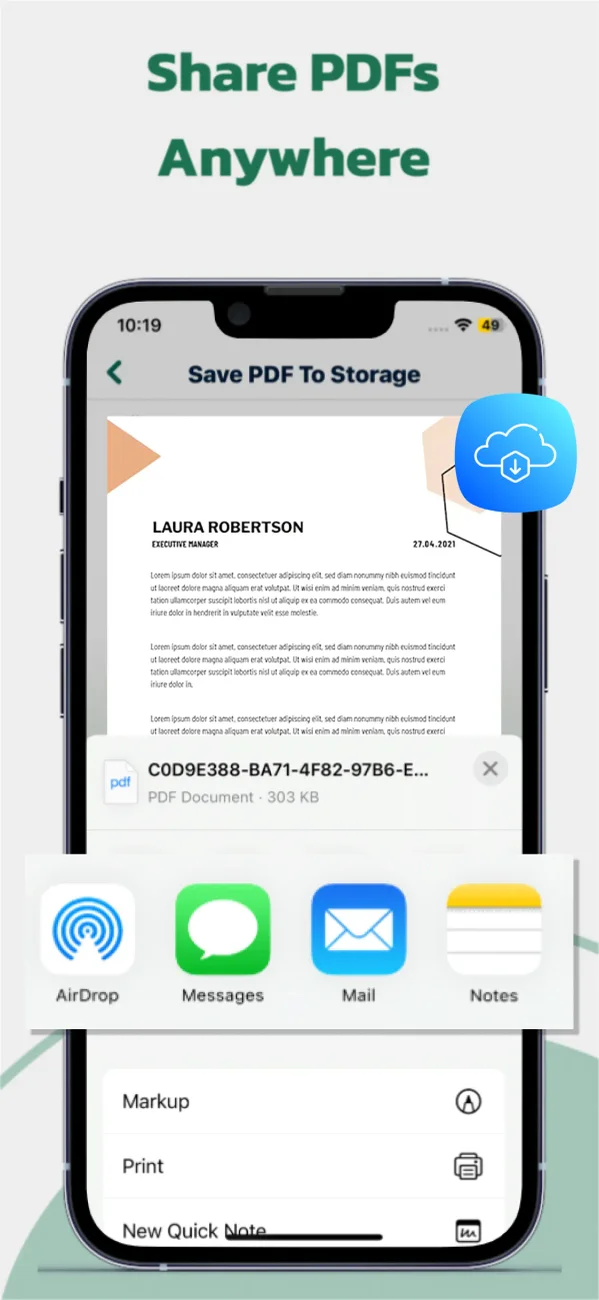
Easy File Sharing:
Export, email, or share files quickly in various formats.
Stay Organized And Efficient_ Manage Your Documents With Just One Powerful App.
Note:
STEP 1: Payment will be charged to your iTunes account at confirmation of purchase. Your subscription will automatically renew unless auto-renew is turned off at least 24 hours before the end of the current subscription period.
STEP 2: Your account will be charged for renewal within 24 hours before the end of the current subscription period. Automatic renewals will cost the same price you were originally charged for the subscription.
STEP 3: You can manage your subscriptions and turn off auto-renewal by going to your Account Settings on the App Store after purchase. Read our terms of service and Privacy Policy for more information.
Terms of Use:
https://tstechnology.org/terms.html
Privacy Policy:
https://tstechnology.org/privacy.html
What’s new
Version 1.7 · Sep 9, 2026
PDF Scanner
• Improved document scanning quality
• Faster PDF processing
• Bug fixes & performance improvements
App privacy
What TS Technology declares on the App Store about how this app handles data.
-
Data not collected
The developer does not collect any data from this app.
Privacy practices may vary, for example with the features you use or your age.
Information
- Seller
- TS Technology
- Category
- Business
- Version
- 1.7
- Updated
- Sep 9, 2026
- Released
- Apr 19, 2025
- Size
- 7.0 MB
- Requires
- iOS 15.6 or later
- Age rating
- 4+
- In-app purchases
- Yes
- Languages
- English
- Copyright
- Copyright © 2023 TS Technology. All rights reserved.
You might also like
-
 Printer App – Smart PrinterPrint Photos, Doc, Files & PDF
-
 DocScan+: QR & PDF Scanner AppID,OCR,Sign&Document Converter
-
 VoxScan: PDF Scanner & AI DocScan to PDF, Edit, Sign & OCR
-
 PDF Scanner FservingCompact document scanning tool
-
 LegalForge: AI Legal DocsAI Contract & Document Maker
-
 Archive: Document ScannerPrivate PDF export, no cloud
-
 I Just Want a Good Job TrackerJob Application Tracker
-
 InvoStockInventory Counting, Offline
-
 XovaPDF: Scanner & EditorScan, Convert & Edit PDFs
-
 Markee: Read Later & BookmarksSave links, RSS & AI summaries