PDF Scanner - Document Convert
PDF & OCR Scanner App
Designed for iPhone, iPod touch
Free · In-app purchases
- Age rating4+
- CategoryBusiness
- DeveloperBasic System
- LanguagesEnglish+ 7 more
- Size12.1 MB
Links to the official App Store page
Download.org hosts no file of PDF Scanner - Document Convert. The button opens its official App Store page, published by Basic System. Listing last checked on Nov 14, 2026.
Screenshots

About
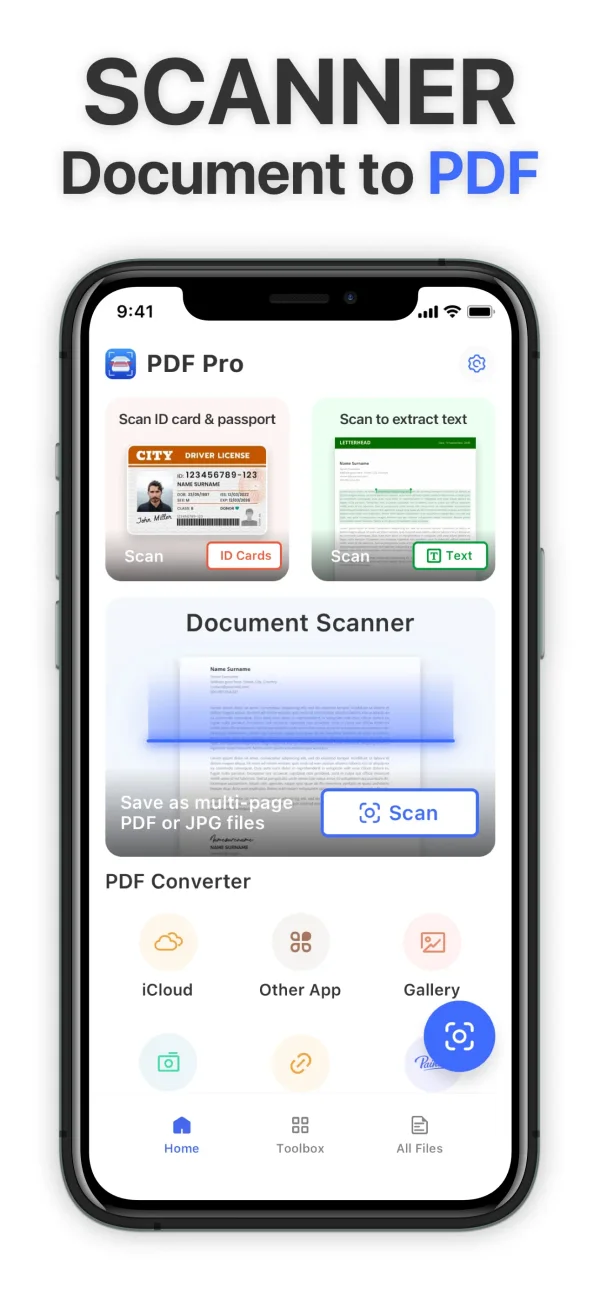
PDF Scanner harnesses the full potential of your iPhone to offer an unparalleled scanning experience. At its core, this app turns your device into a potent scanner, enabling you to digitize documents with ease and precision.
The incorporation of OCR technology allows for swift text recognition, transforming your scans into editable and searchable files. This functionality is especially beneficial for professionals and students who frequently deal with paperwork, as it significantly reduces the time spent on manual data entry and information retrieval.
Core Functions and Benefits:
1. High-Quality Scans in Any Format:
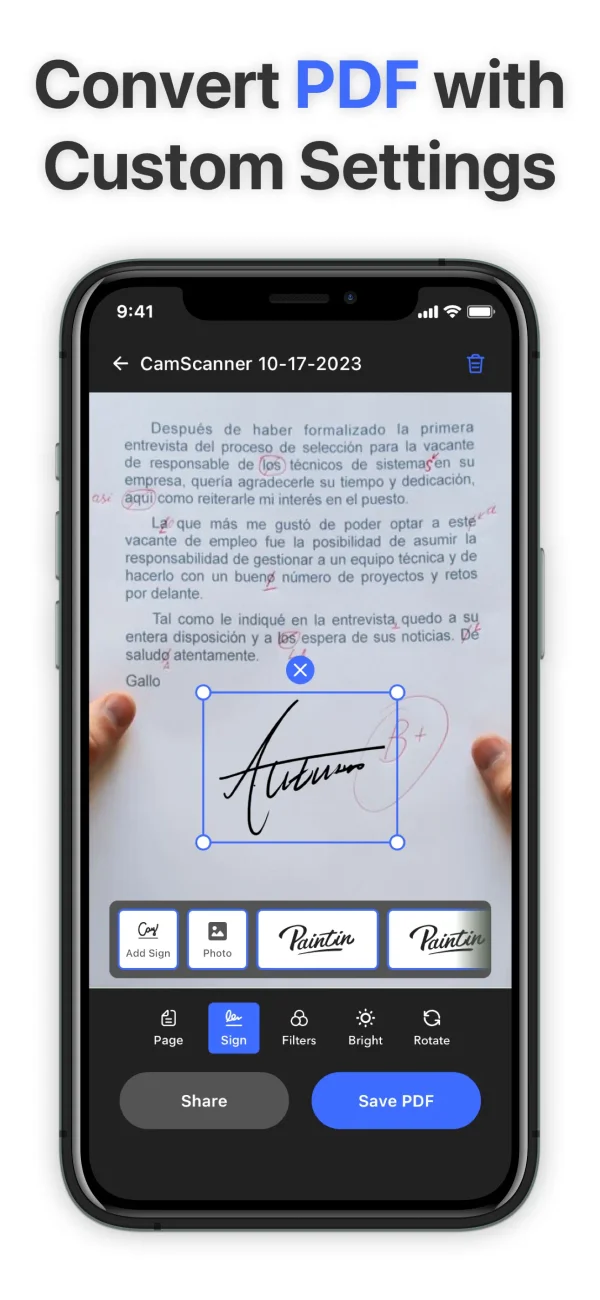
PDF Scanner excels in creating high-definition scans of any document - be it ID cards, receipts, books, or sketches. Our advanced scanning technology ensures that every detail is captured accurately, producing clear and legible results every time. Users have the flexibility to save and share their scans in various formats including PDF, JPG, Word, and TXT, catering to different needs and preferences.
2. Seamless Text Recognition with OCR:
The integration of OCR technology making it possible to convert scanned images into editable text. This feature not only saves valuable time but also enhances productivity by allowing for easy text editing and extraction from scanned documents.
3. Easy Scan, Save, and Share:
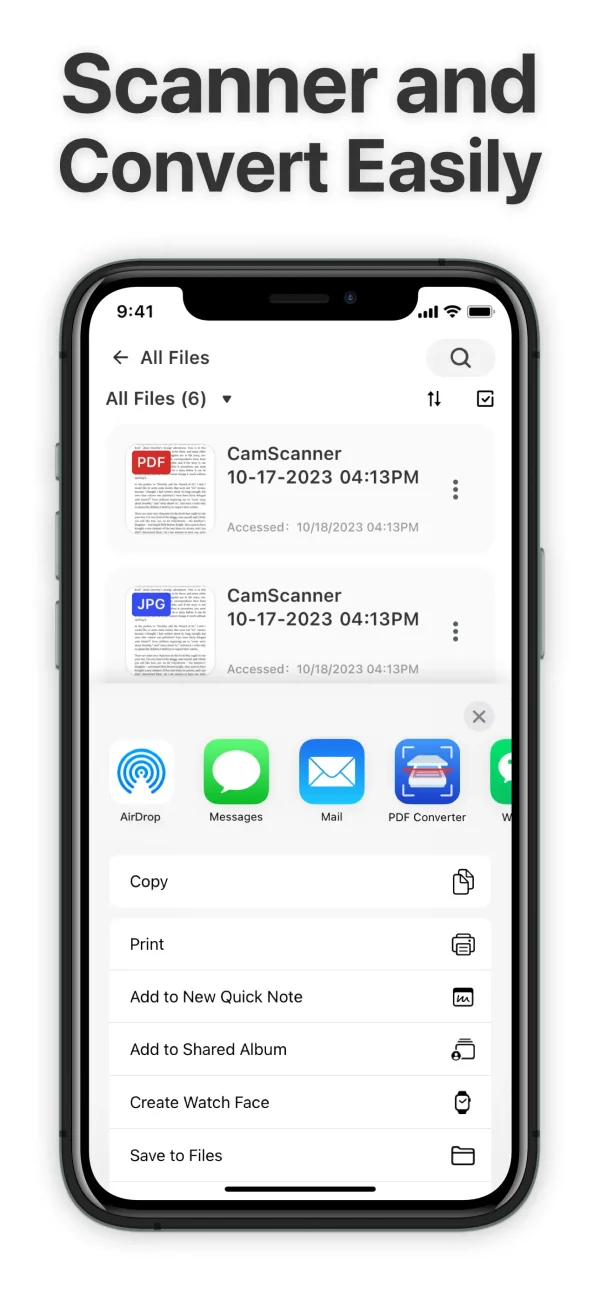
PDF Scanner is designed with user convenience in mind. The app simplifies the scanning process, enabling you to scan documents quickly with just a few taps. Whether you're looking to send a contract via email, save lecture notes for later review, or share a sketch with colleagues, PDF Scanner has you covered.
Why Choose Document Scanner Pro?
Choosing PDF Scanner means opting for efficiency, quality, and versatility. Our app transforms your iPhone into a multifunctional scanning tool, ready to tackle any document with ease. From professional needs to academic requirements and everyday tasks, PDF Scanner stands as your reliable partner.
Subscription:
Payment will be charged to your iTunes Account at confirmation of purchase. The subscription automatically renews unless auto-renew is turned off 24 hours before the end of the current period. All subscriptions are auto-renewable. All subscriptions can be managed by the user in Account Settings.
Privacy Policy: https://ba.basicxyz.com/log/basicxyz/page?page=page1
Term of Use: https://ba.basicxyz.com/log/basicxyz/page?page=page2
What’s new
Version 1.1 · Apr 16, 2024
- Add multiple regional languages
- Minor bug fixes
- Scanning experience improvements
App privacy
What Basic System declares on the App Store about how this app handles data.
-
Data used to track you
May be used to track you across apps and websites owned by other companies.
- Identifiers
-
Data not linked to you
May be collected but is not linked to your identity.
- Identifiers
Privacy practices may vary, for example with the features you use or your age.
Information
- Seller
- Basic System Limited
- Category
- Business
- Version
- 1.1
- Updated
- Apr 16, 2024
- Released
- Mar 27, 2024
- Size
- 12.1 MB
- Requires
- iOS 13.0 or later
- Age rating
- 4+
- Price
- Free
- In-app purchases
- Yes
- Languages
- English, French, German, Italian, Norwegian Bokmål, Portuguese, Russian, Spanish
- Copyright
- © 2024 Basic System Limited.
You might also like
-
 PDF Scanner Document Convert +Scan Reader, Sign, Converter
-
 PDF Scanner | Document ScanDocuments & Photo Scanning
-
 PDF Converter ©Photo to PDF
-
 PDF Scanner AI: Scan DocumentsPDF Converter, Document Signer
-
 Document Scanner · Scan to PDFFast Scan, Sign & OCR Docs
-
 SuperScan - PDF Scanner AppDocument Scanner PDF Converter
-
 Tiny Scanner - PDF Scanner AppScan Documents Convert to PDF
-
 Scan Hero: PDF ScannerFor Documents, Photos & Text
-
 Scanner – Scan PDF, ID & DocsEdit, Sign, Convert Documents
-
 PDF Editor: Read, Scan & SignAnnotate, Scan, Convert to PDF