Scan Hero: PDF Scanner
For Documents, Photos & Text
Designed for iPhone, iPad, iPod touch
Free · In-app purchases
- Age rating4+
- CategoryBusiness
- DeveloperMosaic S.r.l.
- LanguagesEnglish+ 13 more
- Size245.2 MB
Links to the official App Store page
Download.org hosts no file of Scan Hero: PDF Scanner. The button opens its official App Store page, published by Mosaic S.r.l. Listing last checked on Nov 22, 2026.
Screenshots


About
Looking for a mobile assistant? Try the Scan Hero app to corral your paperwork and scan documents on the go!
Scan Hero helps you run your business in the ever-changing digital world. Scan documents to PDF, then sign, edit, and share them – no heavy equipment needed! Manage paperwork hassle-free from anywhere – the office, remotely, or from home. Stay one step ahead when it comes to document management.
Loved by more than 29 million users.
SCAN DOCUMENTS
- Scan any document automatically or manually and save it as a PDF file or image.
- Try various Camera Modes to scan specific types of documents.
- Adjust the quality and file size of your scans: choose low, medium, or high quality.
- Import documents right from Photos for further editing and sharing.
TRY CAMERA MODES
- Single Mode captures a single page.
- Multi Mode scans two pages at once.
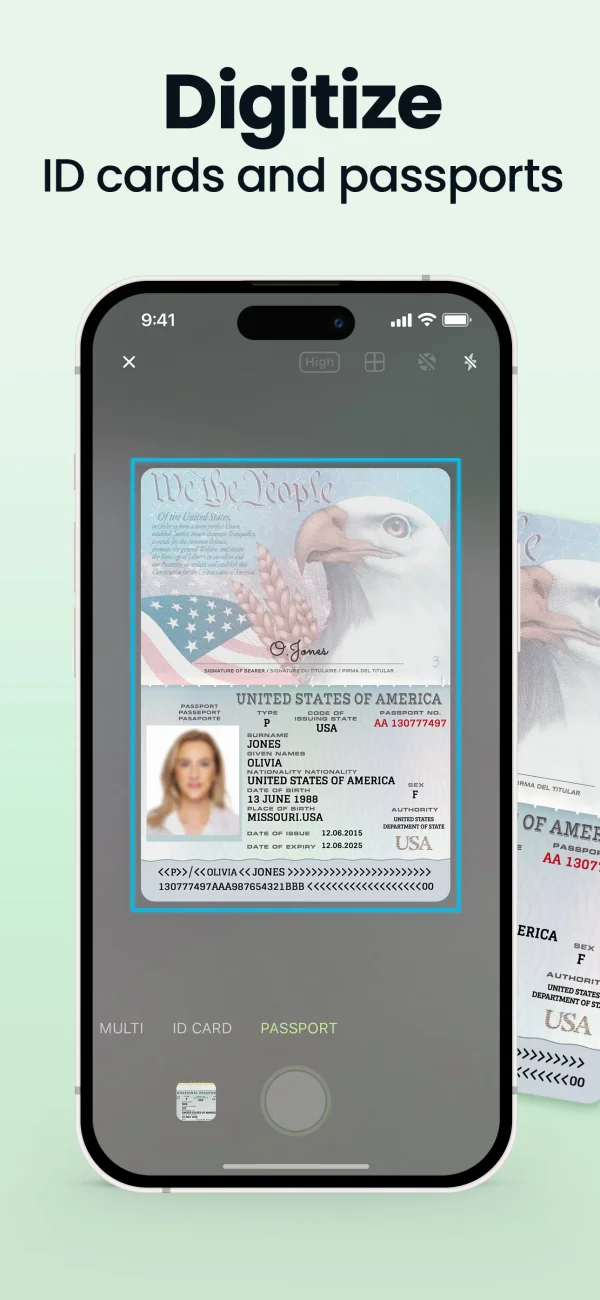
- Passport & ID Card Modes digitize your ID-documents.
- Book Mode scans a two-page spread of a book.
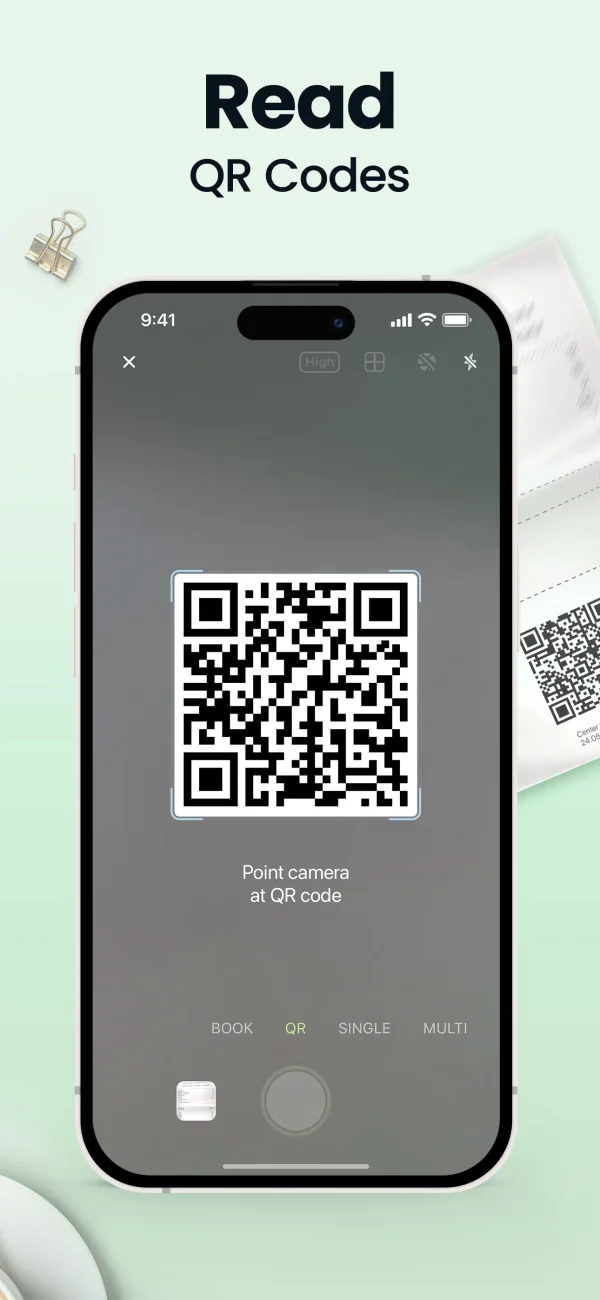
- QR Mode reads QR codes with your device’s Camera.
MAKE EDITS
- Re-crop scans, change page perspective and borders, apply filters, adjust contrast, and correct or change the orientation.
- Organize and reorder pages in multipage documents.
MANAGE SCANS
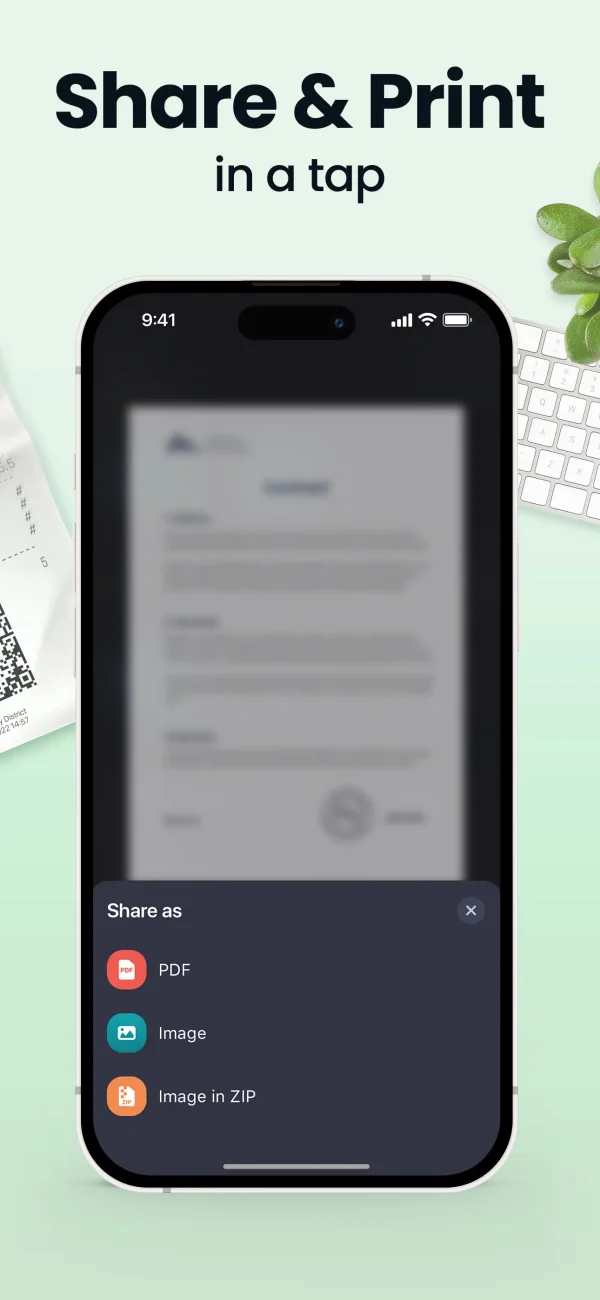
- Print scanned documents and clipboard text wirelessly.
- Share scans separately or send a number of files in one PDF file via Mail or iMessage.
- Save all your scans to Photos or iCloud and synchronize them between all of your iOS devices.
- Protect your files with Face ID or passcode.
LEVEL UP WITH PREMIUM FEATURES
- Recognize and extract text from your scans with OCR (Optical Character Recognition) technology.
Available for texts in English, Simplified Chinese, Traditional Chinese, Spanish, Turkish, Russian, French, Italian, German, Dutch, Swedish, Polish, Norwegian, Japanese, and Portuguese.
- Fine-tune scans by selecting HD quality while scanning.
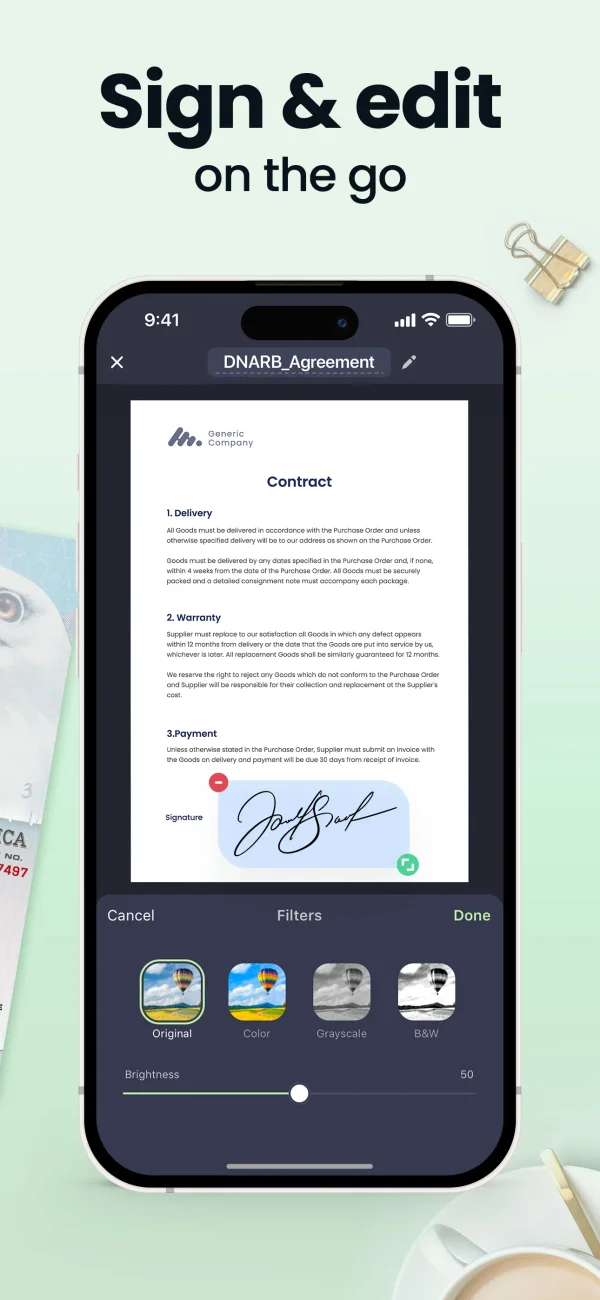
- Sign scans right on the screen of your device. Create and save one or more signatures, and add them to scans whenever you need.
- Highlight the key points of your scans.
- Secure private information in scanned documents using the Hide tool.
- Scan and share without limits.
*For advanced editing and file management, you can also try our PDF Hero app!
Subscription payments will be charged to your App Store account at confirmation of your purchase. Subscriptions will automatically renew and you will be charged unless auto-renew is turned off or unless you cancel at least 24 hours prior to the end of the current subscription or trial period. Any unused portion of a free trial period will be forfeited when you purchase a premium subscription during the free trial period. The cost of renewal depends on the Subscription Plan you choose.
Subscriptions and auto-renewal may be managed by going to Account Settings after purchase or by contacting Customer Support.
Privacy Policy: https://support.bendingspoons.com/privacy.html?app=1017261655
Terms of Service: https://support.bendingspoons.com/tos.html?app=1017261655
Got questions or suggestions? Please don’t hesitate to email us at support@scanhero.app
What’s new
Version 4.24.36 · Jun 8, 2026
Hey guys! It's just a quick update that we release to make sure the app works smooth. Performance improvements, as they call it. Take care!
App privacy
What Mosaic S.r.l. declares on the App Store about how this app handles data.
-
Data used to track you
May be used to track you across apps and websites owned by other companies.
- Purchases
- Location
- Identifiers
- Usage data
-
Data linked to you
May be collected and linked to your identity.
- Purchases
- Location
- User content
- Identifiers
- Usage data
-
Data not linked to you
May be collected but is not linked to your identity.
- User content
- Usage data
- Diagnostics
Privacy practices may vary, for example with the features you use or your age.
Information
- Seller
- Mosaic S.r.l.
- Category
- Business
- Version
- 4.24.36
- Updated
- Jun 8, 2026
- Released
- Feb 16, 2016
- Size
- 245.2 MB
- Requires
- iOS 14.0 or later
- Age rating
- 4+
- Price
- Free
- In-app purchases
- Yes
- Languages
- English, French, German, Italian, Japanese, Korean, Portuguese, Russian, Simplified Chinese, Spanish, Thai, Traditional Chinese + 2 more
- Copyright
- © Bending Spoons Operations S.p.A.
You might also like
-
 Document Scanner · Scan to PDFFast Scan, Sign & OCR Docs
-
 PDF Scanner・Document ScannerScan ID Card, Sign, OCR & Edit
-
 QR Code Reader & PDF ScannerDocs & Barcode: Scаn and Share
-
 PDF Scanner App: TapScannerScan Documents, Sign & Edit
-
 Scanner – Scan PDF, ID & DocsEdit, Sign, Convert Documents
-
 PDF Scanner・Scan Documents AppScan Photo, Passport, ID: Sign
-
 SuperScan - PDF Scanner AppDocument Scanner PDF Converter
-
 Scanner Pro - Scan to PDFSign, Convert & Send Documents
-
 Scanner PDF – scan documentStamp, docscan & convert pdf
-
 Photos PDF : Scanner ConverterPhoto & image to Scan Document