Document Scanner · Scan to PDF
Fast Scan, Sign & OCR Docs
Designed for iPhone, iPad, iPod touch
Free · In-app purchases
- Age rating4+
- CategoryBusiness
- DeveloperLazy Solutions OU
- LanguagesEnglish+ 11 more
- Size39.9 MB
Links to the official App Store page
Download.org hosts no file of Document Scanner · Scan to PDF. The button opens its official App Store page, published by Lazy Solutions OU. Listing last checked on Nov 27, 2026.
Screenshots



About
PDF Scanner: Your Ultimate Document Management Tool
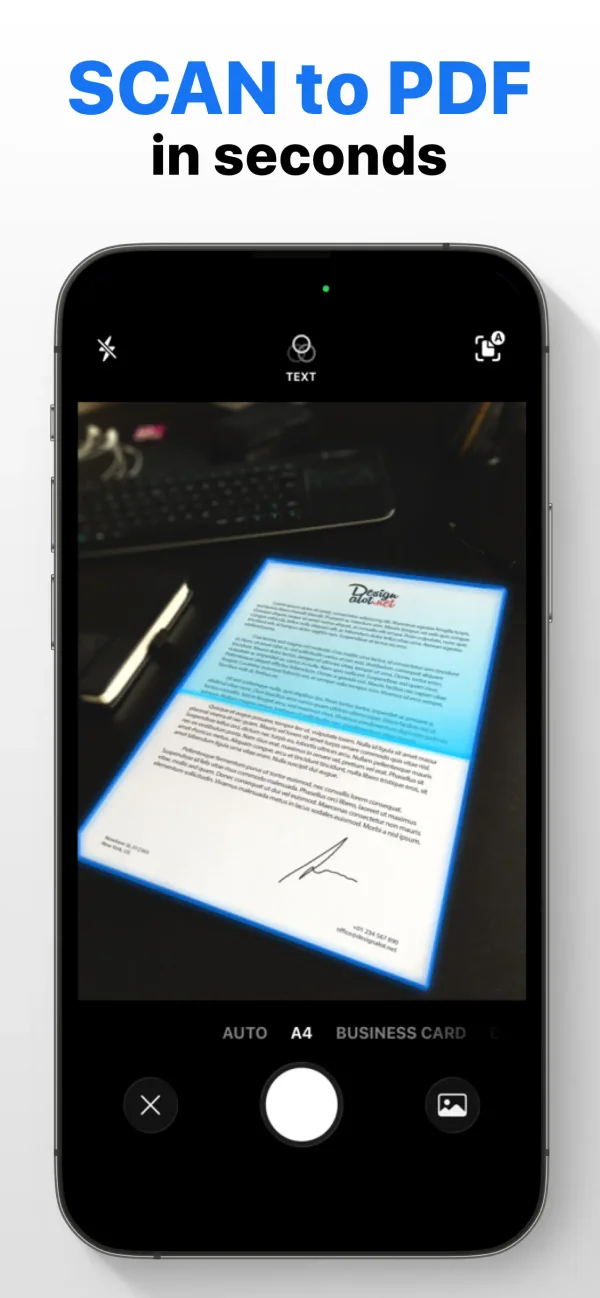
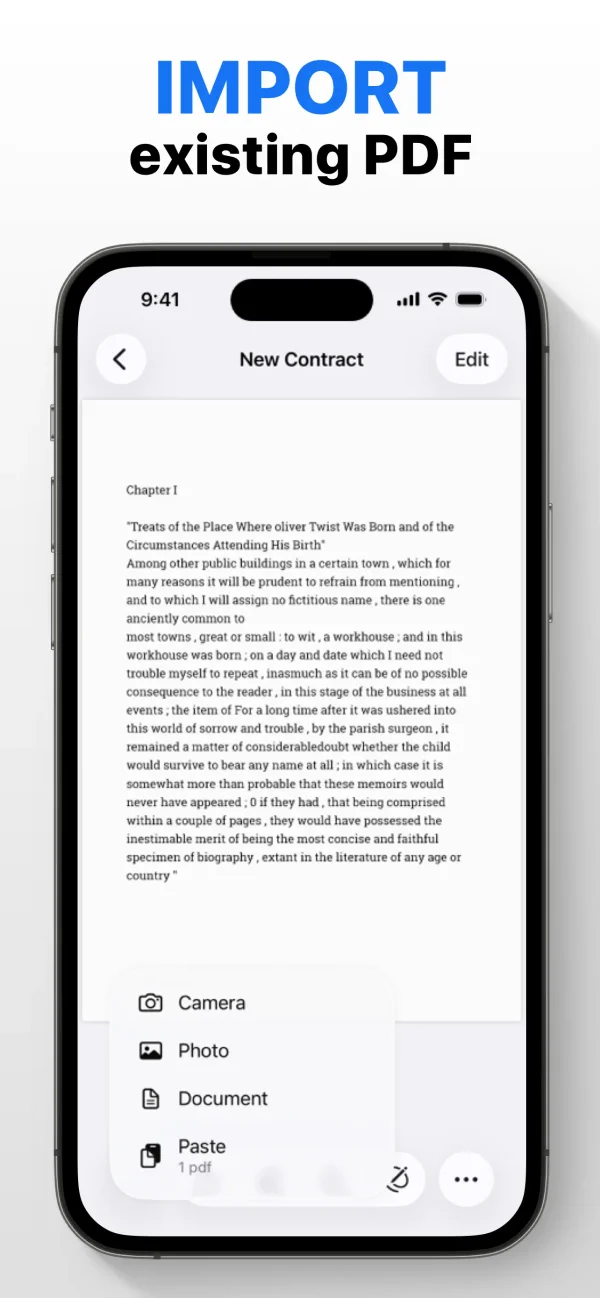
Turn your iPhone or iPad into a powerful, portable PDF scanner. Scan, organize, and share documents has never been easier. Perfect for work, school, or travel!
Why You’ll Love It:
- Fast, Clear Scans: Digitize documents in seconds with crisp, accurate results.
- Smart OCR: Extract text from scans for quick editing and searching.
- Pro-Grade PDFs: Convert documents into polished PDFs that retain their original format.
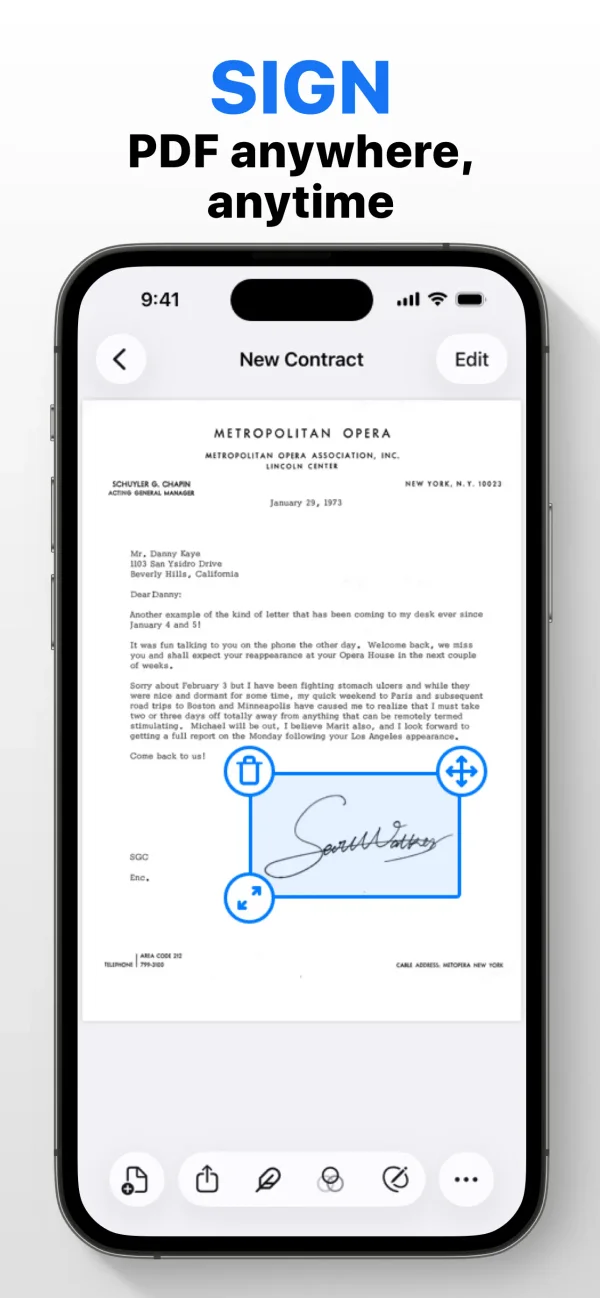
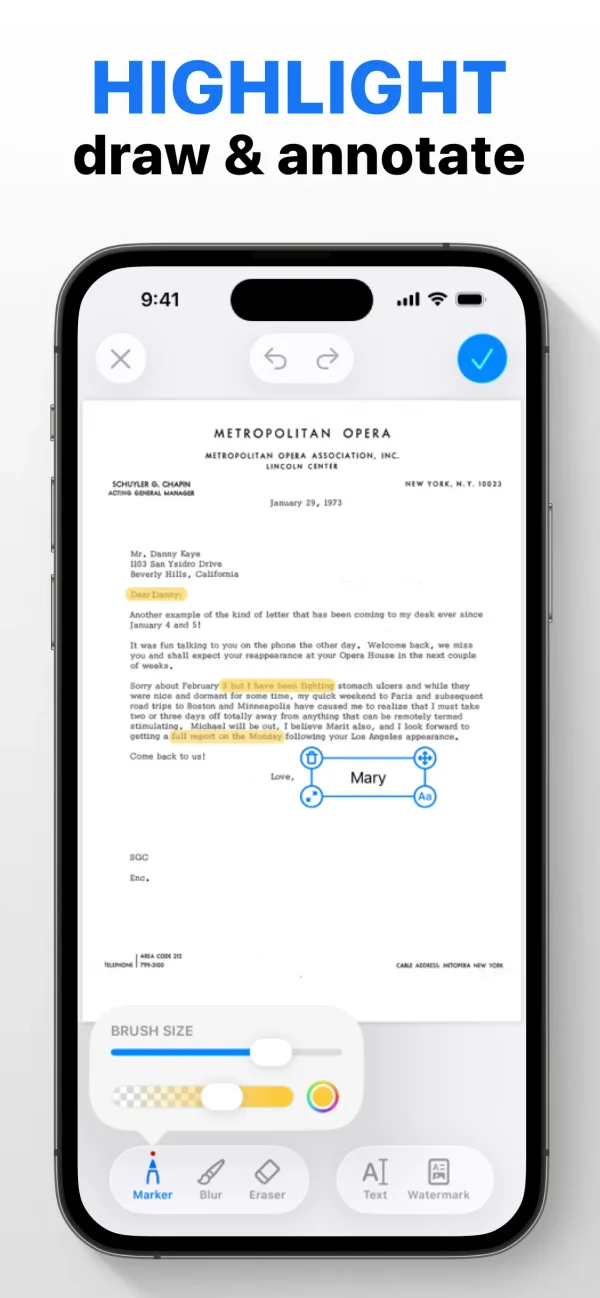
- Effortless Editing: Crop, rotate, or highlight to make your files perfect.
- Cloud Sync: Save and access your files with Dropbox, Google Drive, or OneDrive.
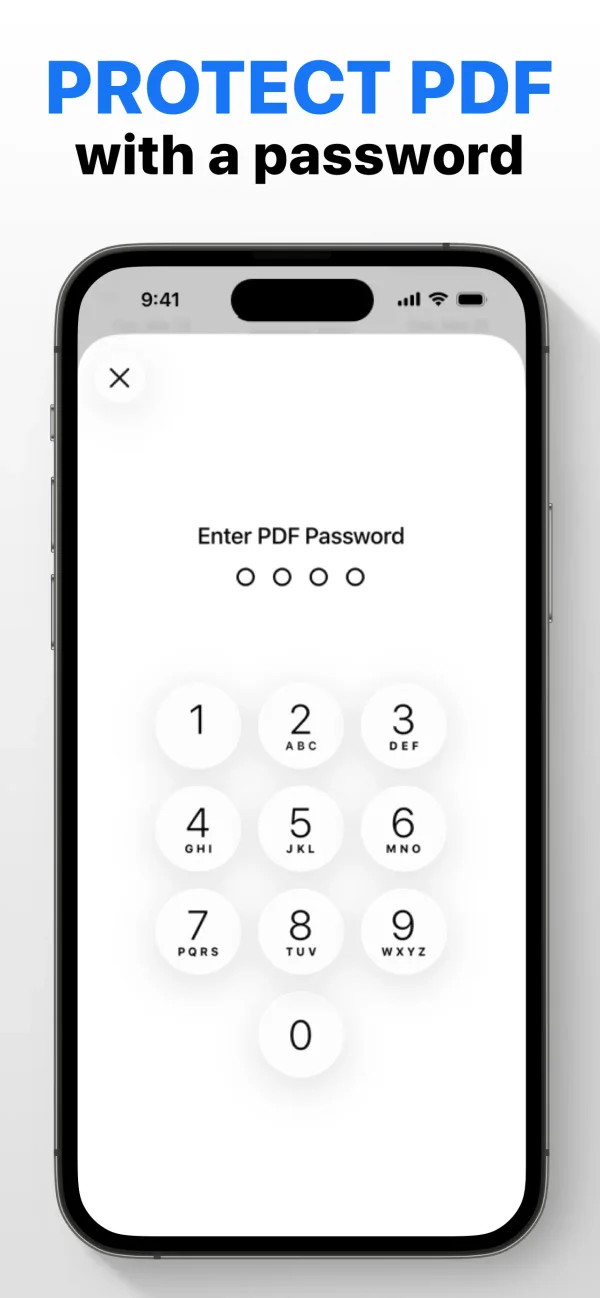
- Secure Your Files: Protect confidential documents with passwords or Face ID/Touch ID.
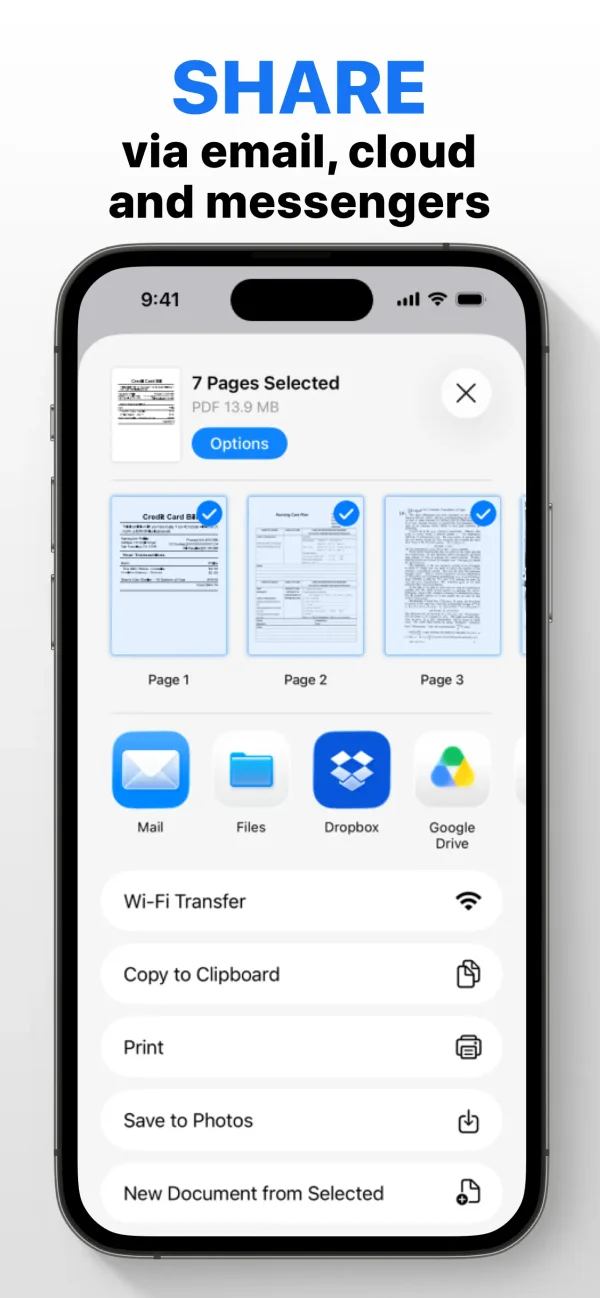
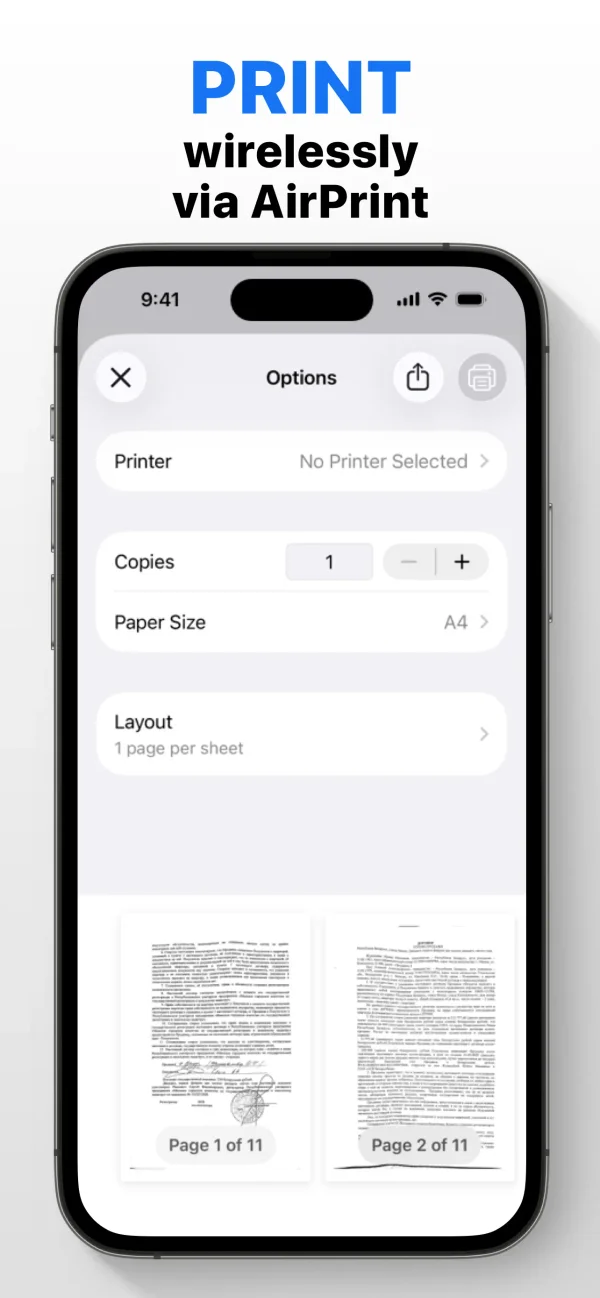
- Easy Sharing: Send your files via email, messaging apps, or print them wirelessly.
Say goodbye to paper clutter! This app is perfect for managing receipts, contracts, notes, and more. Save time, stay organized, and keep everything at your fingertips.
Download now and discover how simple managing documents can be!
Join millions of users who trust our app for their scanning needs.
**Premium subscription**
Payment will be charged to your iTunes account upon purchase confirmation. Subscriptions automatically renew unless auto-renewal is turned off at least 24 hours before the end of the current period. Your account will be charged for renewal within 24 hours prior to the end of the current period. You can manage subscriptions and turn off auto-renewal yourself in your iTunes account settings after purchase. Cancellation of the current subscription is not allowed during the active subscription period.
By using this app, you agree to our Privacy Policy and Terms of Use:
Privacy Policy: https://lazy-solutions.com/privacy-policy-scanner/
Terms of use: https://lazy-solutions.com/terms-of-use-scanner/
What’s new
Version 3.0 · Jul 17, 2026
We gave the app a full redesign for a smoother experience.
Also fixed a bug where the flashlight wouldn't turn on properly during document scanning.
App privacy
What Lazy Solutions OU declares on the App Store about how this app handles data.
-
Data not linked to you
May be collected but is not linked to your identity.
- Identifiers
- Usage data
- Diagnostics
Privacy practices may vary, for example with the features you use or your age.
Information
- Seller
- Lazy Solutions OU
- Category
- Business
- Version
- 3.0
- Updated
- Jul 17, 2026
- Released
- Jul 29, 2020
- Size
- 39.9 MB
- Requires
- iOS 13.0 or later
- Age rating
- 4+
- Price
- Free
- In-app purchases
- Yes
- Languages
- English, French, German, Italian, Japanese, Korean, Portuguese, Russian, Simplified Chinese, Spanish, Turkish, Ukrainian
- Copyright
- © 2024 Lazy Solutions OU
You might also like
-
 Scan Hero: PDF ScannerFor Documents, Photos & Text
-
 PDF Scanner・Document ScannerScan ID Card, Sign, OCR & Edit
-
 PDF Scanner・Scan Documents AppScan Photo, Passport, ID: Sign
-
 Scanner – Scan PDF, ID & DocsEdit, Sign, Convert Documents
-
 PDF Scanner App: TapScannerScan Documents, Sign & Edit
-
 QR Code Reader & PDF ScannerDocs & Barcode: Scаn and Share
-
 SuperScan - PDF Scanner AppDocument Scanner PDF Converter
-
 Scanner PDF – scan documentStamp, docscan & convert pdf
-
 Clear Scan: Doc Scanner AppPhoto to PDF, Receipt scanning
-
 My Scans, best PDF Scanner AppScan, Sign, FAX, Print, Email