Scanner Document PDF Converter
Jpeg photo png image Cam scan
Designed for iPhone, iPod touch
Free · In-app purchases
- Age rating4+
- CategoryBusiness
- DeveloperJasper Reynolds
- LanguagesEnglish
- Size23.0 MB
Links to the official App Store page
Download.org hosts no file of Scanner Document PDF Converter. The button opens its official App Store page, published by Jasper Reynolds. Listing last checked on Nov 17, 2026.
Screenshots
About
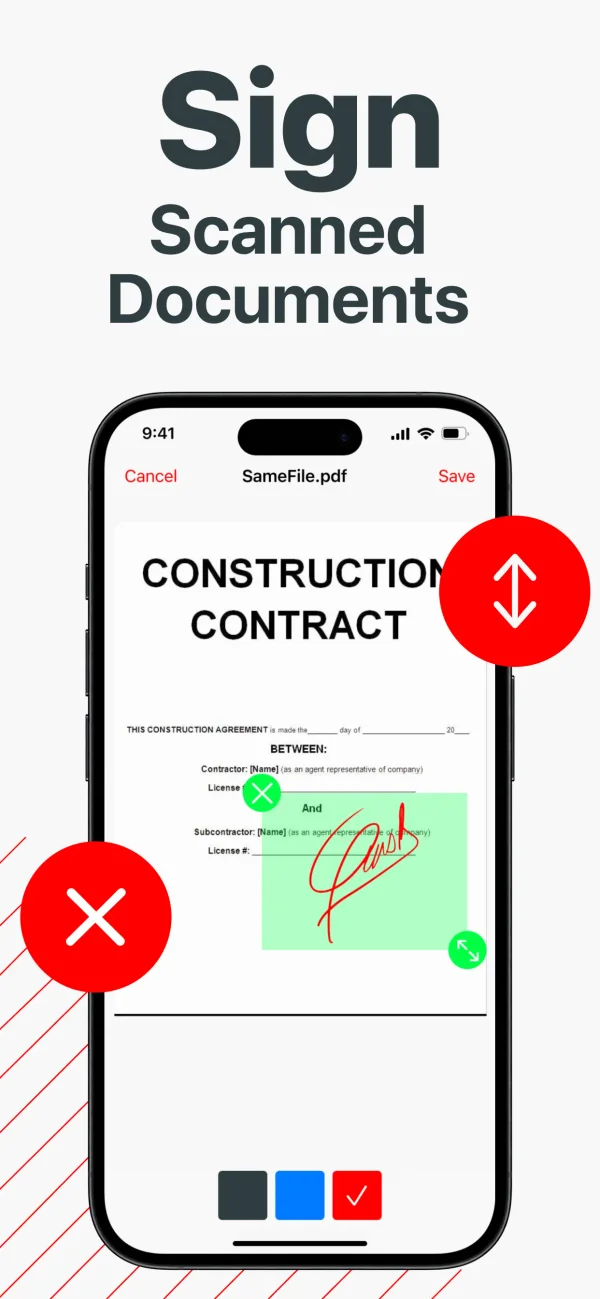
Transform your smartphone into a powerful productivity tool with Scanner Document PDF Converter. Elevate your business, work, or personal efficiency by turning your device into a portable office. Seamlessly process, convert to TXT, JPG, or PDF format, and save all your essential documents anytime, anywhere with our quick and effective scan app.
Key Features:
Quick Scanning:
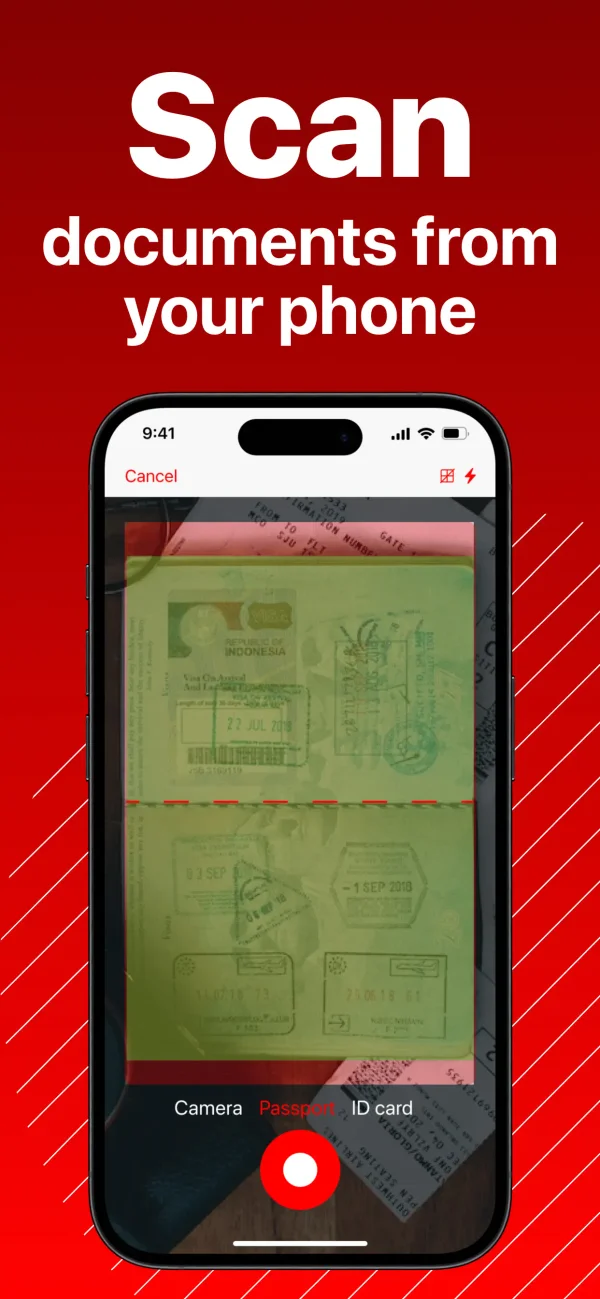
Effortlessly process various documents, from IDs and passports to bills and letters. Convert them into popular formats like TXT, PDF, and JPEG quickly and accurately. Enjoy high-quality, color-corrected scans, and merge multiple pages into a single document using our PDF scanner app.
Effective Text Conversion and Recognition:
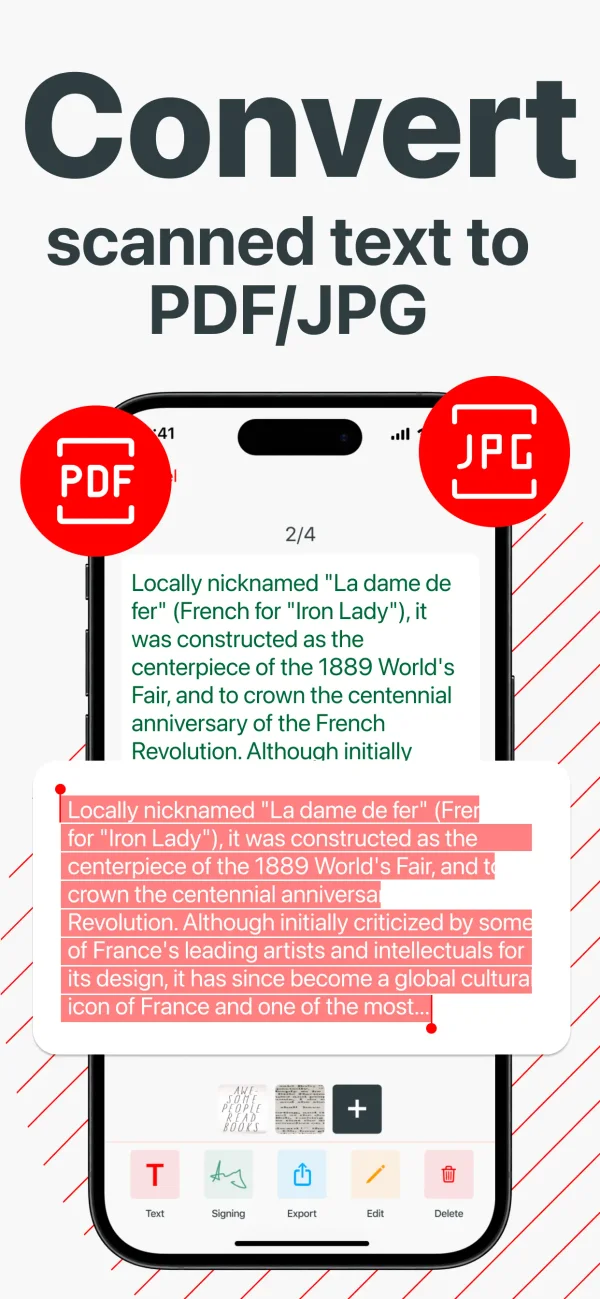
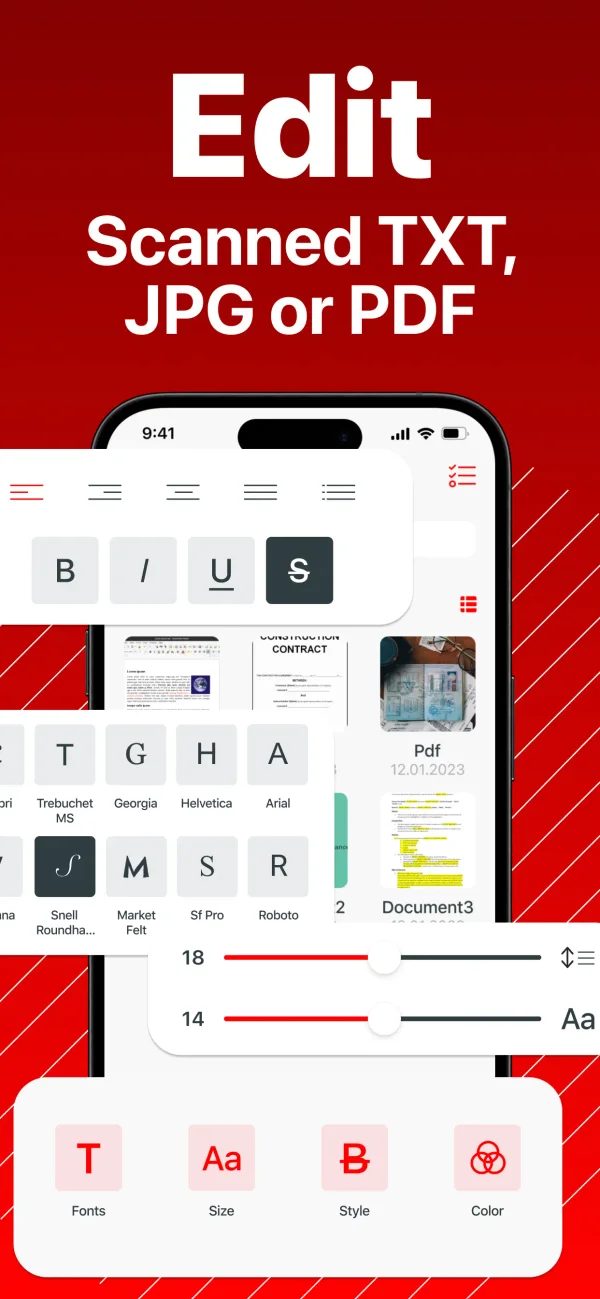
Convert text from images in seconds, eliminating the need for manual rewriting. The OCR technology ensures quick and accurate extraction of text from scanned materials. Edit extracted text with customizable settings such as fonts, colors, and sizes.
Effective File Management:
Navigate through an advanced file management system with folders, tags, and other features. Easily change file names and organize your documents efficiently using our scan app.
Quick Document Sharing:
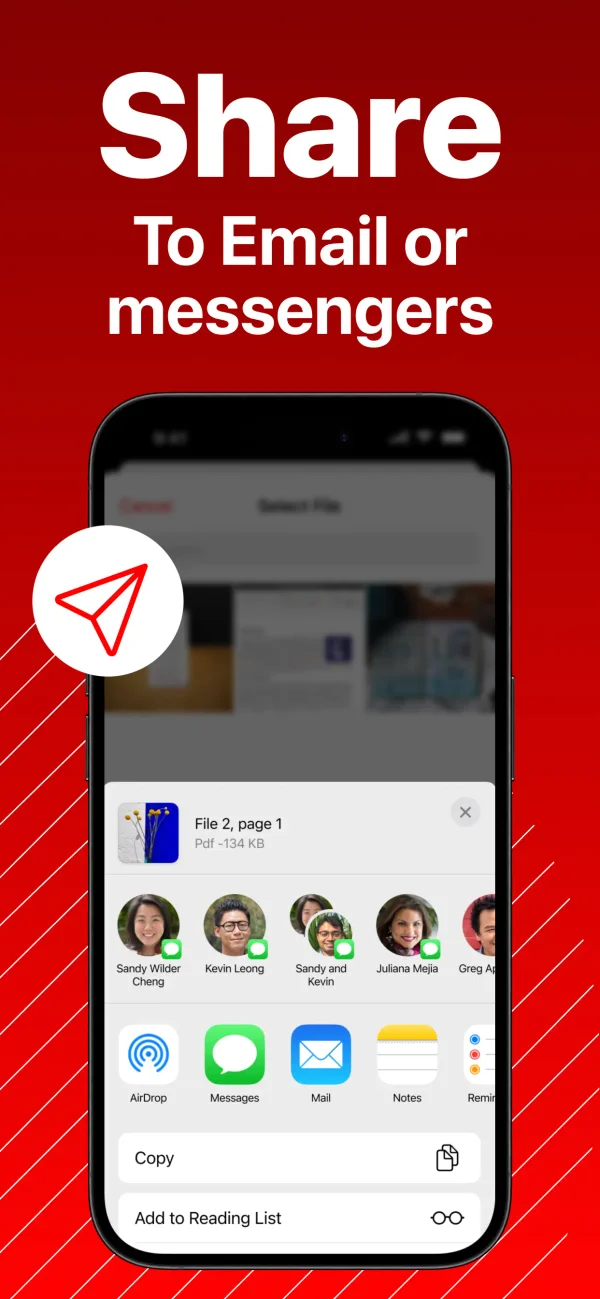
Share processed files or obtained scans swiftly via email or messengers.
Storage Ensured:
Access all exported or scanned documents quickly and securely. Our scanner app ensures data privacy, with no third-party access to your directory and uninterrupted access even without an internet connection.
Subscriptions:
Unlock premium features with weekly, monthly, or annual subscriptions. All subscriptions can include a 3 Days Free Trial Period. Enjoy the flexibility to manage your subscription and turn off auto-renewal in your Account Settings.
Please note that your iTunes account will be charged upon purchase confirmation. Subscriptions will auto-renew unless disabled at least 24 hours before the current period ends. Manage your subscriptions and auto-renewal settings in your Account Settings post-purchase.
Privacy and Terms:
Privacy Policy: Dive into our Privacy Policy at https://scadopdfdap.info/IOS_ScannerDocumentPDFDocApp_PrivacyPolicy.html
Terms of Use: Explore the app's Terms of Use at https://scadopdfdap.info/IOS_ScannerDocumentPDFDocApp_TermsOfUse.html
Need Support?
Questions or concerns? Connect with our dedicated support team at tyler.butler@roysl6purple.info. We're here to assist you!
Download Scanner Document PDF Converter now and experience the ultimate pocket scanner. Scan, recognize, convert, edit, store, secure, and elevate your productivity seamlessly.
What’s new
Version 1.0.2 · Oct 11, 2024
Bug fixes and feature improvements
App privacy
What Jasper Reynolds declares on the App Store about how this app handles data.
-
Data used to track you
May be used to track you across apps and websites owned by other companies.
- Identifiers
-
Data not linked to you
May be collected but is not linked to your identity.
- Identifiers
- Usage data
Privacy practices may vary, for example with the features you use or your age.
Information
- Seller
- Jasper Reynolds
- Category
- Business
- Version
- 1.0.2
- Updated
- Oct 11, 2024
- Released
- Mar 18, 2024
- Size
- 23.0 MB
- Requires
- iOS 15.0 or later
- Age rating
- 4+
- Price
- Free
- In-app purchases
- Yes
- Languages
- English
- Copyright
- © 2024 Tyler Butler|21447494041|1
You might also like
-
 Phone Call Recorder, Recordingrecord voice conversation
-
 PDF Scanner Document ConverterConvert Photo, Word to PDF App
-
 Hidden Camera Spy Bug DetectorIR Find Device, Cam & Tracker
-
 ShiftFlow: Track Team HoursTime Clock Timesheets for Work
-
 Phone Call Recorder ACR*automatic call recording
-
 Doc Scanner PDF, Convert & OCRScan PDF Documents & Converter
-
 Resume Maker: Pro CV BuilderAI Bio - Curriculum Vitae, PDF
-
 Call Recorder & Voice Memos ◦Record Phone Calls & Audio Pro
-
 Hidden Camera Spy Detector AppCamera's Scanner, Finder Pro
-
 PDF Editor - File ConverterConvert & Compress Documents