PDF Scanner & Document Scan
PDF Sign, Edit, Convert to PDF
Designed for iPhone, iPad
Free · In-app purchases
- Age rating4+
- CategoryBusiness
- DeveloperShenzhen Mengmi Technology Co., Ltd.
- LanguagesEnglish+ 10 more
- Size231.0 MB
Links to the official App Store page
Download.org hosts no file of PDF Scanner & Document Scan. The button opens its official App Store page, published by Shenzhen Mengmi Technology Co., Ltd. Listing last checked on Nov 16, 2026.
Screenshots
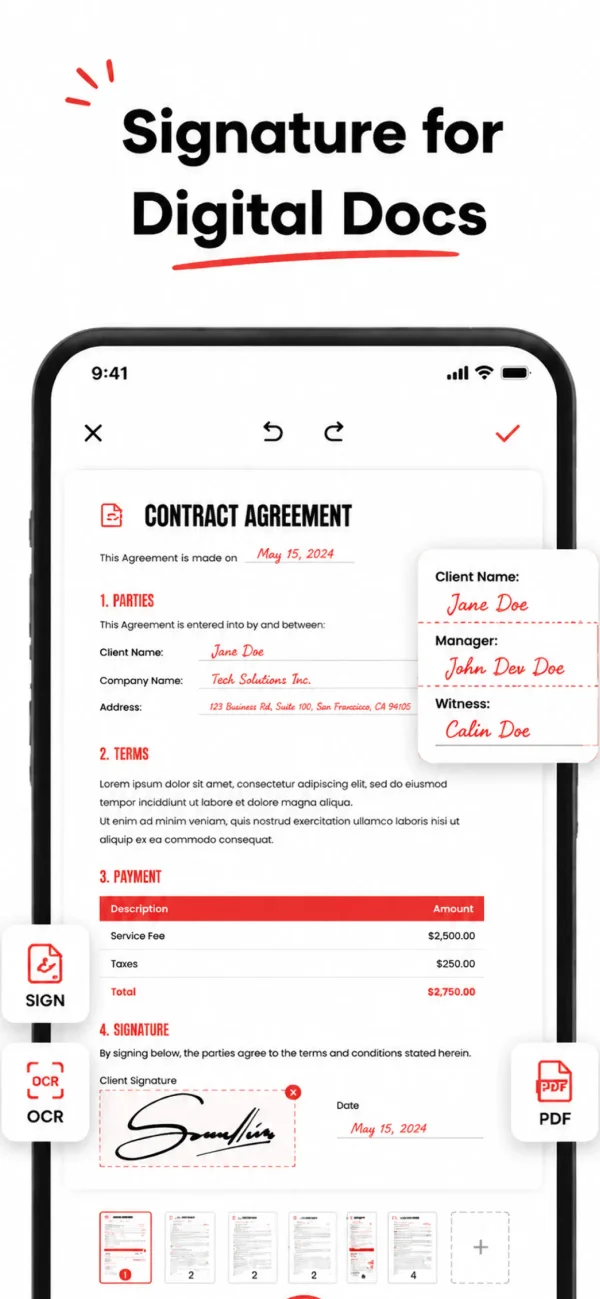
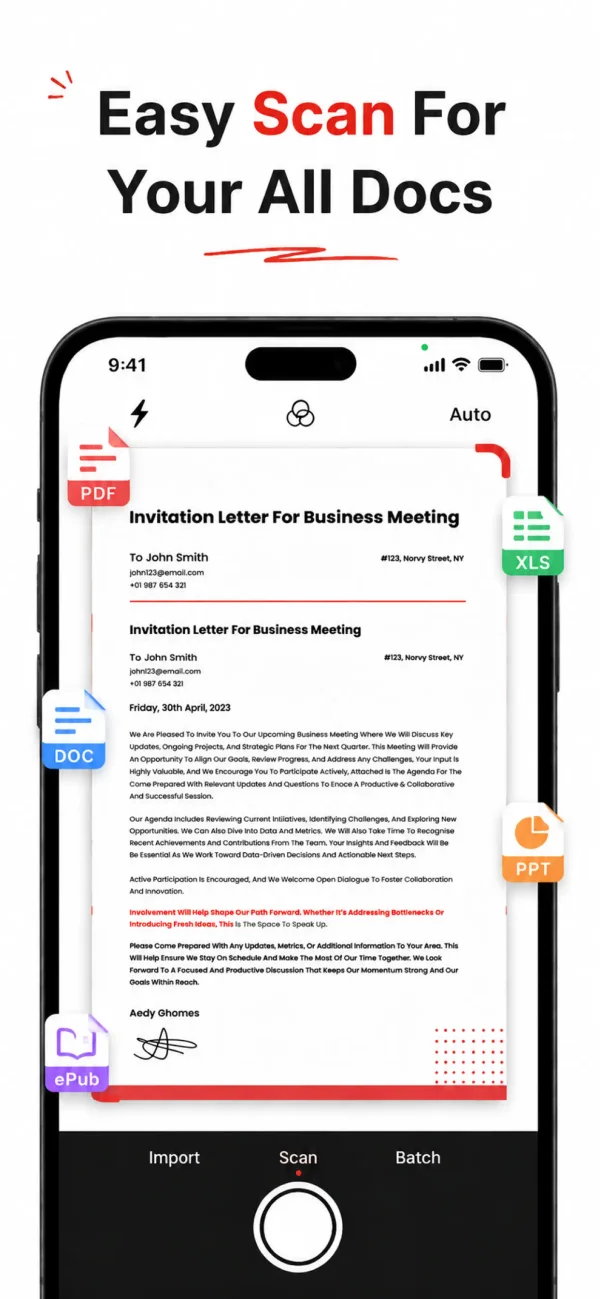
About
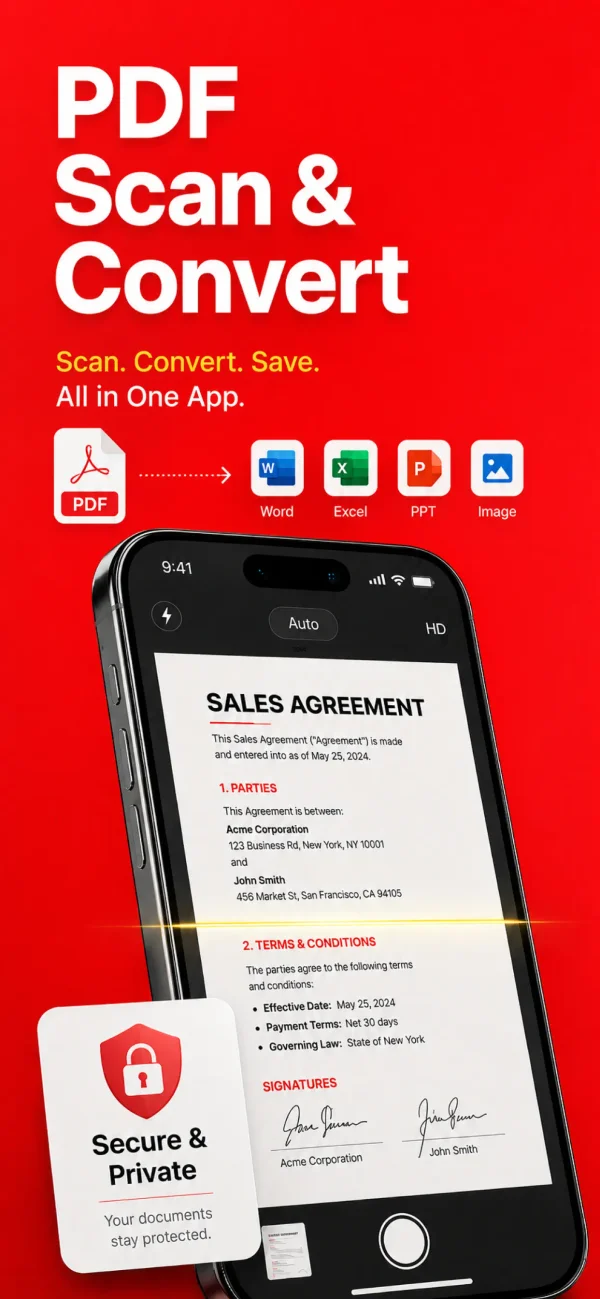
Everything you need for PDF work in one powerful, easy-to-use app. Convert, edit, scan, sign, annotate, and translate documents right from your iPhone or iPad.
Whether you're a student, business professional, freelancer, or teacher, this all-in-one PDF toolkit saves you time and keeps your paperwork organized wherever you go.
KEY FEATURES
PDF Converter
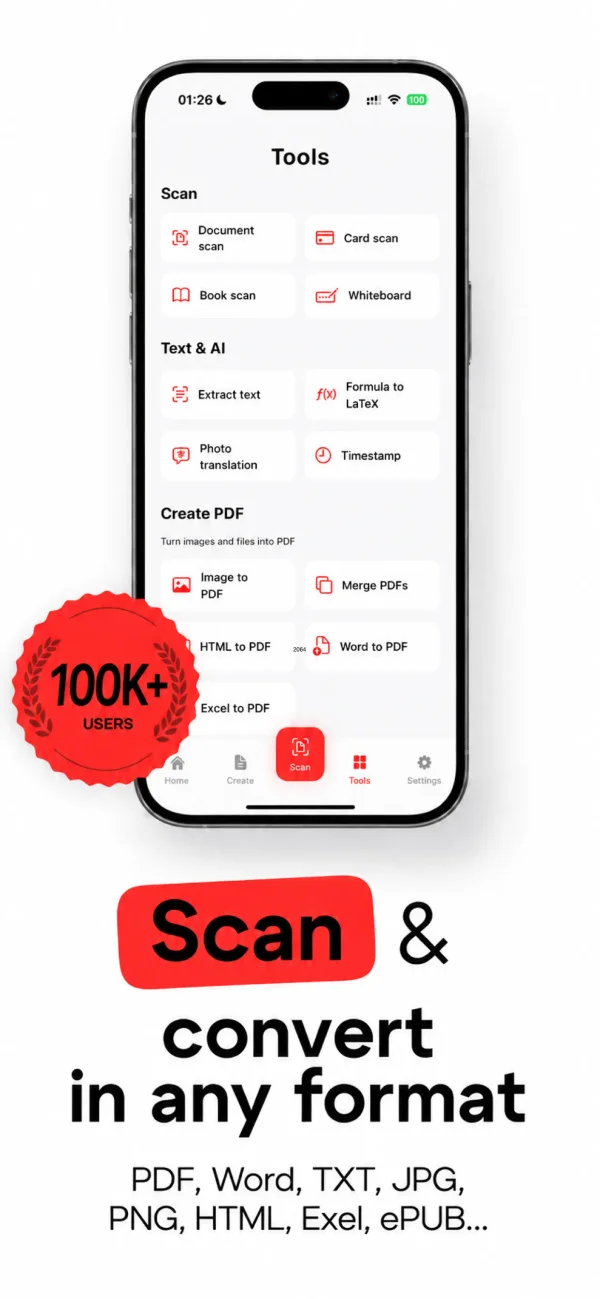
- Convert PDF to Word, Excel, PowerPoint, and images
- Turn photos, Word, and other files into PDF
- Merge, split, compress, and reorder pages
PDF Editor
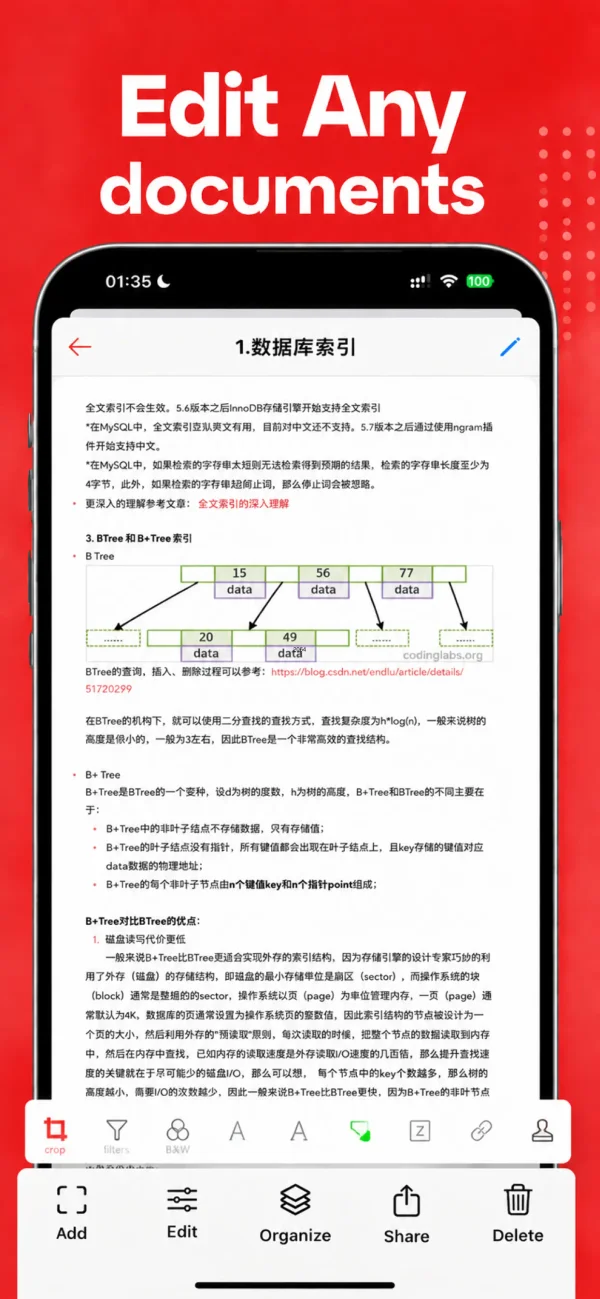
- Edit text, images, and links directly in your PDF
- Add, delete, rotate, and rearrange pages
- Fill out forms quickly and easily
Document Scanner
- Scan paper documents, receipts, and IDs with your camera
- Auto edge detection and crop for clean, sharp scans
- Save multi-page scans as a single PDF
OCR & Translation
- Extract text from scanned pages and images
- Recognize text in multiple languages
- Translate documents into the language you need
Sign & Annotate
- Create and add your electronic signature
- Handwrite notes and draw directly on pages
- Highlight, underline, add comments and sticky notes
- Add watermarks, stamps, and dates
WHY YOU'LL LOVE IT
- Clean, intuitive design that's simple to navigate
- Fast performance, even with large files
- Keep all your documents neatly organized
- Share and export in just a few taps
PERFECT FOR
- Signing contracts and business agreements
- Scanning receipts and expense reports
- Marking up study materials and lecture notes
- Filling out and returning forms
- Converting files for work or school
Manage your documents smarter. Download now and take control of every PDF.
Privacy Policy: https://scan.aonovel.com/privacy.html
Terms of Use: https://scan.aonovel.com/terms.html
Support: yomtaaa998@gmail.com
What’s new
Version 2.2.8 · Nov 10, 2026
- Improved the scanning workflow.
- Enhanced the user interface.
App privacy
What Shenzhen Mengmi Technology Co., Ltd. declares on the App Store about how this app handles data.
-
Data linked to you
May be collected and linked to your identity.
- Purchases
- Identifiers
- Usage data
Privacy practices may vary, for example with the features you use or your age.
Information
- Seller
- Shenzhen Mengmi Technology Co., Ltd.
- Category
- Business
- Version
- 2.2.8
- Updated
- Nov 10, 2026
- Released
- Aug 13, 2026
- Size
- 231.0 MB
- Requires
- iOS 16.0 or later
- Age rating
- 4+
- Price
- Free
- In-app purchases
- Yes
- Languages
- English, Arabic, French, German, Italian, Japanese, Korean, Portuguese, Simplified Chinese, Spanish, Traditional Chinese
- Copyright
- © 2026 Aonovel Inc.
You might also like
-
 CaseKeep: Legal Case OrganizerEvidence, Deadlines & Timeline
-
 Focus Sheep - Pomodoro TimerBlock Apps, Build Daily Habits
-
 Sequence: Time Block PlannerVisual Day & Schedule Builder
-
 屋屋记Productivity
-
 Orbit: Small Business OrdersCustomers, Stock & Scheduling
-
 Clip Keyboard: Paste SnippetsClipboard Manager, Quick Reply
-
 ClaimReady - Home InventoryInsurance Proof & PDF Reports
-
 TooTask·Checklist&Task ManagerTask Manager & To Do List
-
 NEN: Focus TimerPomodoro for study & deep work
-
 HOAGuard: HOA Evidence LogViolation & Appeal Tracker