PDF Scanner Extra: Sign & Edit
Scan Document Paper Photo, OCR
Designed for iPhone
Free · In-app purchases
- Age rating4+
- CategoryBusiness
- DeveloperHanva,LLC
- LanguagesEnglish+ 10 more
- Size37.5 MB
Links to the official App Store page
Download.org hosts no file of PDF Scanner Extra: Sign & Edit. The button opens its official App Store page, published by Hanva,LLC. Listing last checked on Nov 13, 2026.
Screenshots
About
The Ultimate PDF Scanner: Scan, Sign & Convert
Turn your iPhone into a powerful PDF scanner and document manager with OCR and e-signature capabilities.
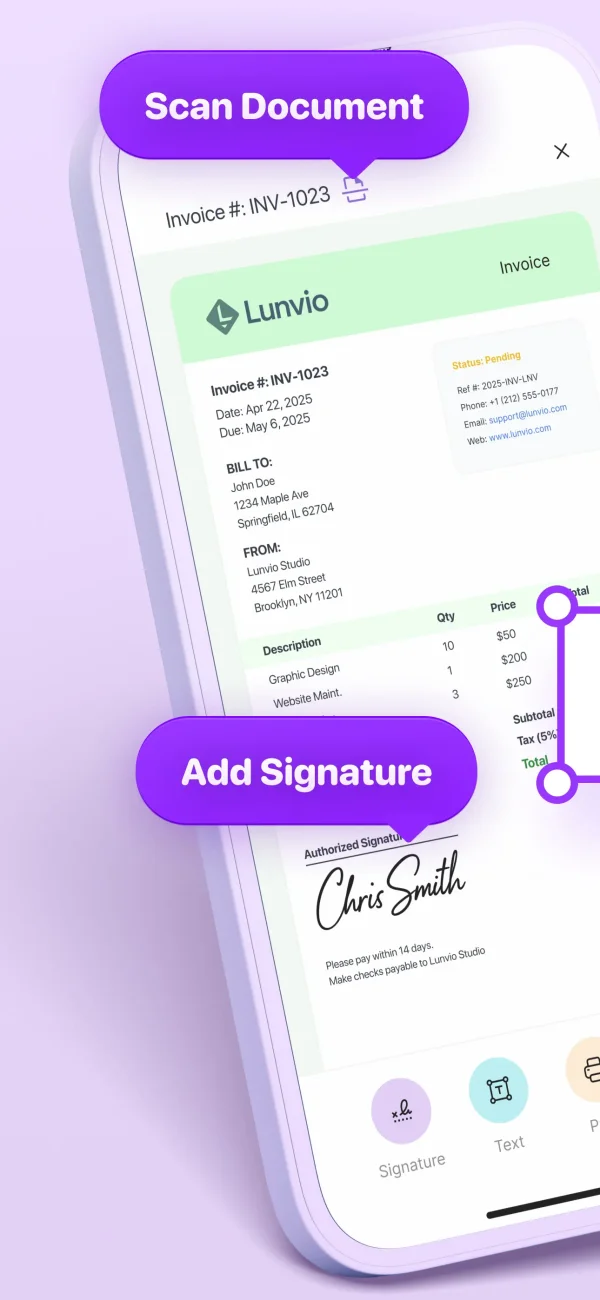
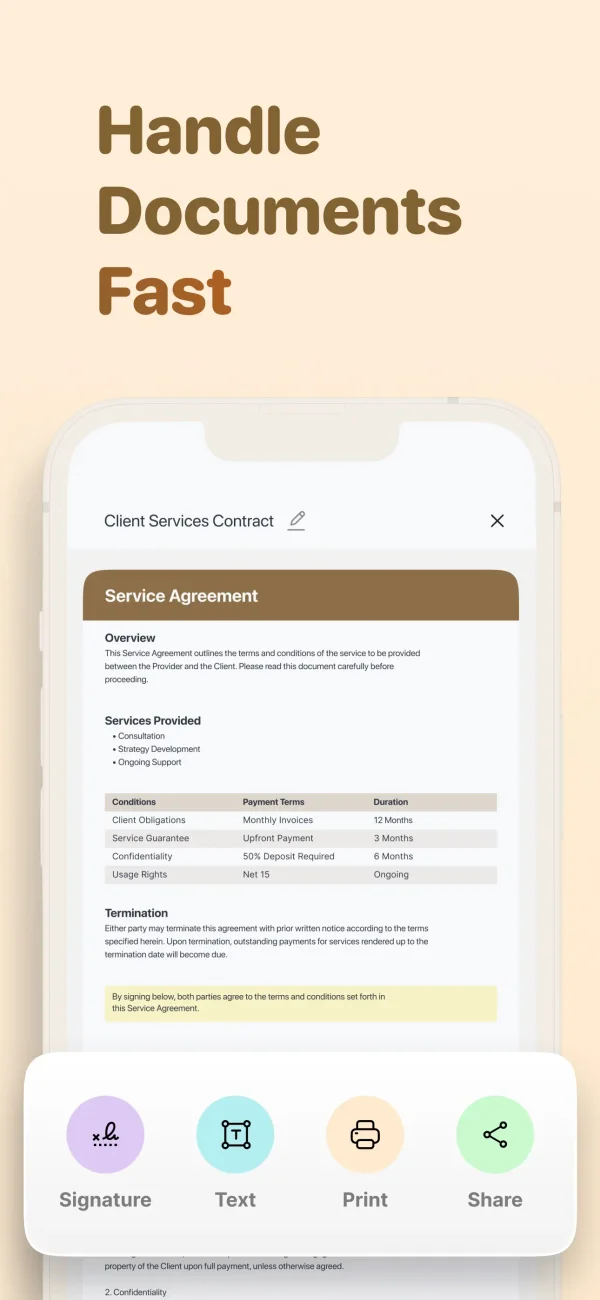
With PDF Scanner Extra, you can quickly scan documents, photos, and papers into high-quality PDFs, edit files, and sign them electronically — all in one app.
Key Features:
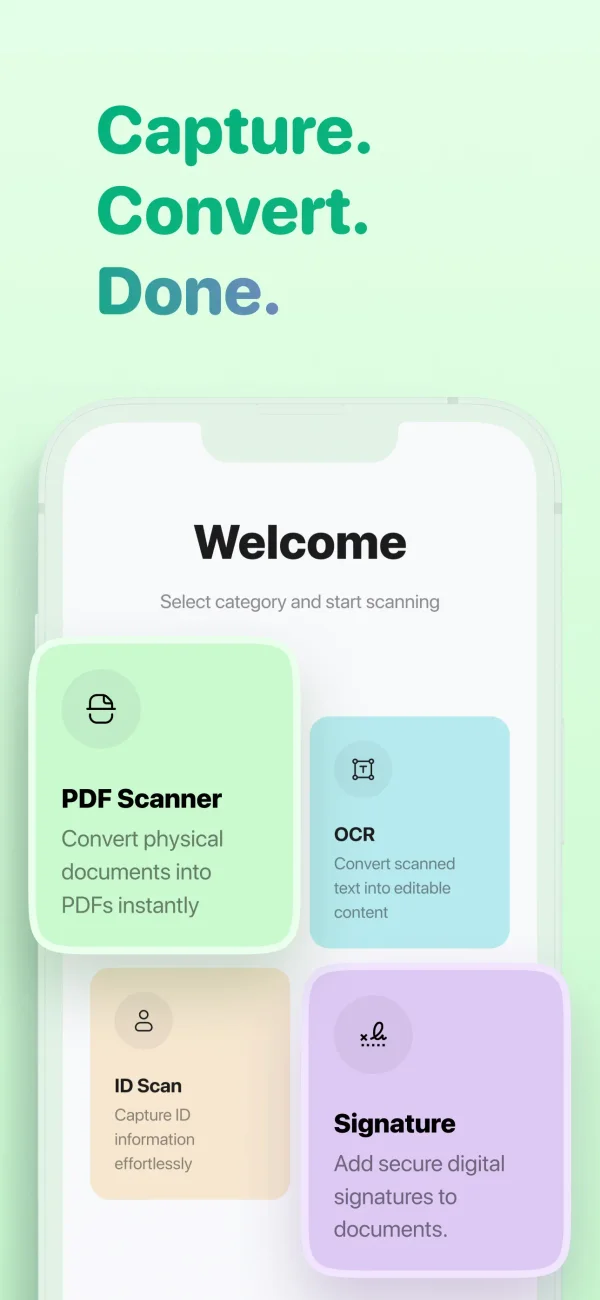
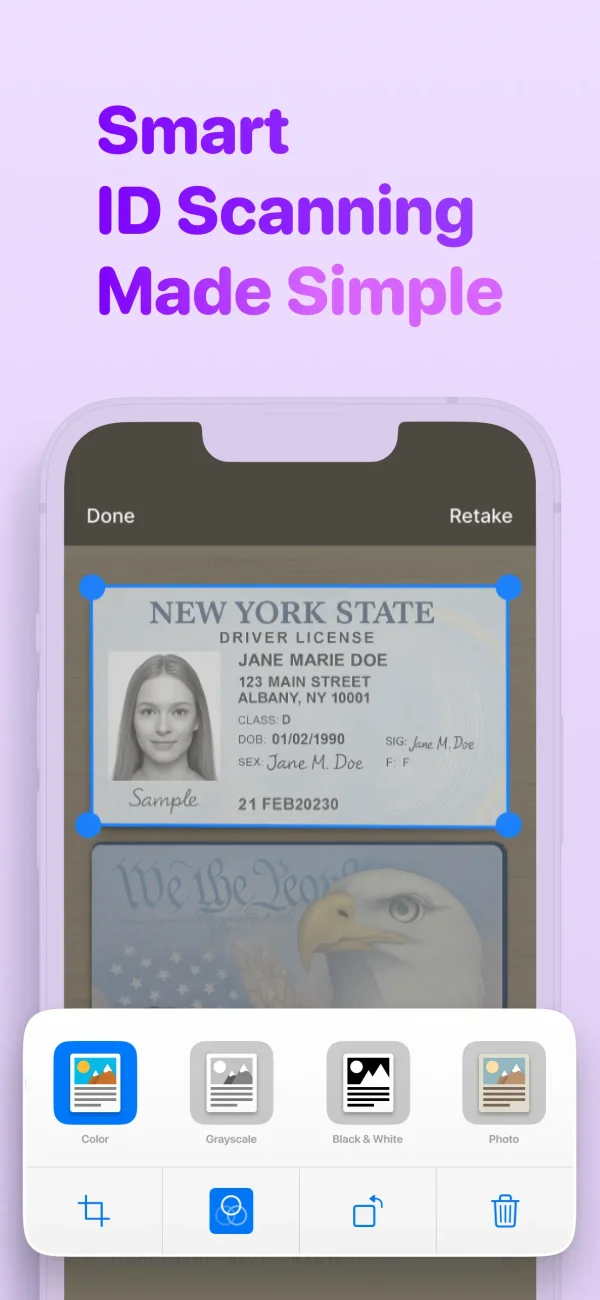
• Quick Scans, High-Quality PDFs: Effortlessly scan documents, photos, and paper files into crystal-clear PDFs.
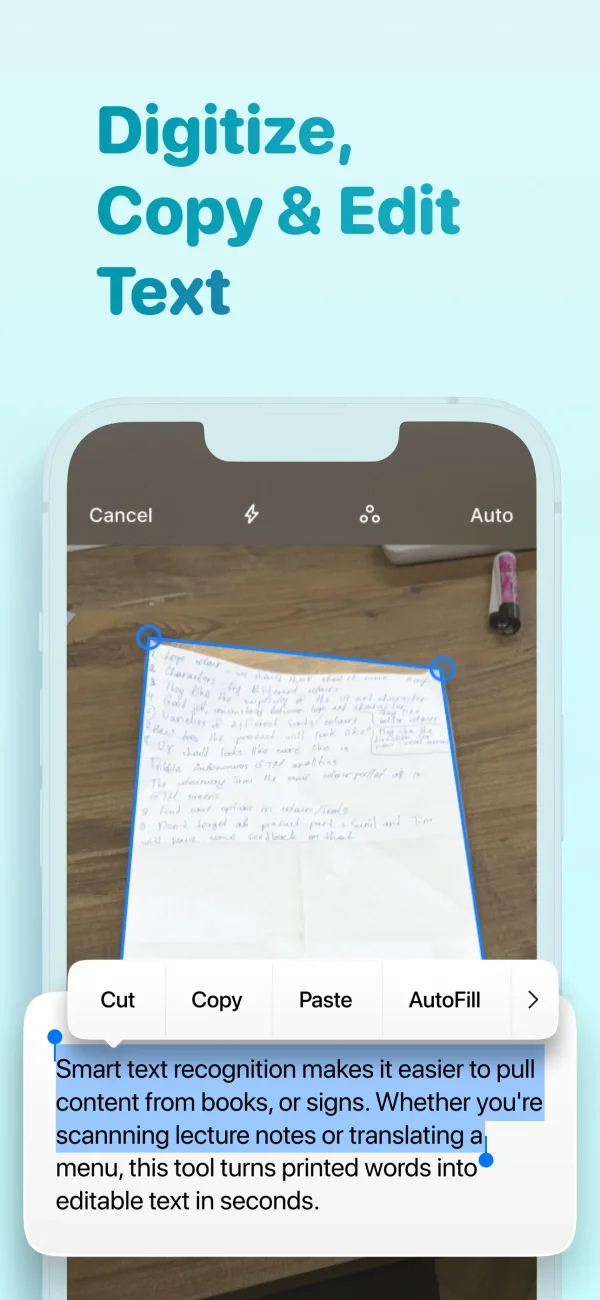
• OCR Text Recognition: Extract text from scanned documents for easy editing and sharing.
• e-Signature Made Simple: Add electronic signatures to contracts, agreements, and documents with a single tap.
• Photo to PDF Converter: Convert images and photos into PDFs in seconds.
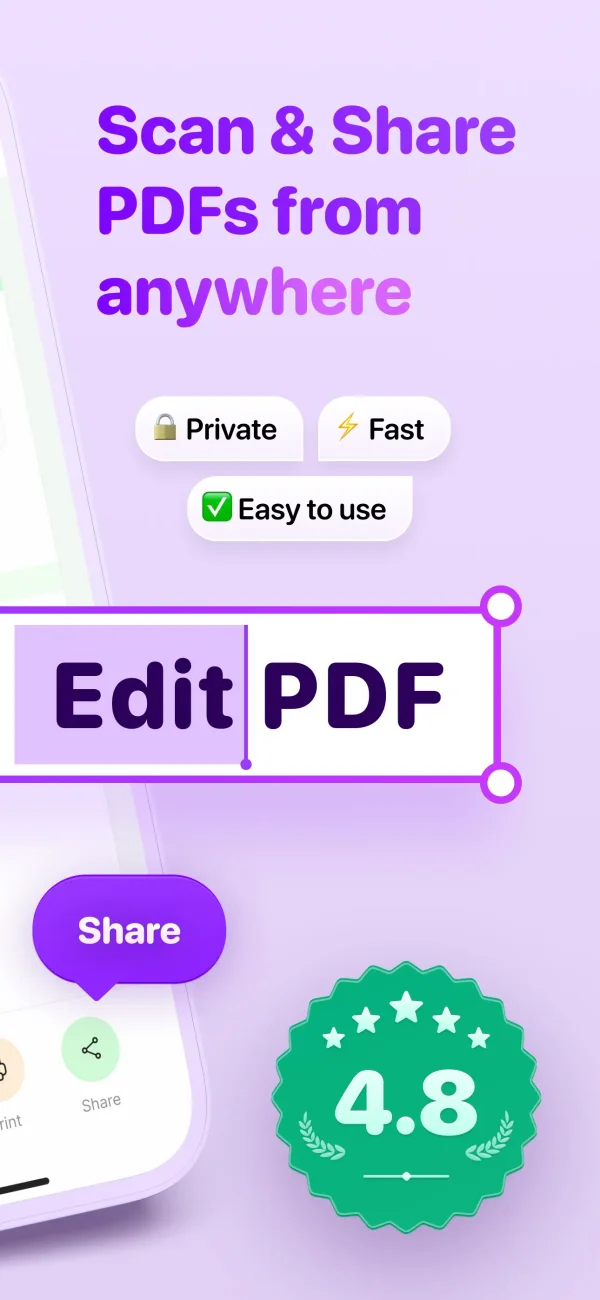
• Edit & Organize Files: Crop, rotate, and annotate PDFs. Organize and manage all your documents easily.
• Share with Ease: You can send your scanned PDFs or files via email, iCloud, Google Drive, Dropbox, and more.
• Document Security: Ensure your files are private and protected with secure document storage.
• Offline Scanning: No internet? No problem. Scan and save your documents anytime, anywhere.
Why Choose PDF Scanner Extra?
• All-in-One Solution: Scan, edit, sign, and organize documents seamlessly.
• Fast & Accurate: High-speed scanning with OCR technology for precision.
• User-Friendly: Designed for quick, hassle-free use. Perfect for work, school, or personal needs.
• Save Time & Paper: Go paperless and digitally manage your documents.
Upgrade to Premium for Unlimited Access
• Unlimited document scanning.
• Unlimited OCR text recognition.
• Access advanced editing tools and e-signature features.
• Secure and organize all your scanned files with premium tools.
Download PDF Scanner Extra Today!
Simplify your life with fast, accurate scanning, powerful OCR, and easy-to-use e-signatures.
Scan, sign, convert, and manage your documents — all in one app!
Privacy & Support:
Privacy Policy: https://deployglobal.ee/pdf/privacy
Terms of Use: https://deployglobal.ee/pdf/terms
Support Email: info@deployglobal.ee
What’s new
Version 1.5.3 · Jun 11, 2025
- Bug fixes
App privacy
What Hanva,LLC declares on the App Store about how this app handles data.
-
Data not collected
The developer does not collect any data from this app.
Privacy practices may vary, for example with the features you use or your age.
Information
- Seller
- Hanva,LLC
- Category
- Business
- Version
- 1.5.3
- Updated
- Jun 11, 2025
- Released
- Apr 8, 2024
- Size
- 37.5 MB
- Requires
- iOS 16.0 or later
- Age rating
- 4+
- Price
- Free
- In-app purchases
- Yes
- Languages
- English, Dutch, French, German, Italian, Japanese, Portuguese, Russian, Simplified Chinese, Spanish, Traditional Chinese
- Copyright
- © Deploy Global
You might also like
-
 Scan Pro PDF: Document ScannerDoc Editor, Signer & Converter
-
 PDF Scanner DocumentsYour portable business scanner
-
 Scanner App - Scan & Edit PDFScan, Fax & Email PDF, OCR Doc
-
 Photo to PDF - Image ConverterConvert JPG & PNG Pic to PDF
-
 PDF Scanner - Scan Save ShareDocument scanning made easy!
-
 PDF Scanner: Photo JPG to PDFScan Docs, Images & PDFs Fast
-
 Text Scanner OCR App: OCR ScanImage to Text - Word Scan Text
-
 Image to PDF - Convert to PDFpicture to pdf converter
-
 My Scans, best PDF Scanner AppScan, Sign, FAX, Print, Email
-
 FineReader: PDF Scanner & OCRDocument and Photo Scan App