PDF Scanner - Scan Save Share
Document scanning made easy!
Designed for iPhone, iPad
Free · In-app purchases
- Age rating4+
- CategoryProductivity
- DeveloperDominic Rodemer
- LanguagesEnglish+ 13 more
- Size13.7 MB
Links to the official App Store page
Download.org hosts no file of PDF Scanner - Scan Save Share. The button opens its official App Store page, published by Dominic Rodemer. Listing last checked on Nov 15, 2026.
Screenshots
About
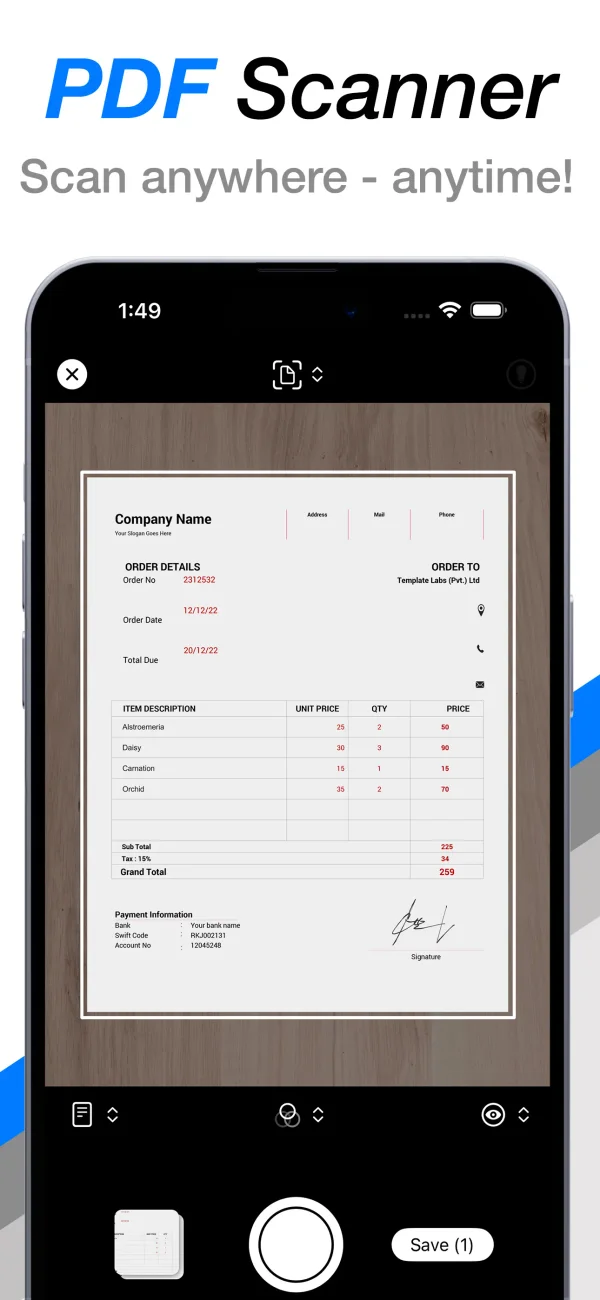
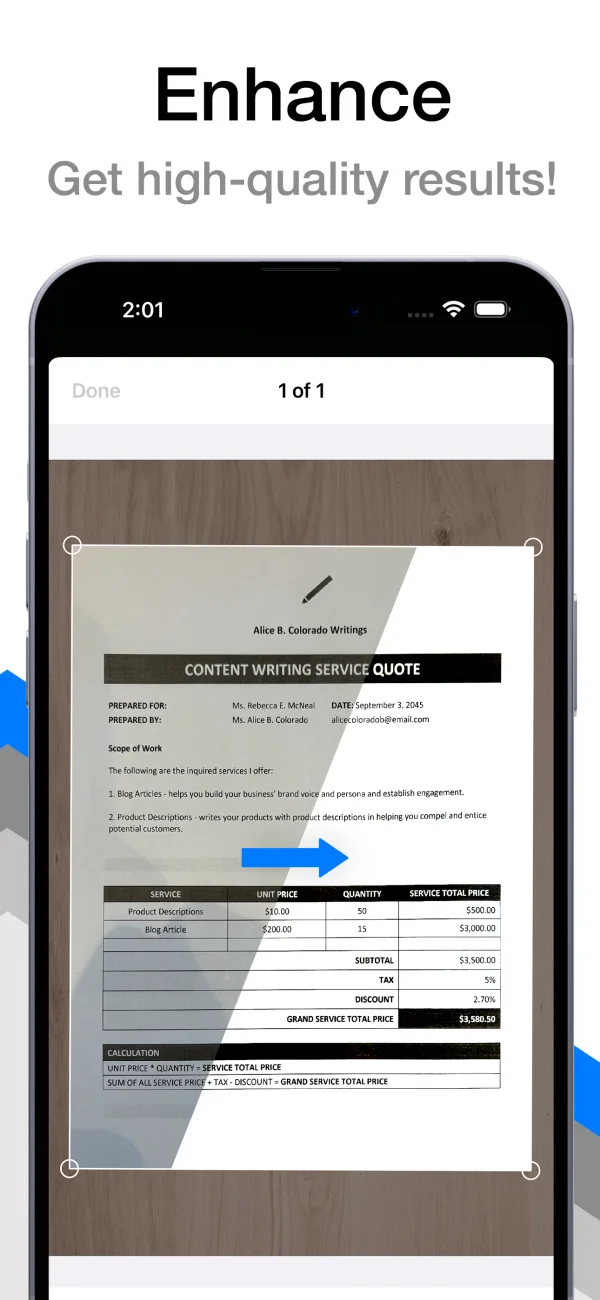
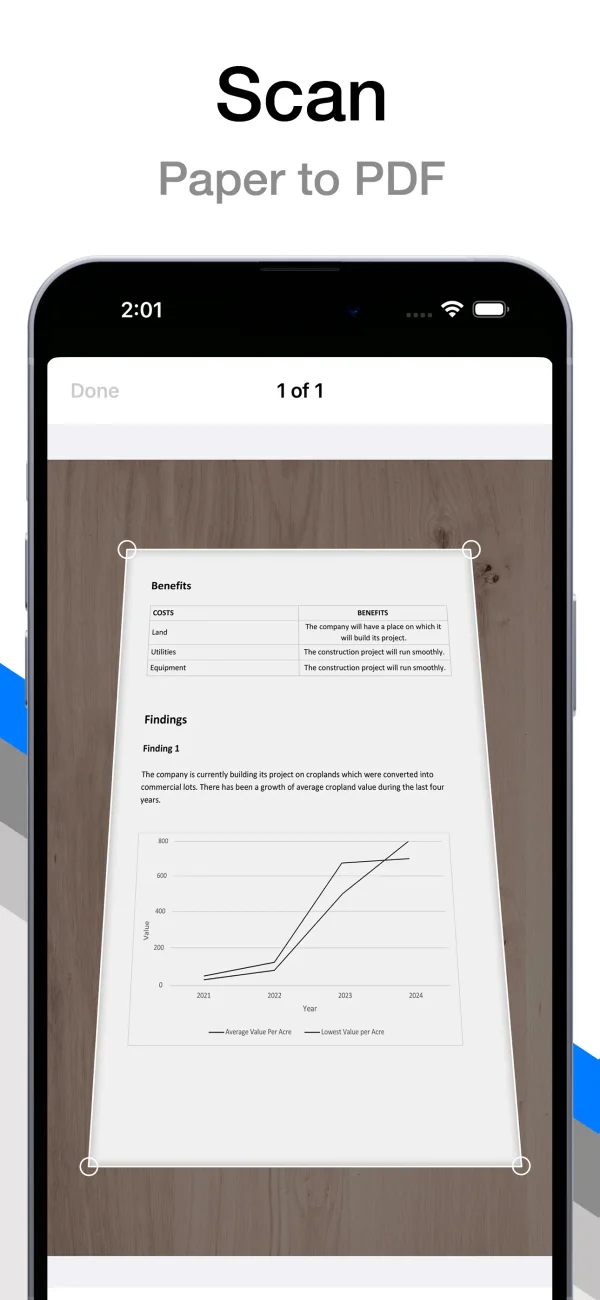
Transform your iPhone and iPad into powerful document scanners with PDF Scanner. In just a few taps, digitize your paper documents into sharp, clean PDF files. PDF Scanner automatically detects and captures documents, applying perspective correction and color enhancements for high-quality results.
Key Features At A Glance:
• CREATE PDFs:
∙ Easily convert paper documents into multi-page PDF files.
∙ Automatic document detection.
∙ Enhanced with perspective correction.
• FILE MANAGEMENT:
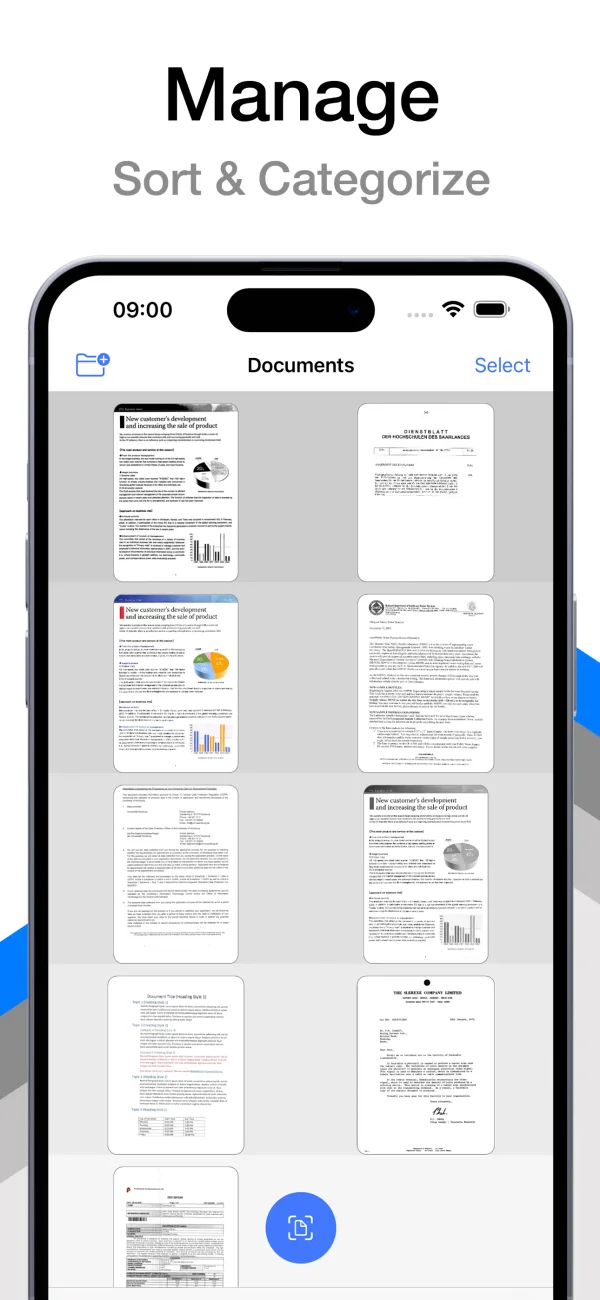
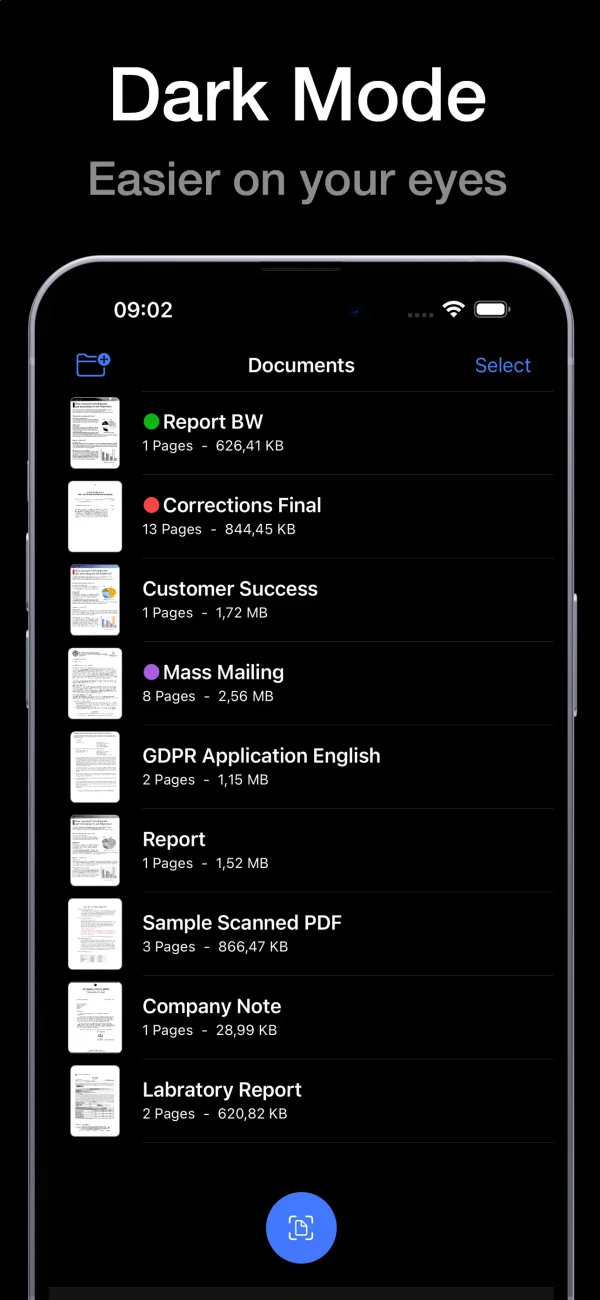
∙ Organize your scans and label them with colorful tags.
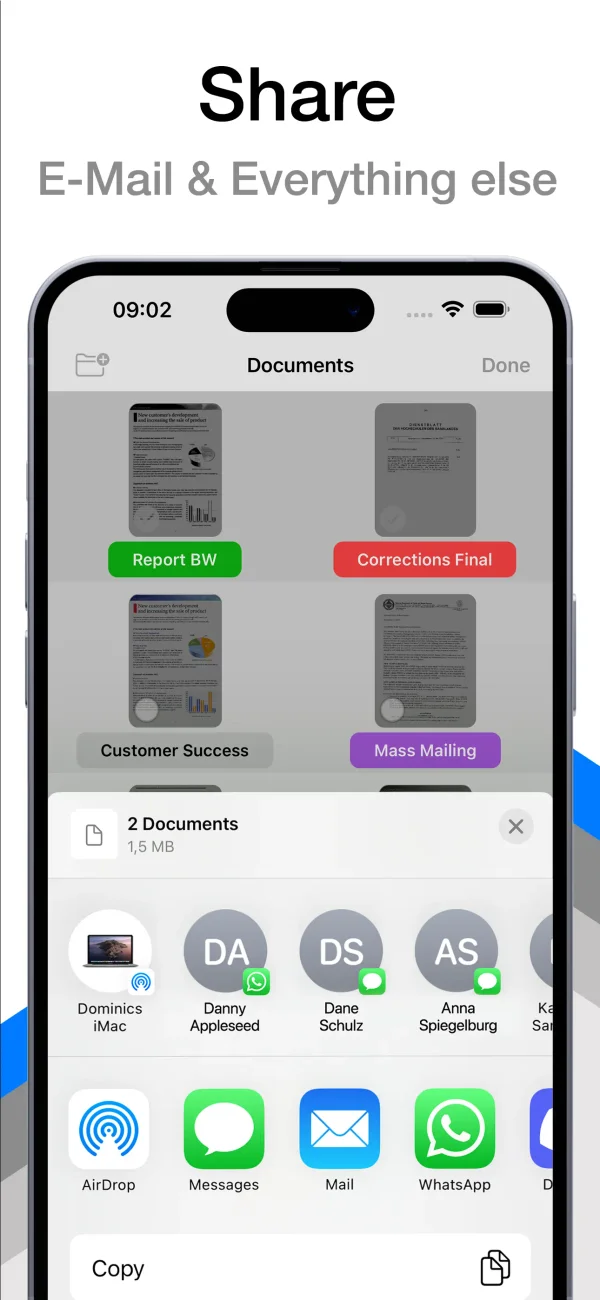
• SHARE YOUR SCANS:
∙ Easily share documents with friends or co-workers.
• AND MUCH MORE...
Premium Features:
• UNLIMITED PAGES:
∙ No limit on pages and file size of your scans.
• DOCUMENT FORMAT:
∙ Choose from document sizes like US Letter, US Legal, A3, A4, A5, and more.
• HIGH-RESOLUTION SCANS:
∙ Create up to 300 dpi high-resolution documents.
• AUTO-ENHANCE:
∙ Automatically enhance scan quality and color.
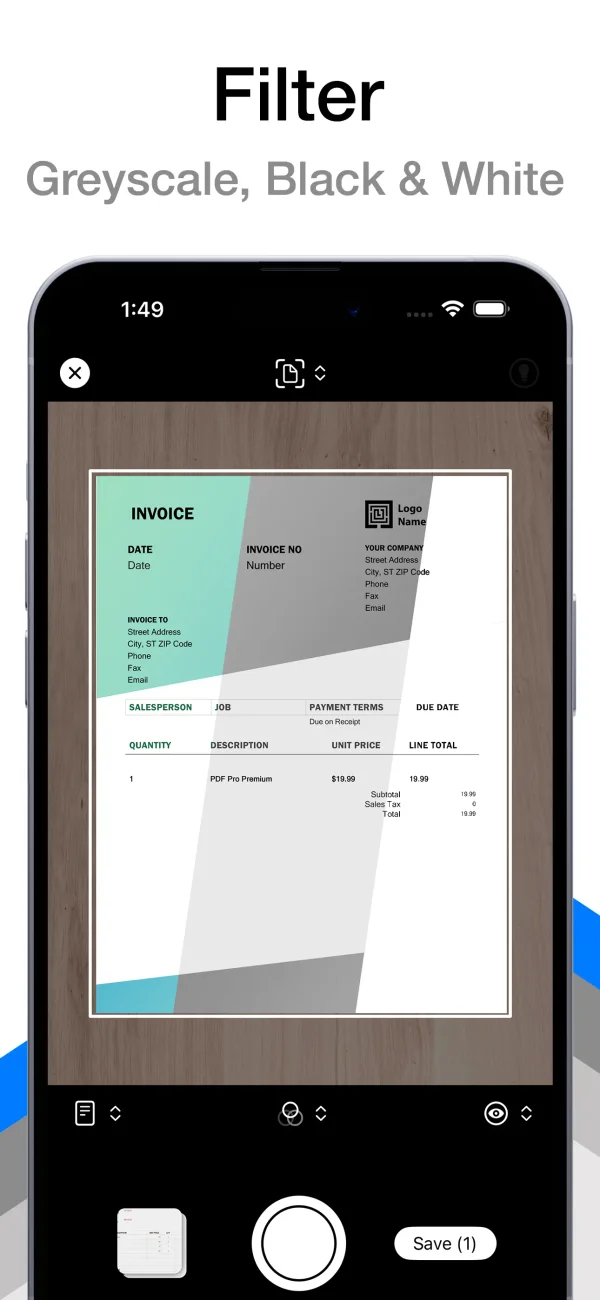
• COLOR FILTERS:
∙ Apply Black & White or grayscale filters to your scans.
• PHOTO IMPORT:
∙ Import images from the Photos app.
• AUTOMATIC CAPTURE:
∙ Automatically detects and scans a document.
A monthly or annual subscription is required to get access to all premium features.
---
Subscribe monthly or annually to access all premium features. Subscriptions automatically renew unless auto-renew is turned off at least 24-hours before the end of the current period. Charges apply to your AppStore Account at purchase confirmation. Manage or cancel your subscription anytime in your AppStore Account Settings.
Terms of Use: https://pdf-pro.net/terms-of-service/
Privacy Policy: https://pdf-pro.net/privacy-policy/
What’s new
Version 1.5 · Oct 15, 2026
1.5:
NEW:
- Add PDFs from the Files app, via USB File Sharing or over Wi-Fi from your computer's browser.
- Choose which folder a scan is saved to.
- Improved VoiceOver support.
FIXED:
- The scan button was missing on newer iOS versions.
- The scan button no longer covers the last files in the library.
- Several minor problems.
App privacy
What Dominic Rodemer declares on the App Store about how this app handles data.
-
Data not collected
The developer does not collect any data from this app.
Privacy practices may vary, for example with the features you use or your age.
Information
- Seller
- Dominic Rodemer
- Category
- Productivity
- Version
- 1.5
- Updated
- Oct 15, 2026
- Released
- Feb 8, 2024
- Size
- 13.7 MB
- Requires
- iOS 17.0 or later
- Age rating
- 4+
- Price
- Free
- In-app purchases
- Yes
- Languages
- English, Arabic, Dutch, French, German, Hindi, Italian, Japanese, Korean, Portuguese, Russian, Simplified Chinese + 2 more
- Copyright
- © Dominic Rodemer 2022-2026
You might also like
-
 PDF Export: Editor & ConverterTools, Scan, Compress & Merge
-
 PDF Reader – PDFelementPDF Editor & Viewer, PDF Maker
-
 Scanner HD - PDF Scanner AppPDF Scan, Sign, Edit & Share
-
 PDF Editor Docs files scannerRead Scan & write PDF files
-
 Photo to PDF - Image ConverterConvert JPG & PNG Pic to PDF
-
 PDFelement: PDF Editor & ScanDocuments Converter & Signer
-
 PDFMaker: JPG to PDF converterDocument scanner & PDF creator
-
 Word to PDF Converter - ReaderConvert PDF to Word,JPG to PDF
-
 PDF Converter - Pdf to WordConvert Doc, Photo, Png & JPG
-
 Documents Reader+files browserDownloads&edit docs by Datacom