Scanner App - Scan & Edit PDF
Scan, Fax & Email PDF, OCR Doc
Designed for iPhone, iPad, iPod touch
Free · In-app purchases
- Age rating4+
- CategoryBusiness
- DeveloperIFUNPLAY CO., LTD.
- LanguagesEnglish
- Size268.6 MB
Links to the official App Store page
Download.org hosts no file of Scanner App - Scan & Edit PDF. The button opens its official App Store page, published by IFUNPLAY CO., LTD. Listing last checked on Nov 13, 2026.
Screenshots


About
Scan and OCR documents in seconds, draw lines, edit texts, fill forms, collage, and sign.
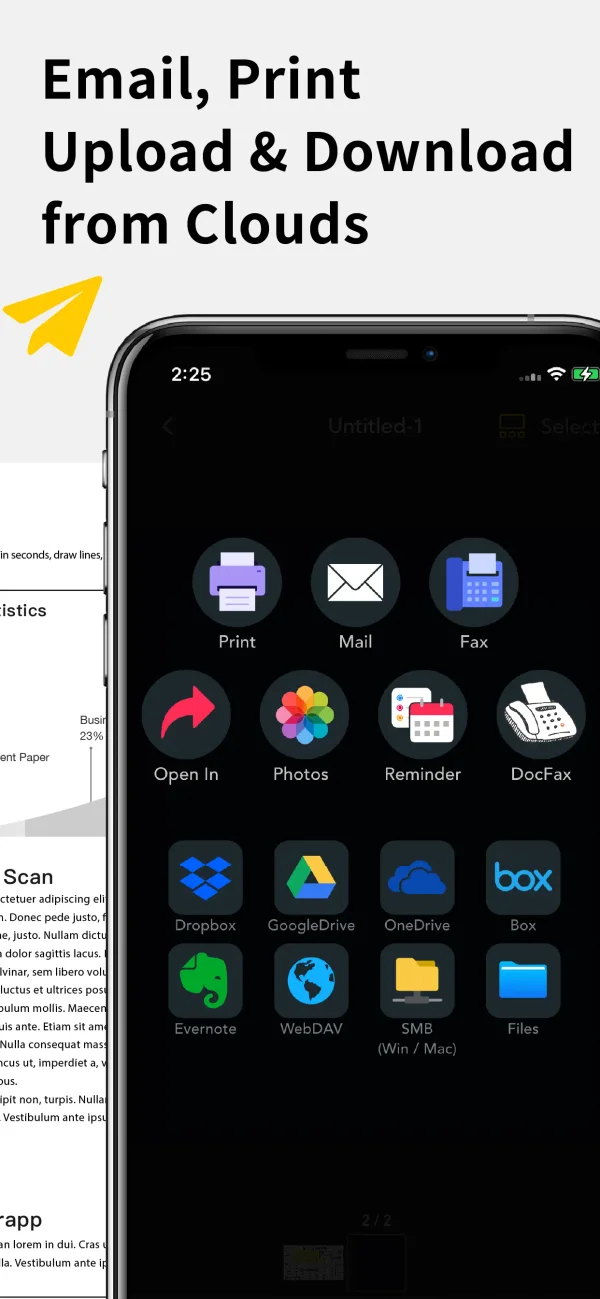
Share as PDF / JPEG by email, WiFi file sharing, cloud storages, smb, webdav, and fax.
Powerful Scanning & OCR
• Instantly scan paper documents, whiteboards, business cards, books, posters, and receipts with sharp clarity.
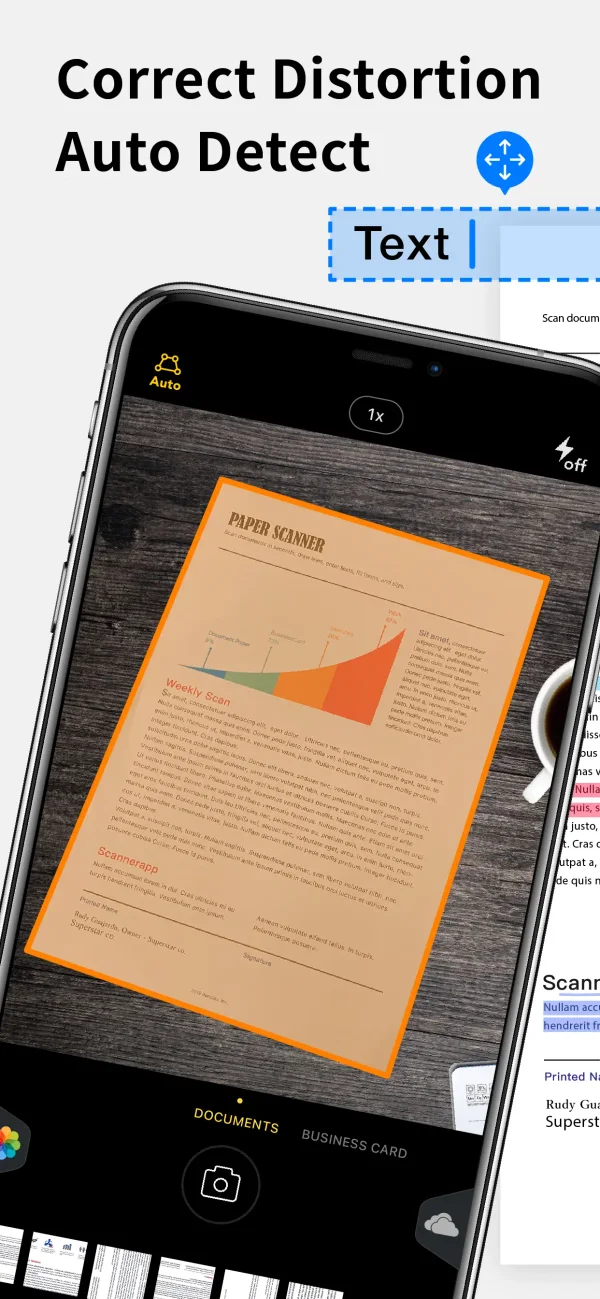
• Auto-detect document edges to correct perspective distortion.
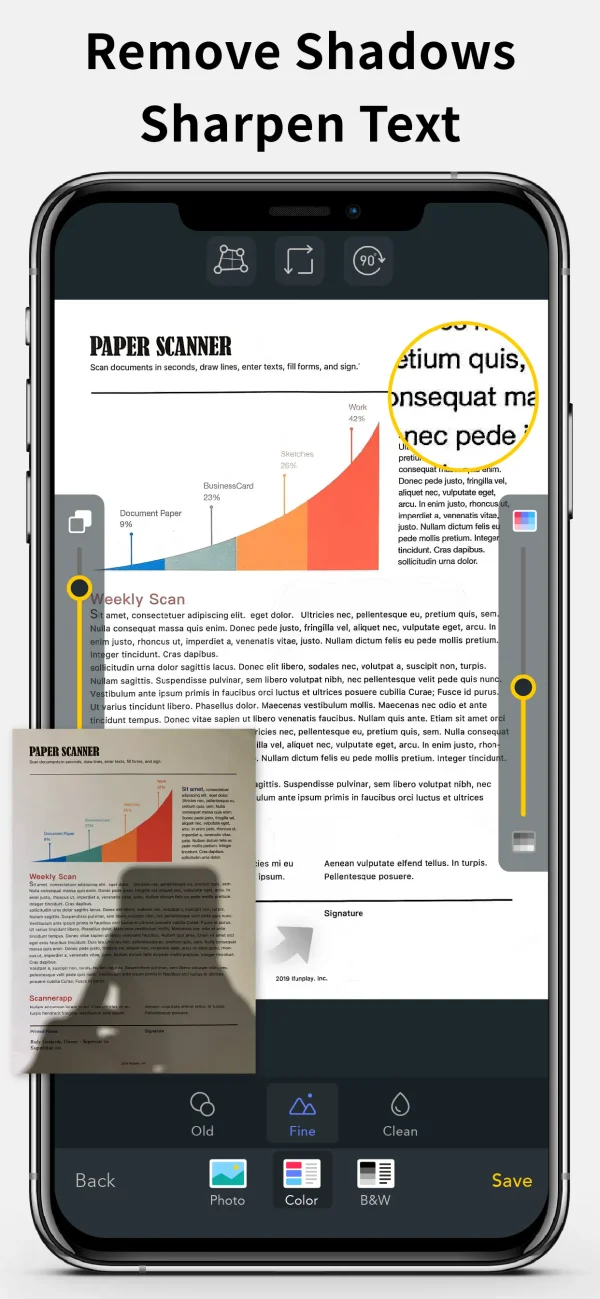
• Enhance readability by removing background shadows and sharpening text in “Color” or “B&W” mode.
• Adjust brightness and saturation in “Photo” mode.
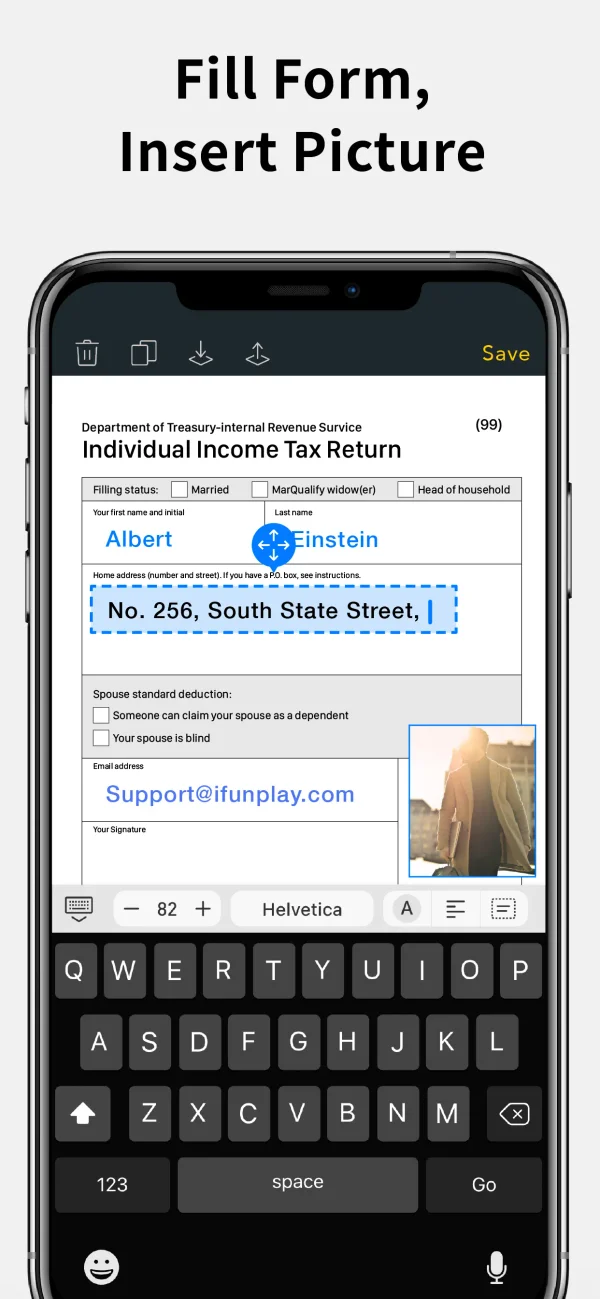
• Edit text, draw lines, and insert images.
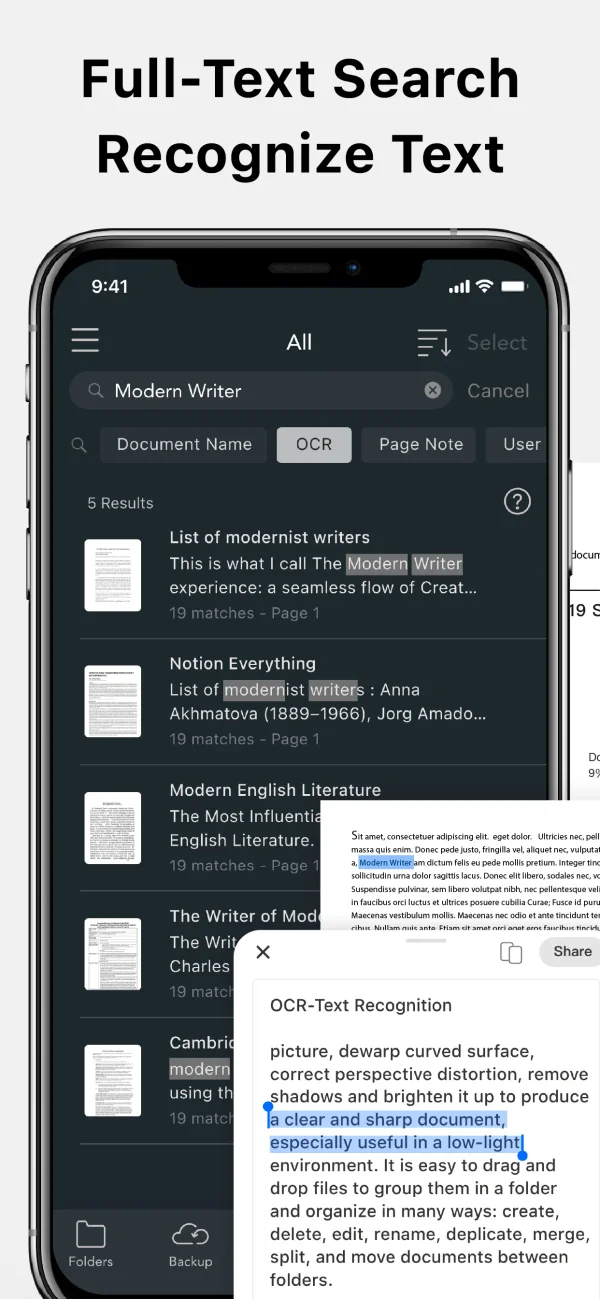
• Extract text from scanned images using OCR and export as TXT or DOCX.
• Smart Formatting – The OCR function detects and restores font styles and colors on a line-by-line basis.
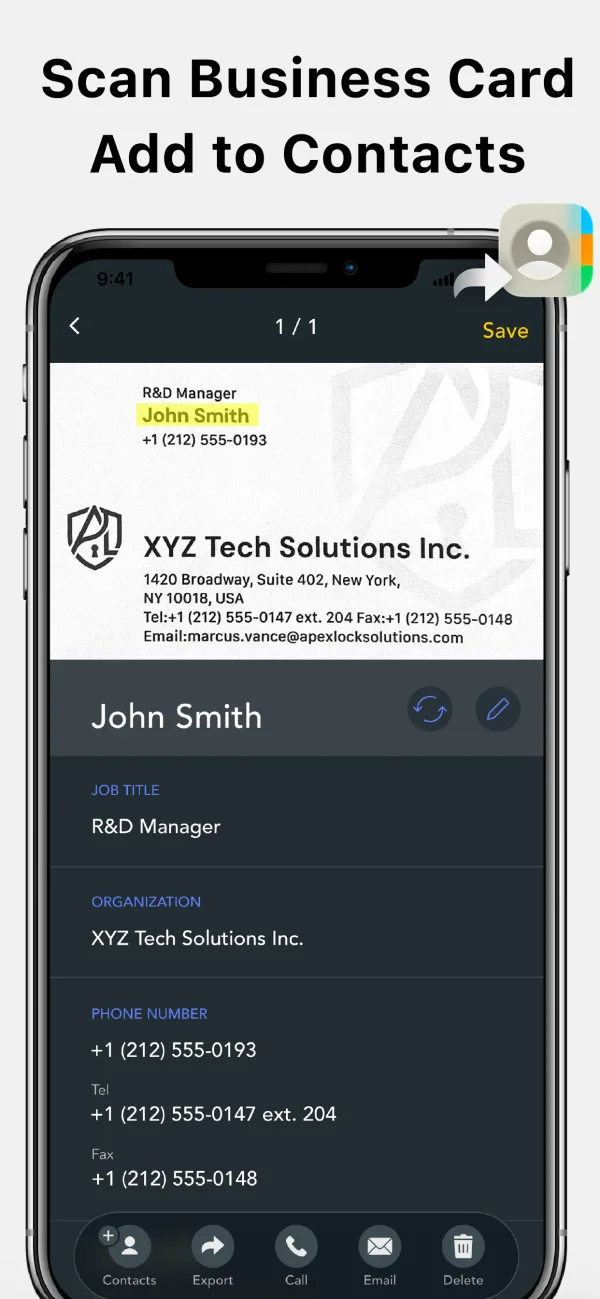
• Business Card Scanner – Instantly digitize business cards, extract contact details using OCR, and save them directly to your phone's address book.
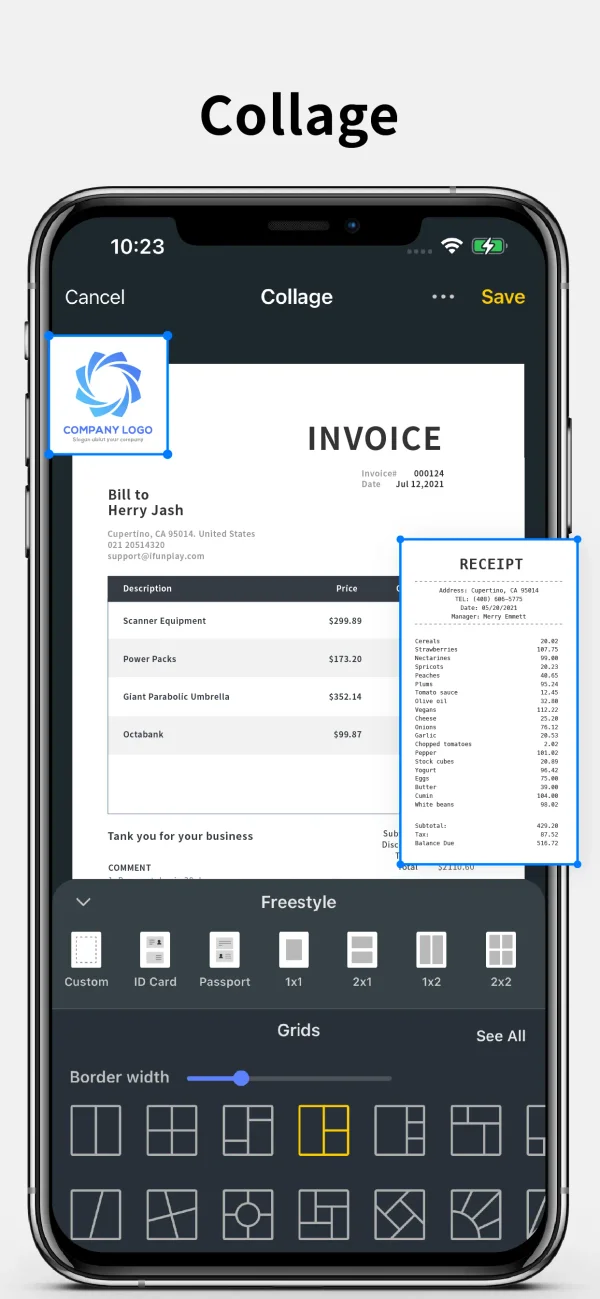
Photo Collage & Multi-Page Printing
• Merge multiple pages into a single sheet—perfect for printing double-sided ID cards on A4/Letter paper.
Save, Print & Organize
• Save scans as JPEG or export as PDF.
• Print wirelessly with AirPrint-supported printers.
• Organize scans into folders, browse with thumbnail previews, and search by file name, OCR text, or notes.
• Add annotations, signatures, and password protection for documents.
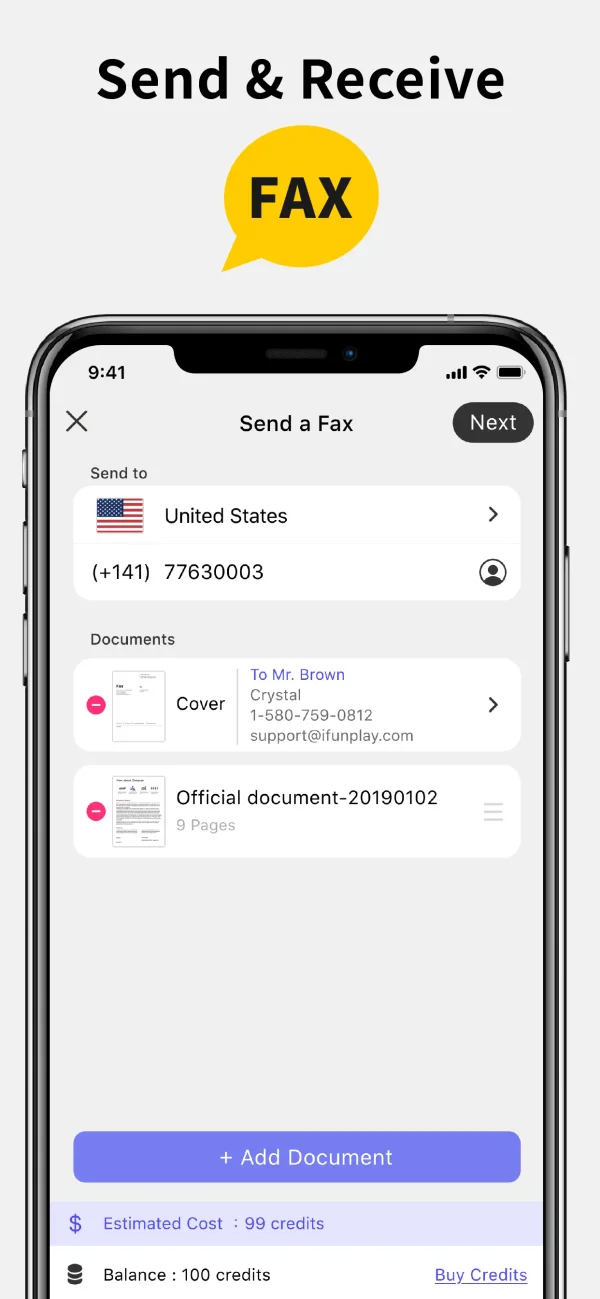
Convenient Faxing
• Send and receive faxes anywhere—no fax machine needed.
• Receive push notifications for fax status updates.
• Fax to 100+ countries (cost based on page count and recipient country).
• Subscribe to a fax number for incoming faxes or disable fax reception when not needed.
Seamless File Sharing & Export
• Support exporting searchable PDFs
• Transfer files between devices effortlessly.
• Share as JPEG/PDF via email or open in other apps.
• Save to Photos, iCloud Drive, Google Drive, Dropbox, OneDrive, Evernote, WebDAV, and more.
• Access files from a PC using a web browser over WiFi.
• Export to Reminders and sync with Apple, Google, or Outlook calendars.
Easy File Import
• Import JPEG images from other apps for cropping and enhancement.
• Import PDFs as scanned pages.
• Import files from cloud storage services.
Effortlessly manage and digitize your documents—anytime, anywhere!
Subscription Plans
Unlock premium features with Bronze, Silver, or Gold plans, including:
• Cloud Backup & Restore: Access previous versions of your documents anytime
• Flexible subscription options: Monthly or annual plans available
• Subscription renews automatically unless auto-renew is turned off at least 24 hours before the end of the current period
• Account will be charged for renewal within 24 hours before the end of the current period. The cost depends on the selected plan
• Subscriptions may be managed by the user, and auto-renewal may be turned off by going to the user's Account Settings after purchase
• Any unused portion of the free trial will be forfeited when the user purchases a subscription or cancel it
Terms of Service: https://ifunplay.com/legal.html
What’s new
Version 18.8 · Nov 4, 2026
Optimized the UI design to perfectly fit the new iPhone Duo screen, alongside fixes for iOS 27 compatibility bugs for a smoother experience.
App privacy
What IFUNPLAY CO., LTD. declares on the App Store about how this app handles data.
-
Data used to track you
May be used to track you across apps and websites owned by other companies.
- Identifiers
-
Data not linked to you
May be collected but is not linked to your identity.
- Identifiers
- Usage data
Privacy practices may vary, for example with the features you use or your age.
Information
- Seller
- IFUNPLAY CO., LTD.
- Category
- Business
- Version
- 18.8
- Updated
- Nov 4, 2026
- Released
- Jan 6, 2013
- Size
- 268.6 MB
- Requires
- iOS 15.0 or later
- Age rating
- 4+
- Price
- Free
- In-app purchases
- Yes
- Languages
- English
- Copyright
- © 2013 IFUNPLAY CO., LTD.
You might also like
-
 GS1 OperatorDigital Coupon Platform
-
 Plan Calendar -Make a ScheduleLet's make a schedule!
-
 One Scan: PDF Doc ScannerAI OCR, Sign, Photos, Receipts
-
 Scanner Vault: PDF & OCR ScanDocument Image Text Converter
-
 InstaPDF - Scan, Edit & ShareGo paperless. PDF Scanner. OCR
-
 Scanner: Document Scan AppPDF/OCR docs scan
-
 Nova Scanner-Scan PDF DocumentPDF Scanner app with OCR & Fax
-
 Scanner App: Fast PDF Doc ScanEdit, Convert, & Sign Scans
-
 PDF Scanner・Document Scanner・Scan Docs to PDF, CS Scanner
-
 SmartScan Pro: PDF scannerScan documents & receipts