PDF Voice Reader: Read Aloud
Fill and Sign, Edit & OCR Scan
Designed for iPhone, iPad, iPod touch
Free · In-app purchases
- Age rating4+
- CategoryUtilities
- DeveloperAMARDEEP DHILLON
- LanguagesEnglish+ 1 more
- Size80.1 MB
Links to the official App Store page
Download.org hosts no file of PDF Voice Reader: Read Aloud. The button opens its official App Store page, published by AMARDEEP DHILLON. Listing last checked on Nov 26, 2026.
Screenshots

About
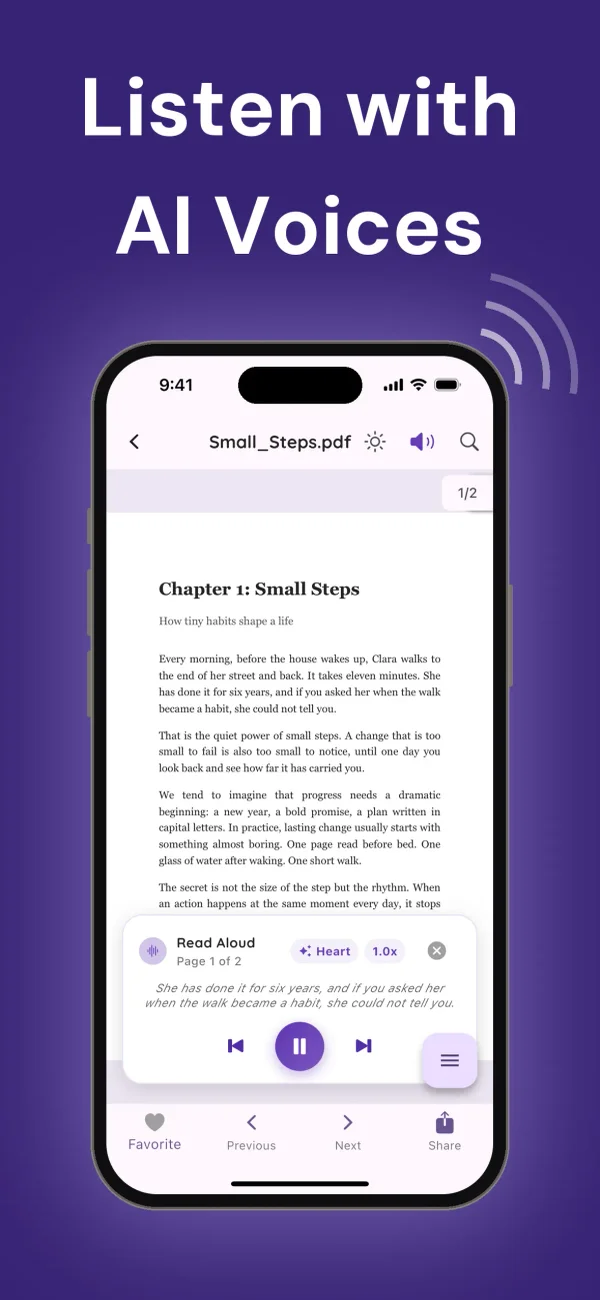
Listen to any PDF read aloud by natural AI voices, or by your device's built-in voices offline. PDF Voice Reader turns documents, books, study notes and reports into audio you can enjoy anywhere, even with the screen locked.
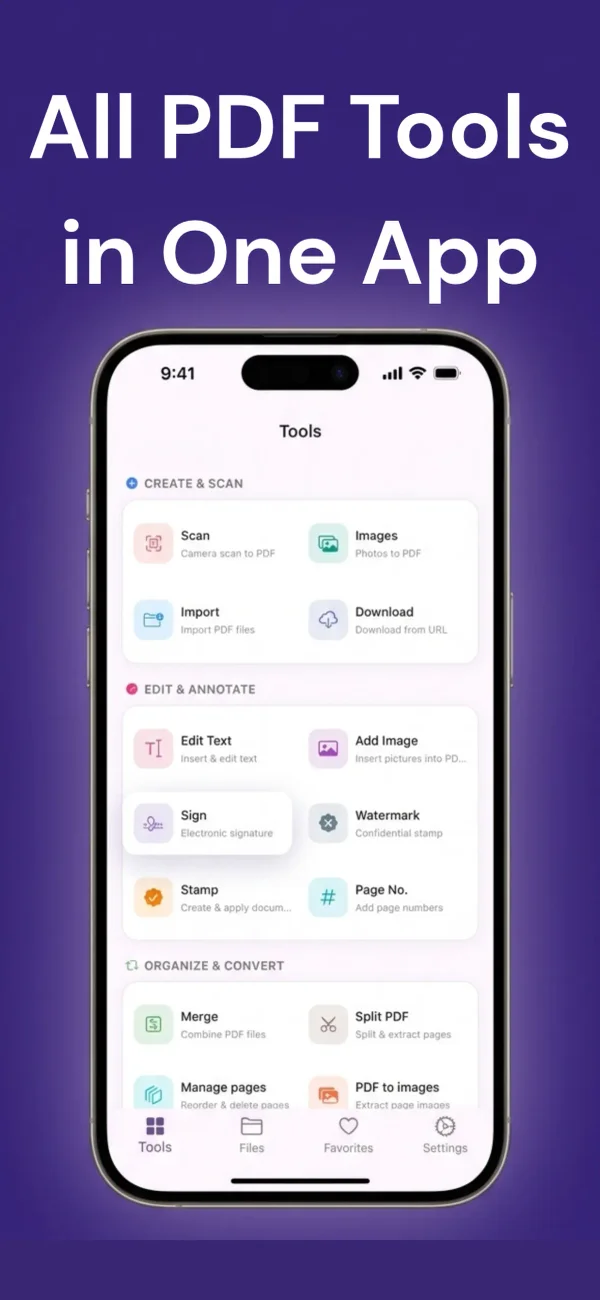
It is also a complete PDF toolkit: add text and sign, scan with OCR, edit, merge, split, compress and protect your files.
◆ LISTEN TO ANY PDF ◆
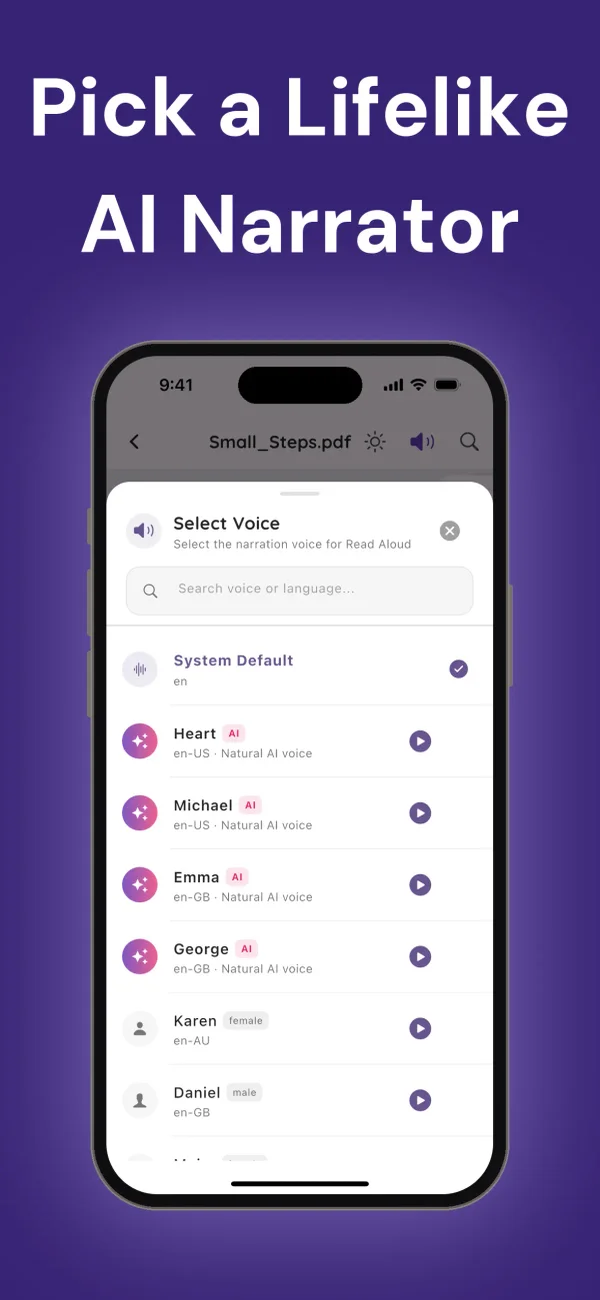
• NEW: Natural AI voices that sound like a real narrator (Premium), for English, Spanish, French, Italian and Portuguese documents.
• Device voices in dozens of languages, also offline.
• Smart reading: sentence by sentence with natural pauses; skips page numbers, links and stray symbols.
• Detects your document's language and picks a matching voice.
• Keeps reading with the screen locked or while you use other apps.
• Play, pause and change page from the lock screen, Control Center or your headphones.
• Mini player: keep listening while you browse your files.
• Change voice and speed right from the player.
◆ FILL & SIGN ◆
• Add text anywhere on a page and sign contracts in seconds.
• Save several handwritten signatures, then place, resize and align them.
• Add stamps, watermarks and page numbers.
◆ SCAN & OCR ◆
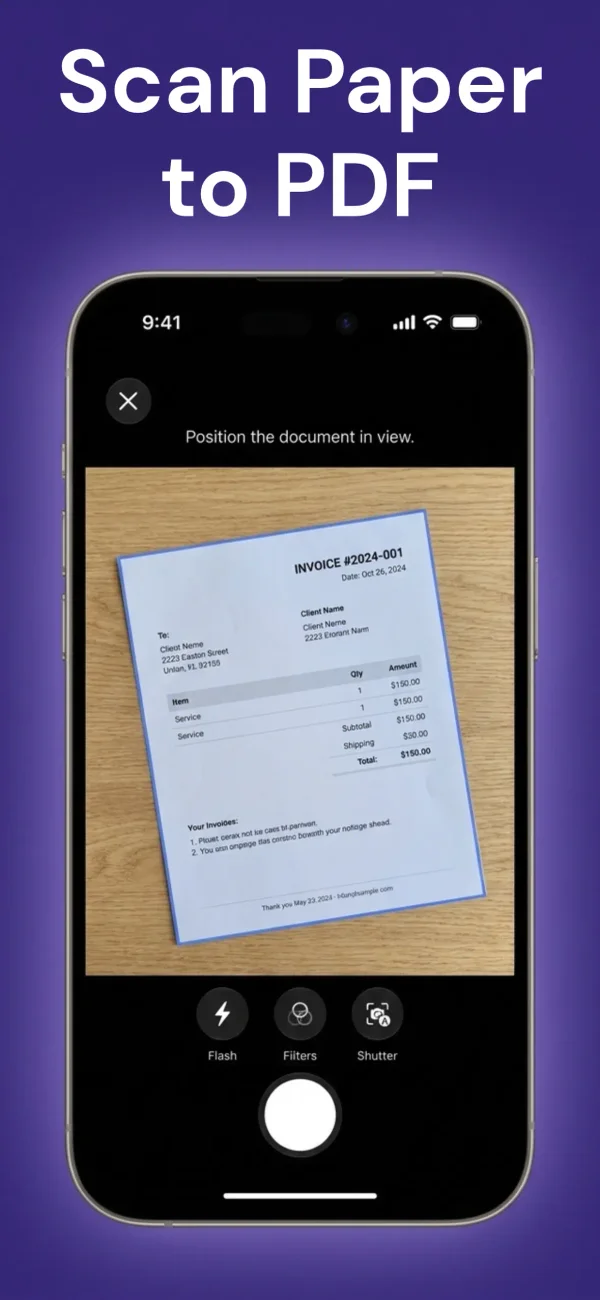
• Turn your camera into a document scanner with automatic edge detection.
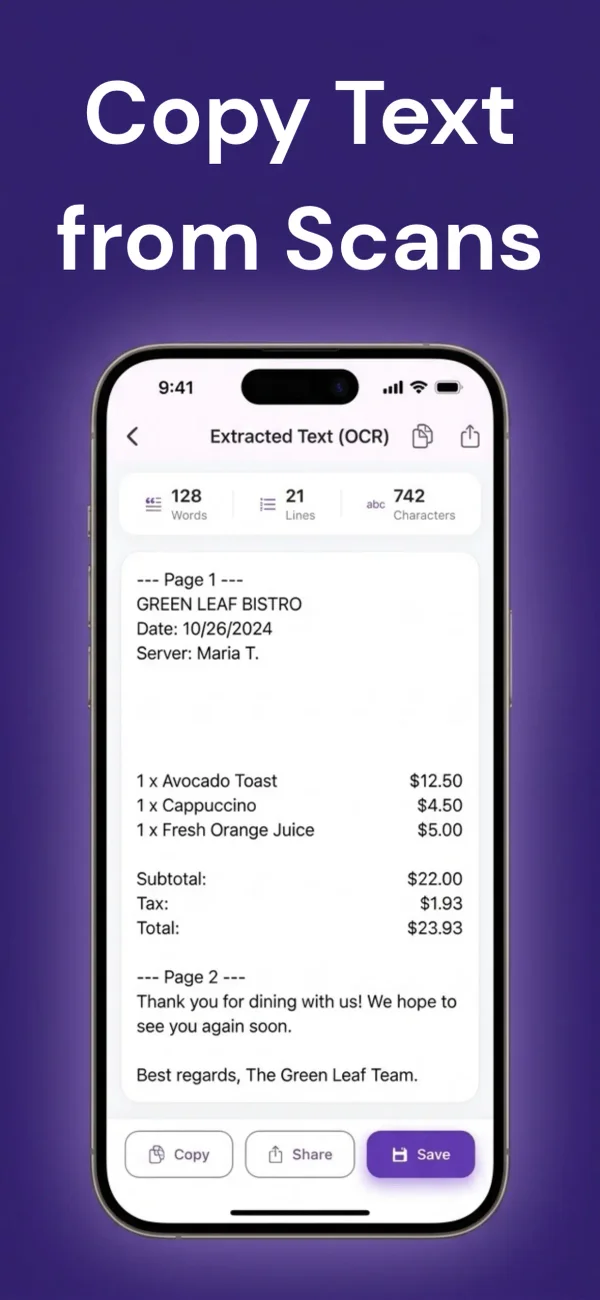
• Recognize text in scans and photos on your device, then copy or share it.
• Smart Rename gives scanned files a meaningful name.
◆ EDIT & ANNOTATE ◆
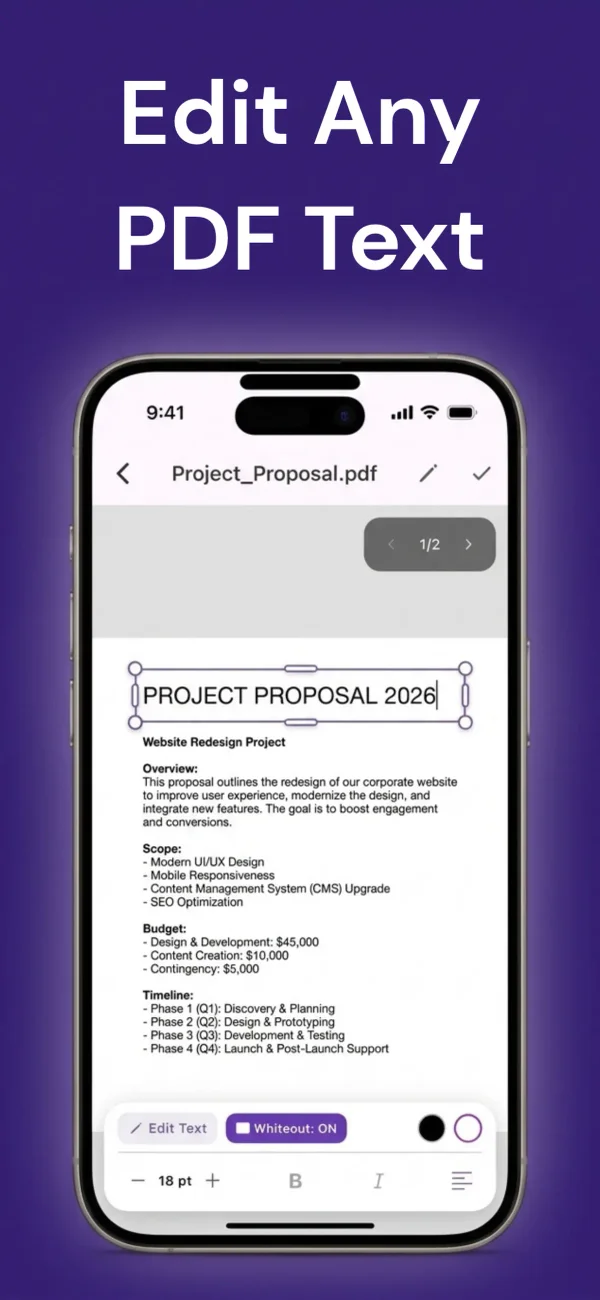
• Edit PDF text with font, size and color options, and cover mistakes with Whiteout.
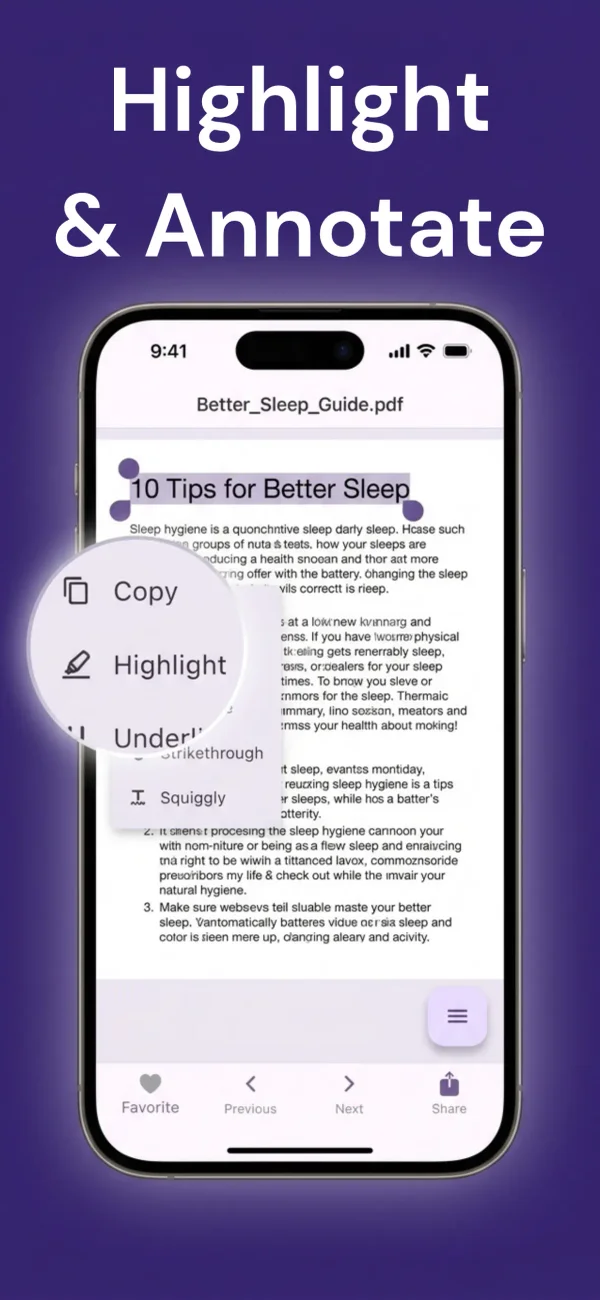
• Highlight, underline and strike through text while you read.
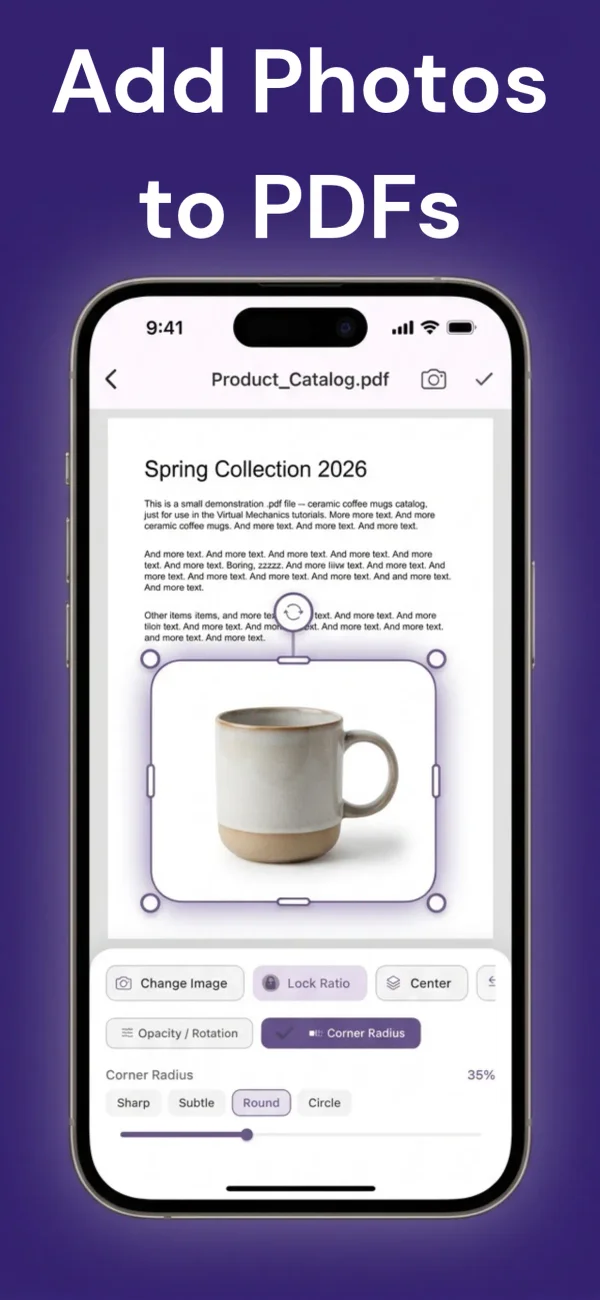
• Insert images into pages.
◆ ORGANIZE & CONVERT ◆
• Merge several PDFs or split one into parts.
• Compress files to share them easily.
• Reorder, rotate and delete pages.
• Convert photos to PDF and PDF pages to images.
◆ FILES & SHARING ◆
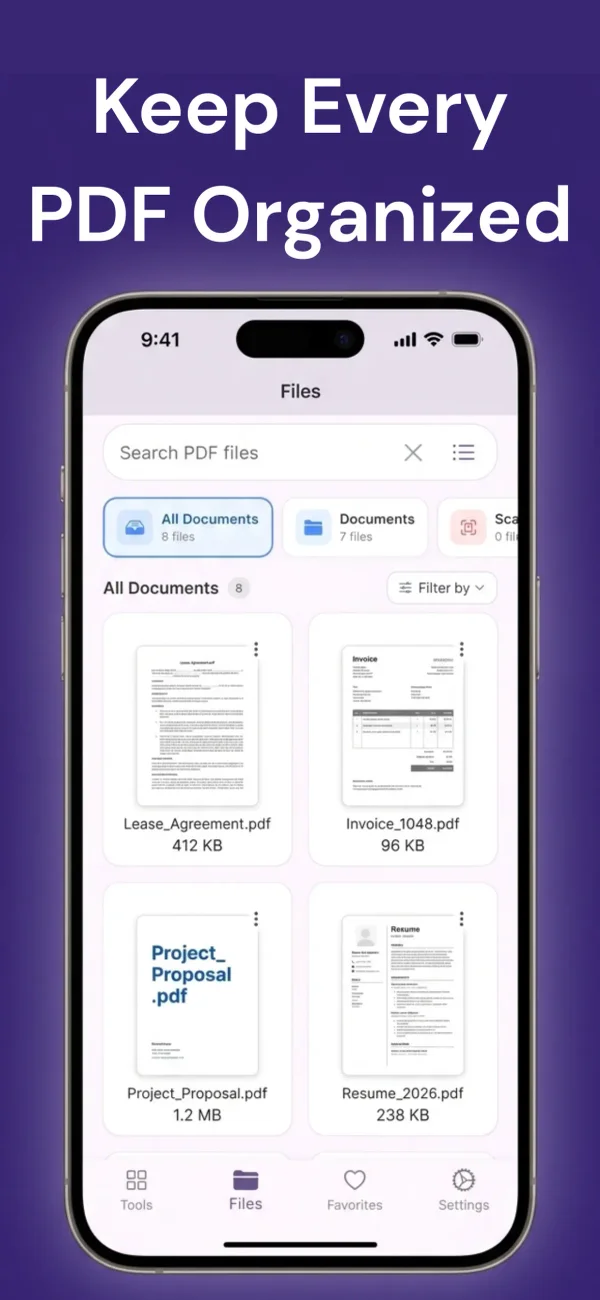
• Folders, favorites, search, and list or grid view.
• PDFs saved to this app's folder in the Files app appear automatically.
• Protect PDFs with a password.
• Share with AirDrop, Mail and Messages, or print with AirPrint.
◆ YOUR PRIVACY ◆
• Your PDF files stay on your device. Device voices, OCR and all editing tools work offline.
• Natural AI voices send only the sentences being read, encrypted, to our own server, never your files or your identity.
◆ PREMIUM ◆
Start with a 3-day free trial to unlock natural AI voices, all Pro tools and an ad-free experience. Subscriptions renew automatically unless cancelled at least 24 hours before the end of the current period. Manage or cancel them in your App Store account settings.
Terms of Use (EULA): https://www.apple.com/legal/internet-services/itunes/dev/stdeula/
Privacy Policy: https://gamesoftgames.com/pdfReader/privacy.html
What’s new
Version 10.1.3 · Nov 24, 2026
• NEW: Natural AI voices (Premium). Lifelike narrators for English, Spanish, French, Italian and Portuguese documents.
• Keep listening with the screen locked or while you use other apps, with play and pause on the lock screen and your headphones.
• New mini player: keep listening while you browse your files.
• Change the voice right from the player.
• Smarter reading: sentence by sentence, skips page numbers, links and symbols, and picks a voice that matches your document's language.
• Pause and resume exactly where you stopped.
• Fixed duplicate files appearing after app updates.
• Bug fixes and performance improvements.
App privacy
What AMARDEEP DHILLON declares on the App Store about how this app handles data.
-
Data used to track you
May be used to track you across apps and websites owned by other companies.
- Identifiers
-
Data not linked to you
May be collected but is not linked to your identity.
- Identifiers
Privacy practices may vary, for example with the features you use or your age.
Information
- Seller
- AMARDEEP DHILLON
- Category
- Utilities
- Version
- 10.1.3
- Updated
- Nov 24, 2026
- Released
- Jan 31, 2021
- Size
- 80.1 MB
- Requires
- iOS 15.5 or later
- Age rating
- 4+
- Price
- Free
- In-app purchases
- Yes
- Languages
- English, French
- Copyright
- © @gamesoftgames
You might also like
-
 PDF Reader & Editor - GoPDFSign, Photos Converter & Maker
-
 PDF Reader: Editor & ConverterPdf Maker - Pdf Scanner Docs
-
 PDF Reader - Editor & ViewerEditor, Converter, OCR
-
 Simple PDF - PDF ReaderScan, Edit, Sign, View PDF
-
 PDF Reader Light & SimpleUtilities
-
 PDF Reader & PDF Viewer AppQuickly Read PDF Document
-
 PDF Reader - Edit And StorageDocument Viewer Editor Scanner
-
 PDF Reader-simpleView All Your Documents
-
 PDF Editor ,PDF Book Reader ®PDF Reader, Scanner & Sign
-
 PDF Editor - Read & Edit PDFFill, Sign & Convert Documents