PDFSignerScanner
Scan, Sign & Annotate PDFs
Designed for iPhone, iPad
In-app purchases
- Age rating4+
- CategoryProductivity
- DeveloperMANJUR KOLHAR
- LanguagesEnglish+ 2 more
- Size13.0 MB
Links to the official App Store page
Download.org hosts no file of PDFSignerScanner. The button opens its official App Store page, published by MANJUR KOLHAR. Listing last checked on Nov 20, 2026.
Screenshots



About
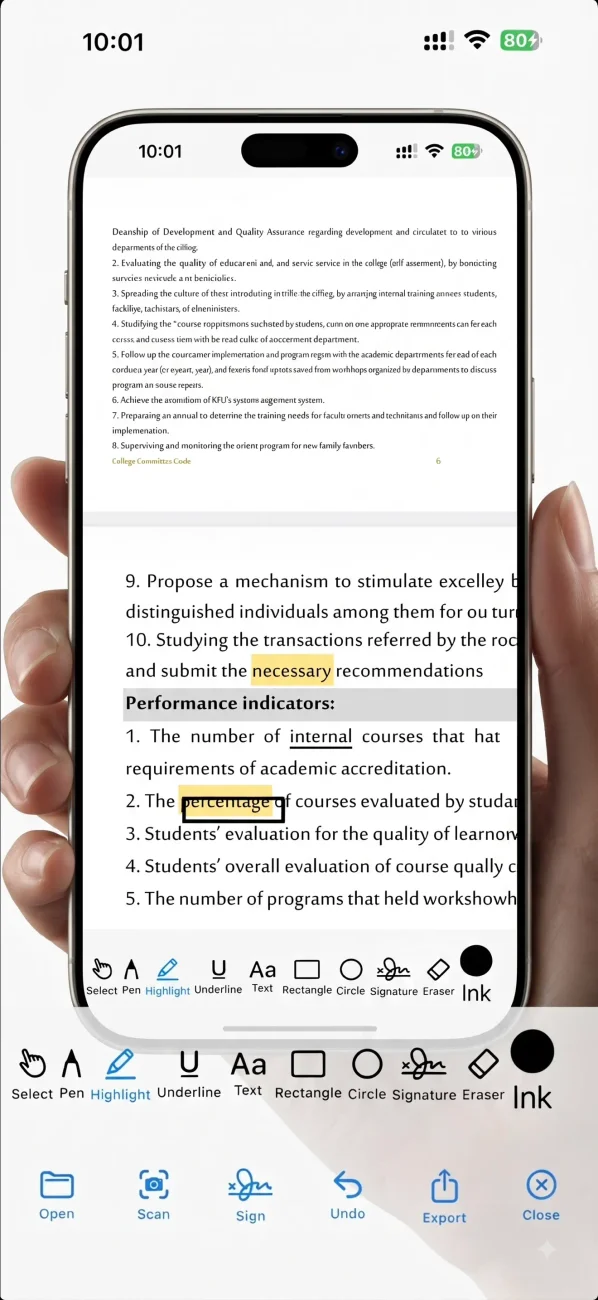
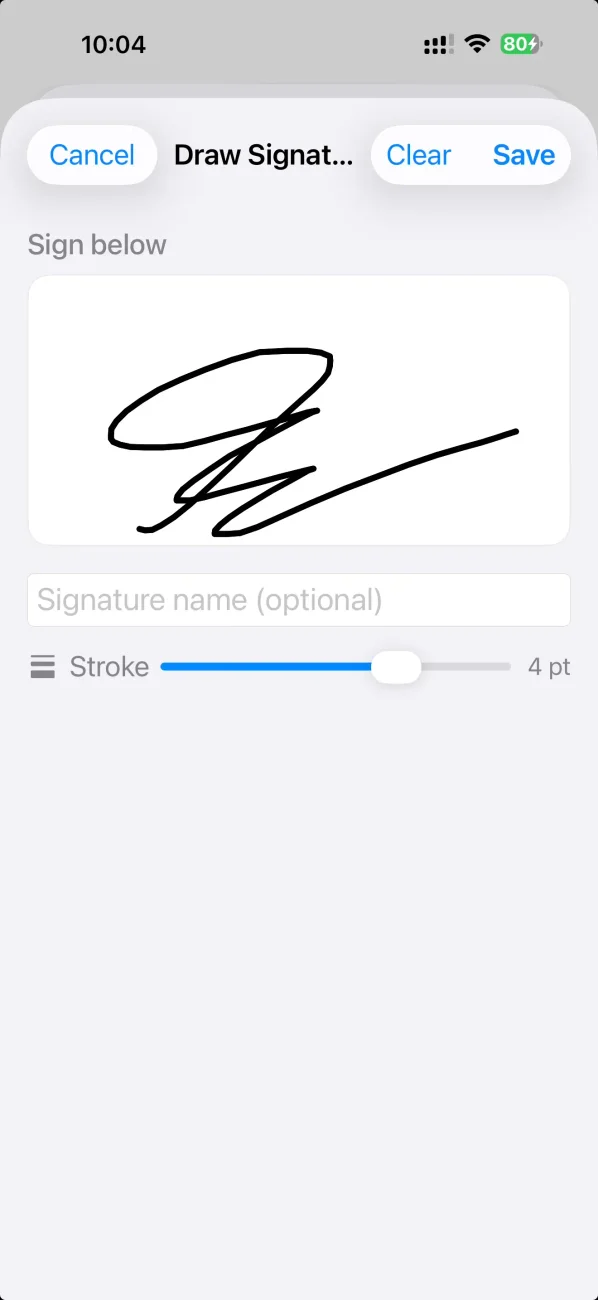
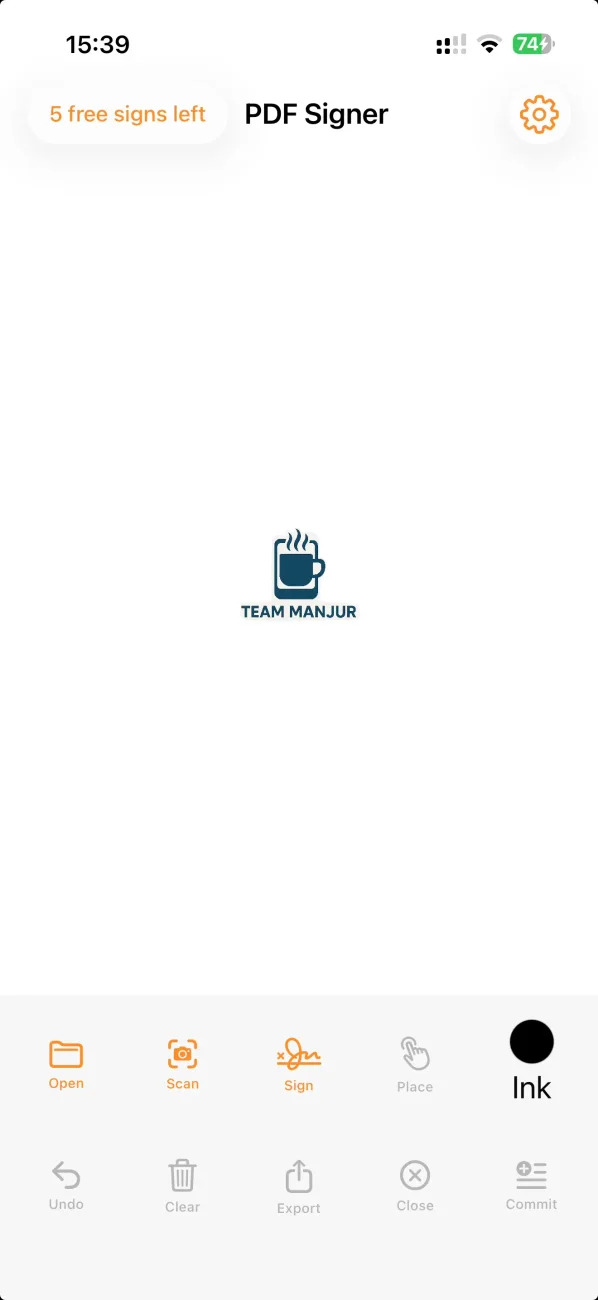
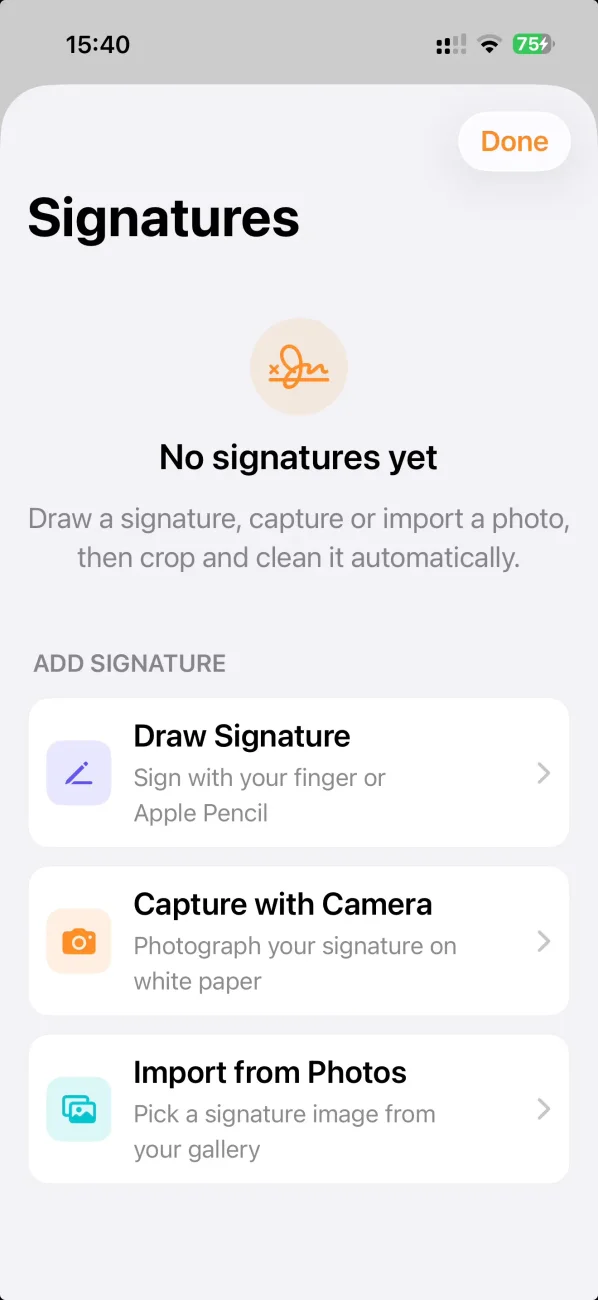
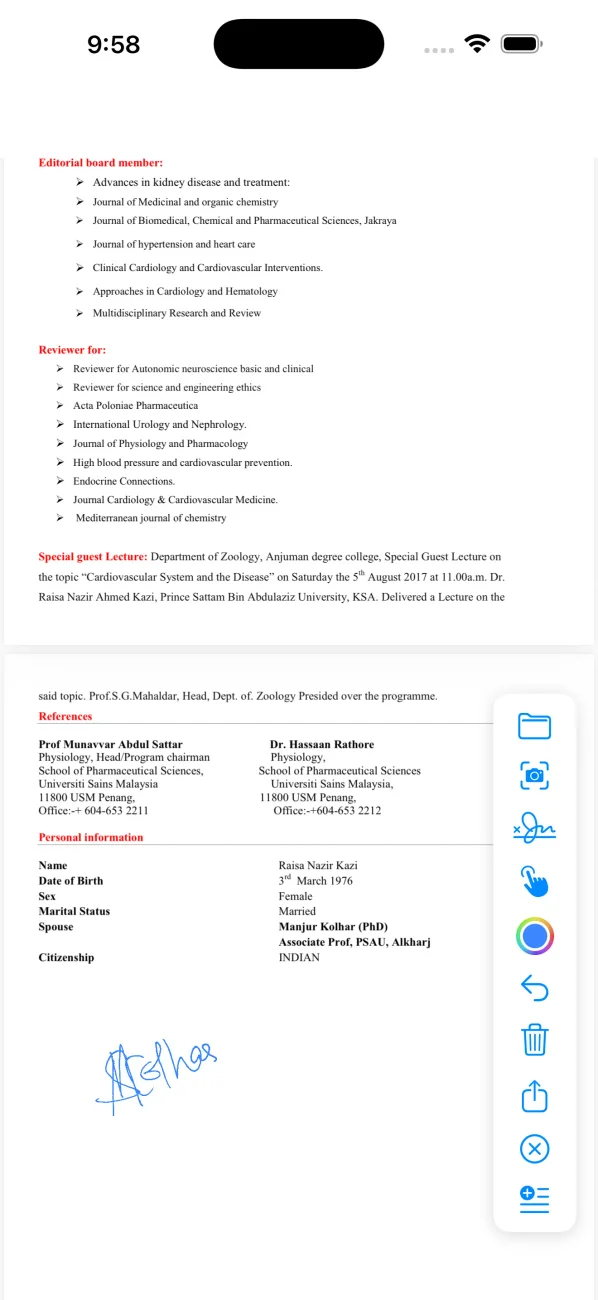
Create your signature by drawing, photographing it on paper, or importing from Photos. The app cleans the background, lets you crop tightly around your signature, then place it anywhere on the PDF. Drag, resize, and choose from multiple ink colors before exporting a flattened, share-ready signed PDF.
What’s new
Version 2.7 · Aug 26, 2026
Bug fixes:Share sheet error
App privacy
What MANJUR KOLHAR declares on the App Store about how this app handles data.
-
Data not collected
The developer does not collect any data from this app.
Privacy practices may vary, for example with the features you use or your age.
Information
- Seller
- MANJUR KOLHAR
- Category
- Productivity
- Version
- 2.7
- Updated
- Aug 26, 2026
- Released
- Oct 24, 2025
- Size
- 13.0 MB
- Requires
- iOS 16.0 or later
- Age rating
- 4+
- In-app purchases
- Yes
- Languages
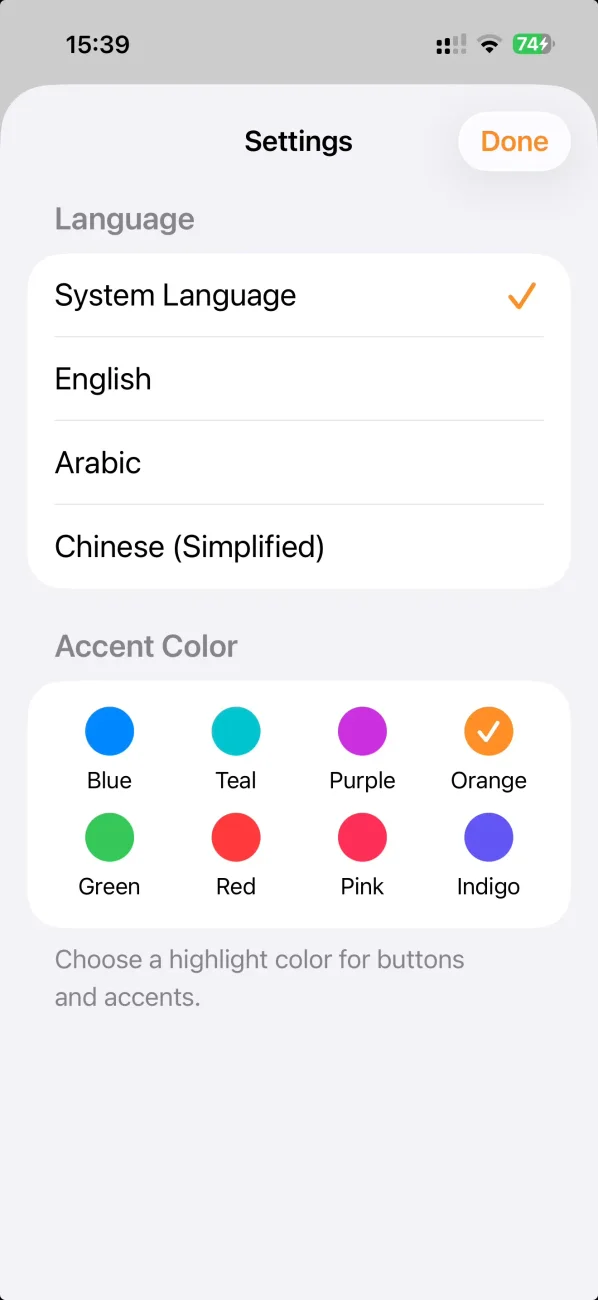
- English, Arabic, Simplified Chinese
- Copyright
- © Teamanjur
You might also like
-
 NANOASCANAI Text & Table Scanner
-
 Papriva: PDF ConverterPDF Scanner & Converter
-
 PDFTape: PDF Scanner & SignScan, sign, merge & fill forms
-
 Quick Scan And ShareScan, Import & Share Instantly
-
 MyCropResizeScreenshot Tool for App Store
-
 Scano Docs – PDF MakerFast pdf scanner & OCR
-
 PDF-Scanner & ToolsUltimate pdf Utility tool
-
 JobProof CameraGPS Photo Reports for Jobs
-
 LitePDF: PDF Scanner & OCRRedact, Sign, Compress Offline
-
 Unpage: PDF ReaderRead any PDF, reflowed