- Age rating4+
- CategoryProductivity
- DeveloperHyvrax
- LanguagesEnglish+ 11 more
- Size81.3 MB
Links to the official App Store page
Download.org hosts no file of PDFWorldEditor: PDF Editor. The button opens its official App Store page, published by Hyvrax. Listing last checked on Nov 17, 2026.
Screenshots



About
PDFWorldEditor opens, reads and transforms your PDF documents right from your phone.
WHAT YOU CAN DO
Read. Open a PDF, scroll, zoom, jump to any page.
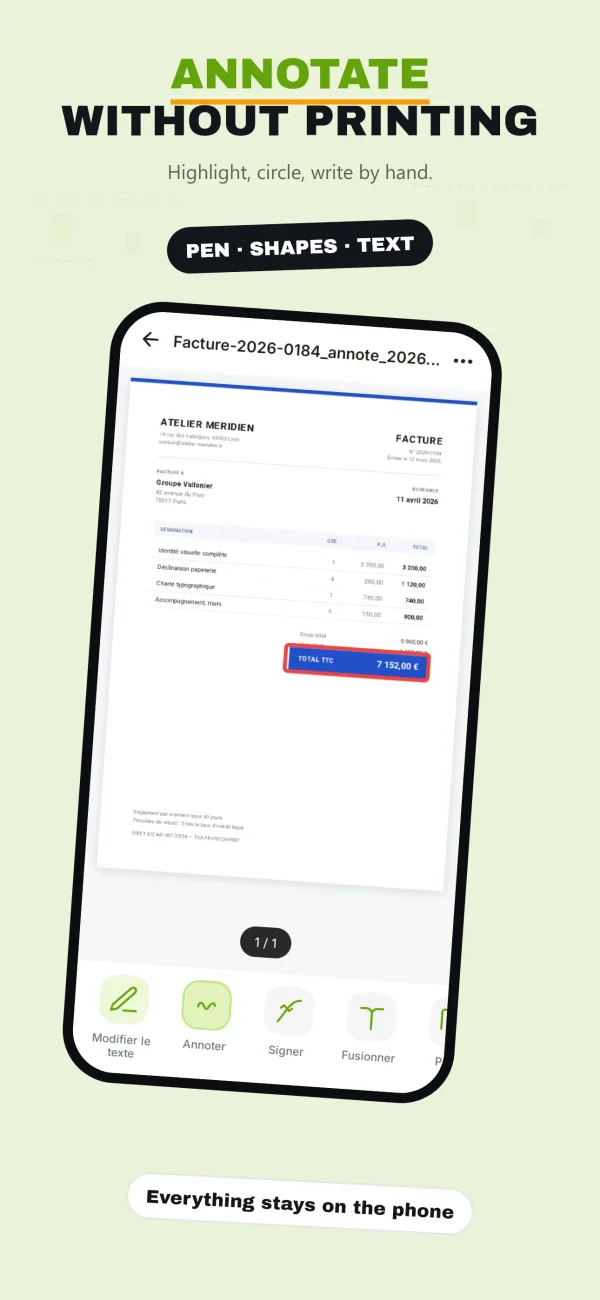
Annotate. Highlight, draw, write on a page, add a note.
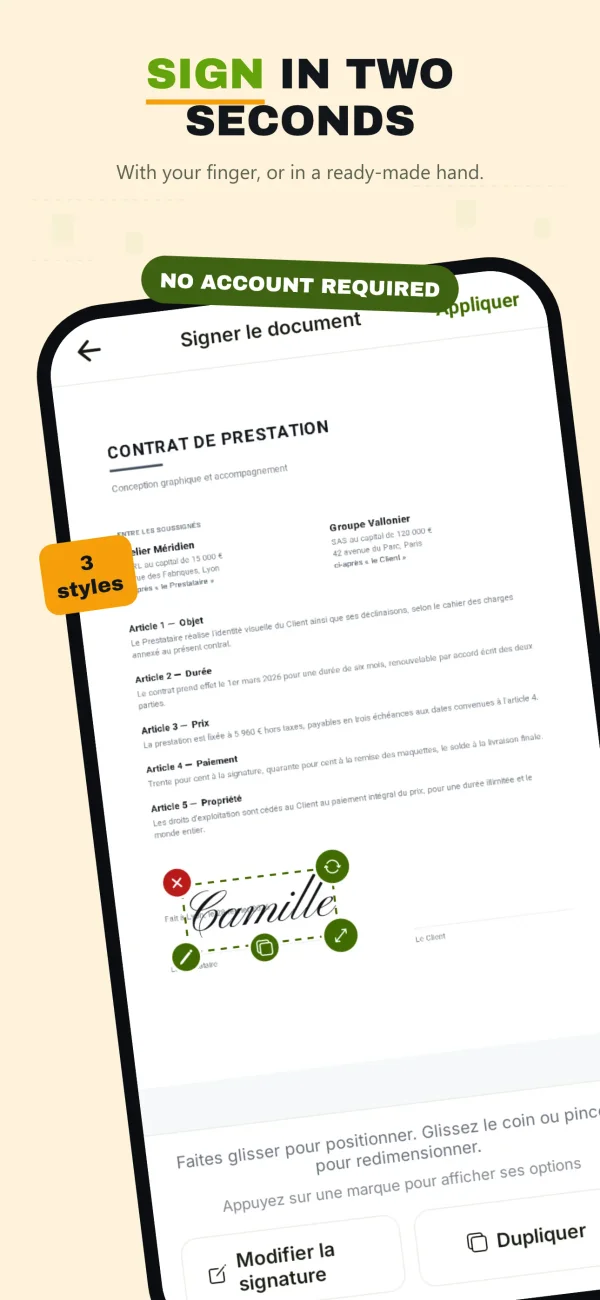
Sign. Draw your signature once, place it wherever you want, and reuse it on your next documents.
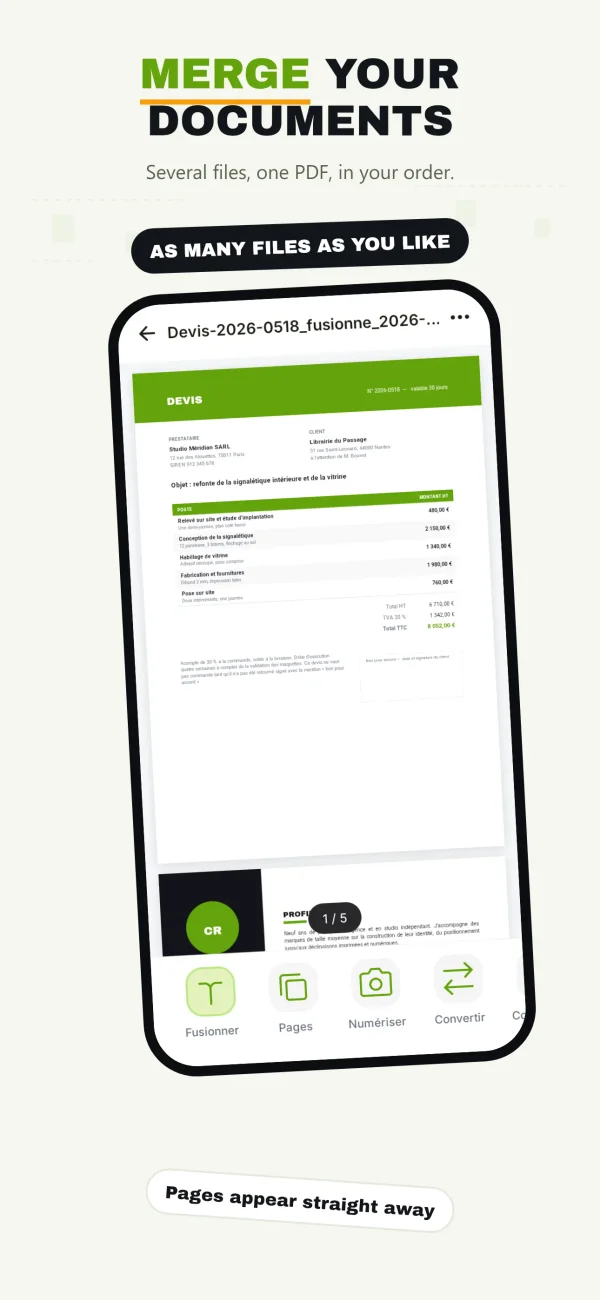
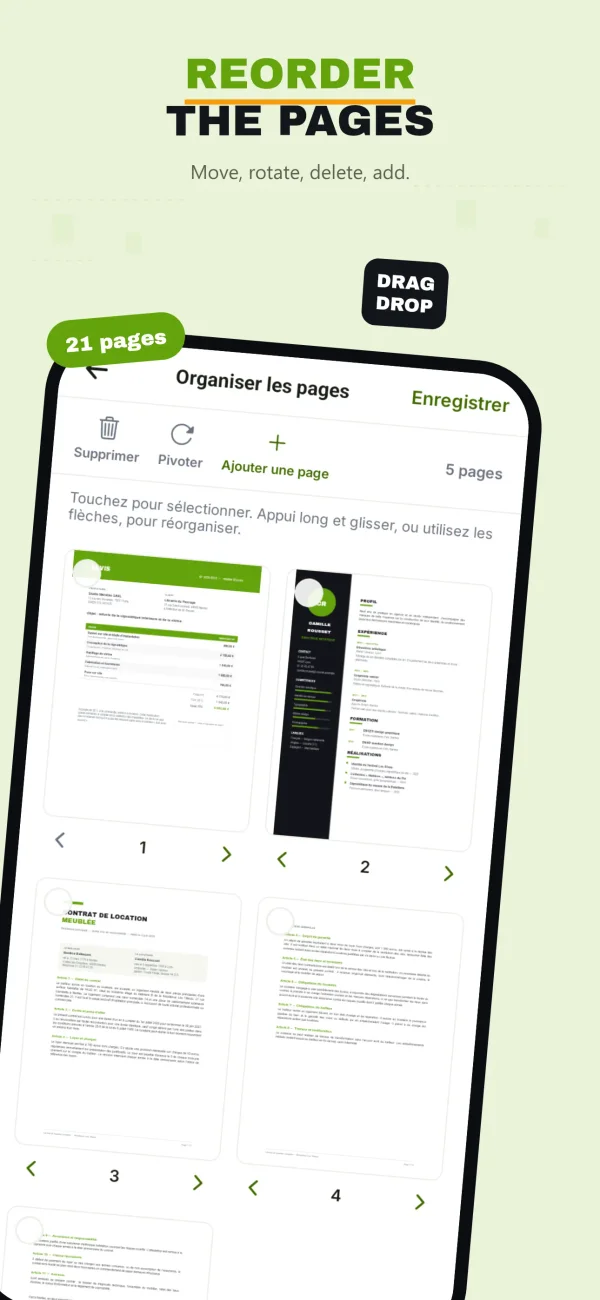
Assemble. Merge several PDFs into one. Reorder pages, rotate them, delete them. Create a blank document and insert a photo.
Compress. Reduce the size of a file too heavy to send by email.
Convert. Turn a PDF into an editable Word document, or into images.
Scan. Photograph a sheet of paper: the image is straightened, the text is recognised, and you get a PDF you can search for a word in.
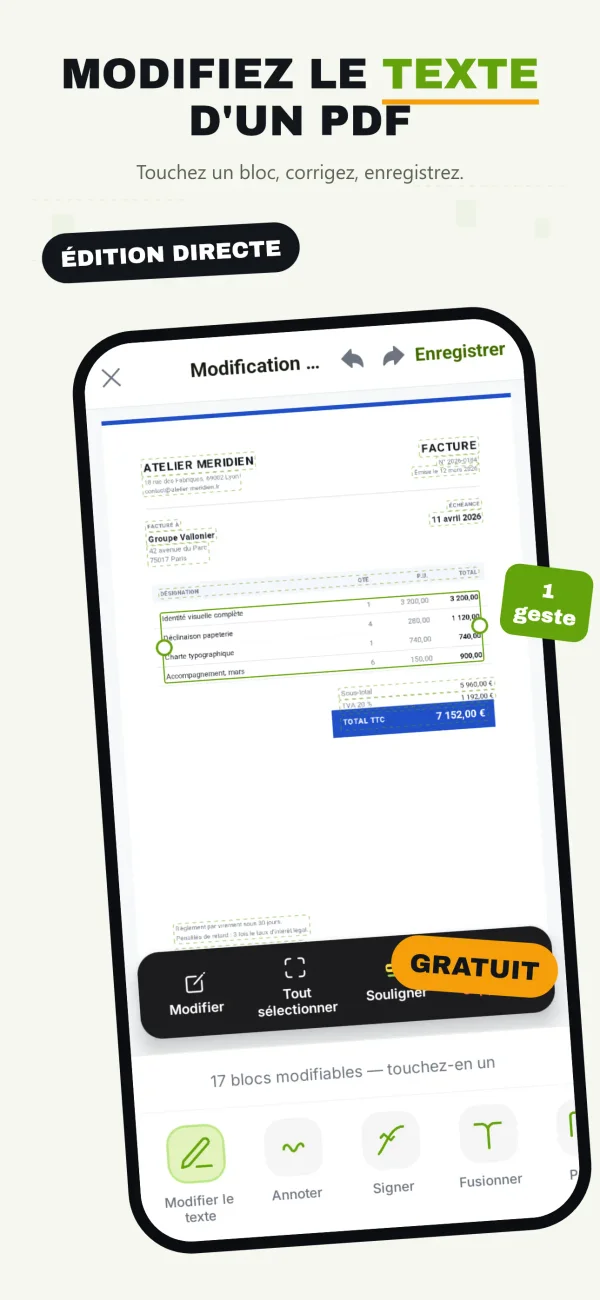
Edit text. Tap a word in an existing PDF and replace it. Useful for correcting a date, an amount, a name.
Print and share. Send the document wherever you want with your iPhone's share sheet.
WHAT THERE IS NOT
No account required: everything works without signing in. Signing in is optional, with Apple or with Google. It only serves to recognise you: your documents are never attached to an account. No advertising. No subscription, no in-app purchase. No tracker, no analytics.
YOUR DOCUMENTS
Reading, annotating, signing, merging and reordering pages all happen entirely on your iPhone, offline.
Four features need computing power the phone cannot provide on its own: compress, convert, scan and edit text. They send the document to our server in Germany for the time of the computation. We have neither a database nor storage space: the file is not kept after the response. Everything is explained in detail in our privacy policy.
App published by HYVRAX, a French company.
App privacy
What Hyvrax declares on the App Store about how this app handles data.
-
Data linked to you
May be collected and linked to your identity.
- Contact info
- Identifiers
-
Data not linked to you
May be collected but is not linked to your identity.
- Diagnostics
Privacy practices may vary, for example with the features you use or your age.
Information
- Seller
- Hyvrax
- Category
- Productivity
- Version
- 1.0
- Updated
- Sep 20, 2026
- Released
- Sep 20, 2026
- Size
- 81.3 MB
- Requires
- iOS 16.0 or later
- Age rating
- 4+
- Price
- Free
- Languages
- English, Arabic, French, German, Hindi, Italian, Japanese, Korean, Portuguese, Russian, Simplified Chinese, Spanish
- Copyright
- © 2026 HYVRAX
You might also like
-
 Bayran Office: PDF EditorWord, Excel, sign & scan
-
 PDF Toolkit — OfflineРедактор PDF офлайн
-
 Pdf4Edit Pdf Edit Scan SignPdf4Edit Pdf Edit Scan Sign
-
 QPdf - PDF Reader & EditorEdit, sign & scan PDFs offline
-
 PDF Editor - No Ads, Read Scanpdf converter merger sign
-
 BibliomePrivate Mac library companion
-
 Leaf: Document Scanner & PDFEdit, Sign, Stamp & Fill Forms
-
 SERS WALTER FRANCEProductivity
-
 PDFWise – PDF Reader & ToolsRead, scan, sign — all private
-
 Bizcard Reader - Card ScannerScan, Save, and Organize Cards