
Penciled In.
Making Time for What Matters
Designed for iPhone, iPad
Free · In-app purchases
- Age rating4+
- CategoryProductivity
- DeveloperDylan Dalmeida
- Size12.8 MB
Links to the official App Store page
Download.org hosts no file of Penciled In. The button opens its official App Store page, published by Dylan Dalmeida. Listing last checked on Nov 23, 2026.
Screenshots


About
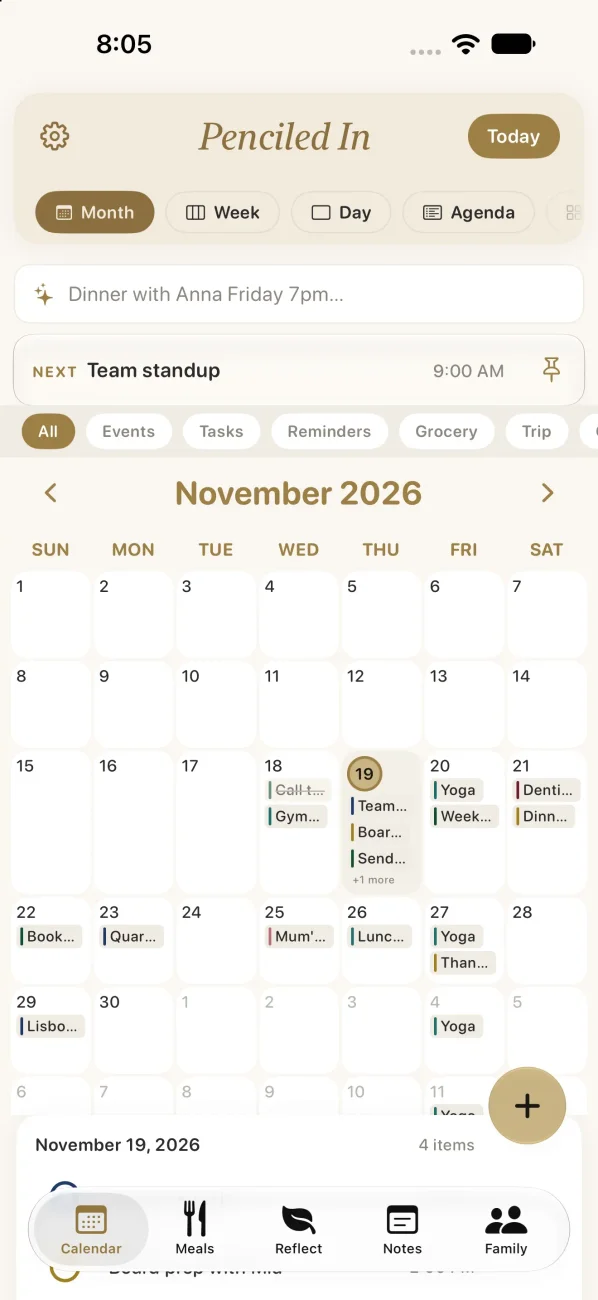
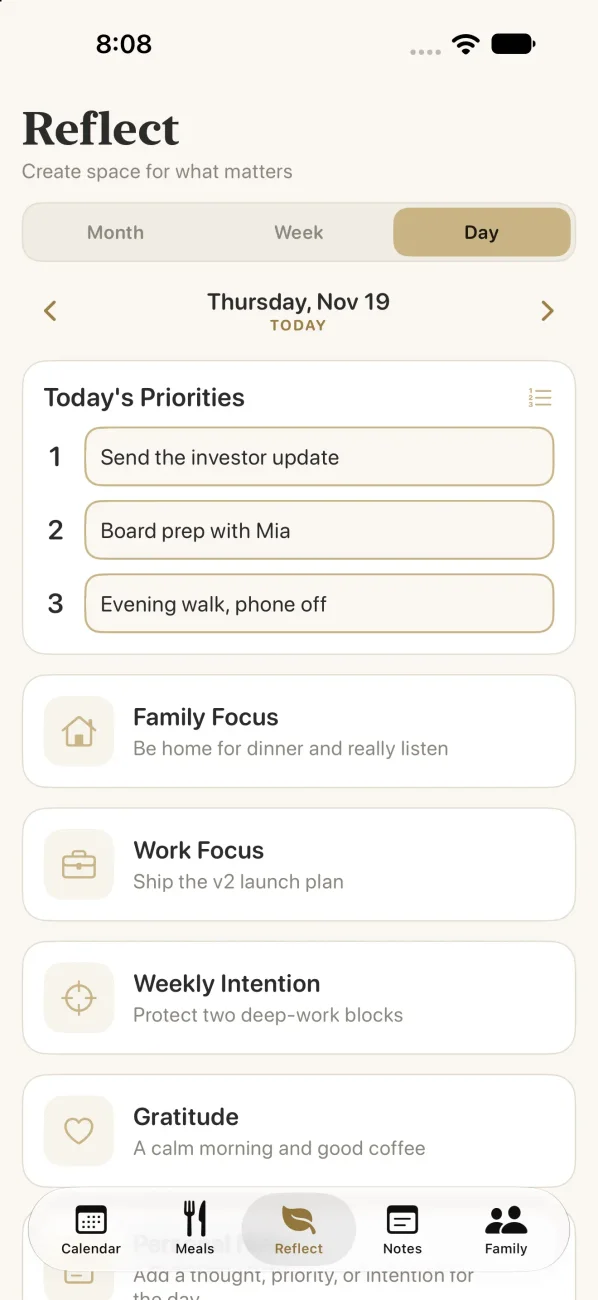
Penciled In is a planner you can write in. Type "dinner with Anna Friday 7pm" and it lands on Friday at 7. Type "mum's birthday on the 14th" and it lands on the 14th, all day. No date pickers, no five-field form, no waiting on a spinner — it reads the sentence as you type and shows you what it understood before anything is saved. And when it guesses wrong, every part of that guess is one tap from right.
Quick Add works on every iPhone and iPad, instantly, and it's free. It doesn't need Apple Intelligence and never has.
A PLANNER, NOT A TO-DO LIST
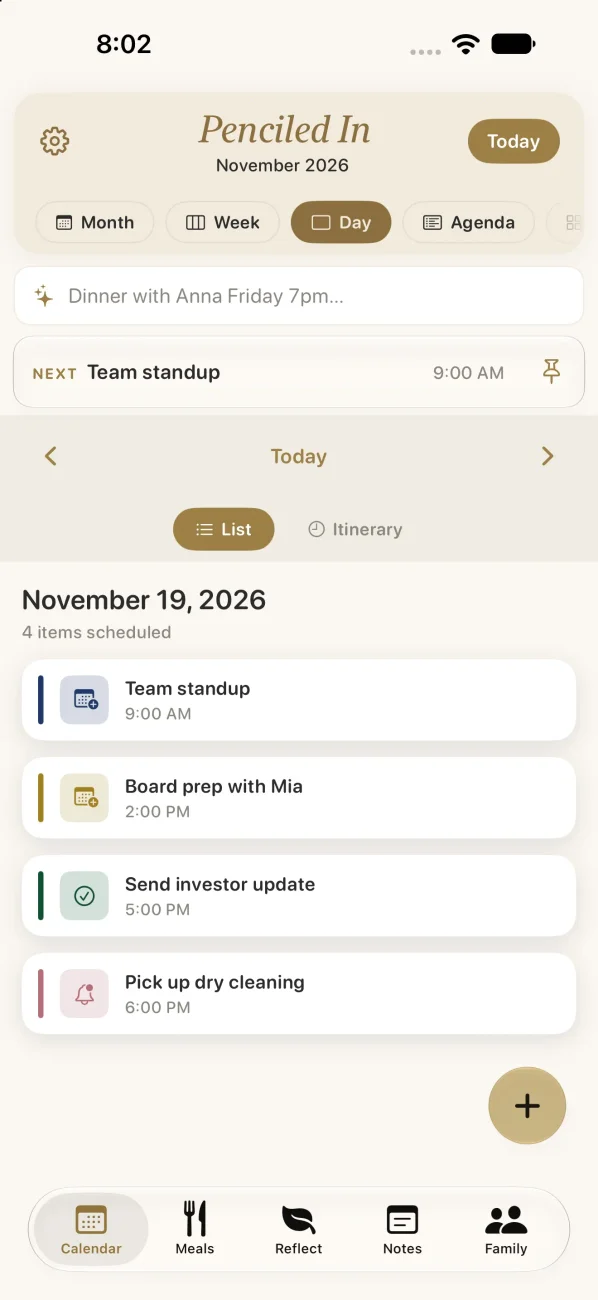
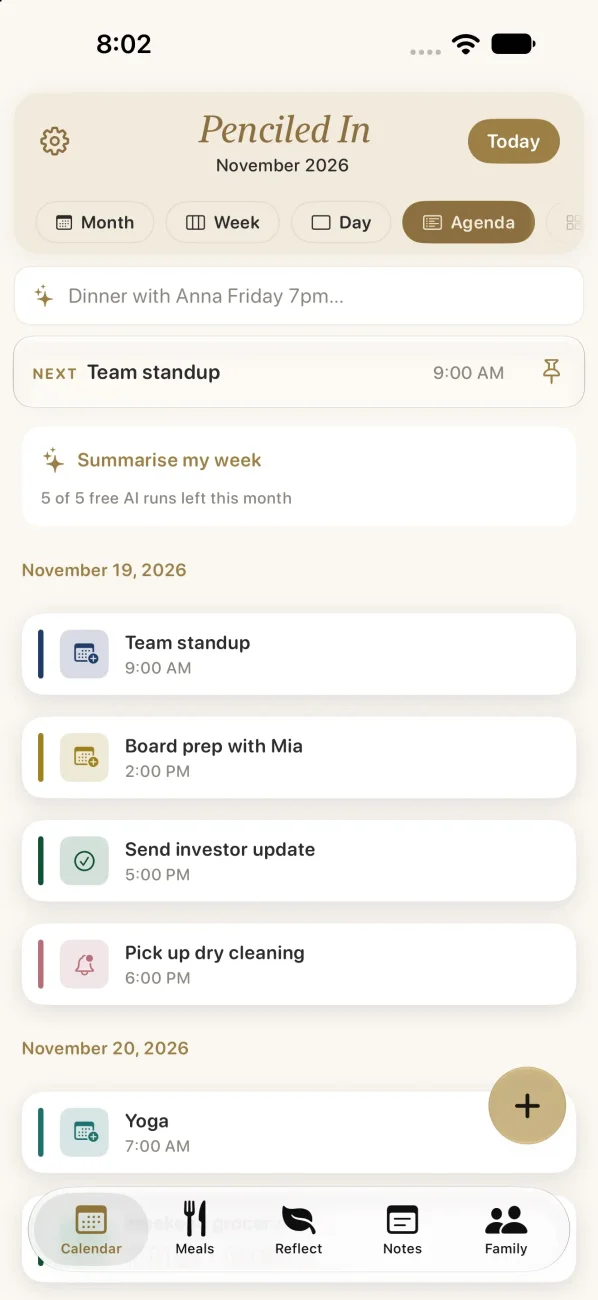
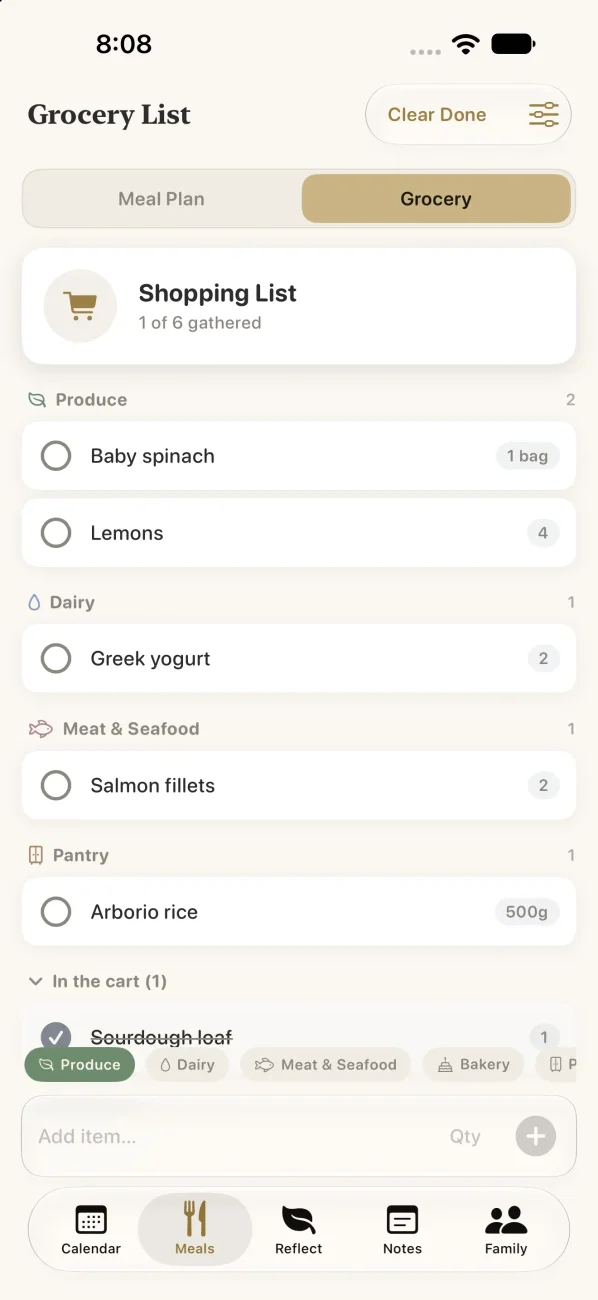
Month, week, day and agenda views. Events, tasks, reminders, grocery lists and trips, colour-coded and filterable. Repeating entries show on every day they repeat, and you can tick things done right from the calendar. A Notes tab with checklists, #tags and search for the things that don't have a date yet. A Reflect tab for the end of the day.
Everything syncs privately through your own iCloud account. No sign-up, no account to create, and no server of ours in the middle.
MADE FOR IPAD
A sidebar, notes side by side with their list, keyboard shortcuts, and drag an entry to another day to move it.
ON YOUR HOME SCREEN
An Up Next widget shows your next few entries without opening anything, and a Quick Add widget puts a sentence straight into your planner from the Home Screen. Ask Siri to add an event, a reminder or a note and it goes to the same place.
APPLE INTELLIGENCE, WHERE IT ACTUALLY HELPS
On supported iPhones, Penciled In can read your week back to you in plain language — which days are heavy, what's clustered too tightly. It runs entirely on your device.
FREE, AND WHAT ISN'T
Free covers the actual planner: unlimited events, tasks, notes, lists and reflections, Quick Add, the widgets, Siri, and five AI week summaries a month. We don't cap what you write.
Premium adds the full meal planner (lunch, dinner and snacks, recipe photos and generated shopping lists), themes and appearance customisation, note locking, and unlimited AI summaries. Premium is $6.99/month or $34.99/year with the first week free, or $69.99 once for Lifetime. Subscriptions can be cancelled any time in Settings.
Terms of Use (EULA): https://www.apple.com/legal/internet-services/itunes/dev/stdeula/
Privacy Policy: https://my7h4zntv5-alt.github.io/penciled-in-legal/
What’s new
Version 1.3 · Nov 19, 2026
• Swipe between days, weeks and months with a smooth, finger-following motion.
• Add more than one alert to any event, task or reminder.
• A refined executive colour palette for your items.
• Photo backgrounds now appear across every screen and load faster.
• View note photos full screen.
• Items now always appear in time order in Day, Week and Month.
• Updated app icon and general polish.
App privacy
What Dylan Dalmeida declares on the App Store about how this app handles data.
-
Data not collected
The developer does not collect any data from this app.
Privacy practices may vary, for example with the features you use or your age.
Information
- Seller
- Dylan Dalmeida
- Category
- Productivity
- Version
- 1.3
- Updated
- Nov 19, 2026
- Released
- Sep 23, 2026
- Size
- 12.8 MB
- Requires
- iOS 17.0 or later
- Age rating
- 4+
- Price
- Free
- In-app purchases
- Yes
- Copyright
- © 2026 Dylan Dalmeida
You might also like
-
 Chartula: Handwriting CalendarWrite, don't type
-
 KNotedDaily planner + Pencil notes
-
 Scribble Calendar & PlannerHandwritten Planner & Journal
-
 SoftPaper: Fixed Page PlannerDaily Pad & Minimalist Agenda
-
 DayJournal: Planner & NotesDigital Calendar & Handwriting
-
 Draw Calendar: Sketch PlanHandwrite each day clearly
-
 iPlan Today - Pencil PlannerDaily Journal & Habit Tracker
-
 InkPlannerDigital wall calendar
-
 Digital Weekly PlannerWeekly Notes and Goals
-
 Handwriting Journal PlannerCalendar, Journal & Daily Memo