Phone Sync-Data Transfer
File Migration- transfer
Designed for iPhone, iPod touch
Free · In-app purchases
- Age rating4+
- CategoryUtilities
- DeveloperRain Ripple LLC
- LanguagesEnglish+ 8 more
- Size53.6 MB
Links to the official App Store page
Download.org hosts no file of Phone Sync-Data Transfer. The button opens its official App Store page, published by Rain Ripple LLC. Listing last checked on Nov 21, 2026.
Screenshots
About
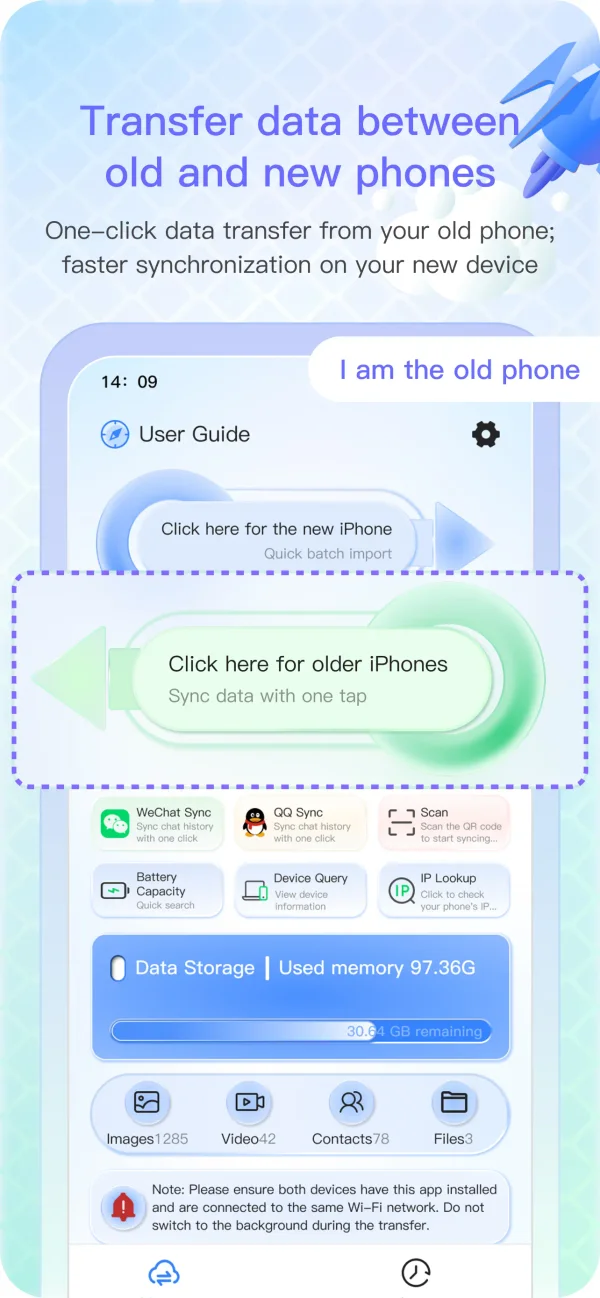
All-in-one phone migration tool. Move everything with one tap and get started on your new phone in seconds.
Getting a new phone should be exciting. Don't let tedious data migration wear away that joy.
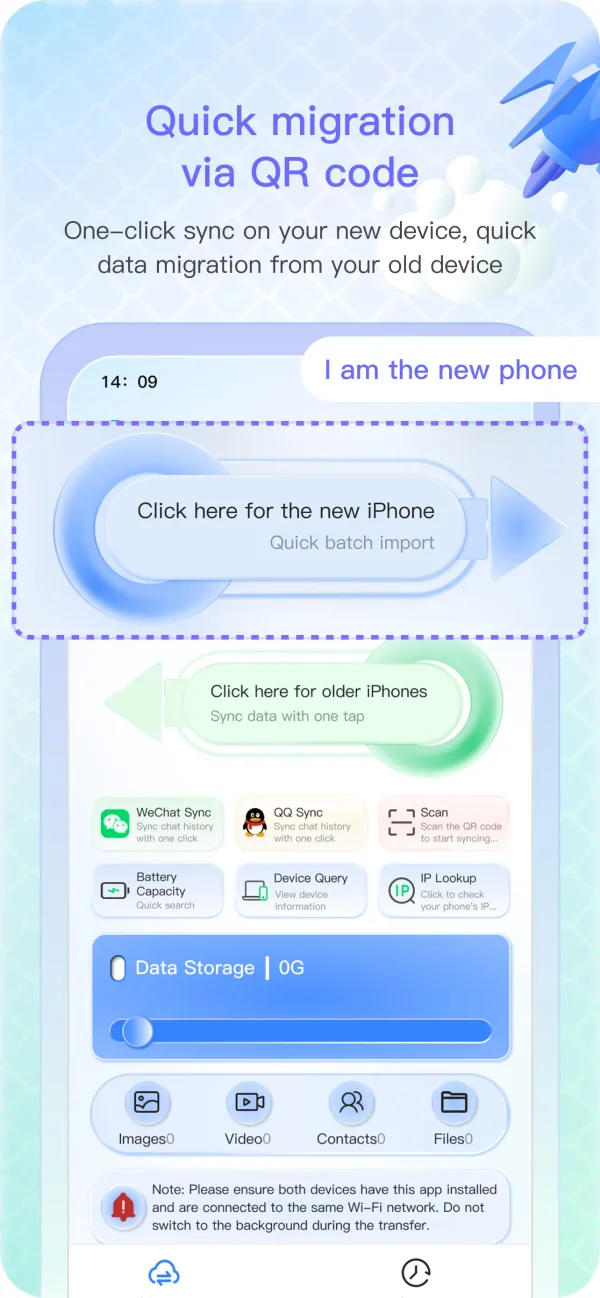
Whether it's a huge photo library, treasured videos, or essential contacts and schedules, this tool helps you complete a true "one-tap move" with ease. No cables and no complicated setup required, so your new phone can instantly feel like your old one.
Key Highlights
1. Zero-data transfer: Powered by local radar scanning and self-hosted Wi-Fi services, the entire process uses no cellular data, making it both convenient and cost-effective.
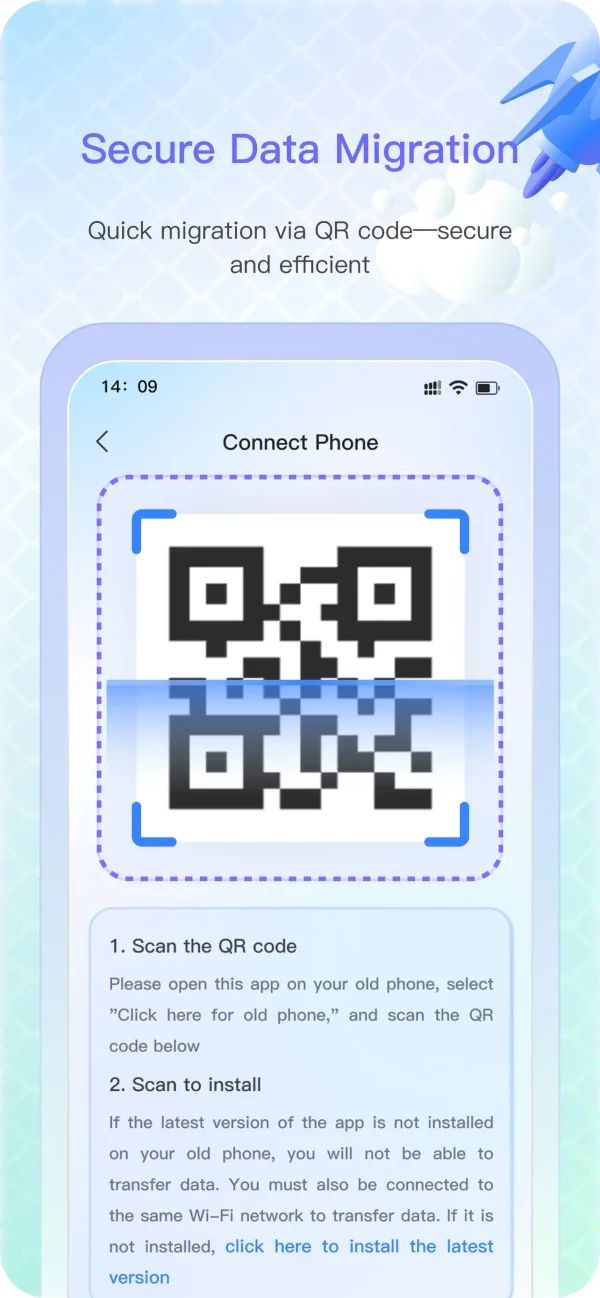
2. Better privacy protection: Data is transferred through direct peer-to-peer wireless connections between phones, without uploading to a server or passing through a third party, greatly reducing privacy risks.
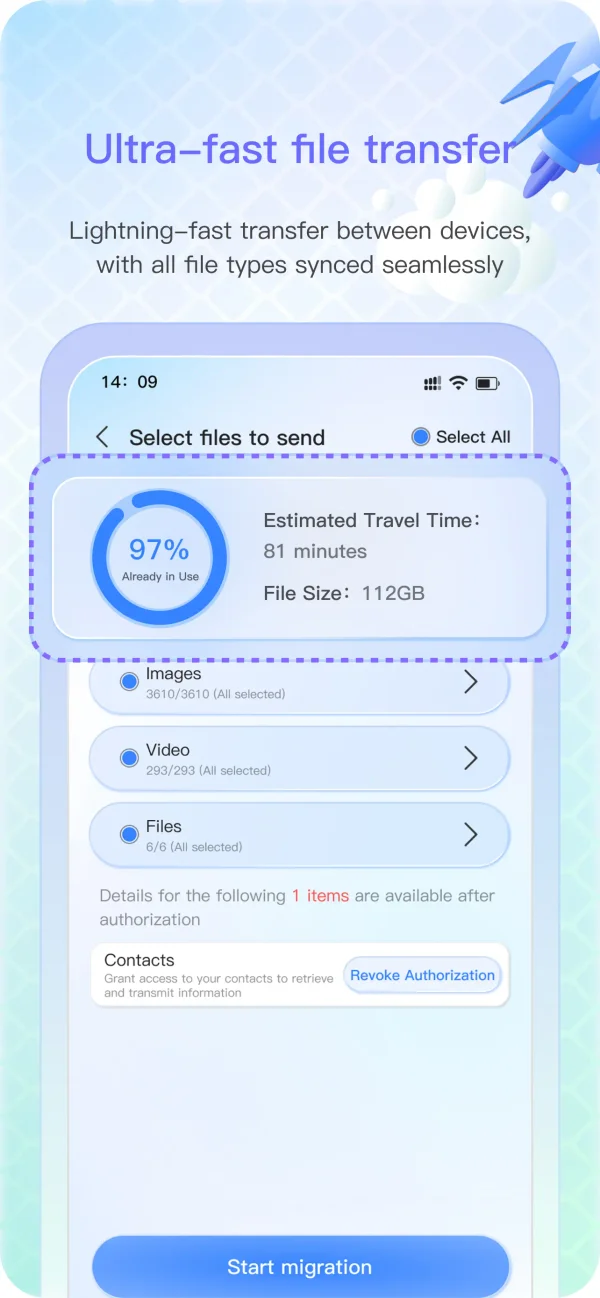
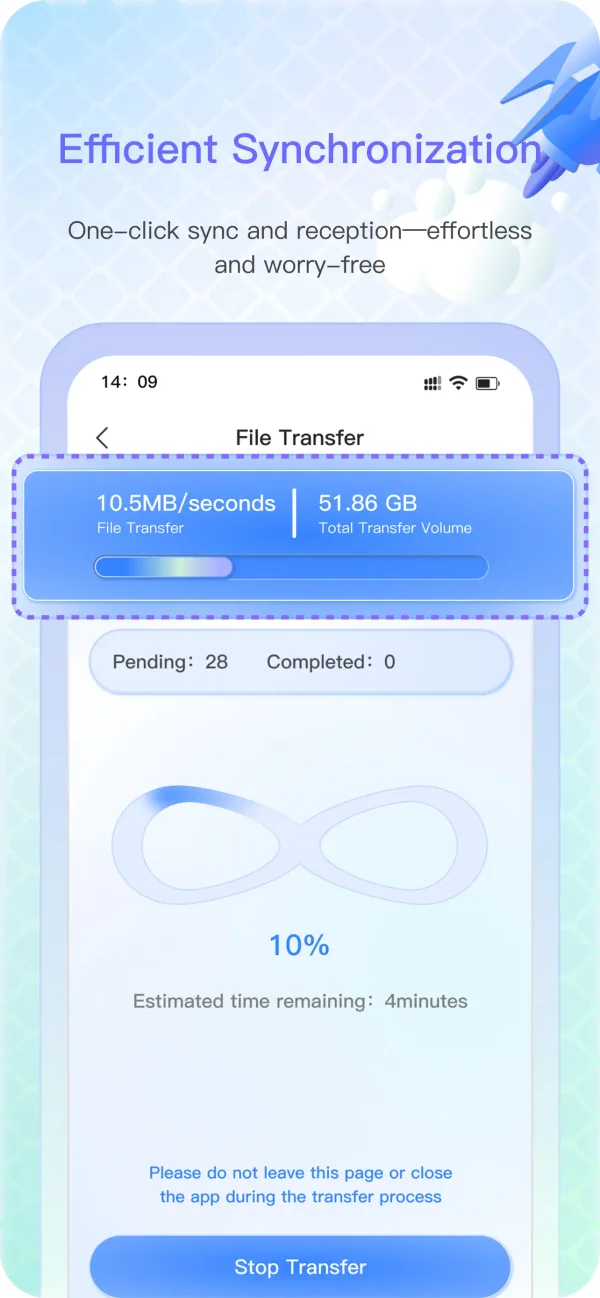
3. Fast and stable: Optimized for large-scale migrations, with more stable connections and transfer speeds far beyond traditional methods, so even massive amounts of data can be moved quickly.
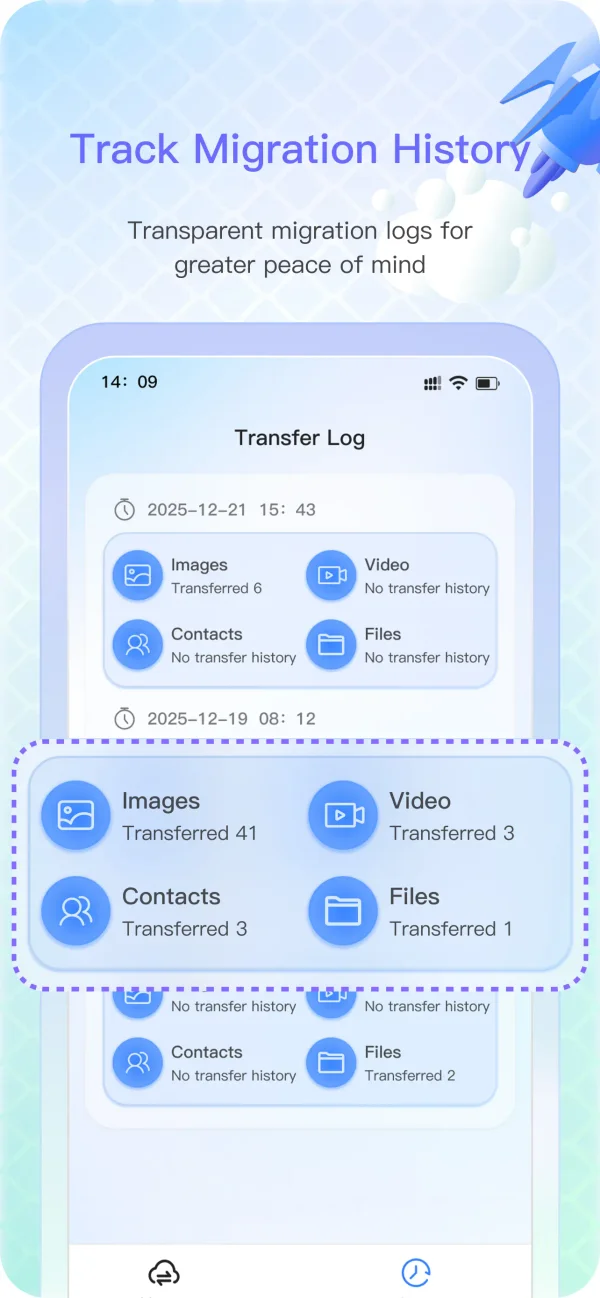
4. Full-type support: Supports key data types including contacts, photos, videos, and files, enabling truly seamless and lossless transfer.
- Payment: Charges are billed to the user's iTunes account, and payment is completed after the user confirms the purchase.
- Renewal: The user's iTunes account will be charged within 24 hours before expiration, extending the subscription by the corresponding billing cycle.
- Cancel renewal: To cancel auto-renewal, go to "iTunes Store & App Store" -> tap "App ID" -> enter "Account Settings" -> tap "Subscriptions" -> choose to cancel the subscription.
- Privacy Policy and Terms of Service: https://docs.google.com/document/d/1ztIrLe-kSseH9hYpwrW1INKsWguLrjtDpsPD6hRze7g
- Terms of Use: https://docs.google.com/document/d/1isl8gJEohBUIkSkx-G0S-Vqex0bXDM2bAiFaV9WDzd8
What’s new
Version 1.1 · May 15, 2026
Fixed known bugs and optimized some details.
App privacy
What Rain Ripple LLC declares on the App Store about how this app handles data.
-
Data not collected
The developer does not collect any data from this app.
Privacy practices may vary, for example with the features you use or your age.
Information
- Seller
- Rain Ripple LLC
- Category
- Utilities
- Version
- 1.1
- Updated
- May 15, 2026
- Released
- Mar 22, 2026
- Size
- 53.6 MB
- Requires
- iOS 14 or later
- Age rating
- 4+
- Price
- Free
- In-app purchases
- Yes
- Languages
- English, French, German, Japanese, Portuguese, Russian, Simplified Chinese, Spanish, Traditional Chinese
- Copyright
- © hongtao
You might also like
-
 ShareMe: File Sharing FastWiFi Transfer: iPhone to PC
-
 换机助手 - 极速互传手机搬家工具Utilities
-
 WatsGo - Phone TransferSmart Transfer & Data Transfer
-
 Update All Apps: Full GuideUpdates Upgrade My App Helper
-
 Share -Transfer FilesCopy Videos&Photos&Contacts
-
 QuickDrop - Share from AndroidTransmit files with QuickShare
-
 Quick Share - Fast File ShareWireless & Secure File Sharing
-
 Share Me: File Transfer AppSend anywhere, File sharing
-
 小米换机Utilities
-
 QuickShare ClientClient app for QuickShare