QuickDrop - Share from Android
Transmit files with QuickShare
Designed for iPhone, iPad, Mac
Free · In-app purchases
- Age rating4+
- CategoryUtilities
- DeveloperLeon Boettger
- LanguagesEnglish+ 31 more
- Size54.0 MB
Links to the official App Store page
Download.org hosts no file of QuickDrop - Share from Android. The button opens its official App Store page, published by Leon Boettger. Listing last checked on Nov 23, 2026.
Screenshots

About
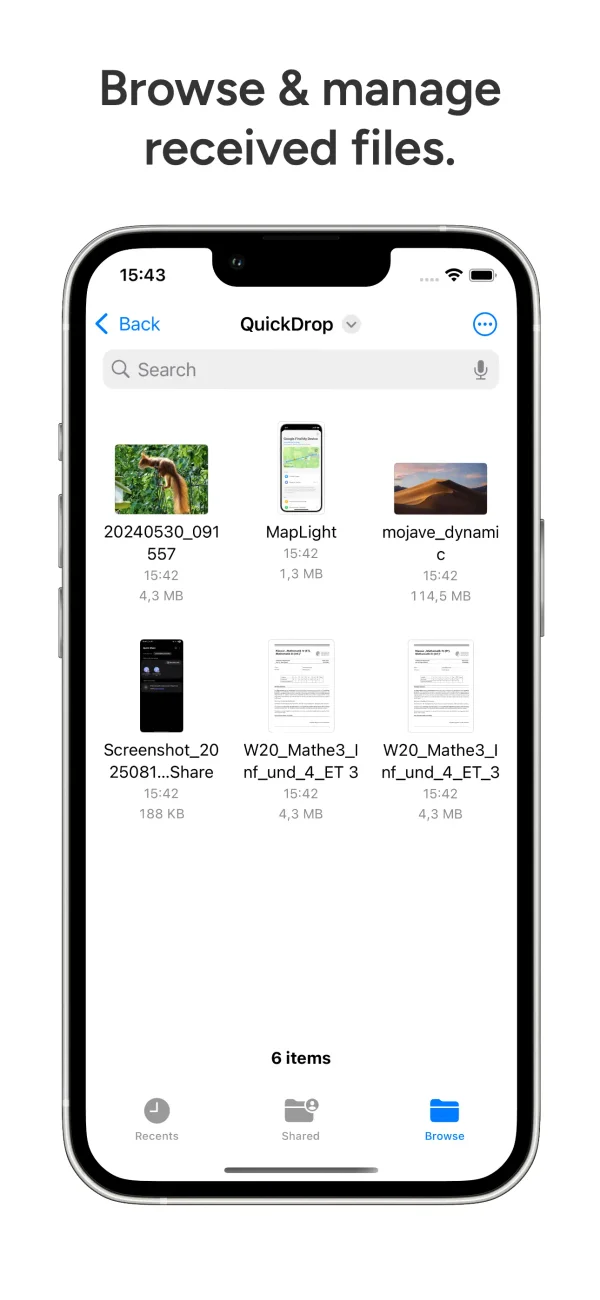
With QuickDrop, you can seamlessly send and receive photos, videos, text files, and more between your Android phone and your iPhone, iPad or Mac using Quick Share on the same Wi-Fi network. Received files are stored in the Files app and transmitted with end-to-end encryption over Wi-Fi, so no cloud is involved in the process.
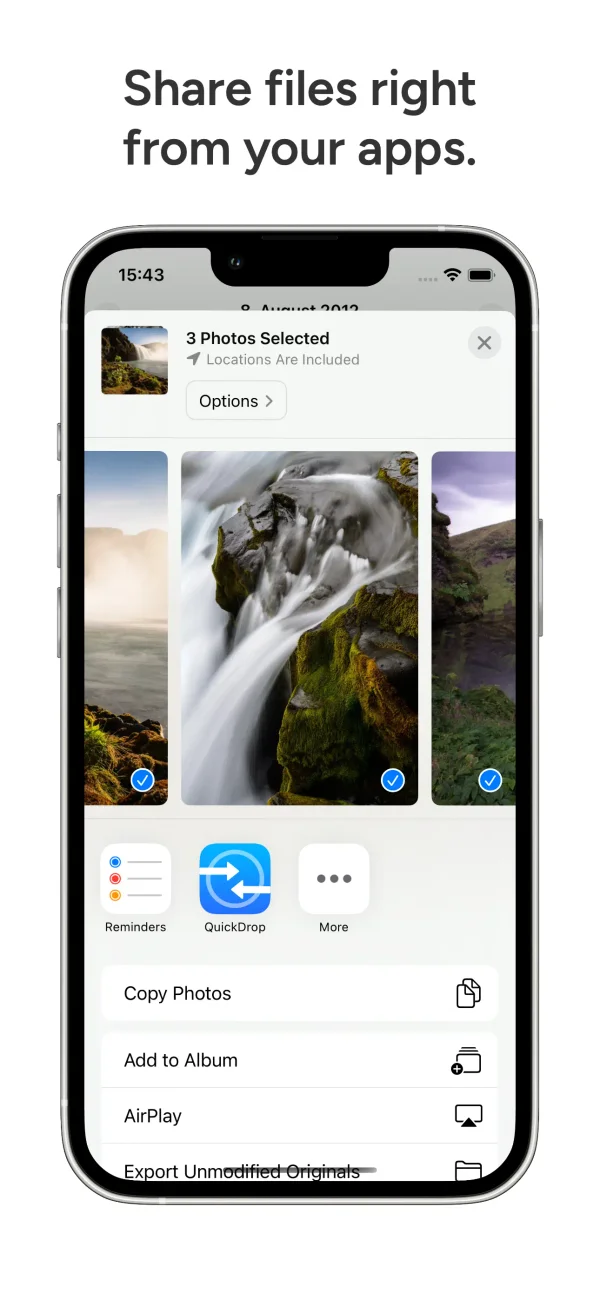
To send files from your iPhone or iPad to your Mac or Android device, just select "Share" or tap the share icon for a file you want to transfer and choose "QuickDrop". If you don't see QuickDrop in the list, scroll right until you see "More", then choose "Edit" and enable the toggle for QuickDrop.
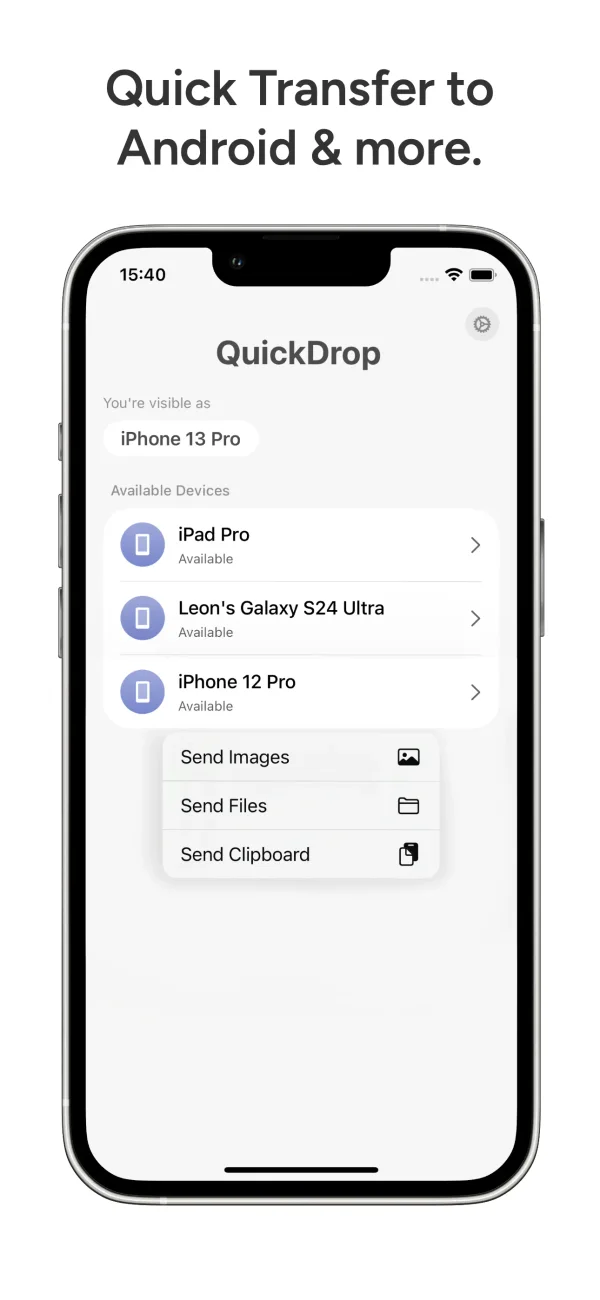
Other devices on the same network with QuickDrop installed and running will appear automatically. You can also open QuickDrop, tap a device and choose one or more files from the Files app, choose one or more photos and videos, or send the contents of your clipboard.
After that, you will see a notification on your other device, which allows you to accept or decline the file transfer. To receive files, you simply need to open the QuickDrop app.
You can also download the optional QuickDrop Android app for additional features. Transfer files without a shared Wi-Fi network and mark devices as trusted to automatically accept incoming transfers.
QuickDrop lets you send and receive files for free. Upgrade to QuickDrop+ for unrestricted transfer speeds and access to all current and future features. QuickDrop+ is available as a one-time purchase or a flexible subscription that you can cancel at any time.
QuickDrop is an improved version of NearDrop. Nearby Share and Quick Share are trademarks of Google, LLC and Samsung Electronics. Android is a trademark of Google, LLC. This application is not affiliated with Google, LLC or Samsung Electronics.
This application is governed by Apple’s standard Licensed Application End User License Agreement (EULA), available at https://www.apple.com/legal/internet-services/itunes/dev/stdeula/
What’s new
Version 5.5.1 · Oct 23, 2026
This version contains UI improvements.
App privacy
What Leon Boettger declares on the App Store about how this app handles data.
-
Data not collected
The developer does not collect any data from this app.
Privacy practices may vary, for example with the features you use or your age.
Information
- Seller
- Leon Boettger
- Category
- Utilities
- Version
- 5.5.1
- Updated
- Oct 23, 2026
- Released
- Jan 7, 2025
- Size
- 54.0 MB
- Requires
- iOS 16.6 or later
- Age rating
- 4+
- Price
- Free
- In-app purchases
- Yes
- Languages
- English, Arabic, Catalan, Croatian, Czech, Danish, Dutch, Finnish, French, German, Greek, Hebrew + 20 more
- Copyright
- © 2025-2026 Leon Böttger
You might also like
-
 Quick Share - Fast File ShareWireless & Secure File Sharing
-
 Quick Share : File SharingNearby Share, Wireless Sharing
-
 QuickShare ClientClient app for QuickShare
-
 Drop Files Air Share- File transfer easily
-
 Share Me: File Transfer AppSend anywhere, File sharing
-
 Quick Share - Data TransferSend Anywhere Photo & Video
-
 Smart Switch | Copy My DataMove to iOS, Phone Transfer
-
 Data Transfer Move to OSMove Data from Phone to Phone
-
 SendMe : File SharingShare Files iOS to Android
-
 Quick Share - File TransferShareit - Easy File Sharing