
Ping Monkey
Latency, Traceroute & Uptime
Designed for iPhone, iPad, Mac
Free · In-app purchases
- Age rating4+
- CategoryUtilities
- DeveloperDanny Bolick
- LanguagesEnglish
- Size4.5 MB
Links to the official App Store page
Download.org hosts no file of Ping Monkey. The button opens its official App Store page, published by Danny Bolick. Listing last checked on Nov 16, 2026.
Screenshots

About
Monitor Your Network in Real-Time
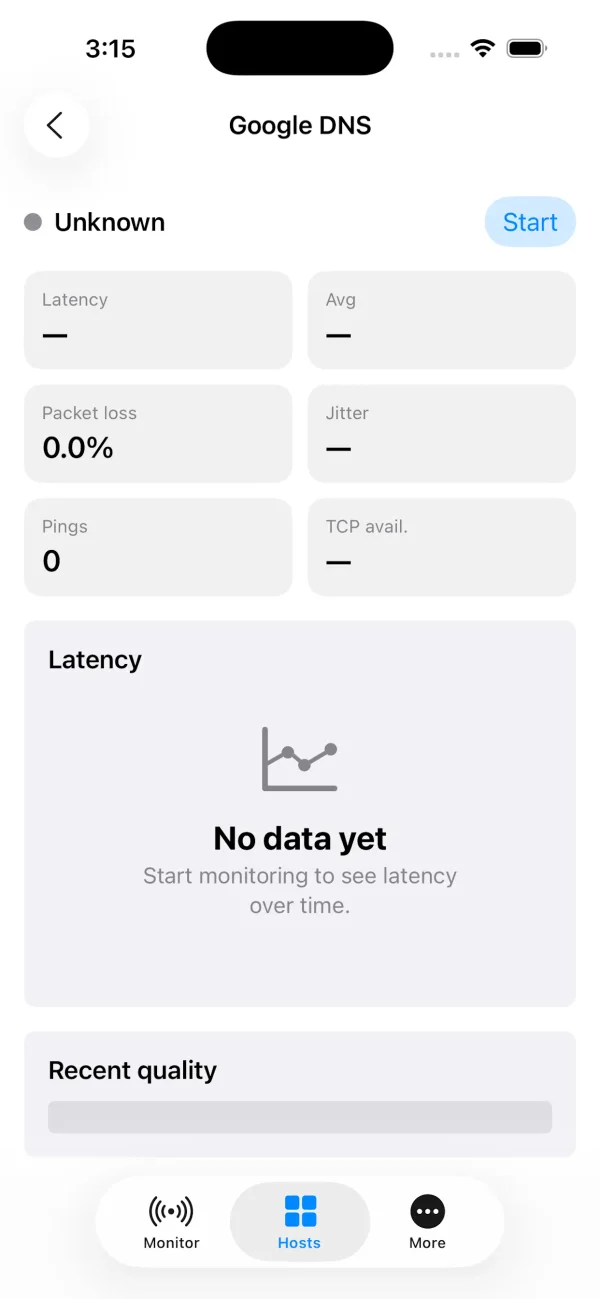
Ping Monkey is a lightweight network monitoring utility that gives you instant visibility
into your internet connection health. Track latency, detect outages, and identify network
issues before they impact your work or play.
Key Features
• Continuous Ping Monitoring — Real-time ICMP ping tracking to any host or IP address
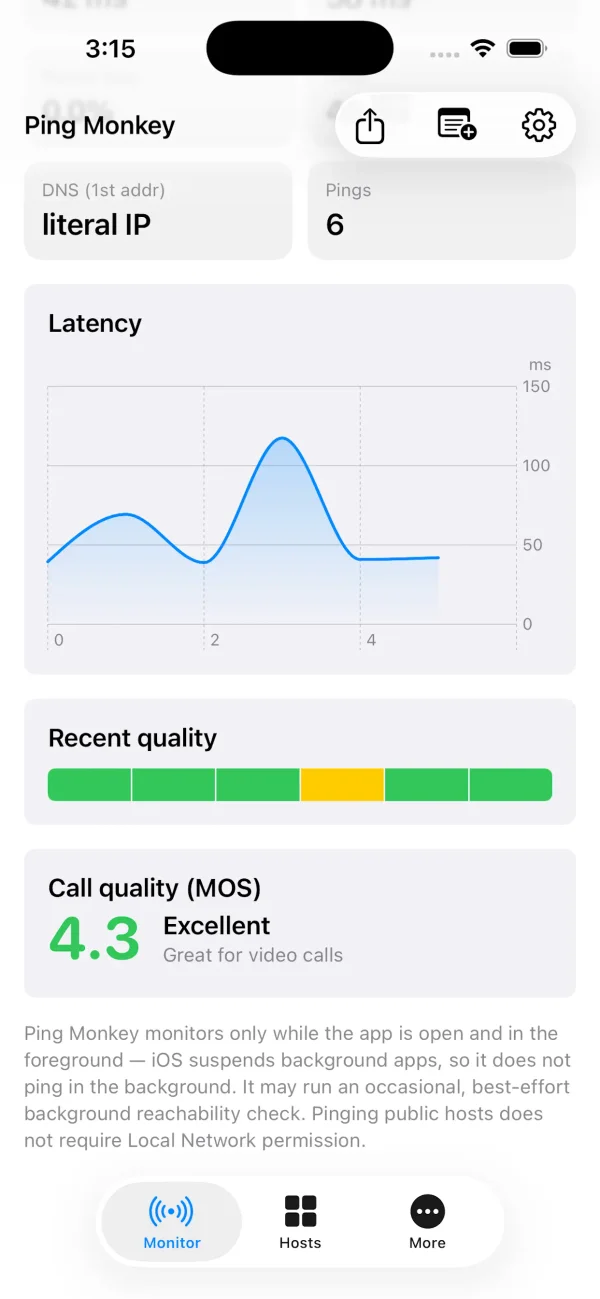
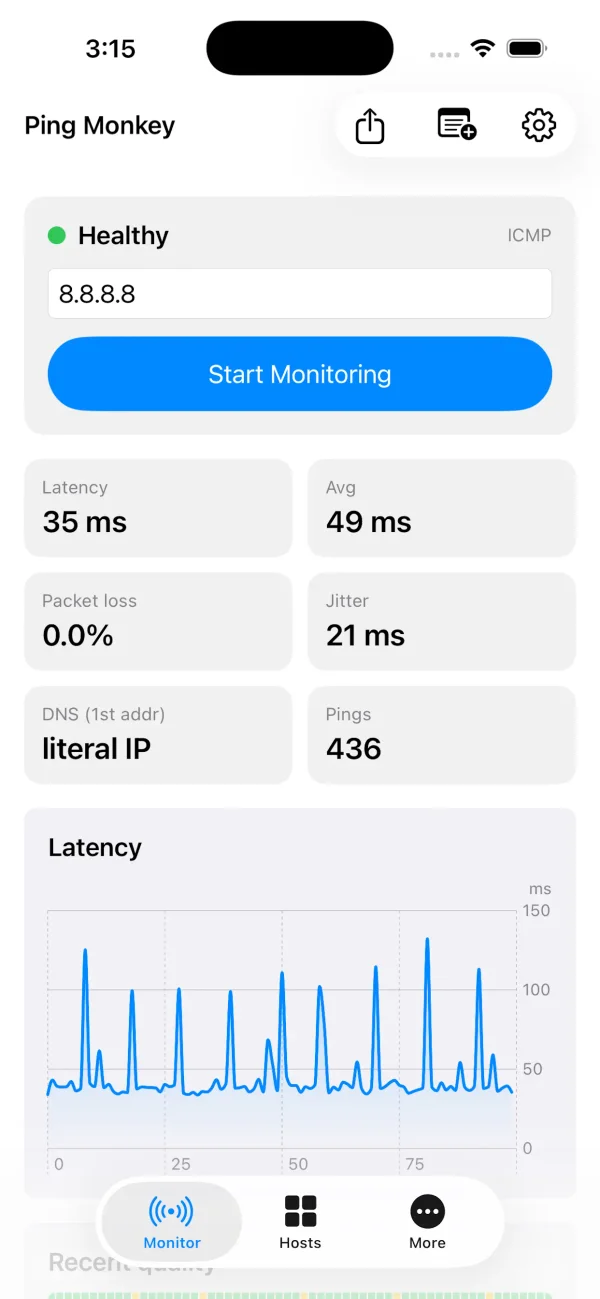
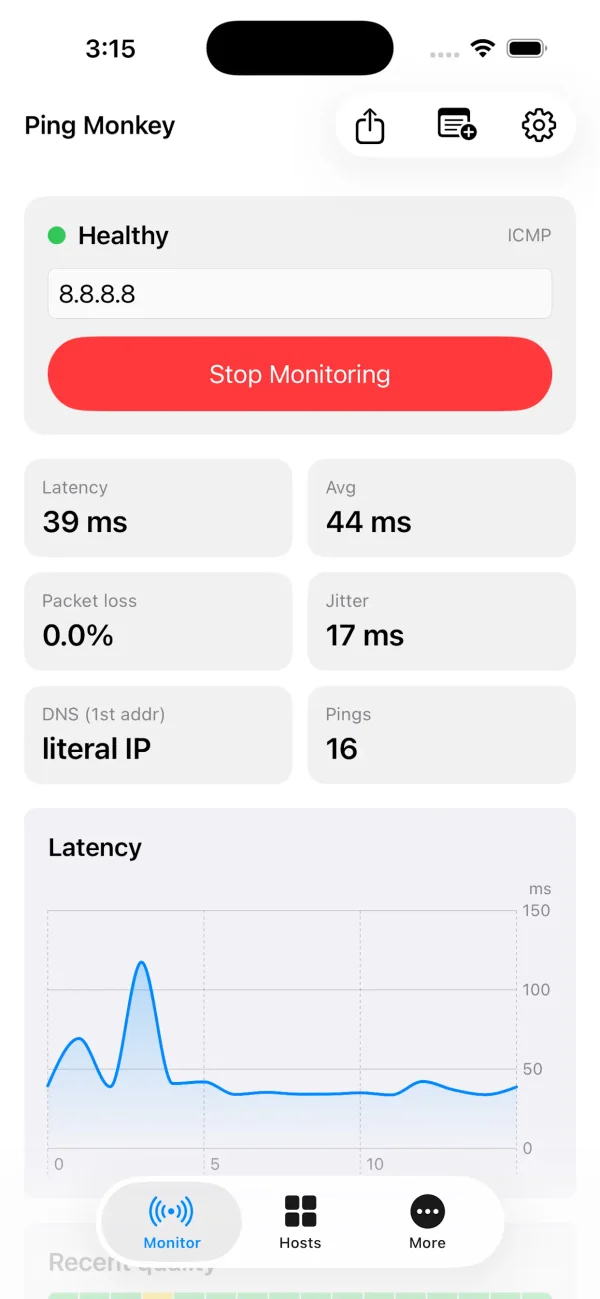
• Live Latency Charts — Beautiful Swift Charts visualization of your connection performance
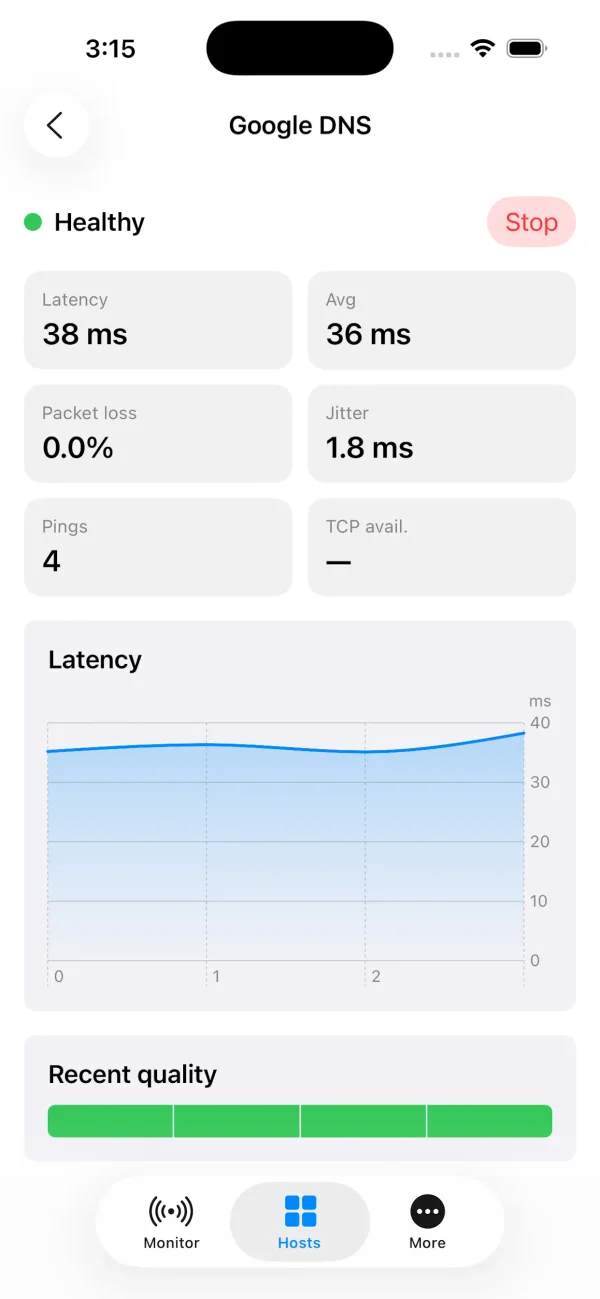
• Comprehensive Statistics — Average, minimum, maximum latency, jitter, and packet loss
percentage
• Event Detection — Automatic detection of latency spikes, outages, and packet loss events
• Quick Presets — One-click profiles for Gaming, Streaming, General use, and Low Power modes
• Flexible Export — Save your session data as CSV, JSON, or formatted PDF reports
Perfect For
• Gamers tracking connection stability during matches
• Remote workers monitoring video call quality
• Network administrators diagnosing connectivity issues
• Streamers ensuring reliable upload connections
• Anyone troubleshooting internet problems
Smart Monitoring
Configure your monitoring to match your needs. Adjust ping intervals from rapid 0.5-second
checks to battery-friendly 10-second intervals. Set custom thresholds for spike detection.
Monitor preset hosts like Google DNS, Cloudflare, or OpenDNS, or enter any custom hostname or
IP address.
Detailed Event Logging
Ping Monkey doesn't just show you numbers—it actively watches for problems. When your
connection experiences a latency spike, drops packets, or goes down entirely, events are
logged with precise timestamps so you can correlate network issues with other activities.
Export Your Data
Need to share your findings or analyze the data further? Export your entire monitoring
session including all ping results, detected events, and summary statistics. Choose from:
• CSV for spreadsheet analysis
• JSON for technical integration
• PDF for formatted reports
Clean, Native Design
Built with SwiftUI for a modern macOS experience. Ping Monkey feels right at home on your Mac
with a clean interface that shows you exactly what you need—nothing more, nothing less.
Privacy Focused
Ping Monkey operates entirely on your Mac. No accounts, no cloud services, no data
collection. Your network monitoring data stays on your computer.
What’s new
Version 1.1.0 · Oct 12, 2026
• Widgets: Home Screen and Lock Screen status at a glance.
• Live Activity and Dynamic Island while monitoring.
• Control Center controls to start monitoring or check your connection.
• Trends: daily latency and uptime over 7, 30 or 90 days.
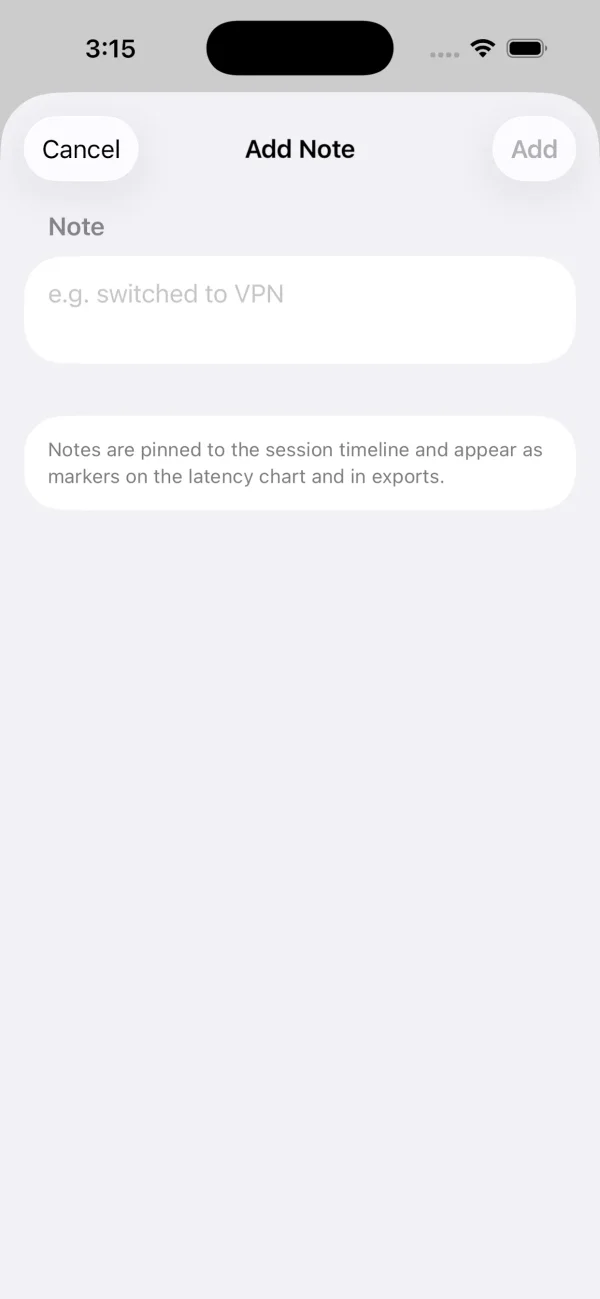
• Network changes: Wi‑Fi, cellular and VPN switches are marked on the chart.
• "Is my internet OK?": ask Siri or Shortcuts whether it's your router, your ISP or the internet.
• ISP Report: a one-tap PDF of your outages to send to your provider.
• Weekly digest: a Monday summary of last week's uptime.
• HTTPS checks: website response time and certificate expiry alongside ping.
• Profiles: Gaming, Video Calls, Streaming and Work From Home presets.
Plus reliability and performance fixes, including faster pings while the app is busy.
App privacy
What Danny Bolick declares on the App Store about how this app handles data.
-
Data not collected
The developer does not collect any data from this app.
Privacy practices may vary, for example with the features you use or your age.
Information
- Seller
- Danny Bolick
- Category
- Utilities
- Version
- 1.1.0
- Updated
- Oct 12, 2026
- Released
- Dec 1, 2025
- Size
- 4.5 MB
- Requires
- iOS 17.0 or later
- Age rating
- 4+
- Price
- Free
- In-app purchases
- Yes
- Languages
- English
- Copyright
- © Danny Bolick
You might also like
-
 Numio - Calculator WidgetCalculate from Home Screen
-
 EVWB InstallUtilities
-
 SentryPingUptime monitor & ping tool
-
 Bluetest IP ThroughputUtilities
-
 CypheriaCypheria - secure your life
-
 Latency: Monitor, Ping & TraceDetect outages and issues fast
-
 Q BoosterBlazing Speed, Total Privacy
-
 NetState ToolNetState - tool for analysis
-
 Pingly - Ping Network UtilityLive latency & quality score
-
 GyperUp BoosterOptimize Your Gaming