Numio - Calculator Widget
Calculate from Home Screen
Designed for iPhone, iPad
$0.99
- Age rating4+
- CategoryUtilities
- DeveloperGameOcean
- LanguagesEnglish
- Size5.3 MB
Links to the official App Store page
Download.org hosts no file of Numio - Calculator Widget. The button opens its official App Store page, published by GameOcean. Listing last checked on Nov 12, 2026.
Screenshots
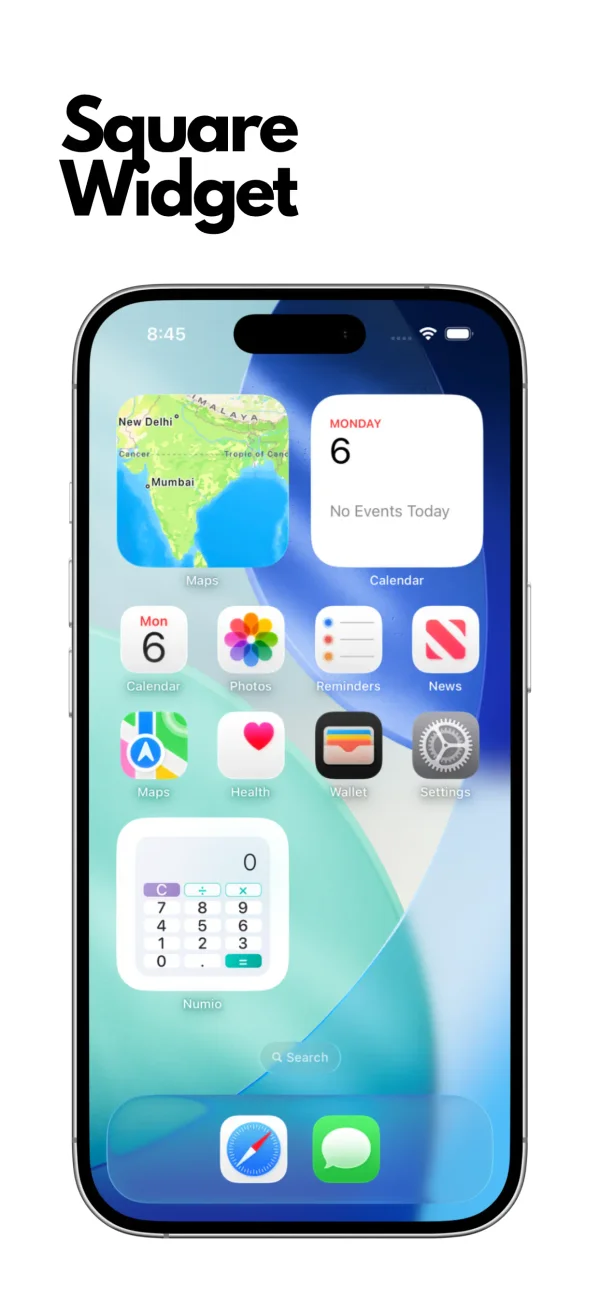
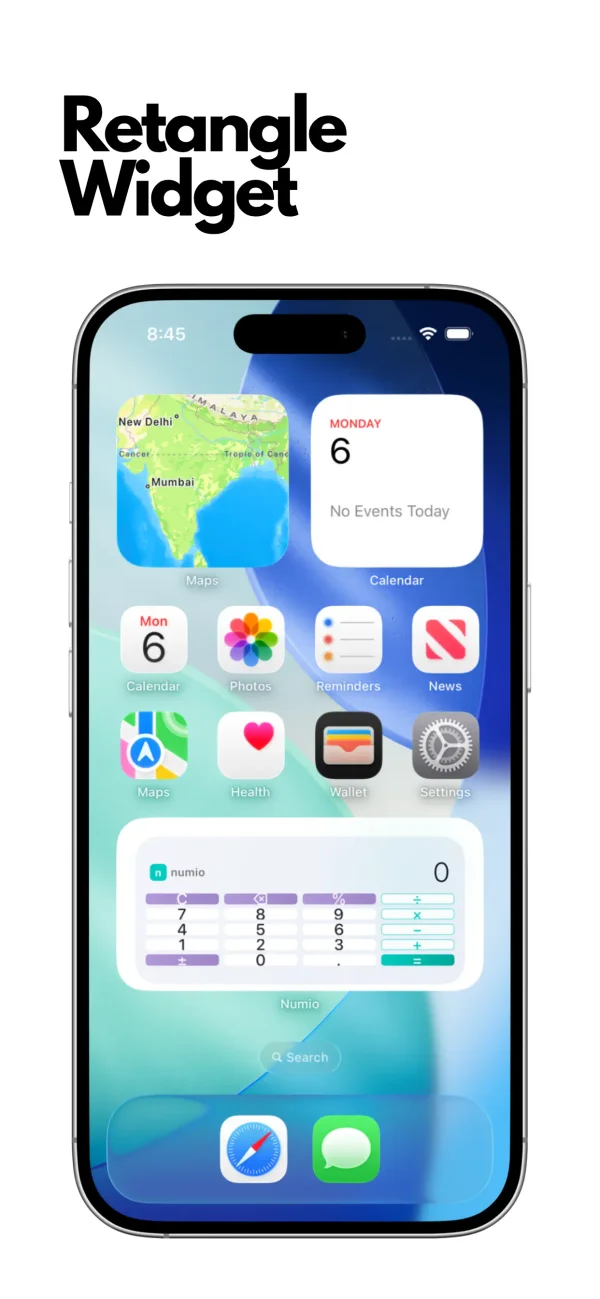
About
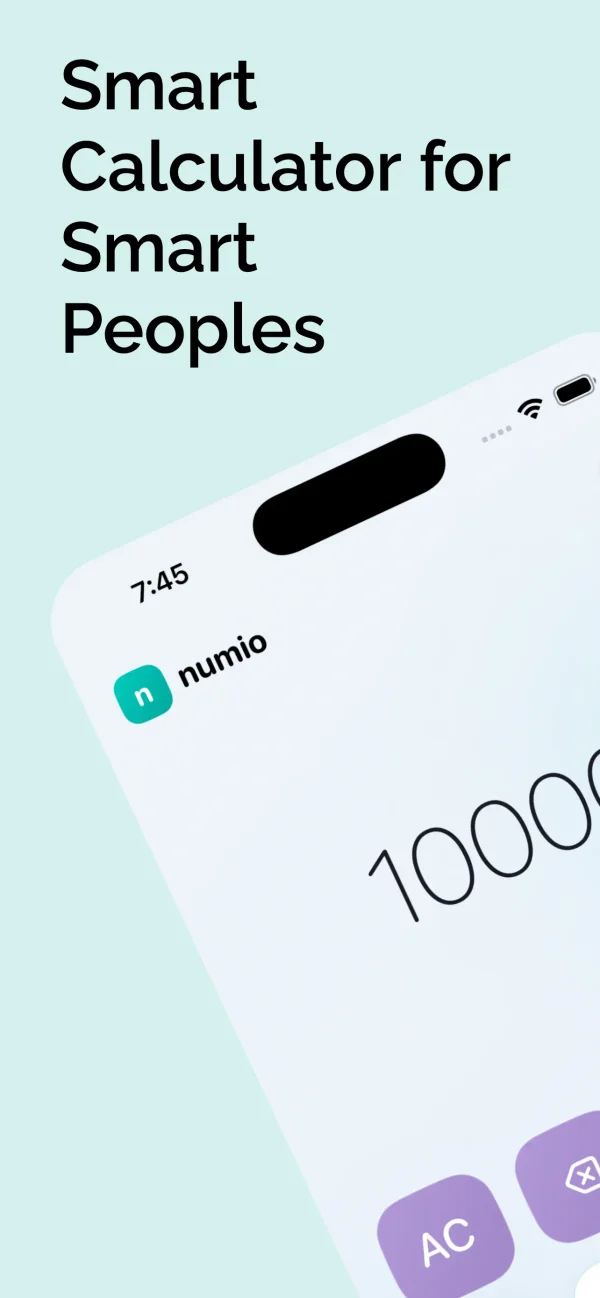
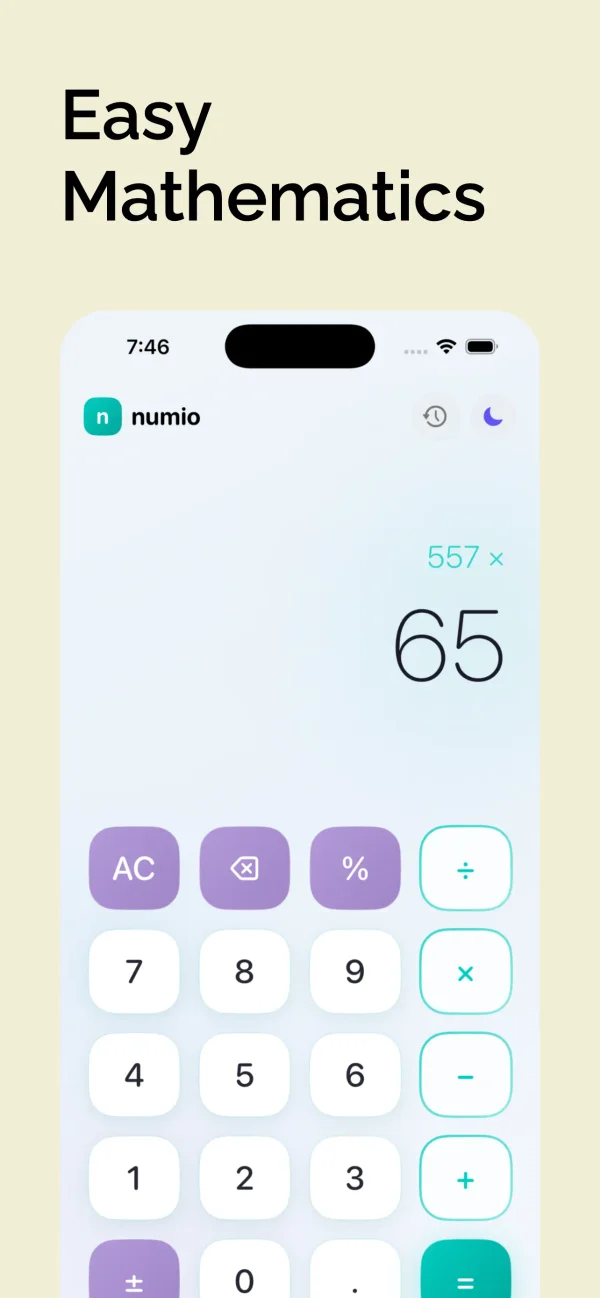
Stop opening apps just to do quick math. numio puts a fully interactive calculator right on your Home Screen.
TAP. CALCULATE. DONE.
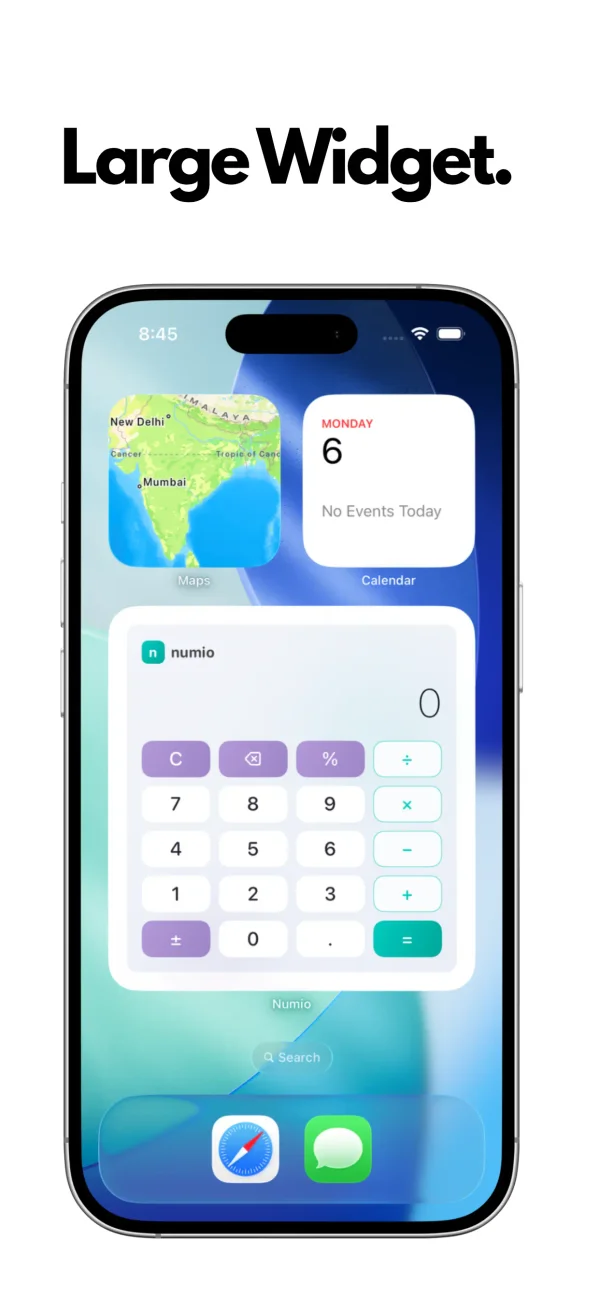
numio's interactive widget is not just a shortcut — it's a real, working calculator built directly into your Home Screen. Tap numbers, choose operations, and get
results without ever leaving your Home Screen.
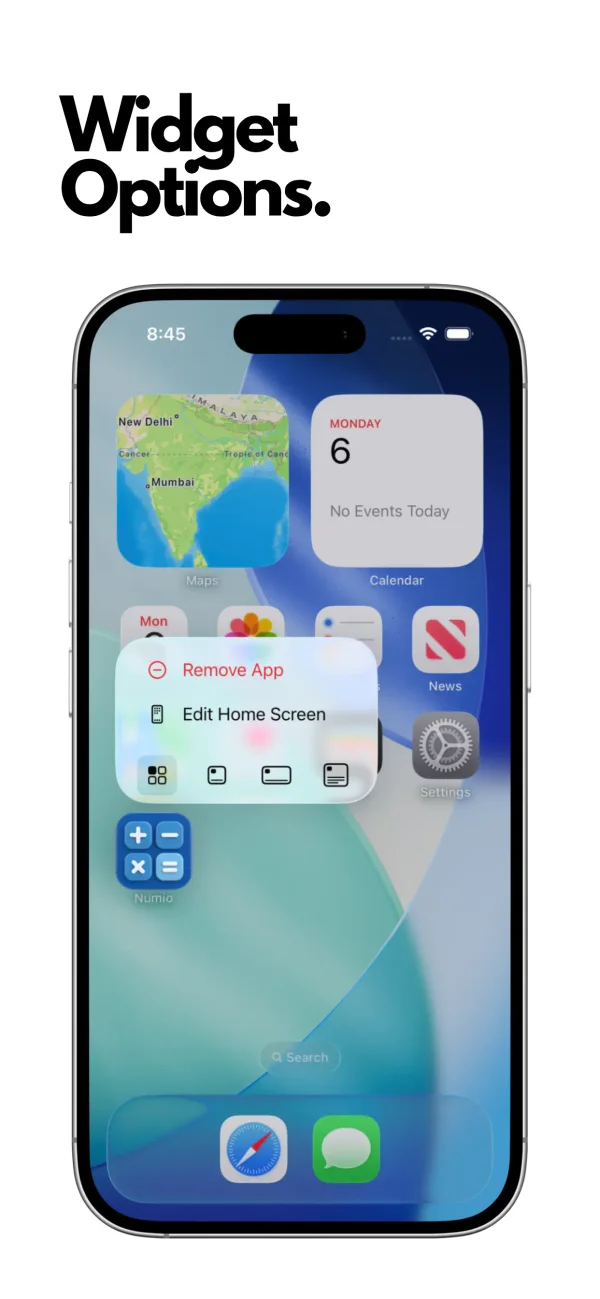
WIDGET SIZES FOR EVERY NEED
• Small Widget — Quick 3-column calculator for fast calculations
• Medium Widget — Full 4-column calculator with all operations
• Large Widget — Complete calculator experience with branded display
• Lock Screen Widgets — See your last result at a glance (circular & rectangular)
BEAUTIFUL, PURPOSEFUL DESIGN
numio isn't another clone. Every detail is crafted with intention:
• Unique teal accent theme — stands out from every other calculator
• Glassmorphism buttons with smooth gradient backgrounds
• Fluid spring animations and haptic feedback on every tap
• Rounded pill-shaped buttons designed for precision tapping
FULL-FEATURED CALCULATOR
• Add, subtract, multiply, divide
• Percentage calculations
• Positive/negative toggle
• Decimal support
• Backspace for quick corrections
• Up to 9-digit precision with smart scientific notation for large numbers
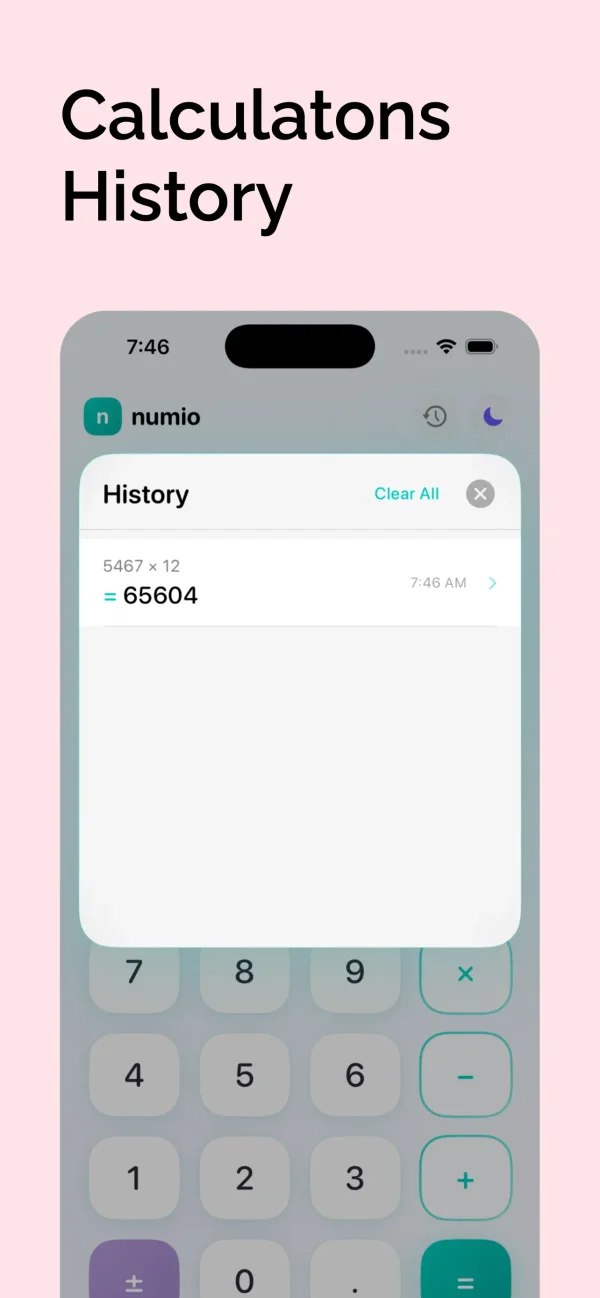
CALCULATION HISTORY
Never lose track of your work. numio saves your last 50 calculations so you can:
• Review previous results anytime
• Tap any history item to reuse the result
• Swipe to delete individual entries
• Clear all history with one tap
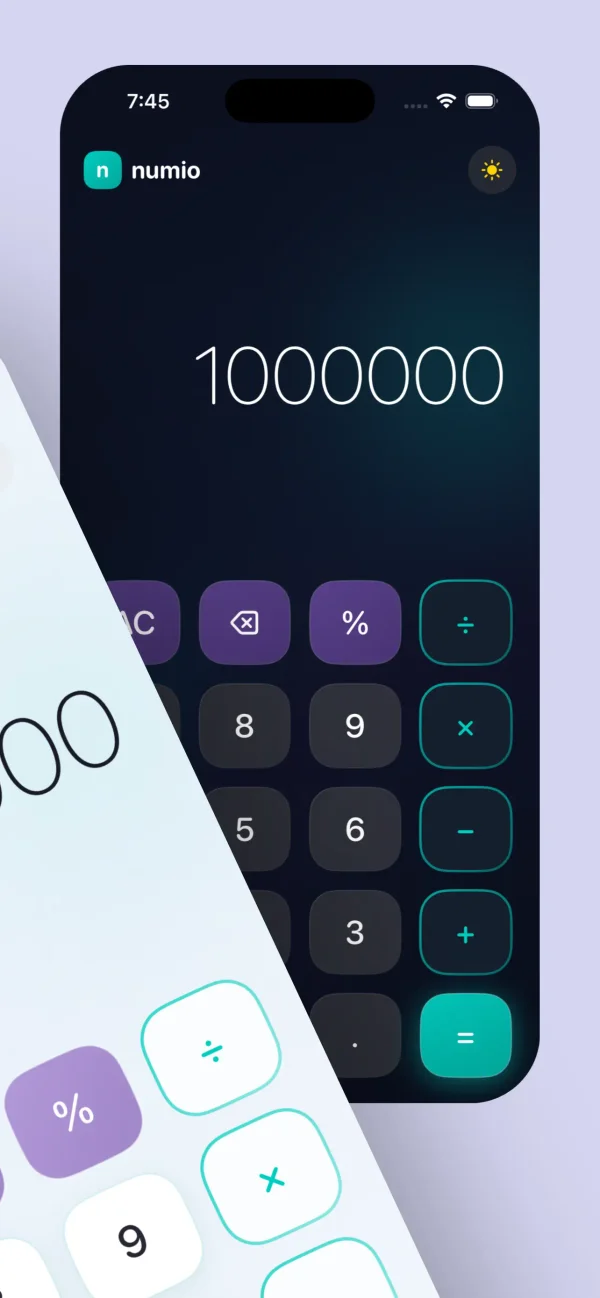
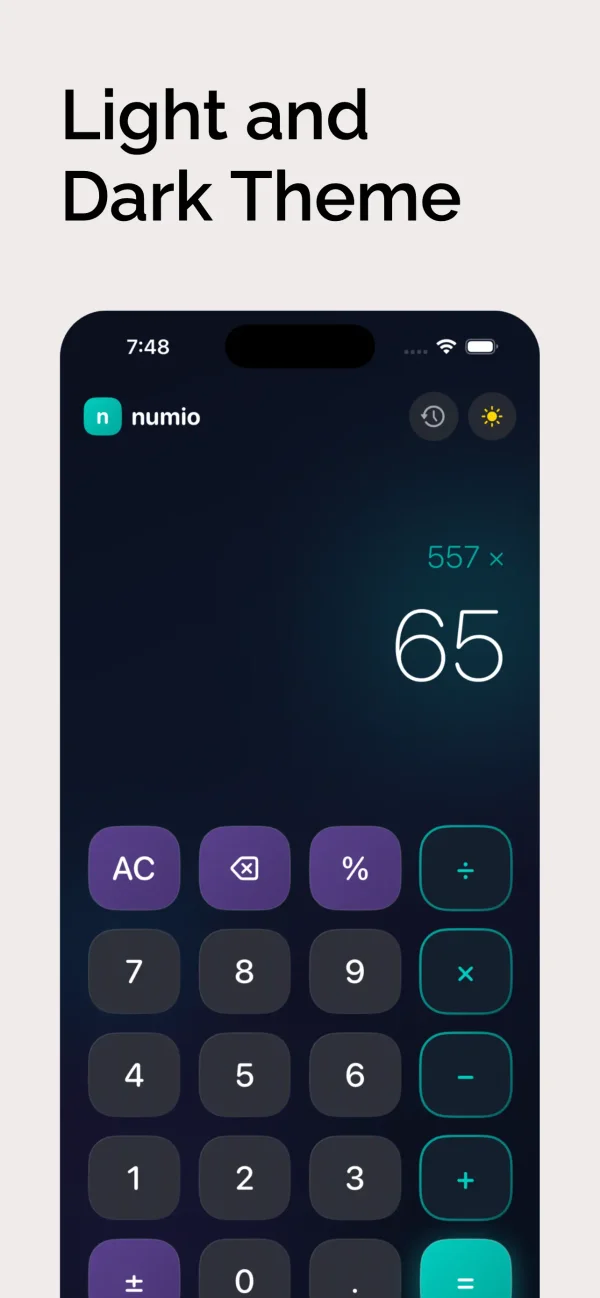
DARK & LIGHT MODE
Switch between a stunning deep blue-purple dark theme and a clean, crisp light theme. Your preference is remembered across sessions.
DESIGNED FOR SPEED
numio is built for people who calculate throughout the day — students, professionals, shoppers, anyone who needs quick answers. The Home Screen widget means zero
wait time. No app launch. No loading screen. Just instant math.
WHY numio?
→ Only $0.99 — no subscriptions, no ads, no in-app purchases
→ The widget alone is worth it — calculate without opening a single app
→ Privacy first — no data collection, no analytics, no tracking
→ Lightweight — minimal battery and storage impact
Download numio and turn your Home Screen into a calculator.
What’s new
Version 1.1 · Apr 6, 2026
- Interactive Home Screen calculator widget (small, medium, large)
- Lock Screen widgets (circular & rectangular)
- Calculation history with swipe-to-delete
- Dark & light mode toggle
- Performance improvements
App privacy
What GameOcean declares on the App Store about how this app handles data.
-
Data not collected
The developer does not collect any data from this app.
Privacy practices may vary, for example with the features you use or your age.
Information
- Seller
- GAMEOCEAN TECHNOLOGIES PRIVATE LIMITED
- Category
- Utilities
- Version
- 1.1
- Updated
- Apr 6, 2026
- Released
- Mar 30, 2026
- Size
- 5.3 MB
- Requires
- iOS 26.2 or later
- Age rating
- 4+
- Price
- $0.99
- Languages
- English
- Copyright
- © 2026 Gameocean Labs
You might also like
-
 Ping MonkeyPro Network Monitoring
-
 MathintoshA fun and powerful calculator!
-
 XE Calculator Pro: Math AIScan to Solve, Graphs & Voice
-
 Simple Profit Calculator +Utilities
-
 Recent ContactsQuick and useful
-
 Calculator Plus ProIntelligence,Complex,Calc
-
 Wider - Fullscreen BrowsingMore room for the internet
-
 WhyNot WidgetsOne-tap apps & premium widgets
-
 Desktop Calculator -Real VoiceNo Ads / Key Sound / Basic Cal
-
 Miracast・Screen MirroringScreen Mirror & Cast to TV