Pinto Notes: Notes & Lists
Simple notes your AI can use
Designed for iPhone, iPad, Mac
Free
- Age rating4+
- CategoryProductivity
- DeveloperEmil Wagman
- LanguagesEnglish
- Size56.3 MB
Links to the official App Store page
Download.org hosts no file of Pinto Notes: Notes & Lists. The button opens its official App Store page, published by Emil Wagman. Listing last checked on Nov 18, 2026.
Screenshots

About
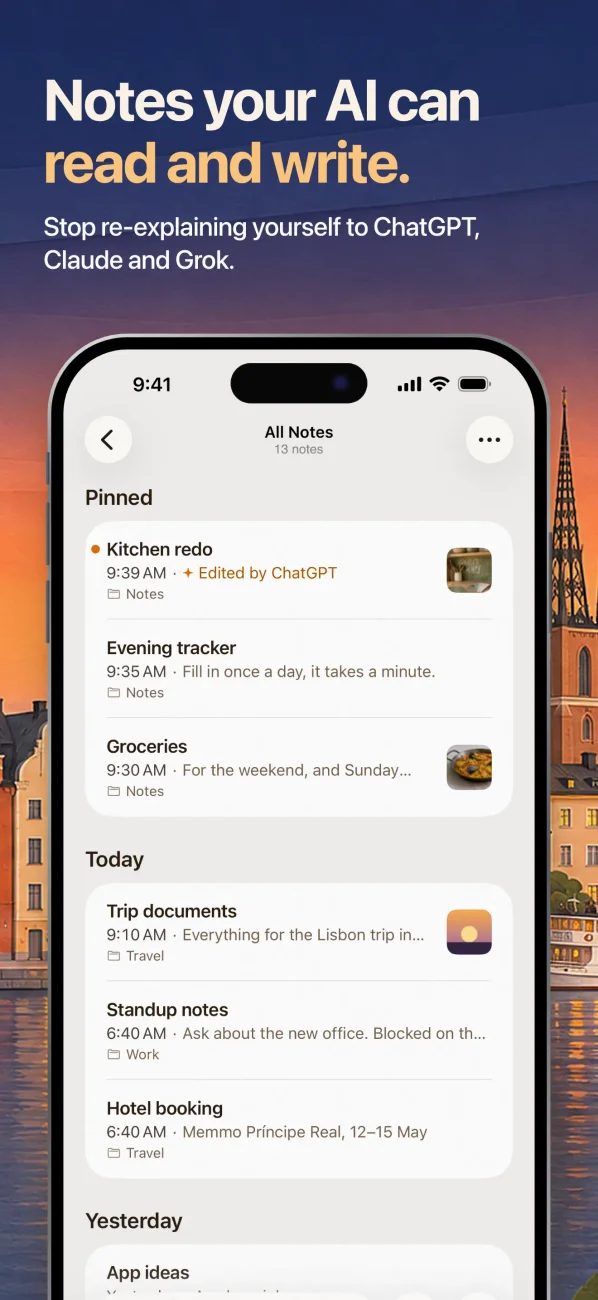
Pinto Notes is a simple notes app your AI can use.
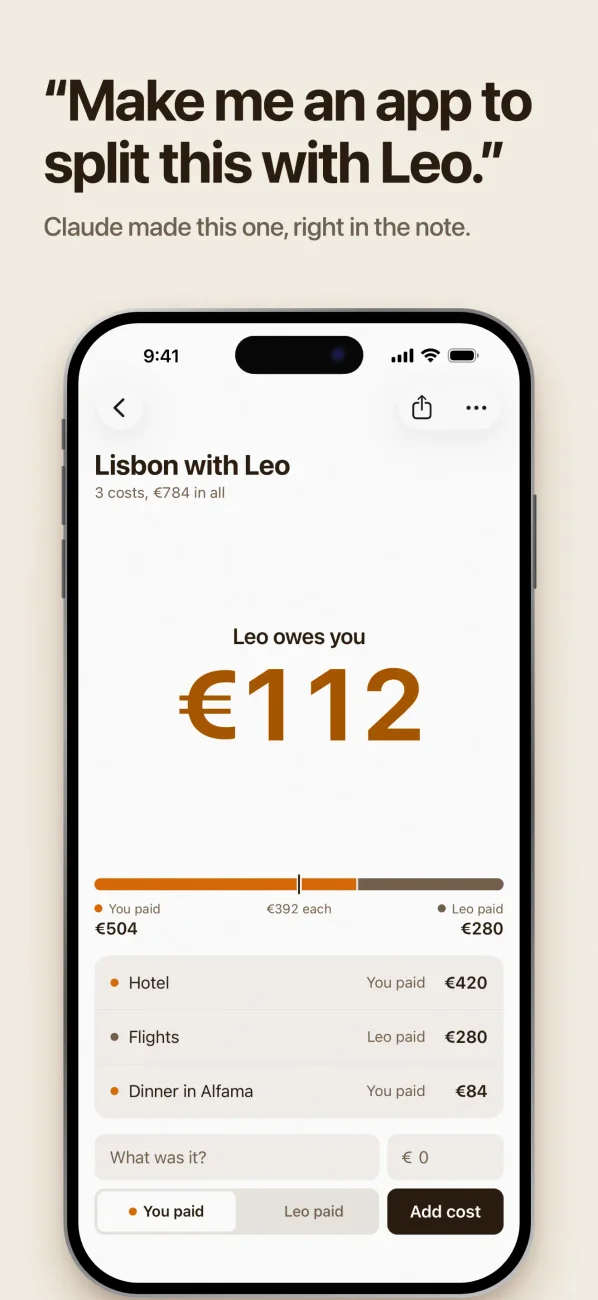
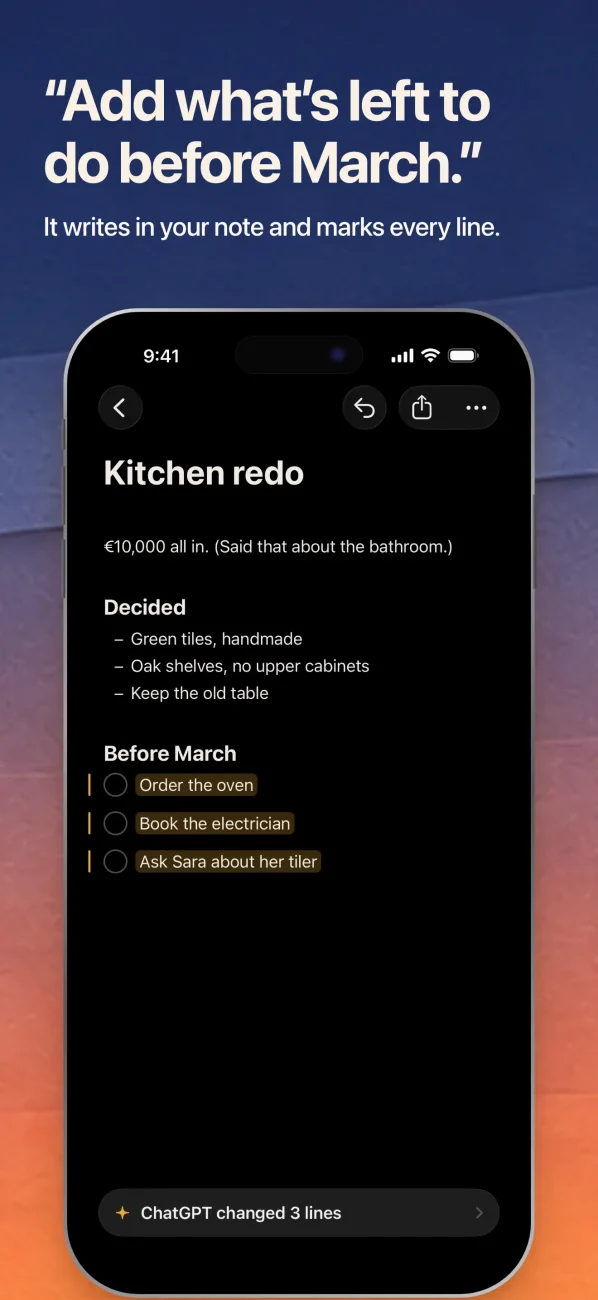
It works like the notes app you already know, with folders, checklists, tables and photos. The difference is that ChatGPT and Claude can read and update your notes when you let them.
ASK YOUR AI, IT'S IN YOUR NOTES
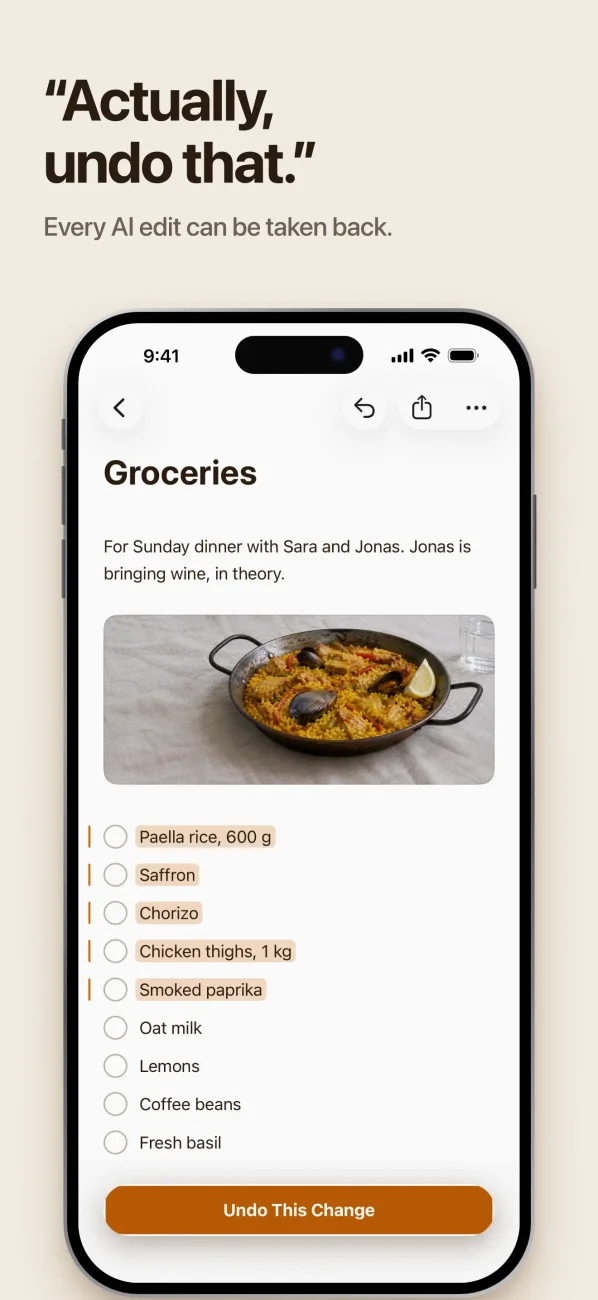
• "Add oat milk to my groceries." It's on your phone a second later.
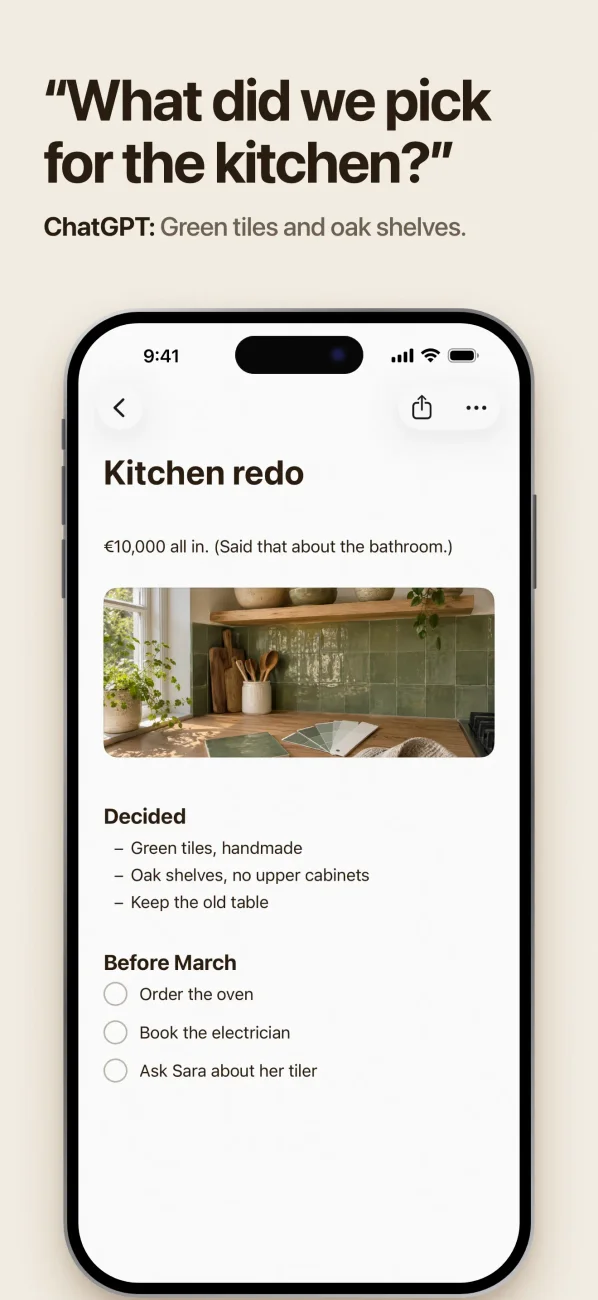
• "What did we decide about the Lisbon hotel?" Your AI reads the note and answers.
• "Turn this meeting into a checklist in Work." Done, on every device.
• Every line an AI changes is highlighted, with Undo next to it.
A NOTES APP FIRST
• Checklists that move ticked items to the bottom
• Headings, bullets, numbered lists and quotes
• Tables you edit cell by cell
• Photos, PDFs and files in your notes and folders
• Sub-notes that keep details one tap away
• Keep writing offline. Changes sync when you're back.
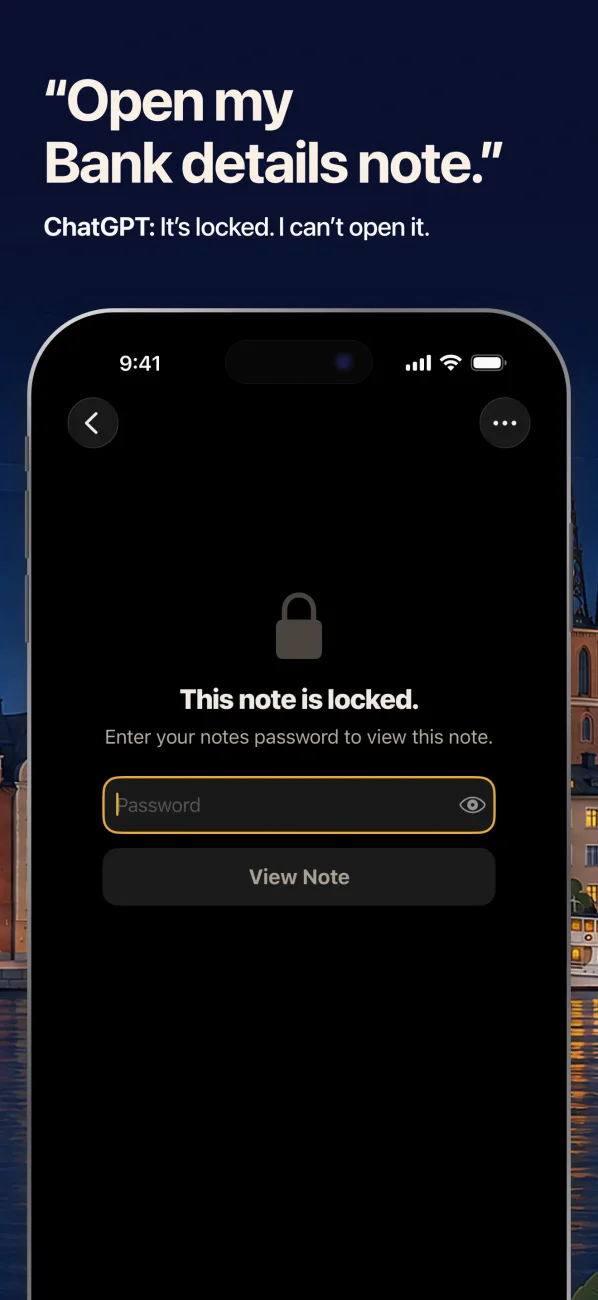
• Lock a note with a password and Face ID
ENCRYPTED
Your notes are encrypted on your iPhone and Mac before they sync. We keep a locked copy of your key, so signing in on a new device opens your notes. It also means we could open them if we had to, for example under a court order. An AI you connect reads the notes it asks for through our server. A note you share as a web page is readable by anyone with the link.
YOU DECIDE WHO GETS IN
• You approve every AI connection
• Disconnect an AI at any time
• Every change keeps the earlier version, so you can go back
• Share a note as a web page and stop sharing whenever you like
• Delete your account and everything in it from Settings
BRING YOUR NOTES
Import from Evernote, Google Keep, or Markdown and text files. On the Mac, import from Apple Notes in one step.
No ads and no tracking. Open source. 2 GB of storage.
Sign in with Apple, Google or email. Connecting ChatGPT or Claude needs your own account with that service.
Pinto Notes was called Amber Notes until October 2026.
What’s new
Version 1.4 · Nov 17, 2026
• Share a note with people and edit it together, live: More, Share, Collaborate, Invite People.
• See who is in the note and where they are typing, and choose who can edit and who can only view.
• Open a shared link and you're in the note, with Leave right there if you didn't mean to join.
• Shared notes work offline. Your changes merge when you're back.
• Your AI can edit a shared note too, and everyone sees its changes.
• When an AI changes a note, the changed words light up in its colour, then fade.
• Privacy mode blurs note previews in your lists. It can turn on by itself when you record or share your screen.
• Notes open about a third faster.
• Linked From is in a note's ••• menu.
App privacy
What Emil Wagman declares on the App Store about how this app handles data.
-
Data linked to you
May be collected and linked to your identity.
- Contact info
- User content
- Identifiers
- Usage data
- Diagnostics
- Other data
Privacy practices may vary, for example with the features you use or your age.
Information
- Seller
- Emil Wagman
- Category
- Productivity
- Version
- 1.4
- Updated
- Nov 17, 2026
- Released
- Nov 5, 2026
- Size
- 56.3 MB
- Requires
- iOS 26.0 or later
- Age rating
- 4+
- Price
- Free
- Languages
- English
- Copyright
- © 2026 Emil Wagman
You might also like
-
 Remembro: Food explained by AIAnother diet app you’ll quit
-
 Peal: Alarm for AppointmentsRings through Silent and Focus
-
 Peal - PlanningFor days with too much on them
-
 Amical: AI Voice KeyboardVoice dictation in every app
-
 ConduckYour AI, your keys, your voice
-
 Minbi – Your Memory InboxThoughts, Voice Notes & Music
-
 What-Else: Life MaintenanceTrack What Can Wait.
-
 Note - ConniePadJournal - Writing - Sync
-
 AI DictationVoice-to-text keyboard
-
 Distill by UNMSYour personal thinking system.