Pixbit Studio – Pixel Animator
Pixel art & sprite animation
Designed for iPhone, iPad
Free · In-app purchases
- Age rating4+
- CategoryGraphics & Design
- DeveloperLuis Rosas
- LanguagesSpanish
- Size6.2 MB
Links to the official App Store page
Download.org hosts no file of Pixbit Studio – Pixel Animator. The button opens its official App Store page, published by Luis Rosas. Listing last checked on Nov 27, 2026.
Screenshots
About
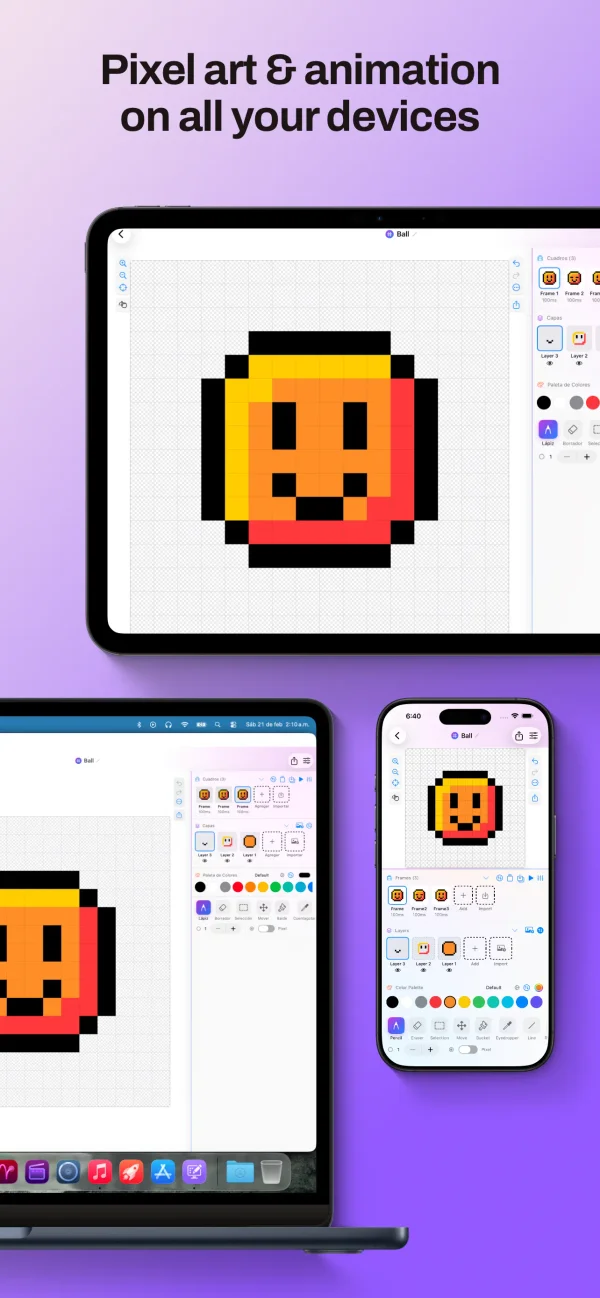
Create pixel art and animate sprites on your mobile and desktop devices.
Pixbit Studio is a pixel editor with layers, frame-by-frame animation, onion skin, and sync across devices. Built for game developers, artists, and retro-style graphics creators.
Free to use. Export up to 3 times to try all features. One-time purchase for unlimited exports.
Drawing tools:
-Pixel-perfect pencil (true pixel control)
-Eraser, selection, move, bucket fill, eyedropper
-Shapes: lines, rectangles, circles
-Mirror: symmetrical drawing along horizontal, vertical, or both axes
-Gradient
-Grid with zoom support
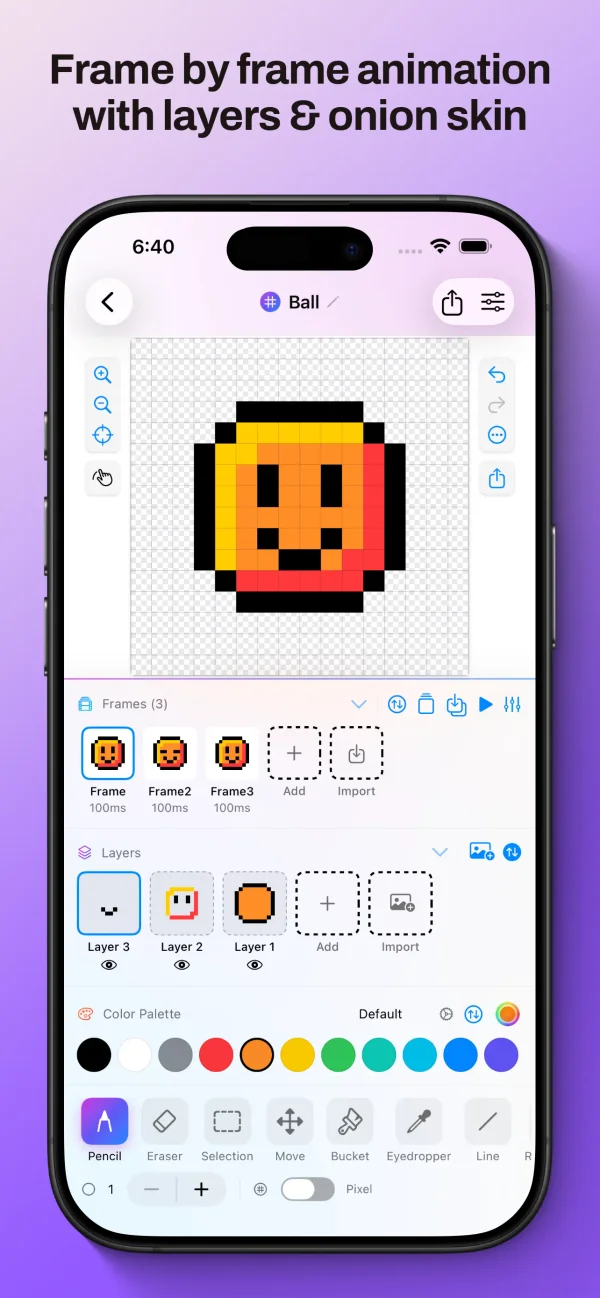
Frame-by-frame animation:
-Timeline with per-frame duration editor and FPS presets
-Loop modes: Loop, Once, and Ping-Pong
-Onion skin to preview previous/next frames
-Playback preview at different speeds
Layers:
-Multiple layers per frame
-Show/hide, duplicate, reorder, lock
-Layer thumbnails
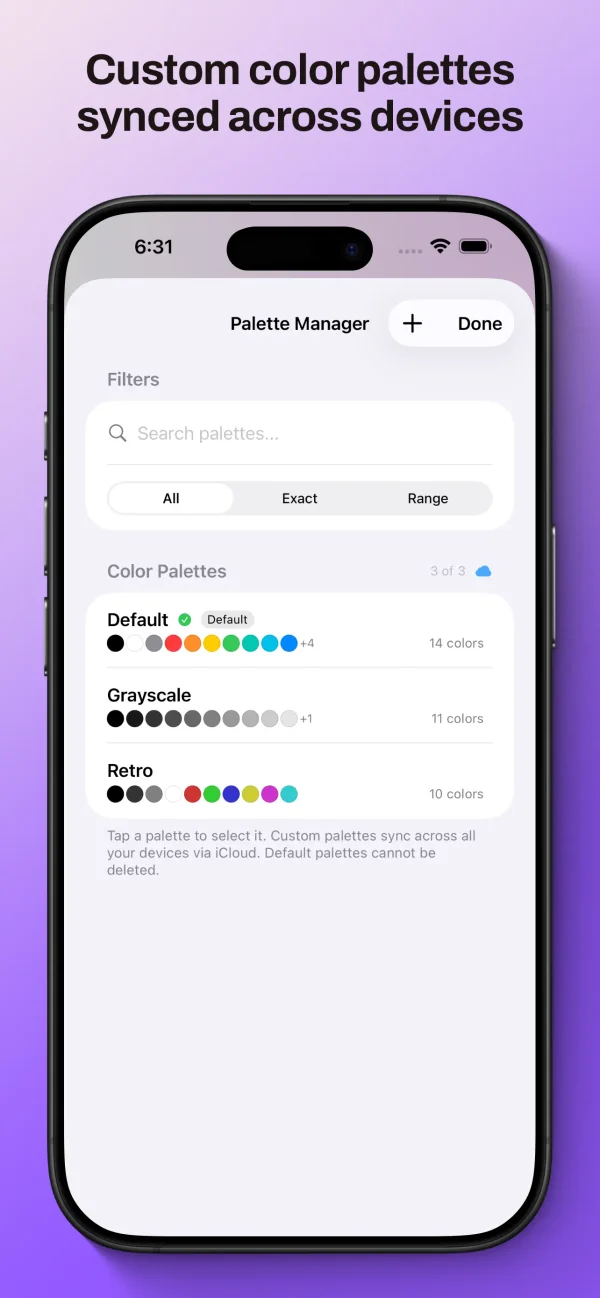
Color palettes:
-Create custom palettes
-Import palettes from images
-Eyedropper tool
-Apply any palette to your entire drawing in one tap — every pixel remapped to the closest palette color
Tile preview:
-Preview how your sprite tiles horizontally, vertically, or in all directions
-Adjustable opacity for tile previews
-Visual only — does not affect the canvas
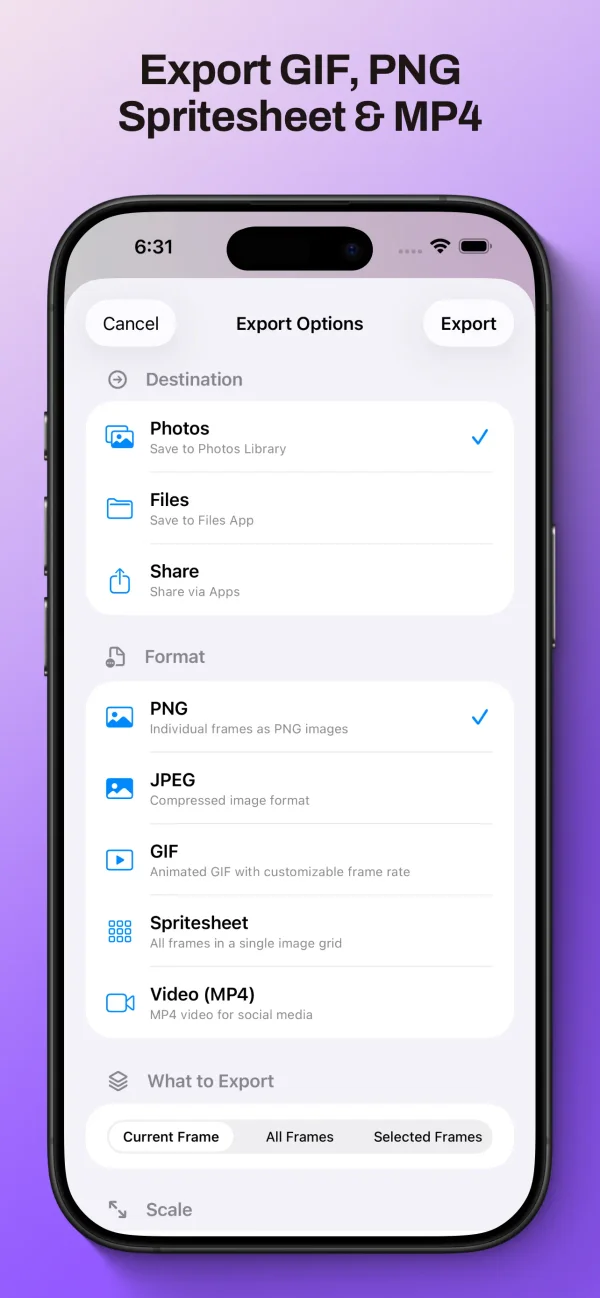
Export formats:
-PNG with transparency
-Animated GIF
-Spritesheets (for game engines)
-MP4 video
Sync across devices:
-Projects, palettes, and collections sync across all your devices
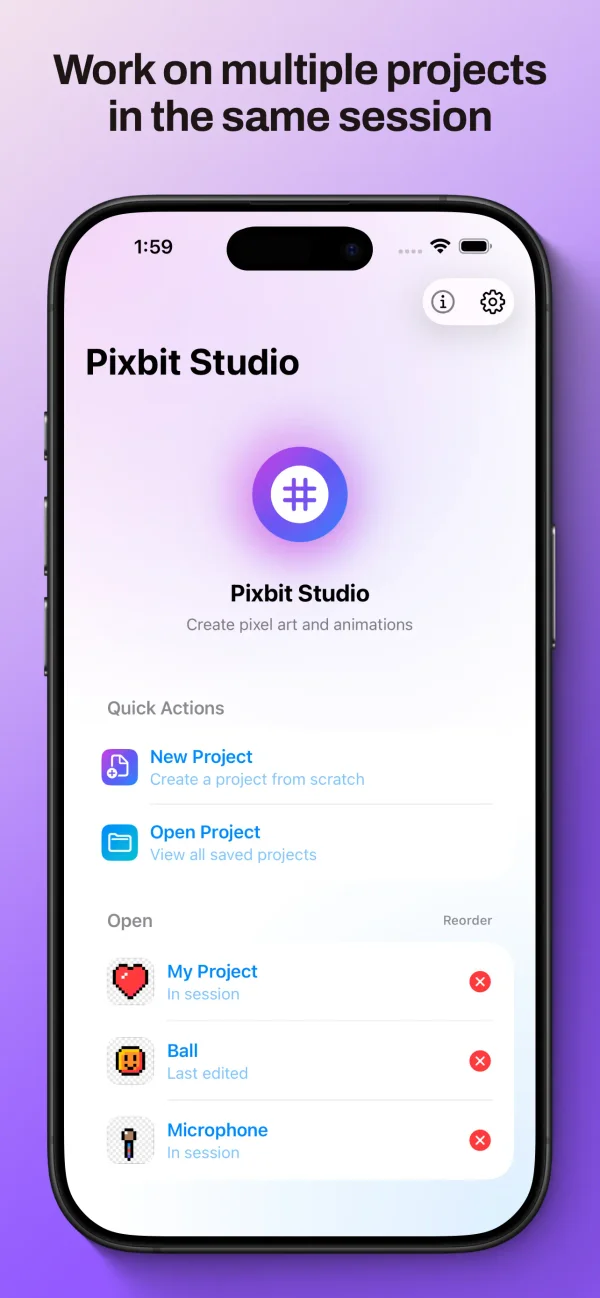
Session tabs:
-Keep multiple projects open at once during your session
-Switch between related projects instantly from the start screen
-Reorder and close tabs like a browser — tabs clear when you close the app
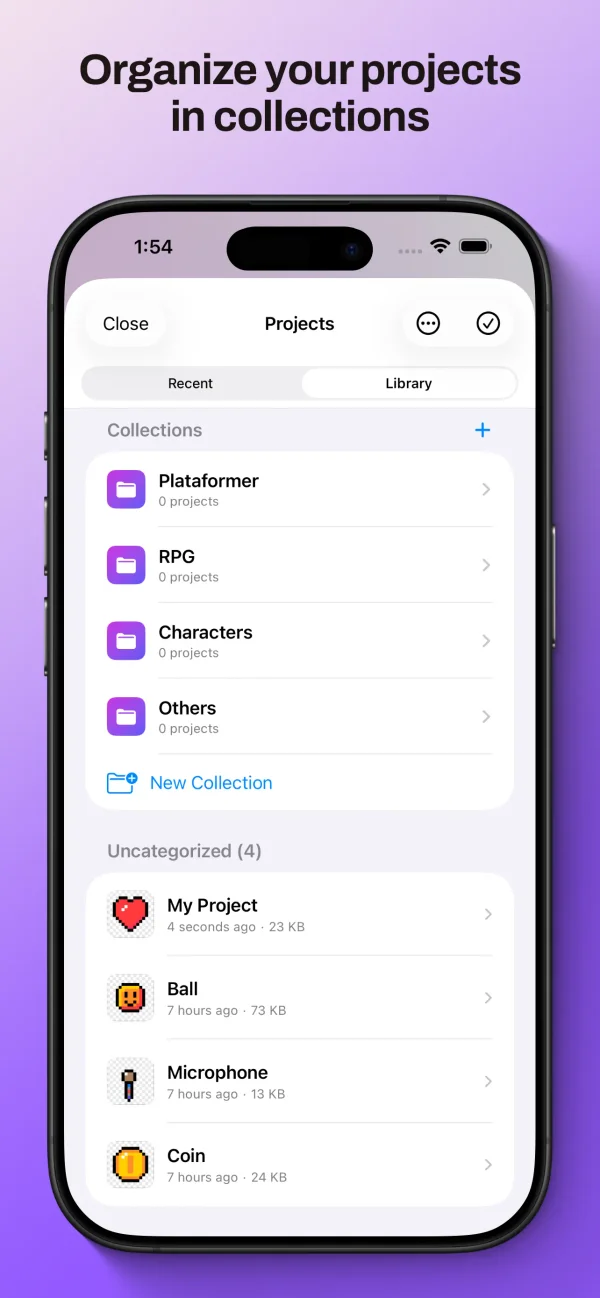
Collections:
-Organize projects into collections and subcollections
-Multi-select collections and projects for bulk management
What’s new
Version 2.0.8 · Jun 3, 2026
-Import animated GIF: import any GIF (or static image) directly as animation frames from your Photo Library or Files.
-Selection mask: pencil, eraser, shapes, and gradient now draw exclusively inside the active selection — use it as a precise drawing mask.
-Full undo/redo for selection: drawing a selection, deselecting, flipping, rotating, moving, and committing are all now fully undoable and redoable.
-Fix: flip/mirror on a non-floating selection no longer crashes the app.
-Project sharing: fixed importing shared projects, files now open correctly.
-Duplicate project: new context menu option to duplicate any project; the copy gets its own name automatically.
-Import respects filename: importing a renamed project now displays the file's name, not the original internal name.
App privacy
What Luis Rosas declares on the App Store about how this app handles data.
-
Data not collected
The developer does not collect any data from this app.
Privacy practices may vary, for example with the features you use or your age.
Information
- Seller
- Luis Rosas
- Category
- Graphics & Design
- Version
- 2.0.8
- Updated
- Jun 3, 2026
- Released
- Sep 18, 2025
- Size
- 6.2 MB
- Requires
- iOS 17.6 or later
- Age rating
- 4+
- Price
- Free
- In-app purchases
- Yes
- Languages
- Spanish
- Copyright
- © 2025 Less Coded
You might also like
-
 Kele Puzzle - KELEQPhoto Puzzles&Animated Videos
-
 PixelForge - Pixel Art StudioDraw, Animate & Export Sprites
-
 PixelFlux | Pixel Art DrawingPixel Art Drawing Tool
-
 PxPad: Pixel Art Maker StudioDrawing Pad & Sprite Editor
-
 KaWaii Anime Wallpaper: Y2K HDCuTe CyBeRpUnK AeStHeTiC 4K PV
-
 EverMemory: Photo AnimatorAnimate Photos, Image to Video
-
 All To Live-Live WallpapersVideo to live wallpaper maker
-
 Sprite PencilCreate Pixel Art
-
 Pixen - pixel art editorHandcrafted pixel art editor
-
 Pixel NetworkCommunity for pixel artists