
PixelPic
Photo/Image Pixelate !
Designed for iPhone, iPad, Mac, iPod touch
Free · In-app purchases
- Age rating4+
- CategoryGraphics & Design
- Developer辉章 何
- LanguagesEnglish+ 32 more
- Size10.9 MB
Links to the official App Store page
Download.org hosts no file of PixelPic. The button opens its official App Store page, published by 辉章 何. Listing last checked on Nov 17, 2026.
Screenshots


About
Why Choose PixelPic?
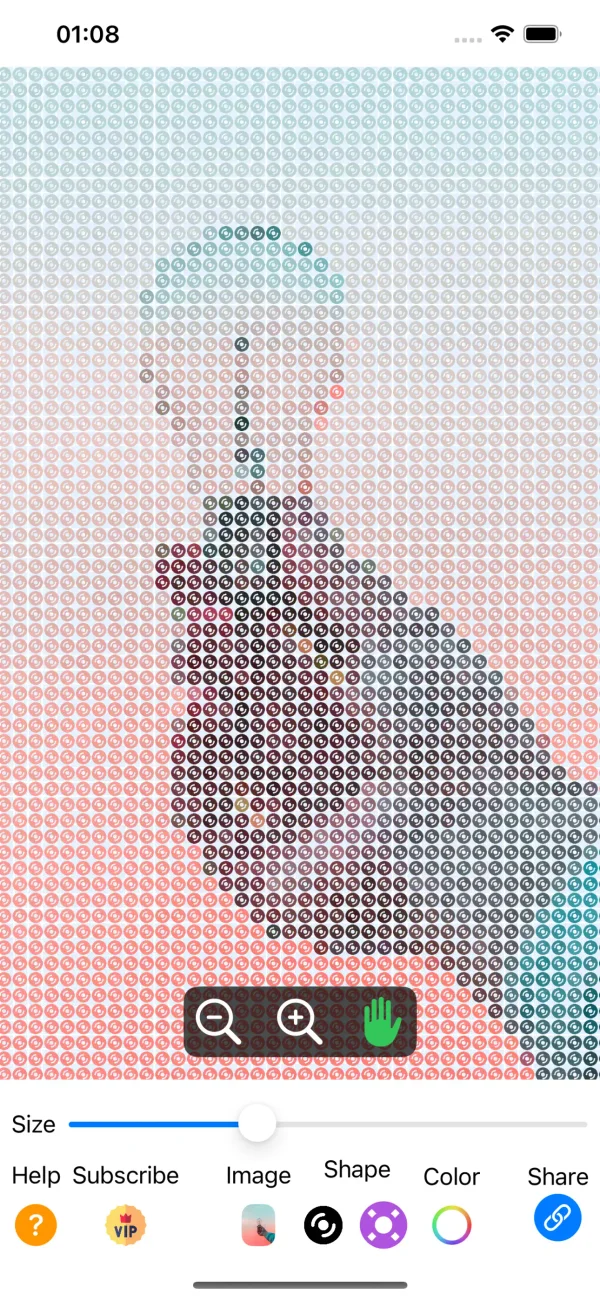
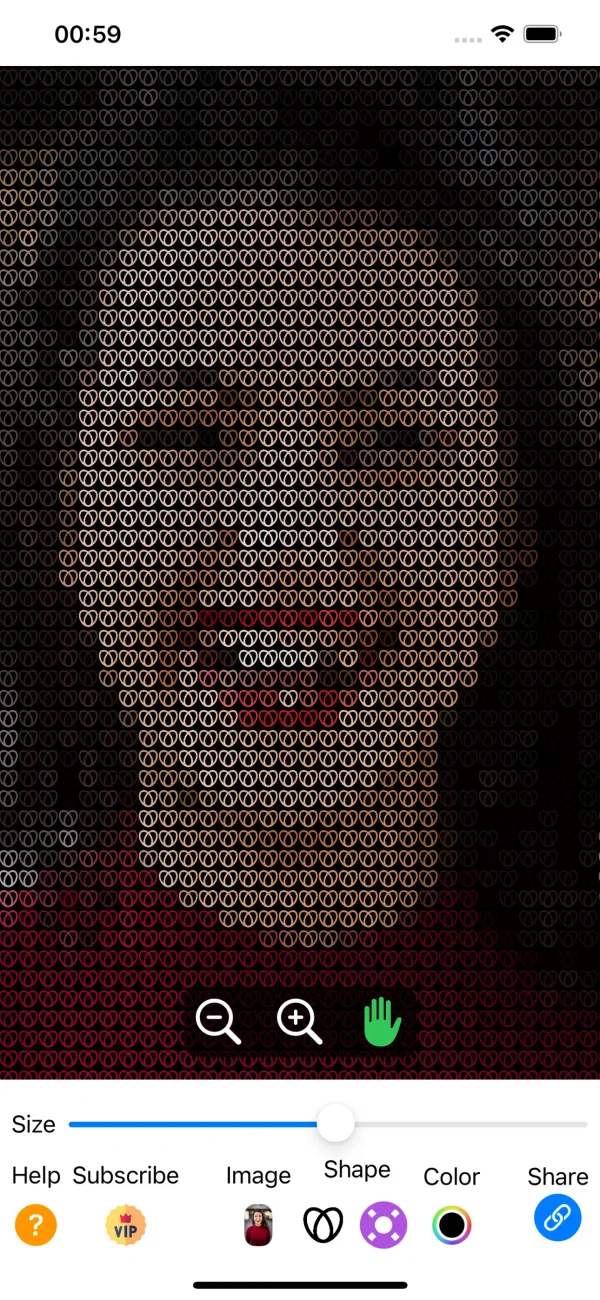
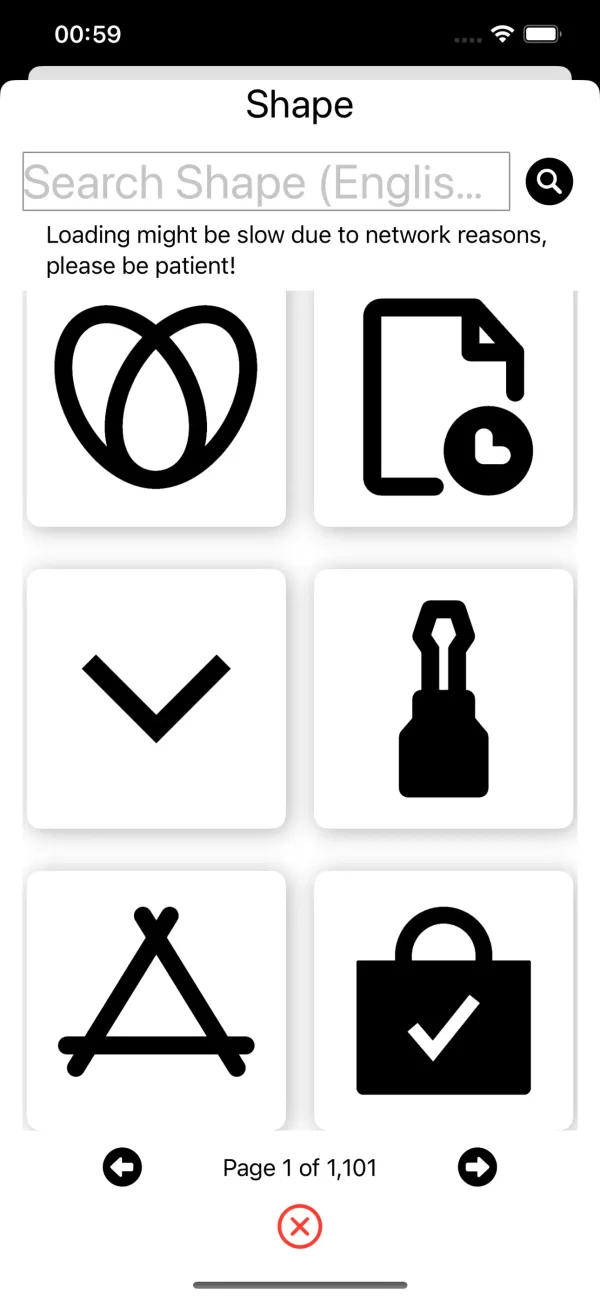
• Custom Pixel Styles: Access a vast library of over 6600+ pixel shapes from our dedicated server. Explore and choose the perfect style for your creative projects.
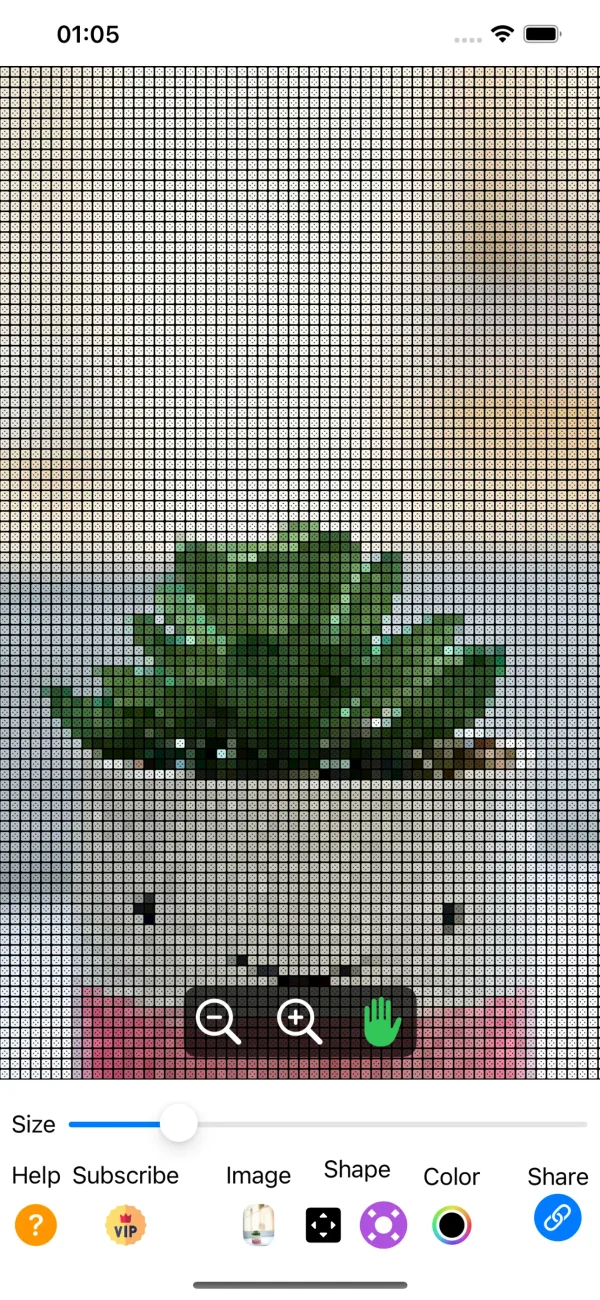
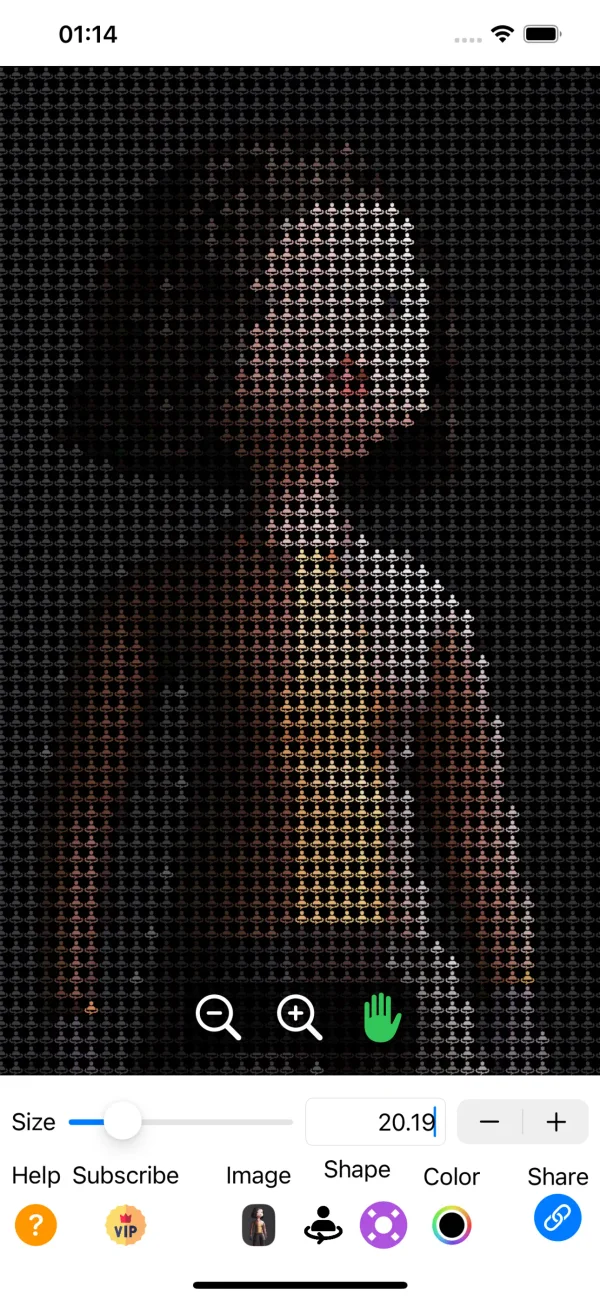
• Advanced Pixelation: Effortlessly pixelate images with customizable pixel shapes and sizes. Perfect for creating unique visual effects and artistic styles.
• High-Speed Rendering: Utilize our efficient algorithms for lightning-fast rendering in milliseconds, ensuring quick and seamless transformations.
• Pixel Size Adjustment: Fine-tune pixel sizes to achieve the desired level of detail and aesthetics in your artwork.
Core Features:
• Pixel Art Creation: Transform images into pixelated artworks with ease.
• User-Friendly Interface: Navigate and customize pixelation settings effortlessly.
• Cross-Platform Compatibility: Enjoy flexibility and accessibility across iOS and macOS devices.
Where to Use PixelPic?
• Artistic Creations: Create captivating pixel art for digital illustrations, game design, and graphic projects.
• Personalized Gifts: Design unique pixel art gifts such as posters, mugs, and digital prints for friends and family.
• Educational Projects: Enhance presentations and educational materials with visually engaging pixel art visuals.
• Social Media Graphics: Craft eye-catching pixel art graphics for social media profiles, posts, and stories.
• Creative Projects: Explore endless possibilities in digital art and creative projects with customizable pixel styles.
• Fashion Design: Design pixel art motifs for clothing and accessories, blending digital aesthetics with fashion trends.
• Jigsaw Puzzle Creation: Generate custom pixel art images for jigsaw puzzles, offering a challenging and visually appealing experience.
• Digital Scrapbooking: Create pixel art elements for digital scrapbooks, preserving memories in a unique and artistic way.
• Gaming Graphics: Develop pixelated sprites and backgrounds for indie game development, capturing nostalgic gaming vibes.
• Logo Design: Design pixel art logos for brands and startups, combining modern design with a pixelated twist.
• Event Invitations: Design pixel art invitations for parties and events, adding a creative touch to event planning.
• Children’s Books: Illustrate children’s books with charming pixel art characters and scenes, engaging young readers.
• DIY Crafts: Use pixel art patterns for DIY crafts such as cross-stitching and bead art, offering endless creative possibilities.
• Mosaic Art: Create pixelated images for mosaic art projects, transforming spaces with colorful and intricate designs.
• Educational Games: Develop educational games with pixelated visuals, making learning fun and interactive for students.
• Website Graphics: Design pixel art elements for websites and blogs, enhancing visual appeal and user engagement.
• Avatar Creation: Create pixel art avatars for social media profiles and forums, expressing personal style and identity.
• Icon Design: Design pixelated icons for apps and software interfaces, ensuring clarity and visual consistency.
• Architectural Visualization: Generate pixel art representations of architectural designs, visualizing concepts with a unique aesthetic.
• Comic Strips: Illustrate comic strips with pixel art characters and scenes, adding a nostalgic comic book feel
• Animated GIFs: Create pixel art animations and GIFs for digital marketing campaigns and social media content
• Holiday Cards: Design pixel art images for holiday greeting cards, adding a personalized and artistic touch
• Interior Design: Create pixel art prints and artworks for interior decoration, transforming living spaces with unique visuals
• Personalized Gifts: Customize gifts such as phone cases, keychains, and posters with pixel art designs, making them truly special and memorable
For feedback or support inquiries, please contact our dedicated team. Your input drives our continuous improvement !
Terms of use: https://www.apple.com/legal/internet-services/itunes/dev/stdeula
What’s new
Version 1.1 · Mar 28, 2026
• Improved graphics performance
• UI/UX optimizations
App privacy
What 辉章 何 declares on the App Store about how this app handles data.
-
Data not linked to you
May be collected but is not linked to your identity.
- Usage data
Privacy practices may vary, for example with the features you use or your age.
Information
- Seller
- 辉章 何
- Category
- Graphics & Design
- Version
- 1.1
- Updated
- Mar 28, 2026
- Released
- Jul 11, 2024
- Size
- 10.9 MB
- Requires
- iOS 14.0 or later
- Age rating
- 4+
- Price
- Free
- In-app purchases
- Yes
- Languages
- English, Arabic, Catalan, Croatian, Czech, Danish, Dutch, Finnish, French, German, Greek, Hebrew + 21 more
- Copyright
- © emperinter
You might also like
-
 Pixel Art ConverterTurn Photos into Pixel Art!
-
 Photo To Art Maker: PixelPicCreate retro 8-bit Images
-
 Pixator: Pixel Art & VideoPhoto to 8-bit, GIF & Sprites
-
 StitchIt: Cross Stitch Creatorphoto to cross stitch art
-
 Pixel art maker - InkticaSprite and texture maker
-
 AI Pixel Art Camera - PixelMePhoto to 8bit Game Avatar
-
 Wordsalad: Word Cloud MakerAnimated Word Art & Wallpaper
-
 Pixquare - Pixel Art Studio#1 pixel art editor
-
 Pixel Studio: Pixel Art EditorSprite Animation & Drawing
-
 Vector & SVG Maker - AssemblyGraphic Design for Art & Logos