- Age rating4+
- CategoryPhoto & Video
- DeveloperChristopher Macke
- LanguagesEnglish
- Size38.5 MB
Links to the official App Store page
Download.org hosts no file of PIXLpath. The button opens its official App Store page, published by Christopher Macke. Listing last checked on Nov 17, 2026.
Screenshots


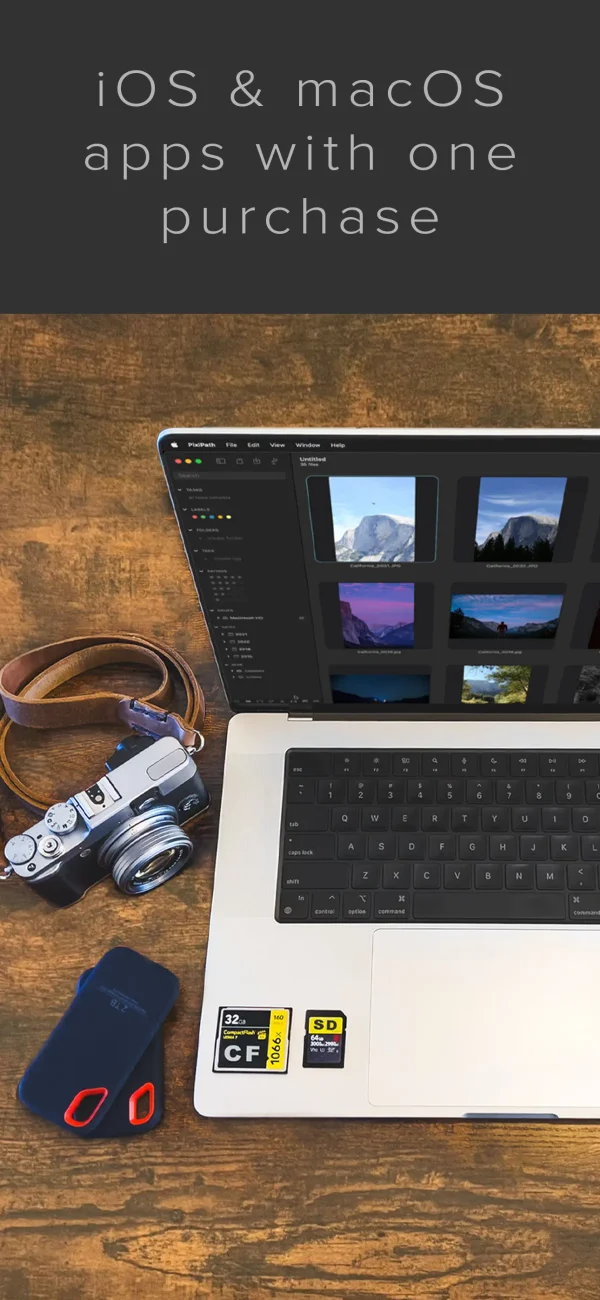
About
A Minimalist Asset Manager for Apple Creatives
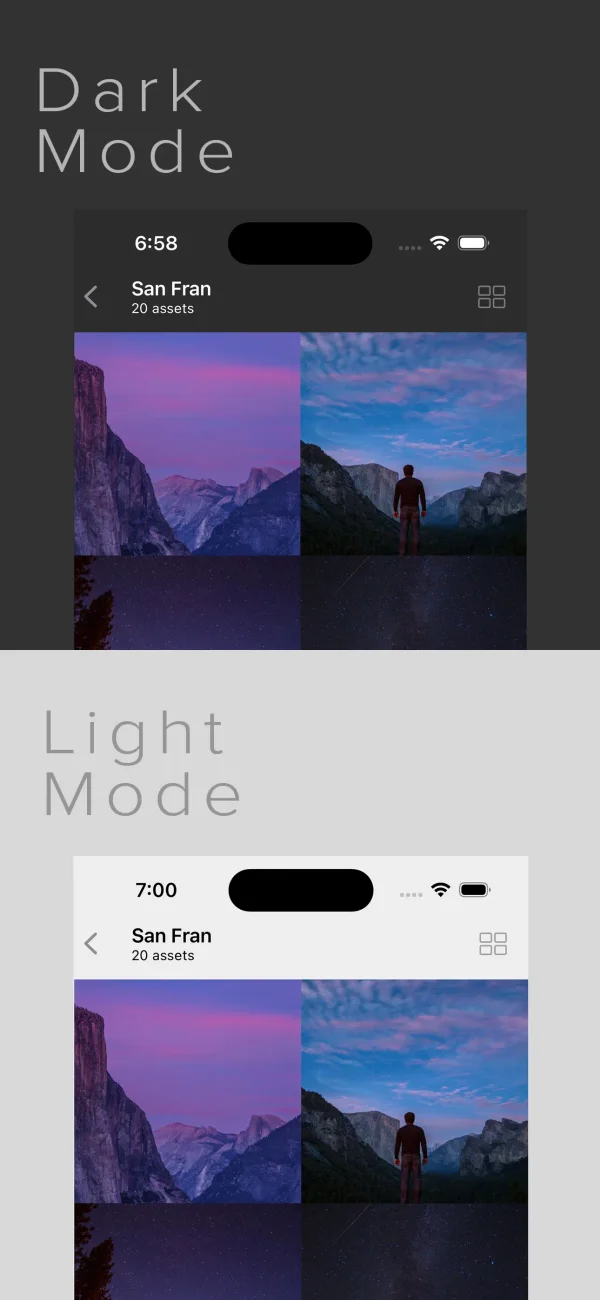
Created by a photographer for fellow visual artists, PIXLpath is a powerful, visually refined workspace built specifically for the Apple ecosystem. Rooted in a minimalist design philosophy, it offers a calm, focused environment that complements the beauty of the work it displays. Free from subscriptions and invasive tracking, PIXLpath helps you reconnect with what matters most—your art.
Why PIXLpath?
Seamless Organization
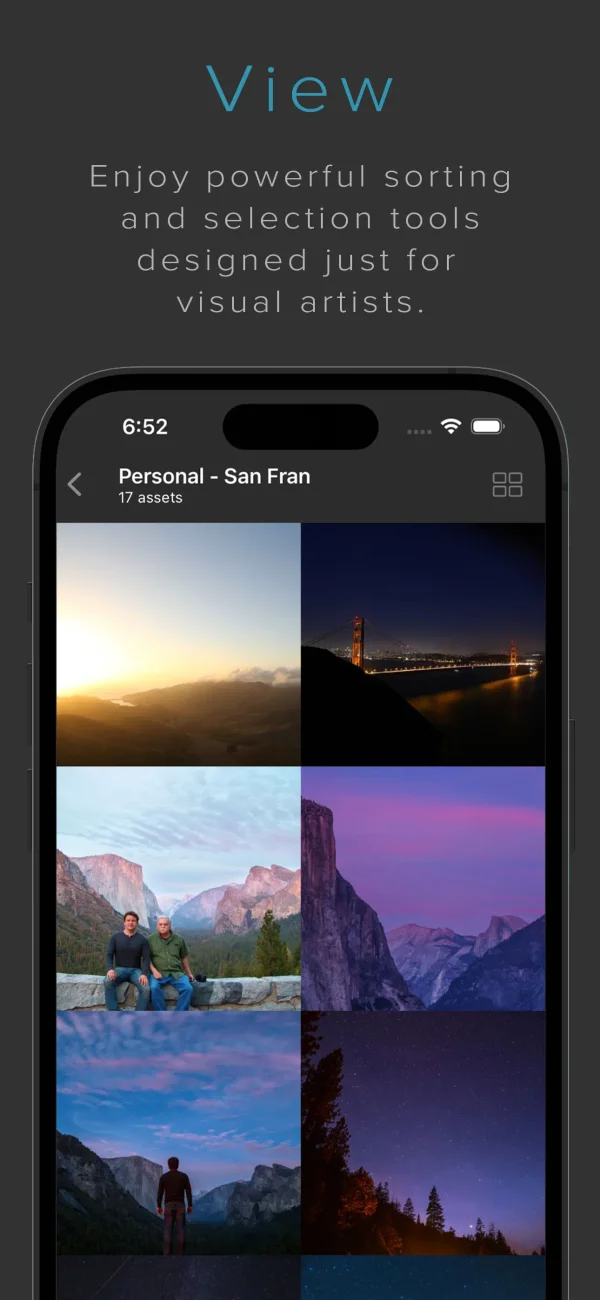
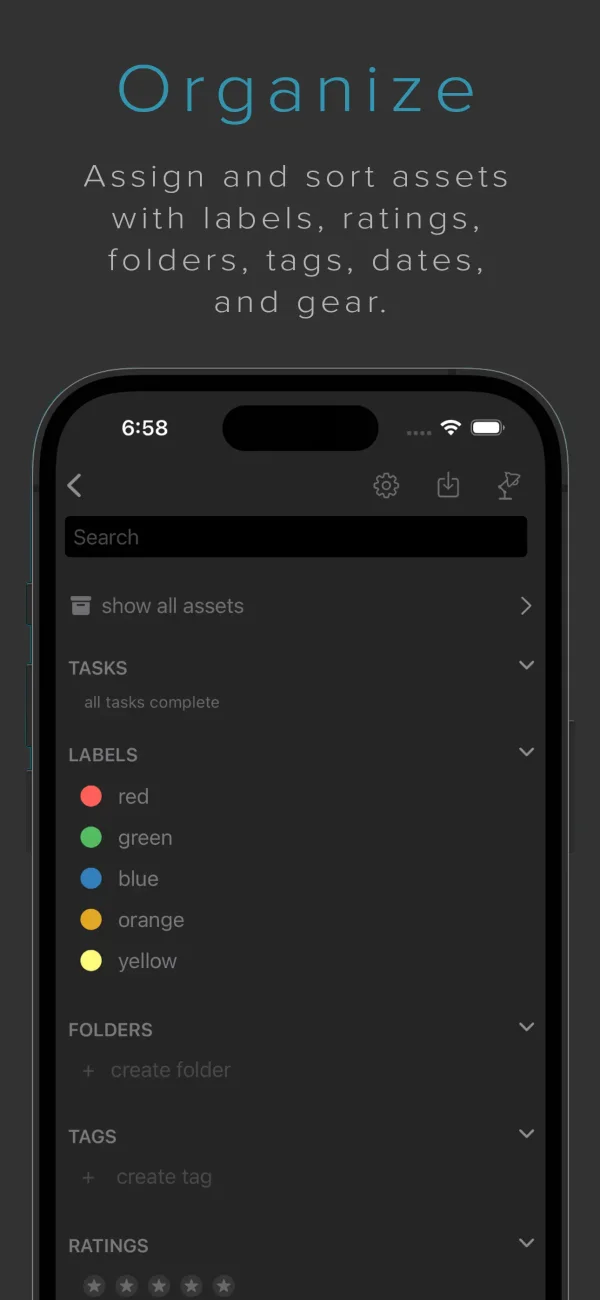
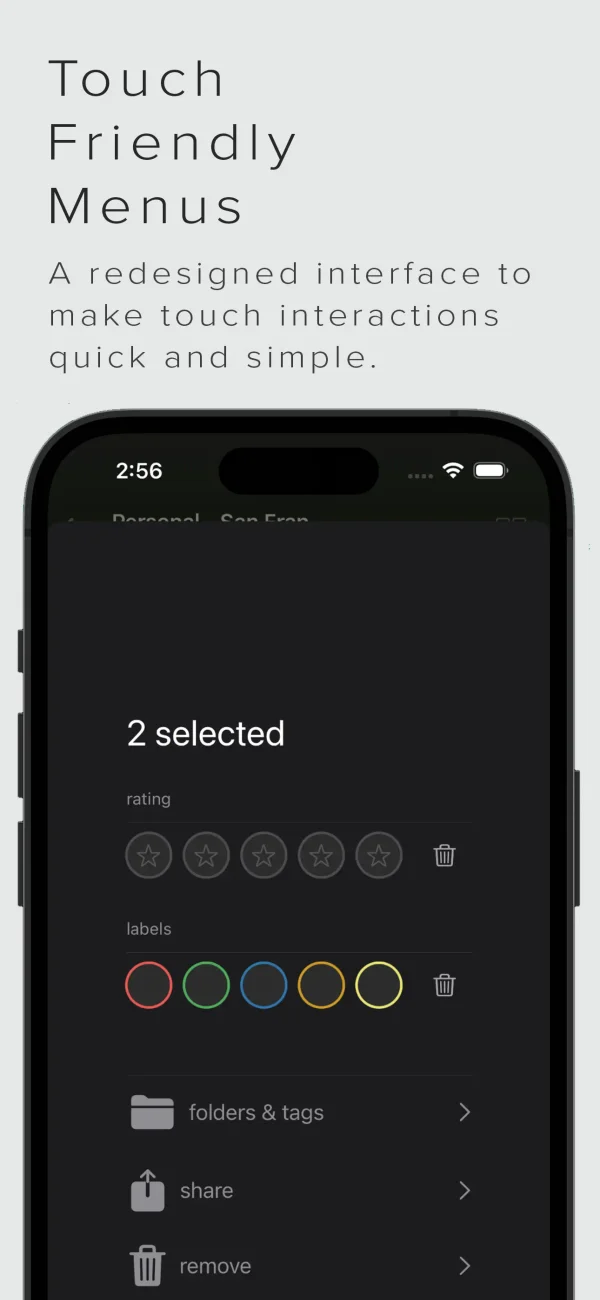
Transform cluttered folders on your device or external drives into beautiful reference catalogs. With intuitive search and cataloging tools, navigating your work becomes fast, focused, and visually satisfying.
Keep Your Projects Close
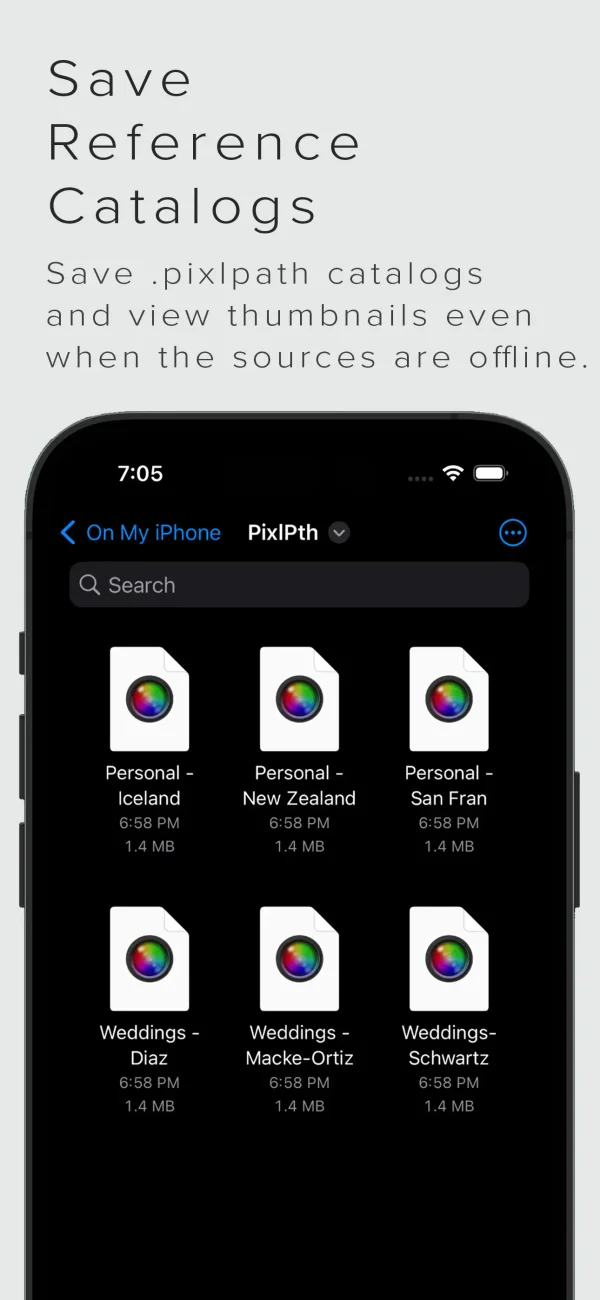
Save your catalogs as .pixlpath documents with embedded previews and metadata. Even when you’re offline or away from your source files, a version of your work is always within reach—and with iCloud Drive, it’s easy to keep your projects in sync across all your Apple devices.
Workflow Helpers
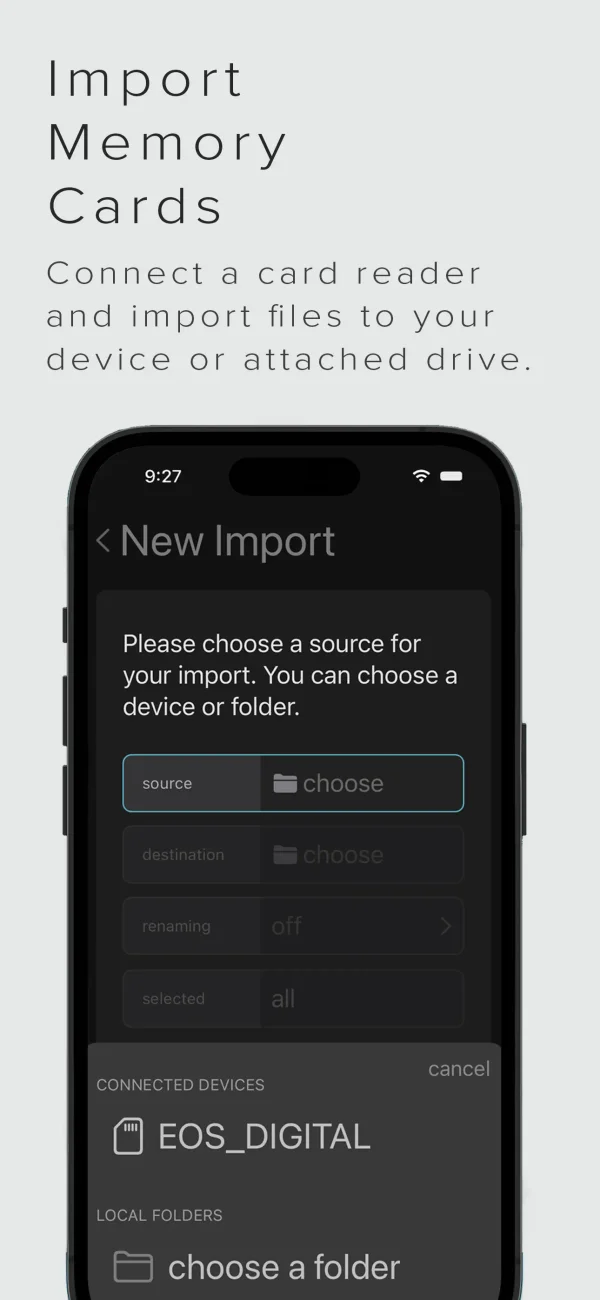
Speed up your process with features like memory card importing, file copying, batch renaming — each designed to support your creative rhythm.
Cross-Platform Harmony
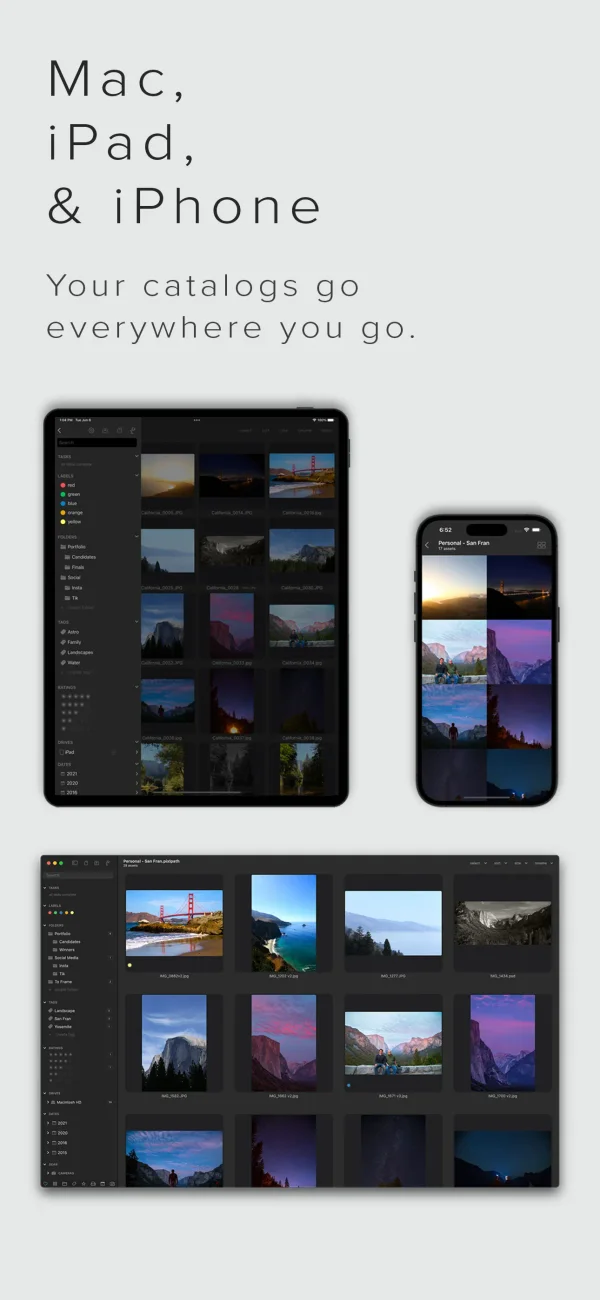
Enjoy a seamless experience across Mac, iPad, iPhone, and Vision Pro. Start a project on one device and continue effortlessly on another.
One Purchase, All Platforms
Buy once, use everywhere. A single purchase unlocks PIXLpath across all four Apple platforms—no subscriptions, no hidden tiers.
Privacy First
Your creativity stays yours. No tracking. No subscriptions. Just a focused space for your work—private, local, and yours alone.
Comprehensive Support for Creative Formats
Image Formats
JPEG, PSD, TIFF, HEIC, PNG, GIF, DNG, SONY ARW, CANON CR2/CR3, NIKON NEF, FUJI RAF (uncompressed), PANASONIC RW2, OLYMPUS ORF, HASSELBLAD 3FR
Video Formats
QuickTime (MOV), MP4, M4V, Apple ProRes
Audio Formats
AIFF, AAC, WAV, M4A, MP3
Design Formats
PDF, AI, SVG, ICO
Preview-Only Formats
AFPHOTO, AFDESIGN, AFPUB (thumbnail previews only)
Say Hello!
I’m Chris, the developer behind PIXLpath. Your feedback and questions help shape its future. Feel free to reach out at hello@pixlpath.com to share your thoughts or ask how PIXLpath can better support your creative workflow. And if you run into any bugs, just send me a note—I usually reply the same day.
What’s new
Version 1.55 · Oct 3, 2025
Fix:
- Adding and removing search text updates asset results more reliably.
App privacy
What Christopher Macke declares on the App Store about how this app handles data.
-
Data not collected
The developer does not collect any data from this app.
Privacy practices may vary, for example with the features you use or your age.
Information
- Seller
- Christopher Macke
- Category
- Photo & Video
- Version
- 1.55
- Updated
- Oct 3, 2025
- Released
- Mar 8, 2023
- Size
- 38.5 MB
- Requires
- iOS 16.0 or later
- Age rating
- 4+
- Price
- $14.99
- Languages
- English
- Copyright
- © 2025, Chris Macke
You might also like
-
 Photopipe: RAW Photo EditCull and deliver photoshoots
-
 CardFlow: Photo WorkflowOrganize,cull and send photos
-
 Exposure Pro CalcPhoto & Video
-
 LAI - Look at itFast, private photo culling
-
 Lens LabelerFix lens names in photo files
-
 Multi Camera Recorder: UnisonMany Cameras. One Control
-
 PastelloPhoto to Glorious Dry Media
-
 Key Moments – Video BookmarksJump to any moment instantly
-
 LutaroPicture Profile manager
-
 Salette: Kids Art KeepsakeSave Drawings & 3D Creations