PlainBoard – Simple Whiteboard
Sketch Pad & Handwritten Notes
Designed for iPhone, iPad
Free · In-app purchases
- Age rating4+
- CategoryProductivity
- DeveloperKAIHAWK
- LanguagesEnglish+ 17 more
- Size6.1 MB
Links to the official App Store page
Download.org hosts no file of PlainBoard – Simple Whiteboard. The button opens its official App Store page, published by KAIHAWK. Listing last checked on Nov 24, 2026.
Screenshots
About
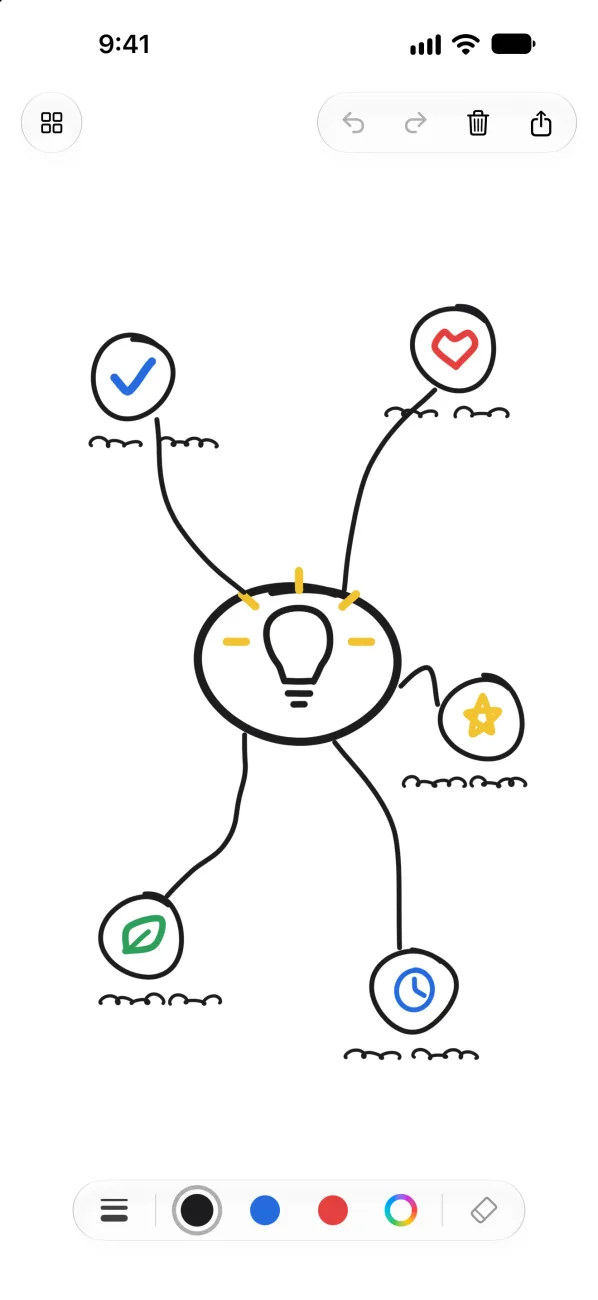
PlainBoard is a simple whiteboard app: open it and start drawing right away. Use it as a sketch pad or scratch paper: jot handwritten notes, sketch ideas, draw diagrams or work out math with your finger or Apple Pencil, then share it as an image in seconds.
No shapes, sticky notes or layers on purpose — just sketch it, show it, send it.
■ A big canvas you can zoom and move
• Draw freely on a large square canvas
• Pinch with two fingers to zoom and move the canvas, so you can draw fine details even on a small iPhone screen
■ Pens and colors
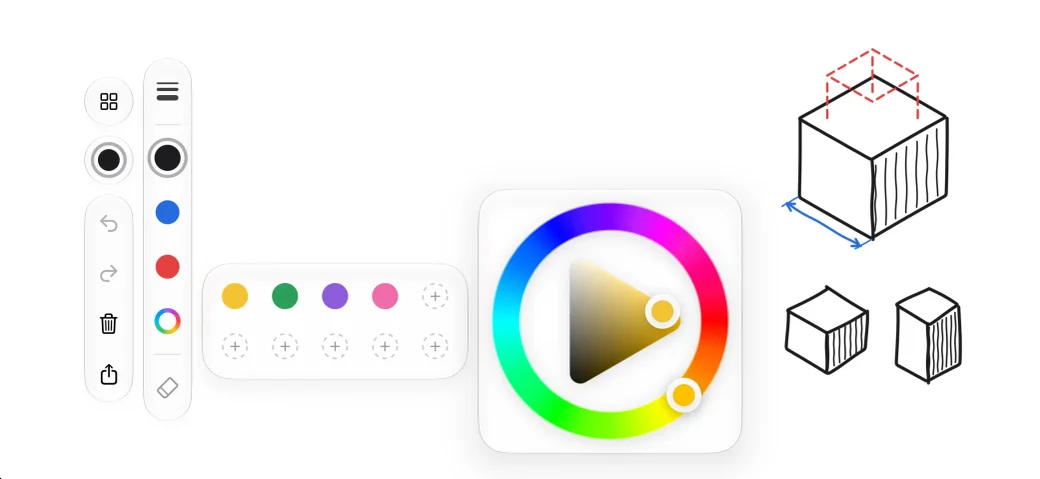
• Five line widths
• A quick palette of black, blue and red (iPhone: 3 colors; iPad: 5, adding yellow and green)
• Save your favorite colors as custom colors
• Eraser, undo/redo and clear canvas
■ Canvases save automatically
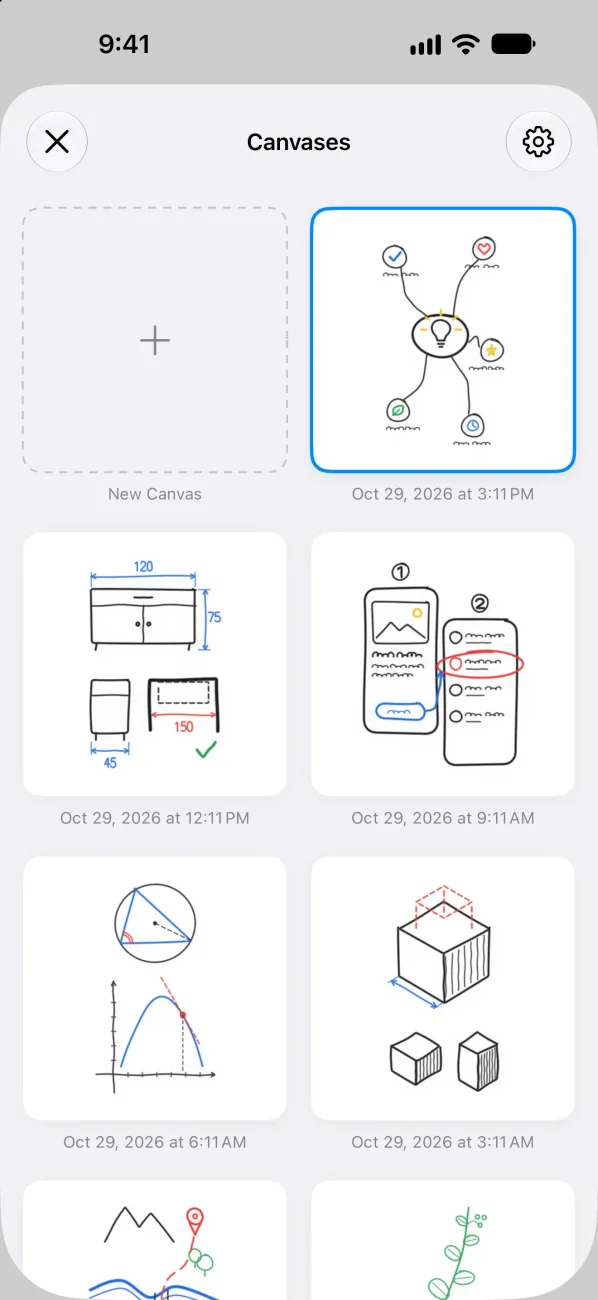
• Every canvas is saved as you draw. Pick one from the list to keep going
• Duplicate or delete canvases — or select several and do it all at once
• Arrange the list in any order you like
■ Share in a tap
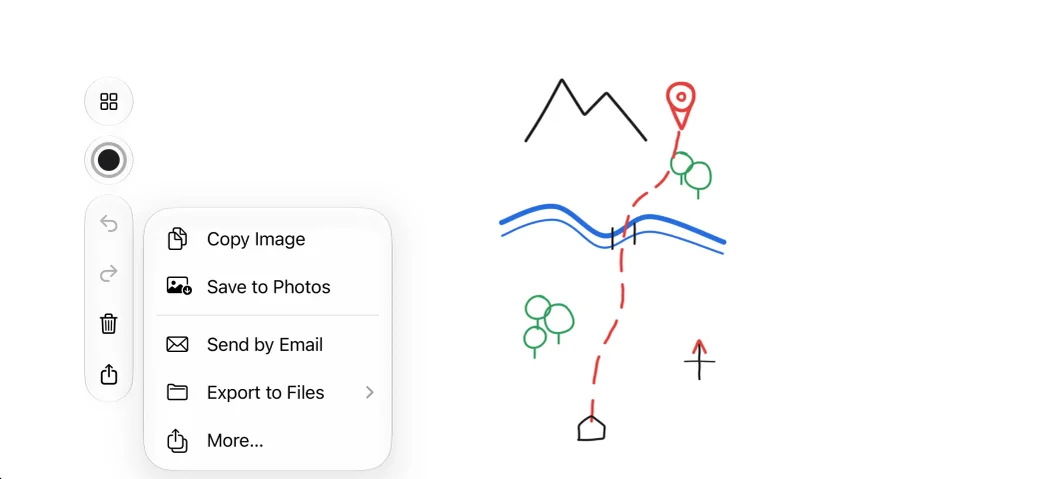
• Copy the image and paste it into chats and other apps
• Save to Photos
• Send via AirDrop or other apps from the share menu
■ Landscape on iPhone, too
• Turn your iPhone sideways and the toolbar lines up along the side of the screen, giving you more canvas
• Left-handed? Move the toolbar to the right side in Settings
■ iPad and Apple Pencil
• Start drawing with Apple Pencil and Pencil mode turns on automatically: the Pencil draws and your fingers move the canvas, so a resting hand won't leave marks
• Want to draw with your finger? Switch easily from the menu
■ Great for
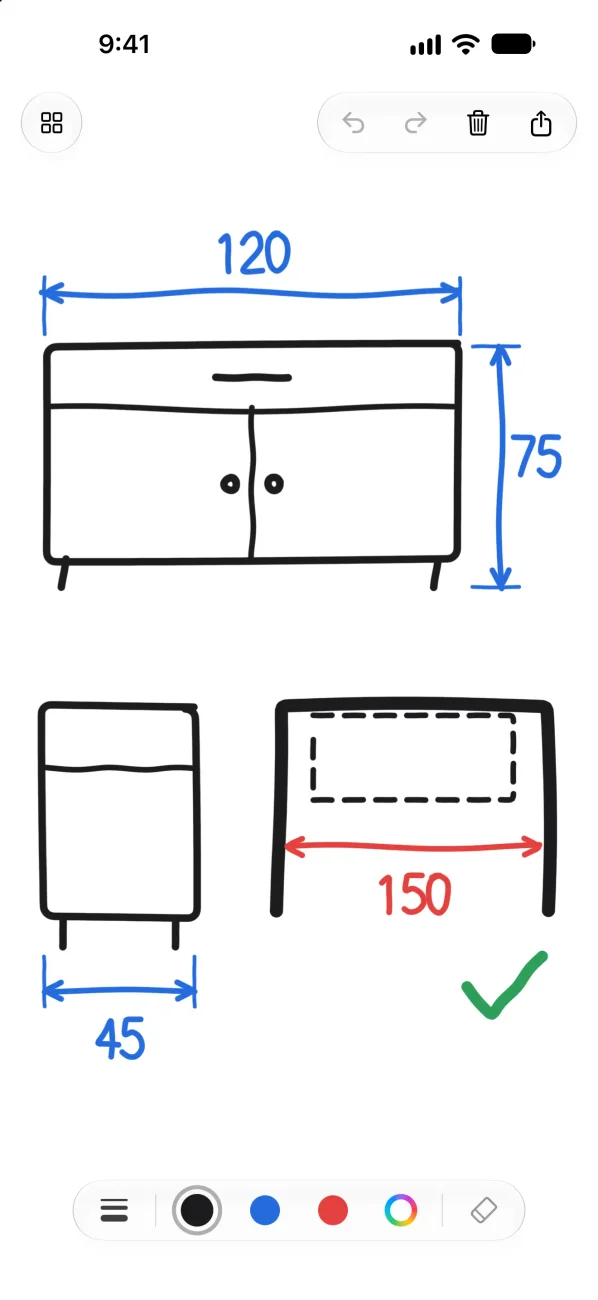
• Drawing a quick diagram to explain something in a meeting or class
• Homework, math and scratch paper
• Brainstorming, idea notes and rough mind maps
• Simple maps, room layouts and furniture measurements
• Writing notes to someone in a quiet place
• A doodle pad you can scribble on and clear, like an LCD writing tablet
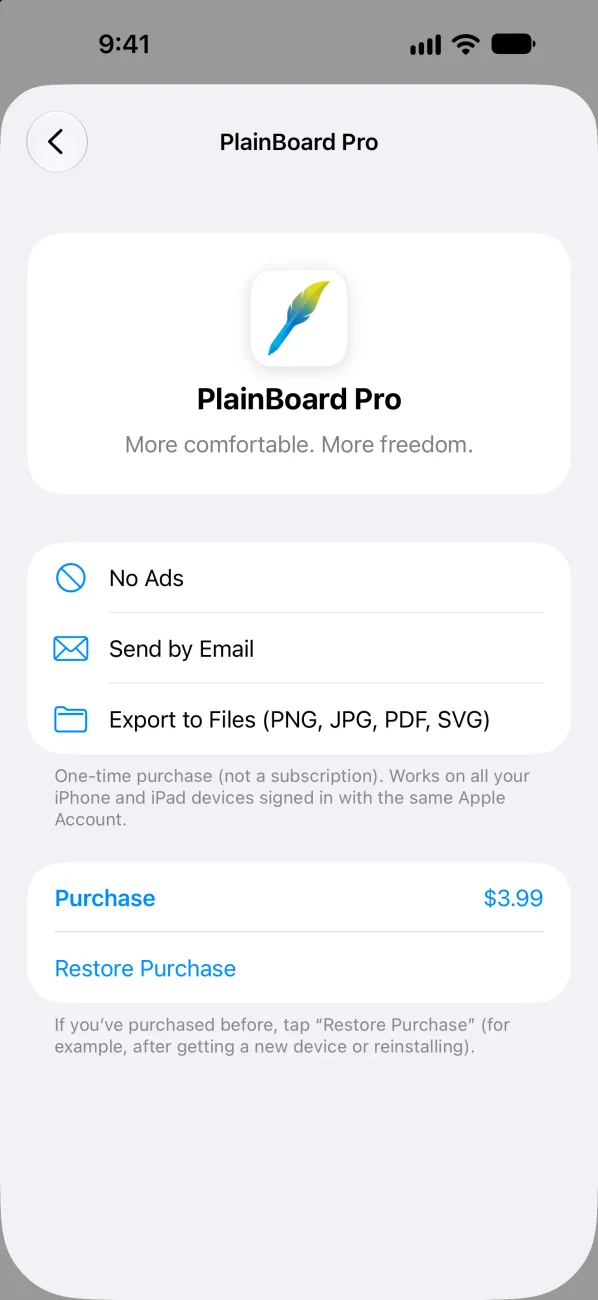
■ PlainBoard Pro (one-time purchase)
• No ads
• Organize canvases into folders
• Insert images (photos, files, camera) and draw on top of them
• Send by email: instantly create an email to your saved address with your drawing attached (PNG)
• Export to files: PNG (transparent), JPG, PDF and SVG
It's a one-time purchase, not a subscription. Use it on any iPhone or iPad signed in to the same Apple Account. Family Sharing is supported.
■ FAQ
Q. Is it free?
A. Yes. All drawing features are free. Pro removes ads and adds folders, image insert, email and file export.
Q. Does it have shapes or text boxes?
A. No. PlainBoard is focused on quick handwriting and sketching.
Q. Where are my drawings saved?
A. Automatically on your device. No account needed.
■ 18 languages
English, Japanese, Chinese (Simplified and Traditional), Korean, German, French, Spanish, Portuguese, Italian, Dutch, Polish, Turkish, Russian, Ukrainian, Thai, Vietnamese and Indonesian
What’s new
Version 1.3 · Nov 23, 2026
• Minor improvements to make the app easier to use
App privacy
What KAIHAWK declares on the App Store about how this app handles data.
-
Data used to track you
May be used to track you across apps and websites owned by other companies.
- Identifiers
-
Data not linked to you
May be collected but is not linked to your identity.
- Identifiers
- Usage data
Privacy practices may vary, for example with the features you use or your age.
Information
- Seller
- KAIHAWK
- Category
- Productivity
- Version
- 1.3
- Updated
- Nov 23, 2026
- Released
- Oct 28, 2026
- Size
- 6.1 MB
- Requires
- iOS 17.0 or later
- Age rating
- 4+
- Price
- Free
- In-app purchases
- Yes
- Languages
- English, Dutch, French, German, Indonesian, Italian, Japanese, Korean, Polish, Portuguese, Russian, Simplified Chinese + 6 more
- Copyright
- © 2026 KAIHAWK
You might also like
-
 Ultra Board: Pencil WhiteboardBrutally simple. Just write.
-
 Writeboard - Fast & SecureProductivity
-
 Memo WalletFast, private note-taking app
-
 WhiteSync: Whiteboard DrawingCollaborate, Sketch and Sync
-
 TOTE MaritimeProductivity
-
 Whiteboard - Draw AnythingWhiteboard - Draw & Write
-
 Cool Fonts - Stylish KeyboardFancy Fontmaker & Keyboards
-
 DrawHelper СтеліProductivity
-
 Notepen: Notes & PlannerHandwriting, Sketch & Notebook
-
 FocusGuard (287340)Productivity