PlainPDF: Scanner & PDF Editor
Scan, merge, compress & sign
Designed for iPhone, iPad
Free · In-app purchases
- Age rating4+
- CategoryProductivity
- DeveloperSwaminathan L
- LanguagesEnglish+ 6 more
- Size9.1 MB
Links to the official App Store page
Download.org hosts no file of PlainPDF: Scanner & PDF Editor. The button opens its official App Store page, published by Swaminathan L. Listing last checked on Nov 20, 2026.
Screenshots
About
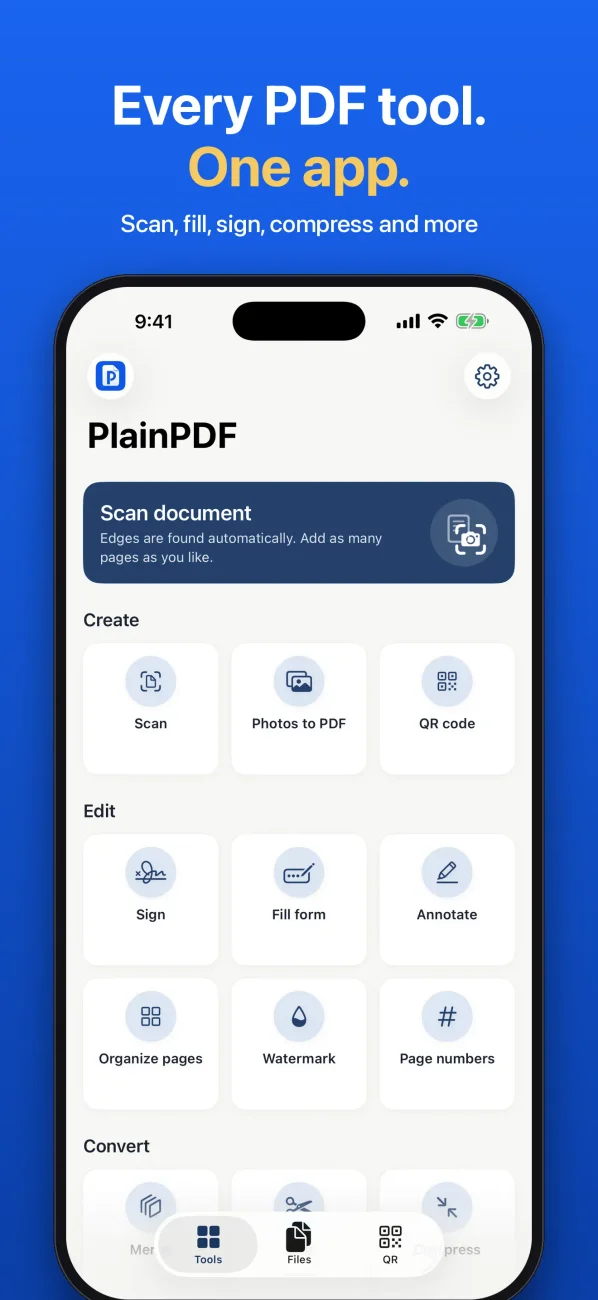
Scan, fill in, sign, annotate and compress PDFs. Every tool is free, with no watermarks, no account and no subscription. Your files are processed on your device and never uploaded.
SCAN
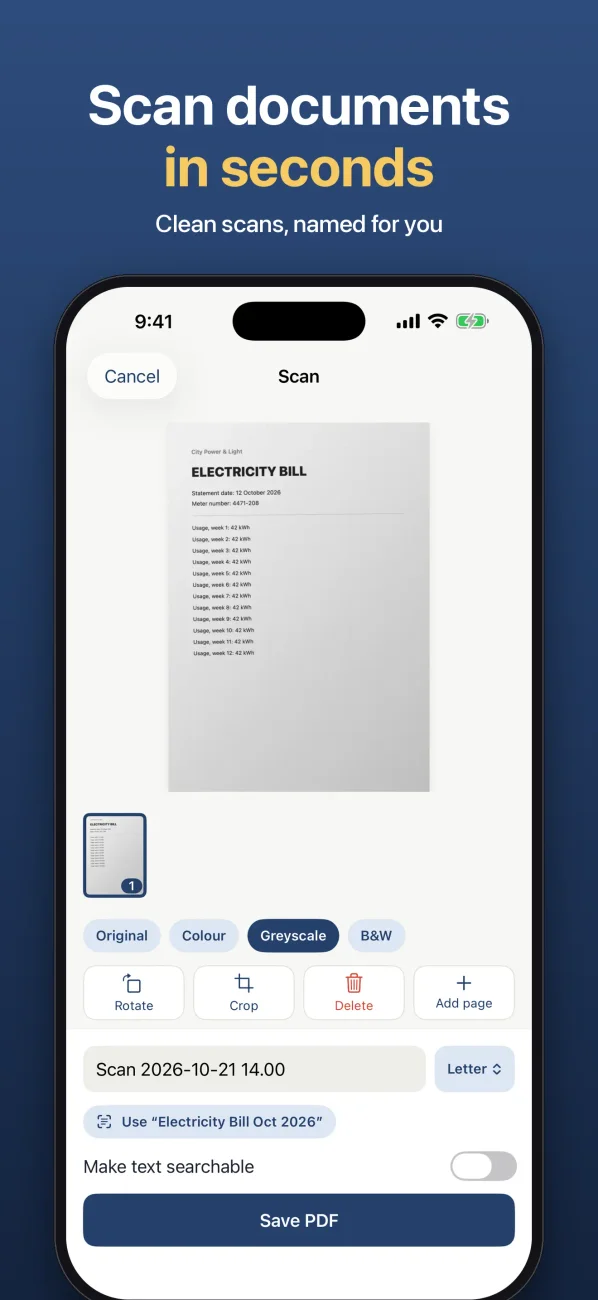
• Scan documents with automatic edge detection
• Crisp black & white mode for text, plus colour and greyscale
• ID cards: put the front and back on one page at real card size
• Get a file name suggested from the page, like "Electricity Bill Oct 2026"
• Make scans searchable with on-device text recognition
FILL, SIGN & ANNOTATE
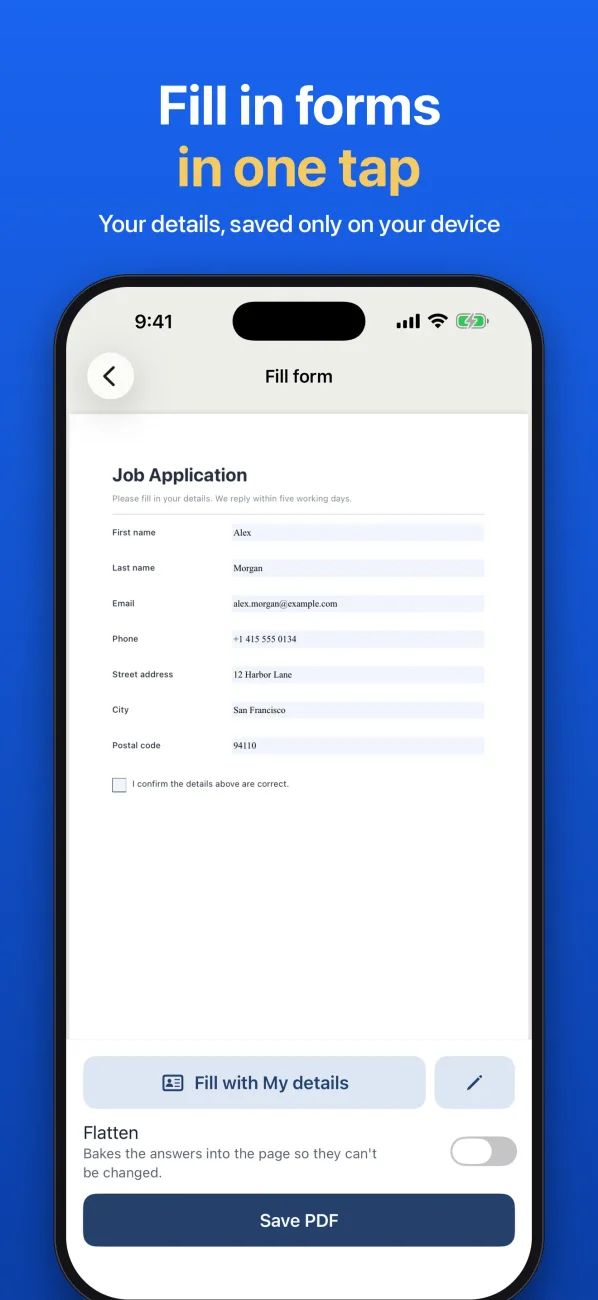
• Fill in PDF forms: type straight into the fields, or fill them in one tap from My details
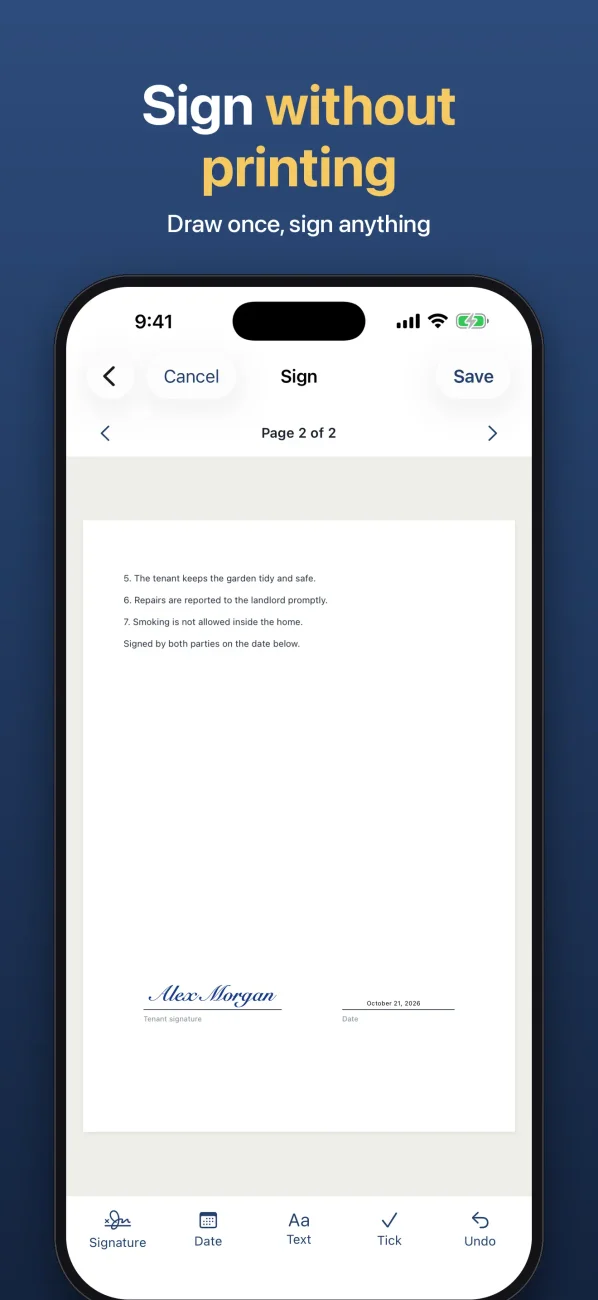
• Sign PDFs: draw or type your signature, add the date, text and ticks
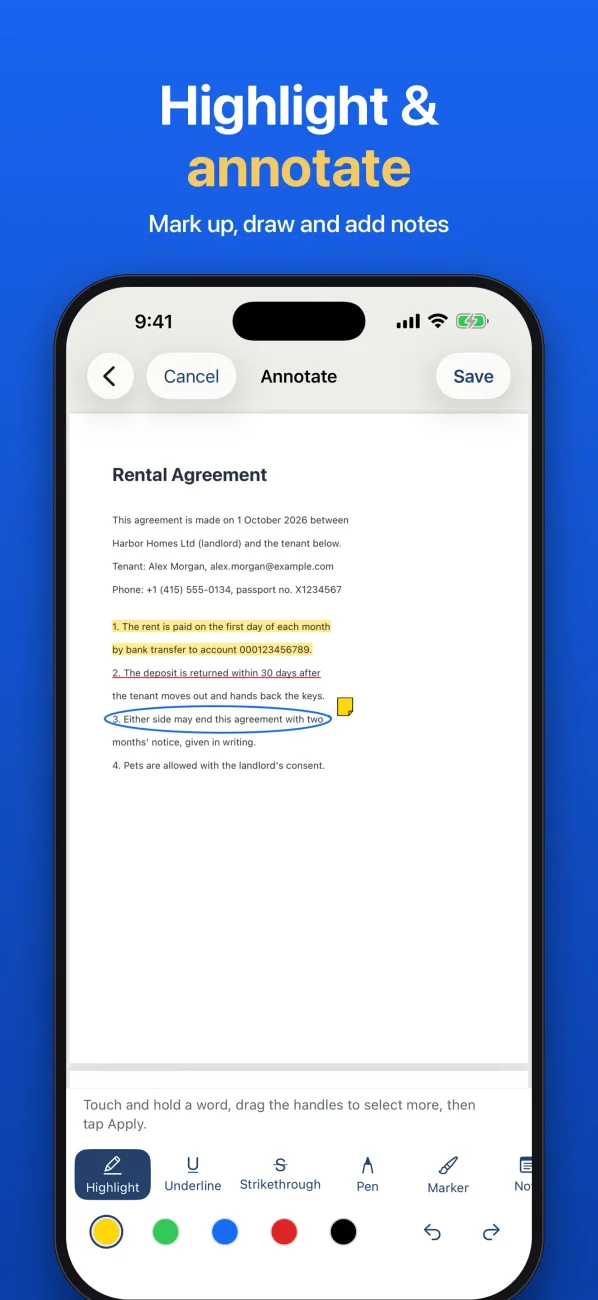
• Highlight, underline and strike out text, draw with a pen or marker, and add notes
• Organize pages: reorder, rotate, delete, duplicate, insert and extract
• Add watermarks like CONFIDENTIAL or COPY, and page numbers
CONVERT
• Merge PDFs and photos into one file
• Split PDFs by page, by range or every few pages
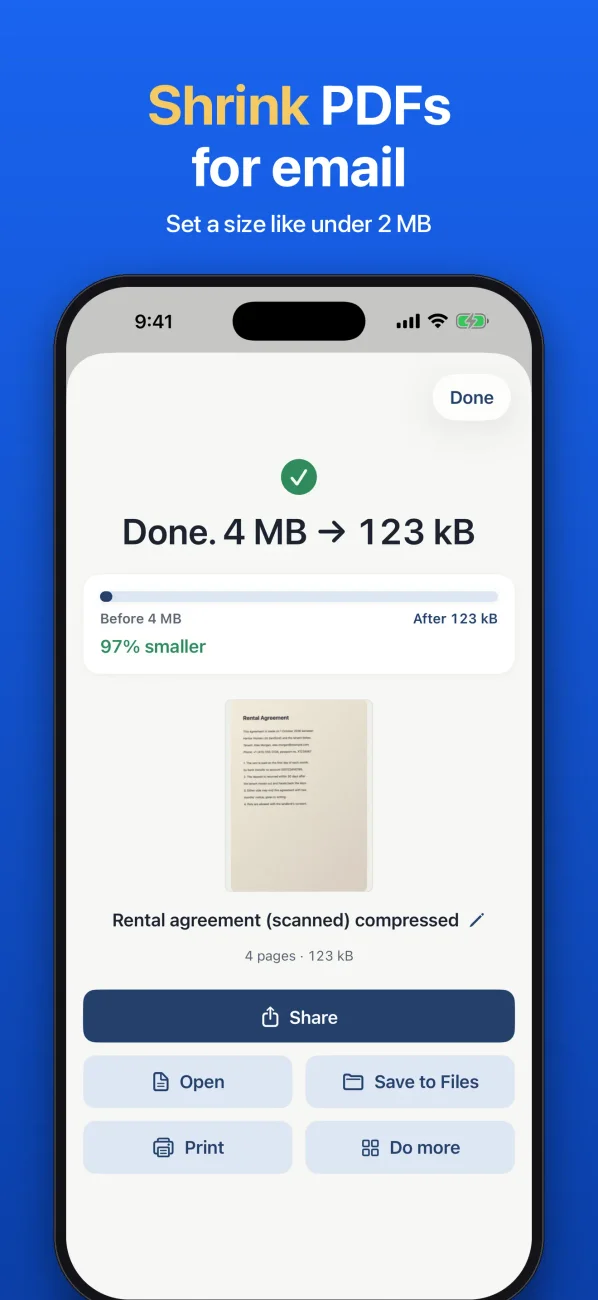
• Compress PDFs for email and upload limits, or set a target size like "under 2 MB"
• Turn photos into PDFs with A4, Letter or fit-to-photo pages
• Copy text from any scan or photo PDF
• Extract images from PDFs, or save pages as images
PRIVACY & SECURITY
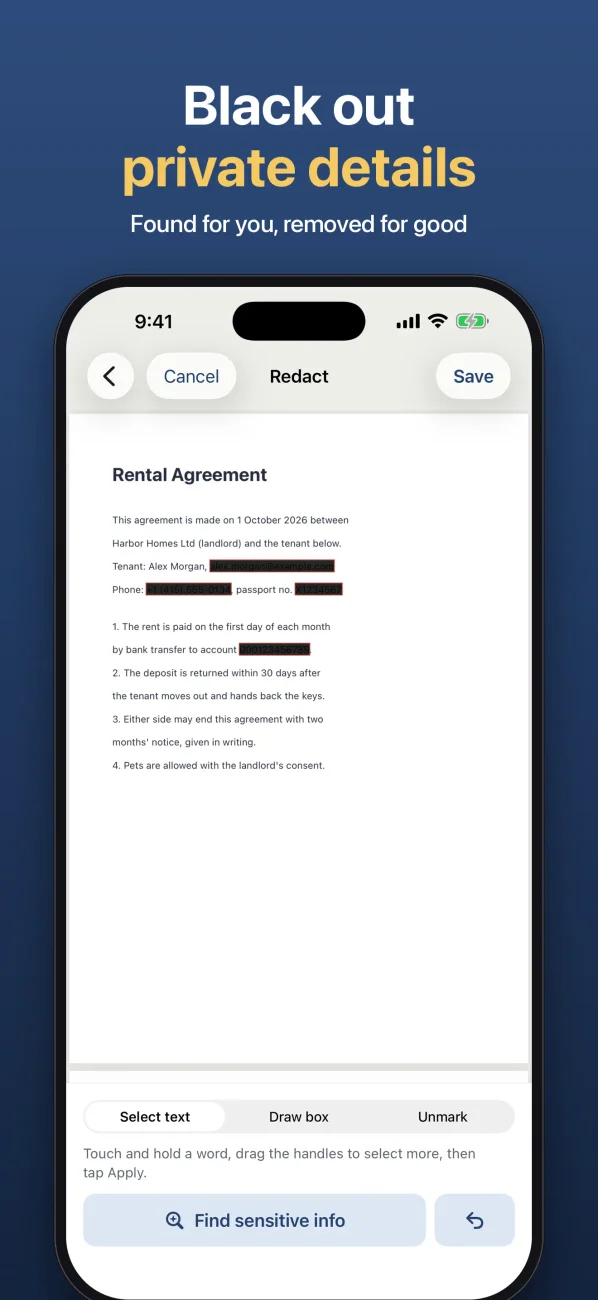
• Redact: find emails, phone numbers, card, bank and ID numbers, and black them out for good before you share
• Add a password to a PDF, or remove a password you know
QR CODES THAT NEVER EXPIRE
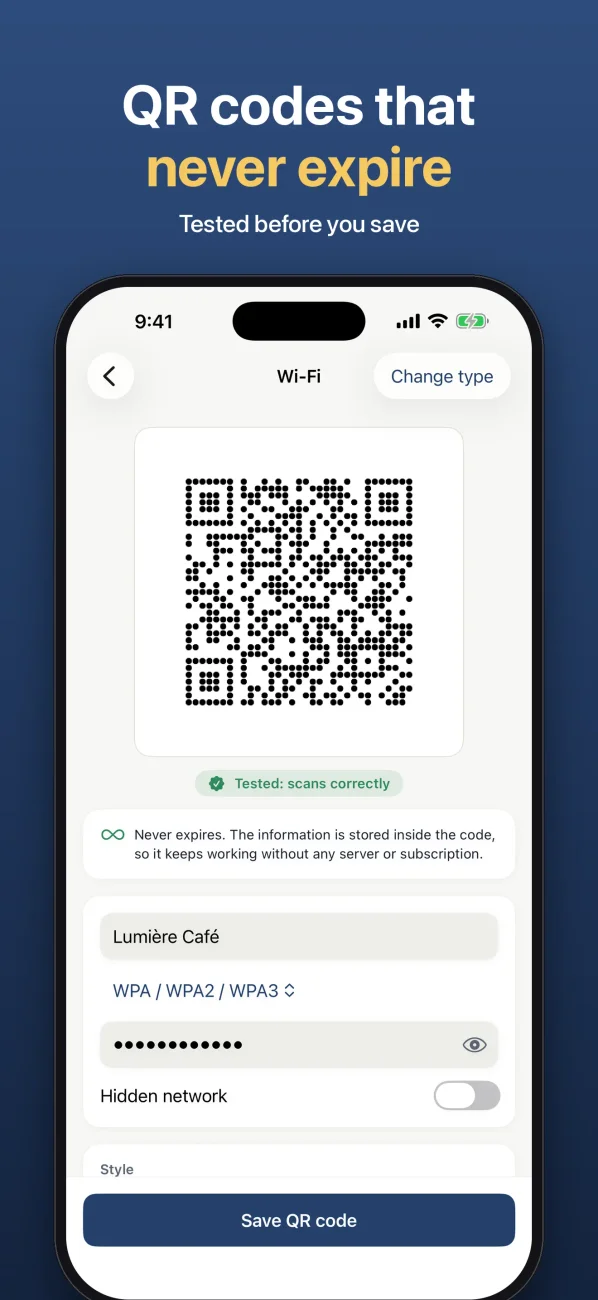
• Create QR codes for links, Wi-Fi, contacts, email, phone, SMS, UPI payments and locations
• The information is stored in the code itself, so it keeps working without any server
• Every code is tested before you save it
• Scan QR codes and see where a link really goes before opening it
WORKS THE WAY YOU DO
• Files app and "Open in PlainPDF" from Mail, Messages and other apps
• Designed for iPhone and iPad, in light and dark mode
• In English, Spanish, Portuguese, German, French, Italian and Japanese
FREE, HONESTLY
Every tool is free with ads. PlainPDF Pro is a one-time purchase that removes ads, adds batch processing for many files at once, and unlimited text recognition on large documents. No subscription, ever.
No account. Your files never leave your device.
Questions or ideas: hello@smileappsstudio.com
What’s new
Version 2.1 · Oct 23, 2026
New in this update:
• Fill form: type into PDF forms, or fill them in one tap from My details
• Annotate: highlight, underline, strike out, draw and add notes
• Redact: find emails, phone, card and ID numbers and black them out for good
• Scan: both sides of an ID card on one page, and a name suggested from the page
• PlainPDF now speaks Spanish, Portuguese, German, French, Italian and Japanese
App privacy
What Swaminathan L declares on the App Store about how this app handles data.
-
Data used to track you
May be used to track you across apps and websites owned by other companies.
- Identifiers
- Usage data
-
Data not linked to you
May be collected but is not linked to your identity.
- Identifiers
- Usage data
- Diagnostics
Privacy practices may vary, for example with the features you use or your age.
Information
- Seller
- Swaminathan L
- Category
- Productivity
- Version
- 2.1
- Updated
- Oct 23, 2026
- Released
- Jun 17, 2026
- Size
- 9.1 MB
- Requires
- iOS 17.0 or later
- Age rating
- 4+
- Price
- Free
- In-app purchases
- Yes
- Languages
- English, French, German, Italian, Japanese, Portuguese, Spanish
- Copyright
- © Smile Apps Studio
You might also like
-
 squi - ai focus friend & timerPomodoro Timer & App Blocker
-
 Leaf: Document Scanner & PDFEdit, Sign, Stamp & Fill Forms
-
 42 PDF Editor: Sign & AnnotateFill, sign, edit & scan PDFs
-
 OffPDF: Edit PDF Text & ScanOffline scanner & converter
-
 ZOOD PDF: Arabic PDF EditorEdit and sign PDFs in Arabic
-
 Notal Pro - Quick NotesNotes, lists and tables
-
 TrindialProductivity
-
 Scanr Lens — Document ScannerAdfree tiny document scanner
-
 Plagly: AI & Plagiarism CheckAI detector & citation scanner
-
 OnlyScans: PDF & Doc ScannerOn-Device OCR, Sign & Organize