OnlyScans: PDF & Doc Scanner
On-Device OCR, Sign & Organize
Designed for iPhone
Free · In-app purchases
- Age rating4+
- CategoryProductivity
- DeveloperGretchen Alaras
- LanguagesEnglish+ 90 more
- Size22.0 MB
Links to the official App Store page
Download.org hosts no file of OnlyScans: PDF & Doc Scanner. The button opens its official App Store page, published by Gretchen Alaras. Listing last checked on Nov 25, 2026.
Screenshots
About
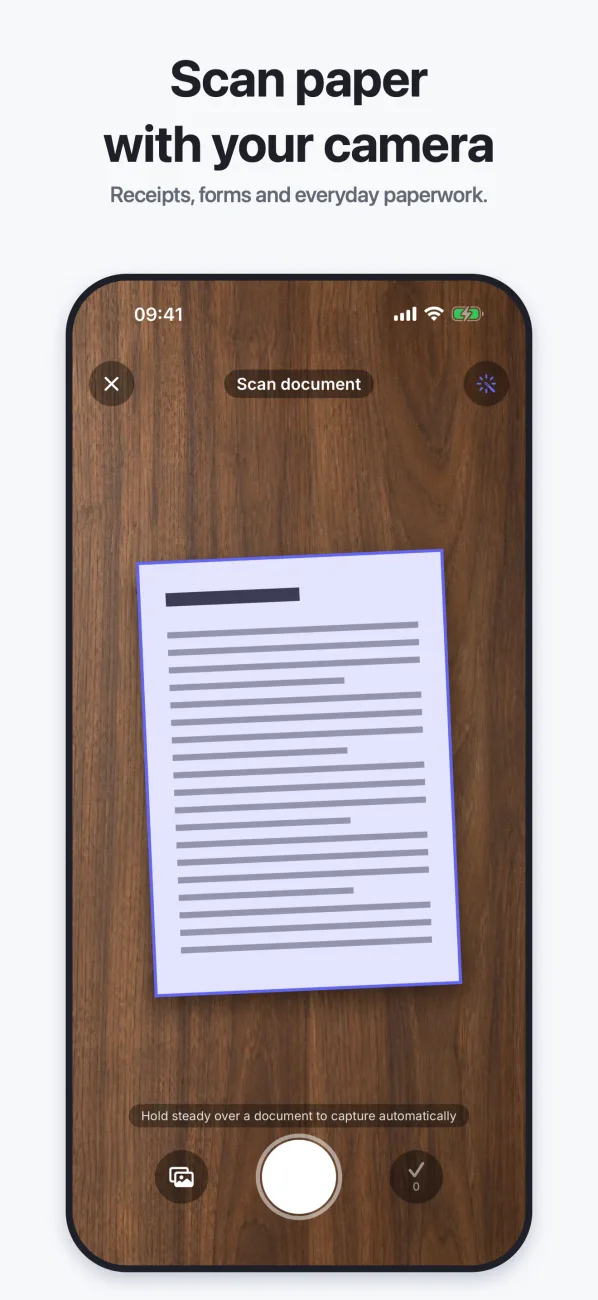
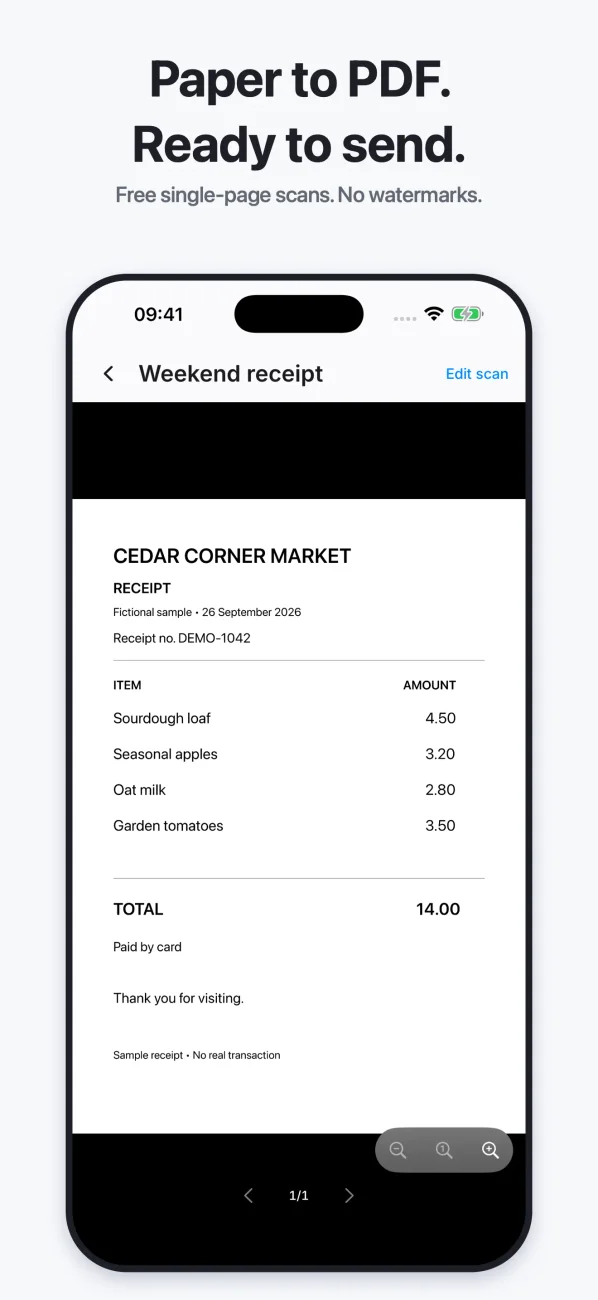
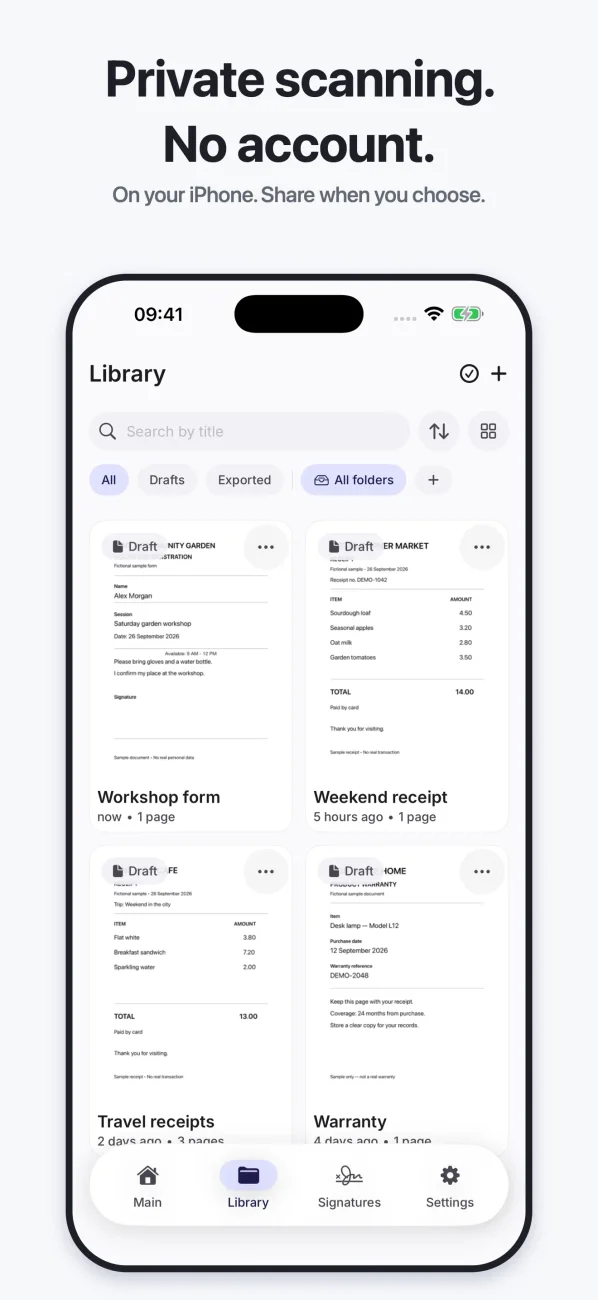
Turn receipts, forms and everyday paperwork into clean PDFs on your iPhone. Scan a single page and export it free, without a watermark or an account.
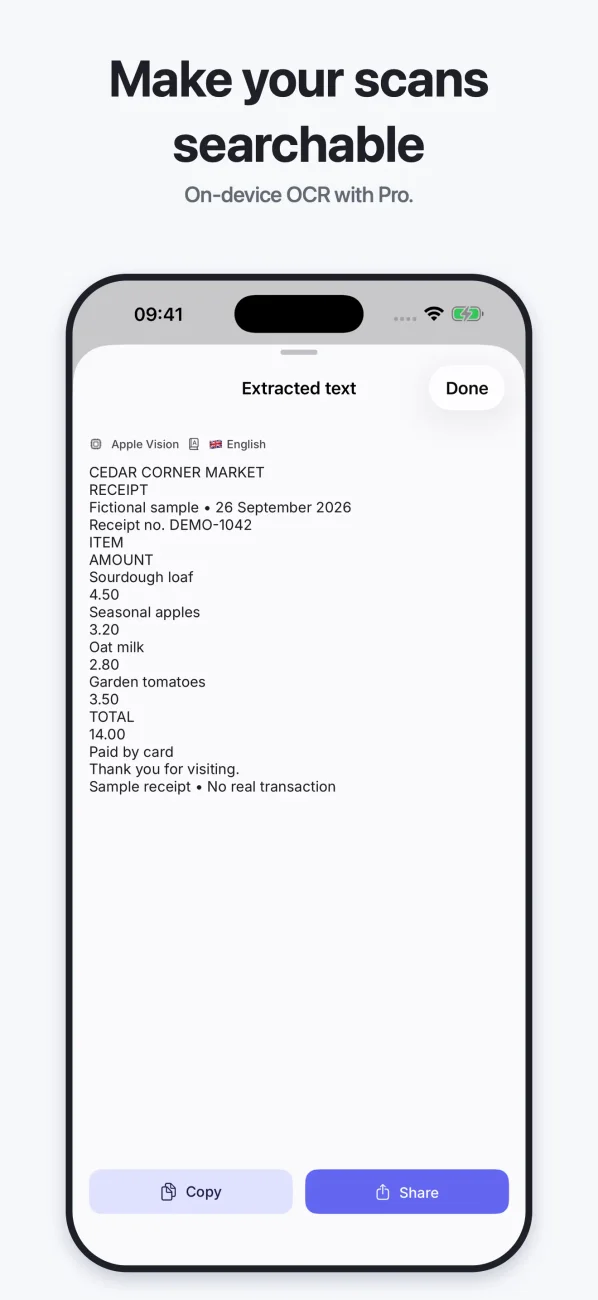
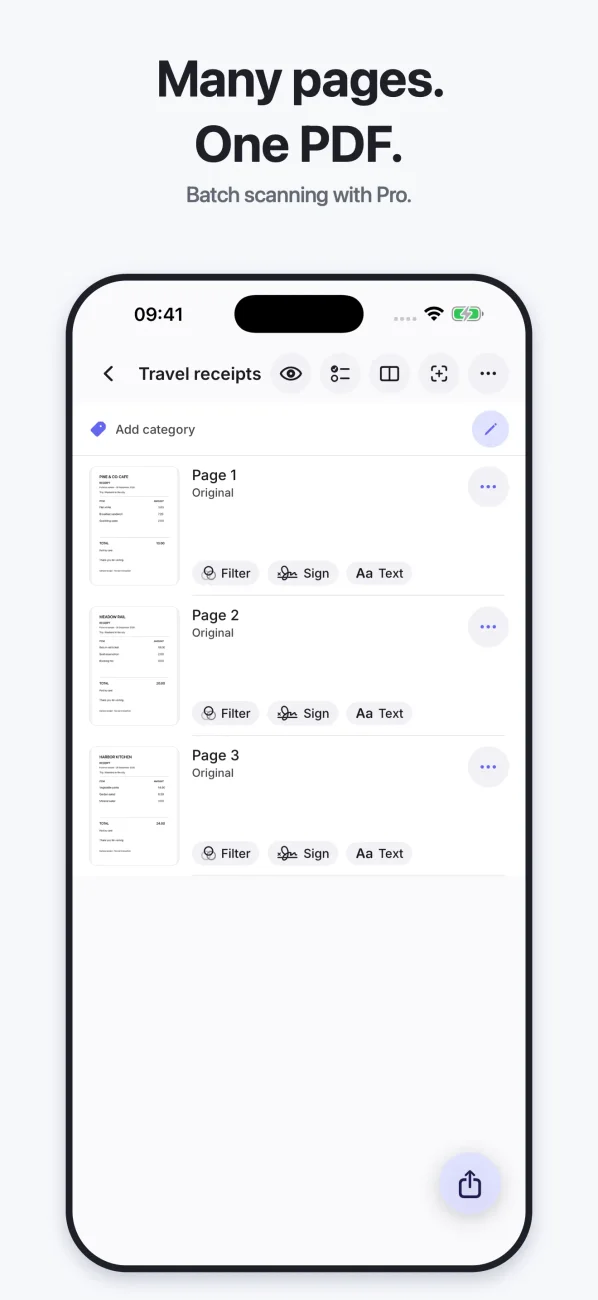
Keep your paperwork organized with folders, pinning and search. Upgrade to Pro to scan multiple pages in a batch, create searchable PDFs with OCR, and add a signature or typed text before sharing.
Scanning, enhancement, OCR and export run on your device. Optional OCR language packs may need a download first. Choose when and where to save or share your files.
Start free. Pro is available monthly, yearly or with a one-time Lifetime purchase.
START FREE
• Single-page scanning with automatic edge detection and perspective correction
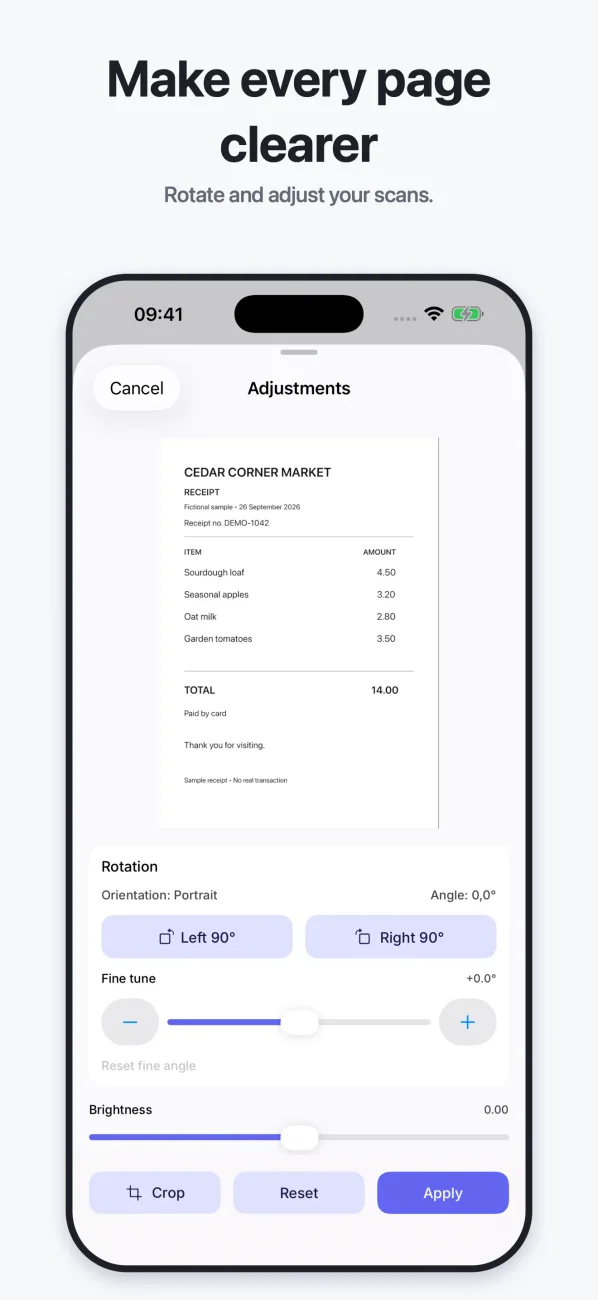
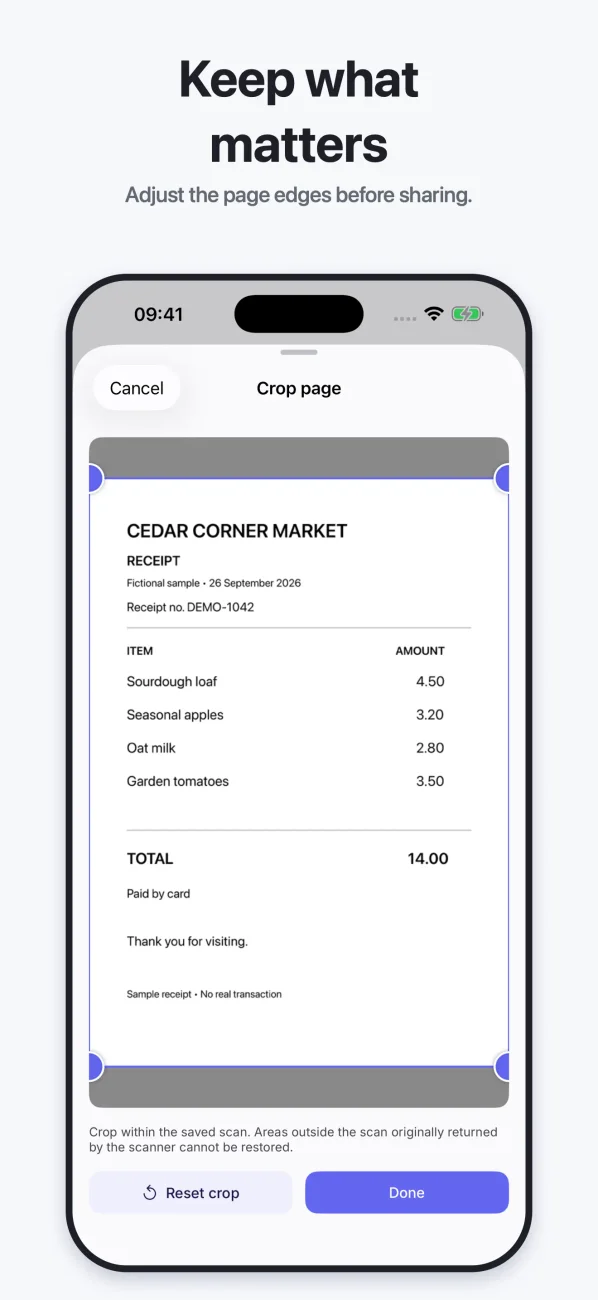
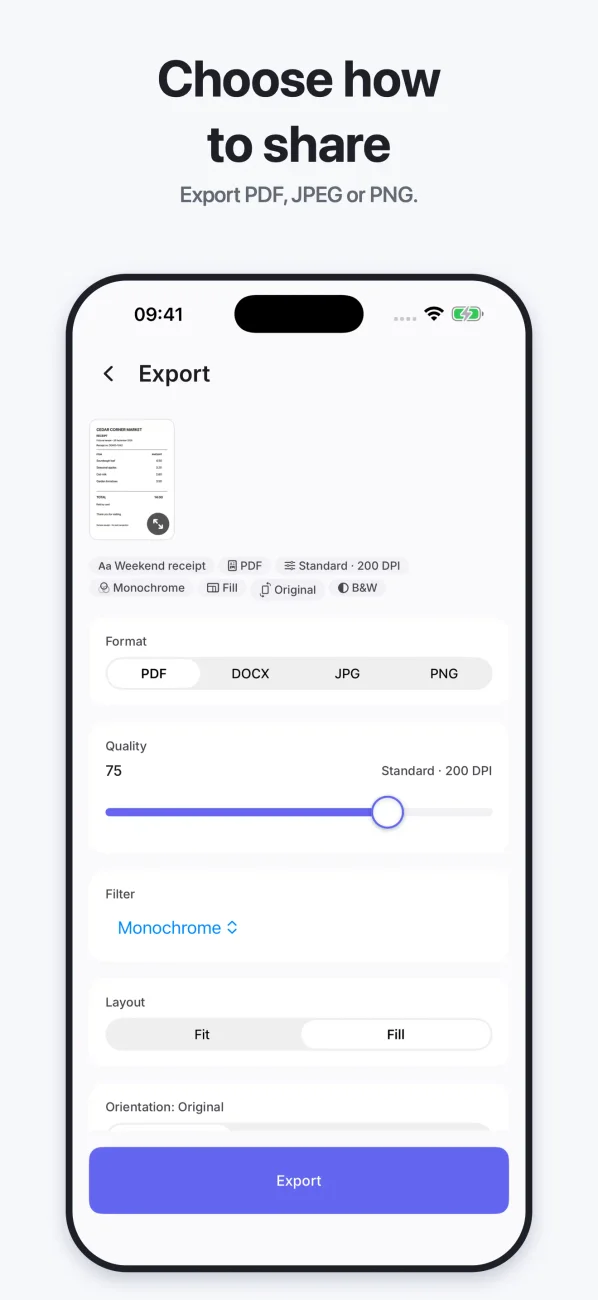
• Crop, rotate, adjust brightness and contrast, and choose a filter for each page
• Export PDF, JPEG or PNG without watermarks
• Organize documents with folders, pinning and search
• Merge, split and reorder pages
• Keep your original scan so you can change edits later
DO MORE WITH PRO
• Batch scanning for multi-page paperwork
• OCR text recognition and searchable PDF output
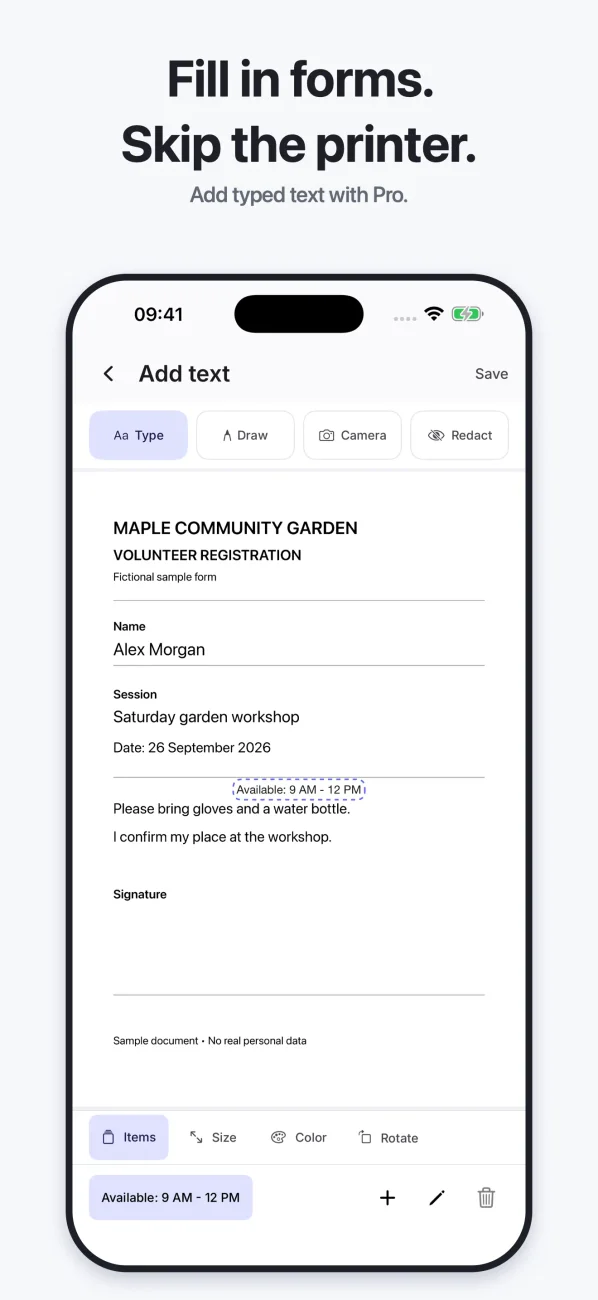
• Signatures and typed text on your documents
• ID-card and passport scanning
• PDF import and password-protected PDF export
• Optional automatic saving to Files or iCloud Drive
• App Lock with Face ID or Touch ID
CHOOSE HOW TO UPGRADE
Use the free tools for single-page scans. Choose Pro monthly or yearly, or get Pro with a one-time Lifetime purchase.
Subscriptions renew automatically unless cancelled at least 24 hours before the end of the current period. Payment is charged to your Apple Account at confirmation. Manage or cancel subscriptions in your App Store account settings.
Terms of Use: https://www.apple.com/legal/internet-services/itunes/dev/stdeula/
Privacy Policy: https://onlyscans.app/en/privacy-policy-ios
Support: https://onlyscans.app/en/support
What’s new
Version 1.0.14 · Nov 16, 2026
Bug fixes and stability improvements.
App privacy
What Gretchen Alaras declares on the App Store about how this app handles data.
-
Data not collected
The developer does not collect any data from this app.
Privacy practices may vary, for example with the features you use or your age.
Information
- Seller
- Gretchen Alaras
- Category
- Productivity
- Version
- 1.0.14
- Updated
- Nov 16, 2026
- Released
- Jul 13, 2026
- Size
- 22.0 MB
- Requires
- iOS 18.0 or later
- Age rating
- 4+
- Price
- Free
- In-app purchases
- Yes
- Languages
- English, Afrikaans, Albanian, Amharic, Arabic, Armenian, Assamese, Azerbaijani, Basque, Belarusian, Bengali, Bosnian + 79 more
- Copyright
- © Yodabi Apps
You might also like
-
 DocXscnSmart Document Scanner
-
 BatchOCRPhotos to text in one batch
-
 ImViz: Image & PDF to Text OCRBatch photo scanner, offline
-
 ResumeBoostAICreate professional resumes
-
 Loopd: Family Chores & PetGrow a Pet by Doing Chores
-
 Voice Expense Tracker - MurmurHands Free Expense Tracker
-
 Scanry: PDF Scanner & OCRCompress scans. Share easily.
-
 ToDoMeong - Simple To-Do Listsimple and easy to-do list
-
 iScanKit: Offline ScannerOffline Scan·OCR·On-device
-
 PlainPDF: Scanner & PDF EditorScan, merge, compress & sign