
PM Lite: Password Manager
Store & Manage Secrets Offline
Designed for iPhone, iPad, iPod touch
Free
- Age rating4+
- CategoryProductivity
- DeveloperTaha Husain
- LanguagesEnglish
- Size25.4 MB
Links to the official App Store page
Download.org hosts no file of PM Lite: Password Manager. The button opens its official App Store page, published by Taha Husain. Listing last checked on Nov 15, 2026.
Screenshots
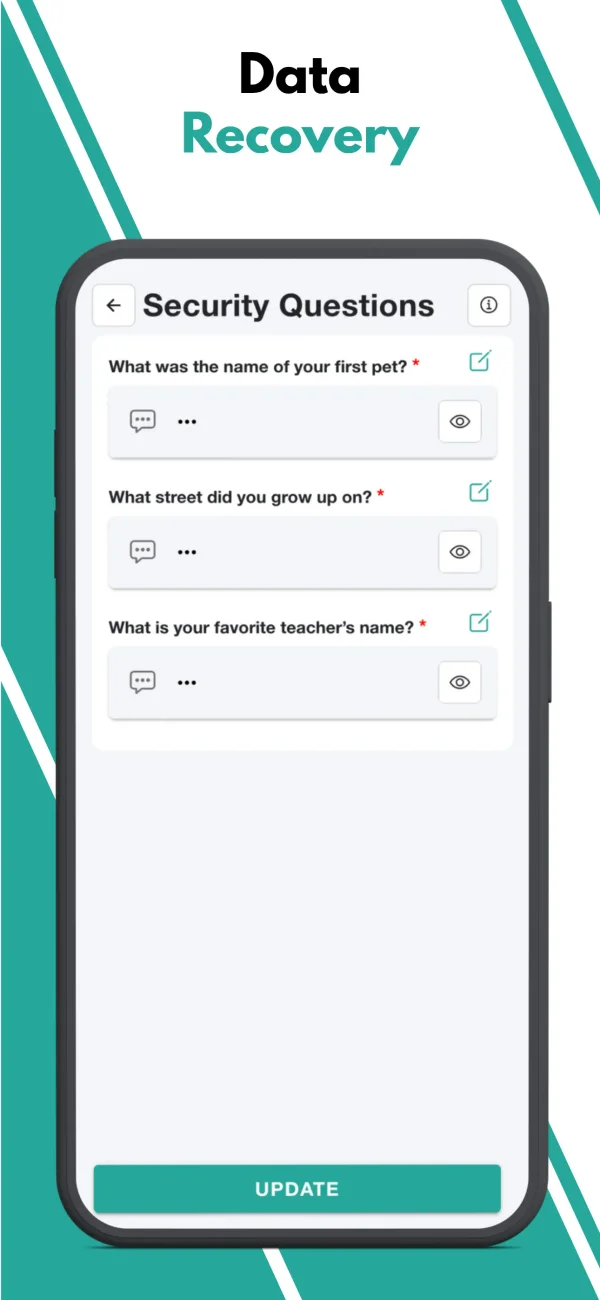
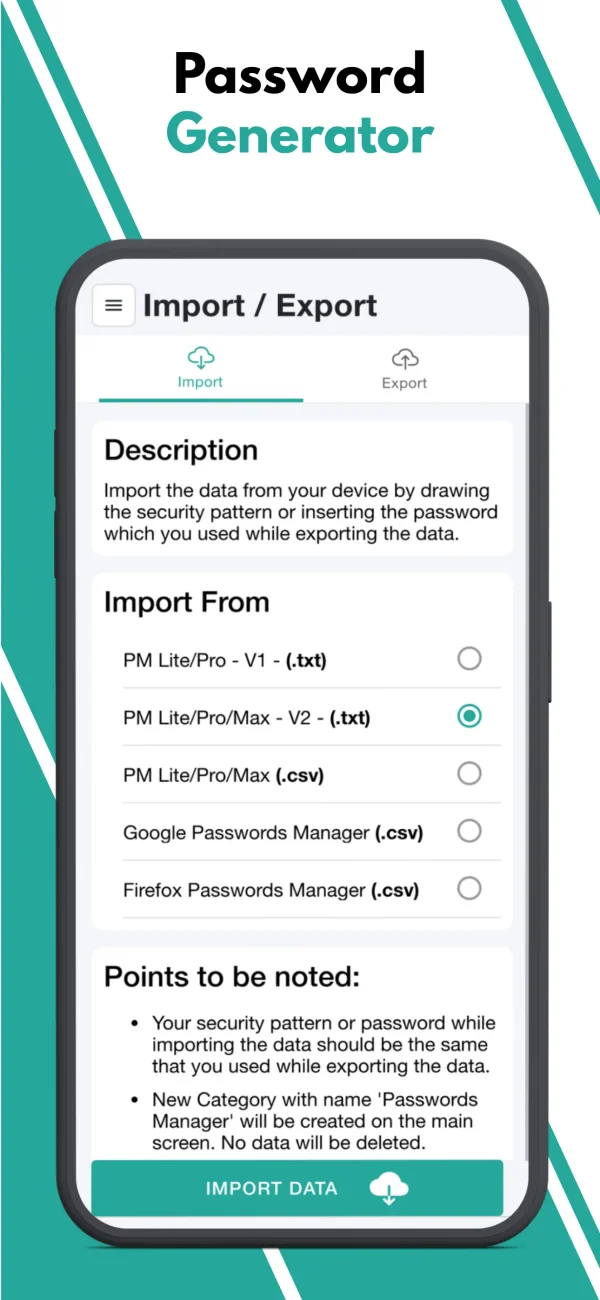
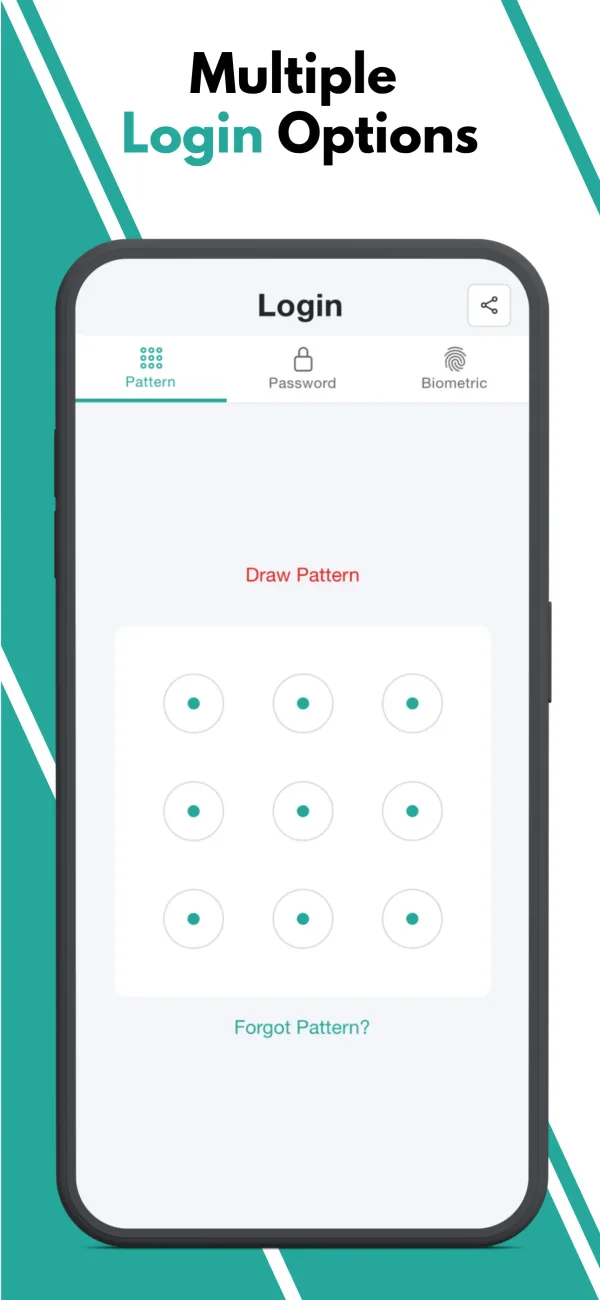

About
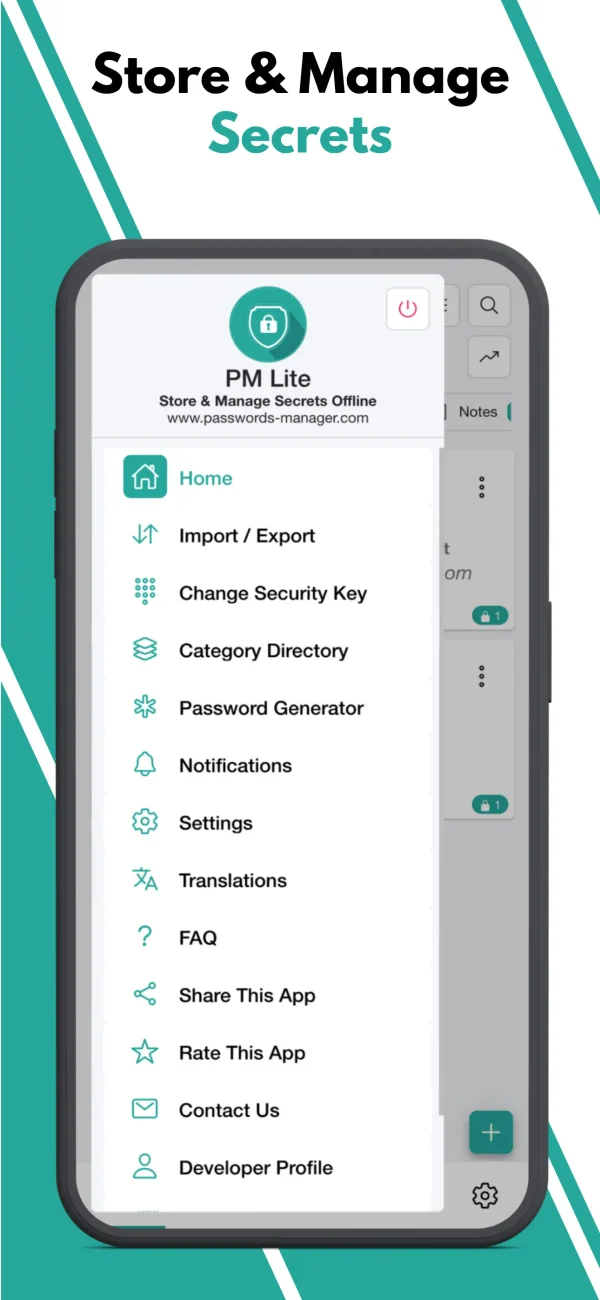
PM Lite: Password Manager is a 100% offline password management application that enables users to store, organize, and manage their passwords, notes and other sensitive information locally on their devices without relying on cloud-based services.
Highly Secure Offline Passwords Manager Application:
This application is 100% offline without even having the internet connection in this application. It stores data only on the user's device and encrypts it using AES-256 bit encryption, ensuring high security and privacy.
Multiple Login Types:
The application offers users the flexibility to choose from three different login types: Pattern, Passwords, and Biometric.
Malicious Login Detection:
The app locks itself temporarily for a specified period of time after multiple failed login attempts, protecting against unauthorized access and brute-force attacks.
Category-wise Data Organization:
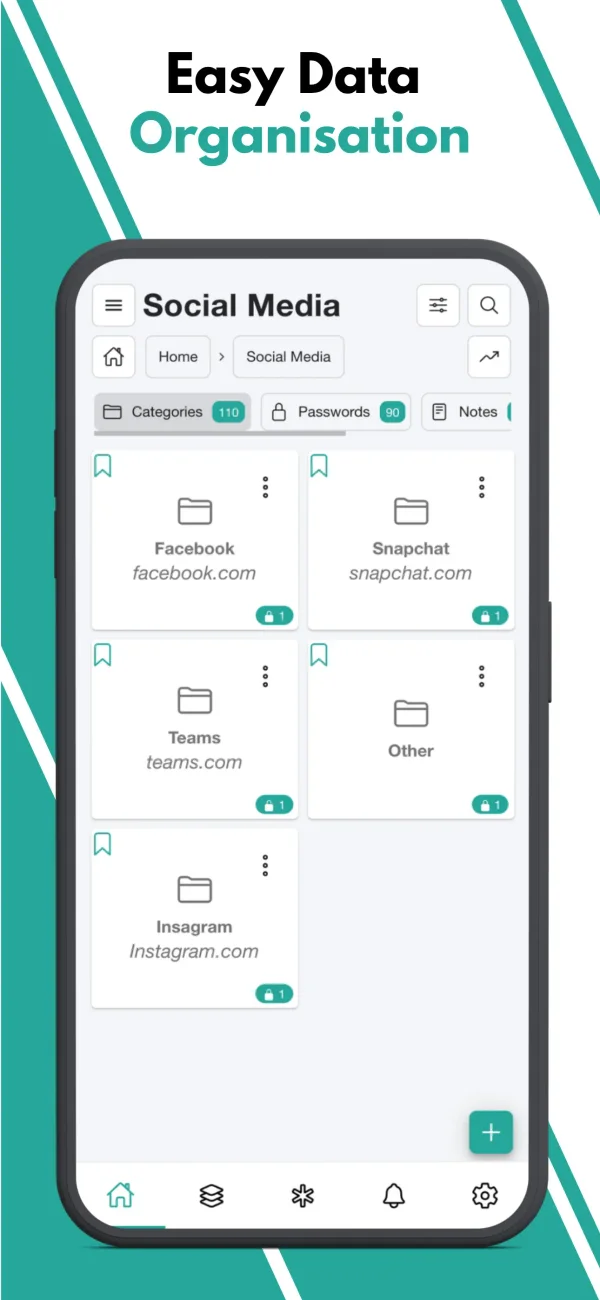
The application offers a hierarchical organization system, allowing users to categorize their data using multi-level categories. This means that users can create nested categories to structure their information effectively. Within these categories, users can store passwords, notes, and other relevant data.
Password Generator:
The application includes a Password Generator tool that assists users in creating highly secure passwords.
Weak & Repeated Passwords Alert:
To enhance password security and assist users in managing their passwords effectively, the application provides a dedicated feature that lists all repeated and weak passwords separately.
Multiple View Types:
The application incorporates a user interface (UI) and user experience (UX) feature that allows users to choose between two different views for displaying their data: tile view or list view.
Multiple Color Themes:
At present, this application provides support for two distinct color themes: "Dark" and "Light." Users have the option to choose between these two themes based on their preference and visual comfort.
Multiple Language Support:
At present, the application provides support for a wide range of languages, surpassing 14 language options.
Export Data:
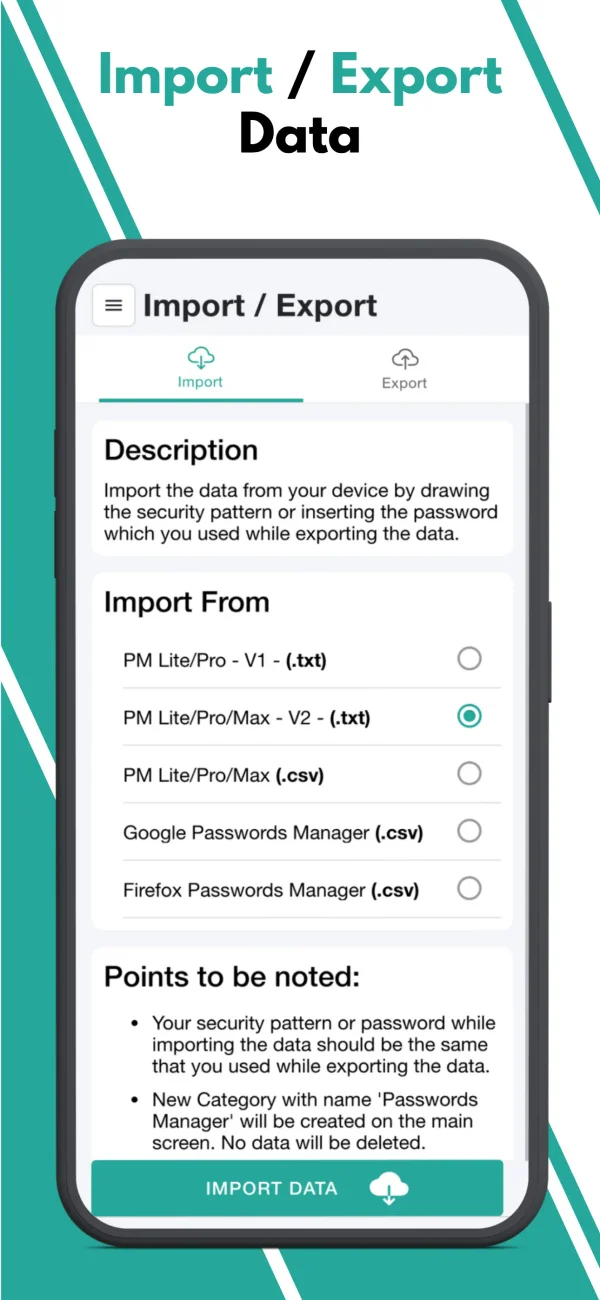
Since the Passwords Manager application operates entirely offline, transferring data to a new device requires a manual export of their data from the current device and securely stores it somewhere before uninstalling the application.
File Import Data:
Passwords Manager allows users to effortlessly import their passwords from various file formats. Whether it's a Google CSV file, a Passwords Manager (.txt) file, or a Passwords Manager (.csv) file, the application provides the flexibility to import data from other sources.
Bookmark:
The application provides users with the ability to bookmark their most frequently accessed data, enabling quick and convenient access whenever needed..
Auto Logout Application:
This functionality ensures that if the application is left unattended or unused for a specified period, it will automatically log out to protect sensitive information from unauthorized access.
What’s new
Version 13,0 · Sep 23, 2026
Performance improvements and bug fixes.
App privacy
What Taha Husain declares on the App Store about how this app handles data.
-
Data not collected
The developer does not collect any data from this app.
Privacy practices may vary, for example with the features you use or your age.
Information
- Seller
- Taha Husain
- Category
- Productivity
- Version
- 13,0
- Updated
- Sep 23, 2026
- Released
- Jun 27, 2023
- Size
- 25.4 MB
- Requires
- iOS 15.6 or later
- Age rating
- 4+
- Price
- Free
- Languages
- English
- Copyright
- © TFH Technologies
You might also like
-
 KeyZ: Password ManagerAccess all your passwords
-
 KeePass - Password ManagerPassword Saver and Autofill
-
 SecureSafe Password ManagerPassword Generator & Autofill
-
 Lockit Secure Password ManagerVault, Passkeys & 2FA AutoFill
-
 Password Manager: SafePasskeys & 2FA
-
 Password Safe Manager & VaultPasskey, 2FA & Authenticator
-
 Password Manager - Safe LockAutofill Passwords & Passcode
-
 mSecure: Password ManagerSecure Storage Digital Wallet
-
 RoboForm Password ManagerKeep Secure & Auto Fill Forms
-
 Password ManagerPasswords App