
Password Safe Manager & Vault
Passkey, 2FA & Authenticator
Designed for iPhone, iPad
Free · In-app purchases
- Age rating4+
- CategoryProductivity
- DeveloperRobert Ehrhardt
- LanguagesEnglish+ 40 more
- Size194.0 MB
Links to the official App Store page
Download.org hosts no file of Password Safe Manager & Vault. The button opens its official App Store page, published by Robert Ehrhardt. Listing last checked on Nov 28, 2026.
Screenshots



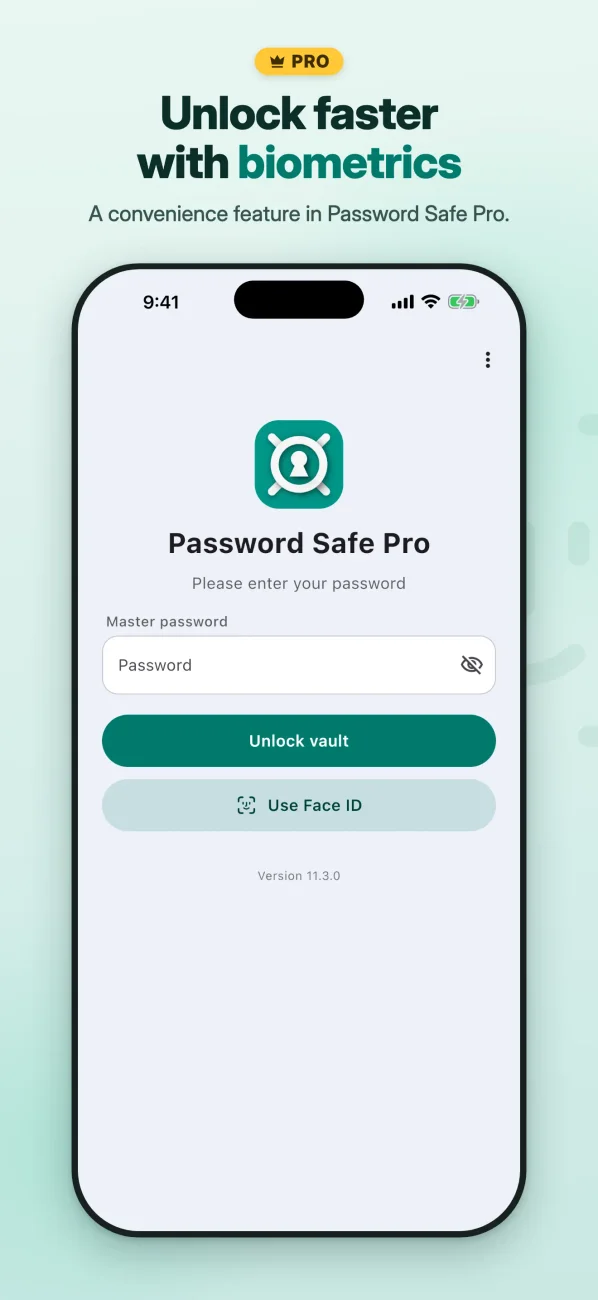
About
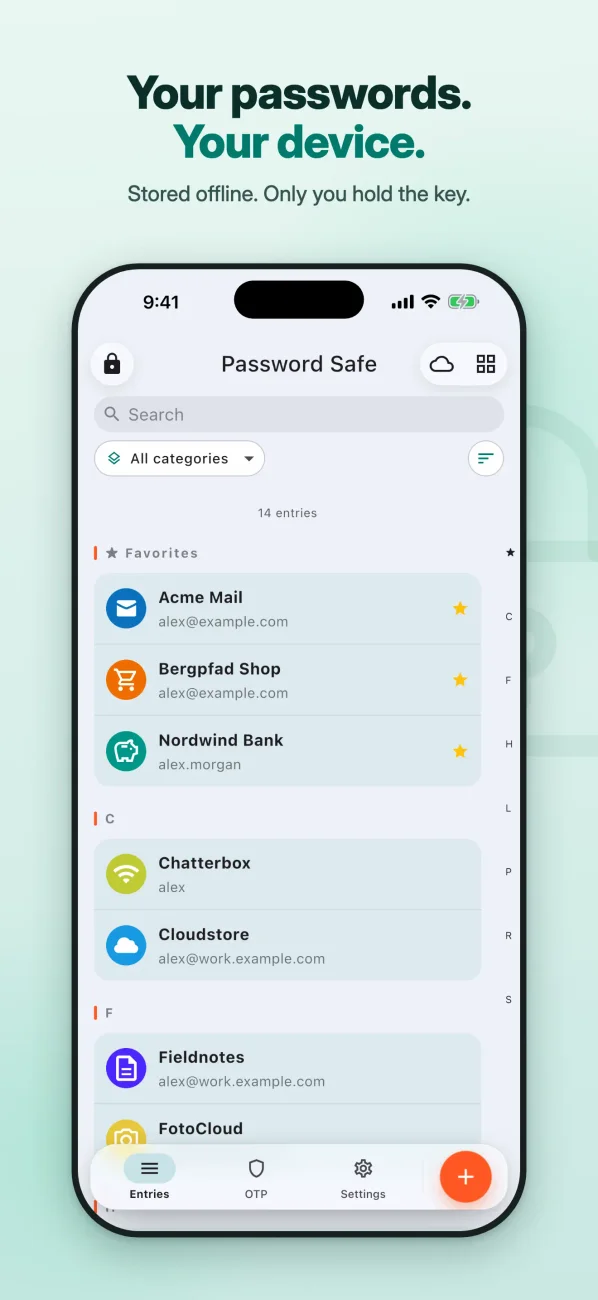
Password Safe is an offline-first password manager that keeps every password, passkey, and secret on your device. No account. No tracking. Just AES-256 encryption and one master password.
WHY PASSWORD SAFE
• Offline-first — your vault lives on your device, not on a server
• AES-256 encryption, the same standard used by banks and governments
• Optional end-to-end encrypted iCloud sync across your devices (Pro)
• Face ID / Touch ID vault unlock (Pro)
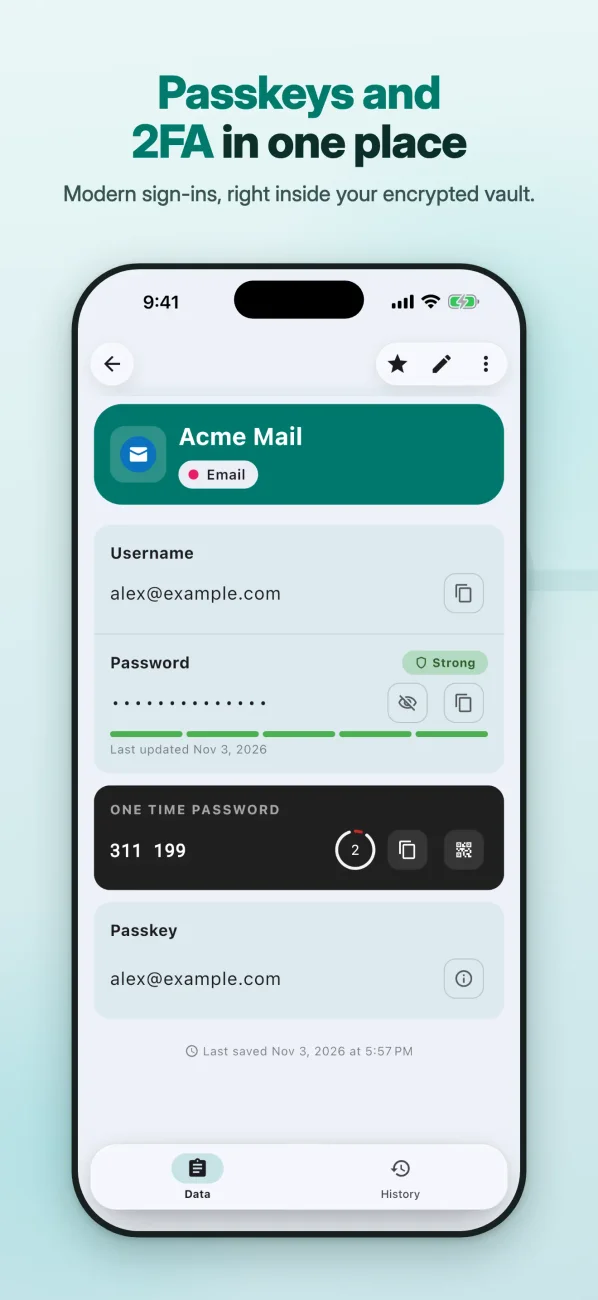
• Passkeys, passwords, credentials, notes — one secure vault
• Built-in 2FA authenticator with QR code scanning
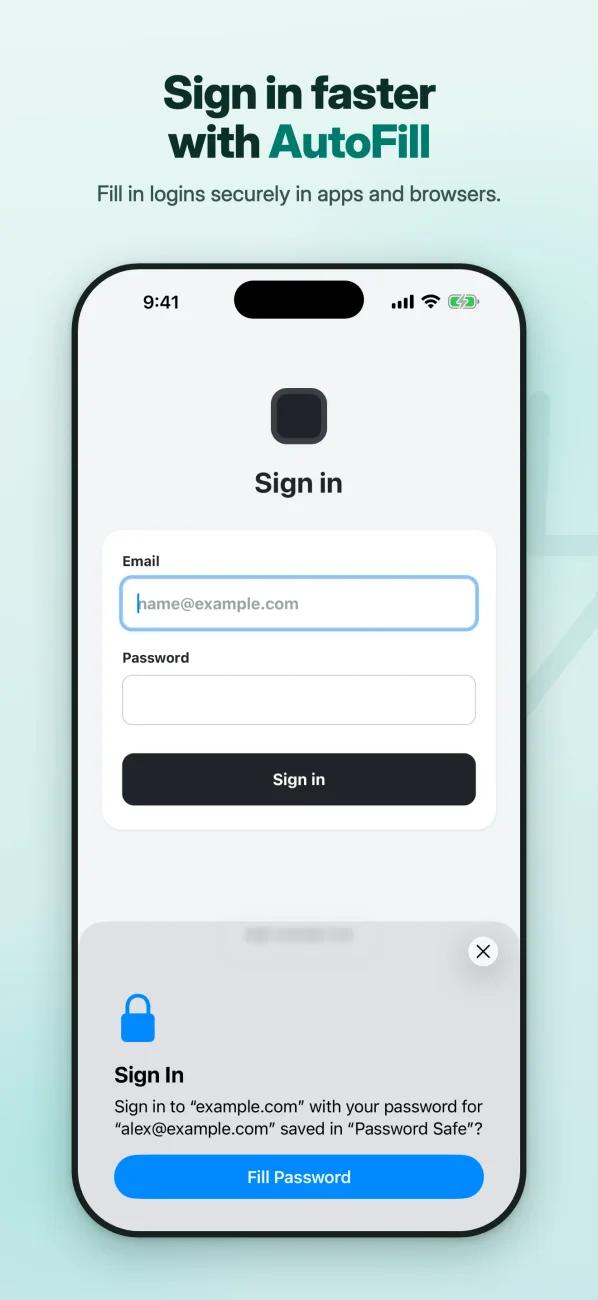
• Autofill passwords and passkeys system-wide
• Built-in password generator for strong, unique passwords
• Password strength indicator and vault statistics
• Works on iPhone, iPad, and Apple Silicon Mac
• Apple Watch app for selected entries and 2FA codes
FREE FEATURES
• Secure password storage for logins, passkeys, and access data
• Categorize and favorite your entries
• One master password, AES-256 encrypted
• Autofill support
• Password generator
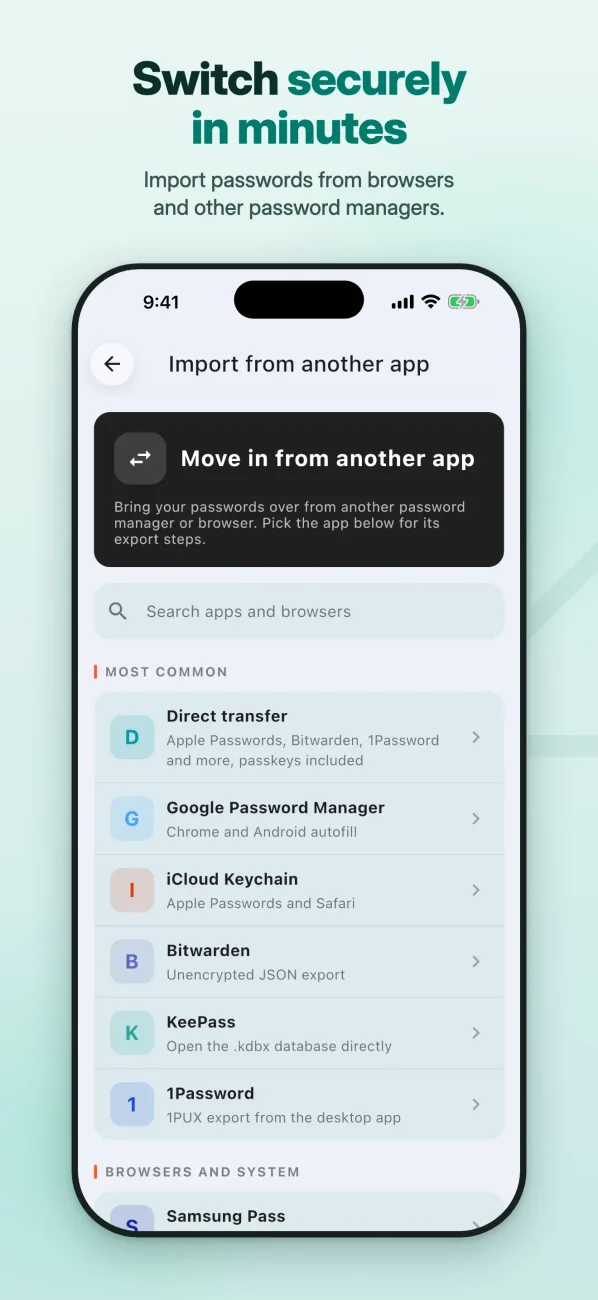
• Backup, restore, and CSV password import/export
• Automatic clipboard clearing and auto-logout
• Password strength indicator
• Vault statistics
• AutoFill suggestions in the QuickType bar for all logins and passkeys
• Grid or list view, category filter, sorting and quick actions
• Pure black dark mode
• Keyboard shortcuts on iPad
• Up to 50 entries
PRO FEATURES
• Unlimited entries
• Optional end-to-end encrypted cloud sync via iCloud Drive, Google Drive, Dropbox, OneDrive, pCloud or WebDAV
• Face ID / Touch ID unlock
• Image and file attachments per entry
• Custom, reorderable entry fields
• Reusable fields (multiple URLs, emails, etc.)
• Multiple categories per entry
• Archive entries and full password history
• PDF export and printing
• Automatic sync that merges changes from all your devices entry by entry
• Excel (.xlsx) import and export
• 8 additional color schemes
OFFLINE-FIRST, NEVER REQUIRED ONLINE
Password Safe has no account, no analytics, and no tracking service. Your encrypted vault stays on your device — only you hold the master password. Want it on more than one device? Enable optional cloud sync: your vault is encrypted on-device before it ever leaves, so no one can read it. Prefer pure offline? Skip sync entirely and back up manually to any file provider you trust.
PASSKEY SUPPORT
Save and use passkeys alongside your passwords in the same secure vault. Password Safe is a private password and passkey manager — no cloud account required to get started. With sync, your passkeys are available on all your devices.
SECURITY YOU CONTROL
• AES-256 encryption on the entire vault
• Optional end-to-end encrypted sync — off by default, you choose
• Master password never leaves your device
• Optional Face ID / Touch ID unlock (Pro)
• Auto-logout and clipboard clearing by default
VAULT INSIGHTS
Statistics show which passwords are reused, weak, or too short — so you know exactly what to rotate next.
EASE OF USE
Remember one master password, access everything. An intuitive, categorized vault makes organizing hundreds of logins effortless.
Whole vault encrypted with SQLCipher 4: AES-256 + HMAC-SHA512, key derived with PBKDF2-HMAC-SHA512 (256,000 iterations, random salt).
Questions, bug reports, feature requests, or want to help translate? I'd love to hear from you.
Privacy Policy: https://passwordsafe.app/policies/priv_policy.html
Terms of Service: https://passwordsafe.app/policies/terms.html
What’s new
Version 11.6.0 · Nov 27, 2026
Version 11.6 brings a security report with leak check, expiry reminders and two-factor codes straight from setup links.
SECURITY REPORT
• Settings › Security report shows which logins need attention, and why
• Finds leaked, easy-to-guess, reused and old passwords, and sites without encryption
• Optional leak check with Have I Been Pwned: only the first 5 characters of a hash leave your device
• Every finding says what to do next, and you can stop it for a single entry
EXPIRY DATES AND REMINDERS
• Give cards, IDs, memberships and more an expiry date, each with an optional name such as "Card" or "Login"
• 2 dates per entry for free, up to 10 with Pro
• Get a notification before something is due, even while Password Safe is locked
• Reminders to change a password, just for the fields you choose
• Statistics show how old your passwords are
TWO-FACTOR CODES
• Choose Password Safe for verification codes in the iOS Settings: the OTP tab shows you how
• Setup links and QR codes from the Camera open straight in Password Safe
• The code goes into the matching login, or into a new entry
• "+" on the OTP tab: scan, take it from a screenshot, paste a link or type the setup key
MORE
• WebDAV: trust your server's own certificate and sign in with a client certificate
• Import from mSecure, Bitdefender, Avira, DuckDuckGo and Devolutions, plus a guide for Microsoft Authenticator
• Fields: see which entries use a field
• Crop pictures freely again
• Screen recording and mirroring now hide your vault (Settings › Security)
• A damaged vault can now be repaired instead of staying read-only
• Uses less memory in the background, and several crash fixes
App privacy
What Robert Ehrhardt declares on the App Store about how this app handles data.
-
Data not collected
The developer does not collect any data from this app.
Privacy practices may vary, for example with the features you use or your age.
Information
- Seller
- Robert Ehrhardt
- Category
- Productivity
- Version
- 11.6.0
- Updated
- Nov 27, 2026
- Released
- Jun 19, 2018
- Size
- 194.0 MB
- Requires
- iOS 16.0 or later
- Age rating
- 4+
- Price
- Free
- In-app purchases
- Yes
- Languages
- English, Arabic, Belarusian, Bengali, Bulgarian, Catalan, Croatian, Czech, Danish, Dutch, Finnish, French + 29 more
- Copyright
- © Robert Ehrhardt
You might also like
-
 SecureSafe Password ManagerPassword Generator & Autofill
-
 Password Manager: SafePasskeys & 2FA
-
 mSecure: Password ManagerSecure Storage Digital Wallet
-
 iPassworder Password ManagerEasiest way to store passwords
-
 My Passwords ManagerProductivity
-
 Enpass Password ManagerGenerate & Autofill Passwords
-
 KeePass TouchThe Password Manager
-
 Password Manager - Safe LockAutofill Passwords & Passcode
-
 Password Manager'Lock Apps Keep Vault Safe
-
 Strongbox - Password ManagerKeePass & Password Safe Vault