
Pocket Coder: Remote AI Code
AI coding agent on your iPhone
Designed for iPhone, iPad
Free
- Age rating4+
- CategoryDeveloper Tools
- Developersalih berkay kokesmer
- LanguagesEnglish+ 6 more
- Size2.4 MB
Links to the official App Store page
Download.org hosts no file of Pocket Coder: Remote AI Code. The button opens its official App Store page, published by salih berkay kokesmer. Listing last checked on Nov 16, 2026.
Screenshots
About
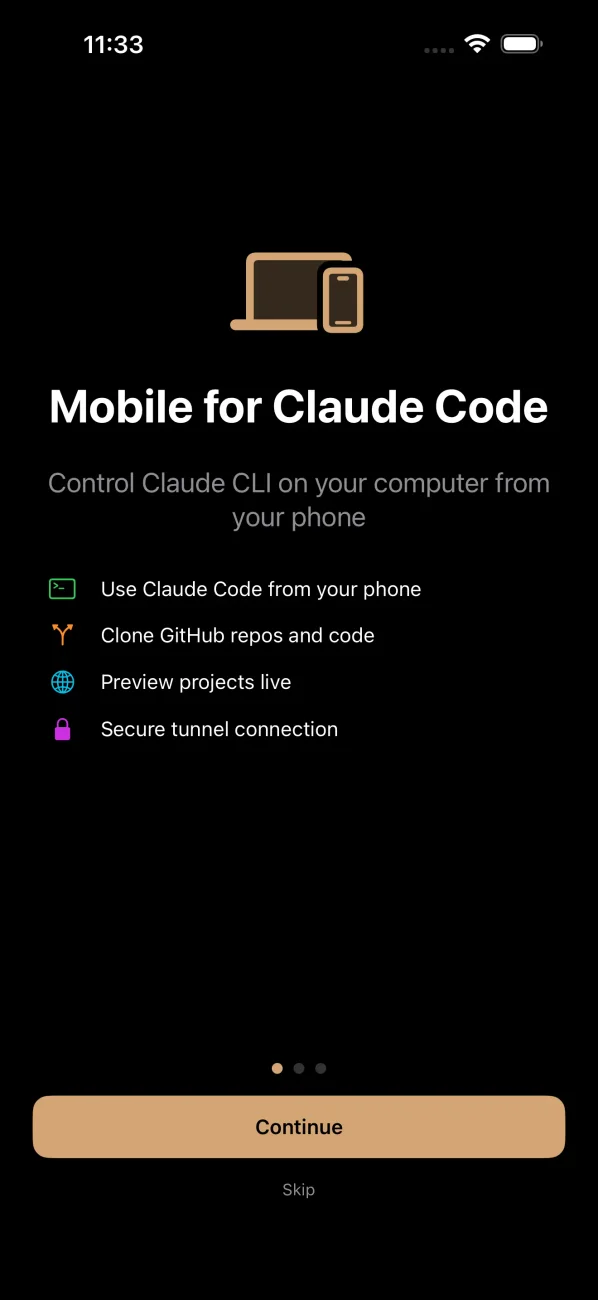
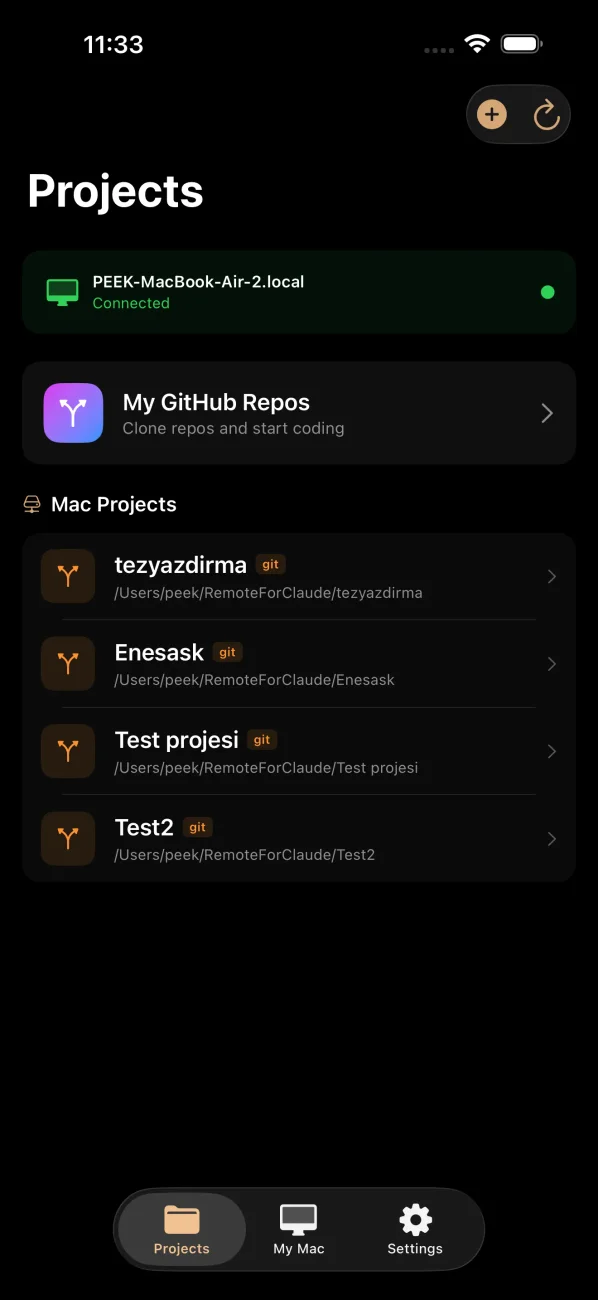
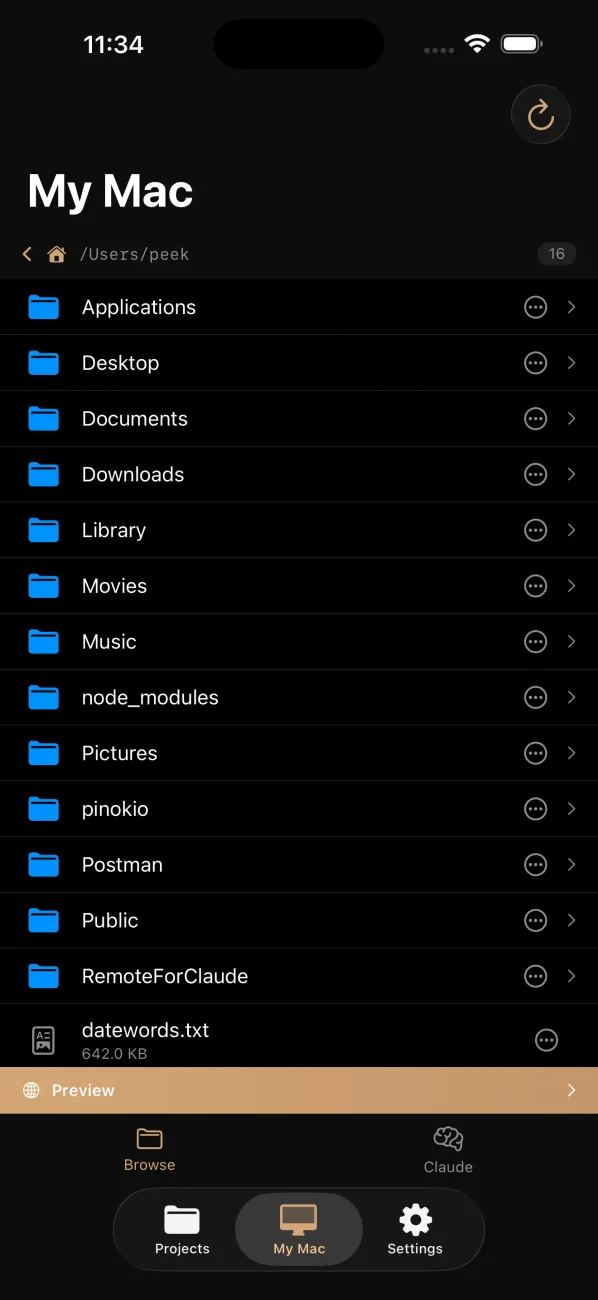
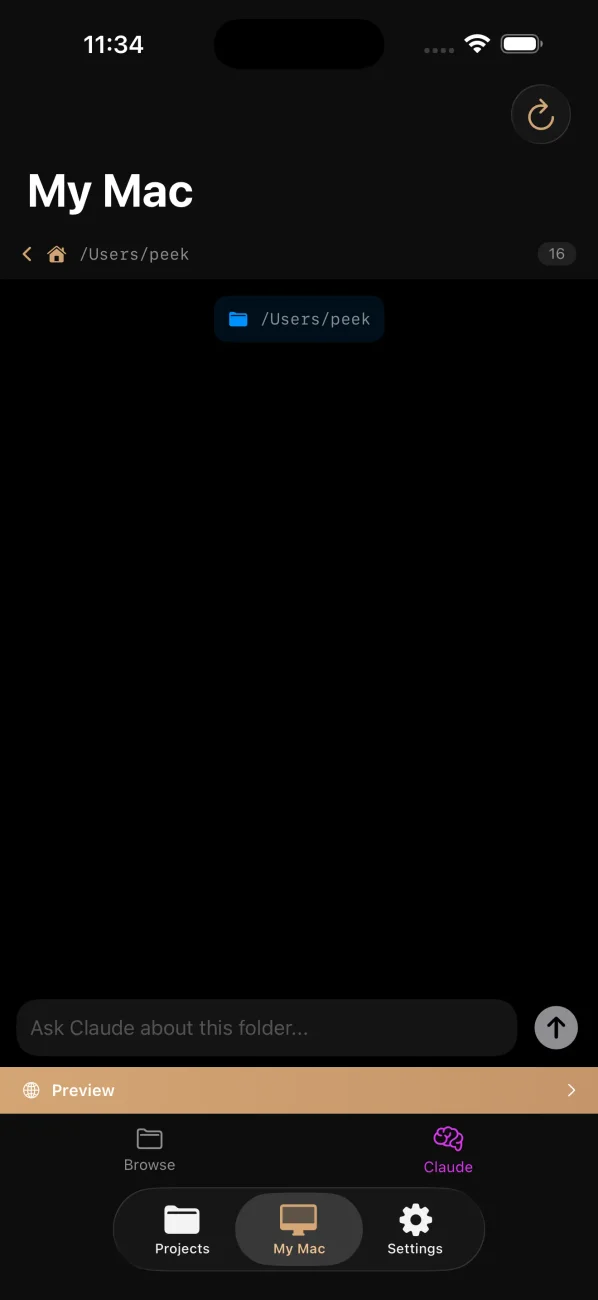
Pocket Coder lets you drive Claude Code on your Mac from your iPhone, from anywhere with internet.
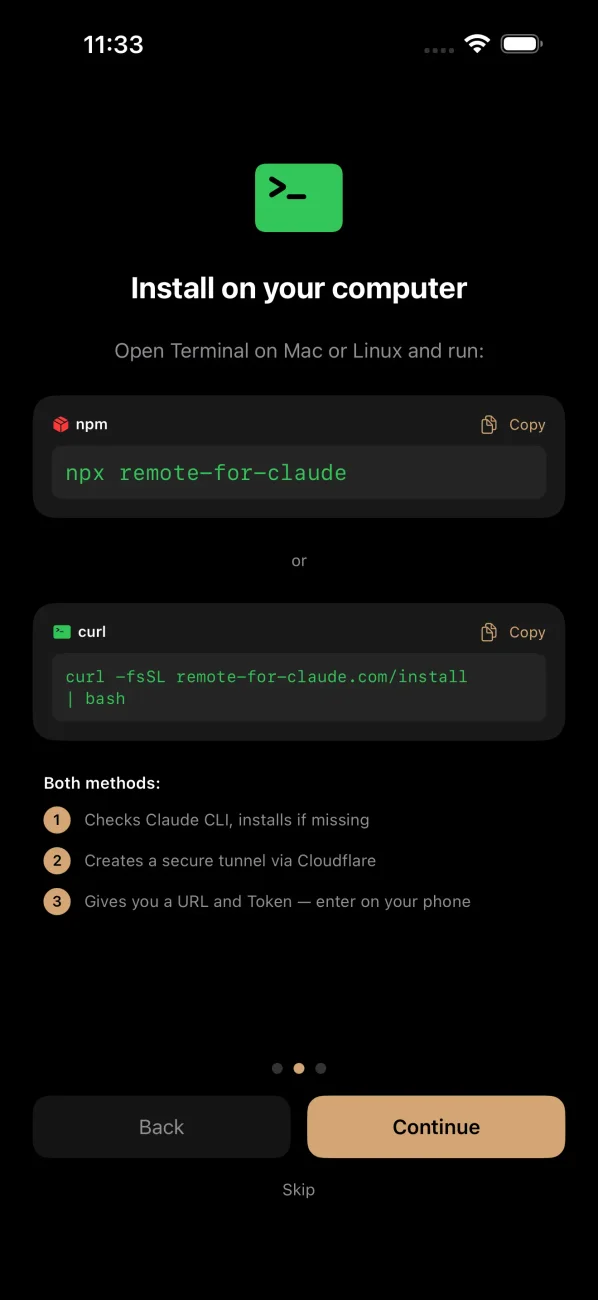
Run one command on your Mac (curl -fsSL remote-for-claude.netlify.app/install | bash), scan the QR code it shows, and start prompting Claude from your pocket. Your code never leaves your machine.
SCAN TO CONNECT
• Your Mac shows a QR code. Scan it in the app and you're connected
• Or paste the URL and token by hand
• Clear messages when something's wrong: Mac script stopped, tunnel address changed, wrong token or Claude Code missing
STREAMING CHAT
• Real-time responses, word by word as Claude works
• Cancel any prompt mid-stream
• Per-project chat history, saved locally
TEST & FIX
• Run your project's test and build commands on your Mac
• See pass or fail, the exit code and the output
• Send a failure to Claude with one tap, then run it again
SAFER GIT
• Status, diff, commit and push
• Pick exactly which files to commit, stage or unstage them one by one
• See your last test result before you commit or push
• Clone any of your GitHub repos in seconds
LIVE PREVIEW
• Vite, Next.js, static HTML, any web project
• Frontend runs on your Mac, rendered on your phone
MAC CONTROL WITH FEWER TOKENS
• Setup installs erisim MCP, so Claude can work with Xcode and Mac apps without screenshots
ONE-TAP DEPLOY
• Vercel, Netlify, Cloudflare Pages
• If your Mac has the CLIs logged in, it just works
PRIVATE BY DESIGN
• HTTPS via a Cloudflare tunnel straight to your Mac
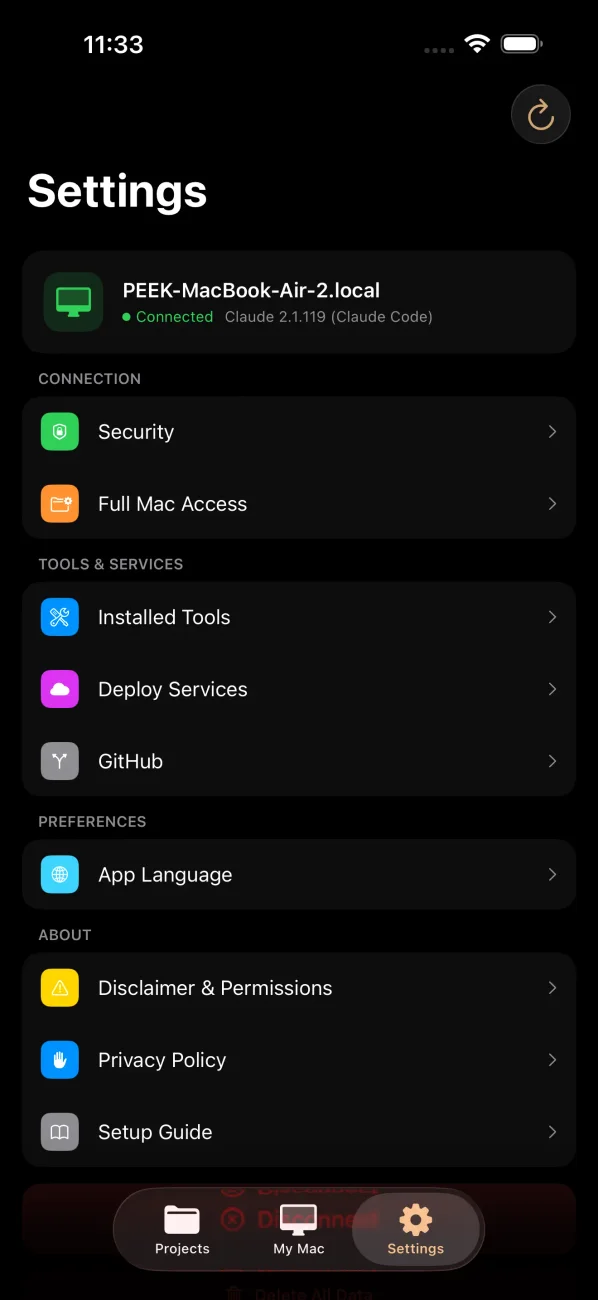
• Bearer-token auth, rotate anytime, stored in the iOS Keychain
• Your code never touches our servers. We don't run any
• Zero analytics, zero tracking
SEVEN LANGUAGES
English, Turkish, Spanish, Brazilian Portuguese, Japanese, German, Simplified Chinese.
HOW IT WORKS
1. On your Mac, run: curl -fsSL remote-for-claude.netlify.app/install | bash
2. Run remote-for-claude. It opens a secure tunnel and shows a QR code
3. Scan it in the app (or paste the URL and token)
4. Start prompting Claude from your phone
REQUIREMENTS
• A Mac with Node.js (installed automatically if missing)
• Claude Code CLI and an Anthropic account
• iOS 16 or later
Built for developers who want to stay productive without being tied to their desk.
Privacy: https://remote-for-claude.netlify.app/privacy.html
Website: https://remote-for-claude.netlify.app
Claude Code is a product of Anthropic. This app is an independent companion, not affiliated with or endorsed by Anthropic.
What’s new
Version 1.2 · Oct 18, 2026
What's new in 1.2
• New name: Pocket Coder. Same app, same features.
• Scan to connect: your Mac now shows a QR code. Tap "Scan QR" in the app and you're connected. No more copying the URL and token.
• Test & fix from your phone: run your project's test or build commands on your Mac, see the result and output, and send failures to Claude with one tap. Then run them again.
• Safer commits: pick exactly which files to commit, stage or unstage them one by one, and see your last test result before you commit or push.
• Mac control with fewer tokens: setup now installs erisim MCP, so Claude can work with Xcode and Mac apps without screenshots.
• Clearer connection errors: the app tells you whether the Mac script stopped, the tunnel address changed, the token is wrong or Claude Code is missing.
• Your connection details are now kept in the iOS Keychain.
• Fixed: install links, empty replies with the latest Claude Code CLI, and token rotation.
App privacy
What salih berkay kokesmer declares on the App Store about how this app handles data.
-
Data not collected
The developer does not collect any data from this app.
Privacy practices may vary, for example with the features you use or your age.
Information
- Seller
- salih berkay kokesmer
- Category
- Developer Tools
- Version
- 1.2
- Updated
- Oct 18, 2026
- Released
- Apr 27, 2026
- Size
- 2.4 MB
- Requires
- iOS 16.0 or later
- Age rating
- 4+
- Price
- Free
- Languages
- English, German, Japanese, Portuguese, Simplified Chinese, Spanish, Turkish
- Copyright
- © 2026 Salih Berkay Kokesmer
You might also like
-
 ServerCC - Claude Code & CodexRemote Coding · SSH · tmux
-
 Drops for Claude CodeChangelog & release alerts
-
 Mobile IDE for Claude Code AIAgentic coding on the go
-
 /cards: Claude Code FlashcardsMemorize every slash command
-
 Tempo For ClaudeDeveloper Tools
-
 Claude Code Notifier CompanionMac, Windows & Linux approvals
-
 Happier - Remote Claude, CodexOpenCode, Pi, Grok coding app
-
 ClaudeCodeQuiz - PracticeSlash commands, MCP & hooks
-
 Punk CodeRemote Control for Claude Code
-
 MobileClaw - Local LLM ChatDeveloper Tools