
ServerCC - Claude Code & Codex
Remote Coding · SSH · tmux
Designed for iPhone, iPad
Free · In-app purchases
- Age rating4+
- CategoryDeveloper Tools
- Developer佳琳 刘
- LanguagesEnglish+ 2 more
- Size58.5 MB
Links to the official App Store page
Download.org hosts no file of ServerCC - Claude Code & Codex. The button opens its official App Store page, published by 佳琳 刘. Listing last checked on Nov 15, 2026.
Screenshots


About
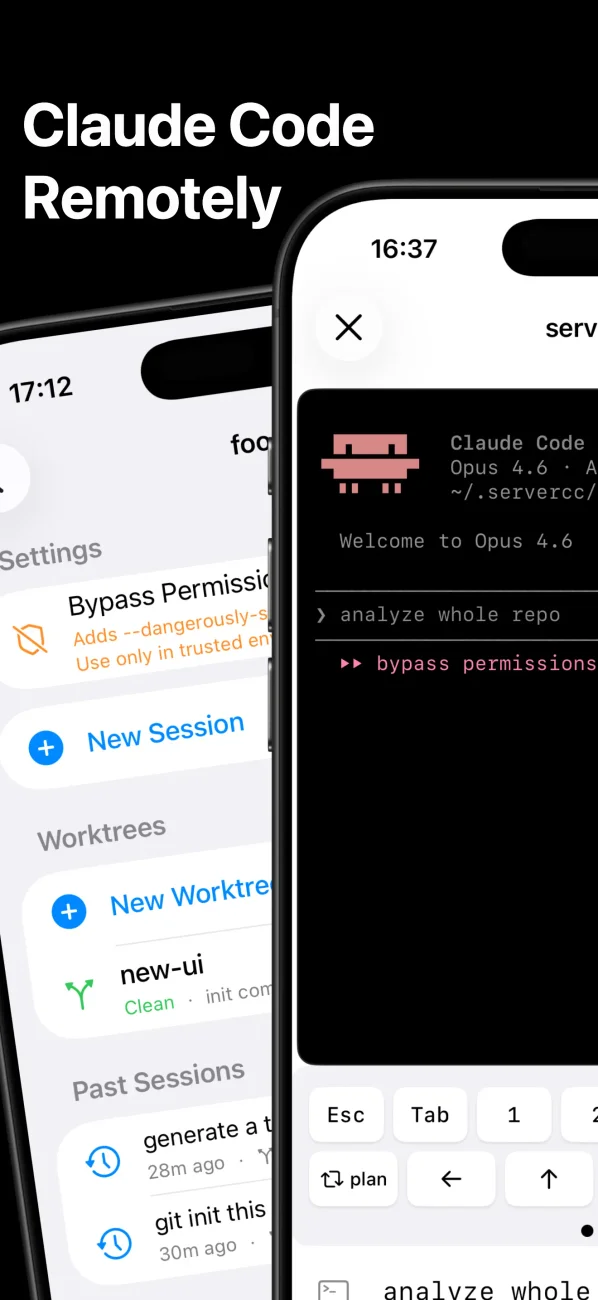
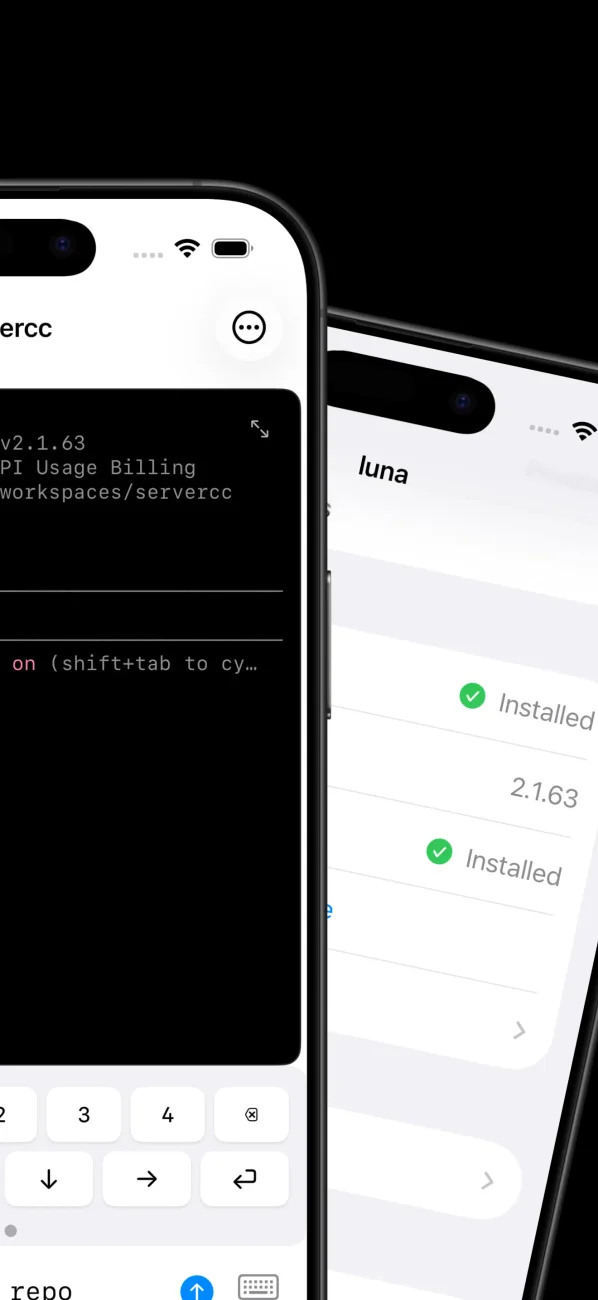
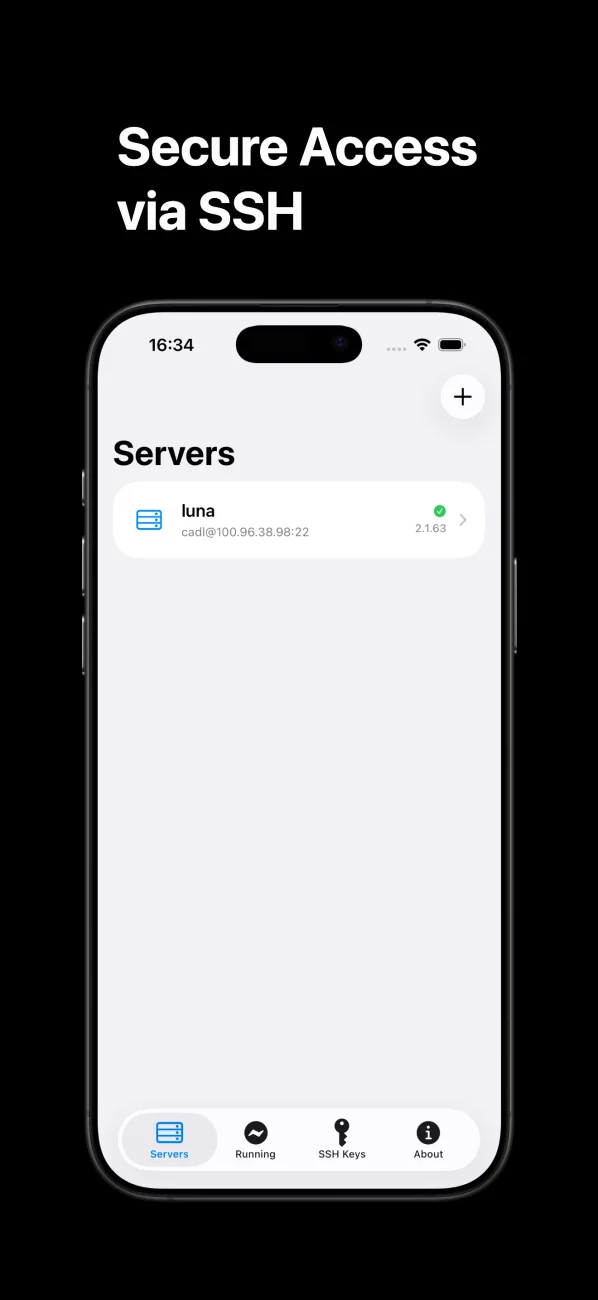
Connect to Claude Code or Codex running on your own computer or server via SSH. Keep work in server-side tmux sessions and reconnect from your phone. ServerCC also supports Antigravity CLI (agy), with Skills browsing and user-level MCP configuration. Your host and agent process must remain running.
No server yet? Claim a free sandbox trial right in the app — a temporary cloud Linux server with Claude Code, Codex, and Pi preinstalled and a sample project ready — and try the full workflow before adding your own server.
Key Features:
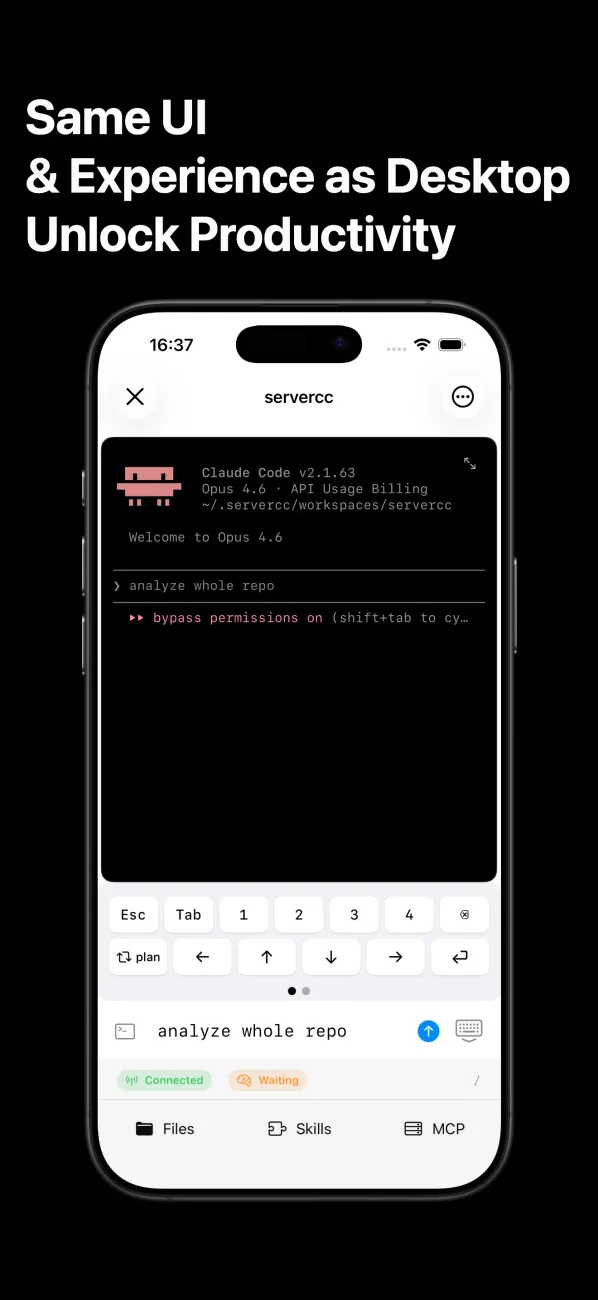
- The same UI and interactions as desktop Claude Code and Codex — not a chat wrapper
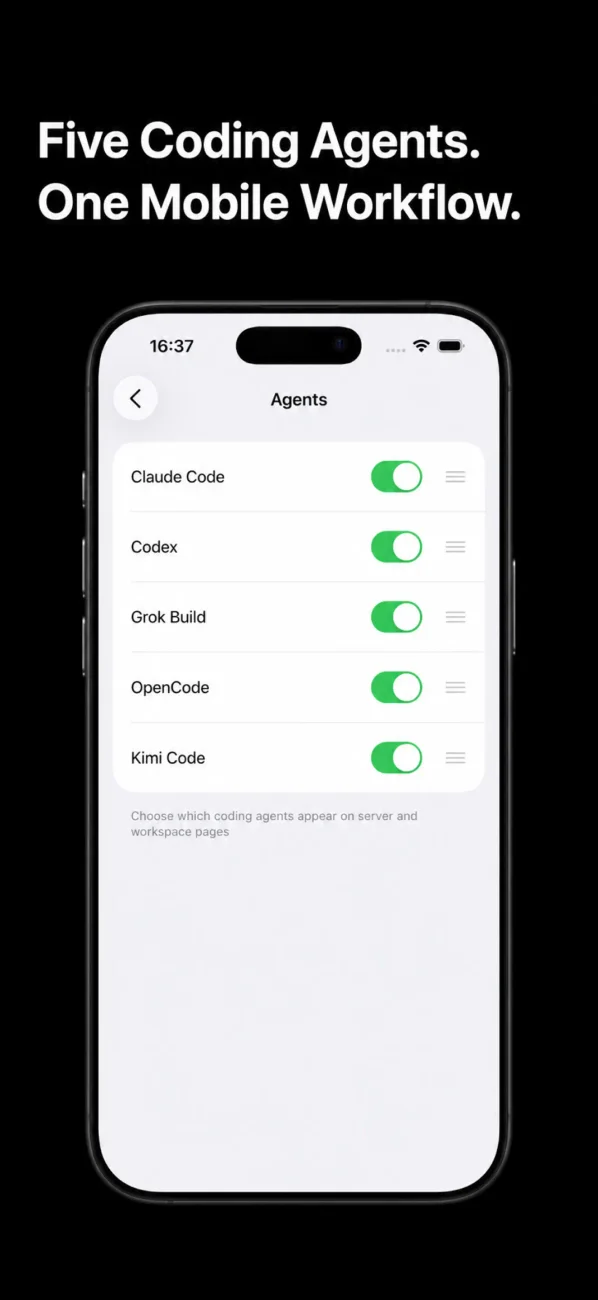
- Multi-agent support: Claude Code, Codex, Grok Build, OpenCode, Kimi Code, Pi, OMP, and Antigravity CLI (agy).
- Antigravity CLI: start and resume conversations, browse personal, project, and enabled-plugin Skills, and manage user-level MCP servers (stdio and HTTP).
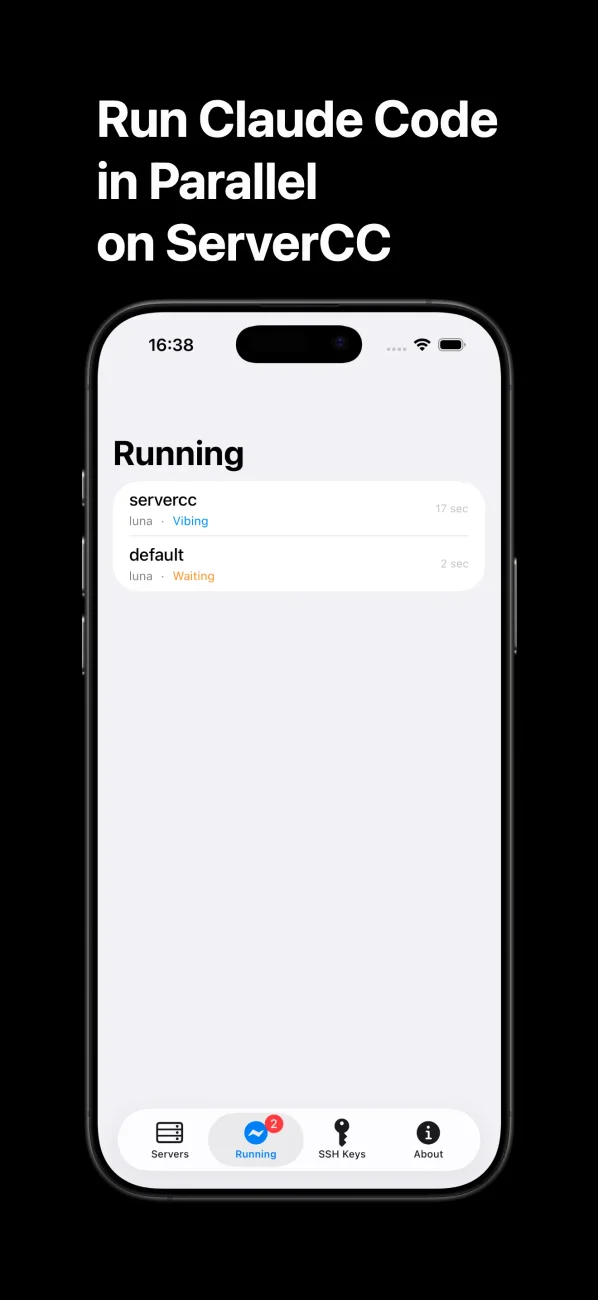
- Claude Code/Codex session management (start, auto-reconnect, and resume)
- Tmux-based persistent sessions that keep Claude Code/Codex running even after you close the app — or attach directly to Tmux sessions already running on your host
- herdr integration: servers running herdr show their spaces in the app — attach to running agent sessions, start new agents inside herdr, or adopt a space as a workspace
- Claude Code bg sessions: launch agents in bg mode, close the app, attach from anywhere later — they keep working on your server
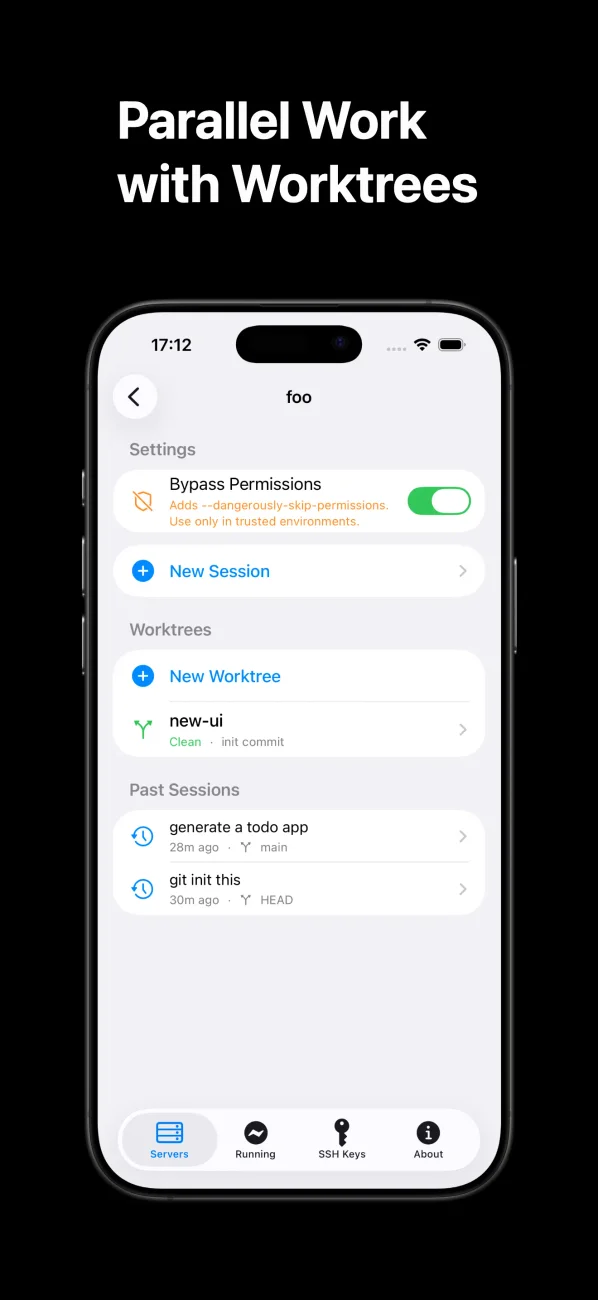
- Workspace worktree support for developing multiple features simultaneously, with parallel Claude Code/Codex execution
- VNC Remote Desktop: view your coding results in real time while Claude Code/Codex works — connect to macOS Screen Sharing or any VNC server
- Ports: open web apps running on your dev server straight from your phone
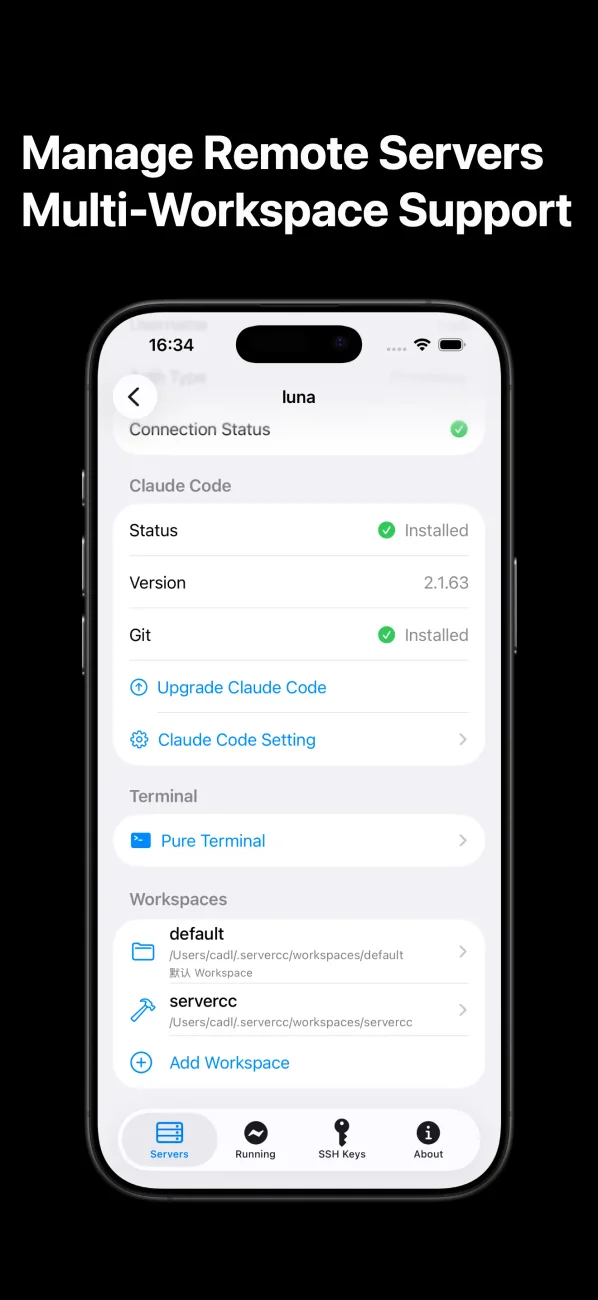
- Workspace file browsing and upload, plus management of global and workspace-level Skills and MCP
Privacy Policy: https://servercc.app/privacy
Terms of Use: https://www.apple.com/legal/internet-services/itunes/dev/stdeula/
ServerCC is an independent app for running AI coding agents (Claude Code, Codex, Grok Build, OpenCode, Kimi Code, Pi, OMP, and Antigravity CLI (Google)) over SSH. It is not affiliated with, endorsed by, or sponsored by the vendors of these products. All product names are trademarks of their respective owners.
What’s new
Version 2.3.0 · Nov 13, 2026
New: Antigravity CLI (agy) support over SSH, with conversation history and resume, permission controls, and rendering options. Browse its personal, project, and enabled-plugin Skills, and manage user-level MCP servers (stdio and HTTP).
App privacy
What 佳琳 刘 declares on the App Store about how this app handles data.
-
Data not linked to you
May be collected but is not linked to your identity.
- Purchases
- Identifiers
- Usage data
Privacy practices may vary, for example with the features you use or your age.
Information
- Seller
- 佳琳 刘
- Category
- Developer Tools
- Version
- 2.3.0
- Updated
- Nov 13, 2026
- Released
- Mar 11, 2026
- Size
- 58.5 MB
- Requires
- iOS 18.1 or later
- Age rating
- 4+
- Price
- Free
- In-app purchases
- Yes
- Languages
- English, Japanese, Simplified Chinese
- Copyright
- © 2026 Lollipush
You might also like
-
 Pocket Coder: Remote AI CodeAI coding agent on your iPhone
-
 MobileCLIRemote AI Terminal Control
-
 Mobile IDE for Claude Code AIAgentic coding on the go
-
 MobileClaw - Local LLM ChatDeveloper Tools
-
 Tactic Remote: AI CodingAI Coding Remote Control
-
 CC Pocket: Code AnywhereCodex, Claude & Antigravity
-
 Drops for Claude CodeChangelog & release alerts
-
 Punk CodeRemote Control for Claude Code
-
 Labide - Remote Dev StudioRemote Codex/Claude
-
 Sesori: Remote AI Coding AgentOpenCode, Codex & Claude Code