
Pocket Log Camera
Natural photos from Apple Log
Designed for iPhone
Free · In-app purchases
- Age rating4+
- CategoryPhoto & Video
- DeveloperKumo, Inc.
- LanguagesEnglish+ 1 more
- Size22.7 MB
Links to the official App Store page
Download.org hosts no file of Pocket Log Camera. The button opens its official App Store page, published by Kumo, Inc. Listing last checked on Nov 14, 2026.
Screenshots

About
Pocket Log Camera is a small iPhone camera that takes the processed look out of your photos — built from Apple's Log video pipeline.
How it works
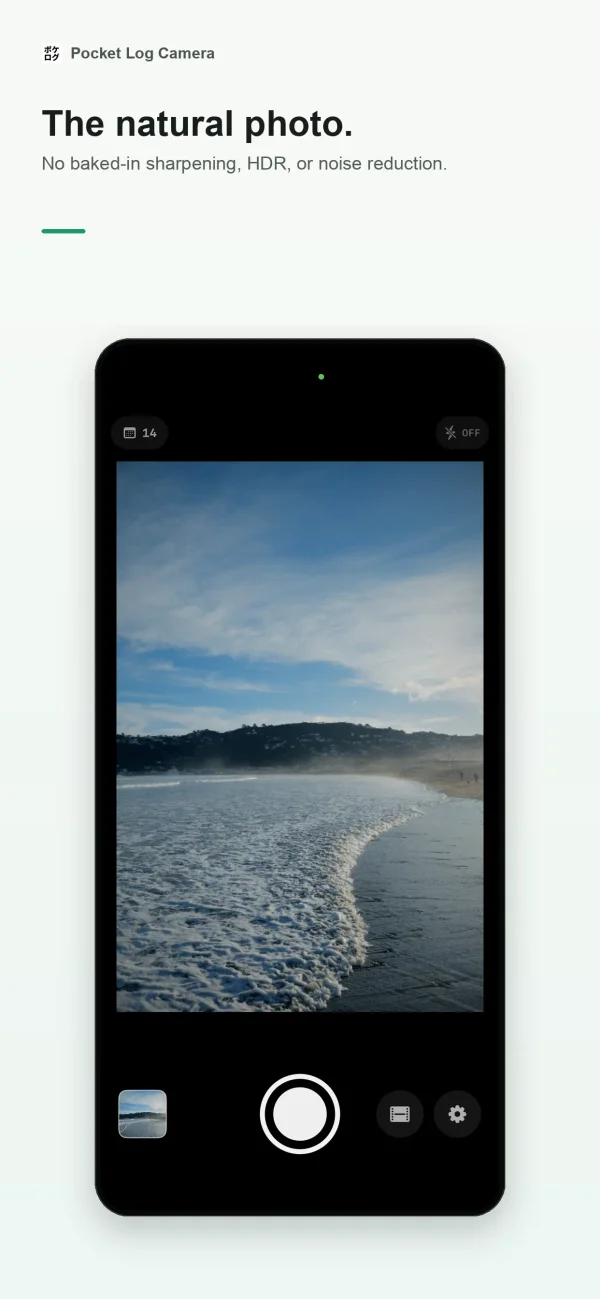
Most camera apps save a photo with sharpening, HDR, and noise reduction baked in. Pocket Log does something different: it takes the current frame from Apple's Log video pipeline and develops it with PocketLog Natural — a rendering that adds no sharpening, no HDR, and no noise reduction, with skin-friendly color. The finished photo saves straight to Photos as 10-bit HEIC (or JPEG in compatibility mode).
For users who grade in post-production, Pocket Log Pro can also save the negative — the original from the same moment (ProRes RAW open gate on iPhone 17 Pro, 4K Apple Log MOV on other models).
Point. Shoot. Keep the natural photo, or re-develop the negative.
The camera
• Fixed 24mm-equivalent back wide camera — always the same lens
• 3:2 still frame (portrait and landscape); ProRes RAW captures keep the full 1.40:1 open-gate frame
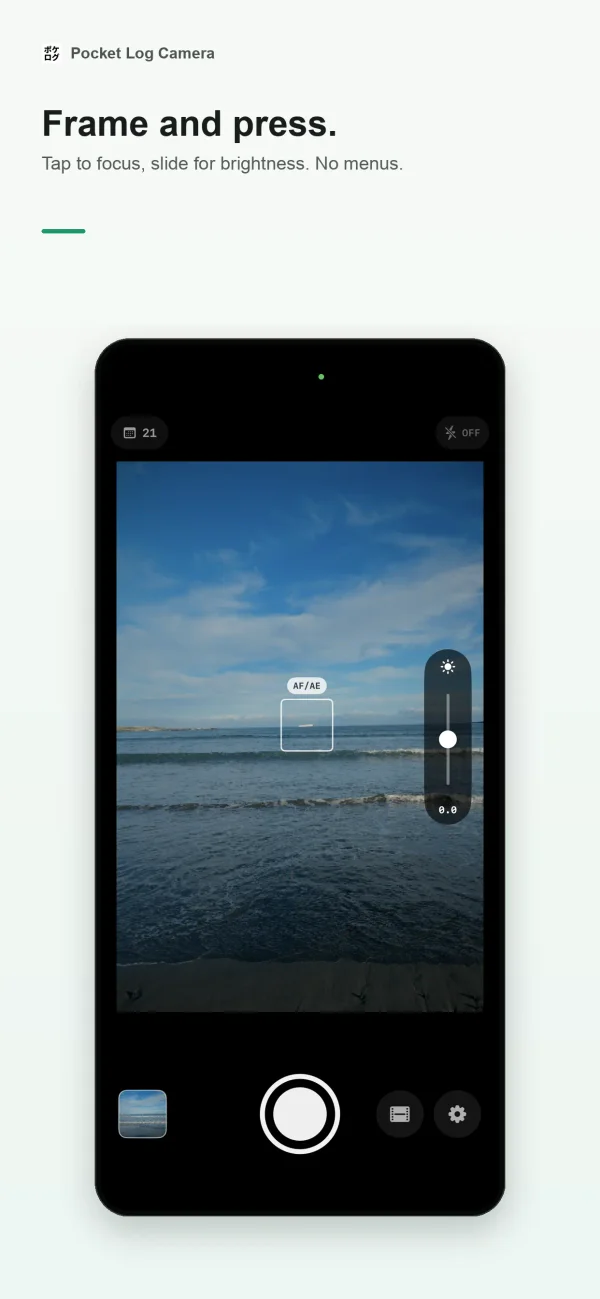
• Tap-to-focus with manual exposure bias slider (−2 to +2 stops)
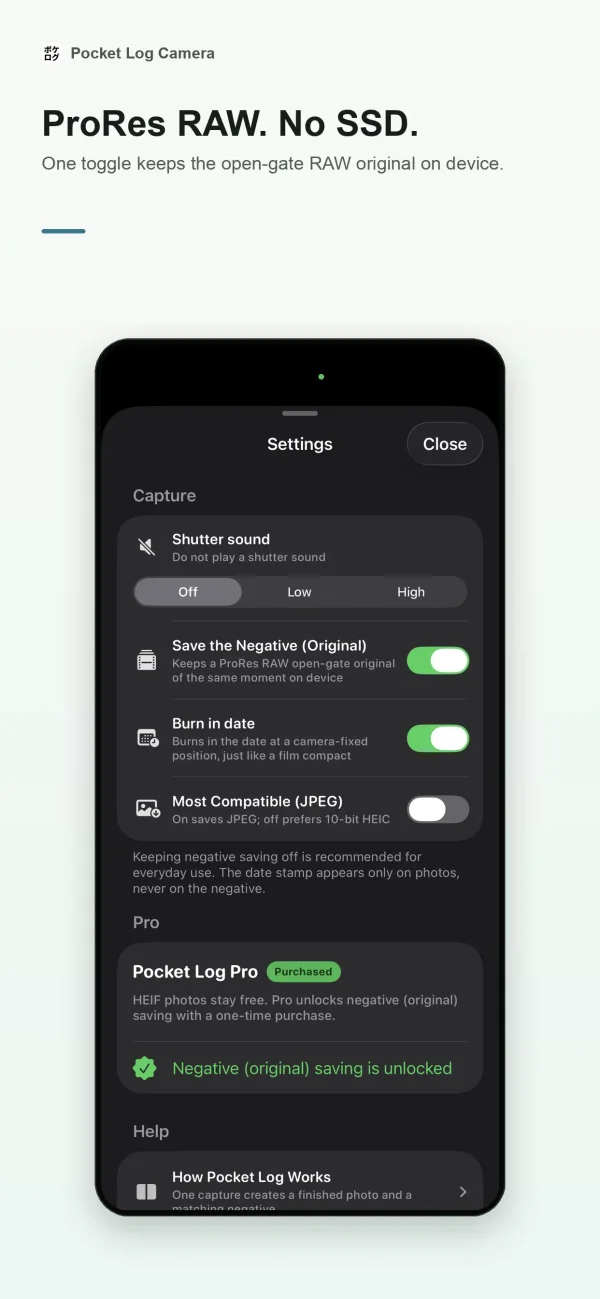
• Flash control · Adjustable shutter sound
• Optional burned-in date stamp on the photo (never on the negative)
• Capture confirmation via haptic + brief blackout flash
Your archive
• Finished photos save to Photos (10-bit HEIC, optional JPEG)
• Recent captures can be reviewed in the app
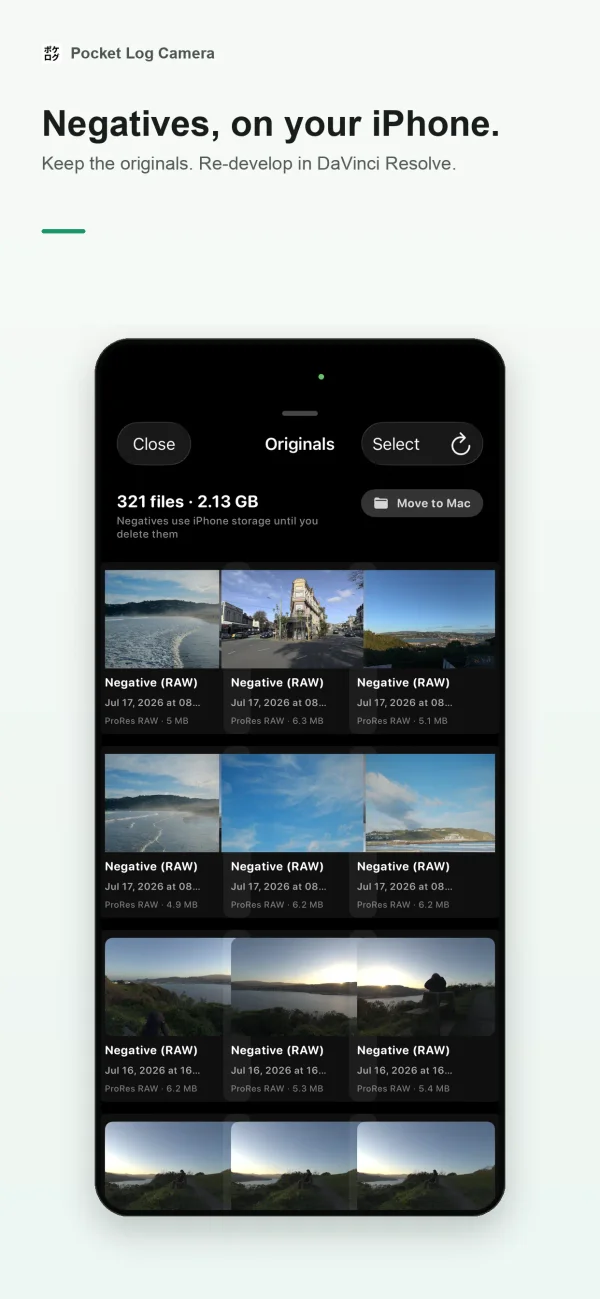
• Pro negatives (ProRes RAW or Log MOV) save locally in the app's Documents/Originals folder
• The Originals browser lets you review, share, and clean up negatives — or move them to your Mac for grading
ProRes RAW capture (iPhone 17 Pro)
On iPhone 17 Pro, Pocket Log Pro can capture a single-frame ProRes RAW original — the full 4224×3024 open-gate sensor readout, saved on your iPhone with no external SSD. It opens directly in DaVinci Resolve's Camera Raw panel for full RAW development. On other supported models the app automatically uses the 4K Apple Log pipeline instead.
Privacy first
No analytics. No ads. No network calls during camera use. Your photos stay on your device.
Requirements
Pocket Log Camera uses Apple's Log video pipeline. It is designed for iPhone Pro models that support Apple Log — iPhone 15 Pro / 15 Pro Max or later on iOS 17 or later. ProRes RAW capture requires iPhone 17 Pro.
Pocket Log Pro — $2.99 one-time purchase in the U.S.
• Unlocks "Save the Negative (Original)": ProRes RAW open gate on iPhone 17 Pro, 4K Log MOV on other devices
• Photo capture remains free
• Purchase and restore are handled by Apple
What’s new
Version 1.2.1 · Oct 31, 2026
Pocket Log 1.2.1 has been tested on iOS 27.
• Verified on iPhone 17 Pro running iOS 27: capture, RAW development, and PocketLog Natural color are unchanged
• If you enjoy the app, you may occasionally see a quick rating request after reviewing your photos — never while you're shooting
App privacy
What Kumo, Inc. declares on the App Store about how this app handles data.
-
Data not collected
The developer does not collect any data from this app.
Privacy practices may vary, for example with the features you use or your age.
Information
- Seller
- Kumo, Inc.
- Category
- Photo & Video
- Version
- 1.2.1
- Updated
- Oct 31, 2026
- Released
- Jun 23, 2026
- Size
- 22.7 MB
- Requires
- iOS 17.0 or later
- Age rating
- 4+
- Price
- Free
- In-app purchases
- Yes
- Languages
- English, Japanese
- Copyright
- © 2026 Kumo Inc.
You might also like
-
 E-Log - Log Camera & LUTsCinematic video made easy
-
 Radiant: Film & Digital CameraRAW, LUT, Video & Analog Looks
-
 Loga - Log Still Cam10-bit Log Still Camera
-
 Log Cam: RAW 4K Video CameraManual Focus, ProRes, Pro LUTs
-
 LUT Designer: Color GradingVideo Looks & Filters
-
 Fio Cam :Zero-Process Film CamAnti-Compute|Color Grading|RAW
-
 Razr - Street CameraStreet and Travel Photography
-
 Log Cam: Open Gate by RAW CamCinematic Log Video Camera
-
 FilmLab ProColor Grade, LUTs & ProRes 4K
-
 Mavis Camera: Pro CaptureRecord, live stream and LUTs