
- Age rating4+
- CategoryDeveloper Tools
- DeveloperJohn Hancock
- LanguagesEnglish+ 14 more
- Size13.0 MB
Links to the official App Store page
Download.org hosts no file of Pockterm. The button opens its official App Store page, published by John Hancock. Listing last checked on Nov 17, 2026.
Screenshots
About
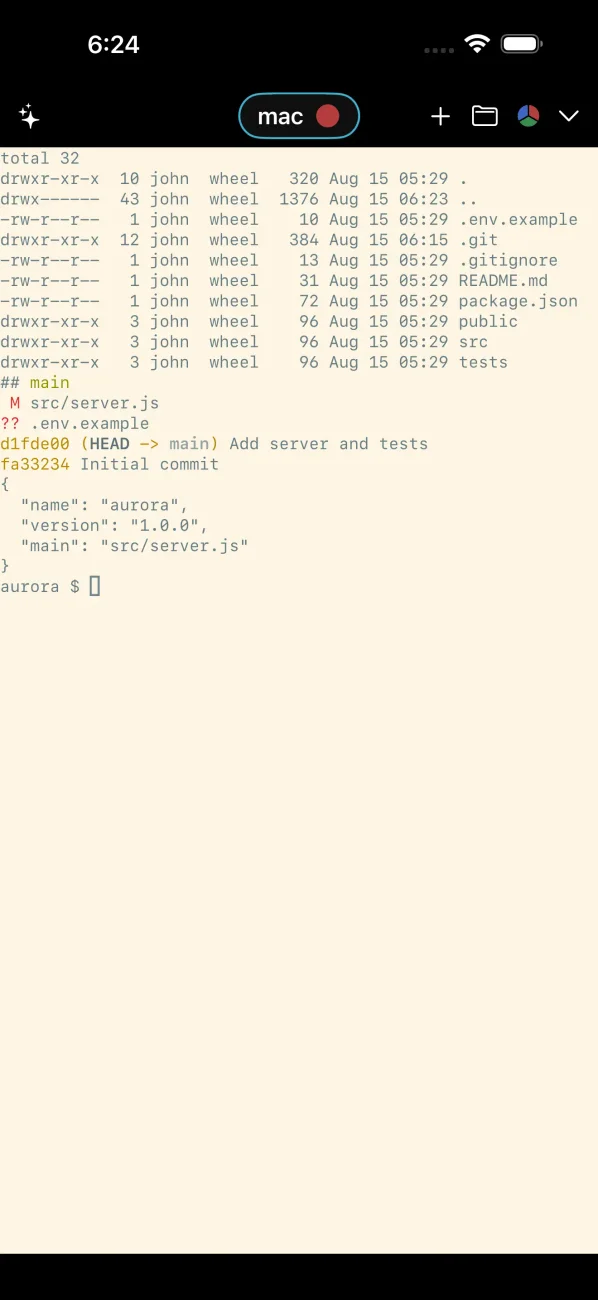
Pockterm is a native SSH and SFTP client built for iPhone. Free and open source.
CONNECT
- SSH into your servers with passwords or Ed25519/RSA keys
- Trusted host-key verification warns you if a server's key ever changes
- Multiple live sessions; minimize one and pick it back up from the tab bar
BIG SCREEN
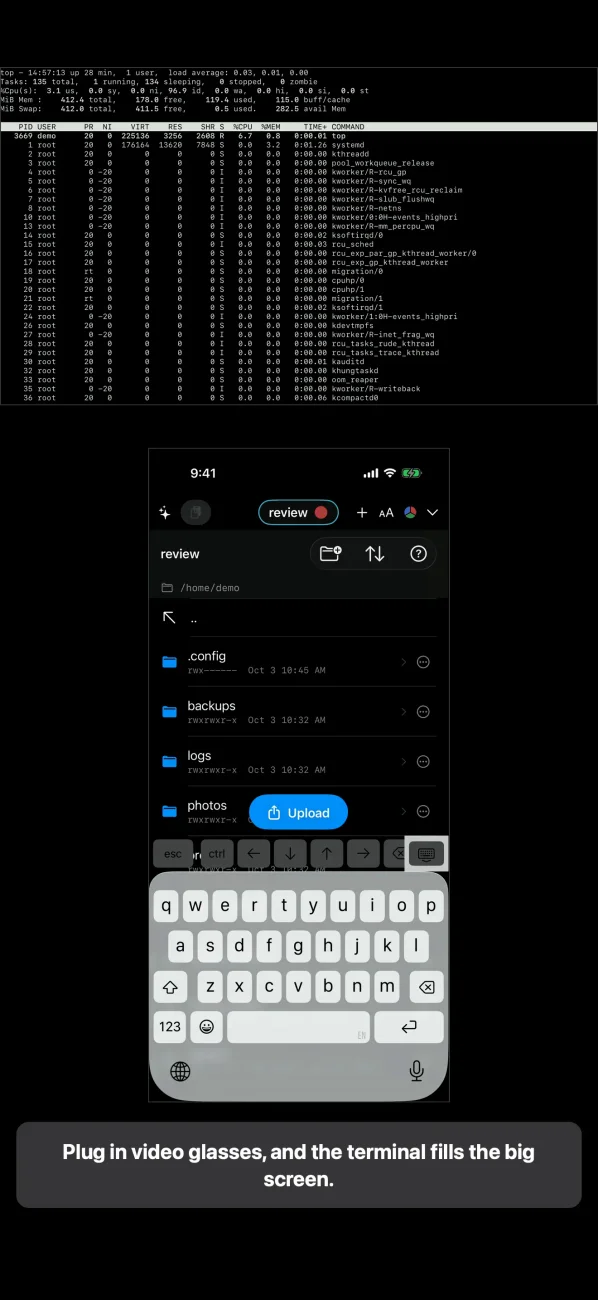
- Plug in video glasses like VITURE, or a monitor or TV, and the terminal fills that screen
- Your phone keeps the keyboard and key bar, and shows the session's files where the terminal was
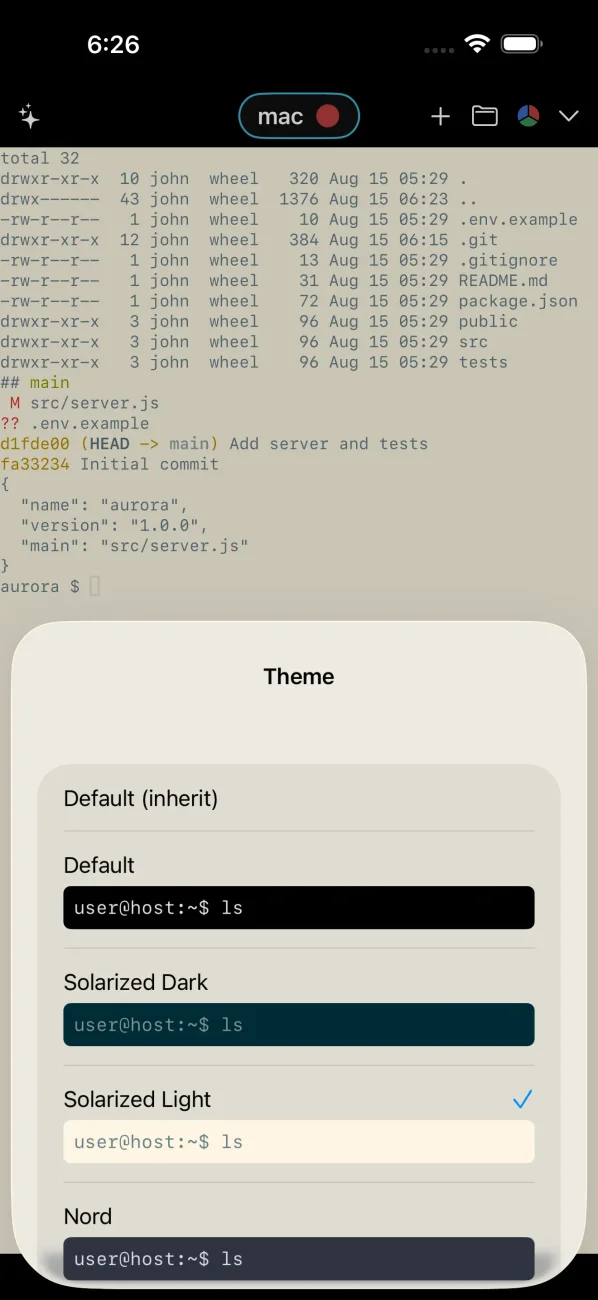
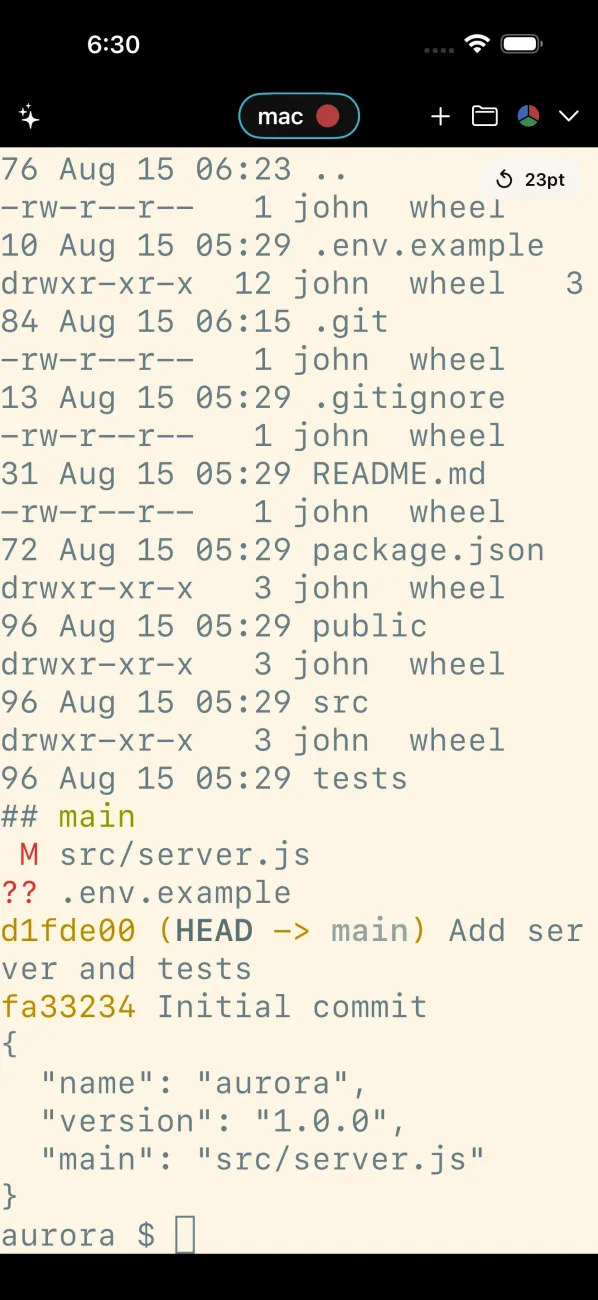
- Its own text size for the glasses, a Paste button, and PgUp/PgDn through the scrollback
MANAGE
- Organize hosts into groups
- Save reusable command snippets
- Generate and store SSH keys in the iOS Keychain
- Set up local and remote port forwards
TRANSFER
- Browse, upload, and download files over SFTP
- Upload from Files, iCloud Drive or your photo library, several files at once
AI ASSISTANT (optional)
- Ask an AI assistant about terminal output and get suggested commands
- Bring your own API key: Anthropic, OpenAI, OpenRouter, or Hugging Face
- Off by default; you're told which provider receives data before anything is sent
PRIVACY
- No account, no Pockterm servers, no tracking or analytics
- Credentials and keys live in the iOS Keychain
- Your connection data stays on your device
OPEN SOURCE
- The full source is on GitHub under the Apache 2.0 licence: github.com/jhancock1975/pockterm
What’s new
Version 1.10 · Nov 16, 2026
In the Keychain tab, tap a key to open it. You'll see the whole public key, with Copy Public Key and Share Public Key buttons for adding it to a server's authorized_keys file. The bundled libraries are also updated.
App privacy
What John Hancock declares on the App Store about how this app handles data.
-
Data not collected
The developer does not collect any data from this app.
Privacy practices may vary, for example with the features you use or your age.
Information
- Seller
- John Hancock
- Category
- Developer Tools
- Version
- 1.10
- Updated
- Nov 16, 2026
- Released
- Jul 20, 2026
- Size
- 13.0 MB
- Requires
- iOS 18.0 or later
- Age rating
- 4+
- Price
- Free
- Languages
- English, Arabic, French, Greek, Hebrew, Hindi, Italian, Japanese, Korean, Russian, Simplified Chinese, Spanish + 3 more
- Copyright
- © 2026 John Hancock
You might also like
-
 Shellter: SSH & SFTP ClientLocal-only SSH, SFTP and FTP
-
 Conchshell: SSH, SFTP & RDPTerminal, files, FTP and VNC
-
 SuperSSHFast, lightweight SSH terminal
-
 Aldo's ToolkitDev + security tools, offline
-
 Ravelon: SSH, SFTP, RDP & VNCTerminal, files & desktops
-
 Bolt SSHSecure SSH & PowerShell client
-
 Age VaultModern encryption, on-device.
-
 SSH SpeedMobile Terminal & SFTP Client
-
 Moray: SSH Client & SFTPShell, File Transfer & Tunnels
-
 SimpleHPC aiTermSSH Terminal for AI Coding