- Age rating4+
- CategoryProductivity
- DeveloperCHRISTIAN DANIEL ARZALUZ TELLEZ
- LanguagesEnglish+ 1 more
- Size19.4 MB
Links to the official App Store page
Download.org hosts no file of Pomo Simple Timer. The button opens its official App Store page, published by CHRISTIAN DANIEL ARZALUZ TELLEZ. Listing last checked on Nov 24, 2026.
Screenshots

About
Pomo is a simple, beautiful Pomodoro timer. Work in focused blocks, take breaks on time and watch your day add up.
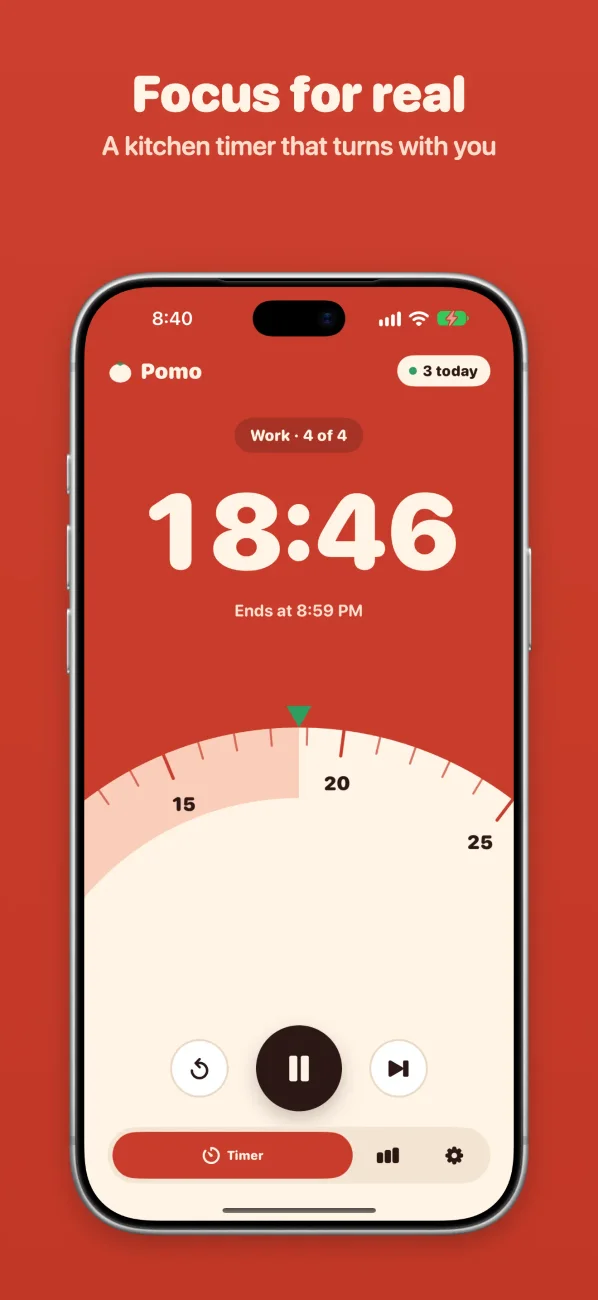
A KITCHEN TIMER THAT TURNS WITH YOU
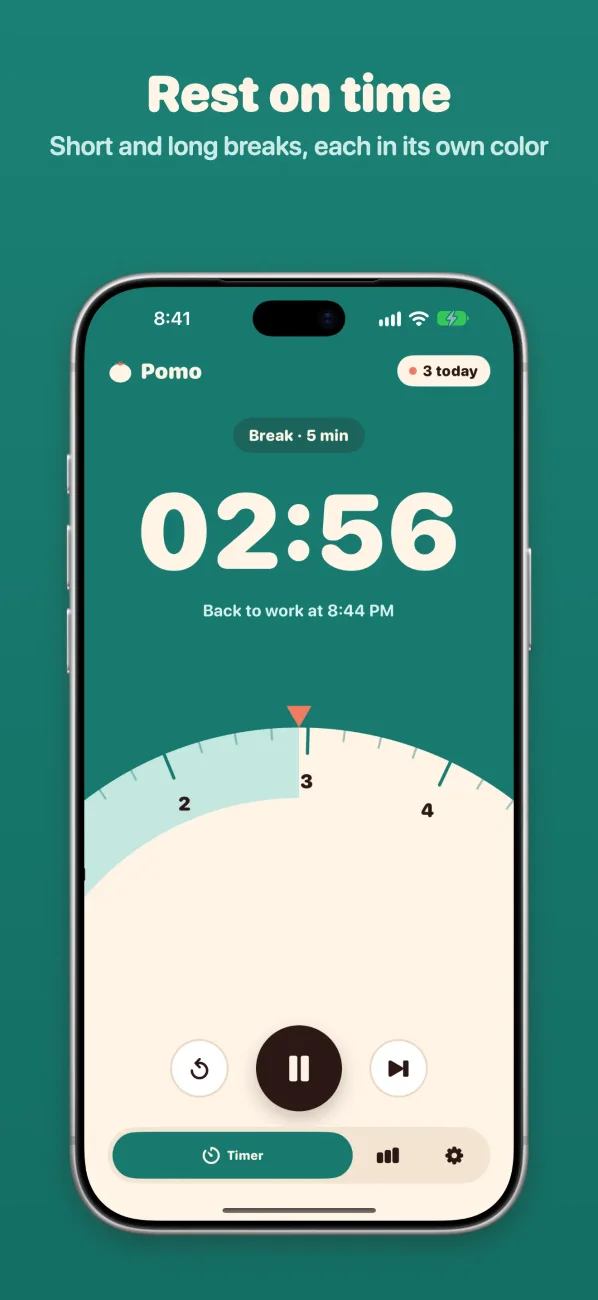
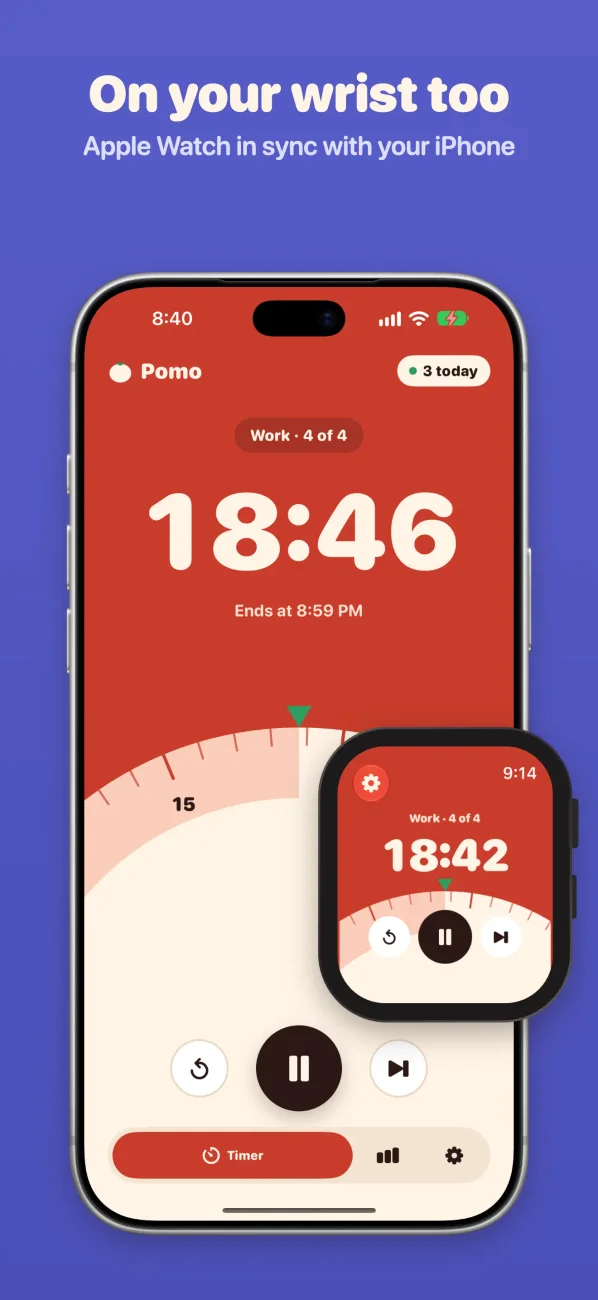
The dial turns with every minute, like the tomato-shaped kitchen timers. Work, short breaks and long breaks each have their own color, so you know where you are at a glance.
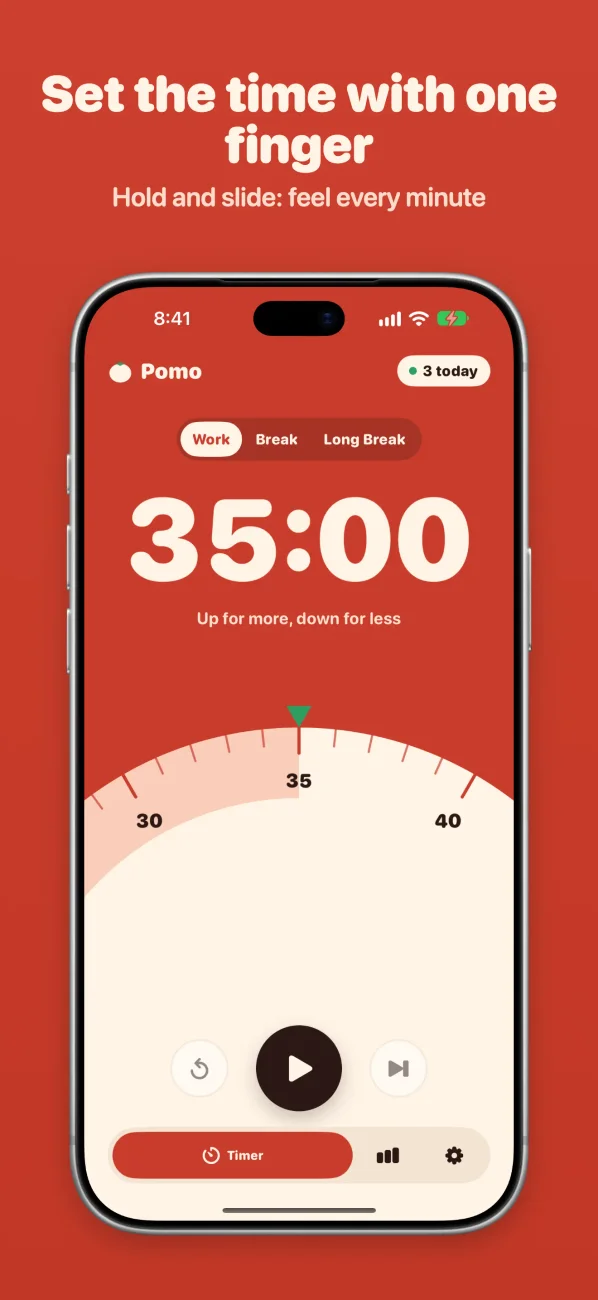
SET IT WITH ONE FINGER
Hold the timer and slide up or down. You feel every minute as a haptic tick, just like the iPhone Clock app.
YOUR PROGRESS
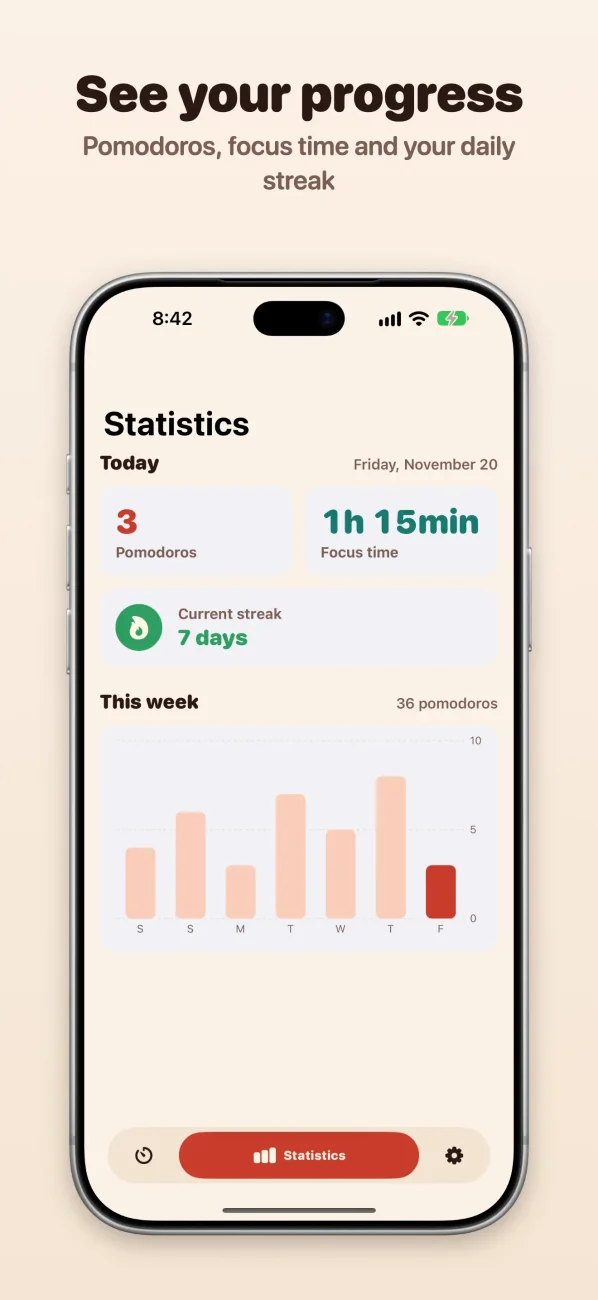
Pomodoros, focus time and your daily streak, with a chart of the week.
EVERYWHERE YOU ARE
• Apple Watch: timer, complications and alerts, in sync with your iPhone.
• Live Activity and Dynamic Island, with buttons to pause, resume and start the next session.
• Control Center control, a Today widget and Siri shortcuts.
• iPhone Duo: on the inner screen, the timer sits next to your stats.
YOUR RHYTHM
Choose session lengths, how many sessions come before a long break, sounds and alerts. On iOS 26 or later you can use alarm-style alerts that ring even when your iPhone is on silent.
No accounts, no ads and no tracking: your data stays on your iPhone and Apple Watch.
What’s new
Version 4.0 · Nov 23, 2026
Pomo has been completely redesigned.
• New "Kitchen" design: a kitchen timer that turns with you, with its own color for work, short breaks and long breaks.
• Set the time with one finger: hold the timer and slide up or down; you feel every minute as a haptic tick.
• Apple Watch: timer, complications and alerts, in sync with your iPhone.
• Live Activity and Dynamic Island with buttons to pause, resume and start the next session.
• Control Center controls, a Today widget and Siri shortcuts.
• Optional alarm-style alerts (iOS 26 or later) that ring even when your iPhone is on silent.
• Alerts now play Pomo's own sounds.
• Made for iPhone Duo: the inner screen shows the timer next to your stats.
• New Liquid Glass icon.
App privacy
What CHRISTIAN DANIEL ARZALUZ TELLEZ declares on the App Store about how this app handles data.
-
Data not collected
The developer does not collect any data from this app.
Privacy practices may vary, for example with the features you use or your age.
Information
- Seller
- CHRISTIAN DANIEL ARZALUZ TELLEZ
- Category
- Productivity
- Version
- 4.0
- Updated
- Nov 23, 2026
- Released
- Jun 4, 2025
- Size
- 19.4 MB
- Requires
- iOS 18.0 or later
- Age rating
- 4+
- Price
- Free
- Languages
- English, Spanish
- Copyright
- © 2026 Christian Daniel Arzaluz Tellez
You might also like
-
 Pomodoro Timer & Focus・pomoWork & Break Timer・Session Fow
-
 FocusSpace: Study Pomo TimerPomodoro timer for study, work
-
 Pomodoro — Focus TimerProductivity
-
 Pomo Up - Pomodoro Timerstay focus & study timer
-
 Pond - Screen Time & PomodoroApp Blocker & Website Control
-
 Be Focused – Pomodoro TimerDeep Focus for Work and Study
-
 Joi: Daily Planner & OrganizerTo Do List, Habit Tracker adhd
-
 Flow: Focus & Pomodoro TimerConcentration for work & study
-
 Pomodoro Timer: Study FocusStudy Timer, Widget & Sounds
-
 Focus Tomato - Let's focus nowStop distracting; stay focused