Pomodoro Timer & Focus・pomo
Work & Break Timer・Session Fow
Designed for iPhone, iPad
Free
- Age rating4+
- CategoryProductivity
- DeveloperJakub Kalamarz
- LanguagesEnglish+ 33 more
- Size6.4 MB
Links to the official App Store page
Download.org hosts no file of Pomodoro Timer & Focus・pomo. The button opens its official App Store page, published by Jakub Kalamarz. Listing last checked on Nov 16, 2026.
Screenshots
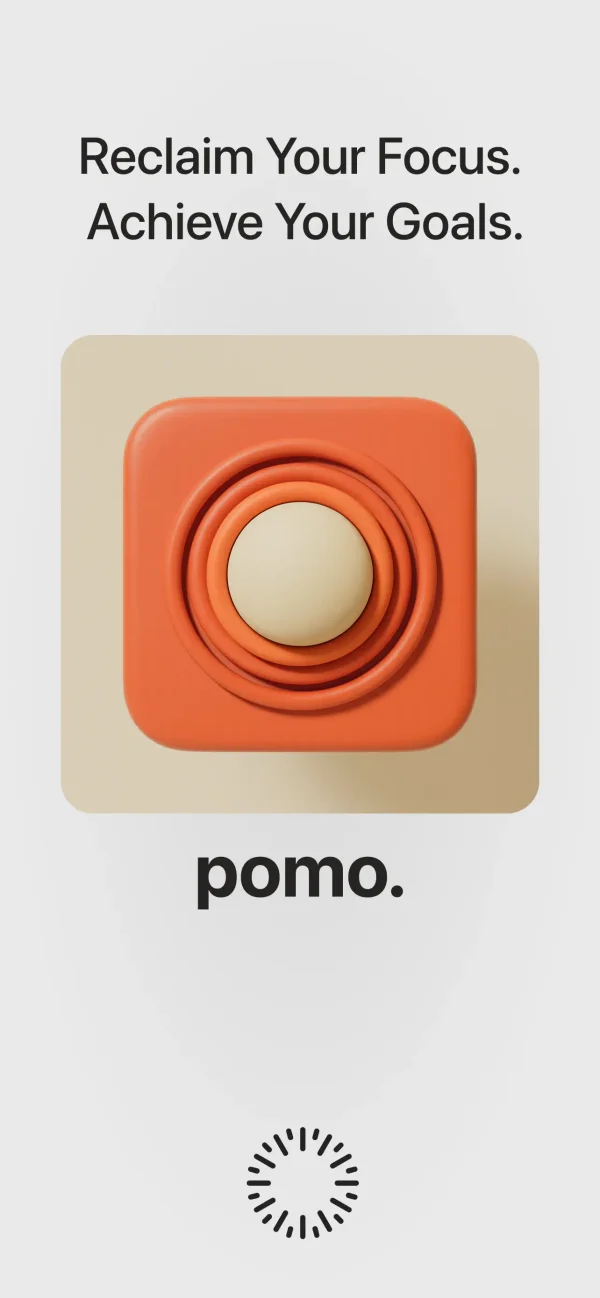
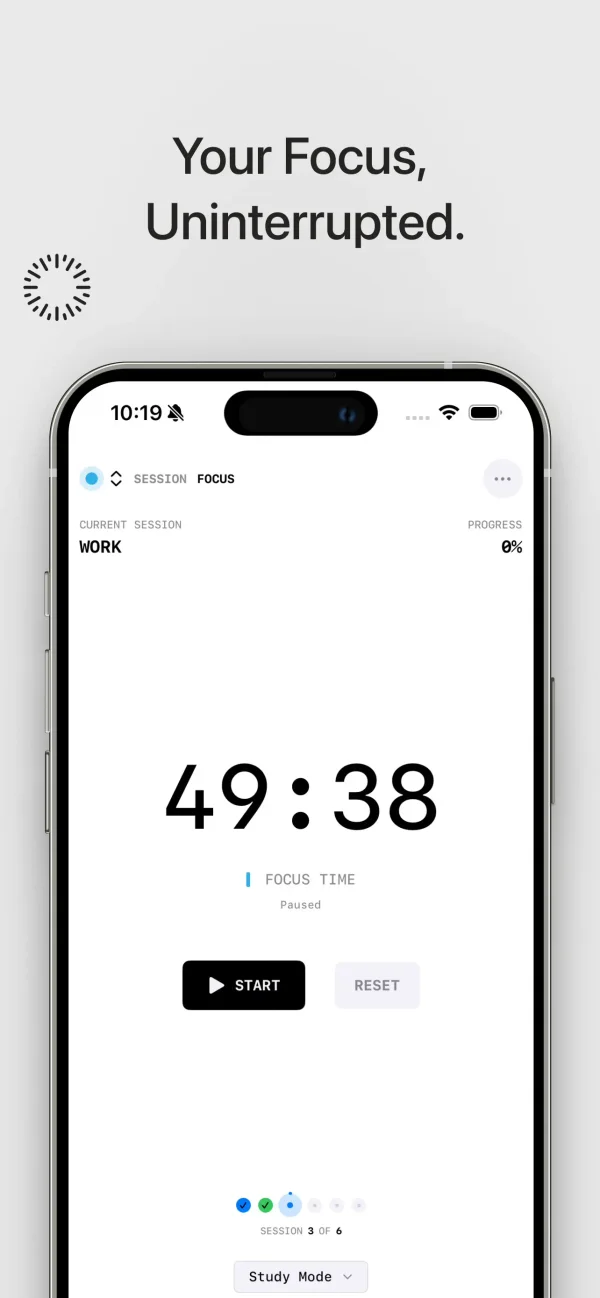
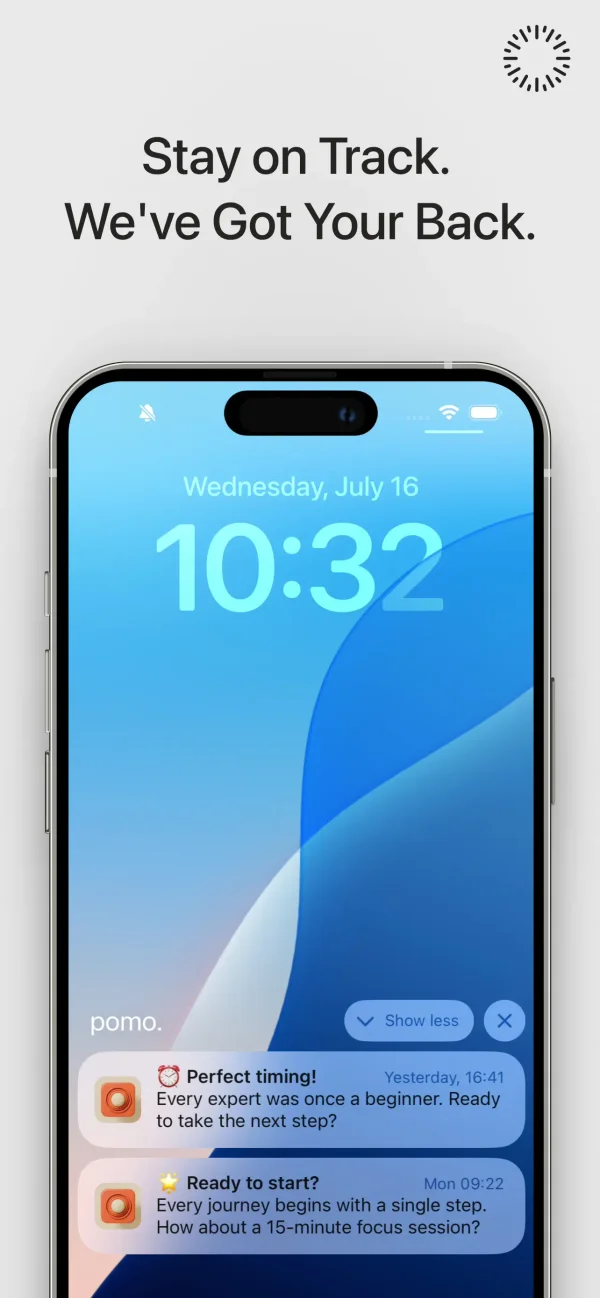
About
Master your focus with the elegant Pomodoro timer that adapts to your workflow.
Transform your productivity with Pomo, a beautifully designed Pomodoro timer that makes focused work sessions effortless and rewarding.
Whether you're studying, working, or pursuing personal projects, Pomo helps you maintain peak concentration while preventing burnout.
Key Features
Smart Pomodoro Sessions
• 25-minute focus sessions with automatic short and long breaks
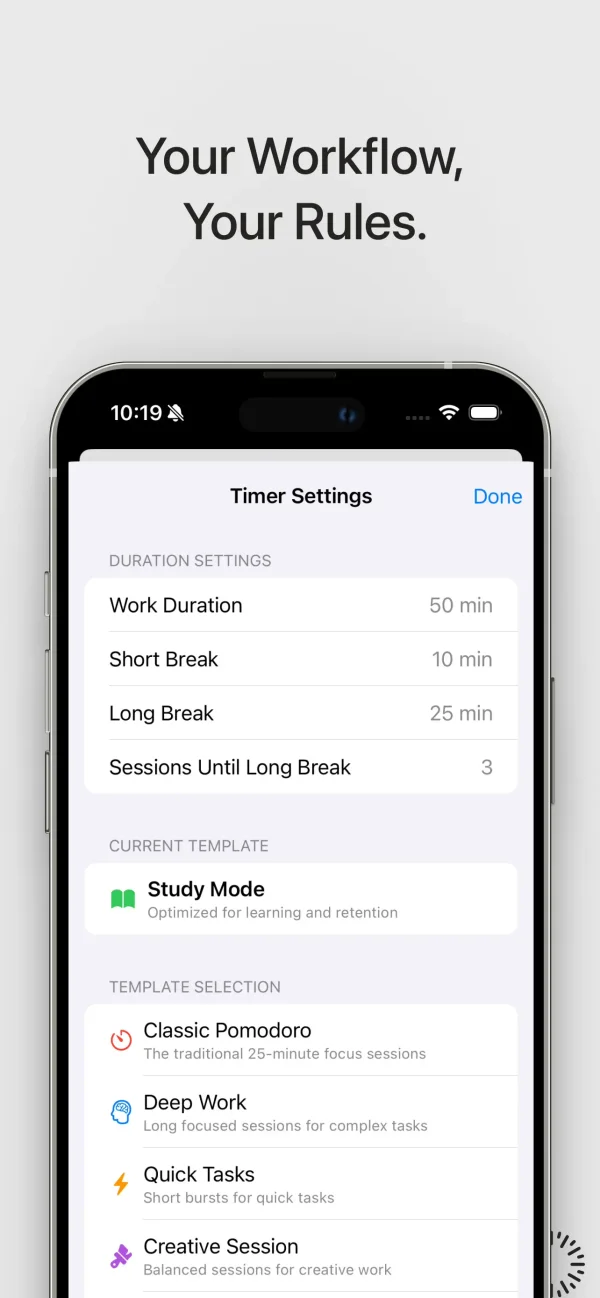
• Customizable session lengths to match your workflow
• Visual progress tracking with elegant indicators
Intuitive Gesture Controls
• Flip your phone face-down to instantly start a session
• Shake to skip to the next phase
• Seamless interaction without breaking your flow
Comprehensive Progress Tracking
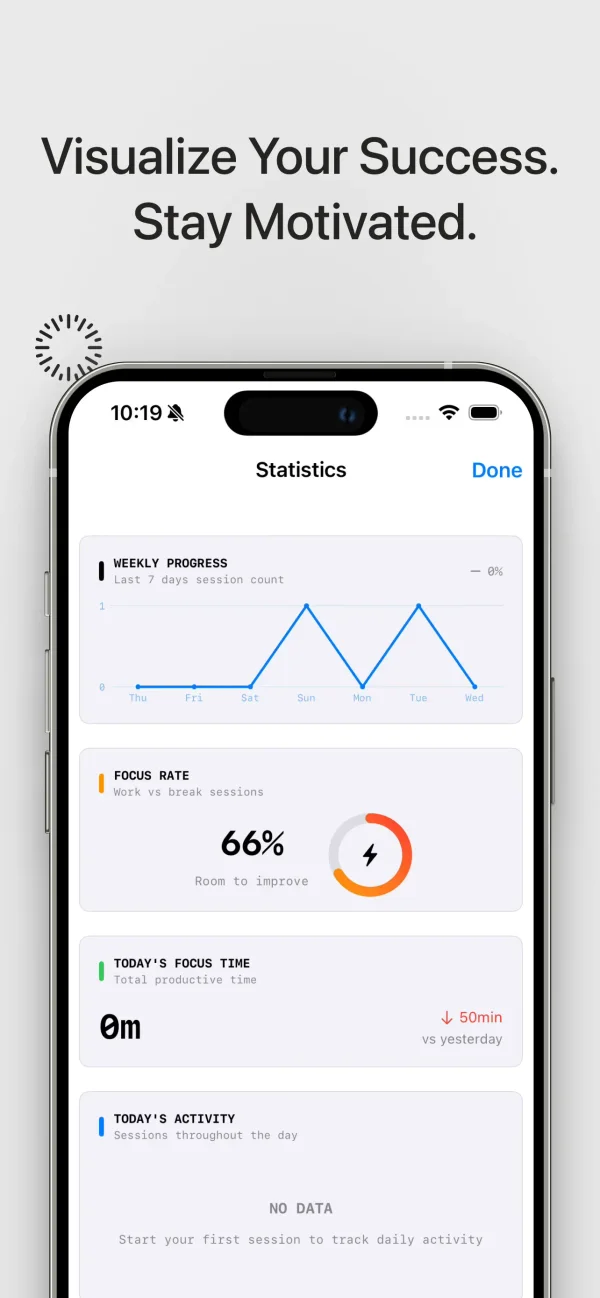
• Daily and weekly activity insights
• Session completion statistics
• Streak tracking to maintain momentum
• Category-based work analysis
Beautiful, Distraction-Free Design
• Clean, modern interface that stays out of your way
• Smooth animations and visual feedback
• Dark and light mode support
Smart Notifications
• Gentle alerts for session transitions
• Customizable notification preferences
• Never miss a break or work session
Detailed Analytics
• Track your most productive hours
• Monitor focus patterns over time
• Category breakdown for different types of work
• Weekly progress summaries
Perfect For
• Students preparing for exams
• Remote workers maintaining focus
• Creative professionals managing projects
• Anyone looking to improve concentration
• Teams adopting productivity techniques
Why Choose Pomo?
Pomo isn't just another timer app—it's your personal productivity companion. With its innovative gesture controls, comprehensive tracking, and beautiful design, Pomo makes the proven Pomodoro Technique more accessible and enjoyable than ever.
The app learns your patterns and helps you optimize your work sessions, ensuring you maintain high productivity while taking care of your mental well-being through regular breaks.
Download Pomo today and discover the power of focused work sessions!
What’s new
Version 1.1.1 · Oct 10, 2026
Ready to get even more done? This update is packed with improvements to make your focus time smoother and more effective.
- SQUASHED! We've eliminated some pesky bugs that could interrupt your flow.
- FASTER & SMOOTHER: Enjoy quicker app launch times and a more responsive timer.
- UI POLISH: We’ve made some small tweaks to the interface for a cleaner look.
Thank you for focusing with us! If you love the app, a review on the App Store would make our day.
App privacy
What Jakub Kalamarz declares on the App Store about how this app handles data.
-
Data not collected
The developer does not collect any data from this app.
Privacy practices may vary, for example with the features you use or your age.
Information
- Seller
- Jakub Kalamarz
- Category
- Productivity
- Version
- 1.1.1
- Updated
- Oct 10, 2026
- Released
- Jul 9, 2025
- Size
- 6.4 MB
- Requires
- iOS 17.0 or later
- Age rating
- 4+
- Price
- Free
- Languages
- English, Arabic, Bulgarian, Croatian, Czech, Danish, Dutch, Estonian, Finnish, French, German, Greek + 22 more
- Copyright
- © 2025 Swift Apps
You might also like
-
 Pomo Simple TimerFocus with the Pomodoro method
-
 Focus One: Pomodoro TimerApp Blocker for Study & Work
-
 WeeGoals - Weekly GoalsManage your tasks for the week
-
 NameSpark: Never Forget NamesName Recall for Every Meeting
-
 IEPDesk: IEP & 504 TrackerPromises, services & evidence
-
 KeepCue: Day Planner, RoutinesVisual Timeline, To-Do Inbox
-
 Pomodoro.ioSimple Pomodoro Timer
-
 PDF nano: PDF Editor & ReaderEdit, Scan, Convert, Translate
-
 PomodoroTimer+: Focus & StudyProductivity Timer & Breaks
-
 Handwritten Digital NotesNote Taking, Journal & Lock