Pomodoro Study Timer Easy
Boost focus and productivity
Designed for iPhone, iPad, iPod touch
Free · In-app purchases
- Age rating4+
- CategoryUtilities
- DeveloperTURTLE SOFT
- LanguagesEnglish+ 21 more
- Size12.5 MB
Links to the official App Store page
Download.org hosts no file of Pomodoro Study Timer Easy. The button opens its official App Store page, published by TURTLE SOFT. Listing last checked on Nov 20, 2026.
Screenshots

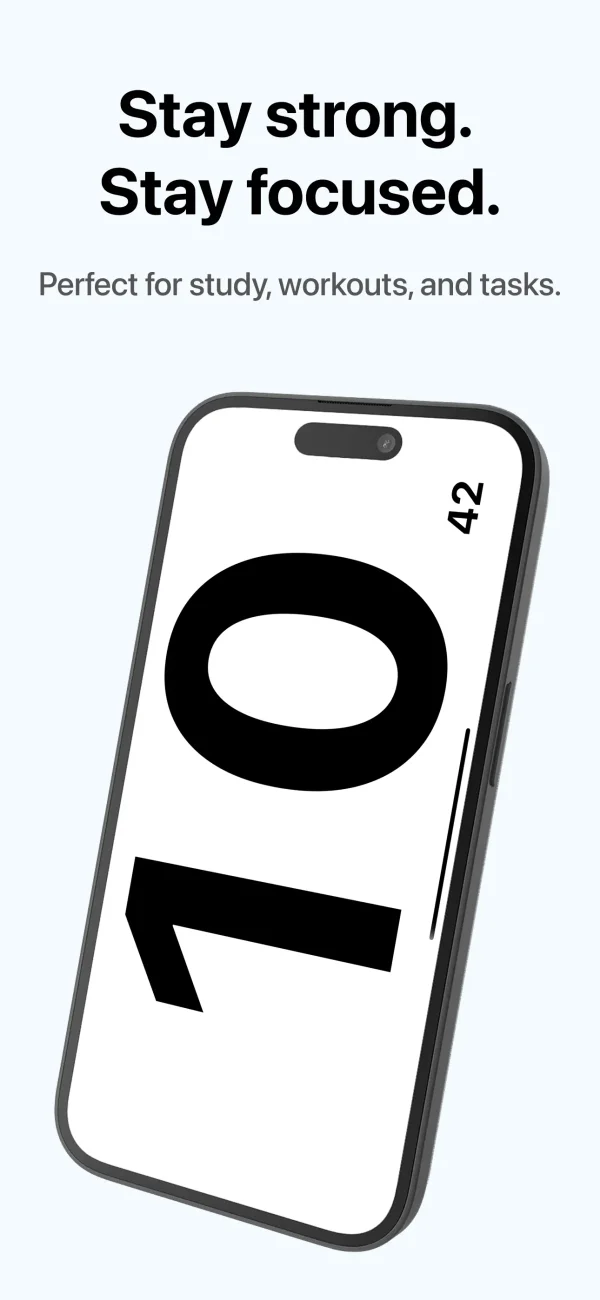

About
Boost your focus and productivity.
Easy Timer is the perfect simple countdown timer for studying, workouts, tasks, and daily routines. Easy to use and beautifully designed to help structure your day.
【Features】
- Simple and intuitive interface
- Perfect for study sessions and training workouts
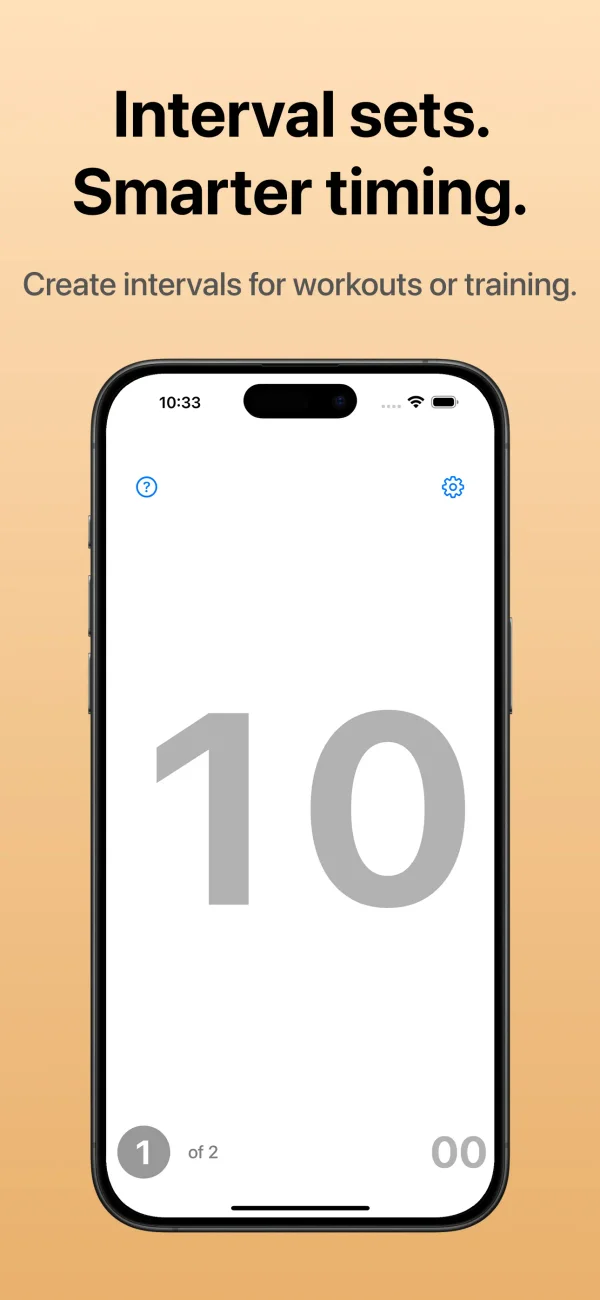
- Interval timer functionality for repeated tasks
- Great for managing daily schedules
- Works in the background
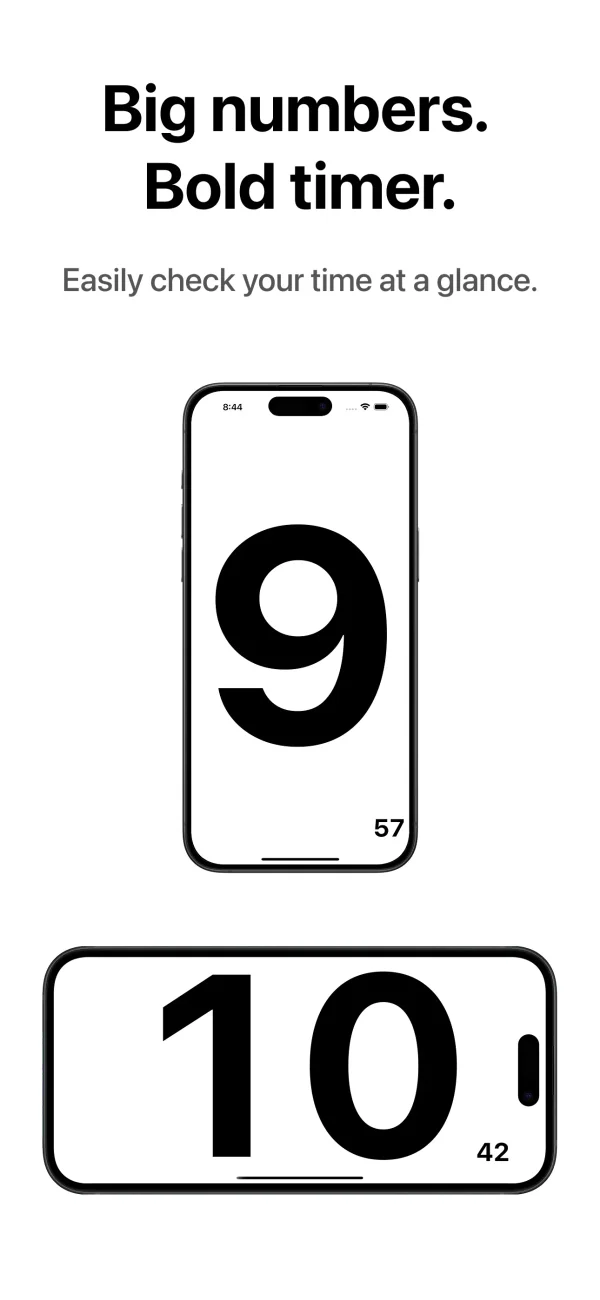
- Clean and readable design
- Notifications to support goal achievement
【Recommended for】
- Students who want to focus on studying
- Athletes or anyone training regularly
- People who want to organize their daily life
- Fans of simple, functional tools
Make every day more productive and enjoyable with Easy Timer.
◆ Key Features:
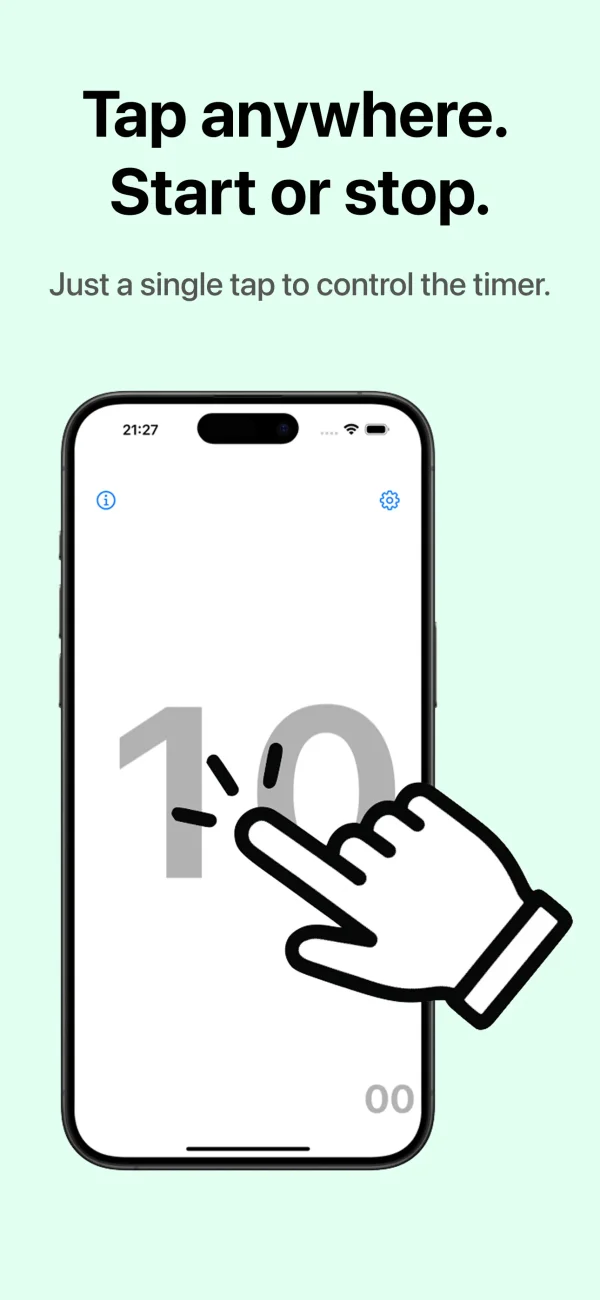
* Start/stop the timer easily with a tap
* Reset or adjust time intuitively with swipe gestures
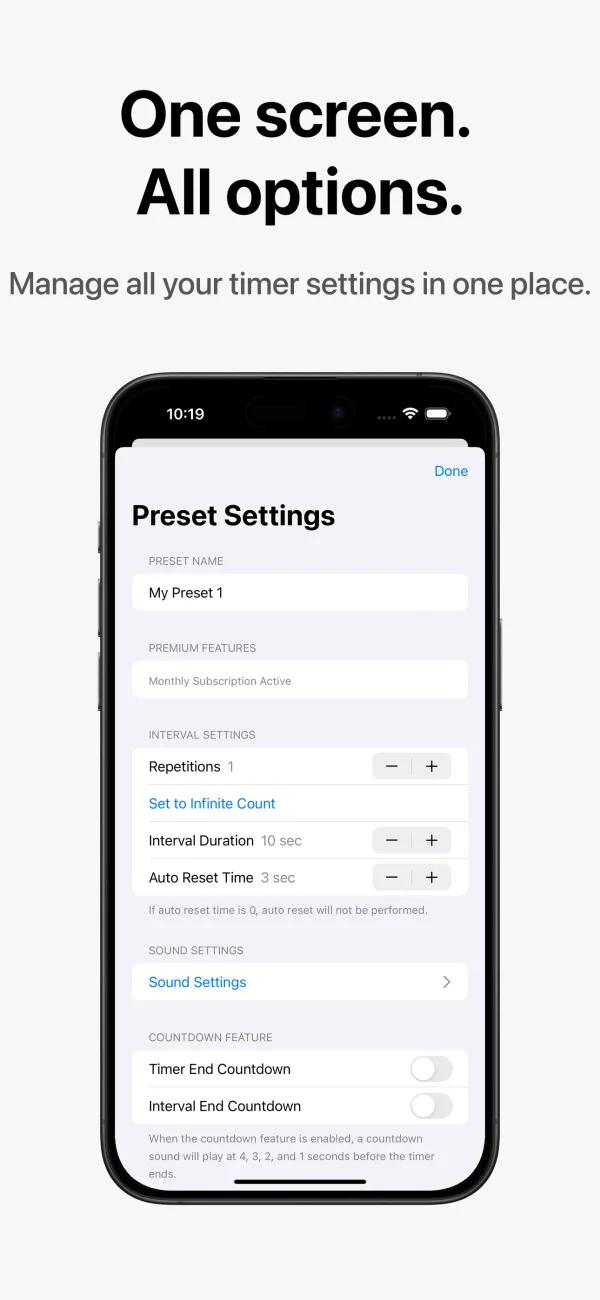
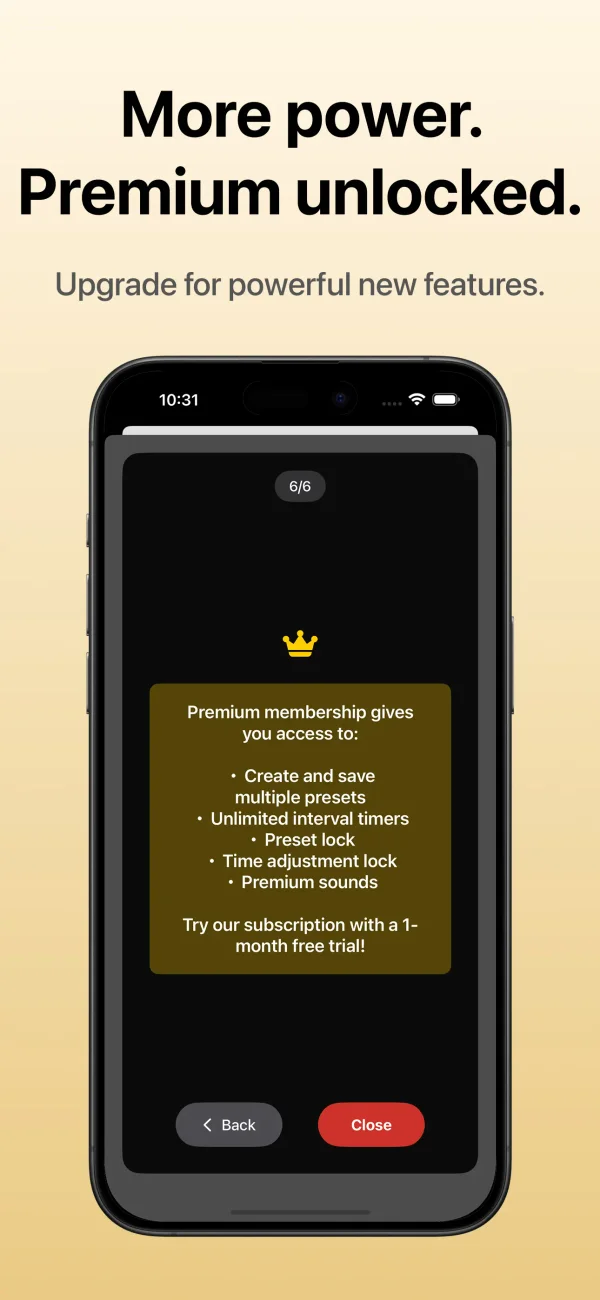
* Interval mode: Set the number of timer repetitions (*)
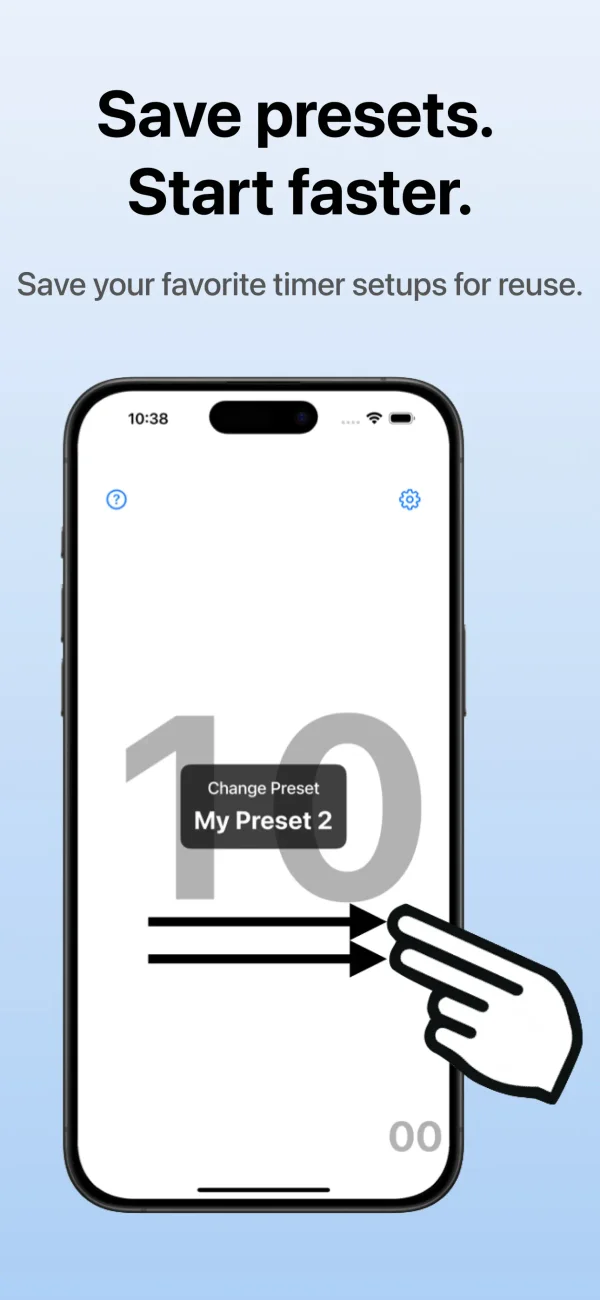
* Preset management: Save and quickly reuse your favorite settings (*)
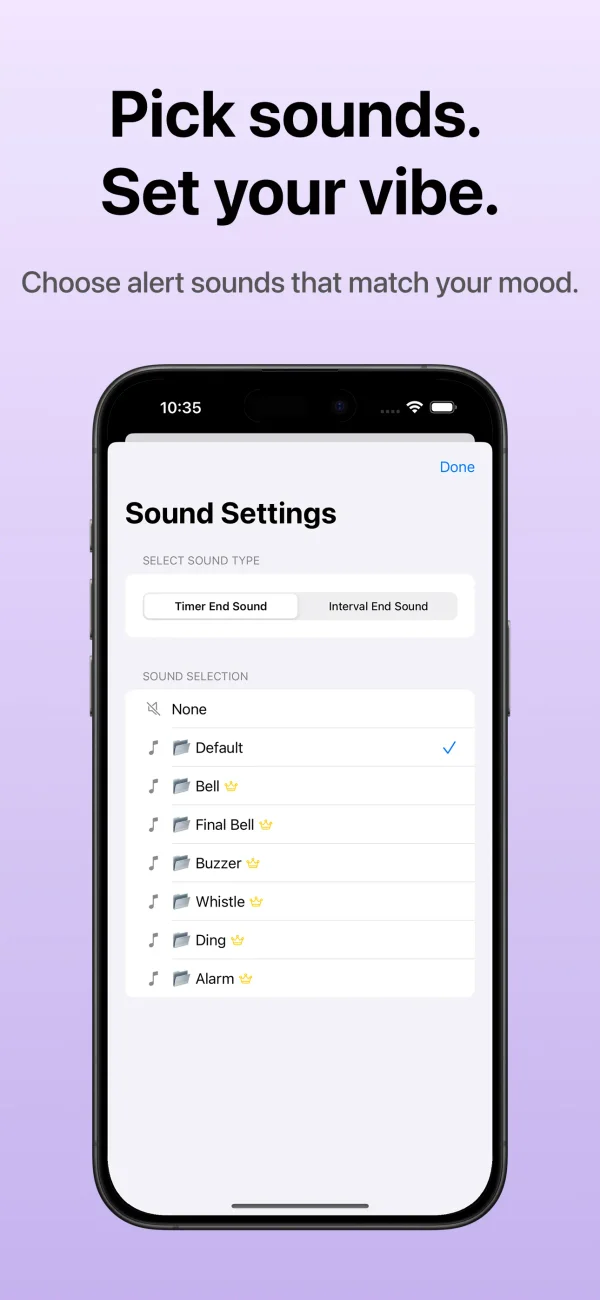
* Sound customization: Choose your preferred alert sound (*)
* Preset Sync: Share presets across devices via iCloud (*)
* Supports landscape view — ideal during workouts or other active use
* Fully optimized for iPad
* Mirror View: Flip the display horizontally for live streaming, front camera recording, or mirror workouts and dance practice
* Works in the background with end-of-time notifications
* Simple, clear design that’s easy to use without confusion
(* Premium features available for subscription users)
◆ Premium Service Details
[Payment]
* Your Apple ID account will be charged.
* The subscription automatically renews every month from the start date.
[Auto-Renewal Details]
* Your subscription will automatically renew unless canceled at least 24 hours before the end of the current period.
* Charges for the next billing cycle will be made within 24 hours before the current period ends.
[Check Membership Status / Cancel Subscription]
You can check or cancel your subscription by following these steps:
1. Open the App Store app
2. Tap your account icon
3. Sign in if needed
4. Tap "Subscriptions" to view or manage your subscription settings
*Note: Cancellation of premium service subscriptions made via iTunes Store cannot be performed from within the app or website. Please use the App Store settings.
[Cancellation for the Current Month]
Cancellations for the current month of premium service are not accepted.
◆ Terms of Use
https://www.apple.com/legal/internet-services/itunes/dev/stdeula/
◆ Privacy Policy
https://privacypolicyforeasytimer.carrd.co
What’s new
Version 2.8.0 · Jul 3, 2026
Added a new "Mirror View" feature, useful for live streaming, front camera recording, and workouts/dance practice using mirrors. You can enable it in Settings.
App privacy
What TURTLE SOFT declares on the App Store about how this app handles data.
-
Data not linked to you
May be collected but is not linked to your identity.
- Purchases
- Identifiers
- Usage data
- Diagnostics
Privacy practices may vary, for example with the features you use or your age.
Information
- Seller
- TURTLE SOFT
- Category
- Utilities
- Version
- 2.8.0
- Updated
- Jul 3, 2026
- Released
- Aug 19, 2011
- Size
- 12.5 MB
- Requires
- iOS 15.6 or later
- Age rating
- 4+
- Price
- Free
- In-app purchases
- Yes
- Languages
- English, Danish, Dutch, Finnish, French, German, Greek, Hindi, Indonesian, Italian, Japanese, Korean + 10 more
- Copyright
- © 2011 Michihito Kato
You might also like
-
 Minimum TimerSimple Digital Timer
-
 - Timekeeper -Utilities
-
 Analog Clock HDsimple clock
-
 Big Timer: Countdown & RepeatLarge Display, Simple Repeat
-
 Simple timer with large titleUtilities
-
 Multiple Timer Countdown AlarmUtilities
-
 Reminder - Make PlansUtilities
-
 Full Screen Timer: PomodoroCount-Up, Repeat & Presets
-
 映画ノート【映画鑑賞記録】Utilities
-
 Timer - Dial & StopwatchDrag to set. Let go to start.