
Power JSON Editor Mobile
Viewer with jq and Shortcuts
Designed for iPhone, iPad, iPod touch
Free · In-app purchases
- Age rating4+
- CategoryDeveloper Tools
- Developer基伟 徐
- LanguagesEnglish
- Size3.8 MB
Links to the official App Store page
Download.org hosts no file of Power JSON Editor Mobile. The button opens its official App Store page, published by 基伟 徐. Listing last checked on Nov 17, 2026.
Screenshots
About
Power JSON Editor Mobile is a JSON editor for app and web developers on iPhone and iPad. Open JSON files from Files or any other app, explore them in a tree, edit them as text, query them with jq, and automate JSON tasks with Shortcuts. It works well with an external keyboard.
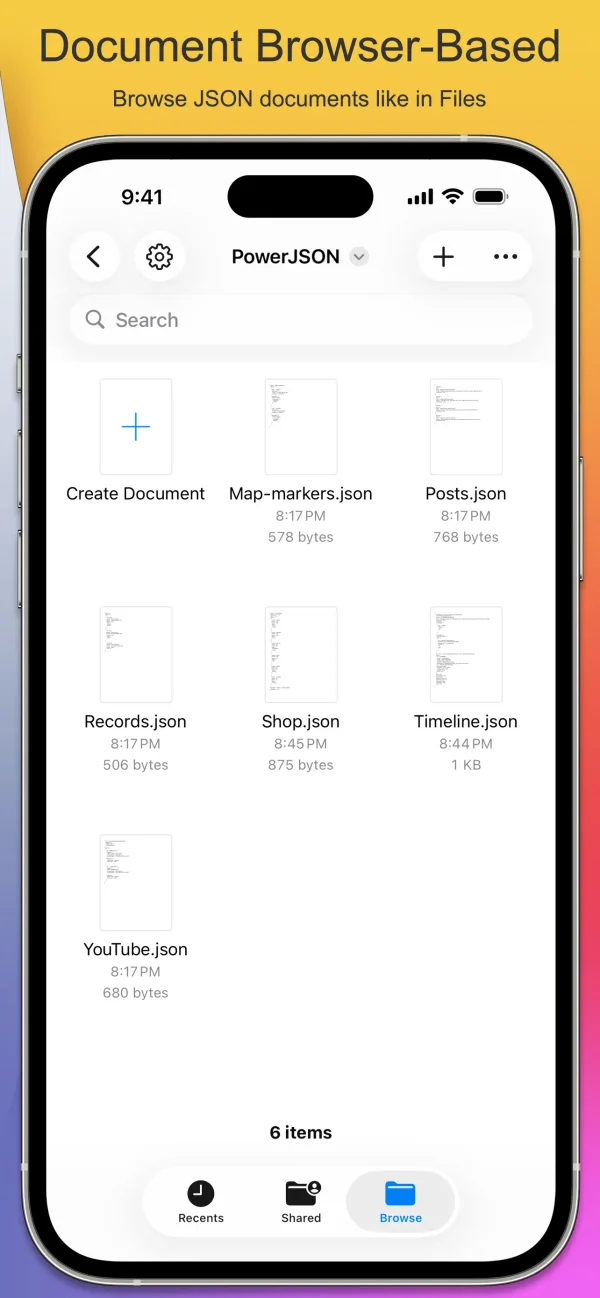
√ Document Browser
- Browse, create and organize JSON files like in the Files app
- Open JSON files saved by other apps, on your device or in iCloud Drive
- Keep several files open and switch between them
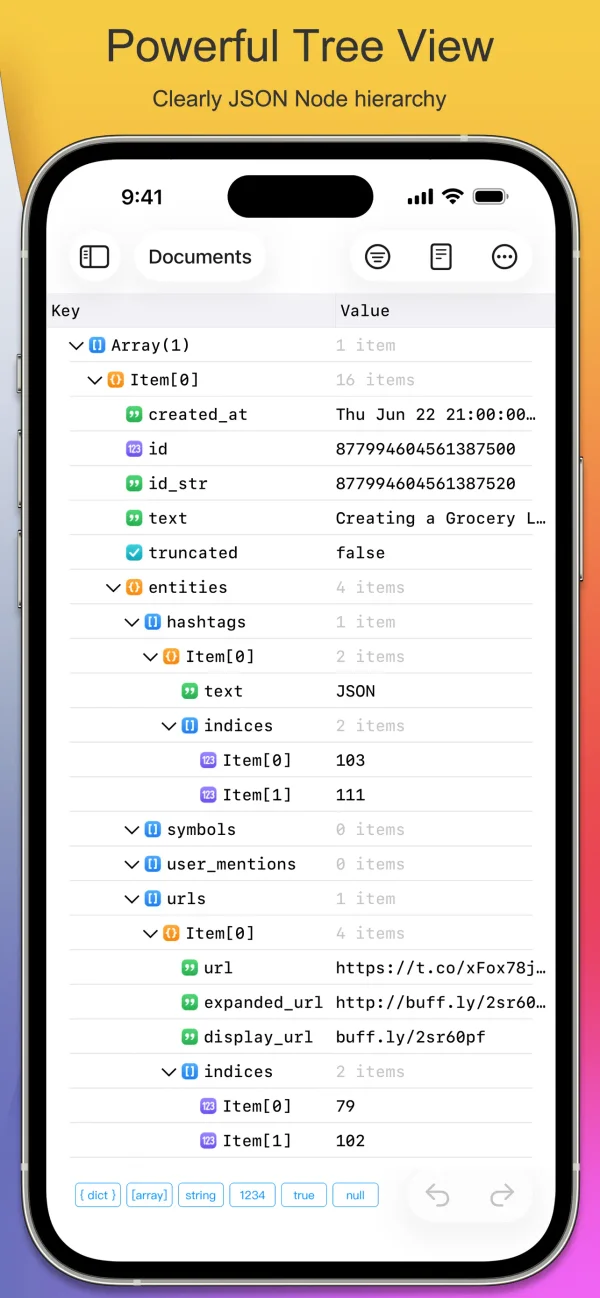
√ Tree Editor
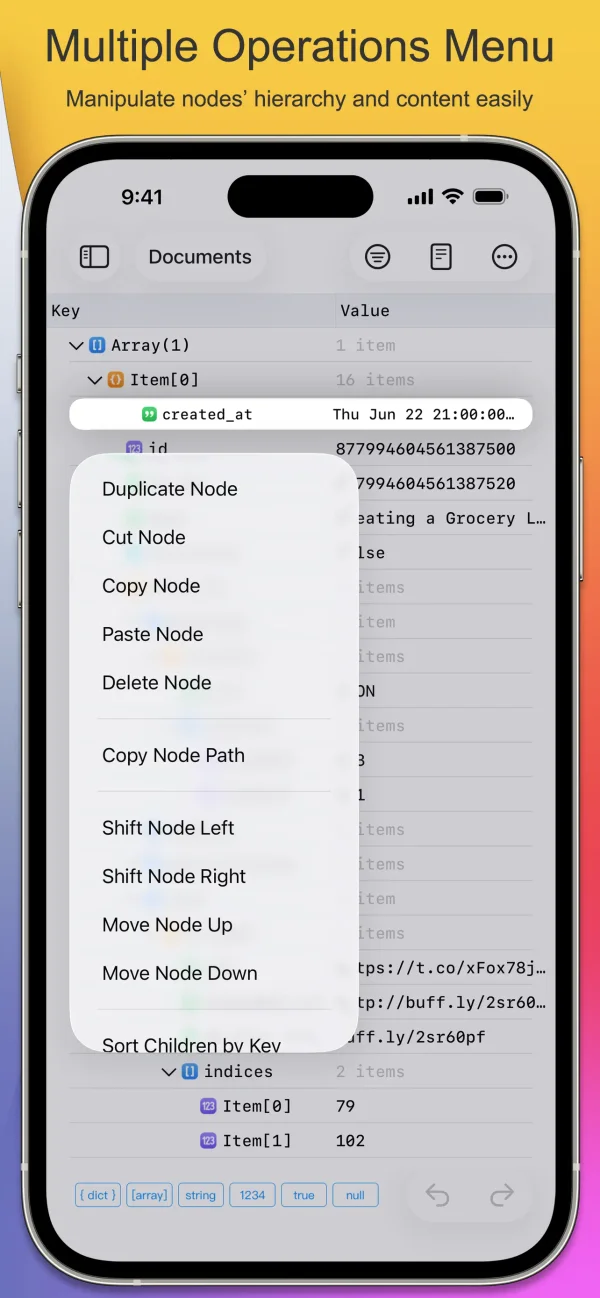
- See the structure of a JSON document in a tree, with the type and number of children of each node
- Add nodes from the toolbar; duplicate, cut, copy, paste, delete, move and sort them from the node menu
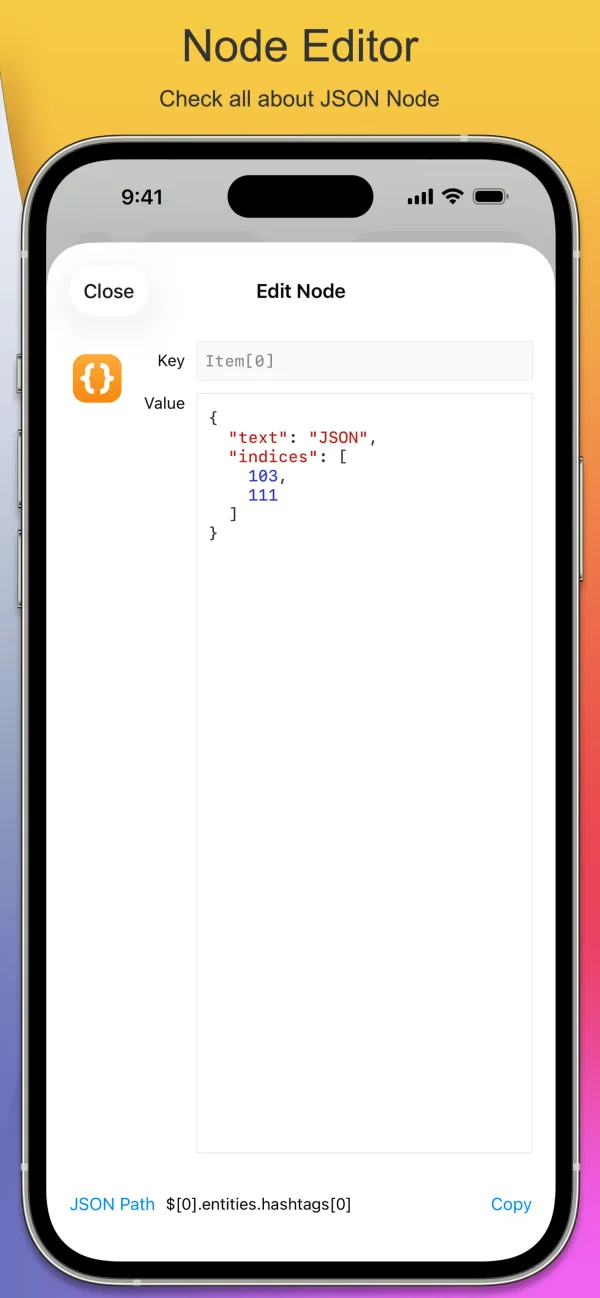
- Copy the JSON path of a node
- Edit a node in its own editor, with syntax highlighting for objects and arrays
- Undo and redo
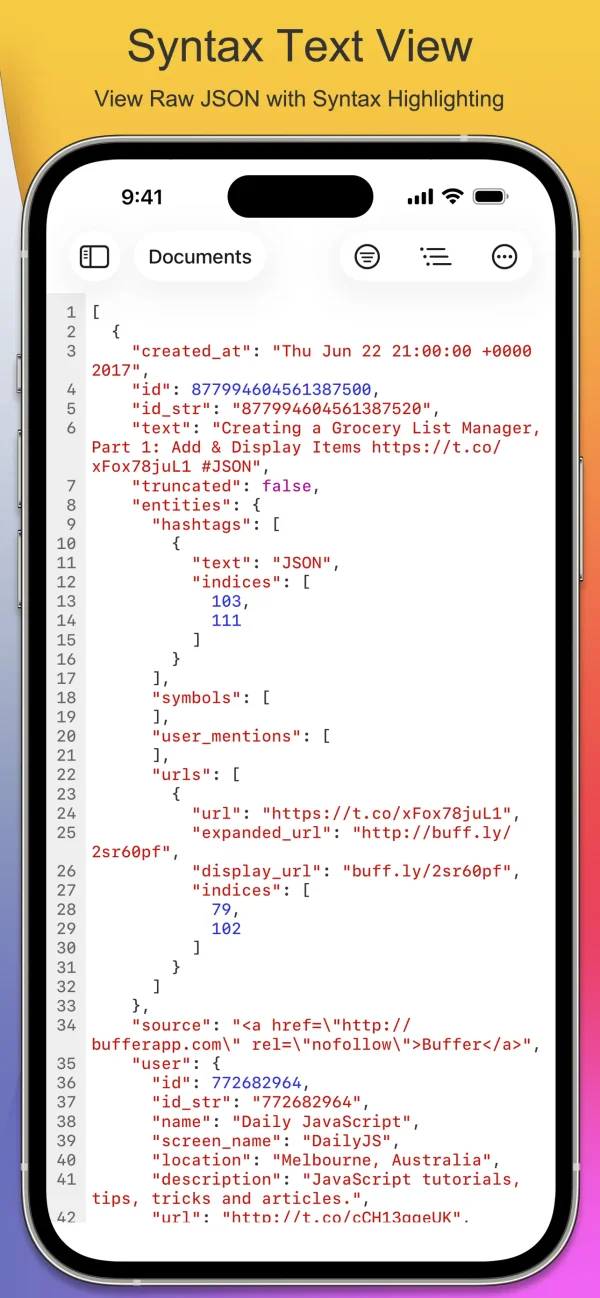
√ Text Editor
- Syntax highlighting that stays fast in large documents
- The first syntax error is marked while you type
- Line numbers, find and replace, and a keyboard bar with JSON keys
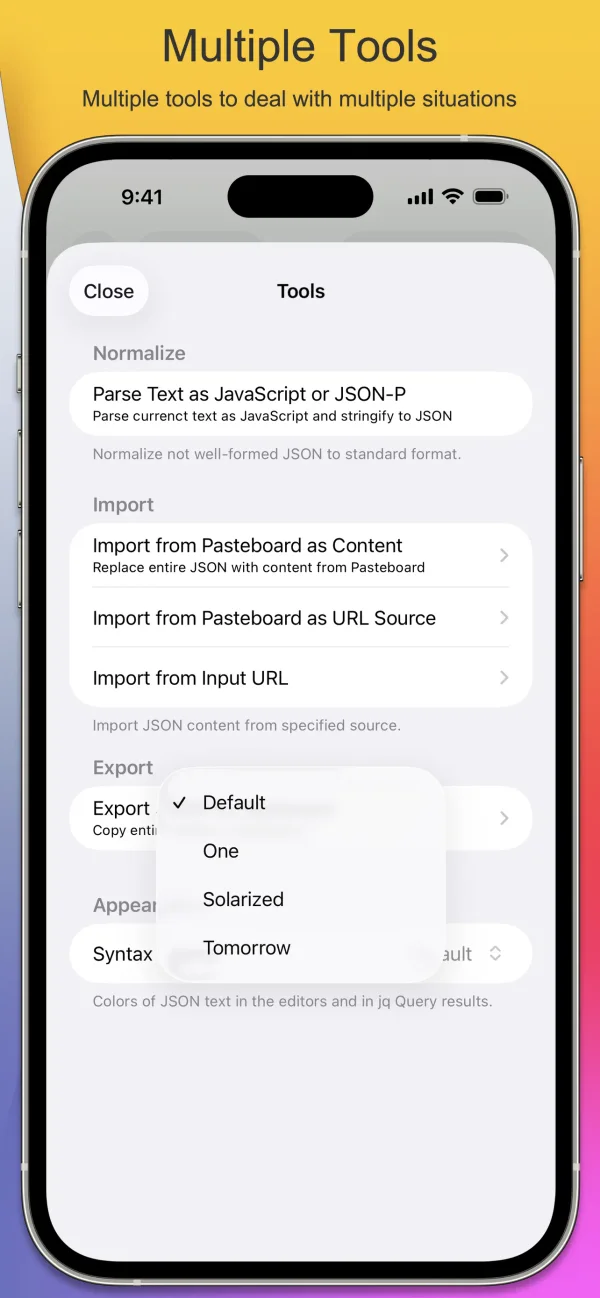
- Syntax themes: Default, One, Solarized and Tomorrow, each in light and dark mode
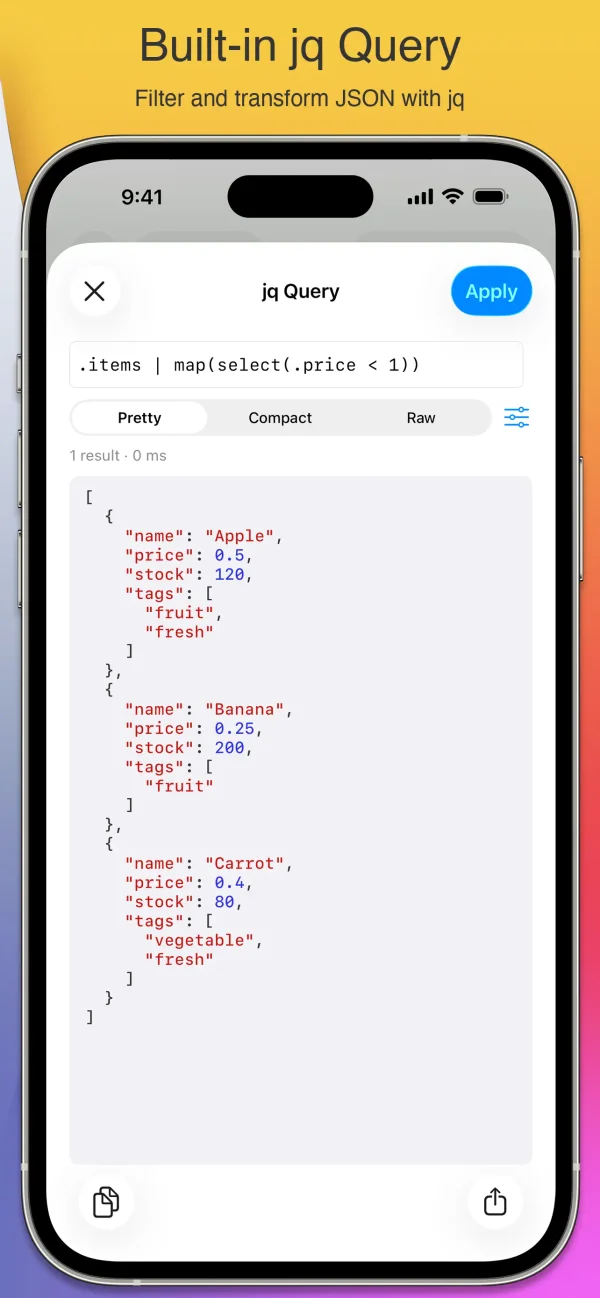
√ jq Query
- Run jq filters on the current document, the result updates as you type
- Pretty, compact or raw output
- Copy or share the result, or apply it to the document
- Large numbers keep their exact digits
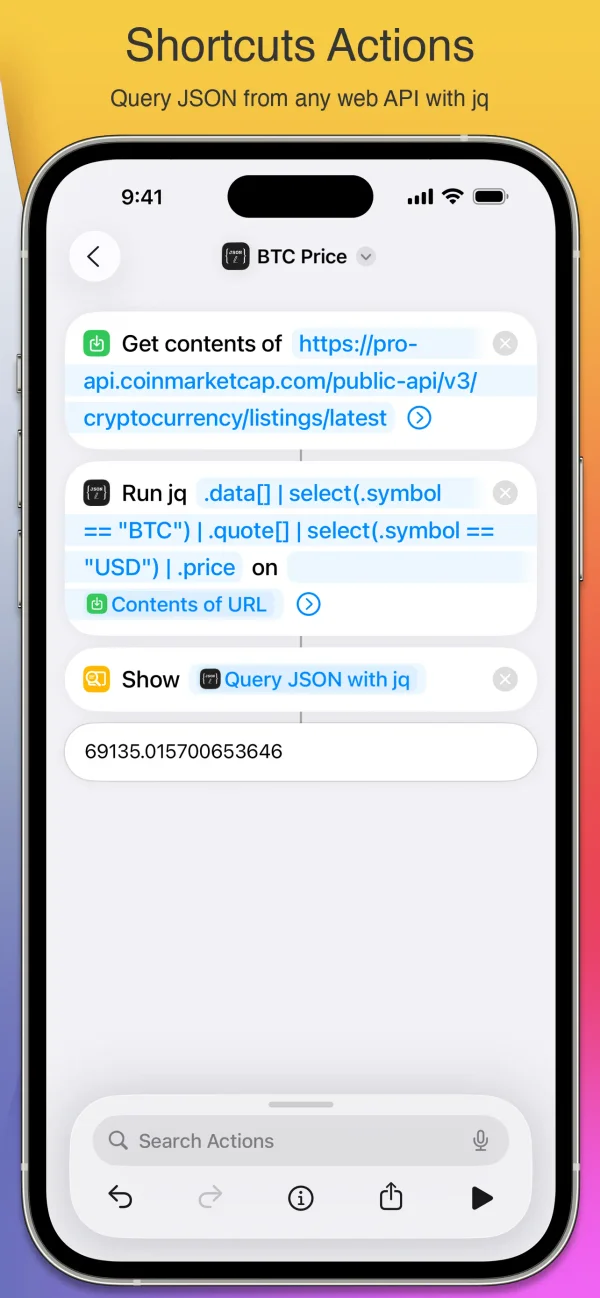
√ Shortcuts Actions
- Query JSON with jq, Get Value from JSON, Format JSON, Minify JSON, Validate JSON, Convert JSON to CSV and Repair JSON
- Actions run in the background without opening the app
- Combine them with Get Contents of URL to read values from any web API
- Ask Siri or use Spotlight to query, format, minify and validate JSON
√ Tools
- Format, minify and sort the keys of a document
- Import JSON from the pasteboard or from a URL, export it to the pasteboard
- Parse JavaScript object literals and JSON-P into JSON
√ Keyboard Ready
- Cmd+J jq Query, Cmd+Option+T switch between tree and text, Cmd+Option+F format, Cmd+Option+M minify, Cmd+Option+K sort keys, Cmd+F find
Viewing JSON, jq Query, copying JSON and the Shortcuts actions are free. Saving changes, the import tools, syntax themes and editor settings require the Full Version in-app purchase.
For more information, visit https://powerjsonapp.com/
What’s new
Version 1.9.0 · Nov 14, 2026
New
- jq Query, free for everyone: run jq filters on the current document with live results, then copy, share or apply the result (Cmd+J)
- Shortcuts actions, free for everyone: Query JSON with jq, Get Value from JSON, Format JSON, Minify JSON, Validate JSON, Convert JSON to CSV and Repair JSON. They run in the background without opening the app
- Siri and Spotlight shortcuts for querying, formatting, minifying and validating JSON
- Syntax themes: choose Default, One, Solarized or Tomorrow in Tools
- Format JSON, Minify JSON, Sort Keys and Copy JSON in the More menu, with keyboard shortcuts
Improvements
- Syntax highlighting in the node editor and in jq Query results
- Faster syntax highlighting in the text editor for documents of any size, and the first syntax error is marked while you type
- Large numbers keep their exact digits when formatting or querying
- Compact icon buttons in the navigation bar; on iPhone, Find and Replace moved into the More menu
- ":" and "," keys in the keyboard bar of the text editor
- Search highlights are readable in Dark Mode
- Export JSON to Pasteboard in Tools no longer needs the Full Version
- Buying and restoring the Full Version use the current App Store purchase system; purchases approved through Ask to Buy or made on another device unlock the app right away
- PowerJSON now requires iOS 15 or later
Fixes
- Documents opened with an empty tree on iOS 26
- The add-node buttons and the keyboard bar did not fit the screen on iOS 26
- An extra tab bar appeared above the editor on iPadOS 18 and later
- The unlock prompt did not appear when using tools in the free version
- A possible crash when autosaving a document without content
App privacy
What 基伟 徐 declares on the App Store about how this app handles data.
-
Data not collected
The developer does not collect any data from this app.
Privacy practices may vary, for example with the features you use or your age.
Information
- Seller
- 基伟 徐
- Category
- Developer Tools
- Version
- 1.9.0
- Updated
- Nov 14, 2026
- Released
- Mar 14, 2021
- Size
- 3.8 MB
- Requires
- iOS 15.0 or later
- Age rating
- 4+
- Price
- Free
- In-app purchases
- Yes
- Languages
- English
- Copyright
- © 2026 TickPlant.com
You might also like
-
 JSON Editor MobileDeveloper Tools
-
 JSONEditor - JSON ViewerJSON Editor, Formatter
-
 JSON UtilitiesEasy Tools to Manipulate JSON
-
 Secure TerminalSSH & SFTP & XWindow
-
 CodeMaster - Mobile Coding IDECode Editor & Compile SFTP SSH
-
 SQLite Mobile ClientDeveloper Tools
-
 Json Viewer SimpleJson Reader
-
 Flutter UI TemplatesDeveloper Tools
-
 Easy CSV Editor MobileElegant & powerful CSV editor
-
 Python Recipes: Code & SQLRunnable Python cheat sheet