- Age rating4+
- CategoryGraphics & Design
- Developerdeng yongyuan
- LanguagesEnglish+ 3 more
- Size47.4 MB
Links to the official App Store page
Download.org hosts no file of PressInk. The button opens its official App Store page, published by deng yongyuan. Listing last checked on Nov 22, 2026.
Screenshots

About
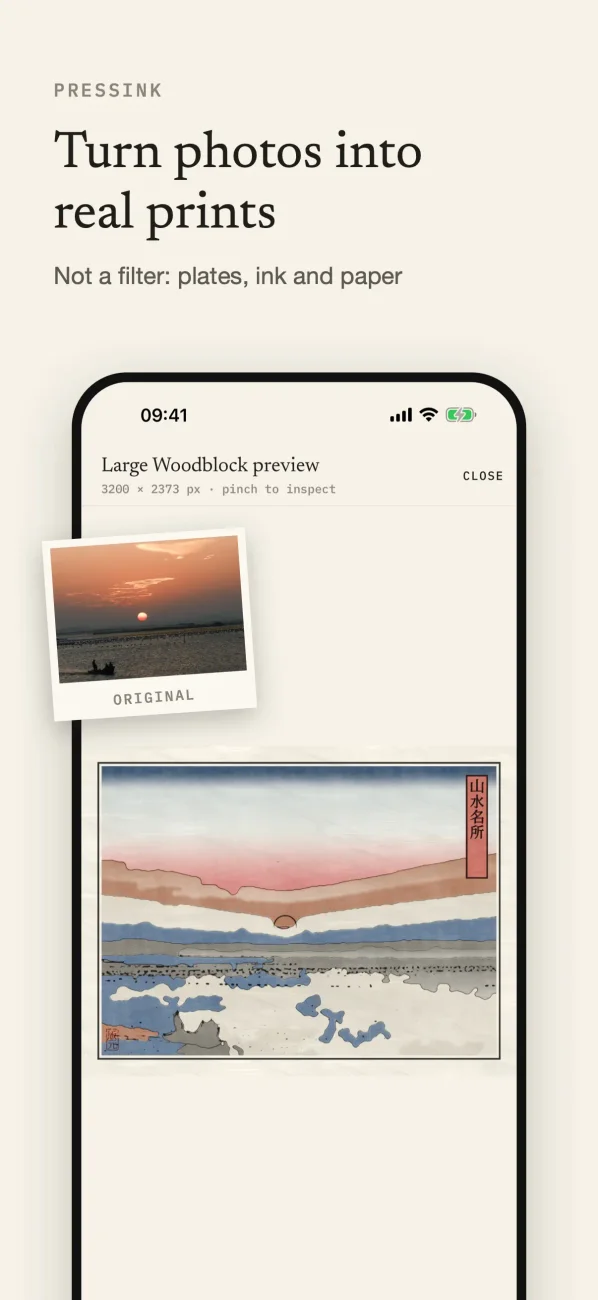
PressInk turns your photos into prints that could really be made with ink on paper. Not a filter: plates, ink, paper and the marks of a real press, rendered on your iPhone or iPad.
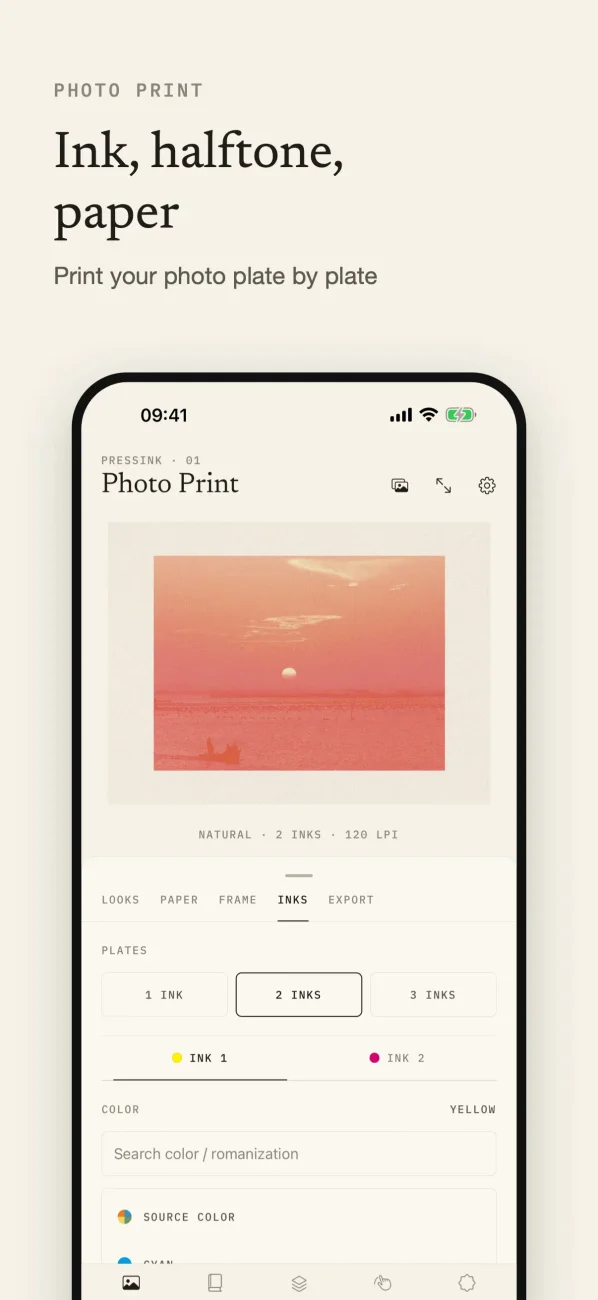
PHOTO PRINT
Overprint one to three inks with halftone or grain screens on papers from cream to kraft. Start from 14 presets or pick from 259 inks, including 250 traditional Japanese colours. Frame it, then export a print-ready PNG.
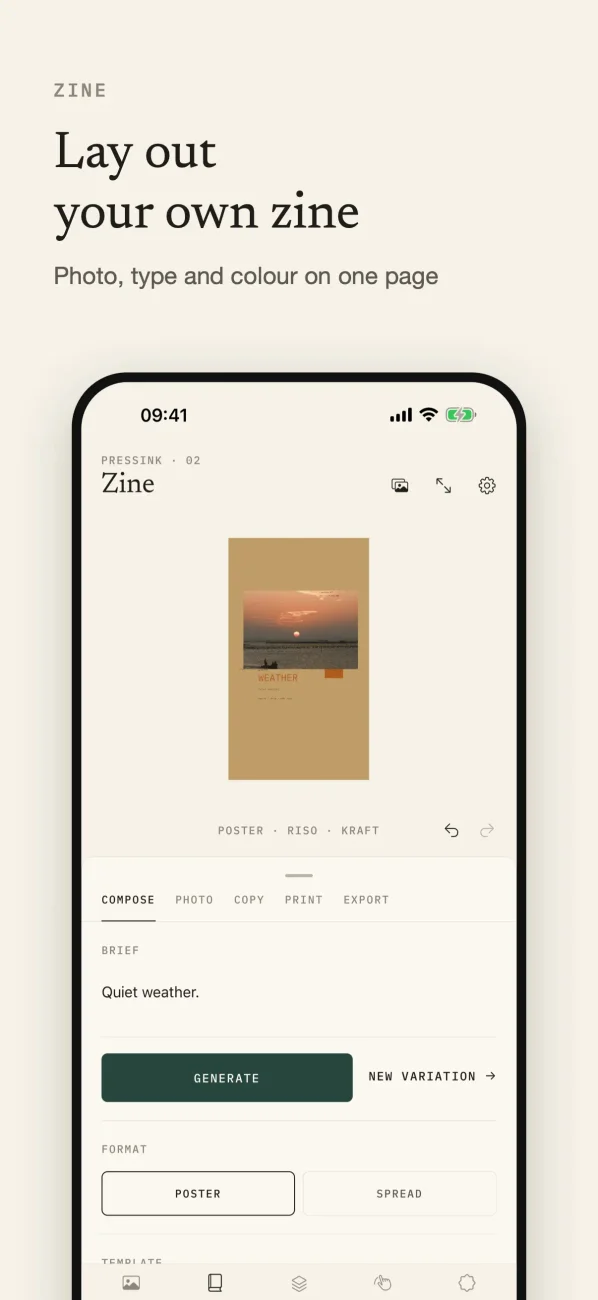
ZINE
Lay out a poster or a two-page spread from 11 templates: your photo, a headline, colour blocks and a print feel such as Riso, Xerox or letterpress.
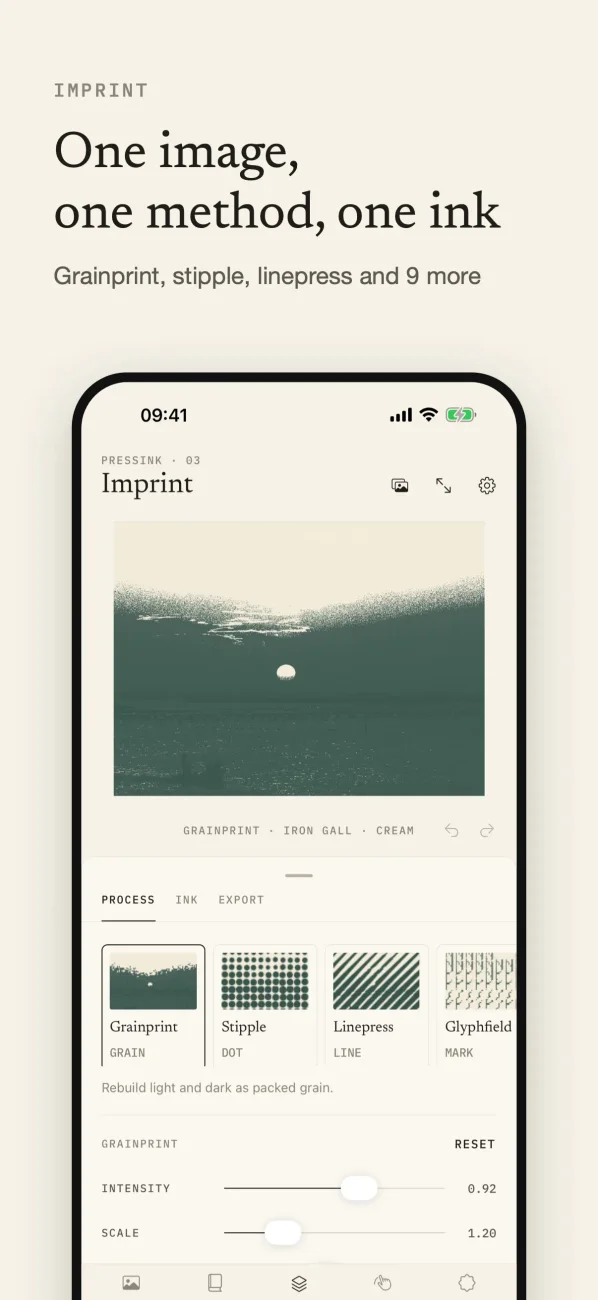
IMPRINT
One image, one method, one ink. Rebuild your photo as grainprint, stipple, linepress, glyphs, cyanotype and seven more.
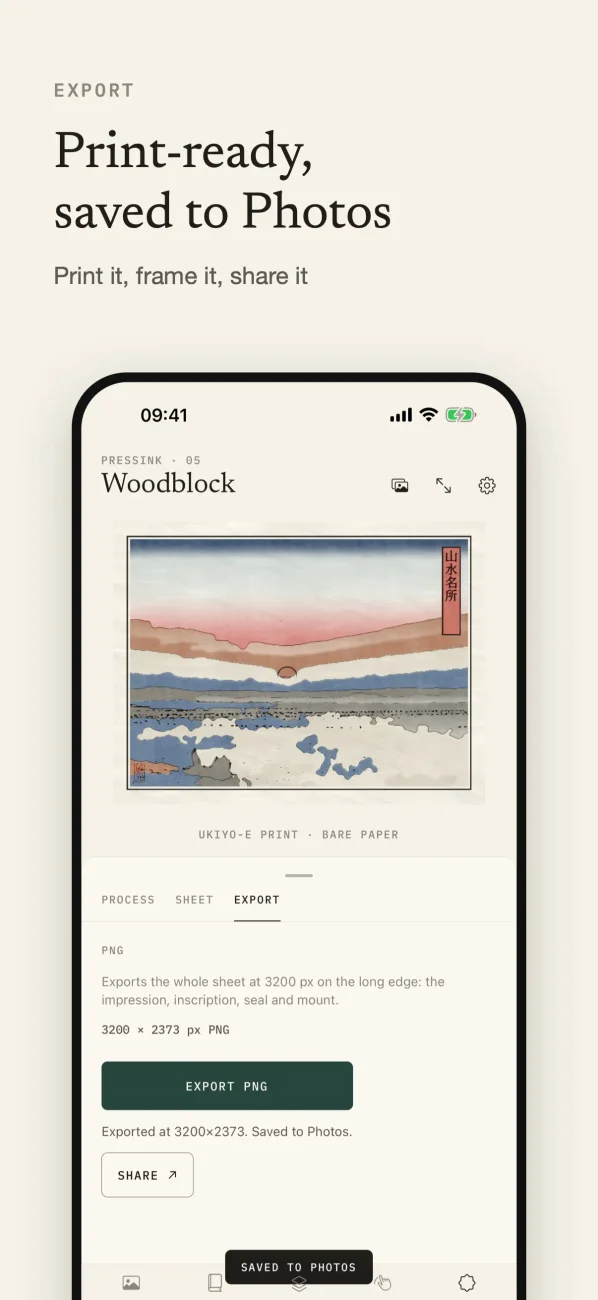
RUBBING AND WOODBLOCK
19 printing traditions from 8 countries, each laid out as a full sheet with its inscription, seal and mount:
• Rubbing: black-gold and cicada-wing rubbings, cinnabar rubbing, gyotaku, Korean takbon, English brass rubbing
• Woodblock: Yangliuqing and Zhuxianzhen New Year prints, ukiyo-e, senjafuda, Đông Hồ, lubok, Épinal, cordel woodcut, wood engraving and more
POSTAGE
Design a stamp from your photo with eight templates, perforated edges, frames, lettering and postmarks. Choose a separate postmark colour and export a transparent PNG without extra outer padding. Classic issue is free; the other seven templates need PressInk Pro. Open Postage from the bottom menu.
TRAVEL PLATES (BETA)
Set a travel photo beside the plate it was printed from: hand-coloured print, cyanotype, postage stamp, ticket and more. In Settings.
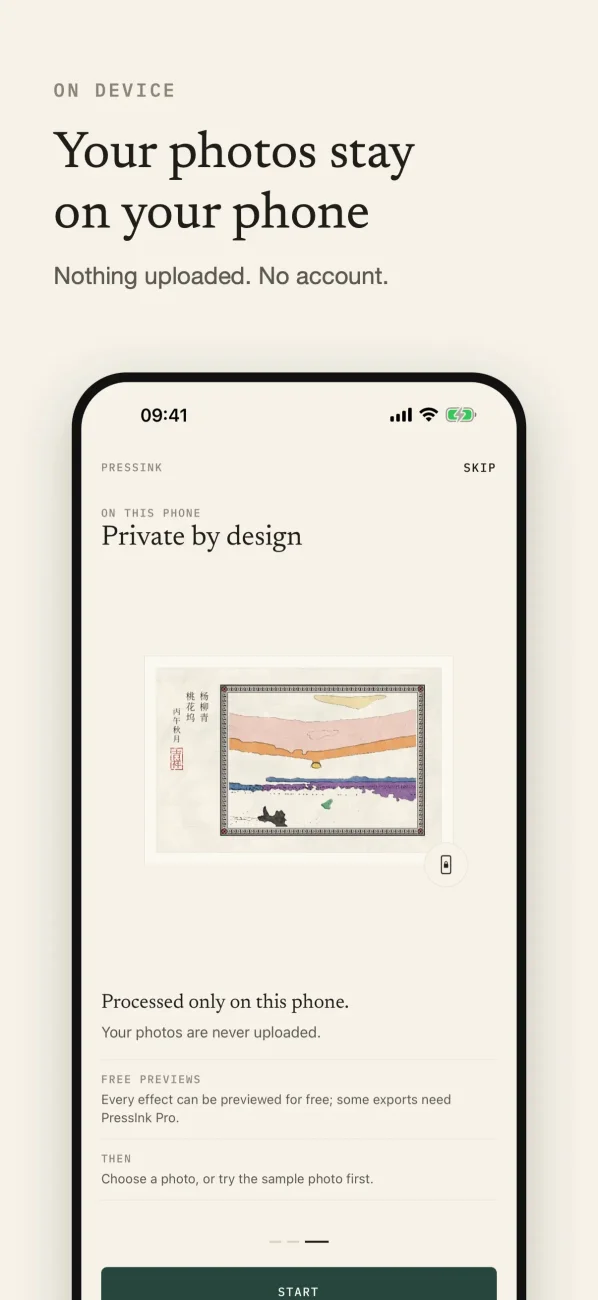
PRIVATE BY DESIGN
Every photo is processed on your device. Nothing is uploaded, and there is no account.
PRESSINK PRO
Every studio has free options. In Postage, Classic issue is free; selecting and exporting the other seven templates requires PressInk Pro. Pro also unlocks the exports, inks and print-size options marked PRO in the other studios. One optional purchase, no subscription; Family Sharing supported.
Languages: English, 简体中文, 日本語, 한국어.
PressInk is a creative print simulation. It is not a calibrated separation tool for a specific commercial press.
What’s new
Version 1.3.1 · Nov 16, 2026
• Fixed an issue that hid export controls in Rubbing and Woodblock on iPhone.
• Choose a 2048 or 3200 px long edge when exporting a PNG from either studio.
• The introduction now includes Postage and a sample stamp.
App privacy
What deng yongyuan declares on the App Store about how this app handles data.
-
Data not collected
The developer does not collect any data from this app.
Privacy practices may vary, for example with the features you use or your age.
Information
- Seller
- deng yongyuan
- Category
- Graphics & Design
- Version
- 1.3.1
- Updated
- Nov 16, 2026
- Released
- Aug 13, 2026
- Size
- 47.4 MB
- Requires
- iOS 16.4 or later
- Age rating
- 4+
- In-app purchases
- Yes
- Languages
- English, Japanese, Korean, Simplified Chinese
- Copyright
- © deepzero.ai
You might also like
-
 Print Lab: Riso Photo FXRiso, Newsprint & Screen Print
-
 OverprintSilkscreen posters by hand
-
 Boardly: Quick EditBeautiful screenshots, fast
-
 BrushWorks: Hand-Paint PhotosRub to turn pictures into art
-
 Abstract Wallpaper init.Ditherdither art & pattern generator
-
 Snick: Snap & Stick!Custom Sticker Maker & Cutout
-
 Viridian: Paint MixingColor matcher & mix recipes
-
 CutDot Collage-Photo Edit,波点拼贴Make Photos Art for Post,Story
-
 Spool Log - 3D Print ManagerFilament Tracker & Inventory
-
 Charcoal StudioSketch, shade, smudge, Drawing