
Printer AI: Smart Air Print
Scan Docs, Photo to PDF Maker
Designed for iPhone, iPad
Free · In-app purchases
- Age rating4+
- CategoryBusiness
- DeveloperSantosh Bairagi
- LanguagesEnglish+ 16 more
- Size28.7 MB
Links to the official App Store page
Download.org hosts no file of Printer AI: Smart Air Print. The button opens its official App Store page, published by Santosh Bairagi. Listing last checked on Nov 23, 2026.
Screenshots
About
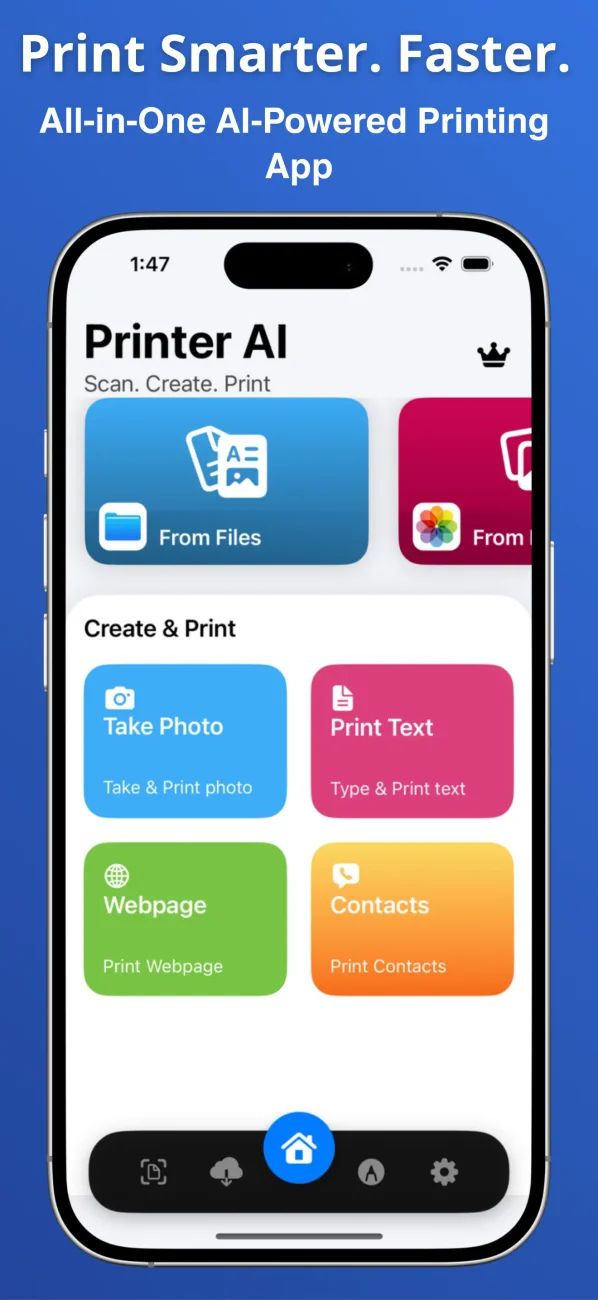
With Smart printer and Air Printer app print documents, photos, printable, emails, webpages and texts from iPhone & ipad. Edit tools for drawing, text and pics. Also Scan & Share files.
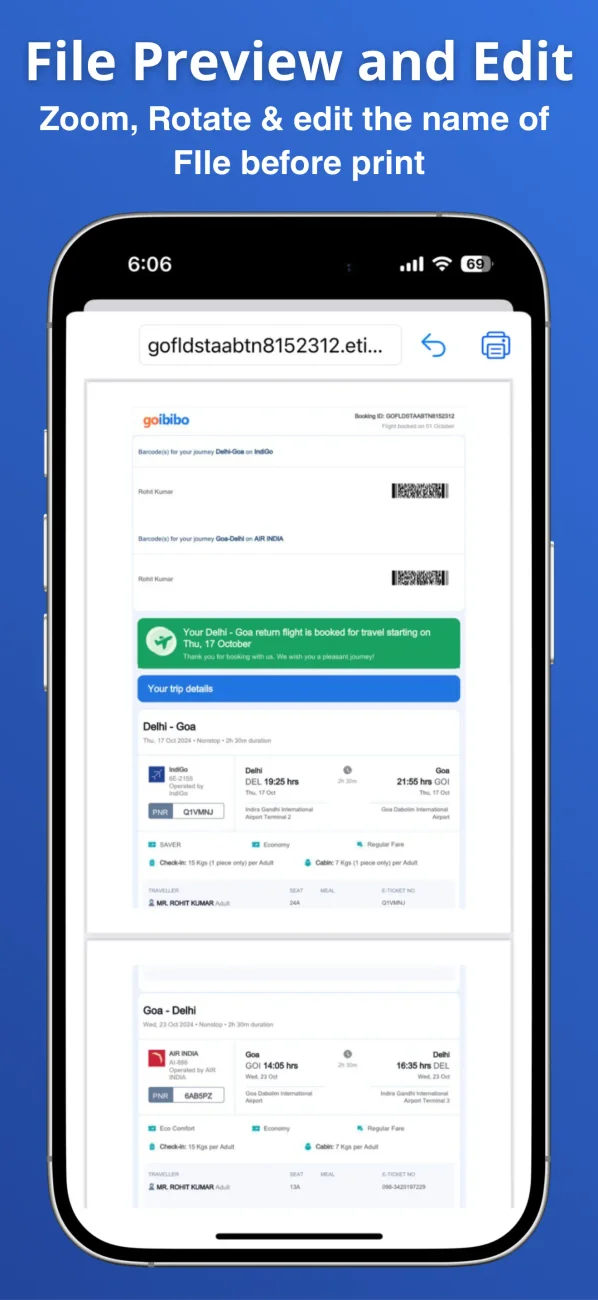
Smarts Printer app & scanner can help you print photos and documents without installing printer drivers. You can print anything with our printer app with seconds. Our printer app supports more than 9000 printer models.
The main key features of the printer app is as below:
* Print photos and documents.
* Print photos on same sheet or as a poster.
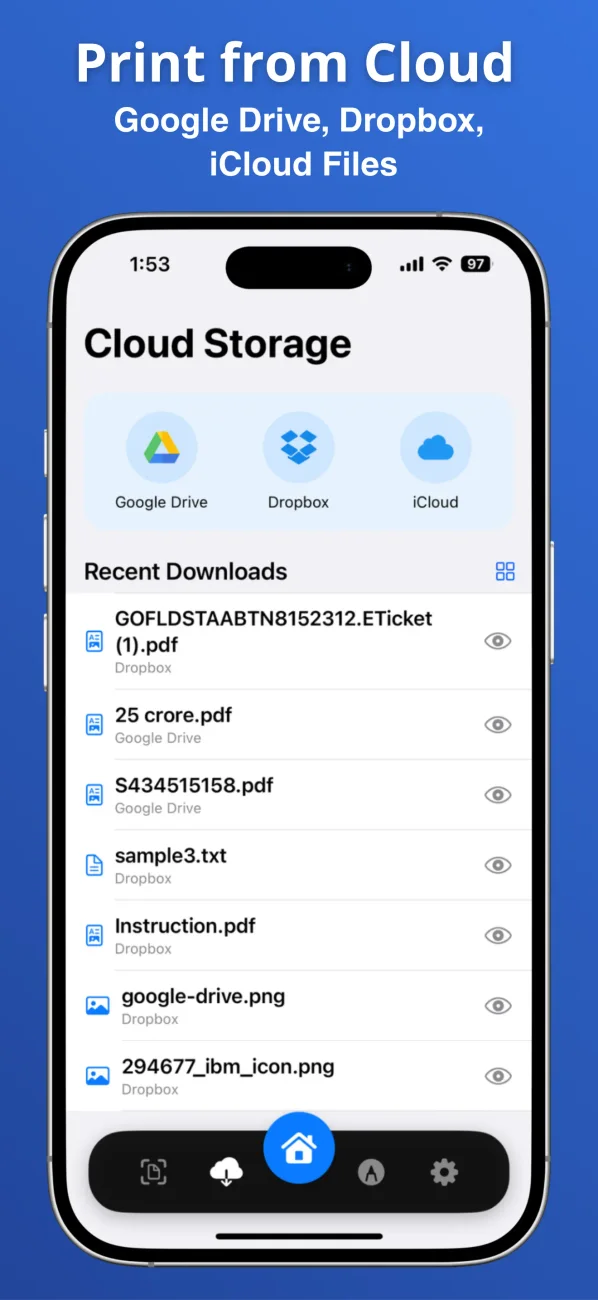
* Print emails, webpages or other documents.
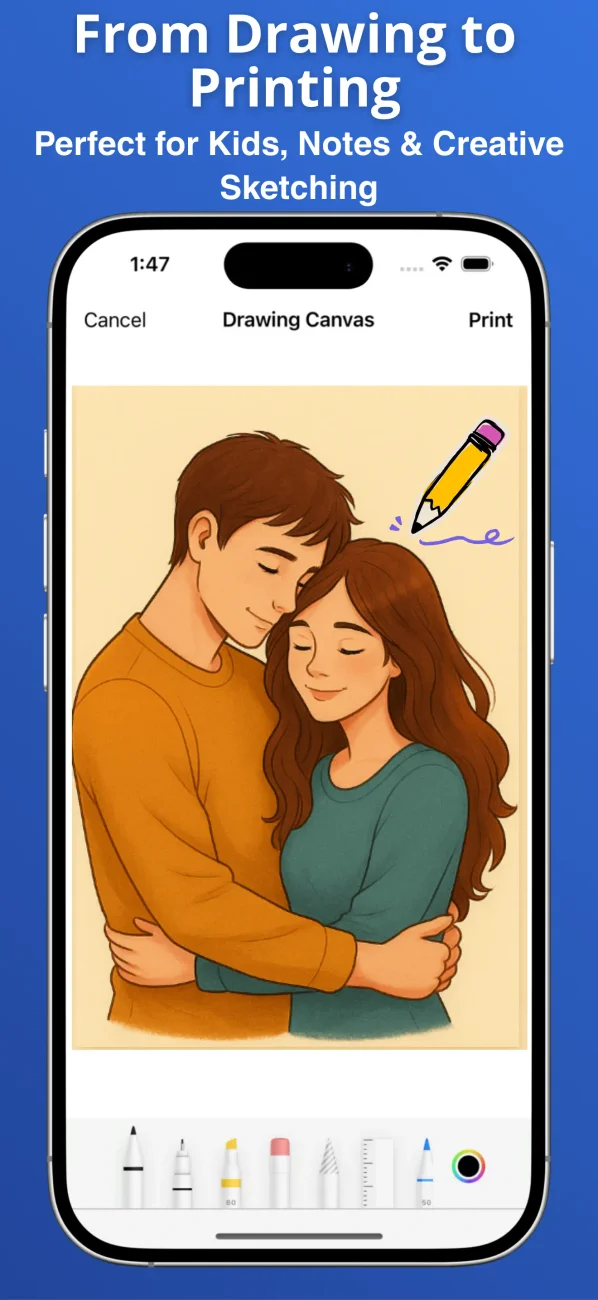
* Draw anything on drawing pad and print it.
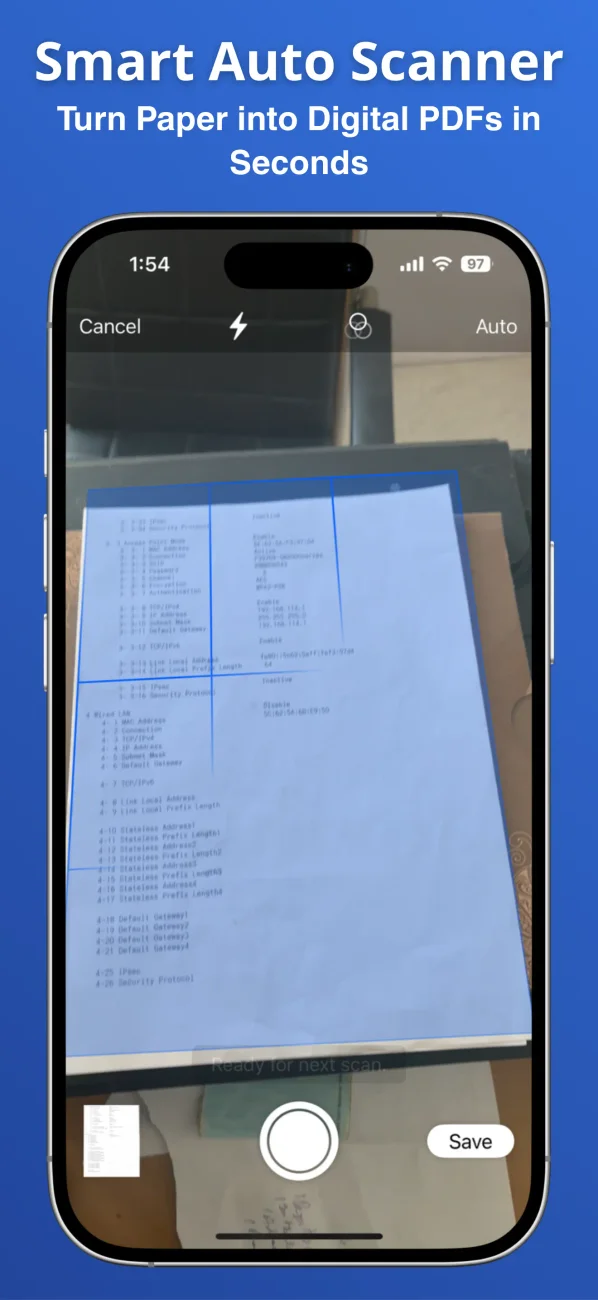
* Scan anything and print it with printers.
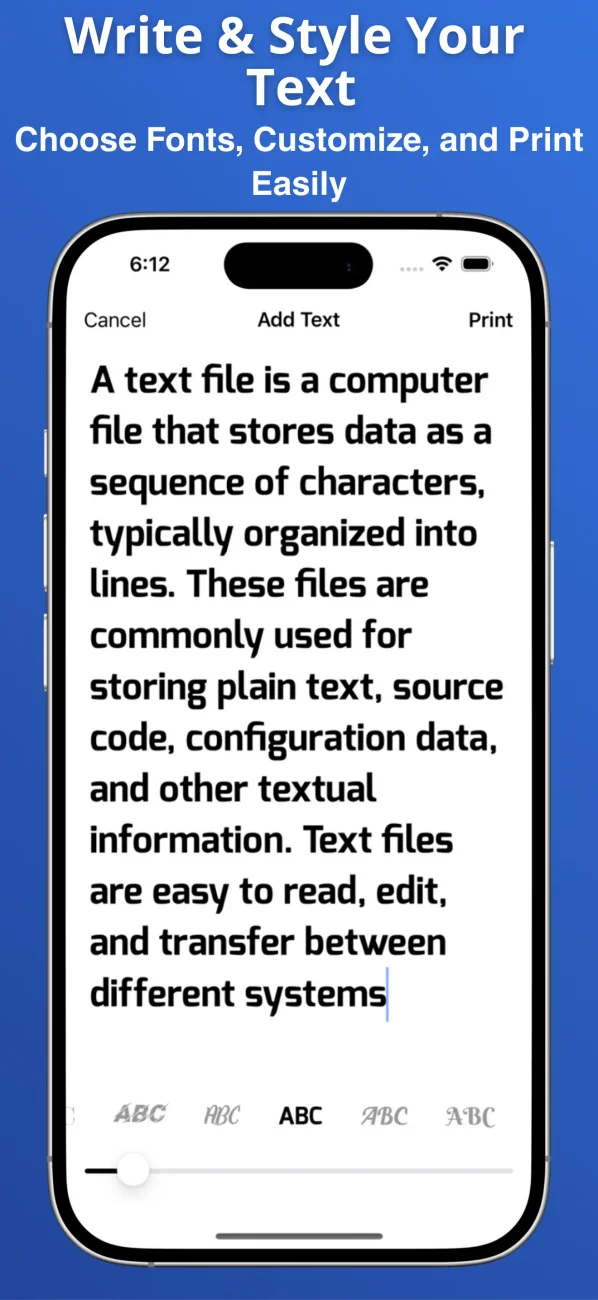
* Type any text in text edit with different fonts and print it.
► SCAN DOCUMENTS:
With Smart printer & Air printer app you can scan any document with built in scanner. Also you can edit and print multiple scanned documents.
► DRAWING PAD:
Smart Printer app provide you a drawing pad to draw anything. User will get multiple options for drawing anything and print.
► PRINT TEXT:
User can also print a text form anywhere & anytime. The text editor has many premium features.
► PRINTER SUPPORT:
Our Smart printer app supports more than 9000 models of printers including Canon, HP, Xerox, Samsung, Brothers, Sharp, Toshiba, NRG, Oki, Lenovo, Laxmark, EPSON, Dell and many more.
Our terms & conditions: https://sites.google.com/view/printlytermsconditions/terms-conditions
Privacy Policy: https://sites.google.com/view/printlyprinterapp/privacypolicy
What’s new
Version 2.4 · Nov 21, 2026
Print smarter and faster with Printer AI.
• ID Photo — Create passport and visa photos with crop, white background, and multi-copy printing
• Photo sizes — Print photos in 4×6, 5×7, and A4
• Document templates — Letterhead, invoice, and lined A4 ready to print
• Print history — Revisit recent jobs and reprint with your last printer remembered
• Smarter scanning — Cleanup, OCR, and searchable PDFs
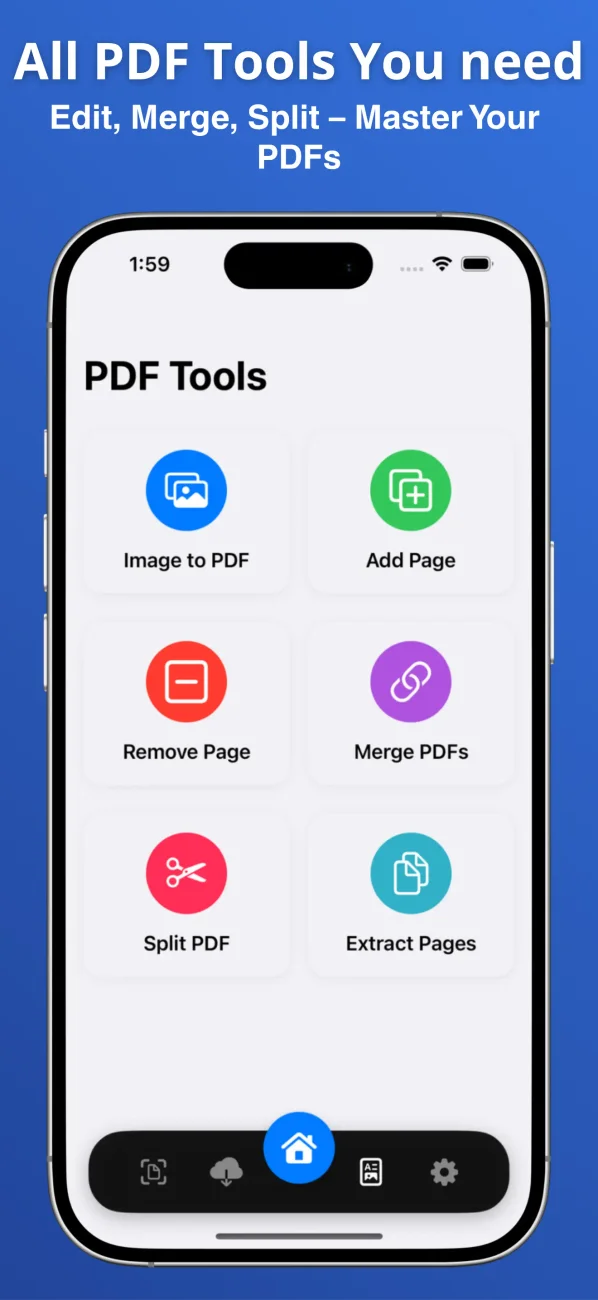
• Sign & Watermark — Add signatures and watermarks to your PDFs
• Batch print — Print multiple files with Live Activity progress on Lock Screen and Dynamic Island
• Home Screen widget — See remaining free prints and jump back to your last job
• Share to Printer AI — Send files straight from other apps
• Webpage printing — Fit long pages onto a single sheet
• Performance and reliability improvements throughout the app
App privacy
What Santosh Bairagi declares on the App Store about how this app handles data.
-
Data used to track you
May be used to track you across apps and websites owned by other companies.
- Usage data
-
Data not linked to you
May be collected but is not linked to your identity.
- Usage data
Privacy practices may vary, for example with the features you use or your age.
Information
- Seller
- Santosh Bairagi
- Category
- Business
- Version
- 2.4
- Updated
- Nov 21, 2026
- Released
- Nov 8, 2024
- Size
- 28.7 MB
- Requires
- iOS 17.6 or later
- Age rating
- 4+
- Price
- Free
- In-app purchases
- Yes
- Languages
- English, Arabic, Dutch, French, German, Hebrew, Indonesian, Italian, Japanese, Korean, Portuguese, Simplified Chinese + 5 more
- Copyright
- © @printlyapp
You might also like
-
 Smart Printer | Print & ScanPhoto, PDF & Document Printing
-
 Air Printer App: Print & ScanEasy To Print, Edit PDF, Photo
-
 Smart Printer: Smart PrintAir Scanner Wireless Copier
-
 Air Printer: Smart Print ProAny File, PDF, Photo Printing
-
 Printify: Smart Scan & PrintSmart Air Printer & Scan Docs
-
 Printr - Smart Printer AppAll-in-One Print & Scan PDF
-
 Smart Printer: AirPrint PhotoAir Print: Scan Photos & Docs
-
 Smart Printer: Scan & PrintScanner, Edit, PDF, Printing
-
 Smart Printer: PDF Scanner AppPrint, Scan Documents & Photos
-
 Air Printer: Smart PrintingPrint & Scan from Mobile Phone