Printer App: Smart & Scan PDF
Wireless Printing,PDF & Photos
Designed for iPhone, iPad, iPod touch
Free
- Age rating4+
- CategoryBusiness
- DeveloperFarwa Aman
- LanguagesEnglish
- Size48.5 MB
Links to the official App Store page
Download.org hosts no file of Printer App: Smart & Scan PDF. The button opens its official App Store page, published by Farwa Aman. Listing last checked on Nov 14, 2026.
Screenshots
About
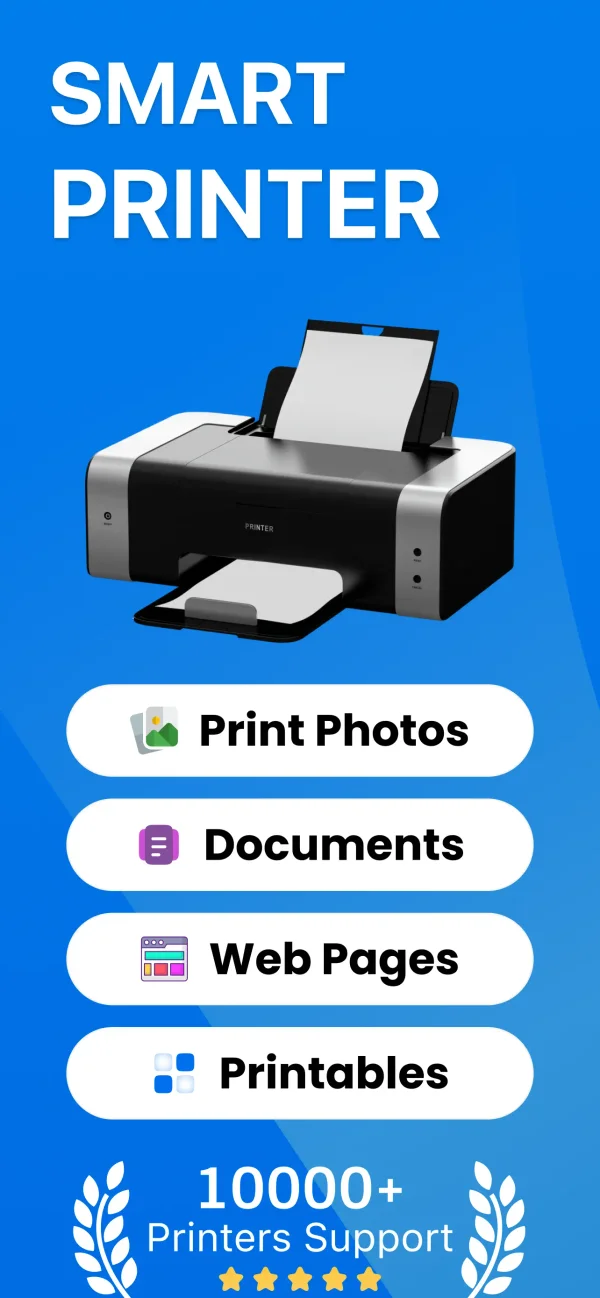
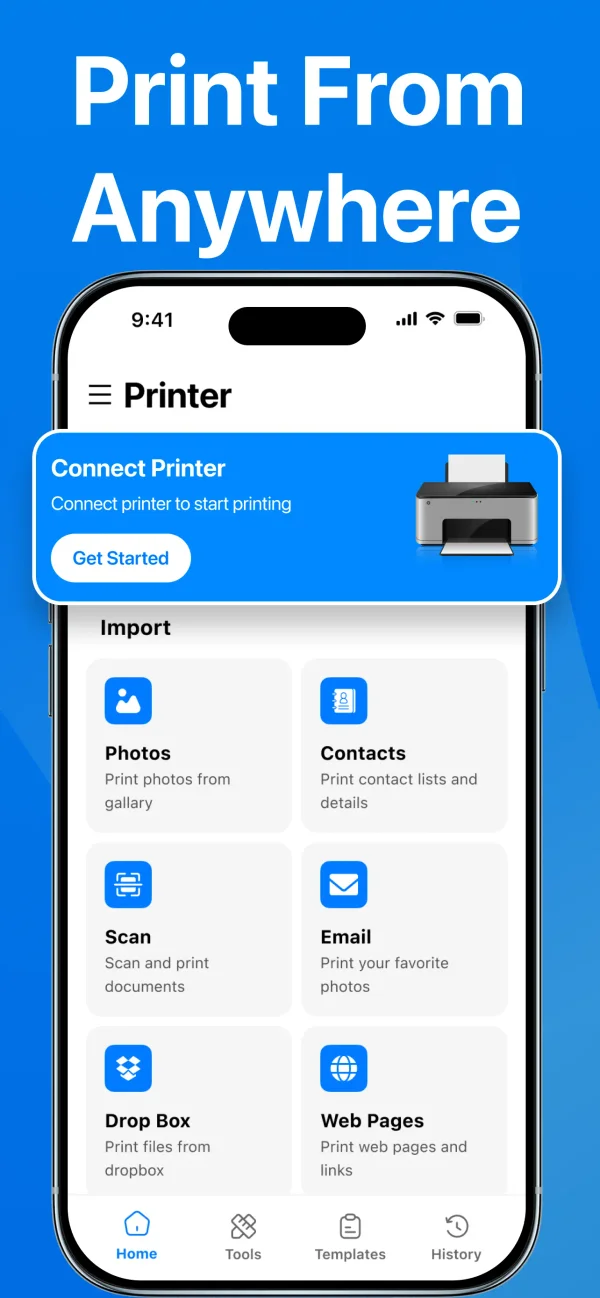
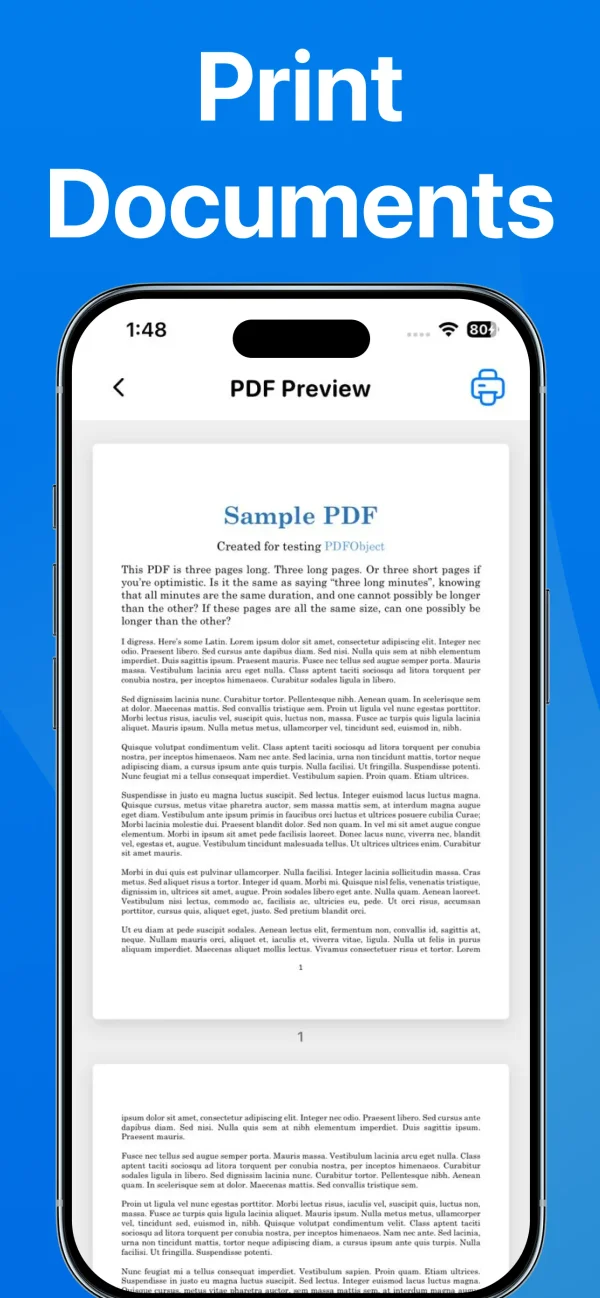
Printer One turns your iPhone or iPad into a complete printing and document workspace. Print photos, PDFs, documents, web pages and printable templates, scan paper documents with your camera, and manage PDFs with useful built-in tools—all from one clean, easy-to-use app.
PRINT FROM YOUR IPHONE OR IPAD
• Print photos, PDFs and documents in just a few taps
• Print web pages and other supported content
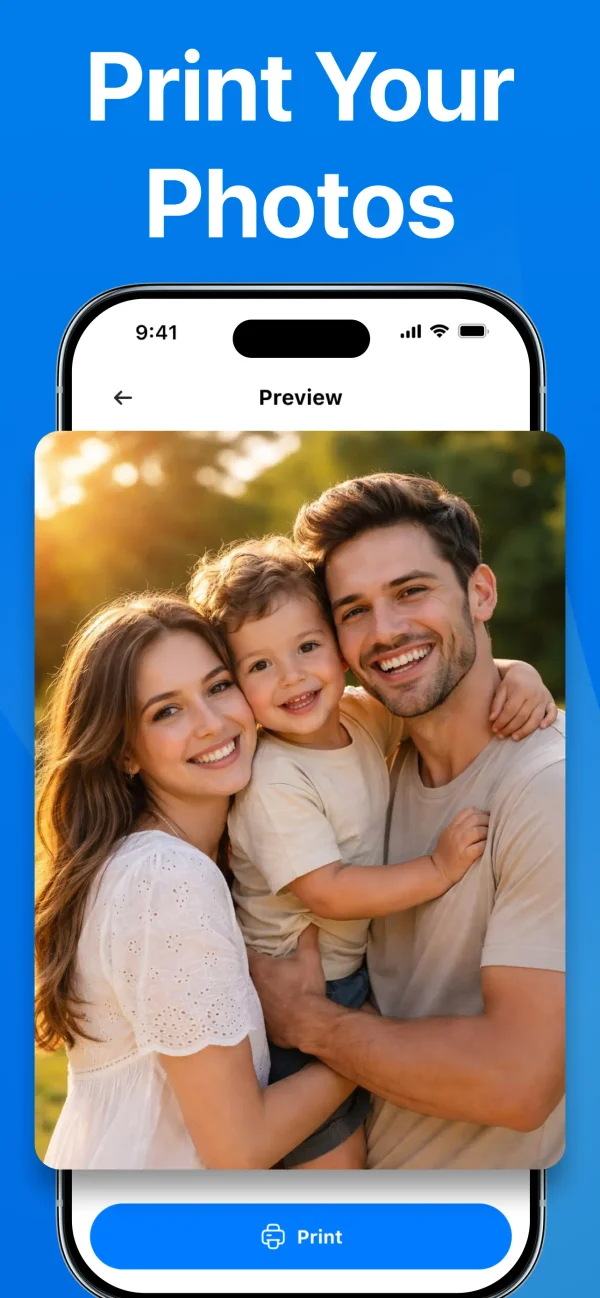
• Preview your content before printing
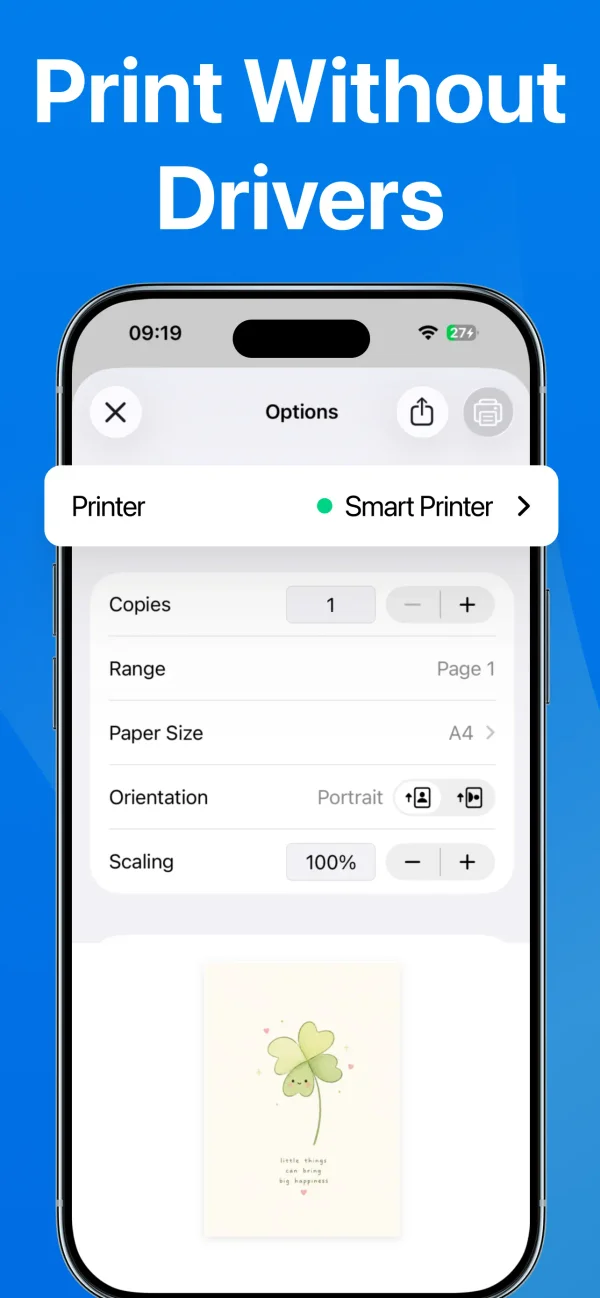
• Connect to compatible wireless printers without installing drivers
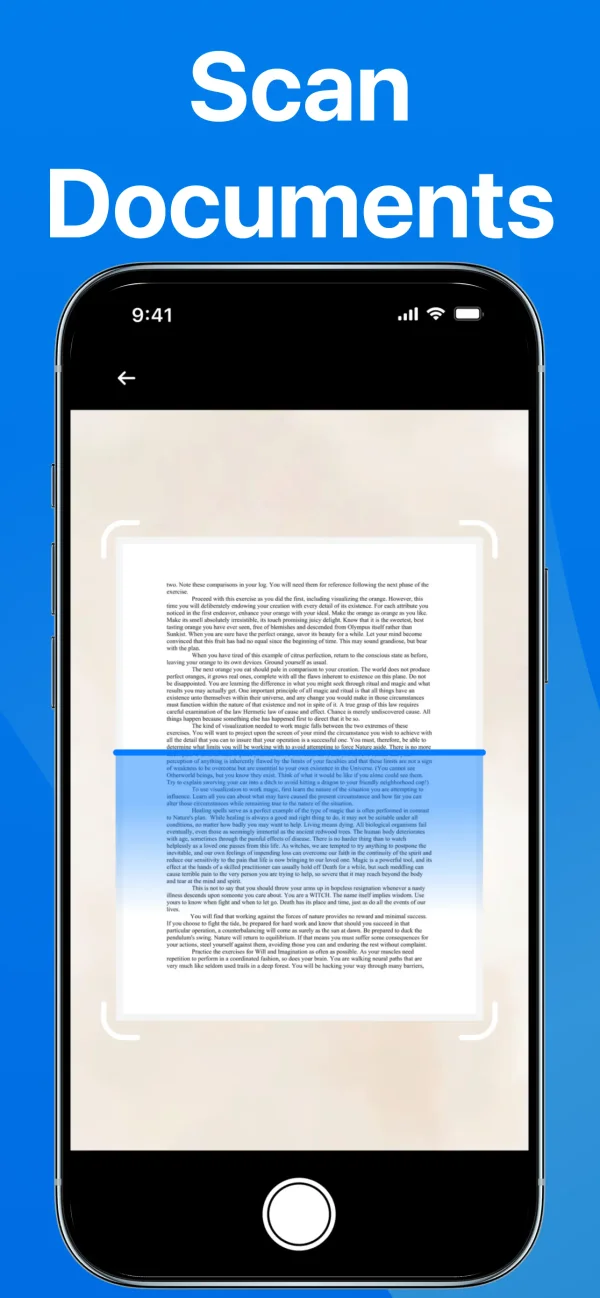
SCAN DOCUMENTS
Use your device camera to capture paper documents quickly. Create clean digital copies that are ready to save, share or print.
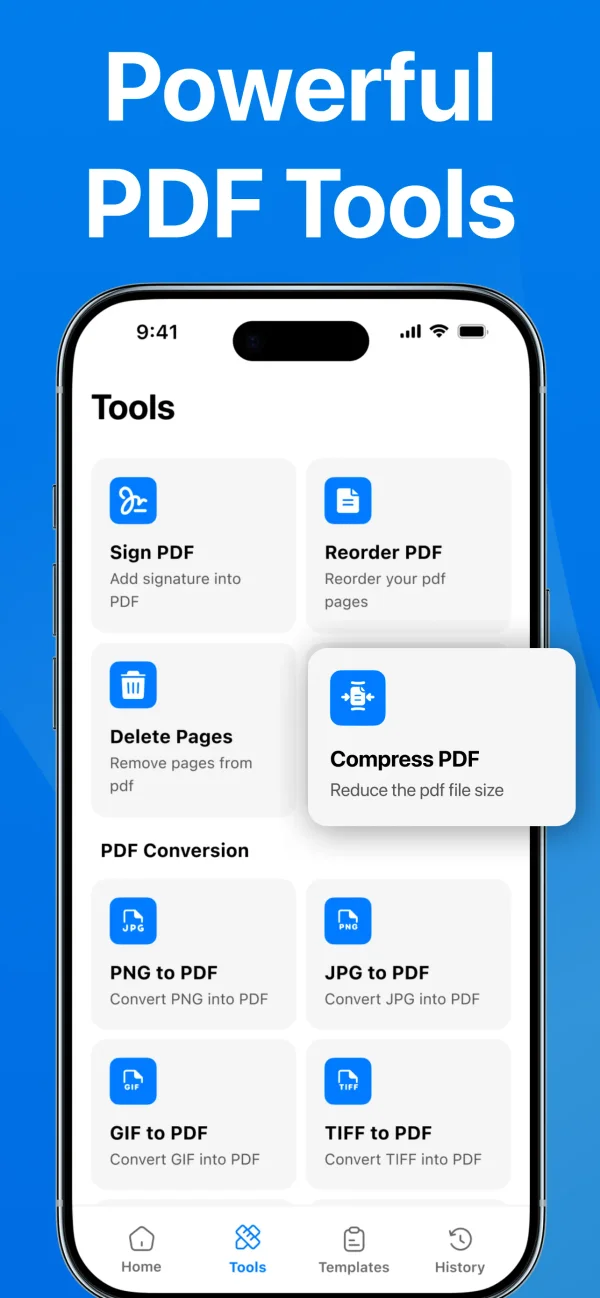
POWERFUL PDF TOOLS
Work with PDFs directly on your device. Organize documents and prepare files for printing without switching between multiple apps.
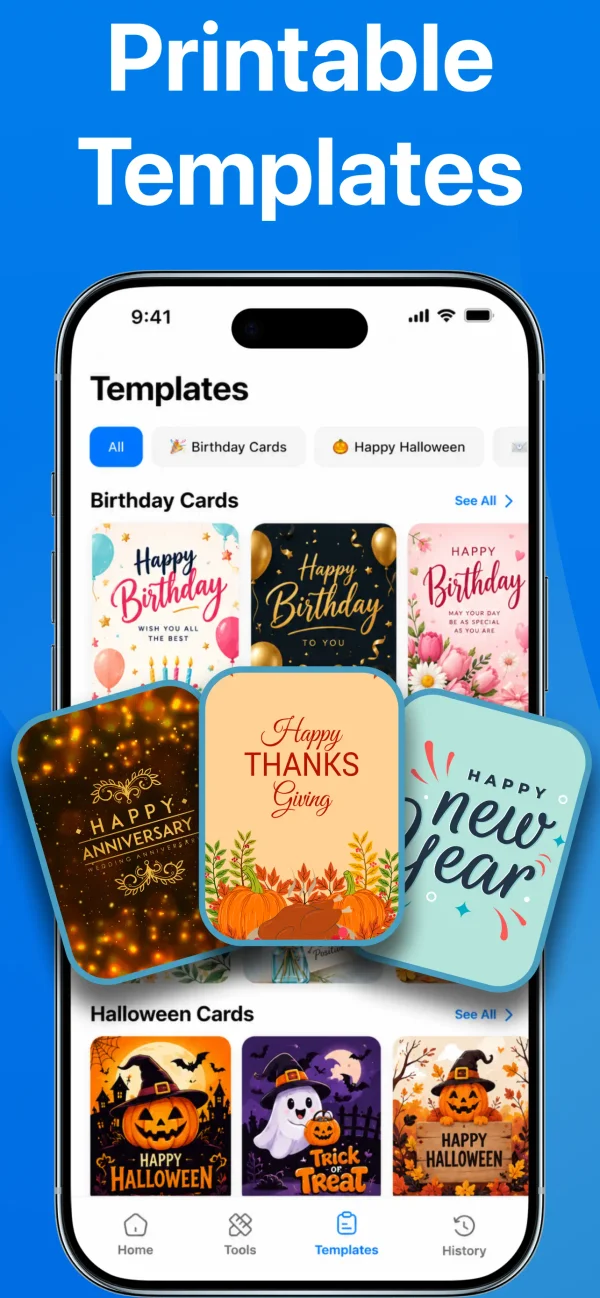
PRINTABLE TEMPLATES
Choose from ready-to-print templates for everyday, school, home and office use.
PHOTO PRINTING
Print your favorite photos directly from your library and turn digital memories into high-quality physical prints.
BUILT FOR EVERYDAY PRINTING
Whether you are printing homework, office documents, receipts, invoices, tickets, forms, notes or family photos, Printer One keeps the workflow simple and convenient.
WIDE PRINTER COMPATIBILITY
Printer One is designed to work with more than 10,000 supported printer models and compatible wireless printing technologies. No separate printer drivers are required.
WHY PRINTER ONE
• Printing, scanning and PDF tools in one place
• Fast wireless printer discovery
• Simple, modern interface
• Useful for home, school and office
• Designed for iPhone and iPad
Printer One is an independent application and is not affiliated with or endorsed by any printer manufacturer. Any third-party brand names or logos are used only to indicate compatibility.
PRIVACY POLICY:
https://diligent-blouse-cc0.notion.site/Privacy-Policy-3e9433e3bf7780159b6dc0f178a01cb7
TERMS OF USE:
https://app.notion.com/p/Terms-of-Use-3e9433e3bf7780f6b81af1ae3fb5af14
What’s new
Version 2.1 · Nov 11, 2026
- Enhanced wireless printing and document scanning experience.
- Improved PDF editing, signing, and sharing features.
- Optimized photo printing and document management.
- Added performance enhancements and fixed minor bugs for a faster, smoother experience.
Thank you for using Printer One!
App privacy
What Farwa Aman declares on the App Store about how this app handles data.
-
Data not collected
The developer does not collect any data from this app.
Privacy practices may vary, for example with the features you use or your age.
Information
- Seller
- Farwa Aman
- Category
- Business
- Version
- 2.1
- Updated
- Nov 11, 2026
- Released
- Oct 30, 2026
- Size
- 48.5 MB
- Requires
- iOS 15.5 or later
- Age rating
- 4+
- Price
- Free
- Languages
- English
- Copyright
- © Farwa Aman @ 2026
You might also like
-
 PrintRight: Printer & ScannerWi-Fi Printing & PDF Tools
-
 Smart Printer : Phone PrintPrint Documents and Photos
-
 Secure Phone XPrivacy, Security & Utilities
-
 Mobile Printer: Print FilesPrint Photos, Docs & PDF
-
 Smart Printer App - Print PDFPrint Document & Photos Easily
-
 Printer: Print & Scan PhotosWireless Printing for PDFs
-
 Printer App: Print from phoneSupport all printers
-
 TAVERNA AUTO CAREBusiness
-
 Freedom Solar ConnectBusiness
-
 Printer app, Smart AIR printerPrint Documents, Photos, PDF