Smart Printer App - Print PDF
Print Document & Photos Easily
Designed for iPhone
Free
- Age rating4+
- CategoryBusiness
- DeveloperKien Quyet Vu
- LanguagesEnglish+ 40 more
- Size519.7 MB
Links to the official App Store page
Download.org hosts no file of Smart Printer App - Print PDF. The button opens its official App Store page, published by Kien Quyet Vu. Listing last checked on Nov 21, 2026.
Screenshots

About
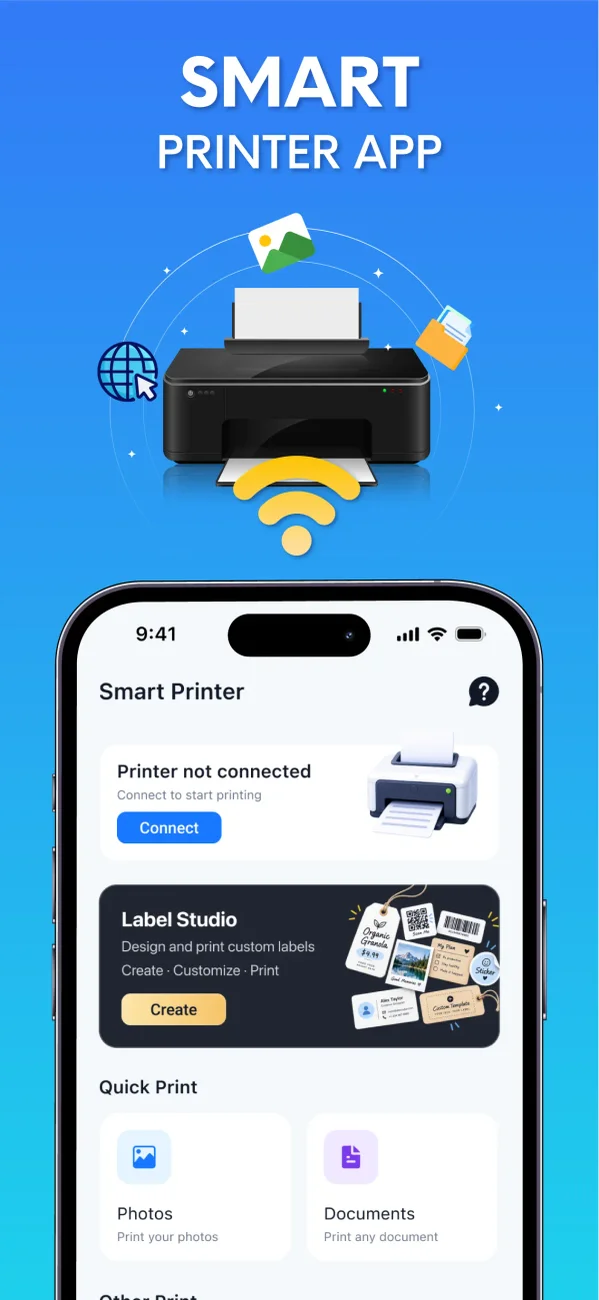
Turn your phone into a convenient printing and scanning tool with Smart Printer App - Print PDF. Connect to a compatible printer and handle everyday documents, photos, and files directly from your device.
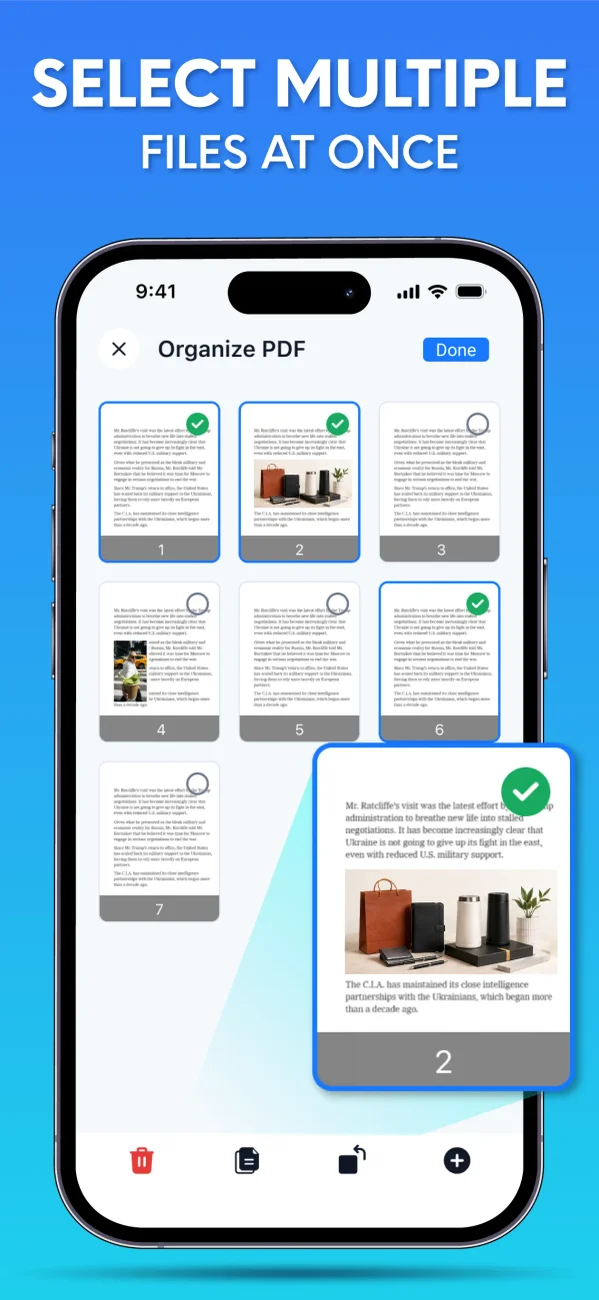
Smart Printer App - Print PDF keeps everything in one simple workflow without constantly switching between apps.
- Print Documents & PDF Files
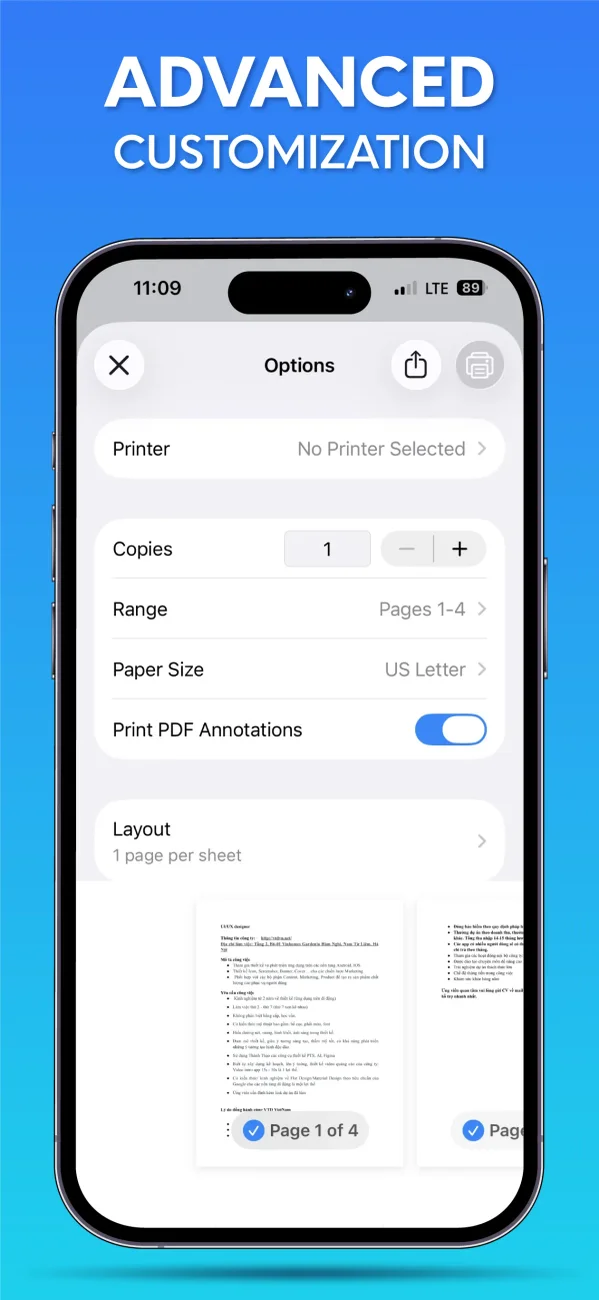
Print documents, PDF, PNG, JPEG directly from your phone. Select a file from your device, choose your printer, and send it to print in just a few steps.
- Print Photos
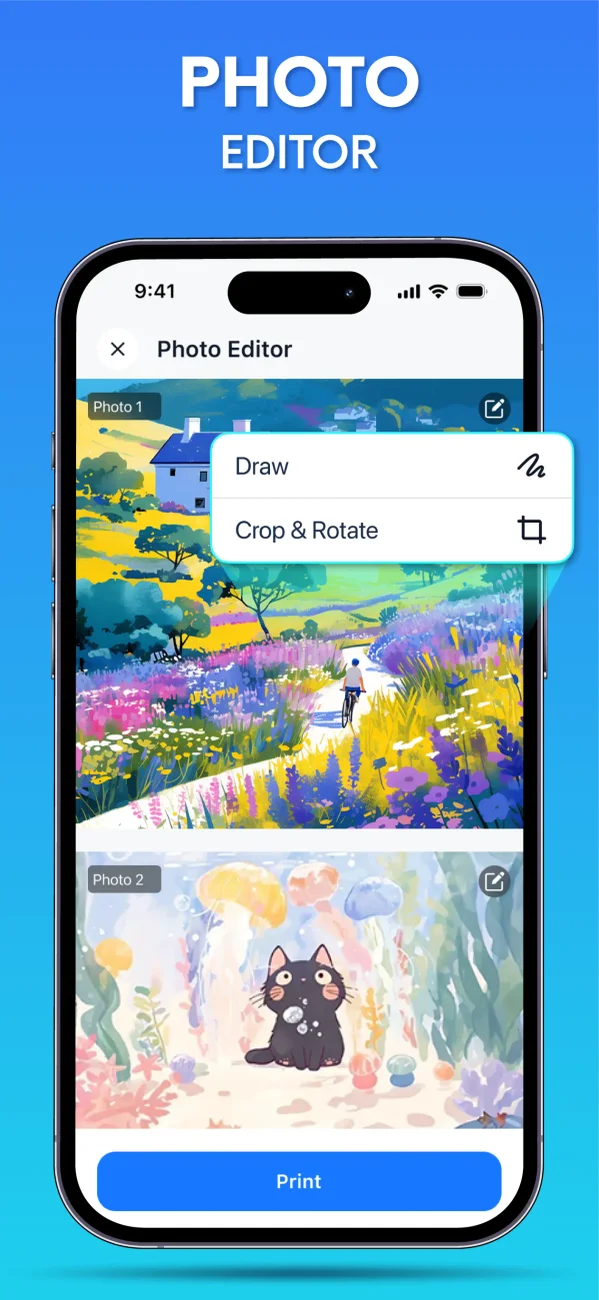
Select photos from your library and print them directly from your device. Batch printing lets you print multiple photos at once for projects, collections, or everyday use.
- Scan Documents
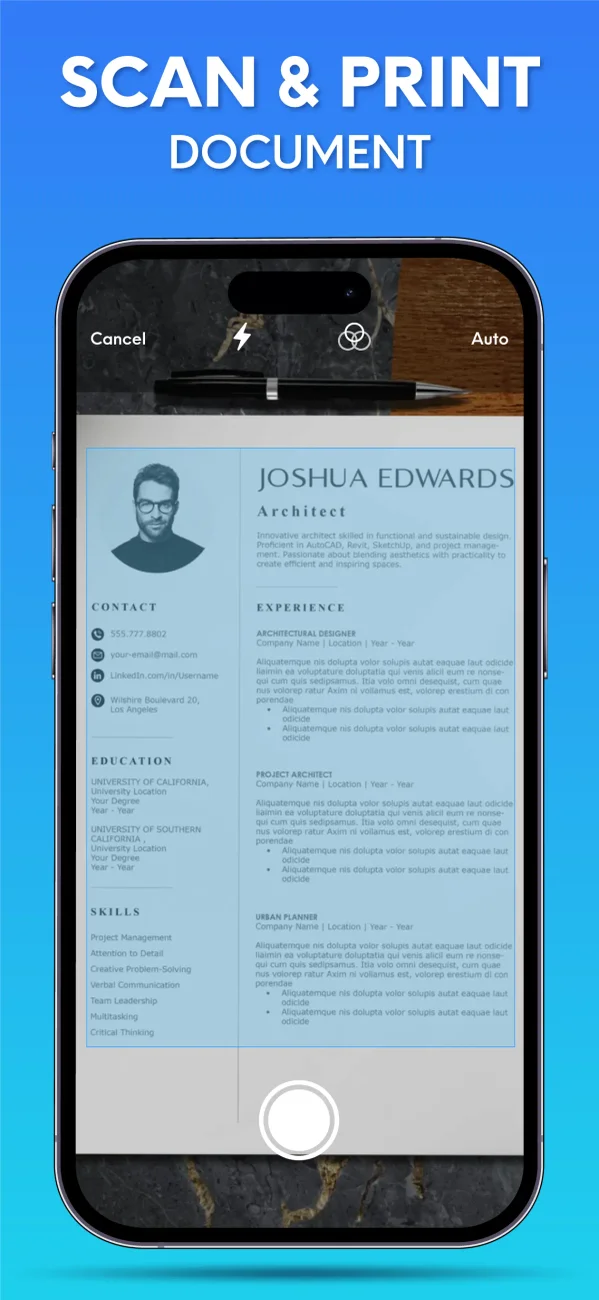
Use your camera as a portable PDF scanner to capture receipts, forms, notes, contracts, and other documents. Crop and adjust scans before saving, sharing, or printing.
- Edit Before Printing
Make simple adjustments to documents and images before printing. Review your content and prepare the final version for a clean, convenient printout.
- Print Email & Web Content
Print content from emails or browsers without complex steps. Simply share email attachments, photos, documents, or supported web links with the app to print quickly and conveniently.
- Create Custom Labels
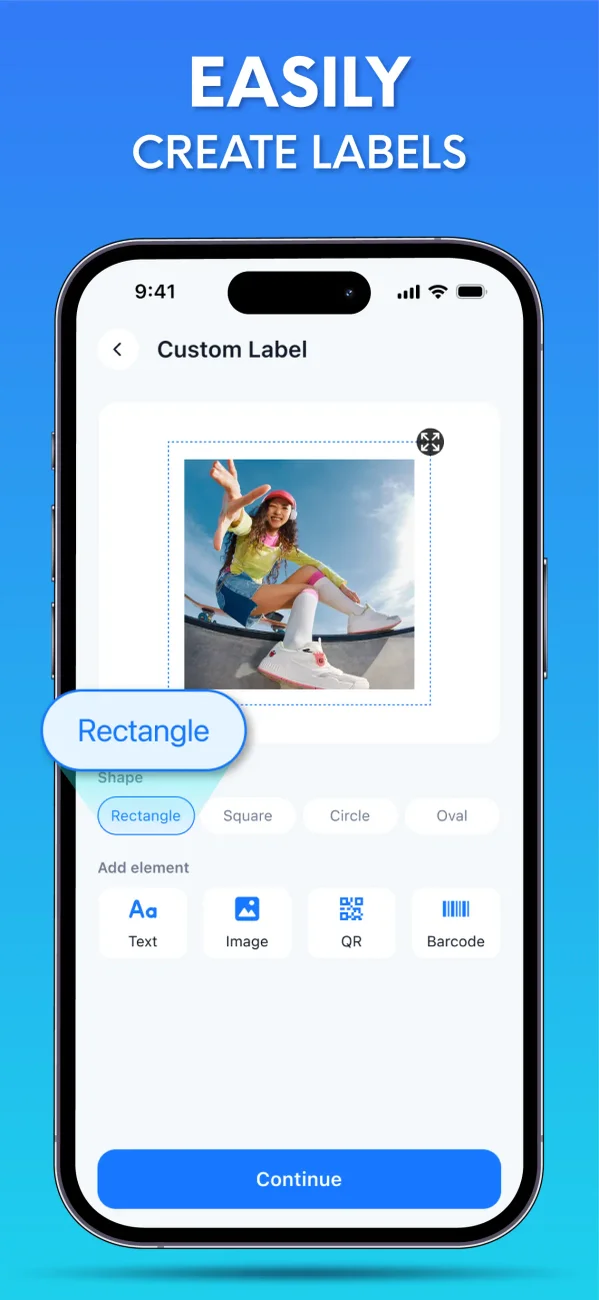
Design personalized labels directly from your Iphone and Ipad. Choose a shape, add text, images, QR codes, or barcodes, customize the layout, and print your finished label.
- Manage Your Files
Keep scanned and printed files organized in one place. Store, rename, and review documents easily so you can find what you need whenever you need it.
- Print from Cloud & Other Sources
Access supported files from your device or cloud storage and send them to a connected printer. Print documents from different sources without switching between multiple apps.
- Connect to Compatible Printers
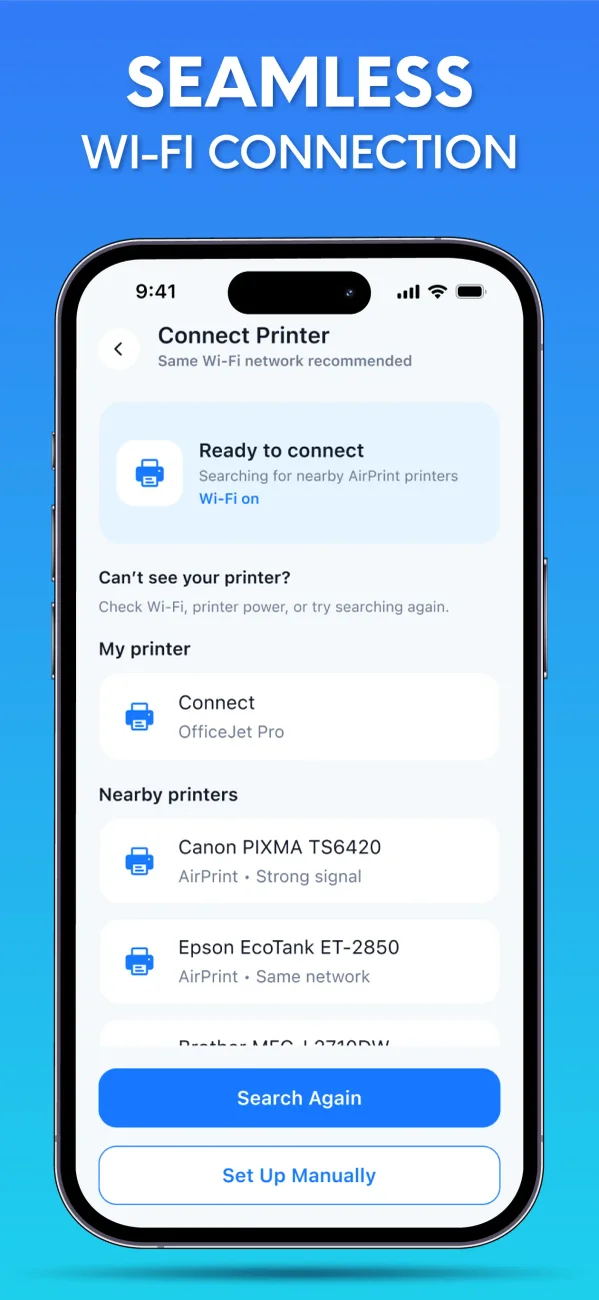
Connect your iPhone or iPad to compatible printers on the same Wi-Fi network. Once connected, you can send documents, photos, and other supported content to print directly from the app.
Privacy Policy: https://sites.google.com/view/privacy-smart-printer-app/home
Terms of use: https://sites.google.com/view/terms-of-use-smart-printer-app/home
App privacy
What Kien Quyet Vu declares on the App Store about how this app handles data.
-
Data not collected
The developer does not collect any data from this app.
Privacy practices may vary, for example with the features you use or your age.
Information
- Seller
- Kien Quyet Vu
- Category
- Business
- Version
- 1.0
- Updated
- Oct 8, 2026
- Released
- Oct 8, 2026
- Size
- 519.7 MB
- Requires
- iOS 16.4 or later
- Age rating
- 4+
- Price
- Free
- Languages
- English, Arabic, Bulgarian, Czech, Danish, Dutch, Filipino, Finnish, French, German, Greek, Gujarati + 29 more
- Copyright
- © KIENQUYETDEV
You might also like
-
 Printer App: Smart & Scan PDFWireless Printing,PDF & Photos
-
 PrintRight: Printer & ScannerWi-Fi Printing & PDF Tools
-
 Mobile Printer: Print FilesPrint Photos, Docs & PDF
-
 Printer App - Scan & Print PDFPrint Photos, Docs & PDFs Fast
-
 Smart Printer : Phone PrintPrint Documents and Photos
-
 Smart Printer: Hpsmart PrinterPrint, Edit & for hp, canon
-
 Printer: Print & Scan PhotosWireless Printing for PDFs
-
 My G.I. JoesKeep track of your G.I. Joes
-
 C-QUEUEC-QUEUE Accounting Application
-
 Print Plus - Smart Printer AppFor HP, Epson, Canon & Brother