
PrintScreen.ly - Screenshots
Screenshot Editor, Blur & OCR
Designed for iPhone, iPad
In-app purchases
- Age rating4+
- CategoryProductivity
- DeveloperBravely Studios
- LanguagesEnglish
- Size17.8 MB
Links to the official App Store page
Download.org hosts no file of PrintScreen.ly - Screenshots. The button opens its official App Store page, published by Bravely Studios. Listing last checked on Nov 12, 2026.
Screenshots
About
Your captures, on every device you own.
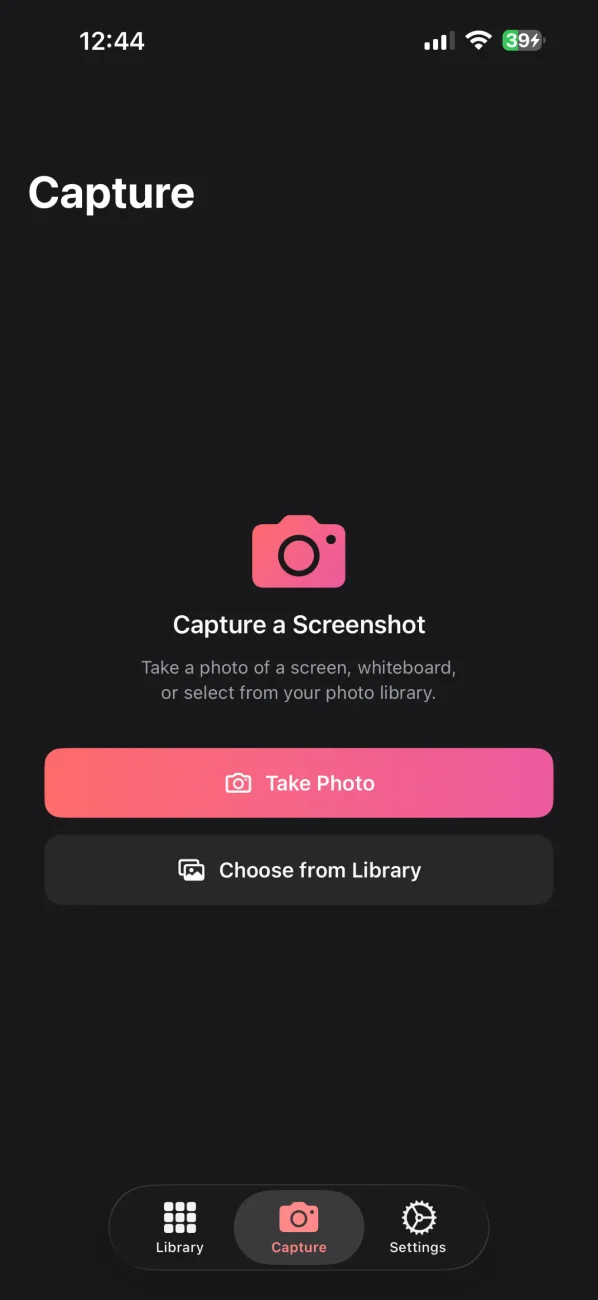
PrintScreen.ly keeps your screenshots and recordings in one place across your Mac, your PC, and your phone. Capture on the desktop, then open this app to browse, organize, mark up, and share everything from your iPhone or iPad — already synced and ready.
WHAT YOU CAN DO
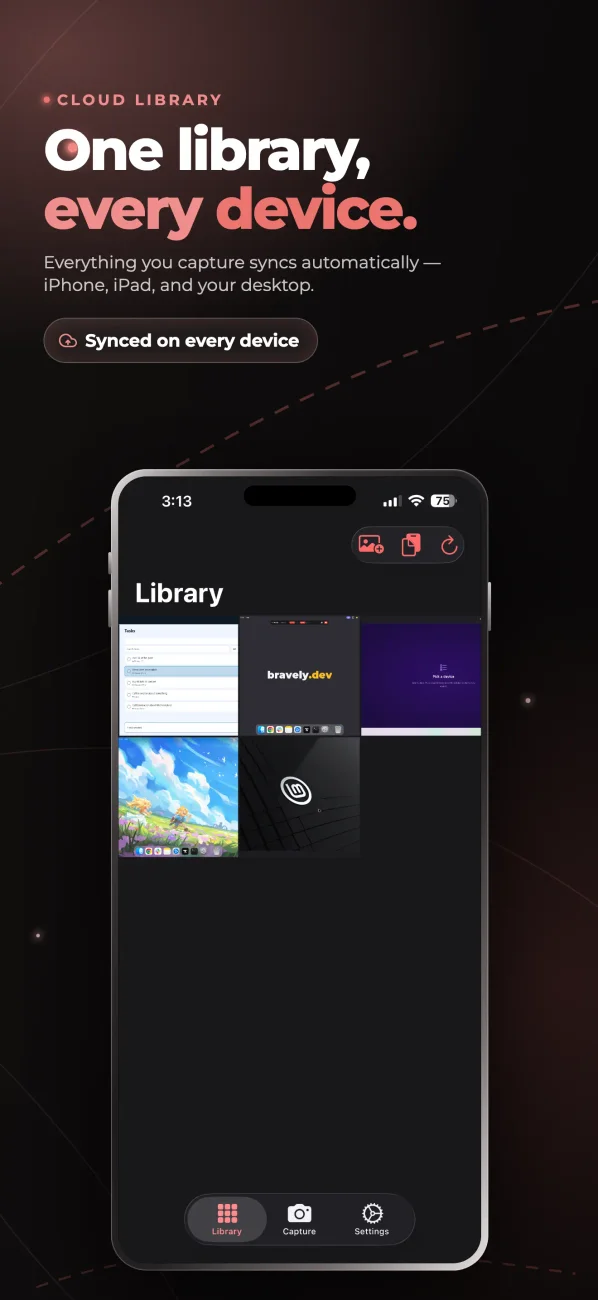
• Browse your full capture library, synced from your computers
• Open any screenshot or recording and view it full-screen
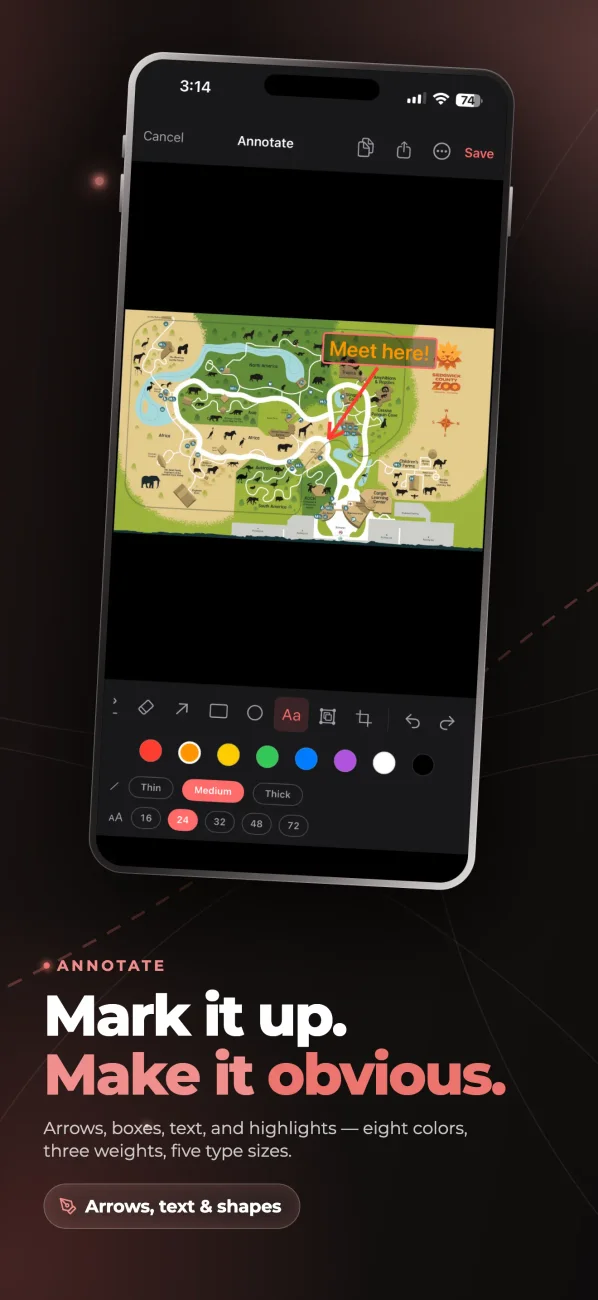
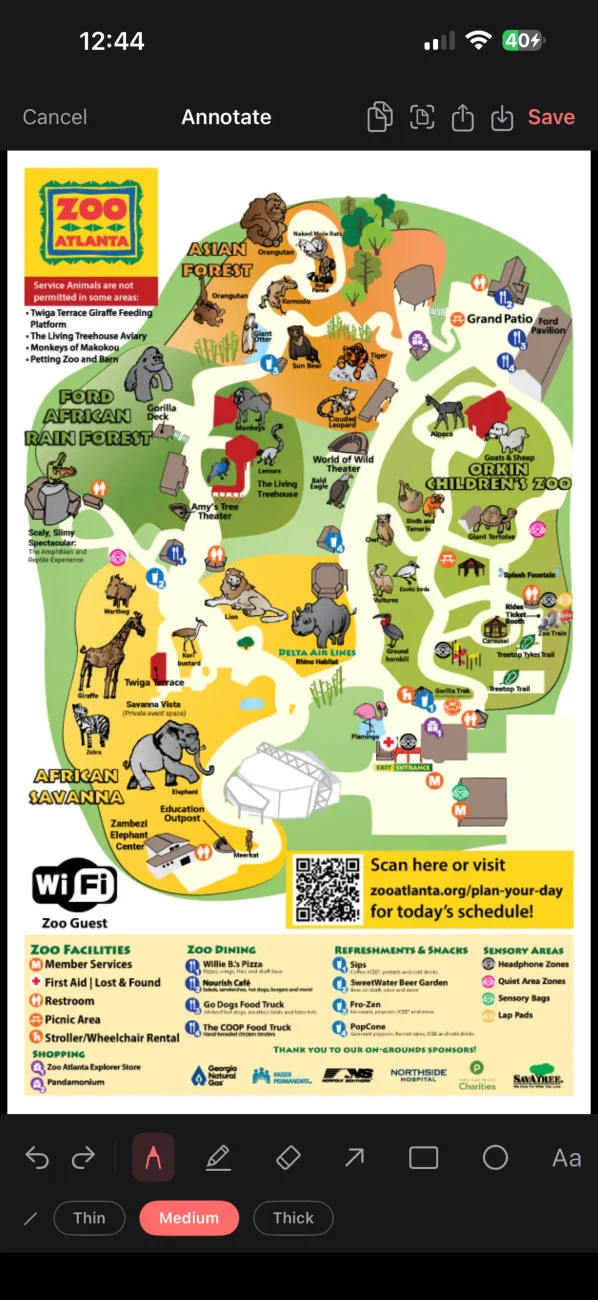
• Mark up screenshots with arrows, boxes, highlights, and text
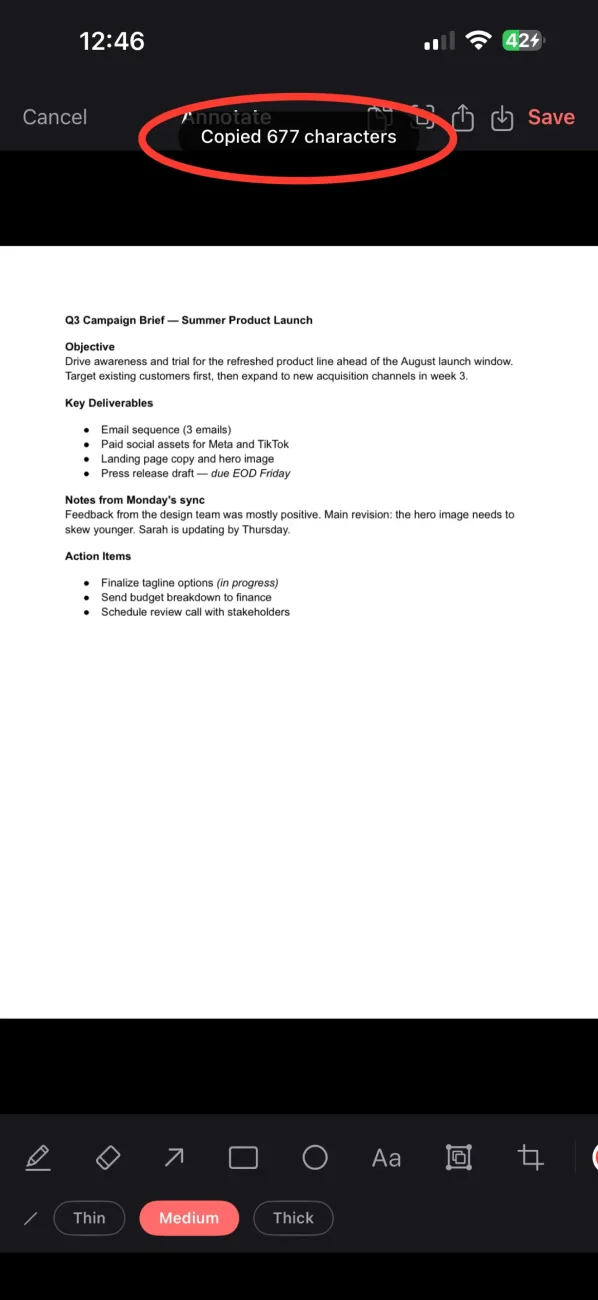
• Pull text out of a screenshot and copy it with one tap
• Record your iPhone or iPad screen and keep the recording in your library
• Create a shareable link and send a capture to anyone
• Keep a shared clipboard moving between your phone and desktop
• Organize, rename, and clean up captures on the go
GOOD MOMENTS
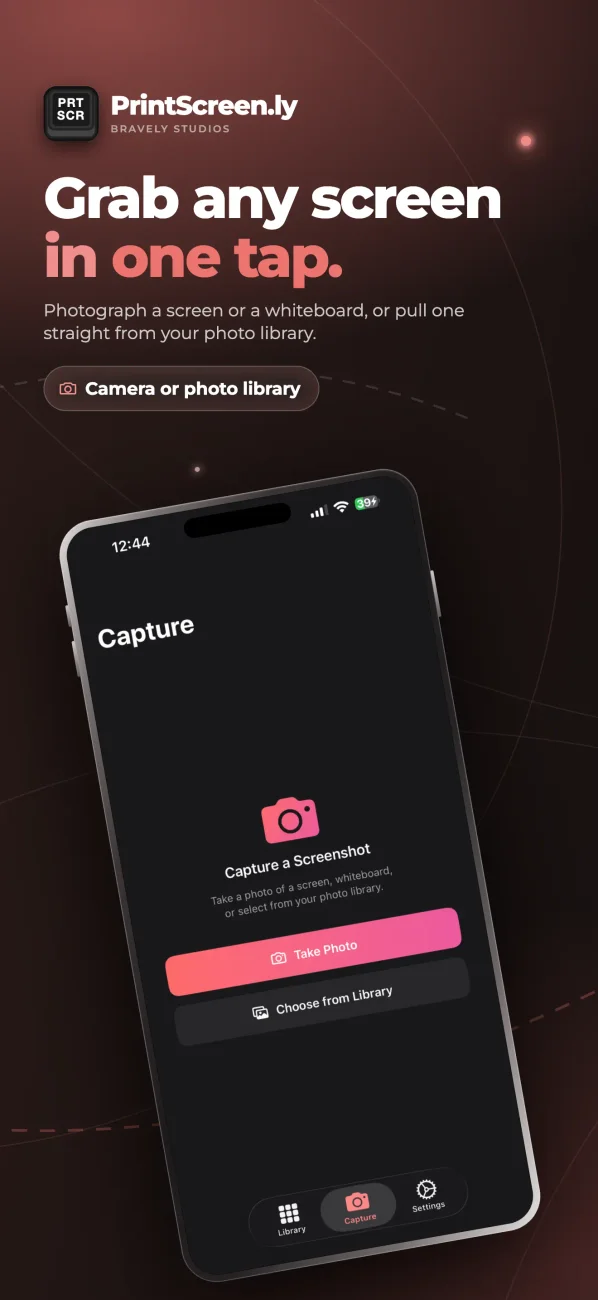
• Grab a screenshot off your desk while you're away and send it from your phone
• Annotate a bug report on the couch and share the link in a message
• Copy a phone number or address straight out of a screenshot
• Show a client a recent capture without opening a laptop
• Tidy up your library while you wait in line
EVERYTHING STAYS IN SYNC
Sign in once and your library follows you. A capture taken on your Mac or PC shows up here, and anything you mark up or share stays consistent everywhere. The web dashboard shows the same library in any browser.
MARKUP THAT TRAVELS
Add arrows, boxes, highlights, and text on top of any screenshot, right on your phone. Your edits save back to the library so the marked-up version is what you share.
PRIVATE BY DESIGN
Your library is tied to your account and only you can see it. Shareable links are created on purpose, one capture at a time — nothing is public unless you choose to share it.
PRINTSCREEN.LY PRO
Pro unlocks the full app — your synced library, markup, text capture, sharing, and cross-device clipboard. Signing in is free; using the app requires Pro.
Start with a 7-day free trial, then subscribe monthly, go annual to save, or pick up Lifetime as a one-time purchase. One sign-in unlocks PrintScreen.ly on your Mac, your PC, and your phone, plus the web dashboard.
SIGN IN
Sign in with Apple, Google, or email. The same sign-in works on the PrintScreen.ly app you install on your computers.
SUPPORT
Questions, bug reports, and feature requests: support@bravely.dev
Privacy: https://bravely.dev/privacy/printscreenly
Terms: https://bravely.dev/terms
What’s new
Version 1.15.2 · Oct 30, 2026
• Small fixes and improvements
App privacy
What Bravely Studios declares on the App Store about how this app handles data.
-
Data linked to you
May be collected and linked to your identity.
- Contact info
- User content
- Identifiers
- Usage data
-
Data not linked to you
May be collected but is not linked to your identity.
- Diagnostics
Privacy practices may vary, for example with the features you use or your age.
Information
- Seller
- Bravely Studios LLC
- Category
- Productivity
- Version
- 1.15.2
- Updated
- Oct 30, 2026
- Released
- Jul 24, 2026
- Size
- 17.8 MB
- Requires
- iOS 17.0 or later
- Age rating
- 4+
- In-app purchases
- Yes
- Languages
- English
- Copyright
- © 2026 Bravely Studios LLC
You might also like
-
 Horizon TasksTo-Do Lists & Shared Projects
-
 Copy Text On Screen & Ocr ScanScan,Image,Scanner,Translator
-
 Co-work - AI Agent AssistantBuilt on Anthropic Claude API
-
 TypeDrawYour new Notebook
-
 Cherry Studio - AI WorkstationAI Chat & Multimodel Assistant
-
 DuoBook: Pocket MacTurn iPhone Duo into a Mac
-
 Transcriber: Offline speechOffline voice memo to text
-
 Neo Studio 2Digitize Your Handwriting
-
 Home Contentshouse inventory & valuation