StreamCam for OBS & StreamLabs
4K livestream webcam
Designed for iPhone, iPad
Free · In-app purchases
- Age rating4+
- CategoryPhoto & Video
- DeveloperDorian Grolaux
- LanguagesEnglish+ 8 more
- Size45.2 MB
Links to the official App Store page
Download.org hosts no file of StreamCam for OBS & StreamLabs. The button opens its official App Store page, published by Dorian Grolaux. Listing last checked on Nov 25, 2026.
Screenshots



About
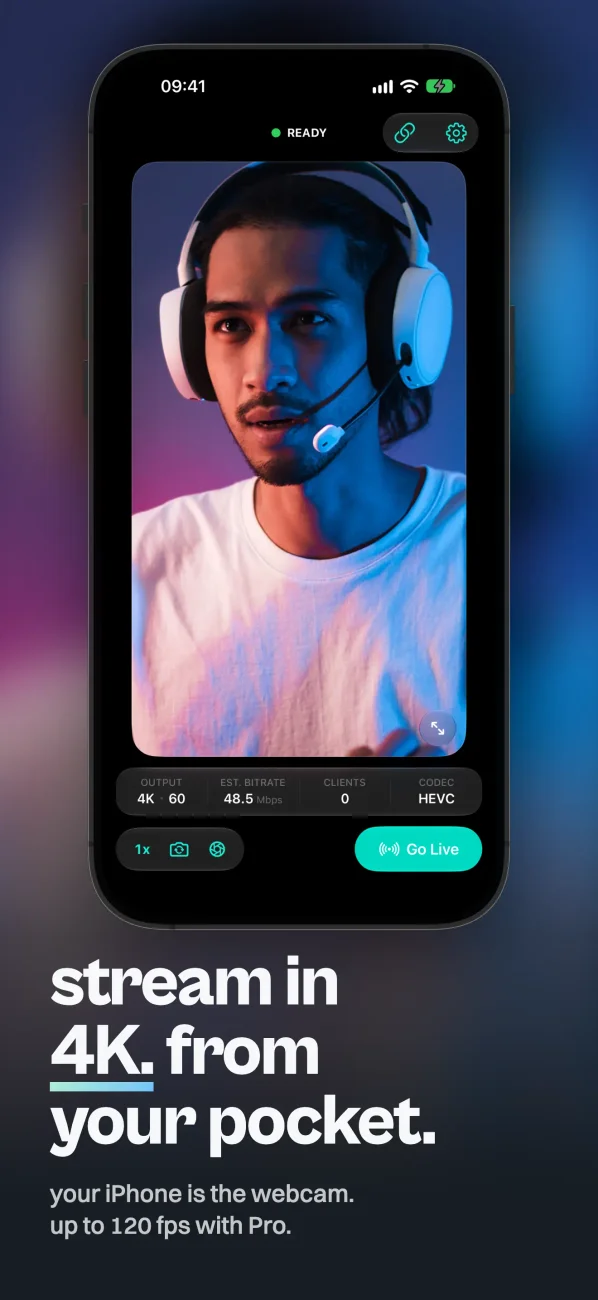
Turn your iPhone or iPad into a wireless 4K webcam for OBS, Streamlabs and any streaming app. Add one link as a Browser Source and go live over Wi-Fi: no cables, drivers or extra software.
Livestreaming on Twitch or YouTube and ready for the face reveal? Looking for a webcam, but they're all either expensive or just terrible quality?
Since you have an iPhone, why not simply use its amazing camera?
With StreamCam, you can! Open the app, copy the link, paste it into OBS and you're live. No extra hardware, no drivers, and it doesn't even need to be plugged in.
SETUP
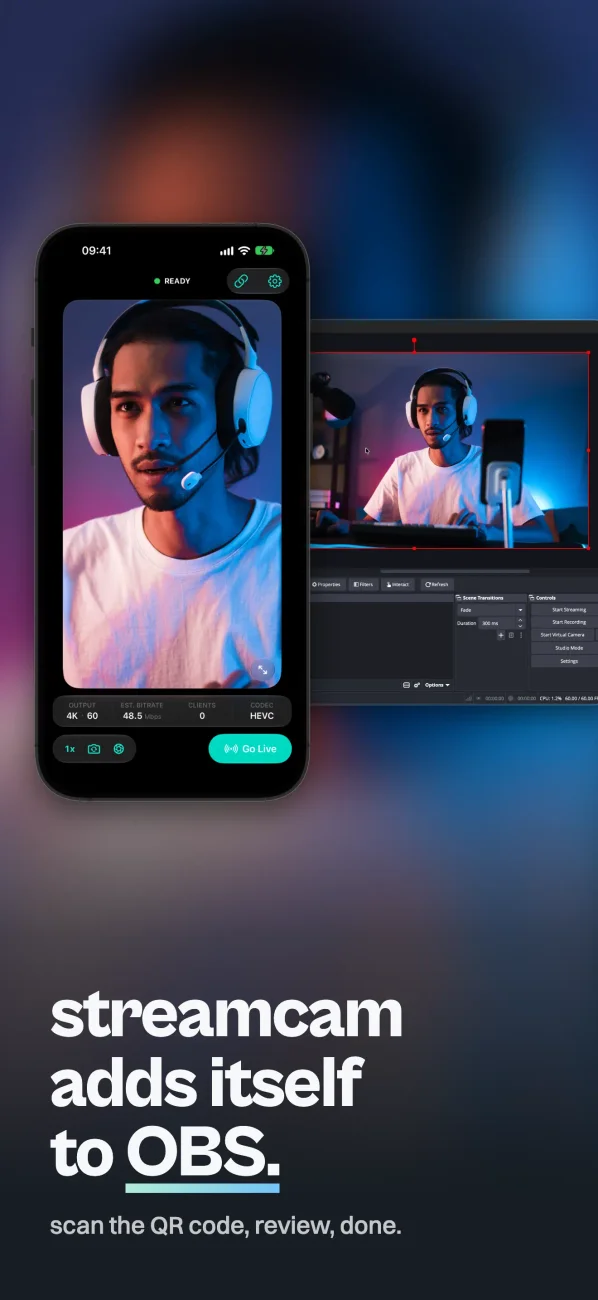
- StreamCam adds itself to OBS for you, no copying and pasting
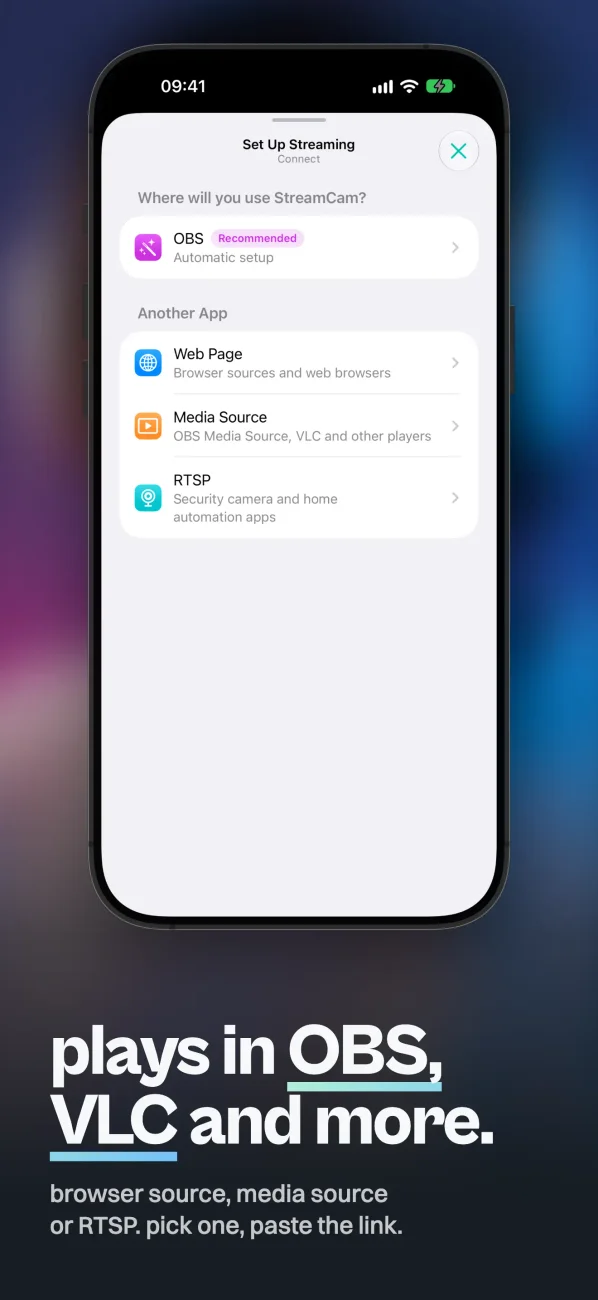
- Using another app? Get a link ready to paste into VLC and more
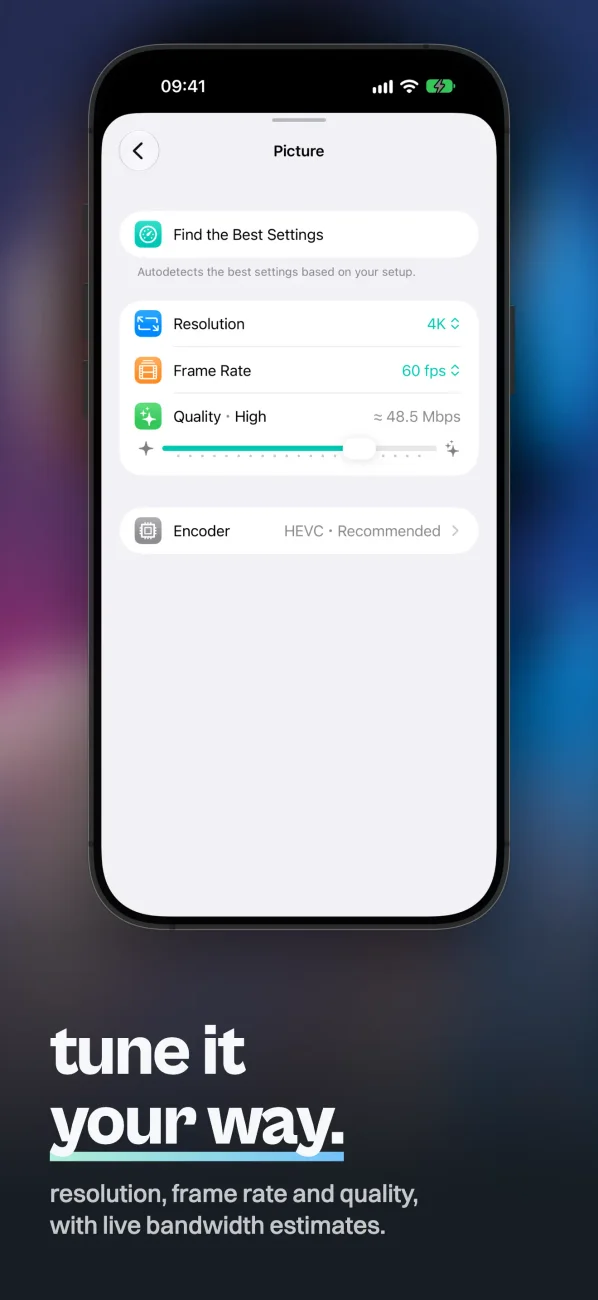
- A quick test finds the best settings for your connection
STREAMING
- Your picture reaches your stream in the blink of an eye, right over your Wi-Fi
- Works with OBS Studio, Streamlabs, VLC and anything that takes a browser source or a stream link, on Mac, Windows and Linux
- See how your stream is doing while you're live, with fixes when you stop
- No Wi-Fi? Stream over your Personal Hotspot or a wired connection
- Have another iPhone or iPad lying around? Use it too for an extra camera angle
CAMERA
- Flip between your front and back cameras whenever you like
- Let white balance, exposure and focus take care of themselves, or set them yourself
- Hold it in landscape or portrait, the picture follows along
APPLE WATCH
- Start and stop your stream right from your wrist
- See how your stream is doing and how long you've been live
- Feel a tap when something goes wrong, and keep an eye on it from your watch face
STREAMCAM PRO
- Go all the way up to 4K and 120 fps (free streams in 720p at 30 fps)
- Full picture quality, for when every detail counts
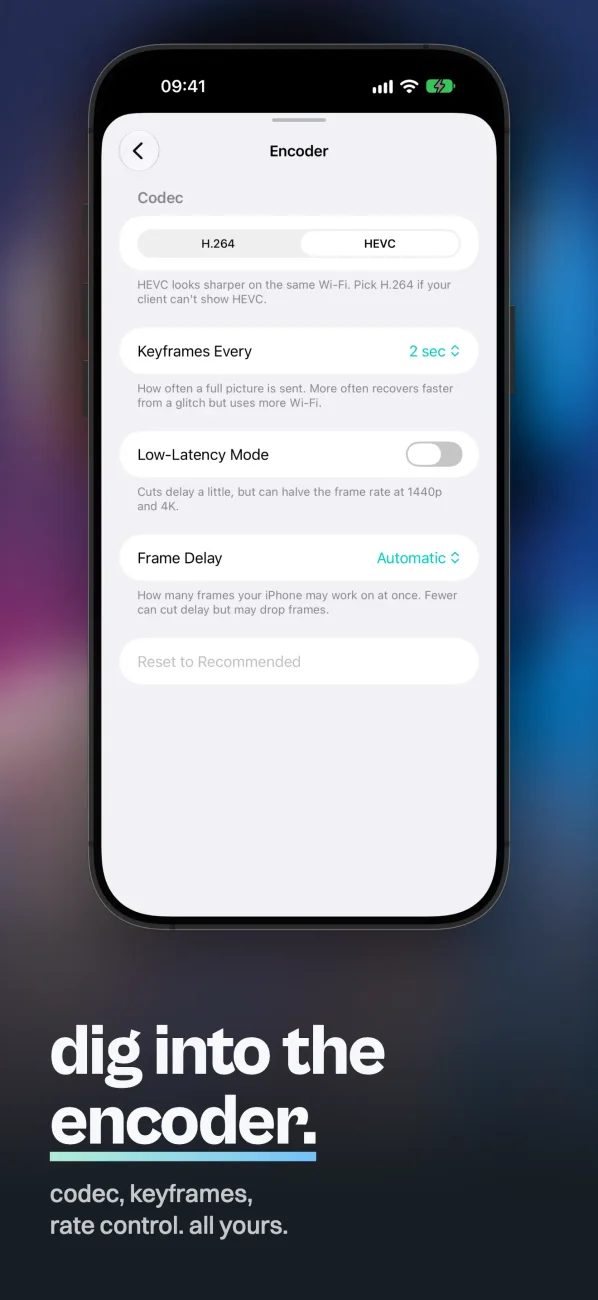
- Fine-tune the encoder: H.264 or HEVC, keyframes, rate control
- Play your stream in every app at once (free plays in one app at a time)
AND ALSO
- No watermarks and no time limits, even on the free version
- No ads, no accounts: open the app and start streaming
- Looks great in both Light and Dark Mode, on iPhone and iPad
TERMS OF USE
https://www.apple.com/legal/internet-services/itunes/dev/stdeula/
What’s new
Version 2.3.0 · Nov 25, 2026
This update introduces more ways to stream!
NEW
• Media Source and RTSP: play your stream in OBS's Media Source, VLC and other players, or in security camera and home automation apps.
• Set Up Streaming: a short guided setup that gets you streaming to the app of your choice.
• OBS Auto-Setup: scan the QR code in OBS and StreamCam adds itself to your scene.
• Find the Best Settings: a quick test finds the sharpest picture your connection plays smoothly.
• Stream Health: the quality drops automatically if your app can't keep up.
• Stream Summary: when a stream runs into trouble, see what went wrong and fix it in one tap.
• Personal Hotspot: stream over your phone's Personal Hotspot when there's no Wi-Fi around.
IMPROVED
• Apple Watch: alerts for more kinds of stream issues.
• Settings: regrouped into Picture and Connection.
• Encoder: new recommended defaults. Custom encoder settings reset to them once.
• Going Pro: your best settings kick in straight away, and there's a celebration you can replay any time.
The full guide is at streamcam.app/docs.
App privacy
What Dorian Grolaux declares on the App Store about how this app handles data.
-
Data not linked to you
May be collected but is not linked to your identity.
- Usage data
Privacy practices may vary, for example with the features you use or your age.
Information
- Seller
- Dorian Grolaux
- Category
- Photo & Video
- Version
- 2.3.0
- Updated
- Nov 25, 2026
- Released
- Dec 21, 2022
- Size
- 45.2 MB
- Requires
- iOS 26.0 or later
- Age rating
- 4+
- Price
- Free
- In-app purchases
- Yes
- Languages
- English, Dutch, French, German, Hindi, Portuguese, Russian, Simplified Chinese, Spanish
- Copyright
- © Skwiggs.dev
You might also like
-
 LM-Cam for OBS studioNDI(R),SRT,RTMP Camera Client
-
 Phonecam for OBS StudioWireless NDI webcam & camera
-
 TopDirector (NDI,SRT,UVC,RTSP)Multicam Switcher, Live Stream
-
 SplitCam Live Streaming AppGo live instantly and easily
-
 RECnGO: Live stream like a proPro streaming & videos
-
 OBS 4KVirtual Camera & 4K Viewer
-
 Stream Studio NDI OBS CameraYour IPhone as pro cam
-
 StreamsterControl your stream remotely
-
 Shoot Pro Camera SourceRemote-control. Drawing tools.
-
 TopDirectorCam(NDI/SRT Camera)ChromaKey Slow-Mo Teleprompter