pScanner:PDF Document Scanner
Scan Photos, Papers with OCR
Được thiết kế cho iPhone
Miễn phí · Mua hàng trong ứng dụng
- Độ tuổi4+
- Danh mụcTiện Ích
- Nhà phát triểnAGI Scanner Technology Co., Ltd.
- Ngôn ngữTiếng Anh+ 7 ngôn ngữ khác
- Kích thước390,1 MB
Liên kết đến trang App Store chính thức
Download.org không lưu trữ tệp nào của pScanner:PDF Document Scanner. Nút này mở trang ứng dụng trên App Store, nơi AGI Scanner Technology Co., Ltd. phát hành ứng dụng. Trang được kiểm tra lần cuối: 15/11/2026.
Ảnh chụp màn hình
Giới thiệu
Nhà phát triển chưa cung cấp nội dung này bằng ngôn ngữ của bạn.
Turn Your Phone into a Powerful Scanner!
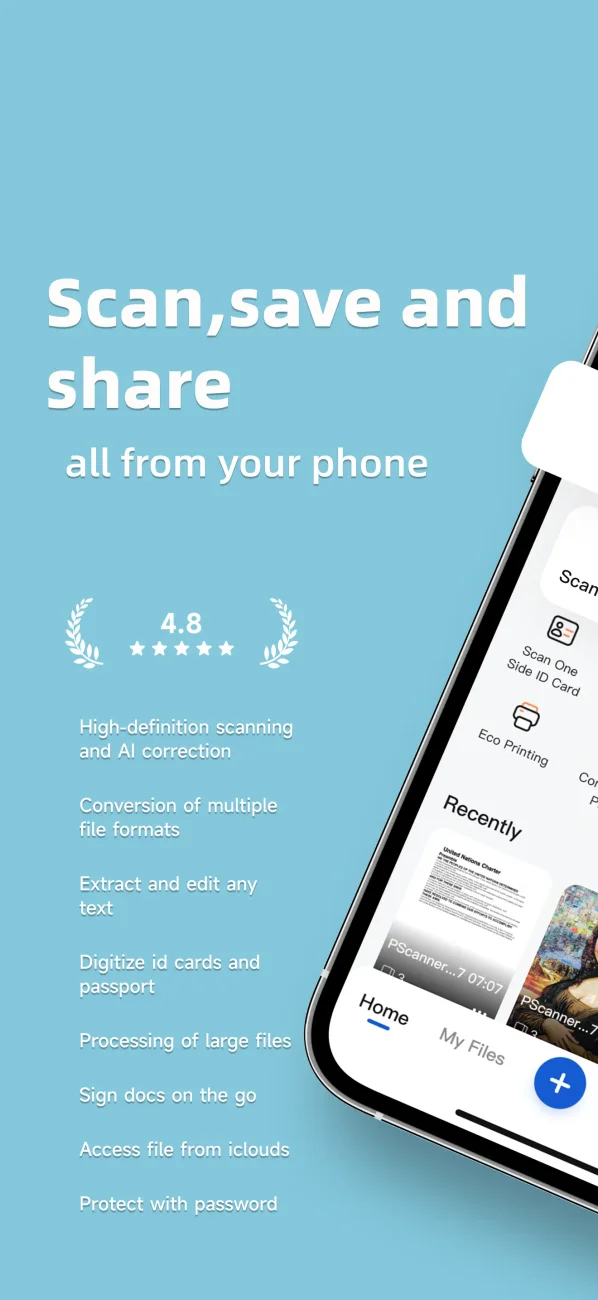
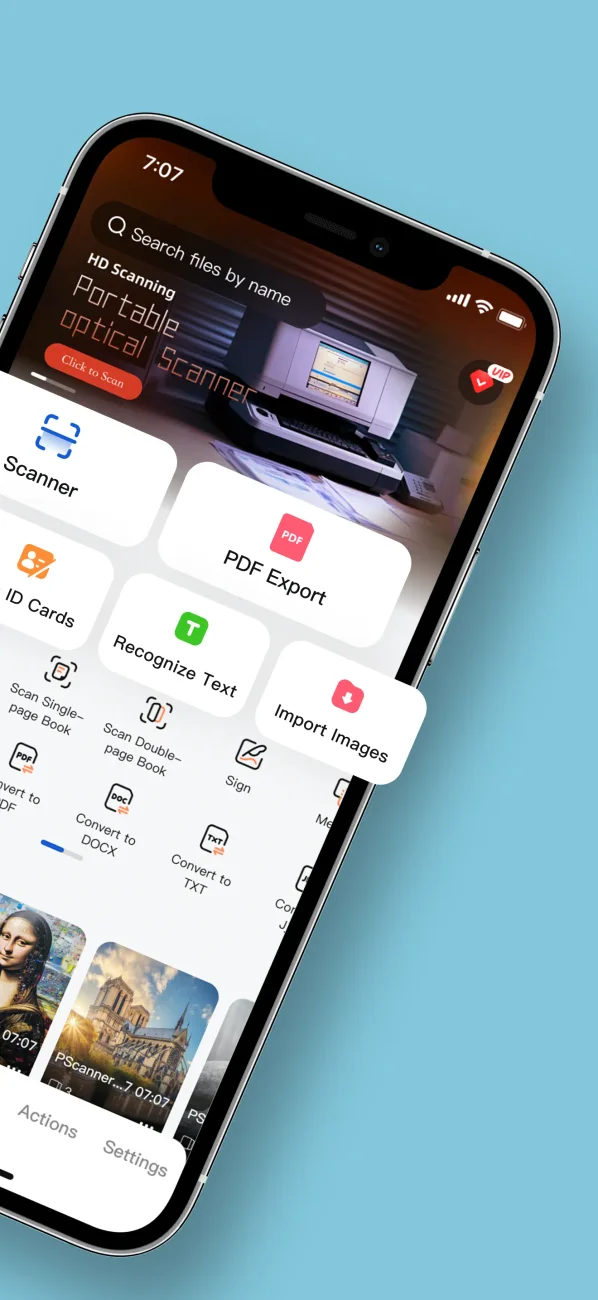
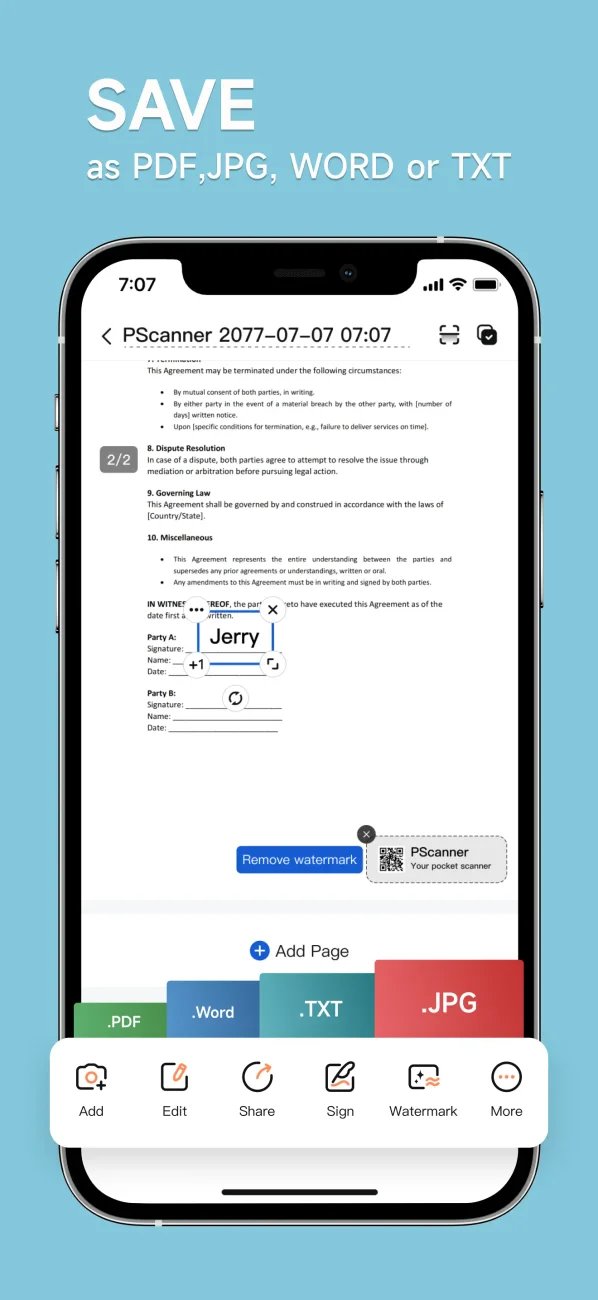
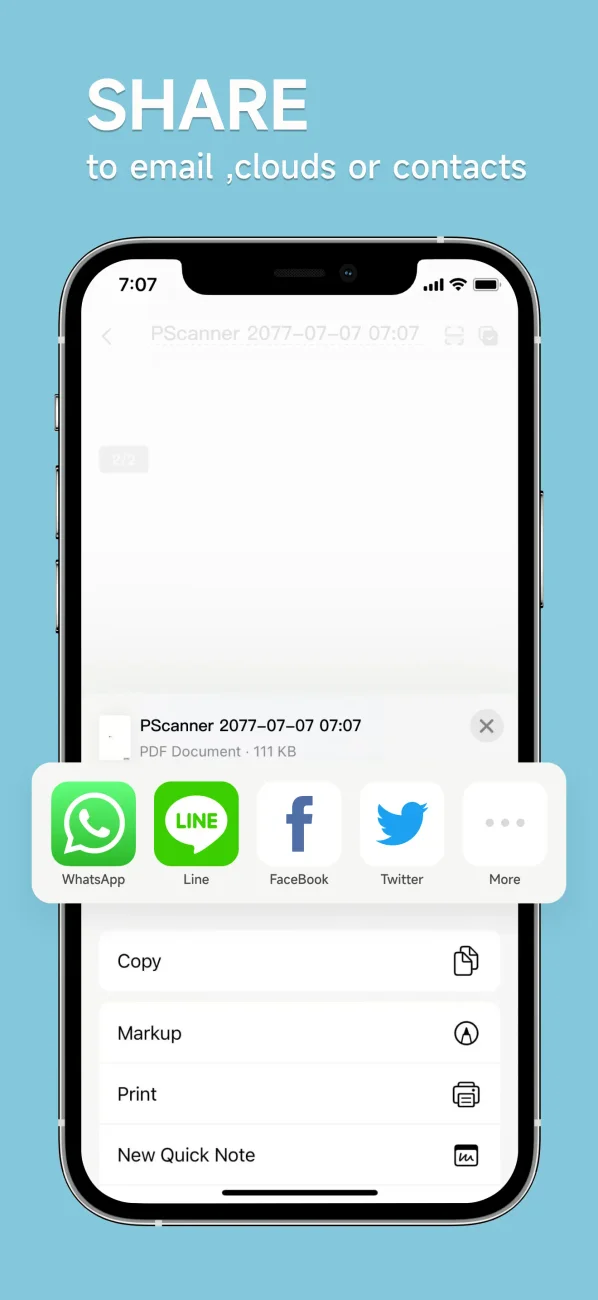
Pocket Scanner transforms paper documents into high-quality digital files in seconds. Convert scans to PDF, JPG, Word, TXT, and more. Print directly or share via email, messaging apps, or cloud platforms with one tap.
Key Features
1. Crisp Scanning & Smart Editing
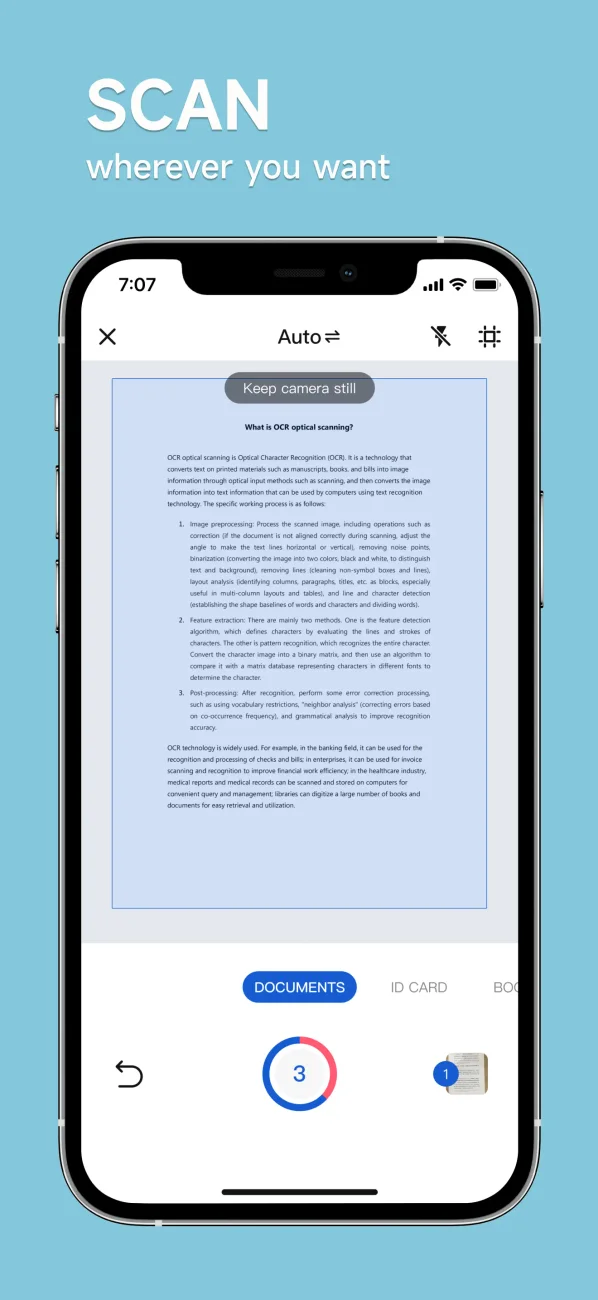
- HD scans with auto-edge cropping and customizable filters.
2. OCR Text Recognition
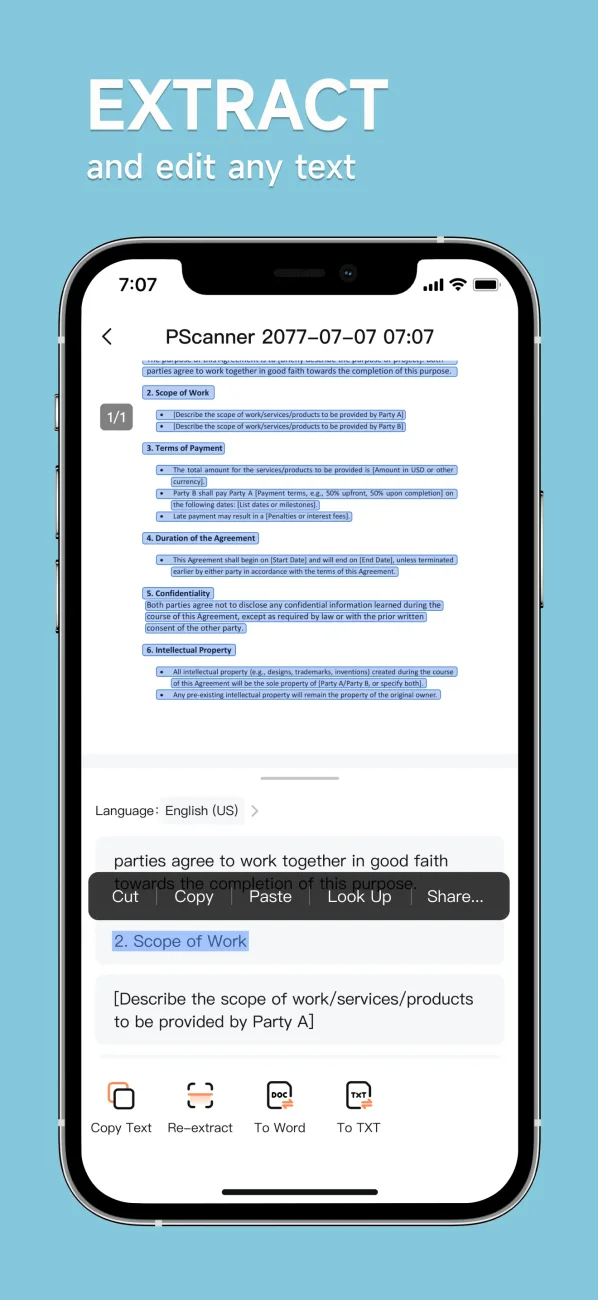
- Accurate text extraction with intelligent OCR technology.
3. Smart PDF Tools
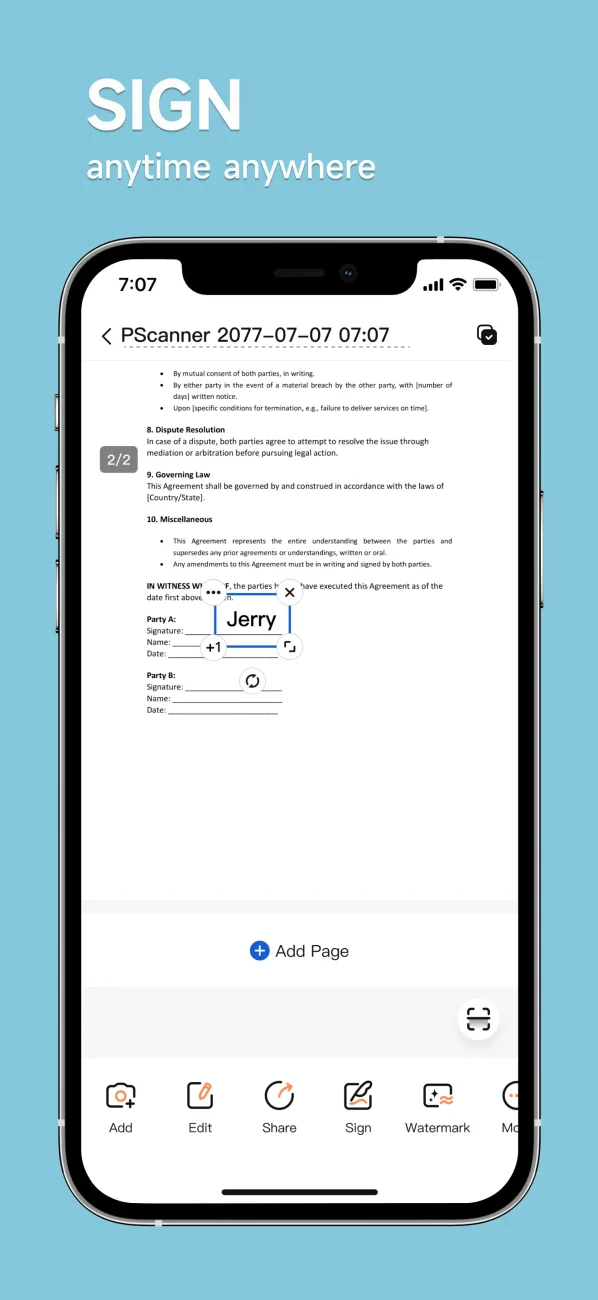
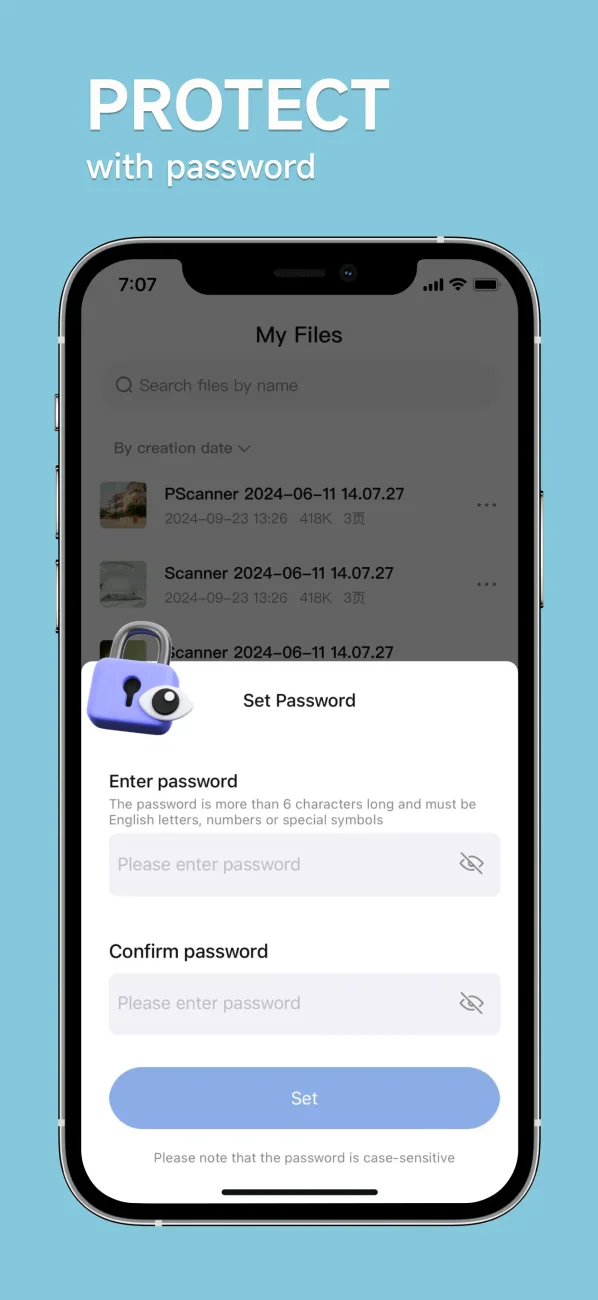
- Generate PDFs instantly. Add signatures, watermarks, or password protection.
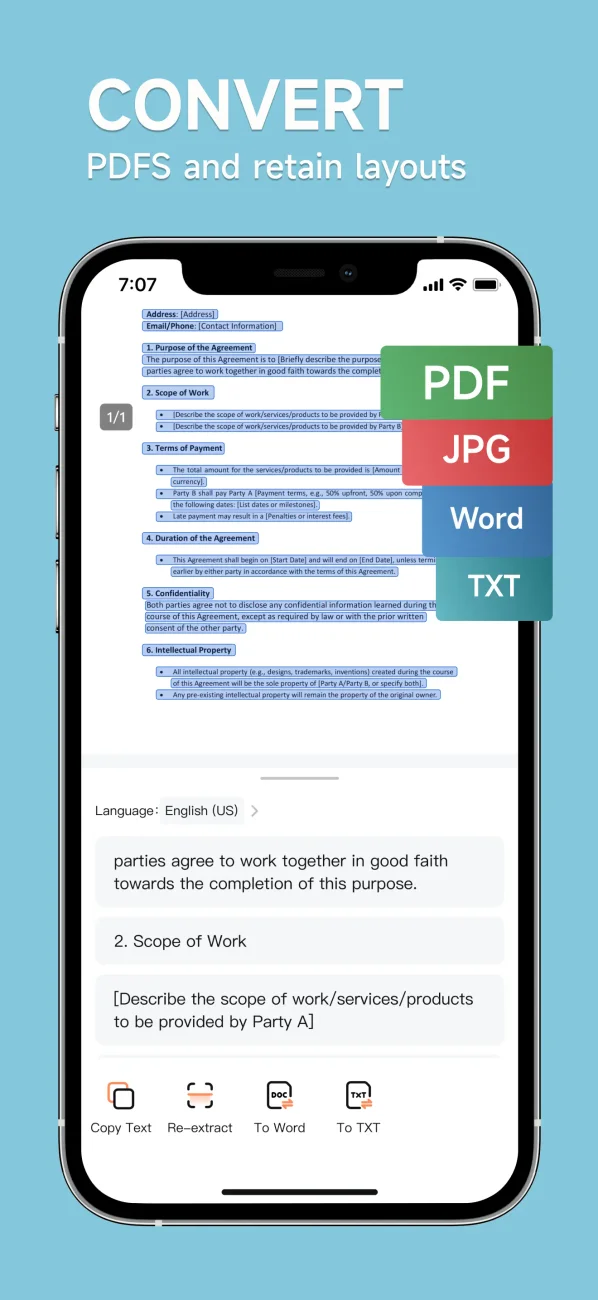
4. Multi-Format Conversion
- Export to Word, PDF, TXT, JPG, etc.
5. Wireless Printing
- Print documents directly from your phone to compatible printers.
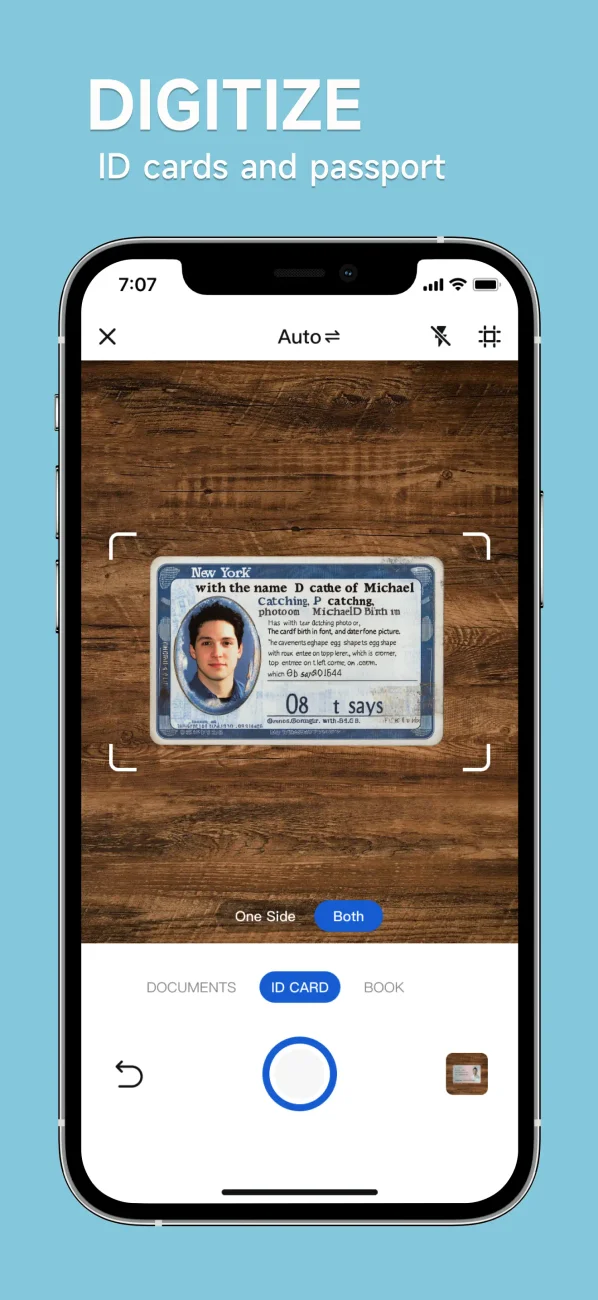
6. ID & Card Scanning
- Scan IDs, licenses, or cards with 1:1 precision. Auto-align to A4/Letter size.
7. High-level Security
- Secure file encryption & password-protected sharing.
8. Bulk Processing
- Handle large files and image batches effortlessly.
9. Smart Organization
- Categorize documents with custom folders and tags.
Use Cases
1. Document Scanning & Management
- Scan Anything, Anytime Contracts, notes, books, receipts, posters—scan multi-page docs in seconds.
- Auto-Crop & Enhance Remove clutter and optimize scans with brightness/color adjustments.
- Professional PDFs Create print-ready PDFs in A4, Letter, or custom sizes.
- Cloud Sync & Share Save to Photos, email PDFs, or share via AirDrop.
2. Text Extraction & Editing
- Scan-to-Text Convert printed/handwritten text to editable content (supports 15+ languages).
- Boost Productivity Copy text from IDs, invoices, or business cards into apps instantly.
3. ID & Document Scanning
- Digitize Critical Info Scan IDs, passports, or insurance cards. Print duplicates at 1:1 scale.
4. Study & Education
- Paperless Learning Scan textbooks, notes, or exams to create digital study guides.
- Smart Flashcards Turn scanned quizzes into shareable digital flashcards.
5. Business & Productivity
- On-the-Go Office Scan contracts, whiteboards, or receipts during meetings or travel.
- Team Collaboration Share annotated PDFs via Slack, Teams, or email in one click.
6. Everyday Convenience
- Preserve Memories Digitize photos, recipes, or travel souvenirs.
- Travel Ready Store scanned itineraries, tickets, and maps offline.
Why Professionals & Students Love It
- Time-Saving – Ditch manual typing with instant OCR.
- Pro-Quality Scans – Crisp results rivaling desktop scanners.
- High-level Privacy – Your docs stay 100% secure.
- Apple Ecosystem Ready – Works seamlessly with AirPrint, Files app, and iCloud.
Download Now – Join 5M+ users who trust Pocket Scanner for work, school, and life!
pScanner PRO
-Subscribe to get Pro access to all features. You will be charged after the purchase confirmation.
-Subscriptions to our scanner app auto-renew 24 hours before the expiration date. You can manage your subscriptions in account Settings on the App Store.
Terms of Use of pScanner: Scanner App:
https://www3.yunhu.net.cn/agreement/terms
Privacy Policy of pScanner: Scanner App:
https://www3.yunhu.net.cn/agreement/privacy
We'd love to hear your feedback: pscanner.feedback@gmail.com
Có gì mới
Phiên bản 1.53 · 14/08/2026
Thanks for using pScanner! In this version you can find:
1. Minor bug fixes and UI improvements
We love getting feedback from all of you! Please leave your reviews so we can keep making the app even better.
Quyền riêng tư của ứng dụng
Những gì AGI Scanner Technology Co., Ltd. khai báo trên App Store về cách ứng dụng này xử lý dữ liệu.
-
Dữ liệu được sử dụng để theo dõi bạn
Có thể được sử dụng để theo dõi bạn trên các ứng dụng và trang web do công ty khác sở hữu.
- Dữ liệu sử dụng
-
Dữ liệu liên kết với bạn
Có thể được thu thập và liên kết với danh tính của bạn.
- Dữ liệu sử dụng
-
Dữ liệu không liên kết với bạn
Có thể được thu thập nhưng không liên kết với danh tính của bạn.
- Mục mua
- Mã định danh
- Dữ liệu sử dụng
- Chẩn đoán
- Dữ liệu khác
Phương thức đảm bảo quyền riêng tư có thể khác nhau, chẳng hạn như tuỳ theo các tính năng bạn sử dụng hoặc độ tuổi của bạn.
Thông tin
- Người bán
- AGI Scanner Technology Co., Ltd.
- Danh mục
- Tiện Ích
- Phiên bản
- 1.53
- Cập nhật
- 14/08/2026
- Phát hành
- 25/03/2025
- Kích thước
- 390,1 MB
- Yêu cầu
- iOS 16.0 trở lên
- Độ tuổi
- 4+
- Giá
- Miễn phí
- Mua hàng trong ứng dụng
- Có
- Ngôn ngữ
- Tiếng Anh, Tiếng Pháp, Tiếng Đức, Tiếng Indonesia, Tiếng Nhật, Tiếng Bồ Đào Nha, Tiếng Trung Giản thể, Tiếng Trung Phồn thể
- Bản quyền
- © 2024 AI Scanner LTD.
Có thể bạn cũng thích
-
 PDF Maker & Document ScannerTiện Ích
-
 QR Scanner & Barcode GeneratorEasy Code Reader, Creator & QC
-
 Clear Wave • nước sạchđẩy nước khỏi loa, water eject
-
 Máy dò camera ẩn SpyFyQuét AI, WiFi và Bluetooth
-
 WTMP | Who Touched My Phone?Tiện Ích
-
 ScanBox:Fast find scanned docsTiện Ích
-
 AI Text to Speech ⋅AI Text to Speech
-
 Qr Code Reader & Scanner ZapQRTiện Ích
-
 Gooda: AI Diary & MomentsTiện Ích
-
 Vocam Translator: AI TranslateTiện Ích