
QRCode Barcode
Fast, easy reader & creator.
Designed for iPhone, iPad, iPod touch
Free
- Age rating4+
- CategoryProductivity
- DeveloperClimb App
- LanguagesEnglish+ 43 more
- Size17.2 MB
Links to the official App Store page
Download.org hosts no file of QRCode Barcode. The button opens its official App Store page, published by Climb App. Listing last checked on Nov 17, 2026.
Screenshots
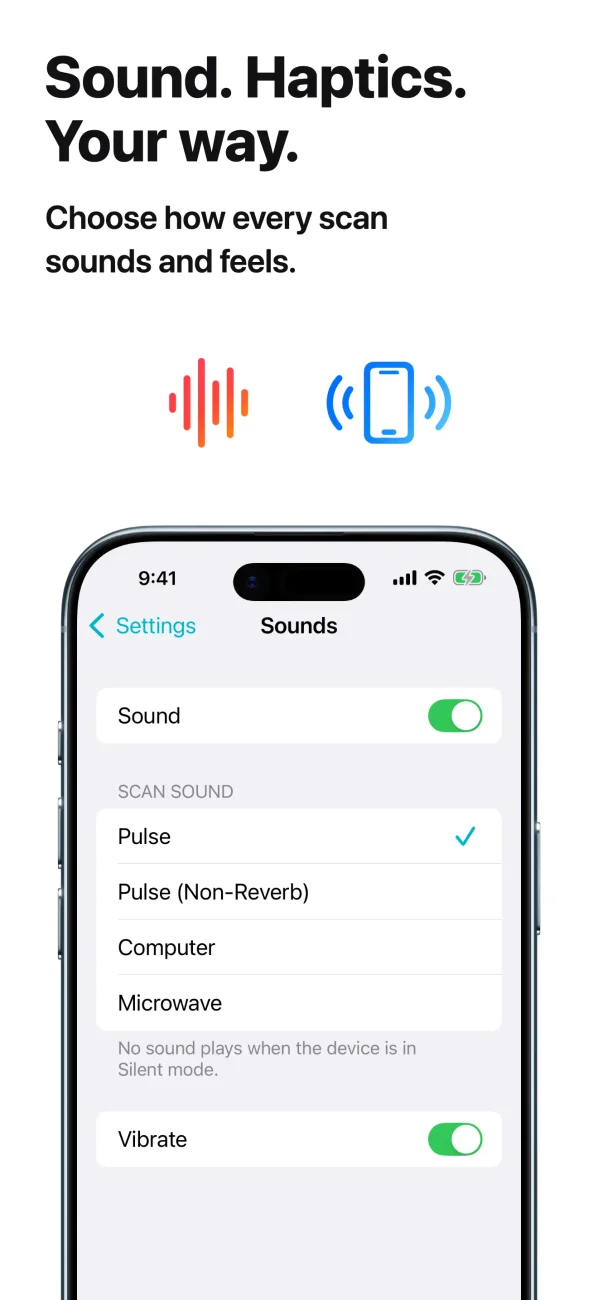
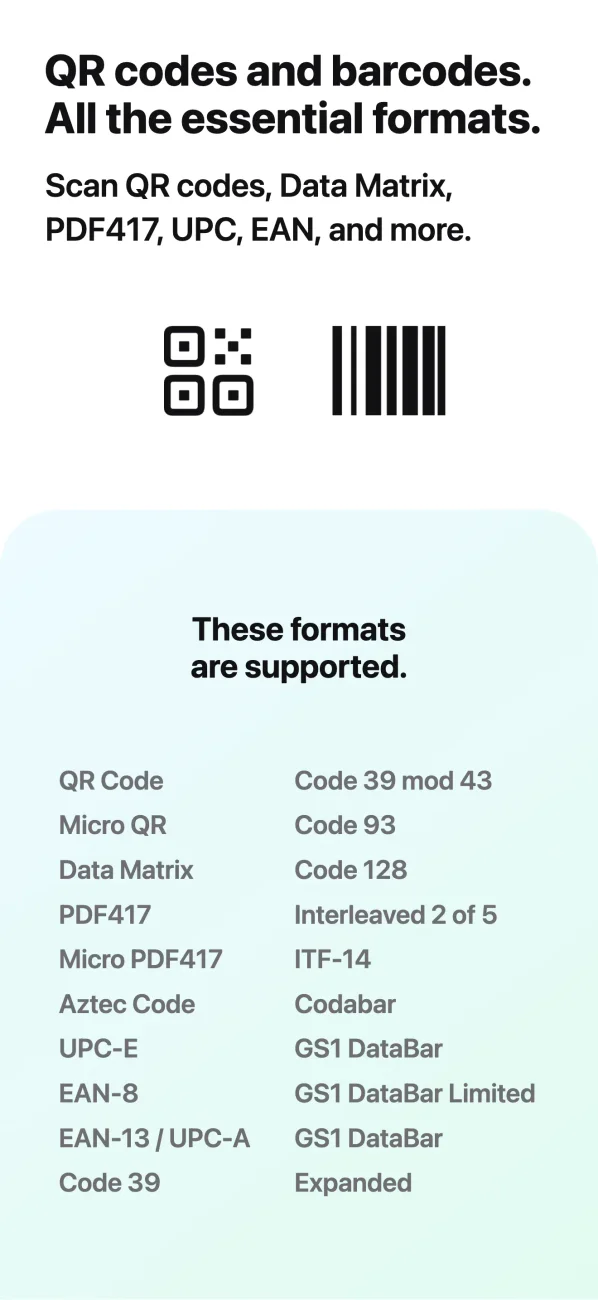
About
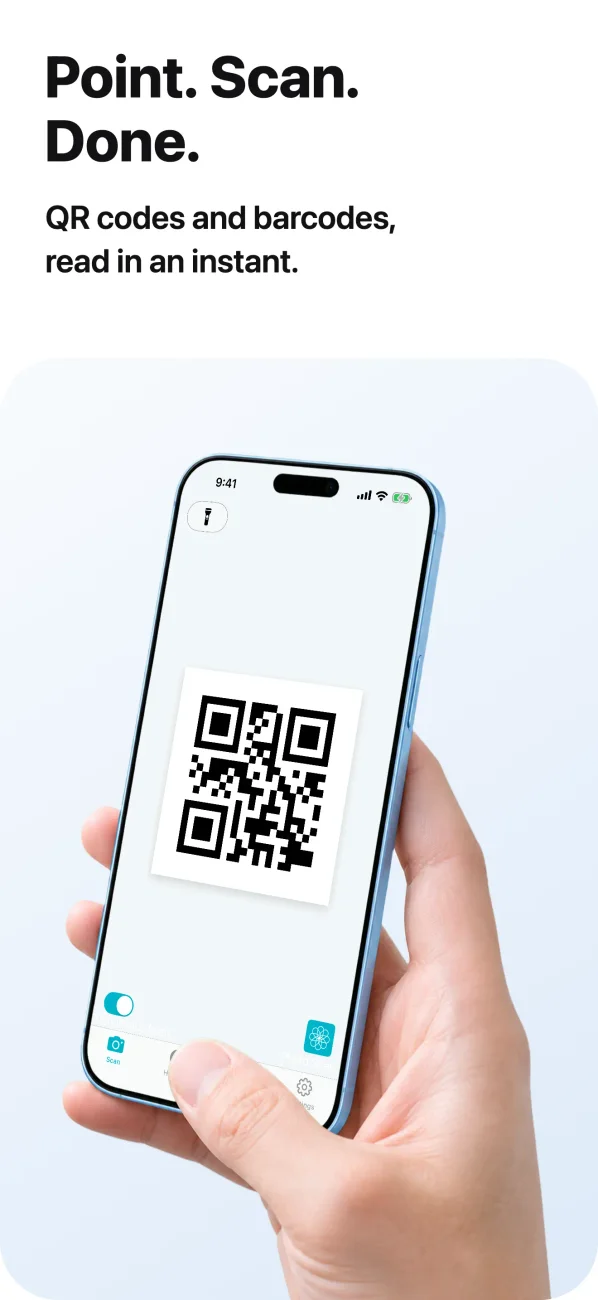
Scan QR Codes and barcodes in seconds.
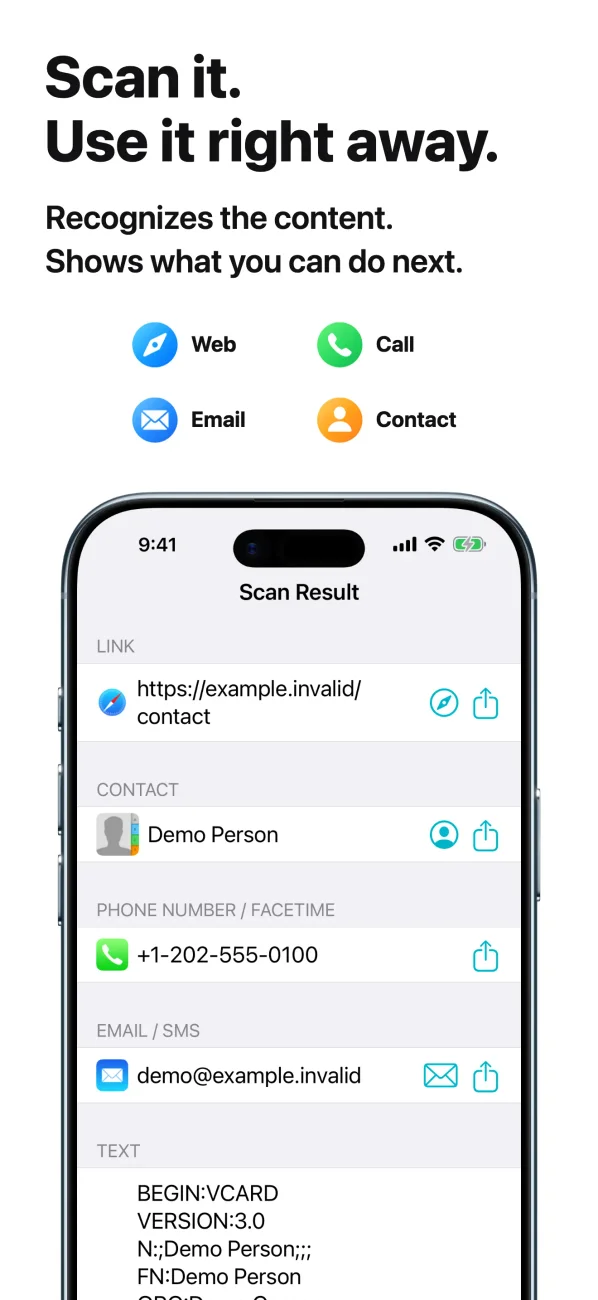
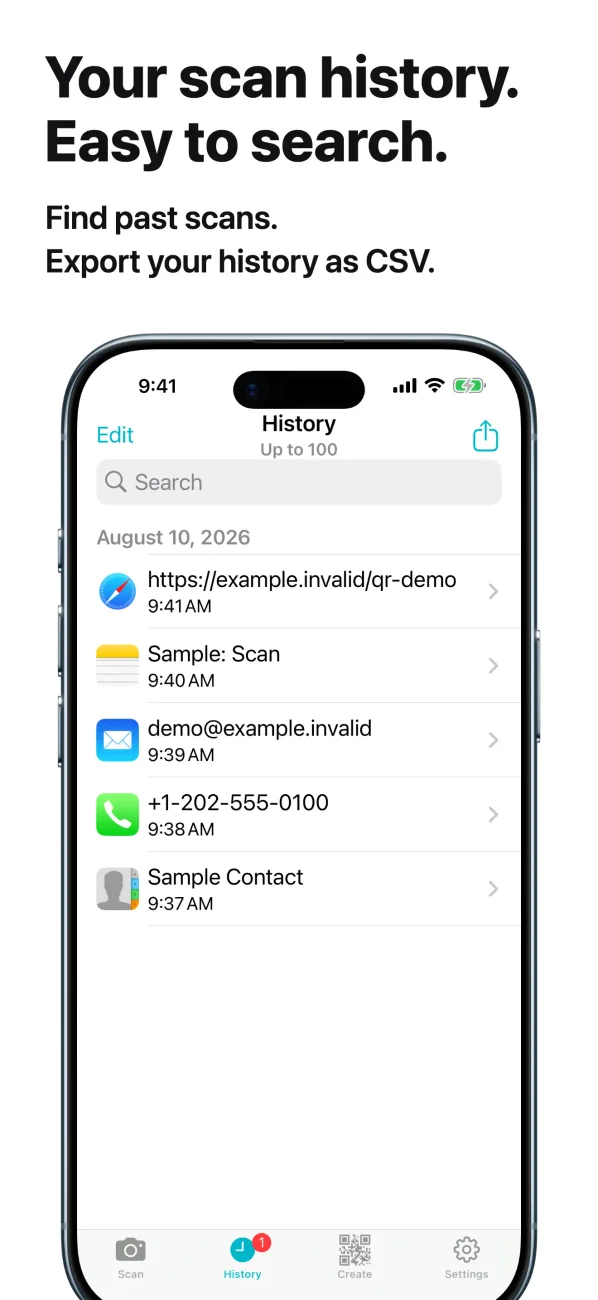
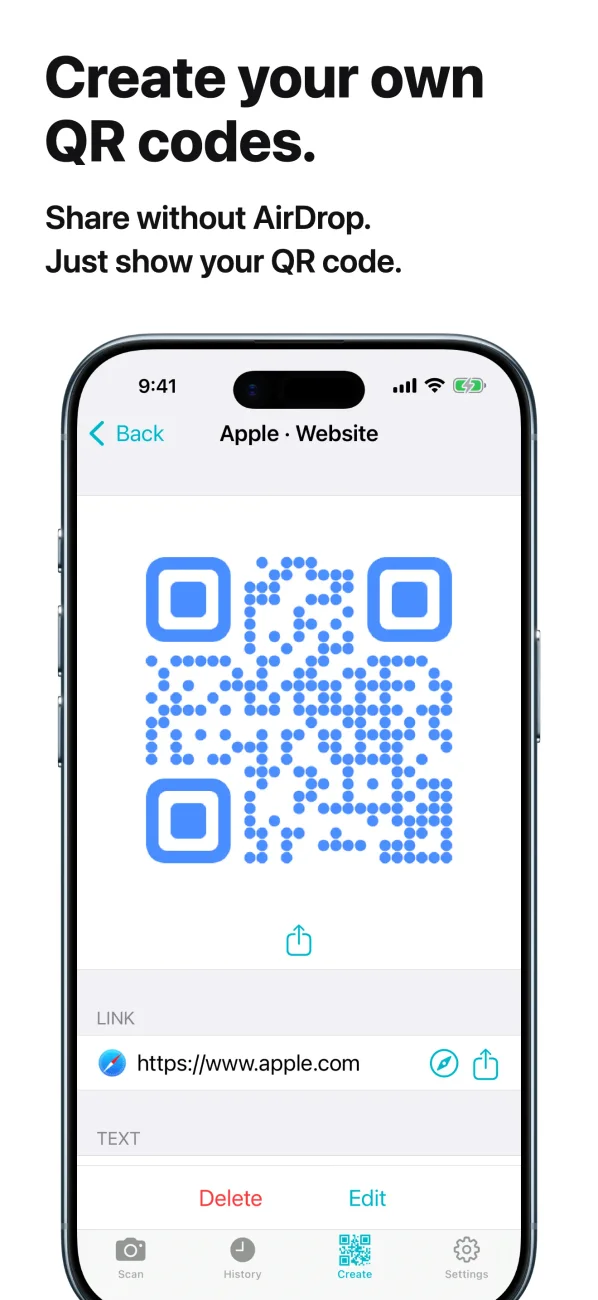
Scan codes from photos, use continuous scanning, search your history, export it as CSV, and create QR Codes—all in one app.
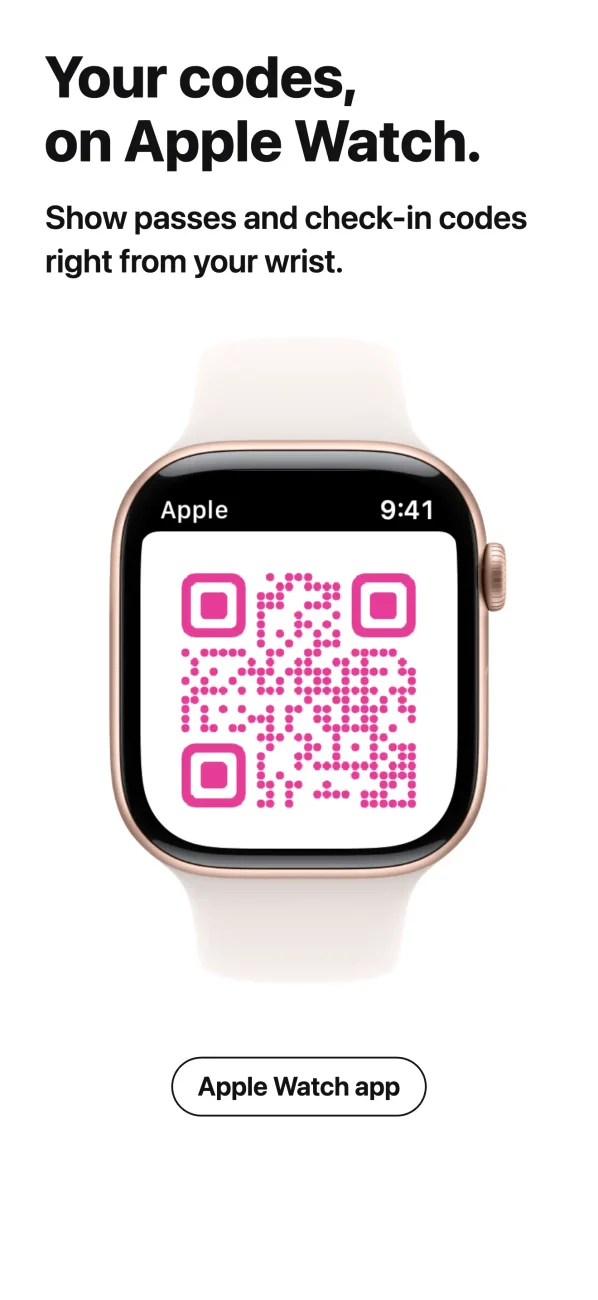
Show the QR Codes you create on Apple Watch too, so membership cards and check-in codes are ready without taking out your iPhone.
Choose an error-correction level. On iOS 26 or later, customize QR Codes with rounded styling and color, and choose an Apple Watch display that prioritizes reliable scanning.
【Scanning】
・Automatically recognizes QR Code, Micro QR, and common barcode formats
・Scan by simply pointing the camera
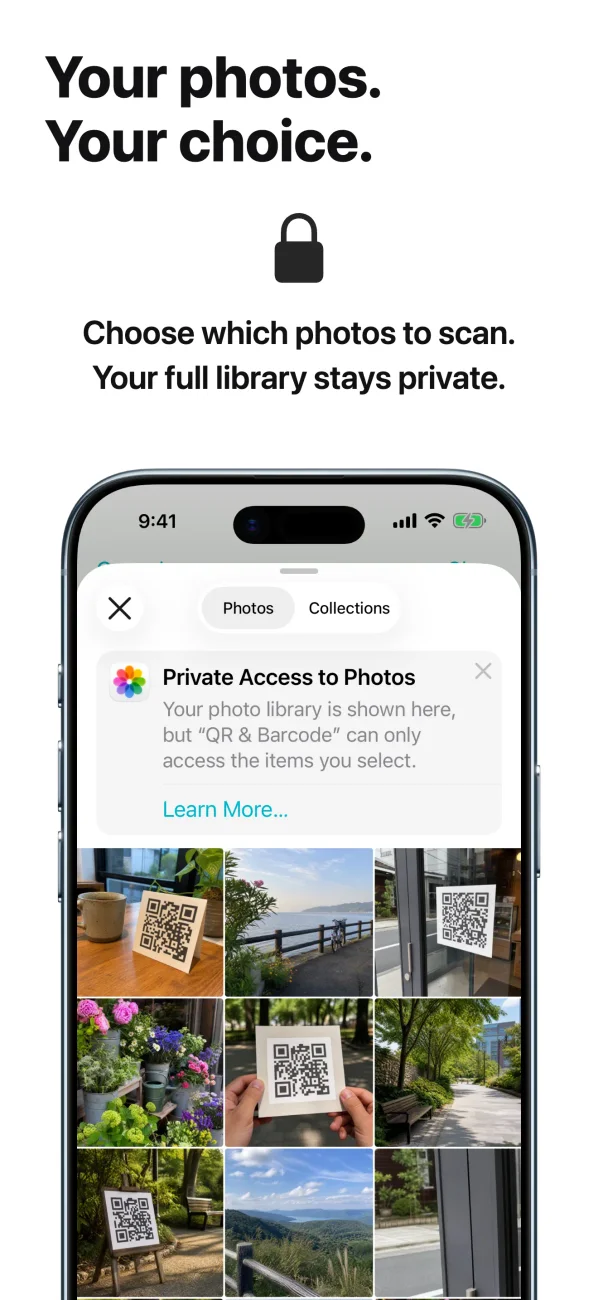
・Read QR Codes from photos and screenshots
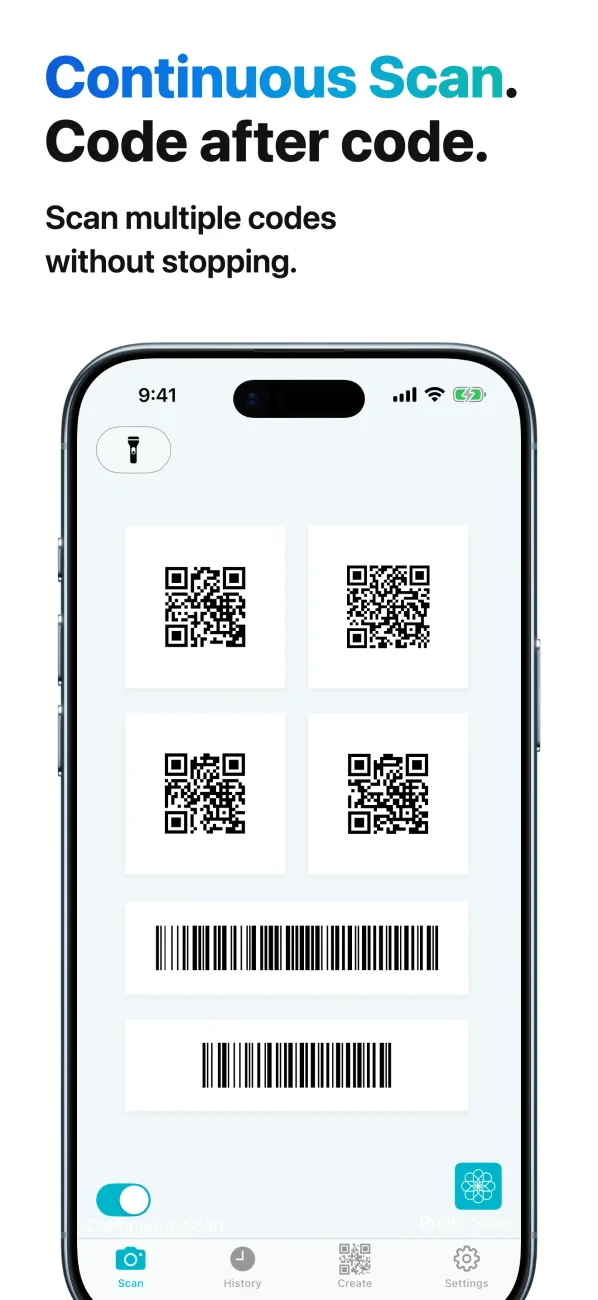
・Continuously scan multiple codes
・Autofocus and tap to focus
・Open scanned URLs, make calls, and send email
・Add contacts; copy and share text
・Search your scan history
・Export history as a CSV file
【Creating QR Codes】
・Create from a URL, message, or any text
・Create from contacts on your iPhone
・Keep created QR Codes updated when contact details change
・Save as an image, share, and print
・Display on Apple Watch
【Great for】
・Reading a QR Code from a photo or computer screen
・Recording multiple codes with continuous scanning
・Managing scan history in CSV
・Sharing a URL or contact with a QR Code
・Displaying a membership card or check-in code on Apple Watch
No account required. Start scanning and creating right away.
URL scheme: qrcodebarcode://
Supports Dynamic Type.
QR Code is a registered trademark of DENSO WAVE INCORPORATED in Japan and in other countries.
What’s new
Version 7.1.0 · Aug 15, 2026
Make your QR Codes your own. On iOS 26 or later, choose rounded styling and a color you like. Your design is preserved when you save or share the QR Code.
New
• A redesigned QR Code creation and editing experience
• Easier access to error-correction levels from a menu
• An Apple Watch display option that prioritizes reliable scanning
• Expanded app localization to 50 languages and regional variants
Improved
• More stable QR Code sizing and display on Apple Watch
• Support requests now open in your default mail app
• Better guidance for enabling camera access in Settings
App privacy
What Climb App declares on the App Store about how this app handles data.
-
Data used to track you
May be used to track you across apps and websites owned by other companies.
- Location
- Identifiers
- Usage data
- Diagnostics
-
Data linked to you
May be collected and linked to your identity.
- Location
- Identifiers
- Usage data
- Diagnostics
-
Data not linked to you
May be collected but is not linked to your identity.
- Usage data
- Diagnostics
Privacy practices may vary, for example with the features you use or your age.
Information
- Seller
- Climb App
- Category
- Productivity
- Version
- 7.1.0
- Updated
- Aug 15, 2026
- Released
- Feb 7, 2014
- Size
- 17.2 MB
- Requires
- iOS 15.0 or later
- Age rating
- 4+
- Price
- Free
- Languages
- English, Arabic, Bengali, Catalan, Croatian, Czech, Danish, Dutch, Finnish, French, German, Greek + 32 more
- Copyright
- © 2014 Climb App
You might also like
-
 Qrafter: QR Code ReaderCreate and Design QR Codes
-
 Easy QR Code Reader - ScannerQR Scanner - Fast and Simple
-
 QR Code Reader: Quick ScanSimple QR Code Scanner app
-
 QR Code Generator - QRHyperCreate Every QR Code You Need
-
 QR Reader- Scanner & GeneratorQR Code Barcode Scanner Reader
-
 QR Scanner PRO - ReaderQR & Barcode Generator- Reader
-
 QR Code Reader & Generator AppQR Barcode Scanner & Creator
-
 QR Code & 2D Barcode ScannerUPC Reader app, Fast Scan
-
 Barcode ScannersProductivity
-
 QR Creator: Scan & Make QRCodeQR Code scanner and creator