Quick Scan-Scanner to Document
PDF Expert Scanner & Editor
Designed for iPhone, iPad, Mac, iPod touch
Free · In-app purchases
- Age rating4+
- CategoryProductivity
- DeveloperAsadullah Yaseen
- LanguagesEnglish+ 10 more
- Size23.1 MB
Links to the official App Store page
Download.org hosts no file of Quick Scan-Scanner to Document. The button opens its official App Store page, published by Asadullah Yaseen. Listing last checked on Nov 17, 2026.
Screenshots

About
Scan, edit, sign, secure multiple documents easily with Face ID, extract text from multiple images in multiple languages using an advanced AI tool —fast, easy & a 100% ad-free experience!
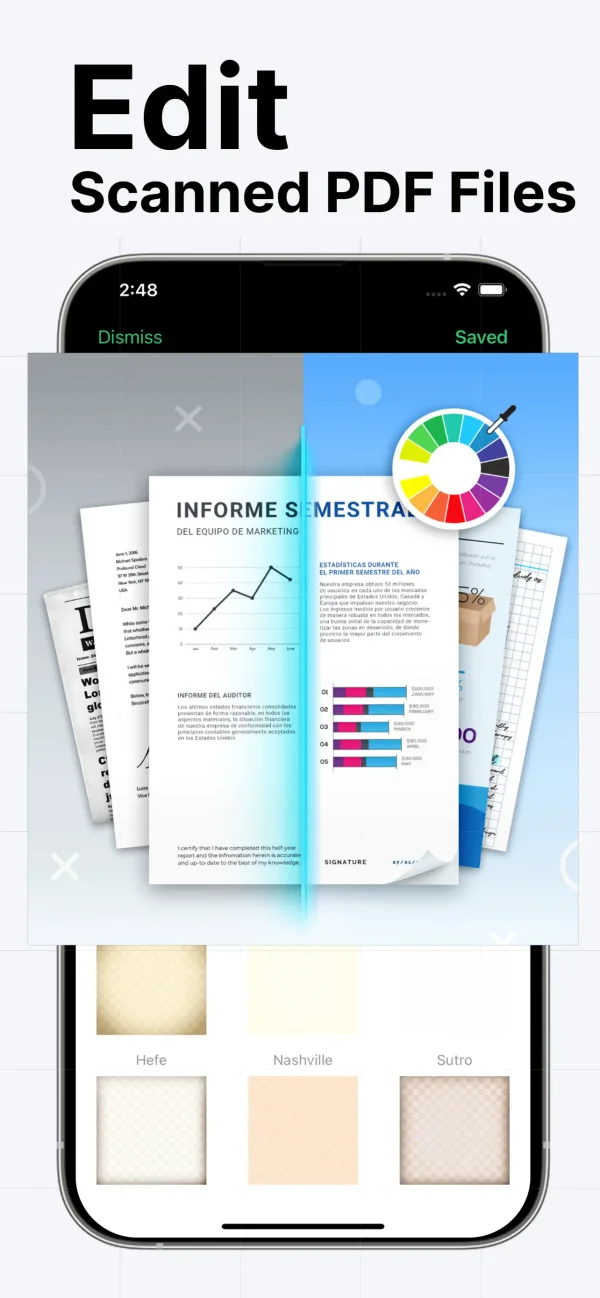
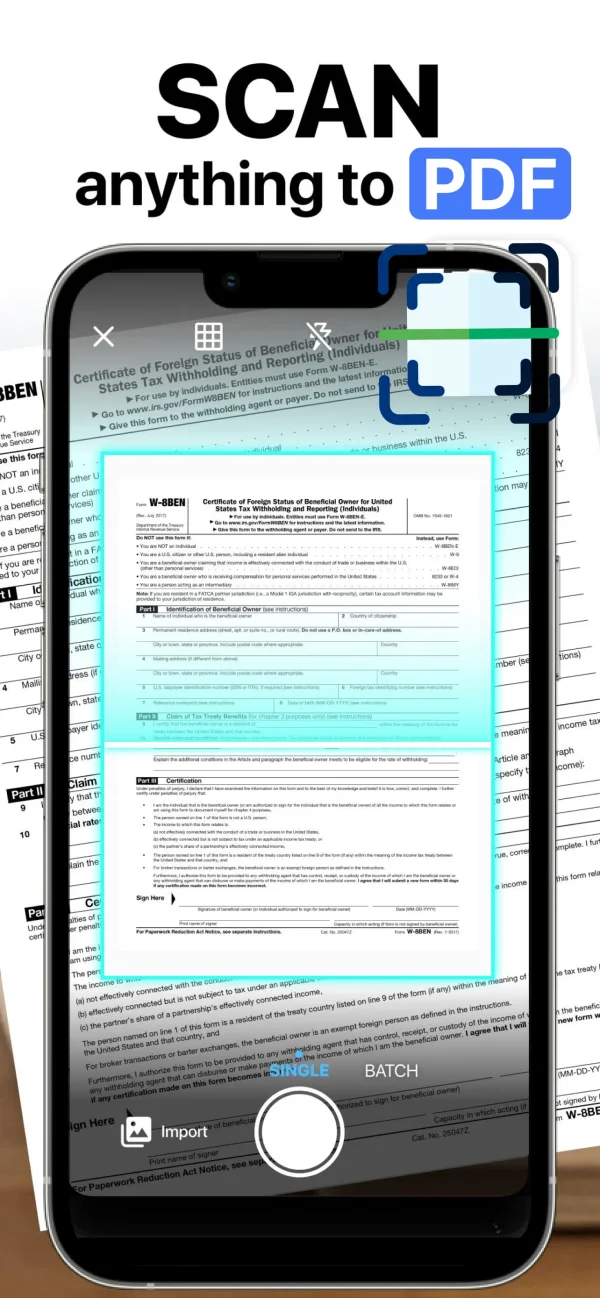
Scan and share documents and photos with Quick Scanner, one of the best mobile scanner app with a lot of powerful editing features that you can’t find elsewhere. Scan any document, business cards, receipts, notes, faxes, books, photos, pictures at lightning-fast speed. Save and share scanned documents in PDF or JPEF formats, or edit them first with our built-in document editor and photo editor.
One of our best features is the e-sign feature. You can add your e-signature to the electronic documents easily with just a few taps of your fingers.Quick Scanner also doesn’t require an internet connection to work, except when you want to share the files with other users.
FEATURES OF QUICK SCANNER FOR DOCUMENT AND PHOTOS:
1. Advanced Document Scanner:
- Works Offline, no connection is needed unless you want to share docs.
- Ultra-fast, high quality document scanner for everyone
- Scan and save documents in grayscale, black and white, or color.
- Save in high quality PDF or JPEG.
- Automatic shutter and border detection for any scannable object.
- Professional document processing features: enhancement, color correction, noise removing, automatic perspective corrections and more!
- Add Premium Logo of your Organizations to mark your documents.
2. Document Editing Tools:
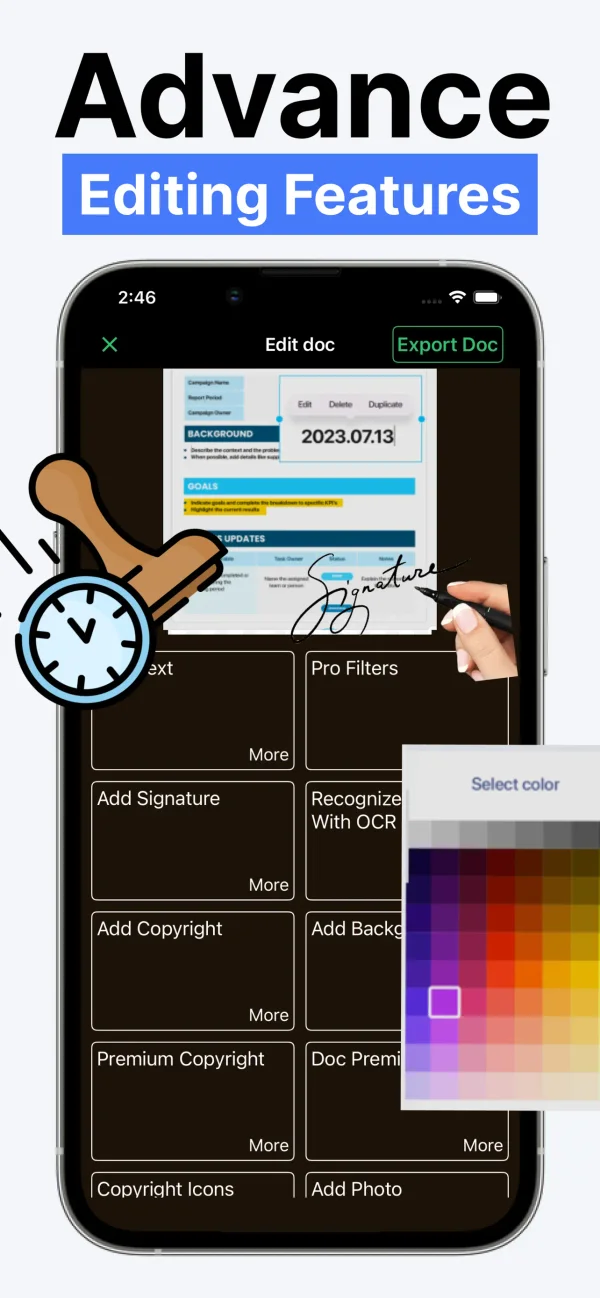
- E-sign your documents with your signature.
- Change fonts, colors, sizes, and styles.
- Change the thickness and color of the pen when you add an autograph.
- Add different frames & backgrounds to your photos or documents.
3. Document Save and Sharing Tools:
-Save scans to Photos.
- Share files via Instagram, Facebook, Twitter, Whatsapp, etc
-Share files via Email
4. Photo Editing Tools:
- Photo adjustment for better result
- Add Time Stamps
- Add or Blur Background
- Alpha Channel Effect
- Create collages with your scanned photos
-Rotate images and documents.
Advance Premium Features:
- Multiple document scanning.
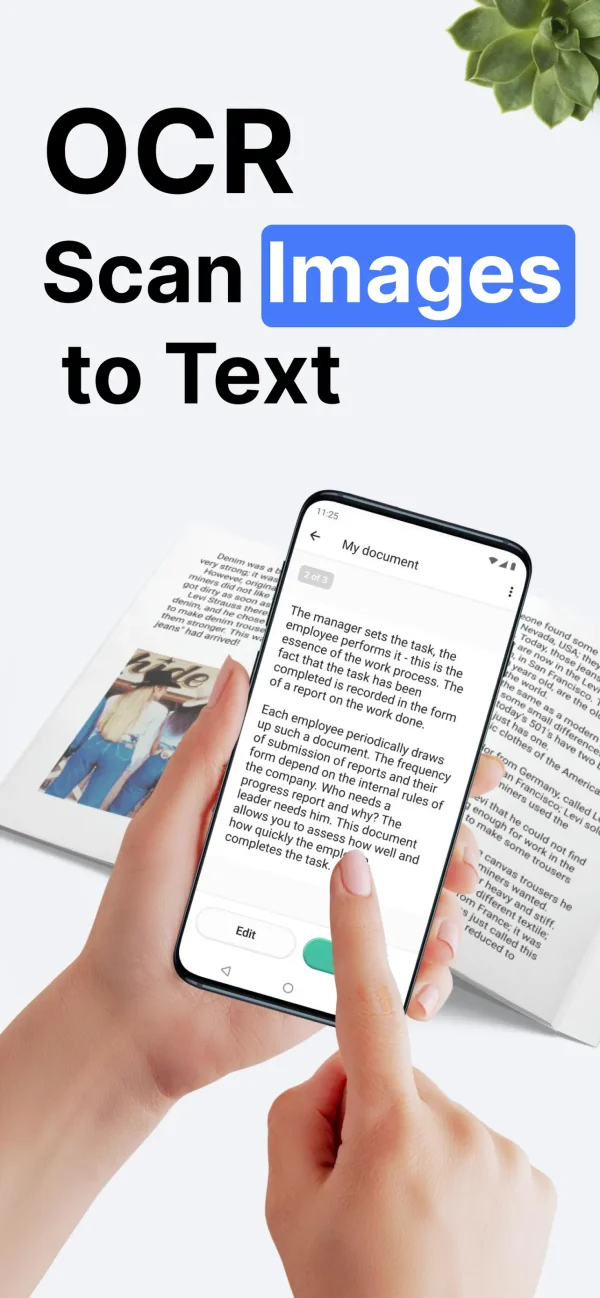
- AI text extraction from multiple images in multiple languages
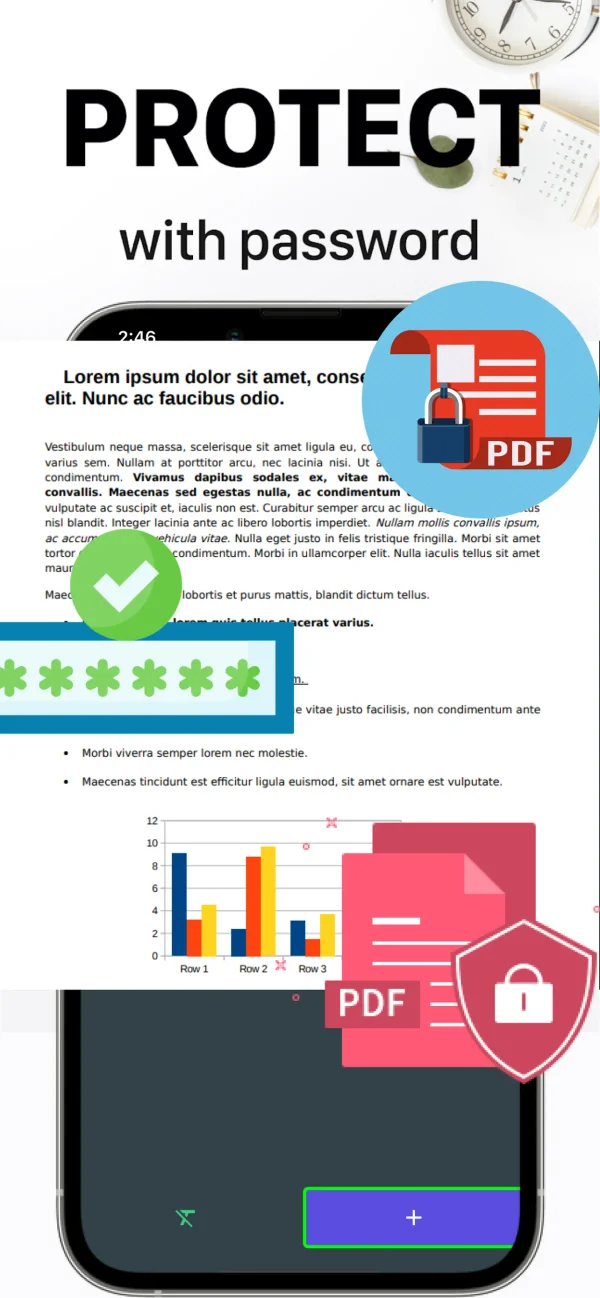
- You can secure your documents using Face ID or password
- Multipage Editing, OCR & More.
- With one click, convert multiple documents into PDF & share with any platform.
- More easy to manage, secure documents.
Your scanned documents and photos are saved in your device unless you share them. We don’t have access to your documents. That’s why you can feel safe about your data and privacy.
So, you see that Quick Scanner has functions beyond other similar apps that only offer the most basic scanning functions. With Quick Scanner, you don’t have to download multiple apps to get these tools. You will also be amazed with the quality of the scanned documents. That’s why we are confident that Quick Scanner is a leading document scanner for iOS Device. Try it out now and be confident that you can use your mobile phone as a powerful office scanner through Quick Scanner.
Most of the features of our app is FREE, even the advanced features such as document and photo editing tools.There are some optional in-app purchases to unlock features for professional uses: Pro Fonts, Pro Patents, Logos, Copyright, and Copyright from Premium work. These additional options are very affordable, especially considering that you are going to use them to polish your documents.
SUBSCRIPTION DETAILS
All customers are welcome to use free features. If you want to access pro features then we offer 3 auto-renewing subscription options on either a 1, 3 or 12 month basis.
Payment will be charged to your credit card through your iTunes account at confirmation of purchase.
Subscriptions can be managed and auto-renewal turned off in Account Settings in iTunes after purchase.
Read terms of use
Terms of Use: https://tuba-iscanner.flycricket.io/terms.html
What’s new
Version 1.11 · Sep 3, 2026
- App performance improvements
App privacy
What Asadullah Yaseen declares on the App Store about how this app handles data.
-
Data not collected
The developer does not collect any data from this app.
Privacy practices may vary, for example with the features you use or your age.
Information
- Seller
- Asadullah Yaseen
- Category
- Productivity
- Version
- 1.11
- Updated
- Sep 3, 2026
- Released
- Aug 26, 2020
- Size
- 23.1 MB
- Requires
- iOS 14.0 or later
- Age rating
- 4+
- Price
- Free
- In-app purchases
- Yes
- Languages
- English, Dutch, French, German, Italian, Japanese, Korean, Portuguese, Simplified Chinese, Spanish, Traditional Chinese
- Copyright
- © Tuba Enterprise
You might also like
-
 Scanner Mini – Scan PDF & FaxScan docs, photos & receipts
-
 My Scans, best PDF Scanner AppScan, Sign, FAX, Print, Email
-
 TelecableProductivity
-
 PDF Scanner・Document ScannerScan ID Card, Sign, OCR & Edit
-
 PDFelement: PDF Editor & ScanDocuments Converter & Signer
-
 Translator +ㅤTranslate Voice, Photo, Text
-
 Rifa FácilCrie e gerencie rifas
-
 GESTIONE+Productivity
-
 Poder JudicialProductivity
-
 Mi LibertyProductivity