Quick Screenshot Editor
Screenshot Editor,Screen Cut
Designed for iPhone, iPod touch
Free · In-app purchases
- Age rating4+
- CategoryUtilities
- DeveloperCortal Globtech
- LanguagesEnglish+ 16 more
- Size132.6 MB
Links to the official App Store page
Download.org hosts no file of Quick Screenshot Editor. The button opens its official App Store page, published by Cortal Globtech. Listing last checked on Nov 14, 2026.
Screenshots
About
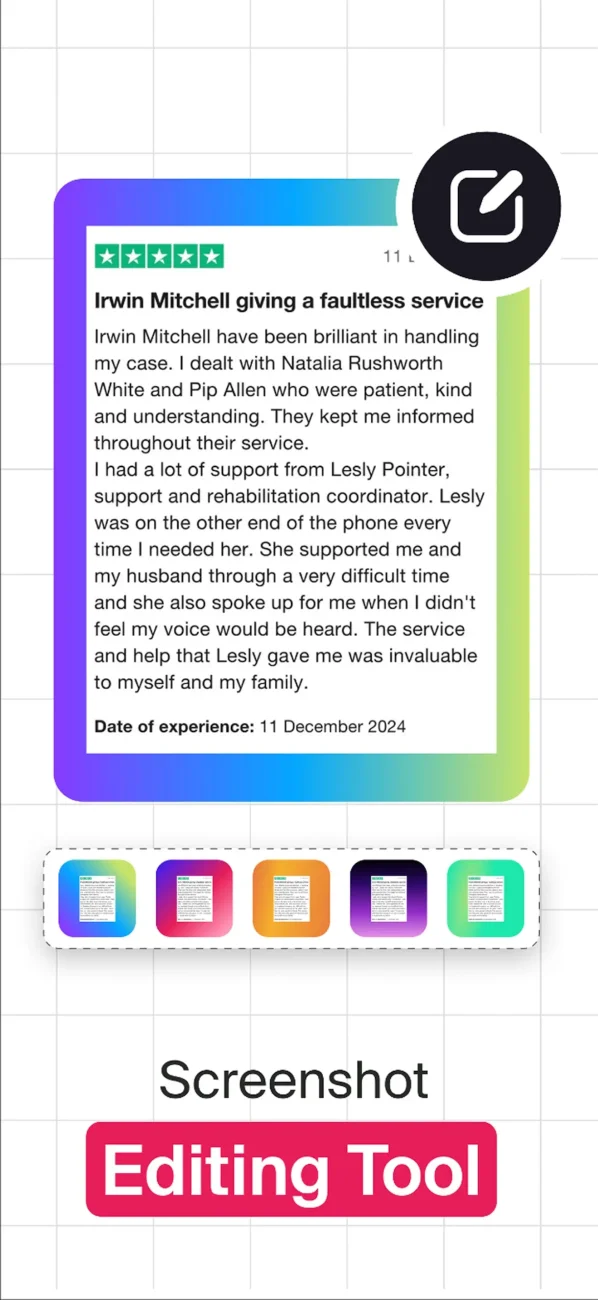
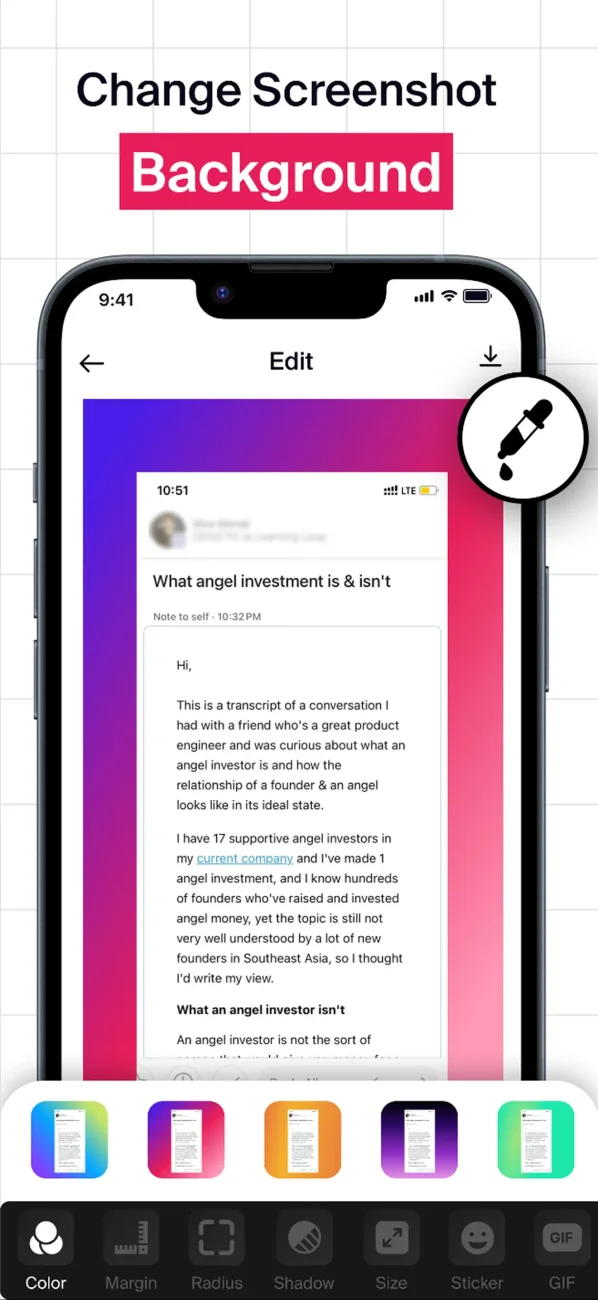
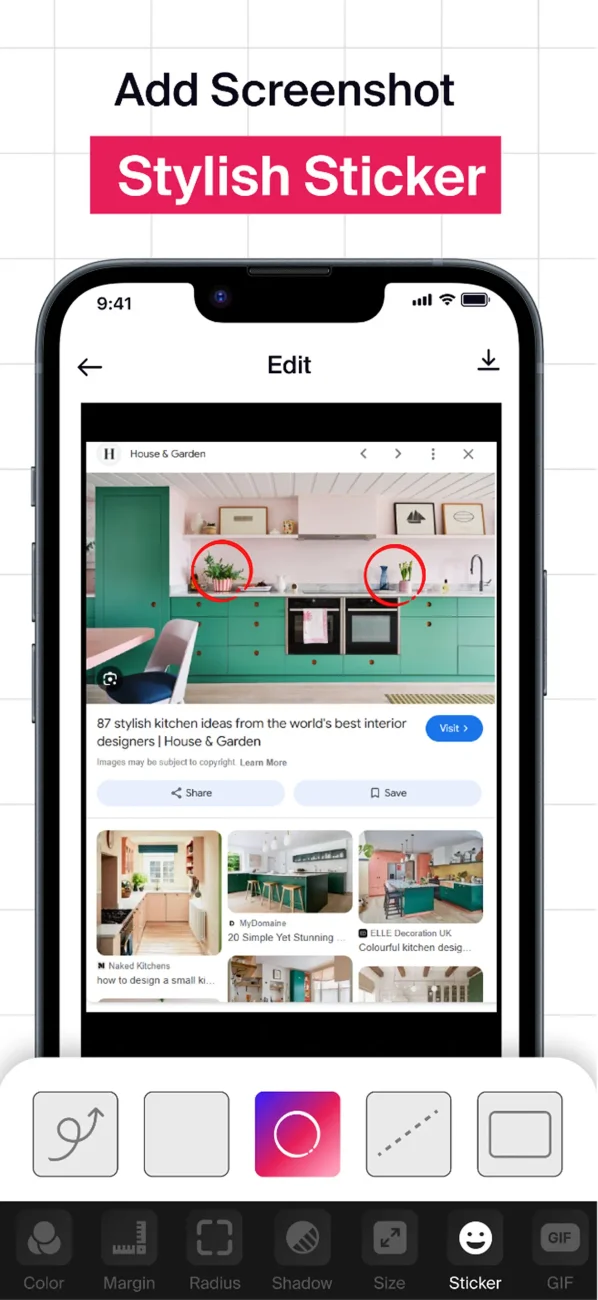
Quick Screenshot Editor is an app designed to make screenshot editing fast, simple, and highly effective. Whether you're working on a project, creating tutorials, or just organizing your saved images, this Screenshot Editor app gives you all the tools you need to transform your screenshots into clean, clear, and visually appealing content. One of the key features is the ability to easily change the background of your screenshots, allowing you to remove distractions or add a new style that fits your purpose. This Quick Screenshot editor is great for creating polished images for presentations, reports, or social media posts.
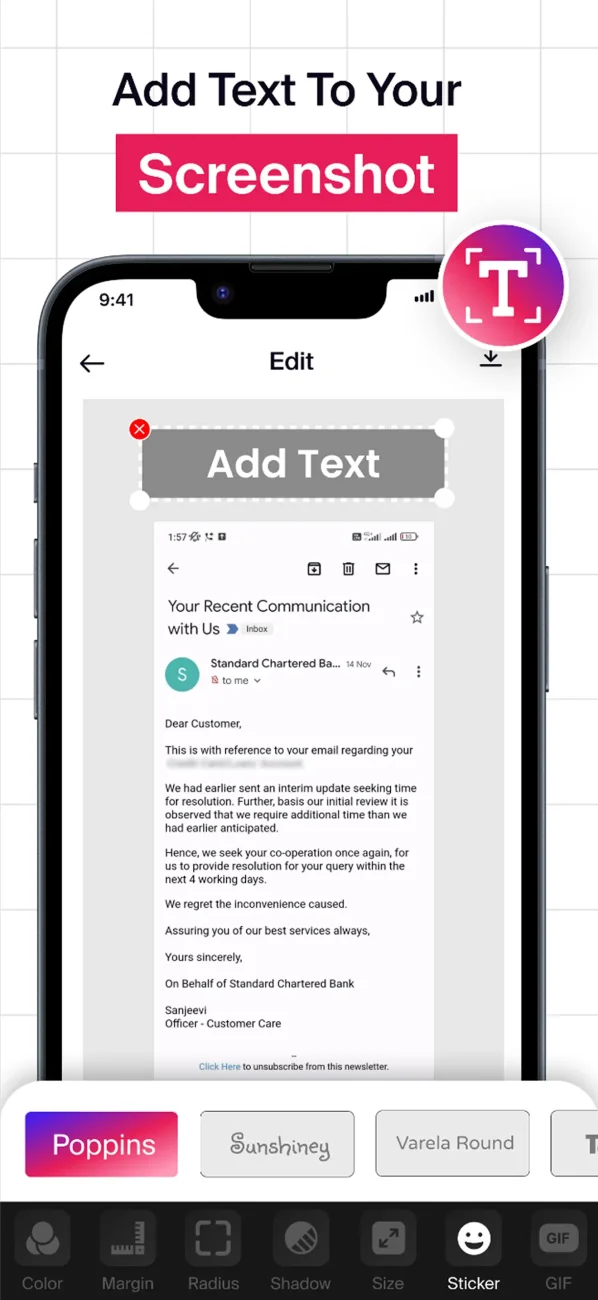
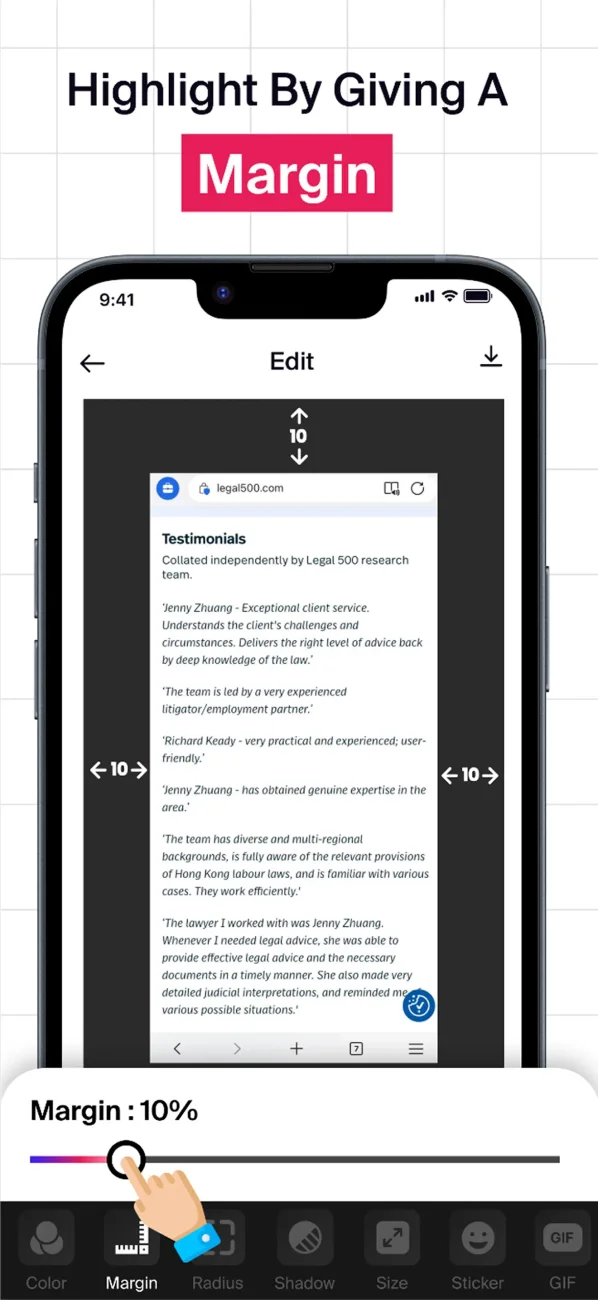
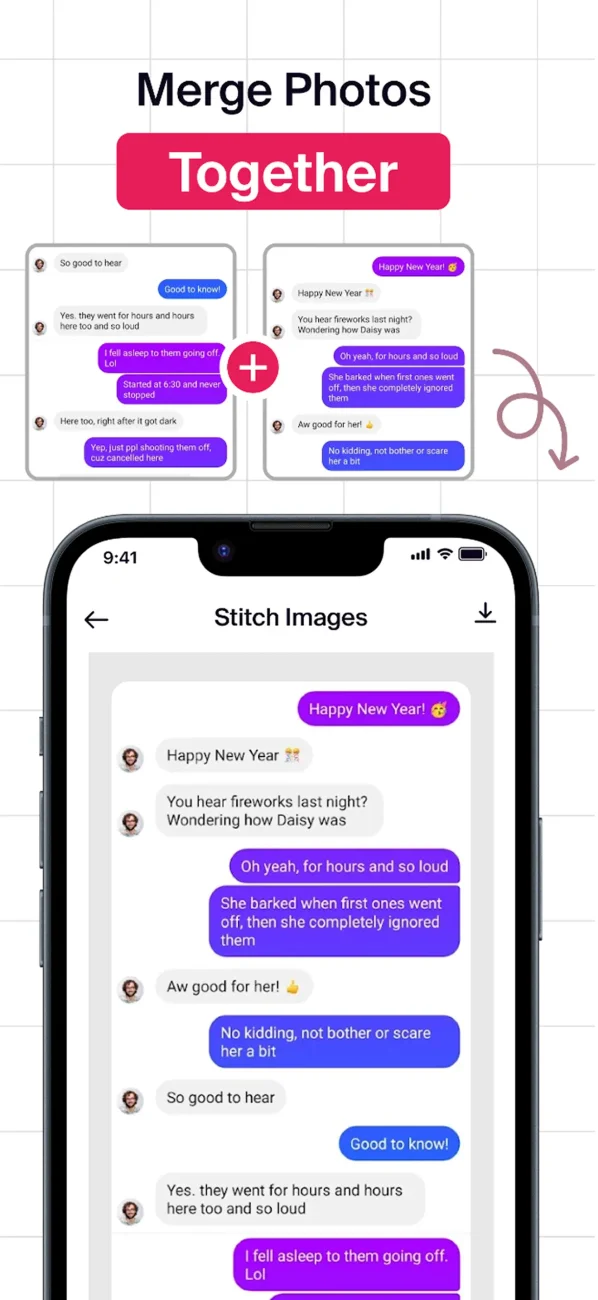
Quick Screenshot Editor app also includes options to highlight important areas of a screenshot by adding margins, which draws attention to key sections without needing complex editing. You can add text to any part of your screenshot or photo to explain, label, or provide context, which is especially useful for instructional content. With screenshot merging, you can combine multiple images into one cohesive layout, and with the image stitching tool, you can join images vertically or horizontally, making it perfect for showing step-by-step flows, long chats, or full-page captures. Quick Screenshot Editor is more than just a screenshot tool—it's a complete editing solution that lets you create, customize, and share your edited screenshots effortlessly.
Features:
Screenshot editor to easily edit the screenshot by your choice
Easily change or remove the background of your screenshots.
Add margins to highlight important areas.
Insert text to explain, label, or provide context on screenshots and photos.
Combine multiple screenshots into one clean layout.
Join images vertically or horizontally to show full conversations or step-by-step views.
Edit quickly without needing complex software.
Create polished images for projects, tutorials, or social media.
Intuitive design makes screenshot editing fast and hassle-free.
Ideal for tutorials, reports, presentations, and more.
Customize and share your edited screenshots with ease.
User need to buy Premium plans to use all features effortlessly.
Premium Plans:
- Screenshot Edit One Week - 3.99 $
- Screenshot Edit One Year - 44.99 $
This app offering is auto-renewable subscriptions
For More Information :
Privacy - http://www.cortalglobtech.com/pages/privacy_policy.html
Term Of Use - http://www.cortalglobtech.com/pages/terms_of_use.html
App privacy
What Cortal Globtech declares on the App Store about how this app handles data.
-
Data used to track you
May be used to track you across apps and websites owned by other companies.
- Identifiers
- Usage data
-
Data not linked to you
May be collected but is not linked to your identity.
- Identifiers
- Usage data
- Diagnostics
Privacy practices may vary, for example with the features you use or your age.
Information
- Seller
- Cortal Globtech FZE
- Category
- Utilities
- Version
- 1.0
- Updated
- May 15, 2025
- Released
- May 15, 2025
- Size
- 132.6 MB
- Requires
- iOS 14.0 or later
- Age rating
- 4+
- Price
- Free
- In-app purchases
- Yes
- Languages
- English, Arabic, French, German, Hindi, Indonesian, Japanese, Korean, Malay, Portuguese, Punjabi, Russian + 5 more
- Copyright
- © Cortal Globtech
You might also like
-
 Screenshot Editor & StitcherScreen Taker & Image Merger
-
 ScreenshotAI-AI assistantUtilities
-
 EditShot – Photo Text EditorEdit Text Directly On Images
-
 ScreenshotCapture, Split & Extract Text
-
 Screenshot Manager - OrganizerSearch & Organize Screenshots
-
 Screenshot PRO Screenshots AppSearch and Manage Screenshots
-
 Captr・Screenshot OrganizerTurn Every Photo Into Action
-
 Stitch It: Long ScreenshotsStitch Photos—Edit Screenshots
-
 StitchShot - ScreenShotCaptureAutomatic Screenshot Stitching
-
 StitchPics-Stitch Screenshotsscreenshot and photo collage