Raw To HEIC
Camera RAW to compact HEIC
Designed for iPhone, iPad, Mac
Free · In-app purchases
- Age rating4+
- CategoryPhoto & Video
- DeveloperSandro Gumz
- LanguagesEnglish
- Size31.8 MB
Links to the official App Store page
Download.org hosts no file of Raw To HEIC. The button opens its official App Store page, published by Sandro Gumz. Listing last checked on Nov 17, 2026.
Screenshots

About
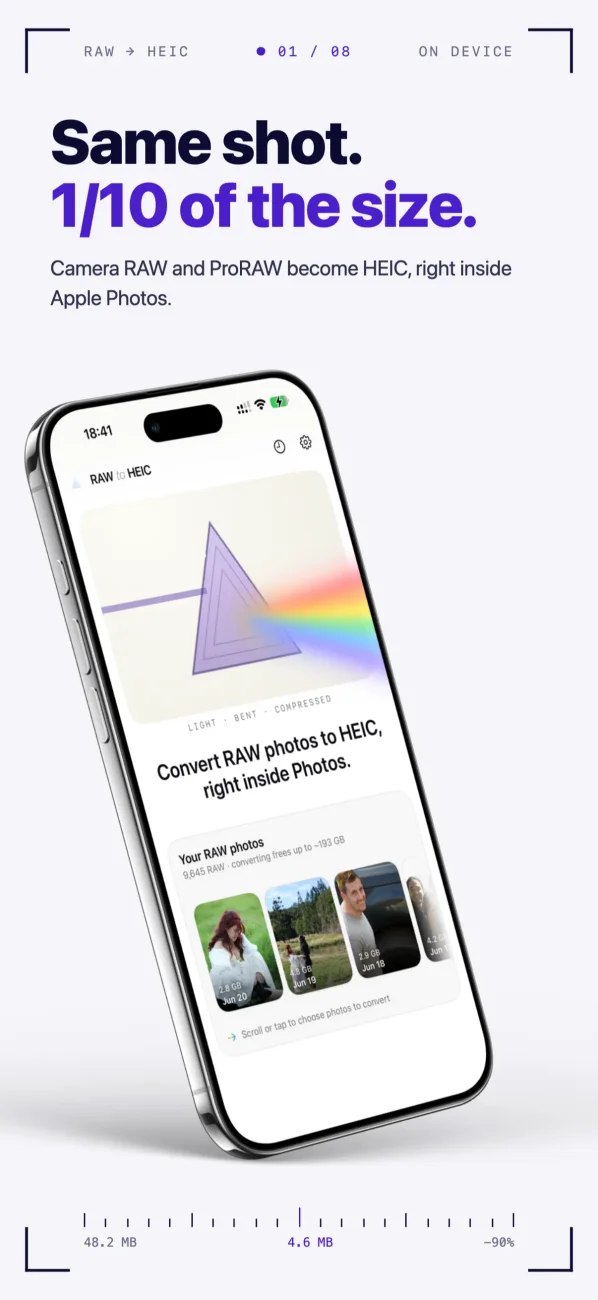
RAWtoHEIC turns the camera RAW files filling up your library into compact HEIC photos — without ever leaving your device. No uploads, one-time purchase available — no subscription required, no account. One purchase covers iPhone, iPad, and Mac.
KEY FEATURES
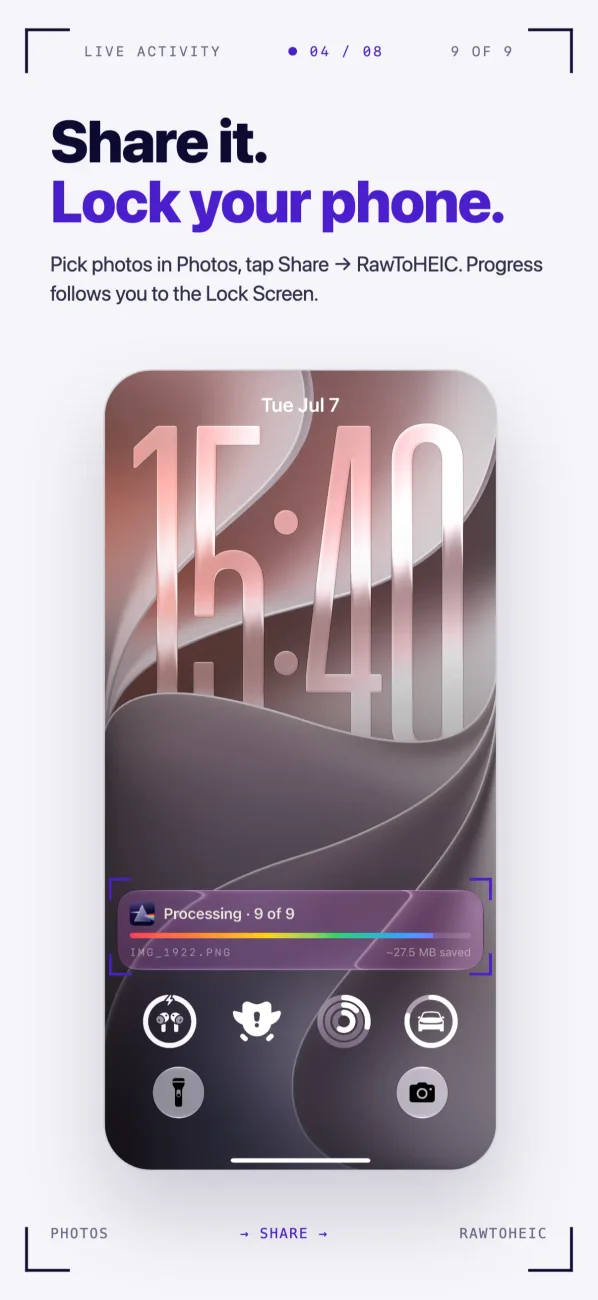
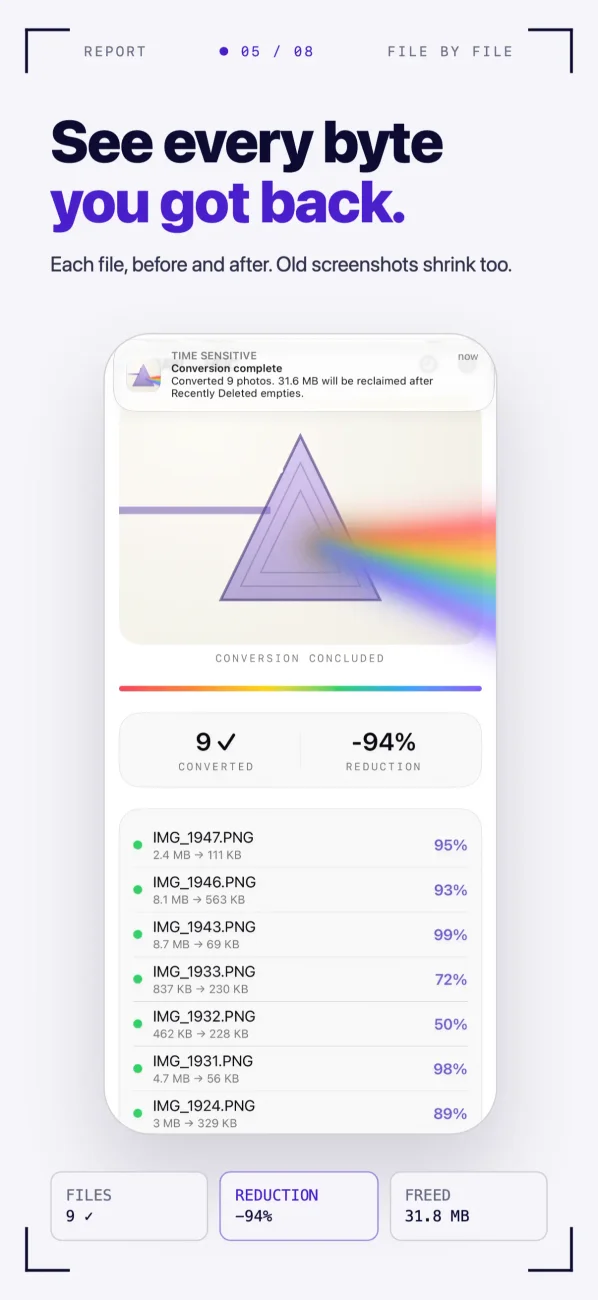
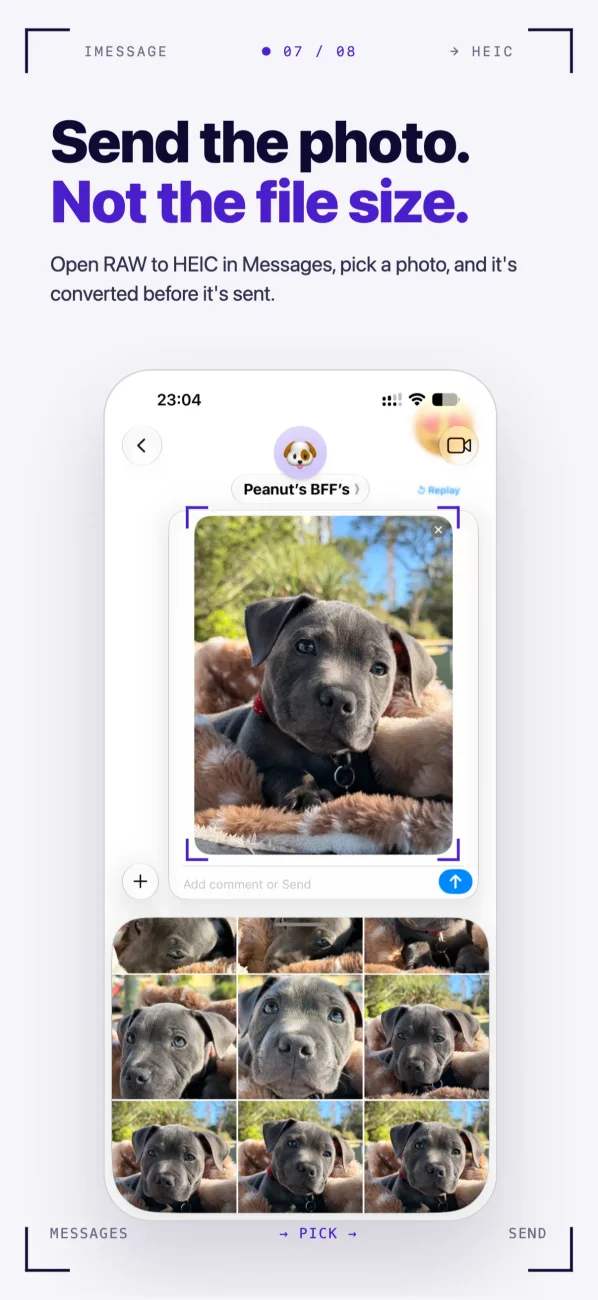
• Convert from the Photos share sheet. Select your RAWs, tap Share → RAWtoHEIC, hit Start. The app processes in the background and writes the new HEICs back into your Photos library, keeping favorite, album, and date-taken metadata intact.
• HDR done right. RAWtoHEIC synthesizes ISO 21496-1 gain maps so converted photos render with full HDR on capable displays while remaining beautifully tone-mapped on SDR ones. ProRAW DNGs keep their original HDR aux data.
• Original metadata preserved. EXIF, XMP, ICC, GPS, lens info, capture date — all carried into the HEIC output. Your photos remain searchable, sortable, and faithful.
• Optionally remove the originals. After verification, you choose whether to keep both copies or reclaim the space. Deletion is batched and confirmed through the standard Photos prompt.
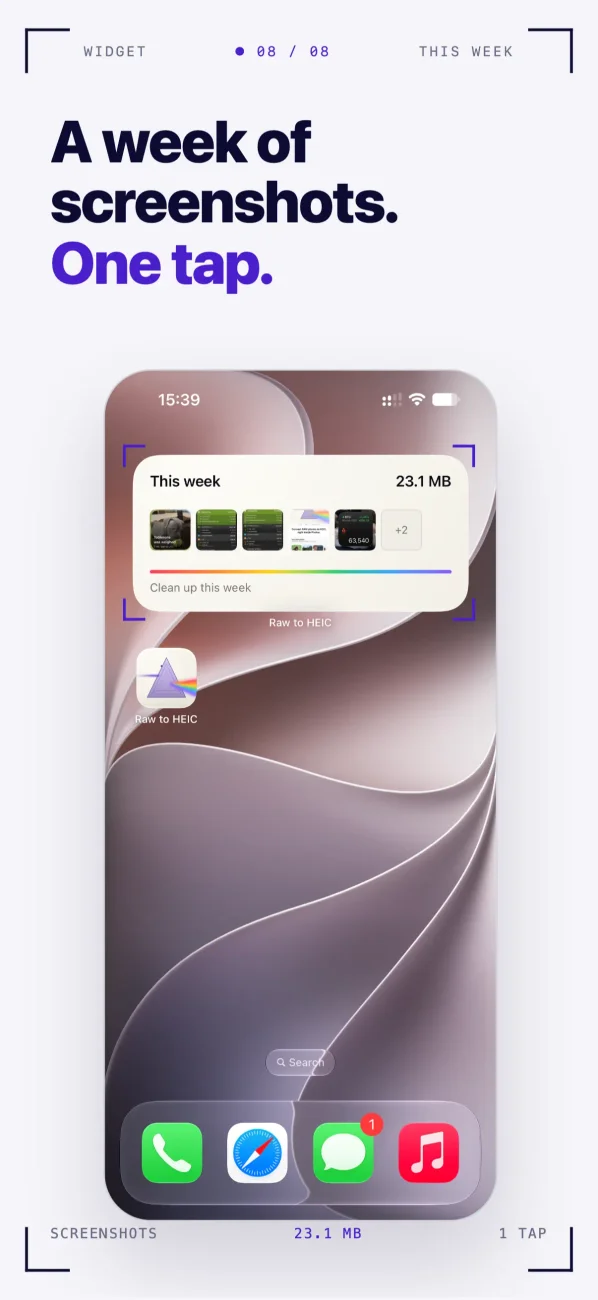
• Live progress everywhere. On iPhone the Lock Screen and Dynamic Island show conversion progress in real time. On Mac, a status-bar item; on iPad, notifications when each batch finishes.
• Files & Finder too. Drop loose RAW files from the Files app or Finder onto RAWtoHEIC and they're converted in place — the HEIC lands next to the source.
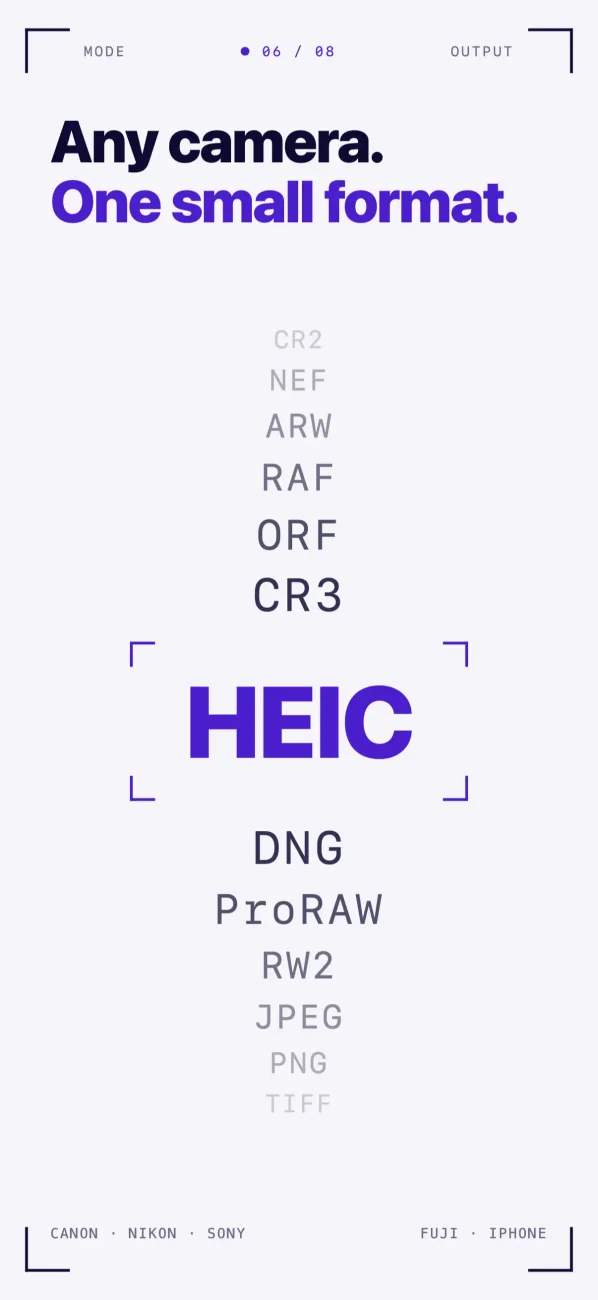
• Wide RAW support. Canon CR3 / CR2, Nikon NEF, Sony ARW, Fuji RAF, Olympus ORF, Panasonic RW2, Adobe DNG (including iPhone ProRAW). HEIC, HEIF, JPEG, PNG, and TIFF can also be re-encoded.
PRIVACY FIRST
RAWtoHEIC has zero analytics, zero telemetry, zero third-party SDKs, and zero network requests for your photo data. Every byte of every conversion stays on your device.
WHO IT'S FOR
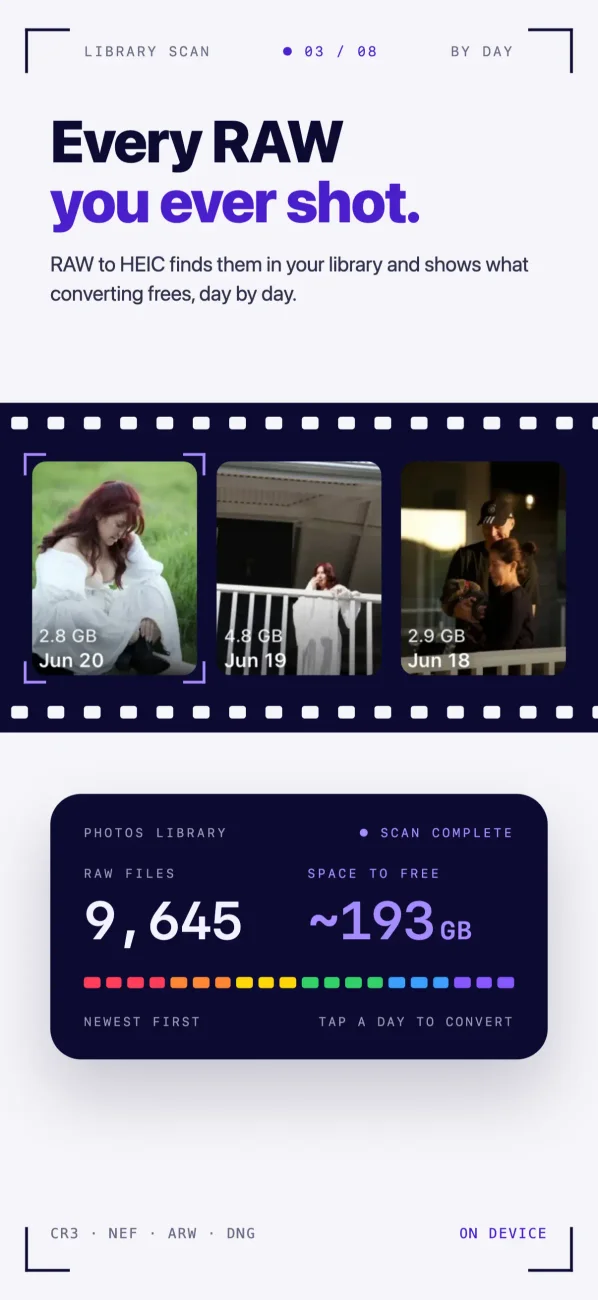
If you shoot RAW with a mirrorless, DSLR, or your iPhone in ProRAW mode and find your Photos library bloating into tens of gigabytes, this app turns that storage cost into compact HEIC files that Photos, Quick Look, and modern web browsers all read natively — without sacrificing HDR or color accuracy.
UNIVERSAL PURCHASE
Buy once on any platform, use on all your Apple devices: iPhone, iPad, and Mac. One-time purchase available — no subscription required. No ads. No upsells.
REQUIREMENTS
iOS 18, iPadOS 18, or macOS 15 Sequoia or later.
Privacy Policy URL: https://rawtoheic.app/privacy/
Terms of Use: https://rawtoheic.app/terms/
What’s new
Version 2.20 · Nov 11, 2026
New: the Family Pass. One purchase unlocks Unlimited here and in all seven of our photo apps — monthly, yearly or once for life, and shared with your family through Family Sharing. Already subscribed? Upgrade from Settings and Apple credits the time you have left.
About now lists all of our photo apps.
App privacy
What Sandro Gumz declares on the App Store about how this app handles data.
-
Data linked to you
May be collected and linked to your identity.
- Identifiers
- Usage data
Privacy practices may vary, for example with the features you use or your age.
Information
- Seller
- Sandro Gumz
- Category
- Photo & Video
- Version
- 2.20
- Updated
- Nov 11, 2026
- Released
- May 28, 2026
- Size
- 31.8 MB
- Requires
- iOS 18.0 or later
- Age rating
- 4+
- Price
- Free
- In-app purchases
- Yes
- Languages
- English
- Copyright
- © 2026 Sandro Gumz
You might also like
-
 RAW to HEIC Pro10-bit HDR Photo Converter
-
 Photosynthesis: Super CameraUpgrade your camera without AI
-
 Lineora: AI Coloring PagesPhotos to printable line art
-
 Snug: Video CompressorReduce size for email & upload
-
 Video Compressor - HEVCutShrink Photos & Free Up Space
-
 Moment Pro Camera IIA Natural Look. Full Control.
-
 No Fusion-Powerful Pro CamLive, Portrait, RAW, HDR, Film
-
 Project IndigoA new camera from Adobe Labs
-
 Luminar: Photo Editor&EnhancerAI Image Editing & Retouch
-
 (Not Boring) CameraPro Camera with Natural Photos