
Snug: Video Compressor
Reduce size for email & upload
Designed for iPhone, iPad
Free · In-app purchases
- Age rating4+
- CategoryPhoto & Video
- DeveloperJAEHEUN GIM
- LanguagesEnglish+ 4 more
- Size6.4 MB
Links to the official App Store page
Download.org hosts no file of Snug: Video Compressor. The button opens its official App Store page, published by JAEHEUN GIM. Listing last checked on Nov 22, 2026.
Screenshots

About
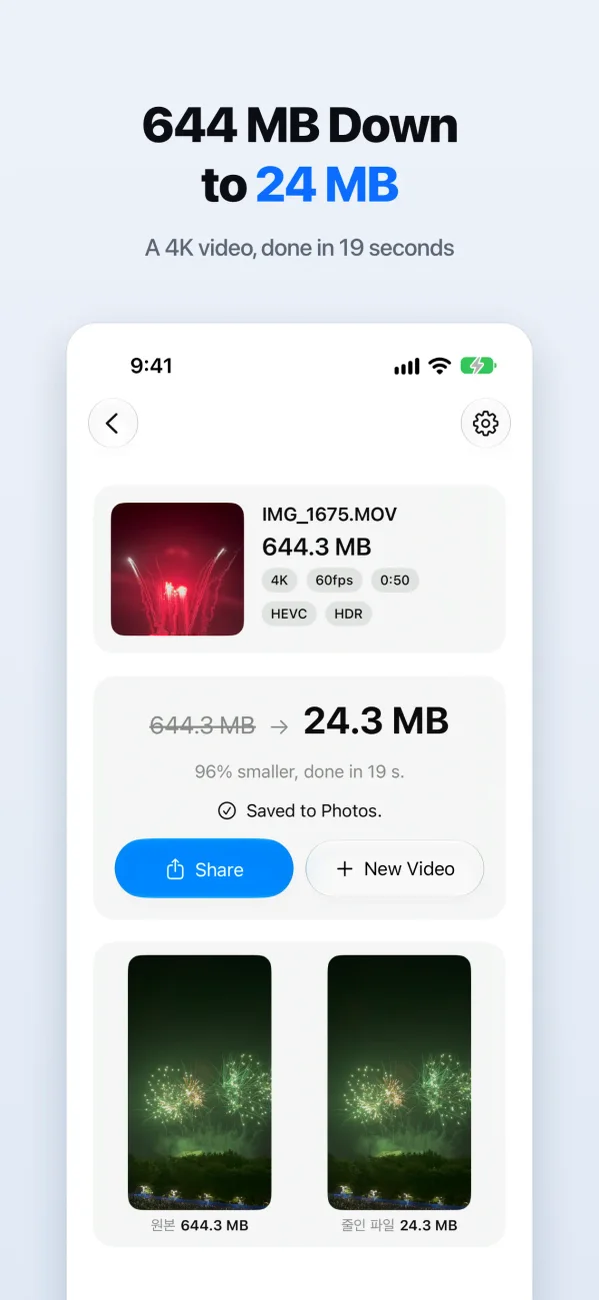
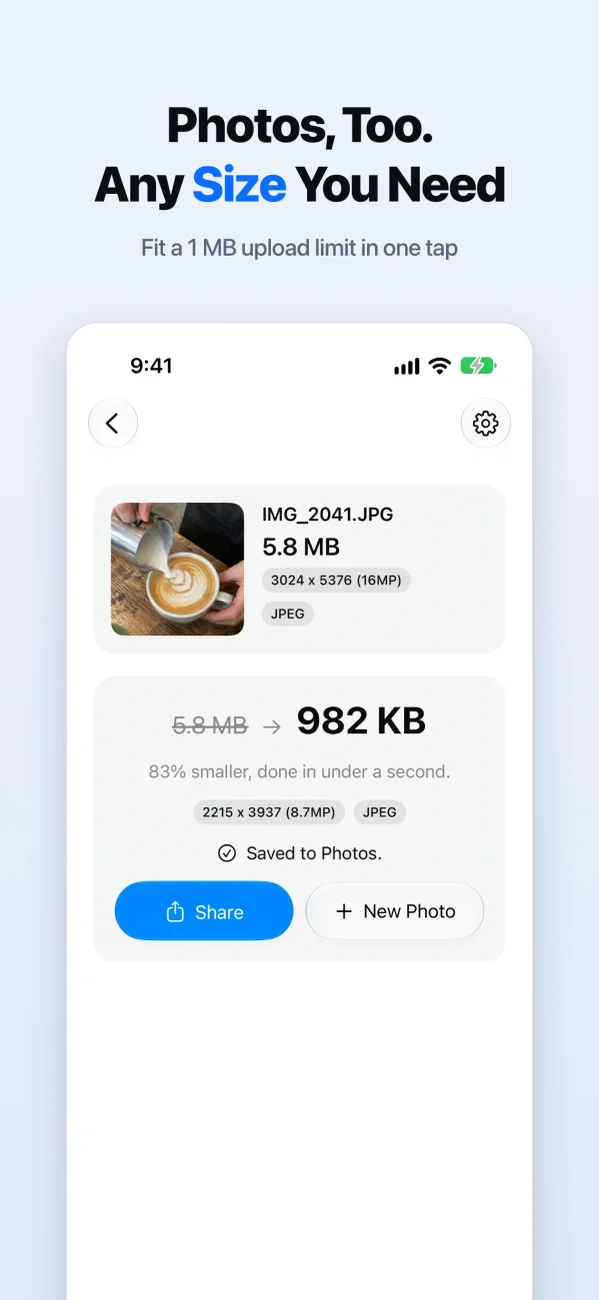
Video too big to attach to an email or submit through an upload form? Snug shrinks it to fit. Every messenger, email service, and upload form has its own size limit, so you choose the size you need first, and Snug makes your video fit under it. Photos work the same way: pick a size and Snug shrinks your photo to fit.
Choose your size
Set a size with the slider, or save the sizes you use most and pick one in a tap. Before you start, Snug shows the expected quality and file size, and lets you know if quality is likely to drop noticeably.
Fits under your limit
If a result comes out a little too big, Snug adjusts and tries again on its own. 1 MB counts as 1,000,000 bytes, so your video stays within the limits apps use.
Your original stays untouched
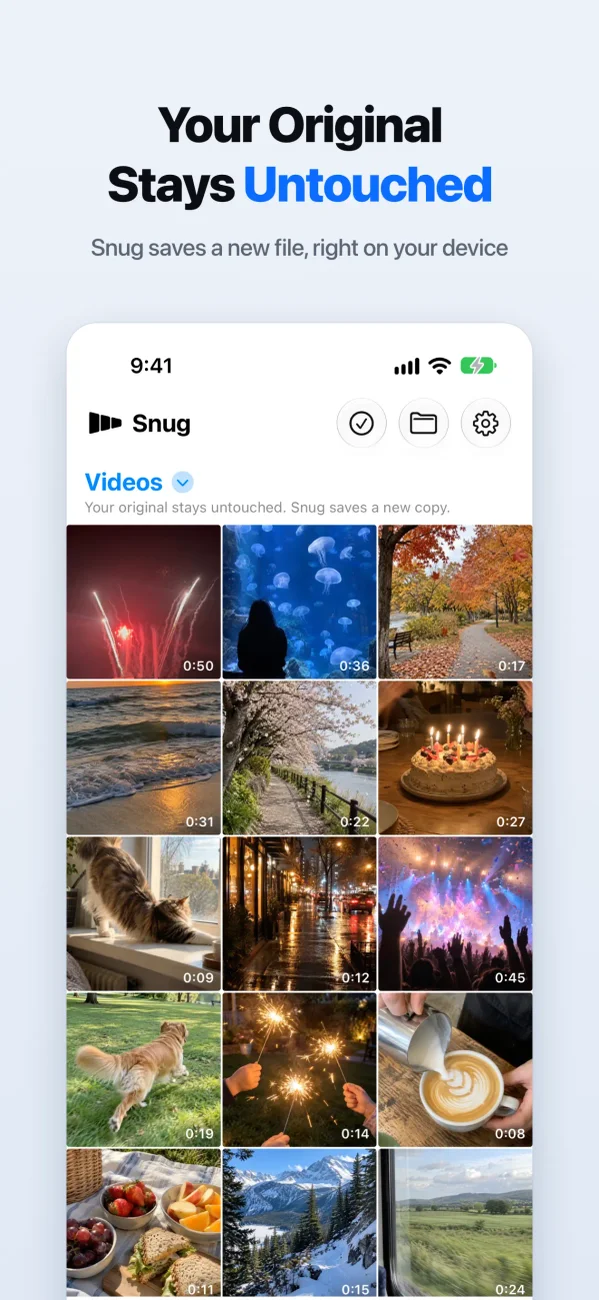
Shrunk videos are saved to Photos as new items, or to a folder you choose. Your original is never overwritten, and the capture date carries over so the new video sits right next to it.
Fast and private
Snug uses your device’s hardware HEVC encoder, and your videos never leave your device. On iOS 26 or later, shrinking keeps going even if you switch apps.
Right from the share sheet
Share a video from Photos, choose Snug, and shrink it right there without opening the app.
Careful with HDR and sound
HDR videos stay HDR with HEVC, and audio is re-encoded only when needed. H.264 is there for older devices.
Try it free once. If you like it, a one-time purchase unlocks Snug for life. It’s not a subscription.
No account, no ads, no tracking.
What’s new
Version 1.1.3 · Nov 16, 2026
Videos recorded with Spatial Audio now use their regular stereo track when shrinking, for more reliable results.
If a video can't be shrunk, the problem report now includes the error code so the cause can be found faster.
App privacy
What JAEHEUN GIM declares on the App Store about how this app handles data.
-
Data not collected
The developer does not collect any data from this app.
Privacy practices may vary, for example with the features you use or your age.
Information
- Seller
- JAEHEUN GIM
- Category
- Photo & Video
- Version
- 1.1.3
- Updated
- Nov 16, 2026
- Released
- Oct 2, 2026
- Size
- 6.4 MB
- Requires
- iOS 17.0 or later
- Age rating
- 4+
- Price
- Free
- In-app purchases
- Yes
- Languages
- English, Japanese, Korean, Portuguese, Spanish
- Copyright
- © 2026 JAEHEUN GIM
You might also like
-
 Photosynthesis: Super CameraUpgrade your camera without AI
-
 Foto DocumentosPassport & ID photos at home
-
 Raw To HEICCamera RAW to compact HEIC
-
 Threedi - 3D Text Editor3D Typography & Logo Maker
-
 Moza - Mosaic, BlurAuto Face Pixelation & Markup
-
 DELTA CameraOne Touch Pro Photography
-
 Dual Cam Recorder Pro One TakeOne Shot. Portrait + Landscape
-
 Kompressor - Compress imagesRAW Image Converter
-
 TinType - Wet Plate CameraCollodion portraits since 1851
-
 Solar Arc: Golden Hour TrackerSun & Moon Times, Sky Widget