
RealStamp
Stamp anything. Prove it.
Designed for iPhone, iPad, iPod touch
Free · In-app purchases
- Age rating4+
- CategoryUtilities
- DeveloperEmilia Carpinisan
- LanguagesEnglish
- Size15.5 MB
Links to the official App Store page
Download.org hosts no file of RealStamp. The button opens its official App Store page, published by Emilia Carpinisan. Listing last checked on Nov 20, 2026.
Screenshots
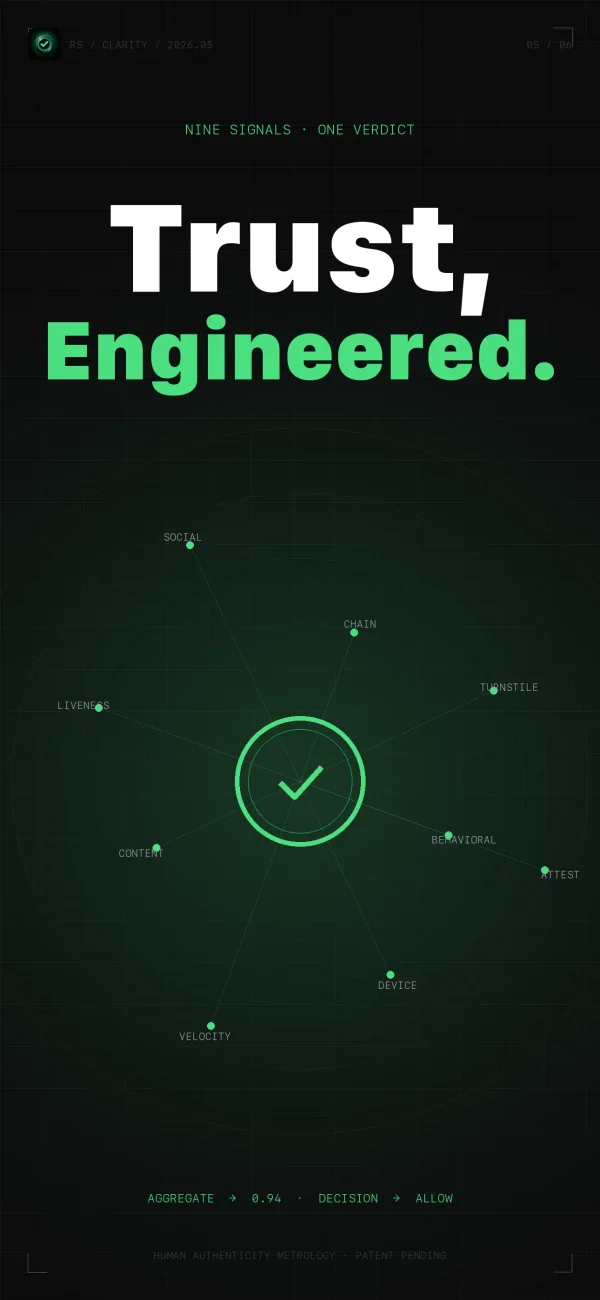
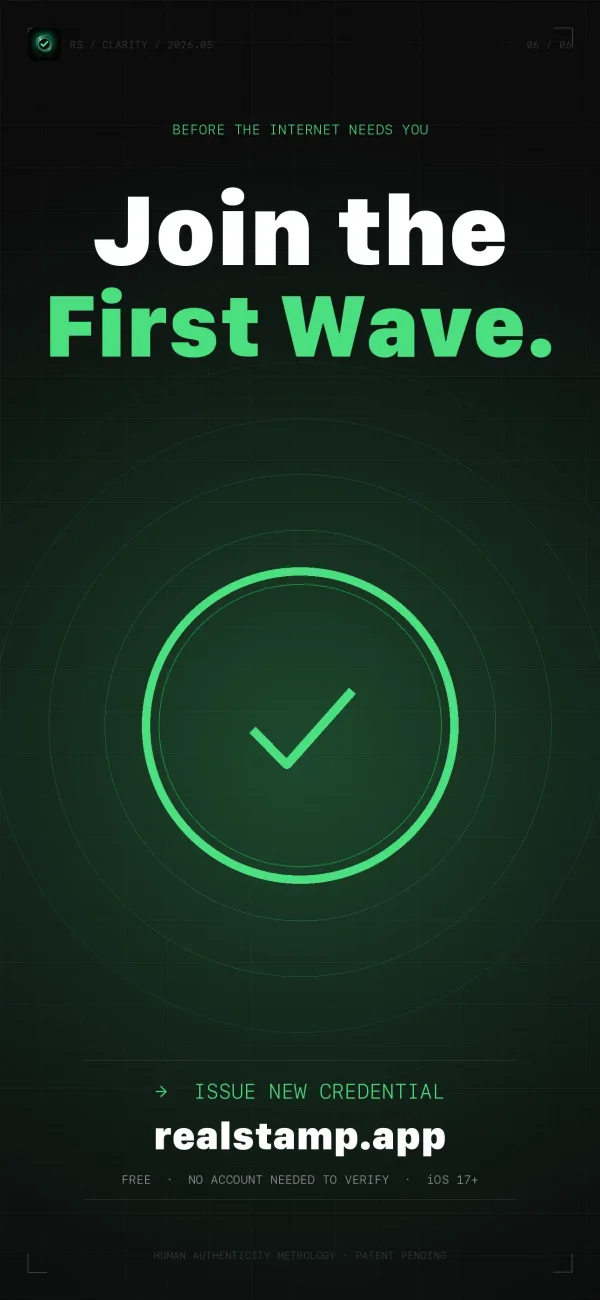
About
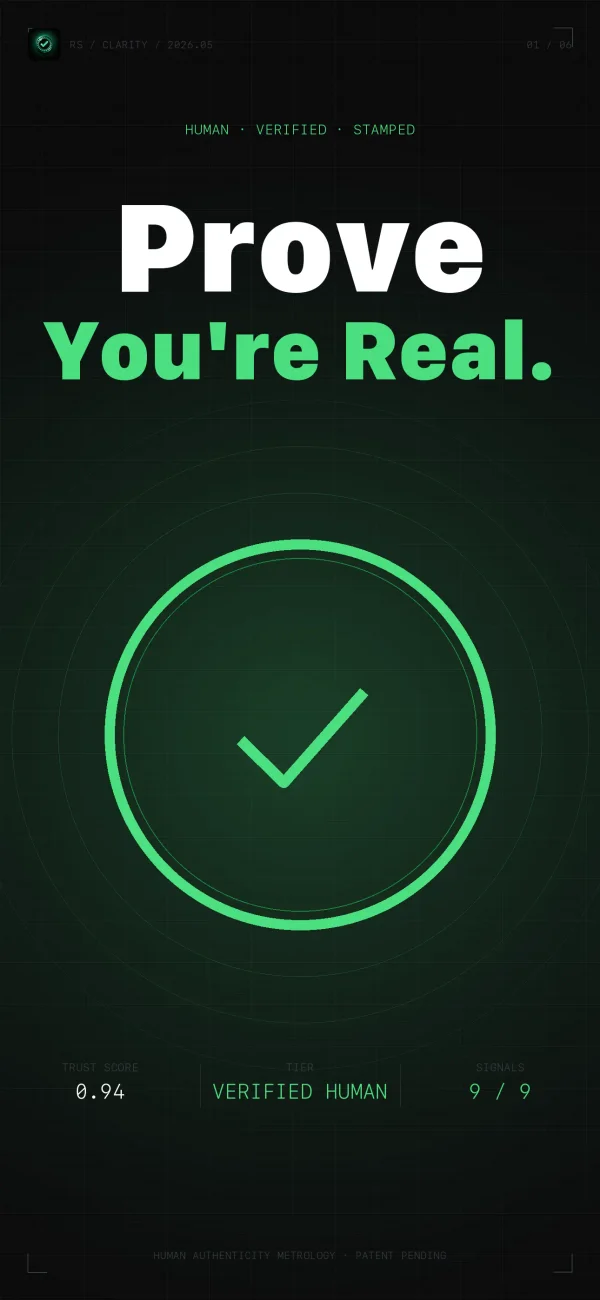
Prove you're real. Stamp anything. Verify anyone.
RealStamp is a human authenticity system — a cryptographic toolkit that lets you sign any piece of content with proof that a verified human attested it. Locked to your Face ID. Anchored on a public transparency log. Verifiable by anyone in seconds.
HOW IT WORKS
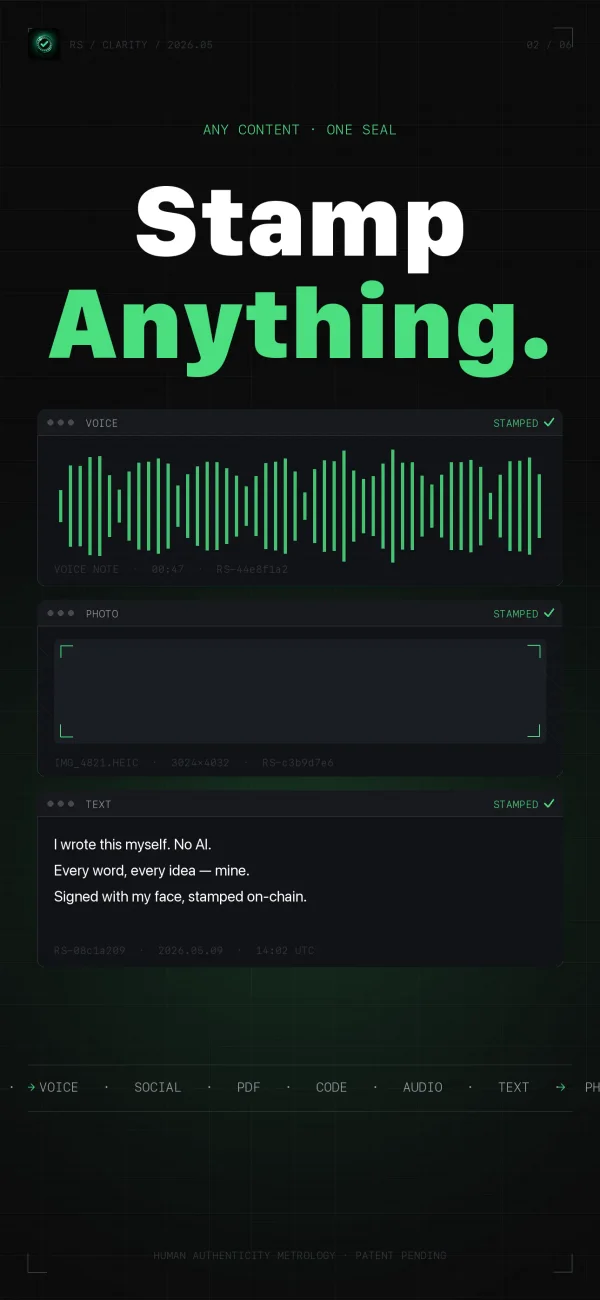
STAMP. Capture text, attach a photo, video, or file. RealStamp signs it inside the Secure Enclave on your iPhone, with a key that never leaves the chip. Every stamp anchors to Sigstore Rekor — a public, append-only transparency log. Patent pending.
SCORE. A 0–100 Trust Score reflects how verifiable you are and your stamping track record — never whether you used AI. It's built from your verified identity (email, phone, social, ID), your stamping activity (volume and consistency over time), and the quality of your credentials (taking editorial responsibility, maintaining the C2PA chain, and keeping stamps active). Open disputes and revocations reduce your score.
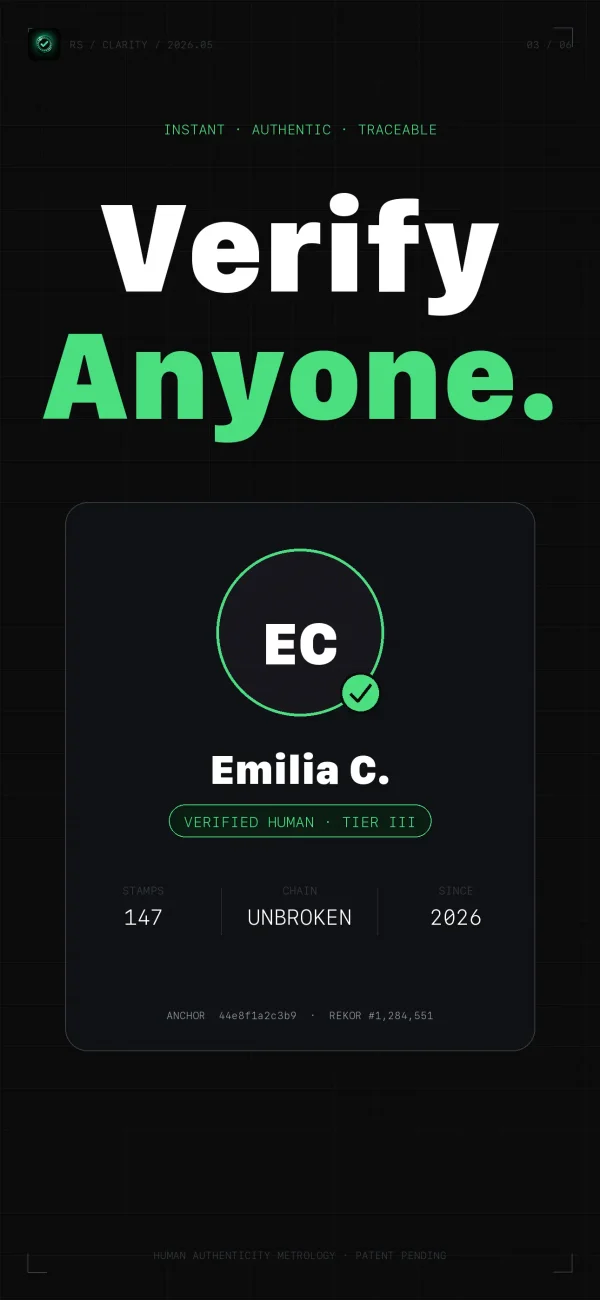
VERIFY. Anyone, with or without an account, can verify any RealStamp credential in seconds. Signature, anchor, score, and dispute status — all public, all auditable.
WHAT'S INSIDE
• Hardware-backed Face ID — every stamp signed by a key inside Secure Enclave. FIDO2 Level 3 equivalent. No password. No software fallback.
• Sigstore Rekor anchoring — every credential written to a public transparency log. Cannot be backdated or forged.
• SD-JWT credentials — selective disclosure. Show what you want, prove the rest.
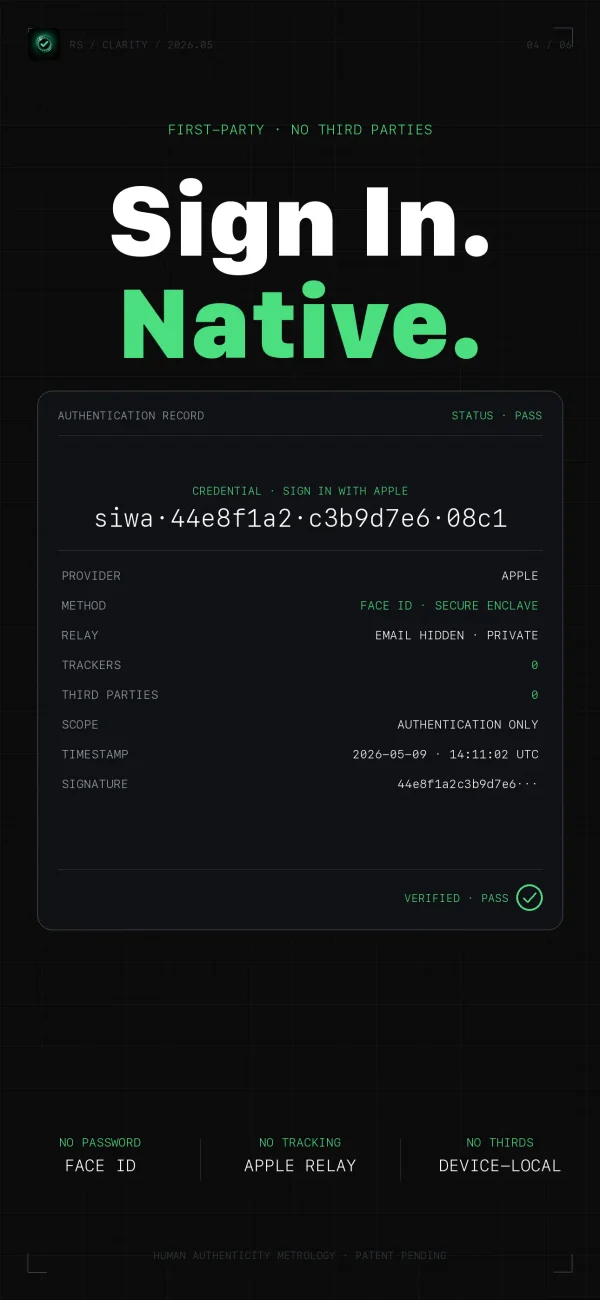
• Sign in with Apple supported — when you choose Apple's Hide My Email, your real address is never shared.
• C2PA-compatible content credentials — built on the open C2PA standard for content provenance.
WHO IT'S FOR
Creators publishing original work. Journalists and witnesses in the field. Researchers and authors. Anyone who wants to be verifiable as human in a synthetic world.
PRIVACY
Signing happens inside the Secure Enclave on your device. Liveness frames are processed in real time and discarded — we do not store any biometric template or faceprint. Photos and videos you choose to attach to a stamp are stored so verifiers can see what was stamped; you can delete them at any time. We support Sign in with Apple, email with a 6-digit code, and device passkeys.
REGULATORY
Designed to meet EU AI Act Article 50 disclosure requirements. Patent pending (USPTO 64/045,301).
FREE TO DOWNLOAD. FREE TO VERIFY OTHERS.
No account needed unless you want to stamp content yourself.
realstamp.app
LEGAL
Privacy Policy: https://realstamp.app/privacy
Terms of Use (EULA): https://www.apple.com/legal/internet-services/itunes/dev/stdeula/
What’s new
Version 2.1.2 · Jun 5, 2026
Cleaner home screen and reliability improvements.
App privacy
What Emilia Carpinisan declares on the App Store about how this app handles data.
-
Data linked to you
May be collected and linked to your identity.
- Purchases
- Contact info
- User content
- Identifiers
- Usage data
Privacy practices may vary, for example with the features you use or your age.
Information
- Seller
- Skillecta Inc
- Category
- Utilities
- Version
- 2.1.2
- Updated
- Jun 5, 2026
- Released
- Apr 10, 2026
- Size
- 15.5 MB
- Requires
- iOS 15.0 or later
- Age rating
- 4+
- Price
- Free
- In-app purchases
- Yes
- Languages
- English
- Copyright
- © 2026 Skillecta Inc
You might also like
-
 FaceProofSpot AI-Generated Faces
-
 KeyLingo - Translate KeyboardTranslate as you type, any app
-
 Real AuthenticatorHuman Powered Verification
-
 Authenticator App - 2FA Guard2FA Codes, Passwords, Security
-
 Authenticator · AuthKit2FA & OTP Authenticator
-
 Authenticator - 2FA & MFASecure 2FA for All Accounts
-
 Authenticator: Encrypt CodesProtect Accounts With Face ID
-
 Authenticator App - 2FA AITwo factor Authentication-OTP
-
 Authenticator App Widget2FA Authentication OTP & MFA
-
 Authenticator: 2FA & Passkey2FA, OTP, MFA, Passkey Login