- Age rating4+
- CategoryPhoto & Video
- DeveloperRED Digital Cinema
- LanguagesEnglish
- Size7.5 MB
Links to the official App Store page
Download.org hosts no file of RED Tools. The button opens its official App Store page, published by RED Digital Cinema. Listing last checked on Nov 17, 2026.
Screenshots

About
RED Tools is a convenient reference tool designed for use by filmmakers and camera operators to outline best practices in camera set-up for a variety of shooting situations.
Each tool is customizable based on a selected RED camera and sensor type. Standard film formats are also included for comparison.
RED Tools is also included in the RED Control app, which also provides free, full-featured camera control and video streaming for RED’s latest DSMC3 products.
TOOLS INCLUDED:
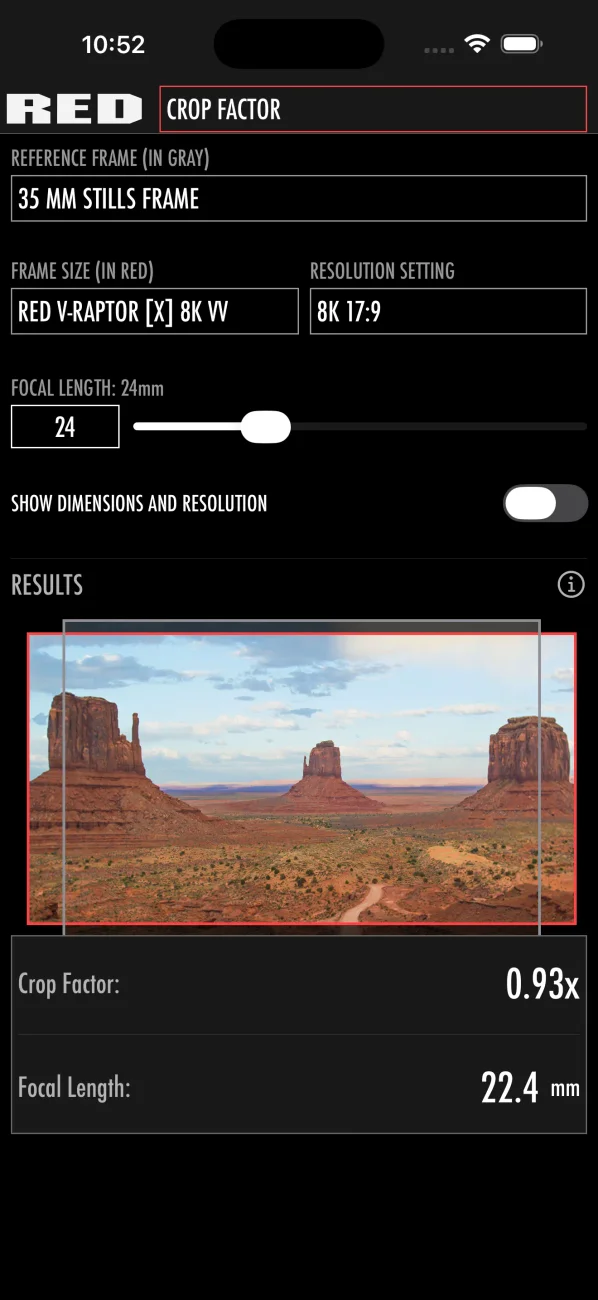
CROP FACTOR
Preview how a given focal length will appear depending on resolution setting and sensor type. Illustration depicts viewable area relative to a traditional 35 mm stills photography sensor by default, but other reference sensors are selectable within the drop-down menu.
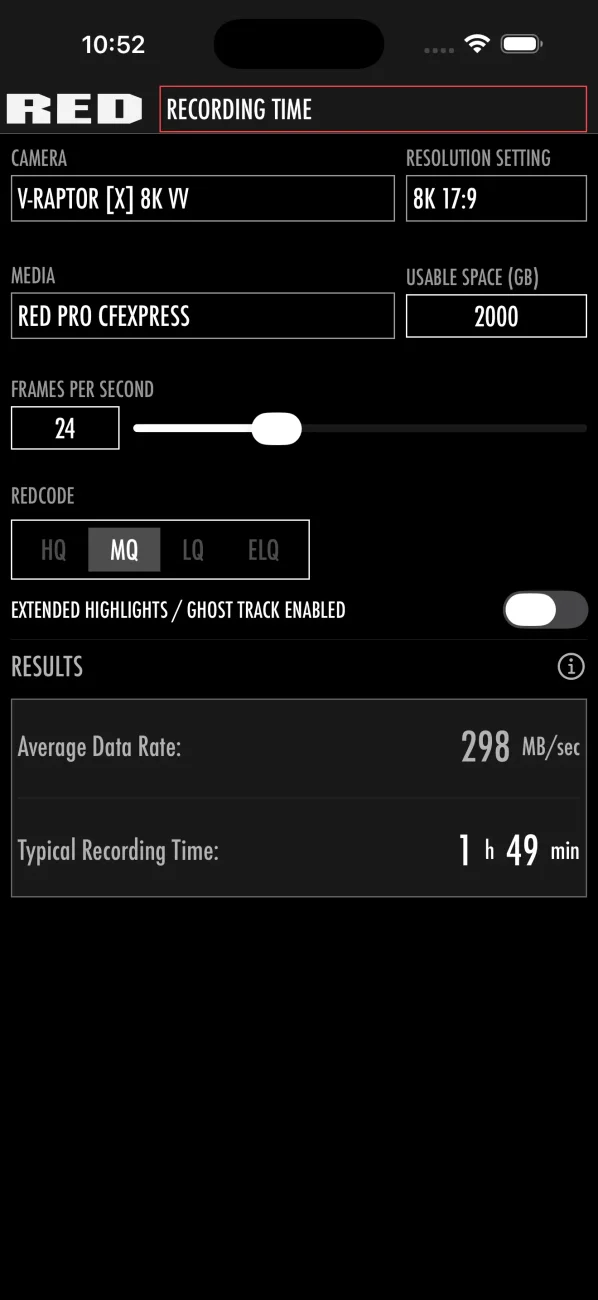
R3D RECORDING TIME
Evaluate the video data rate and available recording time based on your RED camera settings. This can help you understand media requirements and production costs in advance of a shoot.
FLICKER FREE VIDEO
Find a flicker-free shutter speed and frame rate combination when shooting under artificial lighting.
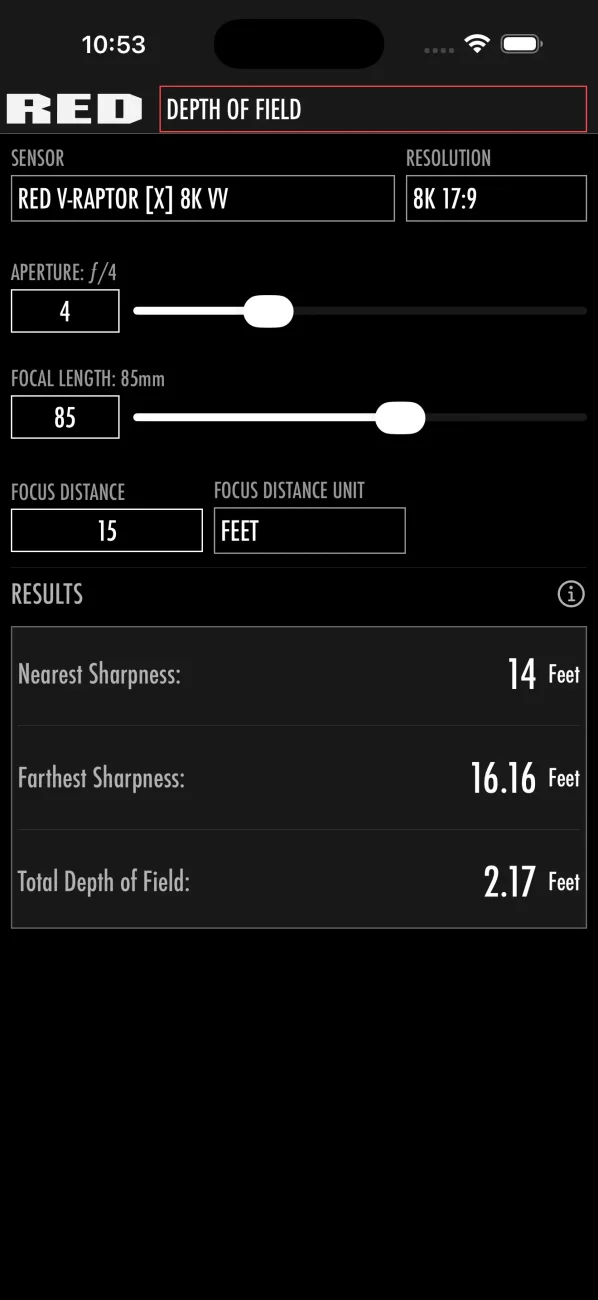
DEPTH OF FIELD
Understand how various camera settings influence depth of field.
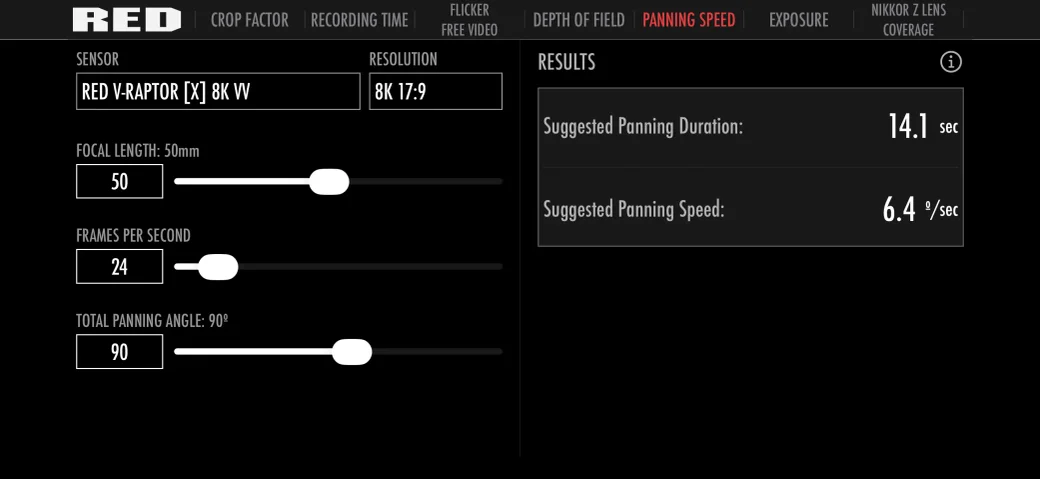
PANNING SPEED
Estimate the panning speed where judder will likely become too pronounced. The goal is to provide a more accessible tool than the charts and tables commonly referenced in cinematography manuals. It uses the standard rule of thumb that camera panning should not cause objects to transit the entire horizontal extent of an image in any less than seven seconds.
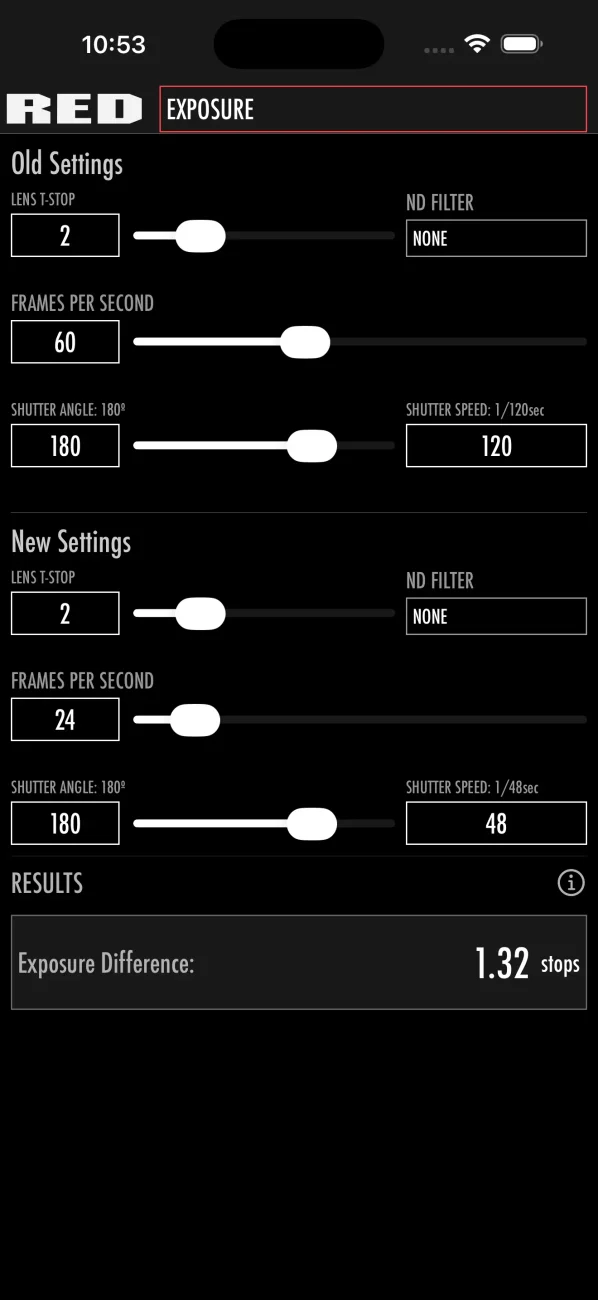
EXPOSURE
Assist with exposure when one camera setting has to change. Example usage scenarios include when a higher frame rate needs to be used for slow motion, when the T-stop has to change for depth of field, or when the shutter angle has to change to minimize flickering in artificial light.
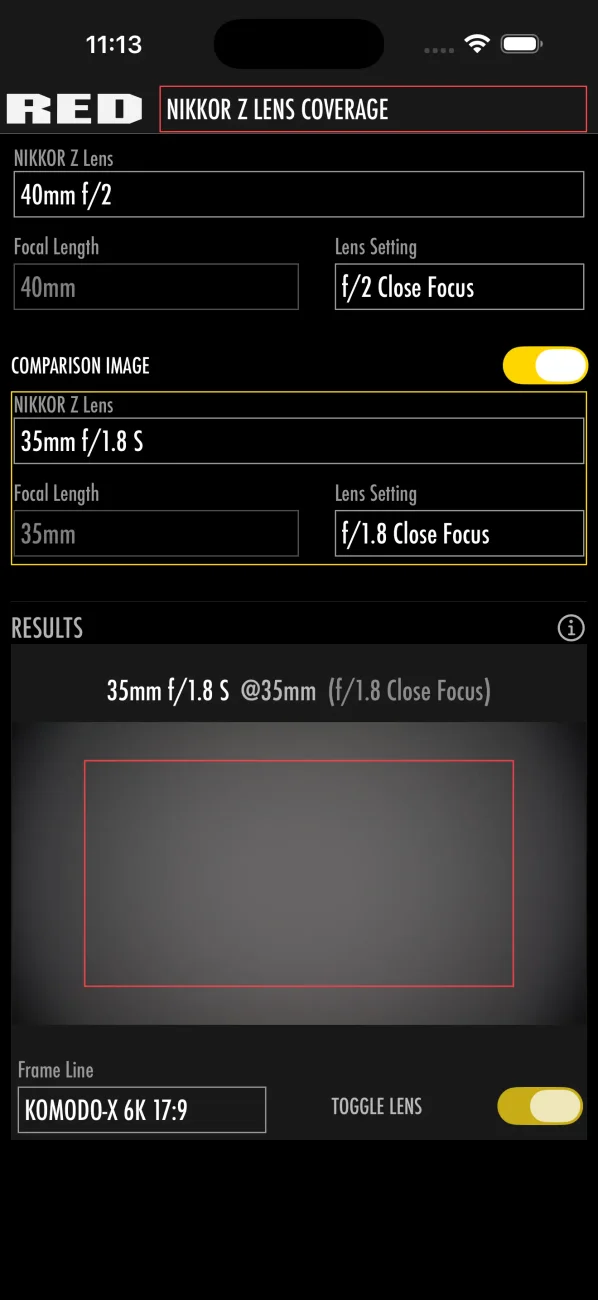
NIKKOR Z Lens Coverage
Use this tool to understand how NIKKOR Z lenses will look on your RED Z Mount camera bodies. The tool shows the extent the light will fall off at different sensor formats, and if any hard vignetting occurs.
What’s new
Version 4.0.0 · Mar 30, 2026
Brought up to date with the latest RED cinematography tools, matching the current RED Control apps and RED's official website.
App privacy
What RED Digital Cinema declares on the App Store about how this app handles data.
-
Data not collected
The developer does not collect any data from this app.
Privacy practices may vary, for example with the features you use or your age.
Information
- Seller
- RED Digital Cinema
- Category
- Photo & Video
- Version
- 4.0.0
- Updated
- Mar 30, 2026
- Released
- Jul 13, 2014
- Size
- 7.5 MB
- Requires
- iOS 15.6 or later
- Age rating
- 4+
- Price
- Free
- Languages
- English
- Copyright
- © 2026
You might also like
-
 CameraKit: Camera ToolsSpecs, storage calc, and more
-
 LensKit: Lens ToolsSpecs, coverage and more
-
 ZoeLogCamera Reports for Film & TV
-
 FinderKit: ViewfinderFor filmmaking and photography
-
 Magic Reds ViewFinderDirector's Viewfinder
-
 Cadrage Director's ViewfinderViewfinder for Directors & DPs
-
 Vaxis VisionInstall Monitor Into iPhone
-
 ARRI ECSPhoto & Video
-
 Bluetooth+ for BlackmagicPocket 4K / 6K & Ursa Mini Pro
-
 Magic ARRI ViewFinderARRI Director's Viewfinder